


ChatGPT is secure enough for ordinary, low-risk use when you treat it like a cloud service, not a private diary, lawyer, doctor, or password vault. OpenAI says it uses encryption in transit and at rest for business data, and its public security materials describe audits, access controls, data controls, and retention options. That does not mean every ChatGPT conversation is end-to-end encrypted or invisible to OpenAI systems. The practical answer is simple: use ChatGPT for general work, learning, drafting, and analysis, but avoid entering secrets, regulated records, passwords, private keys, unreleased business plans, or anything you would not want stored in a third-party cloud system.
The short answer
If you are asking “is ChatGPT secure,” the honest answer is conditional. ChatGPT has modern cloud security protections, but it is not a sealed private notebook. OpenAI’s security page says its infrastructure uses encryption in transit and at rest, change management, and strict access controls.[1] For business products, OpenAI also says customer data is encrypted at rest and in transit between the customer and OpenAI, and between OpenAI and service providers.[2]
That matters. Encryption reduces the risk that someone can intercept your prompts on the network or read stored data directly from underlying storage systems. It does not make the content unknowable to the service that must process your prompt. ChatGPT has to receive your text, files, images, or voice input in a usable form to generate an answer.
The best way to think about ChatGPT security is to separate three questions. First, is the connection protected while your message travels to OpenAI? OpenAI’s published business documentation says yes. Second, is stored business data encrypted? OpenAI says yes. Third, is ChatGPT end-to-end encrypted so only you can read the conversation? OpenAI’s public security pages describe encryption in transit and at rest, not end-to-end encryption for ordinary ChatGPT chats.[1]
If your concern is privacy rather than encryption mechanics, start with ChatGPT Privacy and ChatGPT Privacy Policy Explained Simply. If your concern is whether ChatGPT keeps chats after you close the tab, read Does ChatGPT Save Your Chats? next.
What ChatGPT encryption protects
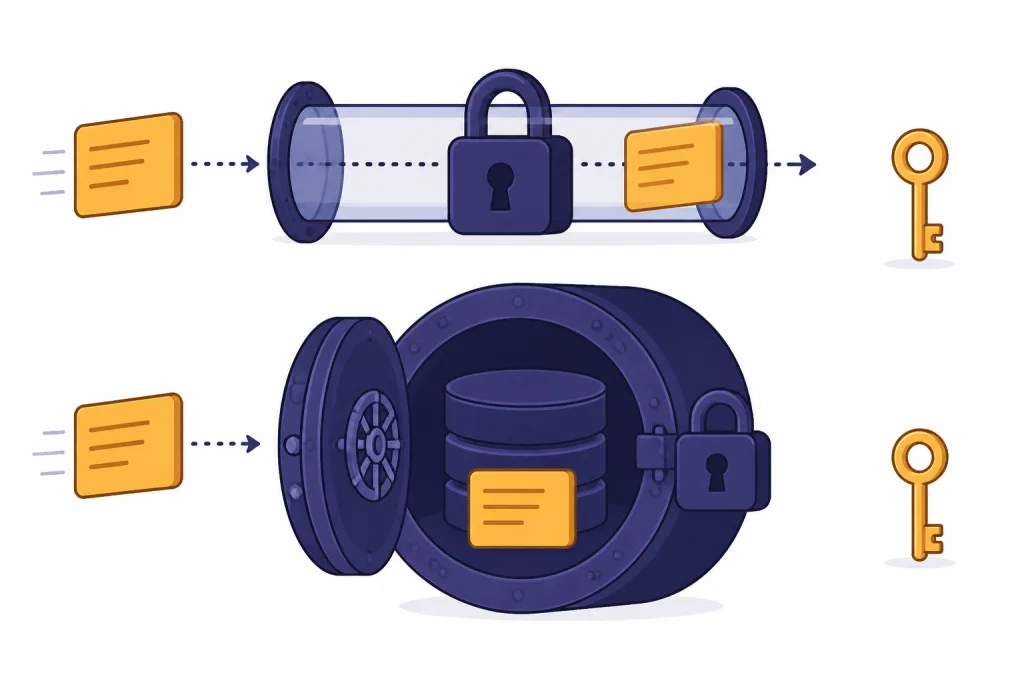
Encryption protects data by transforming readable information into unreadable ciphertext unless the holder has the right key. In ChatGPT’s context, the two most important layers are encryption in transit and encryption at rest.
Encryption in transit protects data while it moves between your device, OpenAI, and relevant service providers. OpenAI says business data uses TLS 1.2 or higher in transit.[2] That is the same broad category of protection used across modern HTTPS web services. It helps prevent local network snooping, compromised Wi-Fi operators, and other network-level observers from casually reading what you send.
Encryption at rest protects stored data. OpenAI says business data uses AES-256 encryption at rest.[2] That helps protect information stored in databases, backups, disks, or other storage systems if an attacker reaches storage infrastructure but does not have the keys and permissions needed to decrypt it.
These are important baseline protections. They are not unique to AI, but they are essential for any serious cloud service. The key point is that encryption at rest and in transit protects data against certain classes of unauthorized access. It does not mean OpenAI cannot process the prompt. The model must receive the content in a form it can evaluate, summarize, transform, or answer.

| Security layer | What it protects | What it does not protect | What to do as a user |
|---|---|---|---|
| Encryption in transit | Your prompt while it travels over the network | Content after it reaches the service endpoint | Use the official app or website. Avoid untrusted browser extensions. |
| Encryption at rest | Stored data in backend systems | Content that is actively processed to generate a response | Do not store secrets in chats. Delete chats you no longer need. |
| Access controls | Who can reach systems and admin functions | Bad prompts, accidental sharing, or copied output | Use strong account security and review sharing settings. |
| Data controls | Whether eligible chats can be used for model improvement | All retention, abuse monitoring, or legal exceptions | Review the “Improve the model for everyone” setting. |
For a deeper privacy view, see our ChatGPT Data Protection Practices and Does ChatGPT Save Your Data? guides.
Why ChatGPT is not the same as an end-to-end encrypted messenger
End-to-end encryption means the service provider cannot read message contents because only the communicating endpoints hold the decryption keys. That model fits private messaging. It is harder for hosted AI because the server is not just delivering your message to another person. The server is the tool that must process the message.
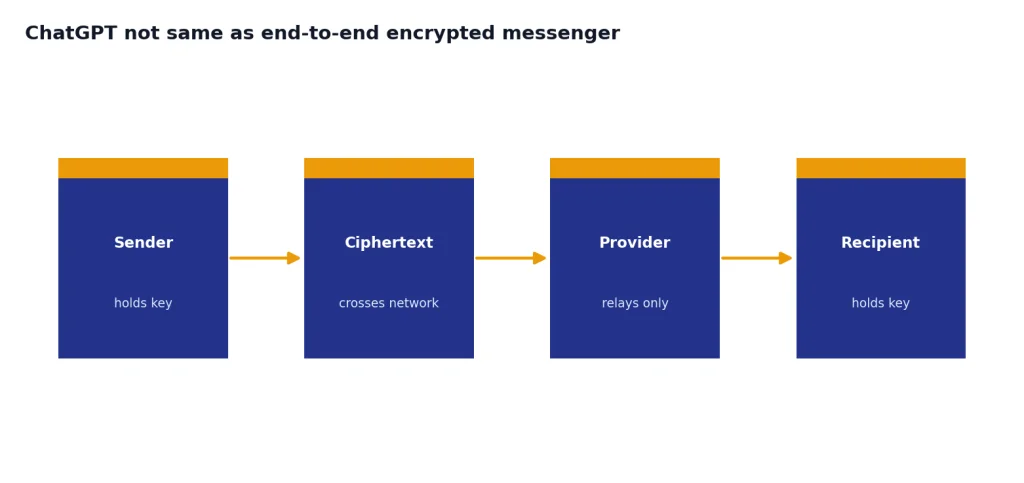
OpenAI’s public materials for ChatGPT security describe encryption in transit and at rest, not a default end-to-end encryption design for normal ChatGPT conversations.[1] OpenAI has not published an official statement in the sources reviewed for this article saying ordinary ChatGPT chats are end-to-end encrypted. That distinction matters because “encrypted” can sound broader than it is.
Here is the practical difference. With an end-to-end encrypted messenger, the provider may be able to see metadata, but it should not be able to read message contents. With ChatGPT, the service needs to inspect your prompt so the model can respond. The content may be protected from network interception and encrypted in storage, but it is still processed by OpenAI systems.
This is why you should not paste passwords, API keys, recovery phrases, private legal files, medical records, private financial records, or sensitive workplace data into a consumer chat unless you have a clear policy and a suitable account type. For a focused version of this question, read Is ChatGPT Encrypted End-to-End?.
The distinction also matters for sensitive emotional or health-related conversations. ChatGPT can be useful for brainstorming, journaling prompts, and general education, but it is not the same as confidential care from a licensed professional. See our related guides to ChatGPT and mental health and ChatGPT Psychosis if you are evaluating high-risk personal use.
The ChatGPT settings that matter most
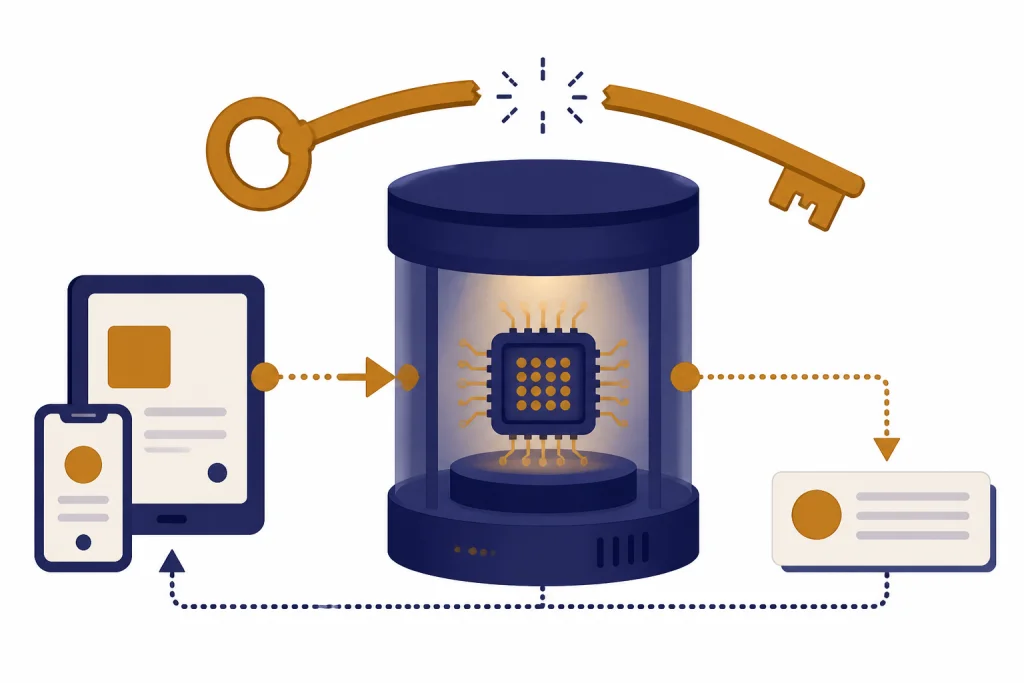
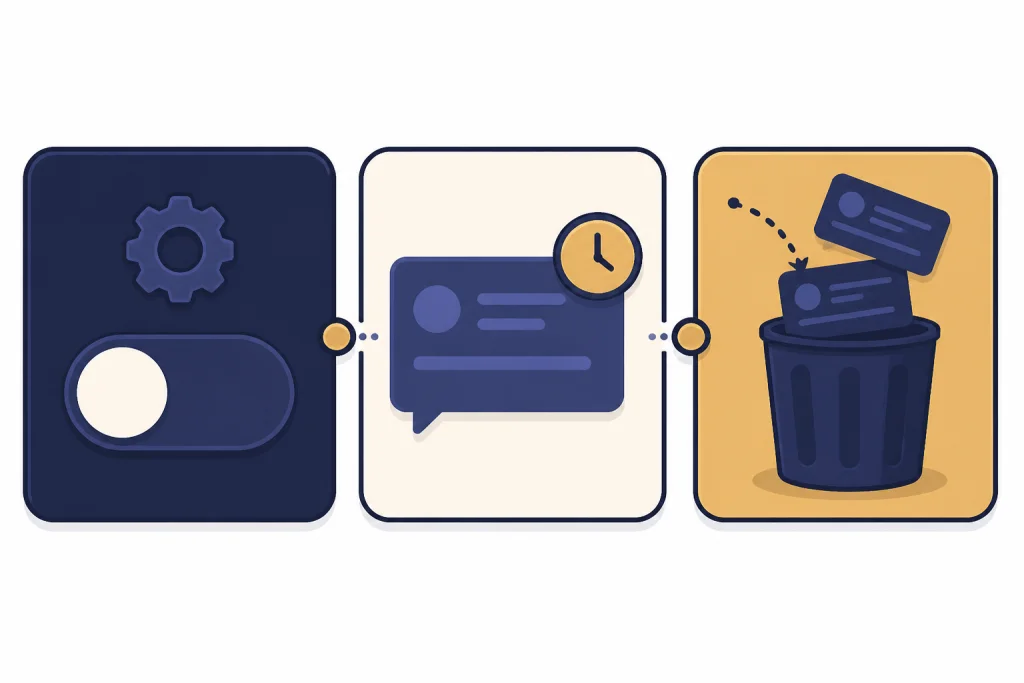
Security is not only encryption. Your settings affect whether chats can be used for model improvement, whether chats appear in history, and how long certain temporary content may be retained.
Turn off model training if you do not want eligible chats used to improve models
OpenAI’s Data Controls FAQ says signed-in users can go to Settings, then Data Controls, and turn off “Improve the model for everyone.” When this setting is off, OpenAI says conversations still appear in chat history but are not used to train ChatGPT.[3] The same FAQ says this setting syncs across web and mobile once changed for the account.[3]
OpenAI’s model-performance help article says services for individuals, such as ChatGPT, may use user content to train models, and that once a user opts out, new conversations will not be used to train OpenAI’s models.[5] It also says feedback can be treated differently: if you give feedback on a response, the associated conversation may be used for training.[5]
Use Temporary Chat for lower-retention sessions
OpenAI says Temporary Chats do not appear in history, do not create memories, and are not used to train its models.[3] The Temporary Chat FAQ says OpenAI may keep a copy for safety purposes for up to 30 days.[4] It also says Temporary Chats with GPTs can send data to third-party actions, and that third party may keep the data longer than 30 days or use it for other purposes.[4]
Temporary Chat is useful when you want a blank session that does not depend on prior conversation context. It is not a license to paste secrets. It still goes through a cloud service. If the chat uses a custom GPT with actions, the risk expands beyond OpenAI because the connected service may receive some of your data.
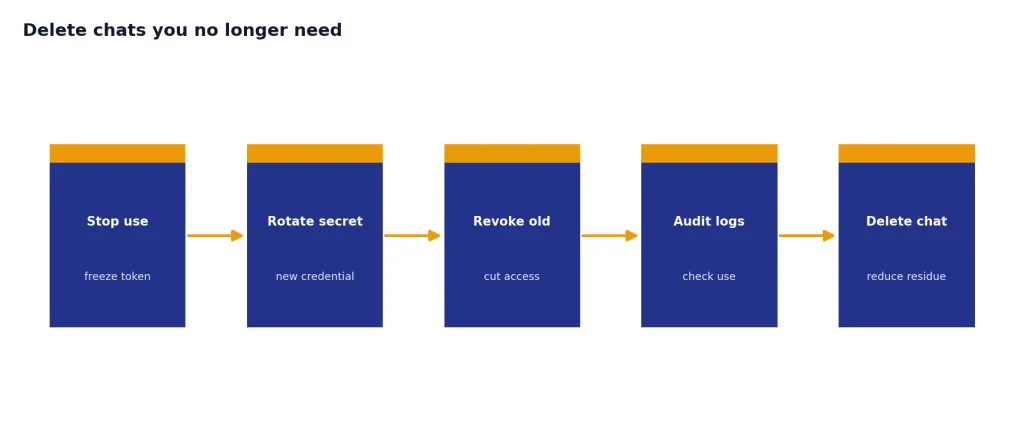
Delete chats you no longer need
OpenAI’s public update about data-retention litigation says deleted ChatGPT conversations and Temporary Chats returned to automatic deletion from OpenAI systems within 30 days after the relevant legal order ended, subject to legal or security reasons and limited historical exceptions described in that update.[8] The same update says consumer users control whether chats are used to help improve ChatGPT within settings.[8]
Deletion is still not a substitute for careful input hygiene. If a secret was pasted into a chat, assume it may already have been processed, copied into your browser history, captured by a device backup, logged by a workplace monitoring tool, or shared by another integration. Rotate the secret instead of only deleting the conversation.
How business and API security differs
Business and API use cases have stronger governance options than ordinary consumer use. OpenAI says it does not train its models on organization data by default for ChatGPT Enterprise, ChatGPT Business, ChatGPT Edu, ChatGPT for Healthcare, ChatGPT for Teachers, or the API platform, including inputs and outputs.[2] OpenAI’s model-performance article also says it does not train on inputs or outputs from products for business users, including ChatGPT Business, ChatGPT Enterprise, and the API, unless the organization explicitly opts in.[5]
OpenAI’s security page says it has undergone a SOC 2 Type 2 examination for controls relevant to Security, Availability, Confidentiality, and Privacy for API and ChatGPT business product services.[1] The same page says OpenAI maintains ISO/IEC 27001:2022 and ISO/IEC 27701:2019 certifications for information security and privacy management systems supporting the OpenAI API, ChatGPT Enterprise, and ChatGPT Edu services.[1] OpenAI’s Trust Portal says the 2025 SOC 2 report covers January 1, 2025 to June 30, 2025 for API Platform, ChatGPT Enterprise, ChatGPT Edu, and ChatGPT Team.[7]
For API customers, OpenAI’s developer documentation says data sent to the OpenAI API has not been used to train or improve OpenAI models since March 1, 2023 unless the customer explicitly opts in.[6] The same API documentation says abuse monitoring logs are retained for up to 30 days by default unless longer retention is required by law or reasonably necessary to protect OpenAI services or a third party from harm.[6]
Business security is still a shared responsibility. OpenAI can provide encryption, audit reports, retention controls, single sign-on options, and data residency features, but the customer still has to manage users, permissions, internal policy, device security, and what employees are allowed to paste into prompts. For regulated work, compare your requirements against ChatGPT and GDPR, ChatGPT Data Centers and Storage, and Does ChatGPT Share Your Data?.
| Use case | Training default | Security controls to review | Best fit |
|---|---|---|---|
| Consumer ChatGPT | OpenAI says individual-service content may be used for training unless the user opts out.[5] | Data Controls, Temporary Chat, chat deletion, account security | Personal productivity and low-risk tasks |
| Temporary Chat | OpenAI says Temporary Chats are not used to improve models.[4] | Blank session, no chat history, possible safety retention up to 30 days | One-off questions that should not shape memory or history |
| ChatGPT Business or Enterprise | OpenAI says business data is not used for training by default.[2] | SSO, MFA, roles, admin controls, retention settings, data residency eligibility | Teams that need managed access and governance |
| OpenAI API | OpenAI says API data is not used for training unless the customer opts in.[6] | Project permissions, logging, retention controls, zero data retention eligibility | Custom apps, internal tools, and production workflows |
What encryption does not solve
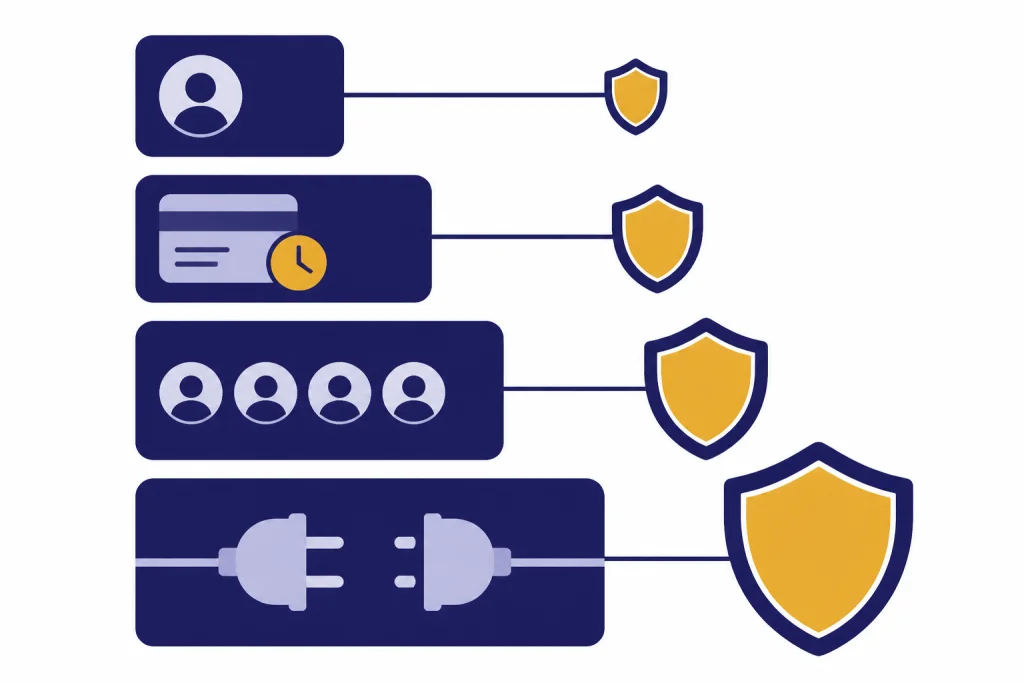
Encryption is necessary, but it is not a complete answer to ChatGPT security. Many real privacy failures happen outside the cryptography layer.
- Bad input choices. If you paste a secret, contract, medical record, customer list, or unreleased financial data into a chat, encryption does not change the fact that you sent it to a cloud service.
- Account compromise. A stolen ChatGPT account can expose chat history, saved memories, shared links, and settings. Use a strong password and multifactor authentication where available.
- Shared links. A private chat can become exposed if a user shares it too broadly or posts it into a public channel.
- Third-party GPT actions. OpenAI’s Temporary Chat FAQ warns that data sent to third parties through GPT actions is subject to the recipient’s privacy policy.[4]
- Workplace monitoring. Your employer may monitor network traffic, device activity, browser extensions, clipboard content, or SaaS usage under its own policies.
- Output leakage. You may copy an answer into email, Slack, a ticketing system, or a document where different retention and access rules apply.
- Legal or safety exceptions. OpenAI’s materials describe retention exceptions for legal or security reasons in several contexts.[8]
The secure-use question is therefore not just “does OpenAI encrypt ChatGPT.” It is “what am I sending, where can it go, who can access it, how long can it remain, and what account type governs it.” That broader approach will keep you safer than relying on the word “encrypted.”
A practical secure-use checklist
Use this checklist before entering sensitive information into ChatGPT.
- Classify the information first. Decide whether the content is public, internal, confidential, regulated, or secret.
- Remove identifiers. Replace names, account numbers, emails, exact addresses, API keys, and private documents with placeholders.
- Use Temporary Chat when history and memory are not needed. Remember that OpenAI says Temporary Chats may still be kept up to 30 days for safety purposes.[4]
- Turn off training for consumer use if privacy matters. OpenAI says new conversations will not be used to train models after opt-out.[5]
- Do not paste credentials. Never submit passwords, private keys, seed phrases, authentication tokens, or production secrets.
- Watch custom GPTs and actions. If a GPT connects to an outside service, assume some content may leave OpenAI and be governed by another policy.
- Use a business account for business data. OpenAI describes different default training treatment for business products than for individual services.[2]
- Check your organization’s AI policy. If your employer has not approved consumer ChatGPT for confidential information, do not use it for confidential information.
- Delete what you do not need. Deletion reduces long-term exposure, although it does not undo earlier sharing or processing.
- Use offline or local alternatives for the most sensitive work. If the data must never leave your device or controlled environment, a hosted chatbot is the wrong tool. Our how to use ChatGPT offline guide explains the reality check.
If you are deciding whether to use personal information in a prompt, our Is ChatGPT Safe to Use Personal Data In? guide gives a more practical risk-by-risk framework.
Bottom line
ChatGPT has serious security controls, but it is not magic privacy glass. OpenAI says it uses encryption in transit and at rest, and business products add stronger governance, audit, retention, and default no-training commitments.[1][2] That makes ChatGPT appropriate for many ordinary and professional tasks when used with good judgment.
The safer rule is to treat ChatGPT like a third-party cloud productivity platform. Use it for drafts, summaries, explanations, code help, planning, and analysis. Do not use it as a vault for secrets. Do not paste sensitive records unless your account type, contract, policy, and legal requirements support that use. Encryption is one layer. Your input choices are the layer you control most directly.
Frequently asked questions
Is ChatGPT secure enough for personal use?
Yes, for ordinary personal use such as learning, drafting, brainstorming, and summarizing non-sensitive material. You should still avoid entering passwords, private keys, account numbers, medical records, or highly personal details. Use Data Controls and Temporary Chat when you want less persistent context.
Is ChatGPT end-to-end encrypted?
OpenAI’s public security materials reviewed for this article describe encryption in transit and encryption at rest, not default end-to-end encryption for ordinary ChatGPT chats.[1] That means ChatGPT encryption is not the same as a private messenger where only the endpoints can read message contents. The service needs to process your prompt to answer it.
Can OpenAI use my chats to train models?
For individual services such as ChatGPT, OpenAI says it may use content to train models unless you opt out.[5] OpenAI says that after you opt out, new conversations will not be used to train its models.[5] Business products and API usage have different defaults, with OpenAI saying it does not train on business inputs and outputs by default.[2]
Are Temporary Chats private?
Temporary Chats are more private than normal chats in specific ways, but they are not a total privacy shield. OpenAI says they do not appear in history, do not create memories, and are not used to train models.[3] OpenAI also says it may keep a copy for up to 30 days for safety purposes.[4]
Is ChatGPT safe for company confidential information?
Use a company-approved business or enterprise setup, not a personal consumer account, for confidential work data. OpenAI says business products are not used for training by default and include administrative controls, while consumer use depends more on individual settings.[2] Your organization should still define what employees may paste into prompts.
Does deleting a ChatGPT chat remove it immediately?
Deletion removes the chat from your account view, but backend deletion may follow a retention window. OpenAI’s data-demand update says deleted ChatGPT conversations and Temporary Chats are automatically deleted from OpenAI systems within 30 days under its standard practices, subject to legal or security exceptions.[8] If you pasted a password or token, rotate it instead of relying only on deletion.