

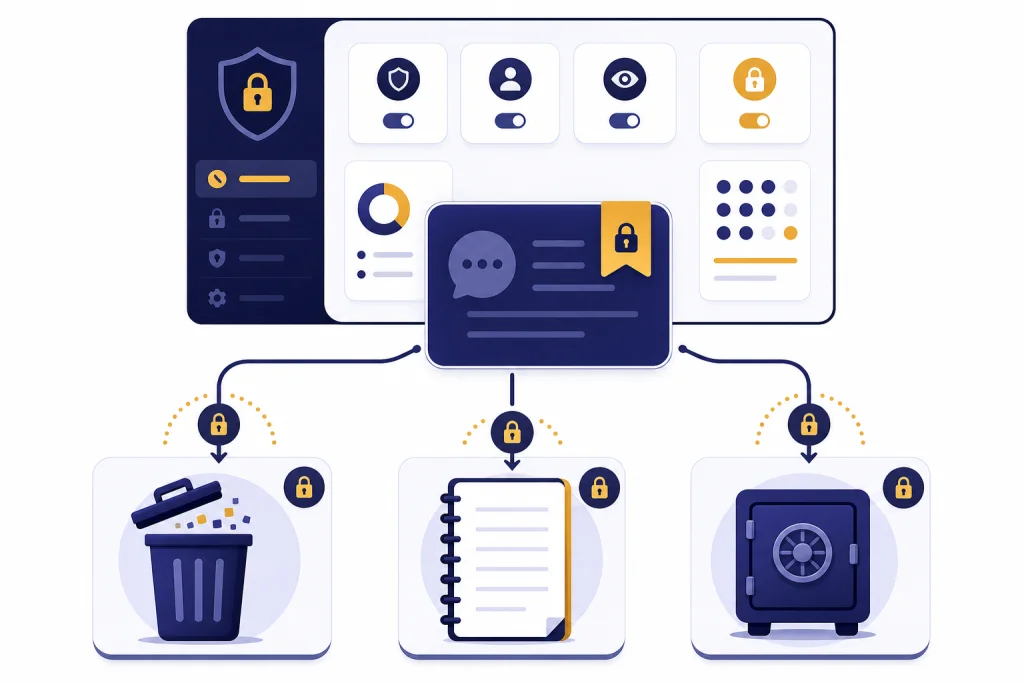
Yes. ChatGPT saves your data in several ways, depending on your settings, plan, and how you use the app. Regular chats are stored in your account until you delete them, and deleted chats are scheduled for permanent removal from OpenAI systems within 30 days unless a legal, security, or de-identification exception applies.[1] Temporary Chats are different: they do not appear in your history, do not create memories, and are not used to improve OpenAI’s models, but OpenAI may still keep a copy for up to 30 days for safety purposes.[3] The practical answer to “does ChatGPT save your data” is yes, so treat every prompt as something that may be stored for a time.
The short answer
ChatGPT is not a private diary. It is an online service that processes prompts, outputs, uploaded files, account details, device information, and product settings so the service can work. OpenAI’s privacy policy says it collects personal data you provide, account information, payment and transaction details, communications, and technical information connected to use of its services.[6]
That does not mean every chat is handled the same way. A normal signed-in chat, a Temporary Chat, a saved memory, a business workspace conversation, and an API request can all follow different rules. If you want the broad privacy picture, read our ChatGPT Privacy guide. If you only want to know whether the conversation sidebar is stored, see Does ChatGPT Save Your Chats?.
The safest working rule is simple. Do not paste anything into ChatGPT that you would not want stored, reviewed under a safety or legal process, or exposed through your own account access. ChatGPT offers controls, but controls reduce risk. They do not turn the service into end-to-end encrypted confidential storage.
What ChatGPT saves by default
For regular ChatGPT use, the main saved item is the conversation itself. OpenAI’s help center says chats are saved to your account until you delete them manually.[1] That saved chat can include your prompt, the assistant response, and context needed to show the conversation in your sidebar.
Uploads need separate attention. OpenAI’s chat and file retention guidance says files uploaded during a conversation are stored in your Library for use across chats, and that chats and files are managed separately.[1] If you are cleaning up sensitive material, deleting the chat may not be enough. Check file storage and any project or custom GPT areas where you added documents.
There is also account-level data. OpenAI’s privacy policy describes account information such as name, contact information, account credentials, date of birth, payment information, and transaction history.[6] This is separate from what you type into a prompt. Deleting a conversation does not delete your account, billing history, or other records OpenAI may need for service, security, dispute, or legal reasons.
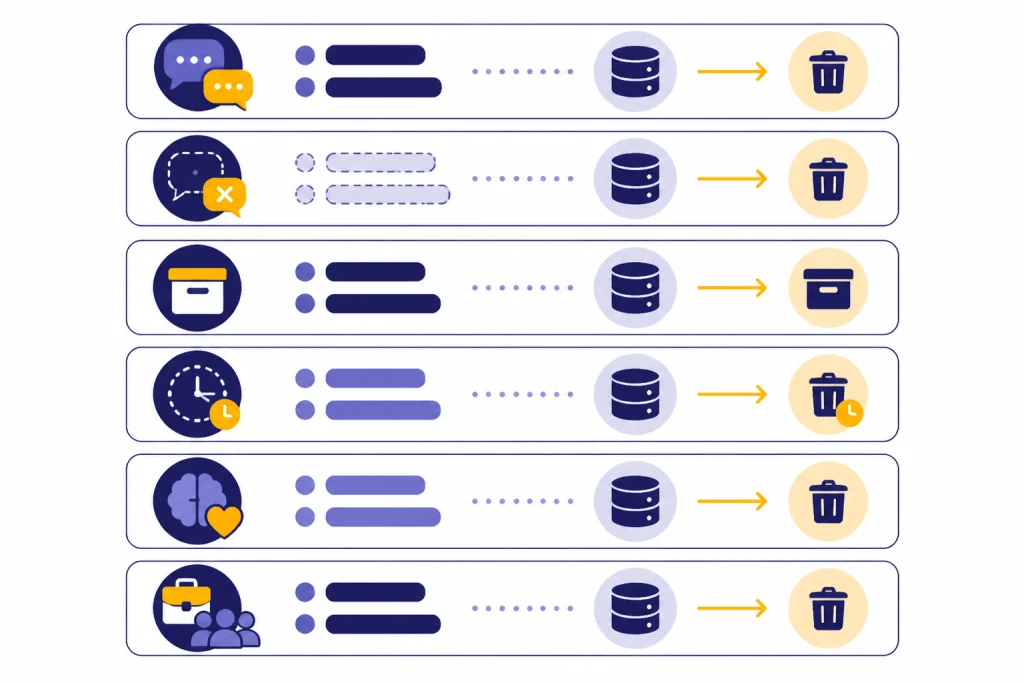
| Data type | Saved by default? | What reduces it |
|---|---|---|
| Regular chats | Yes. They stay in your account until you delete them manually.[1] | Delete the chat or use Temporary Chat for future conversations. |
| Deleted chats | Removed from view immediately and scheduled for permanent deletion within 30 days, with exceptions.[2] | Delete chats you no longer need and avoid putting sensitive data in new chats. |
| Archived chats | Yes. Archiving hides a chat but does not delete it.[2] | Delete archived chats if you want removal rather than decluttering. |
| Temporary Chats | Not saved to history, but a copy may be kept for up to 30 days for safety.[3] | Use Temporary Chat when you do not want a conversation in your history. |
| Saved memories | Yes, if memory is enabled. Saved memories are stored separately from chat history.[5] | Delete the memory and also delete the chat where you shared it. |
| Business workspace data | Yes, but OpenAI says business data is not used to train models by default.[7] | Use a business plan with admin controls and retention settings where available. |
For a deeper look at storage and infrastructure questions, see our guide to chatgpt data centers and storage. For a broader risk review, read ChatGPT privacy concerns you should know.
Deletion, archive, and Temporary Chat
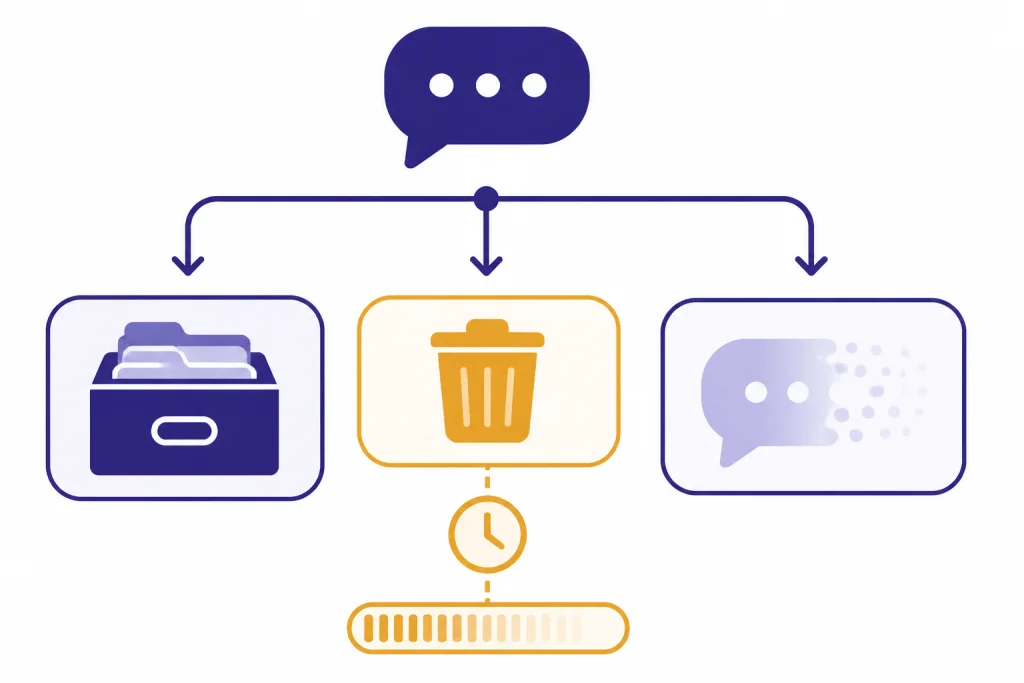
Deleting and archiving do different things. Deleting removes the chat from your visible history immediately and schedules it for permanent deletion from OpenAI systems within 30 days, unless the data has already been de-identified and disassociated from your account or OpenAI must keep it for security or legal obligations.[2] Archiving only hides the conversation from the sidebar. It remains in your account under the same retention rules as other kept chats.[2]
Temporary Chat is a better option when you want less account history. OpenAI says Temporary Chats do not appear in your history and ChatGPT will not remember anything you discuss in them.[3] OpenAI also says Temporary Chats are not used to improve its models.[3] The limit is important: OpenAI may still keep a copy for up to 30 days for safety.[3]
Temporary Chat also has a third-party caveat. If you use a custom GPT with actions, data sent through those actions is subject to the recipient’s privacy policy, and the recipient may keep the data longer than OpenAI’s Temporary Chat window.[3] This matters for travel tools, calendar actions, document tools, and business integrations. Once data leaves OpenAI through a connected action, OpenAI’s chat controls do not govern that outside service.

OpenAI also addressed a legal-retention episode tied to The New York Times litigation. OpenAI says its obligations under an earlier preservation order ended on September 26, 2025, and its public explanation still emphasizes the standard 30-day deletion path for deleted ChatGPT chats and API content, subject to legal and security exceptions.[9] This is a reminder that privacy promises operate inside the legal system. A subpoena, court order, preservation duty, or safety investigation can change what happens to data in a specific case.
If you need to remove existing content, do not just clear the sidebar visually. Delete the conversation, review archived chats, remove saved memories, and check uploaded files. If you work under privacy regulations, also review our chatgpt and gdpr article before using ChatGPT with personal data from customers, patients, students, or employees.
Training, memory, and business data
Saving a chat and using it for training are different questions. OpenAI’s Data Controls FAQ says users can turn off “Improve the model for everyone,” and that conversations will still appear in chat history but will not be used to train ChatGPT when that setting is off.[4] This control reduces model-improvement use. It does not erase the chat from your account.
Memory adds another layer. OpenAI says ChatGPT memory works through two settings: Reference saved memories and Reference chat history.[5] Saved memories can include details you explicitly asked ChatGPT to remember, and OpenAI says saved memories are stored separately from chat history.[5] Deleting a chat does not automatically remove a saved memory created from that chat.[5]
To fully remove something from memory, delete the saved memory and delete the chat where you originally shared it. OpenAI says it may retain a log of deleted Saved Memories for up to 30 days for safety and debugging purposes.[5] If you use ChatGPT for journaling, health notes, family issues, or workplace conflict, this distinction matters. A deleted conversation can still leave behind a saved preference unless you remove both records.
Business plans follow a different promise. OpenAI’s enterprise privacy page says business data from ChatGPT Business, ChatGPT Enterprise, ChatGPT for Healthcare, ChatGPT Edu, ChatGPT for Teachers, and the API Platform is not used to train models by default.[7] OpenAI’s business data page repeats that default no-training commitment for inputs and outputs from those business offerings.[8] Enterprise privacy materials also say customers control how long data is retained for ChatGPT Enterprise, ChatGPT for Healthcare, and ChatGPT Edu.[7]
That difference is one reason companies should not rely on personal ChatGPT accounts for confidential work. If your organization handles contracts, source code, personnel files, customer data, or regulated records, use an approved workspace and written policy. Our ChatGPT Data Protection Practices guide explains the controls to compare. Our Is ChatGPT Encrypted End-to-End? guide covers the separate question of encryption.
What you should avoid entering
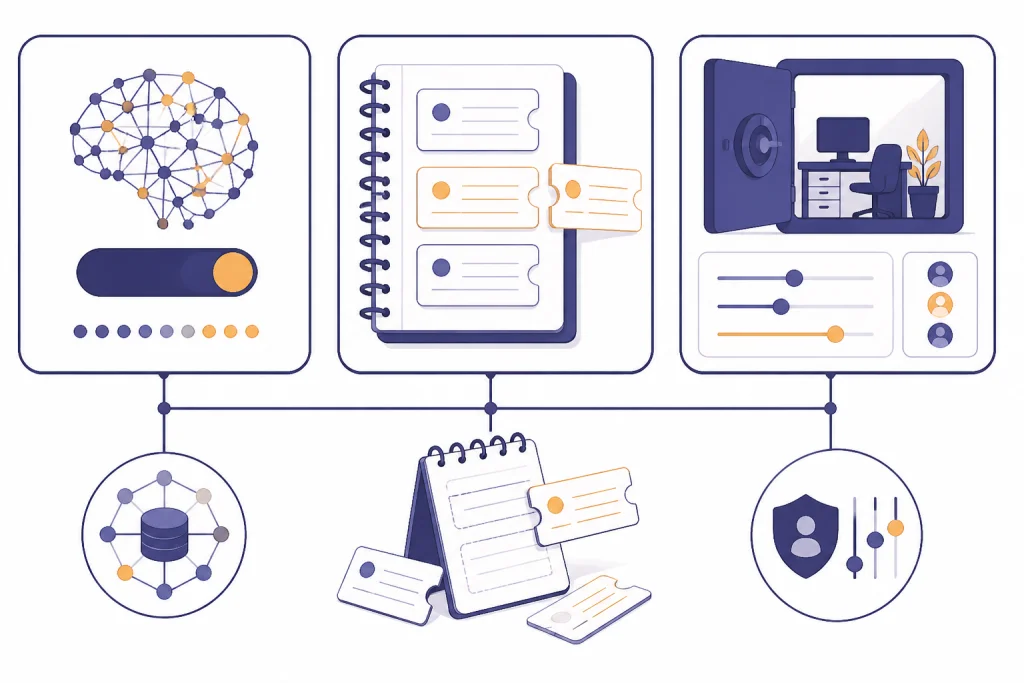
A good privacy rule is to minimize the data before you paste it. Ask ChatGPT to help with the structure, logic, tone, or summary without giving it the real names, account numbers, addresses, private messages, or proprietary files. If the task requires exact data, ask whether a local tool, approved enterprise workspace, or human professional is more appropriate.
- Do not paste passwords, API keys, private recovery codes, or authentication tokens.
- Do not paste full medical records, therapy notes, legal strategy, or tax documents into a personal account.
- Do not upload employer data unless your employer has approved the tool and plan.
- Do not include children’s personal information unless you have a clear legal basis and a safer alternative is unavailable.
- Do not assume anonymization is complete if the story, dates, job title, or location can identify a person indirectly.

Health and emotional topics deserve special care. Many people use ChatGPT to talk through stress, loneliness, or difficult decisions. That can be useful, but it also means highly personal content can end up in chat history or memory. Read our coverage of chatgpt and mental health and ChatGPT Psychosis if you use AI for emotional support.
Security is related but not identical. A service can be encrypted in transit and still store data on its servers. A service can have strong access controls and still be subject to legal process. For a broader safety review, see is chatgpt secure? encryption explained and Is ChatGPT Safe to Use Personal Data In?.
Privacy checklist for safer use
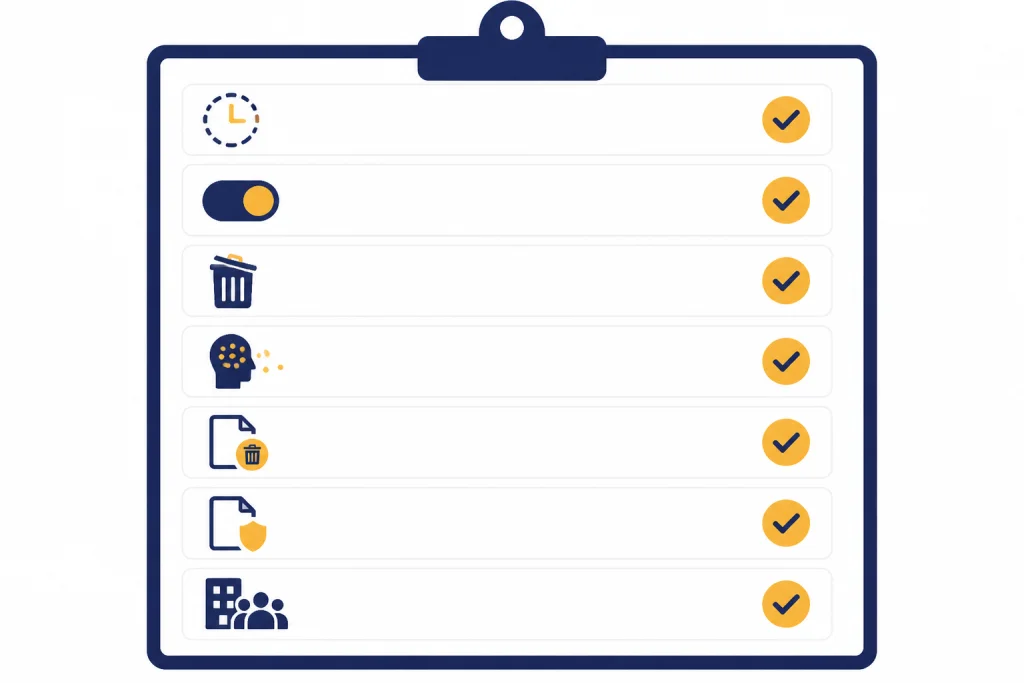
You do not need to stop using ChatGPT to improve your privacy. You need a repeatable habit. The goal is to reduce what you submit, control what the account retains, and choose the right plan for the sensitivity of the work.
- Use Temporary Chat when you do not want the conversation saved in history, while remembering that OpenAI may keep a copy for up to 30 days for safety.[3]
- Turn off “Improve the model for everyone” if you do not want your conversations used to train ChatGPT.[4]
- Delete chats you no longer need instead of only archiving them.
- Review Settings > Personalization for saved memories and remove anything sensitive.
- Check uploaded files and project files separately from chats.
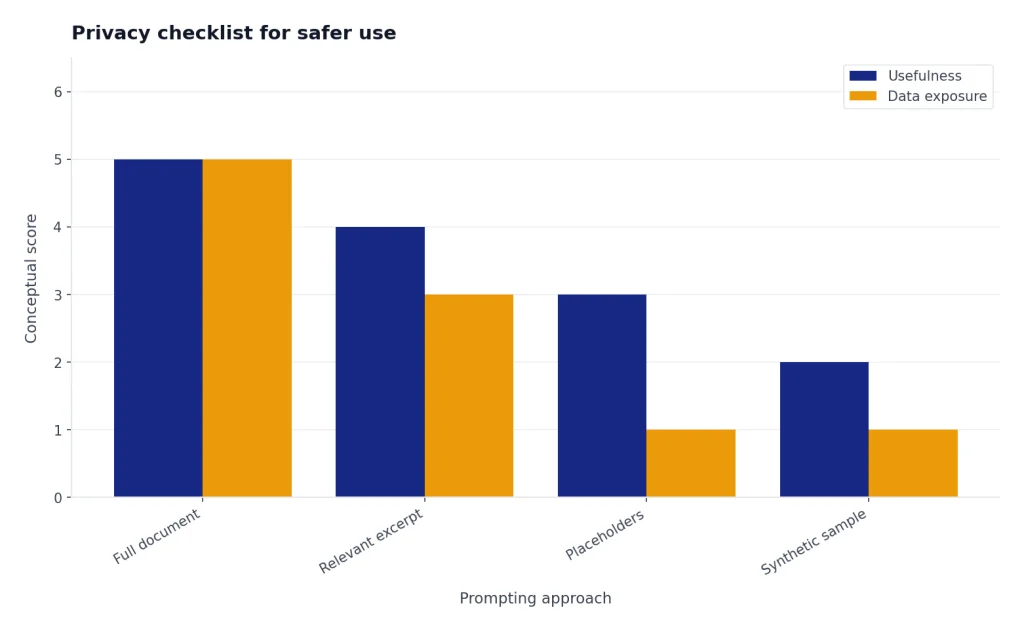
- Use placeholders before pasting sensitive documents. Replace real names with roles such as “employee,” “client,” or “vendor.”
- Use an approved business workspace for company data, because OpenAI says business data is not used for training by default.[7]
The strongest privacy move is data minimization. Instead of pasting a full contract, paste the clause you need help understanding. Instead of uploading a full spreadsheet, provide the column names and a sample with fake values. Instead of sharing a private email thread, summarize the dispute in your own words. You still get useful assistance, but you avoid creating an unnecessary record of sensitive data.
If you use ChatGPT without an account, your controls may differ from a signed-in account. OpenAI’s Data Controls FAQ says signed-out and signed-in users have slightly different options, with signed-in users getting additional options such as exporting data or deleting the account.[4] For the trade-offs, read our guide on how to use ChatGPT without logging in.
Frequently asked questions
Does ChatGPT save everything I type?
ChatGPT can save regular conversations in your account until you delete them.[1] Temporary Chats are not saved to your history, but OpenAI may keep a copy for up to 30 days for safety.[3] You should assume prompts can be retained for some period.
Does deleting a ChatGPT chat delete it immediately?
It disappears from your visible history immediately. OpenAI says the deleted chat is scheduled for permanent deletion from its systems within 30 days, unless legal, security, or de-identification exceptions apply.[2] Deleted chats are not recoverable through the normal user interface.[2]
Are Temporary Chats completely private?
No. Temporary Chats are more private than regular chats because they do not appear in history, do not create memories, and are not used to improve OpenAI’s models.[3] OpenAI may still keep a copy for up to 30 days for safety, and third-party GPT actions can send data outside OpenAI.[3]
Does turning off training delete my chats?
No. OpenAI says chats still appear in your history when you turn off “Improve the model for everyone,” but they are not used to train ChatGPT.[4] If you want a chat removed from your account, you still need to delete it.
Can ChatGPT remember personal details after I delete a chat?
Yes, if a saved memory was created. OpenAI says saved memories are stored separately from chat history, and deleting a chat does not automatically delete the saved memory.[5] To fully remove it, delete the saved memory and the chat where you shared the information.
Is business ChatGPT data used for training?
OpenAI says it does not train models on business data by default for ChatGPT Business, ChatGPT Enterprise, ChatGPT for Healthcare, ChatGPT Edu, ChatGPT for Teachers, and the API Platform.[7] Businesses should still review plan terms, retention settings, admin controls, and internal data policies before allowing sensitive work.