

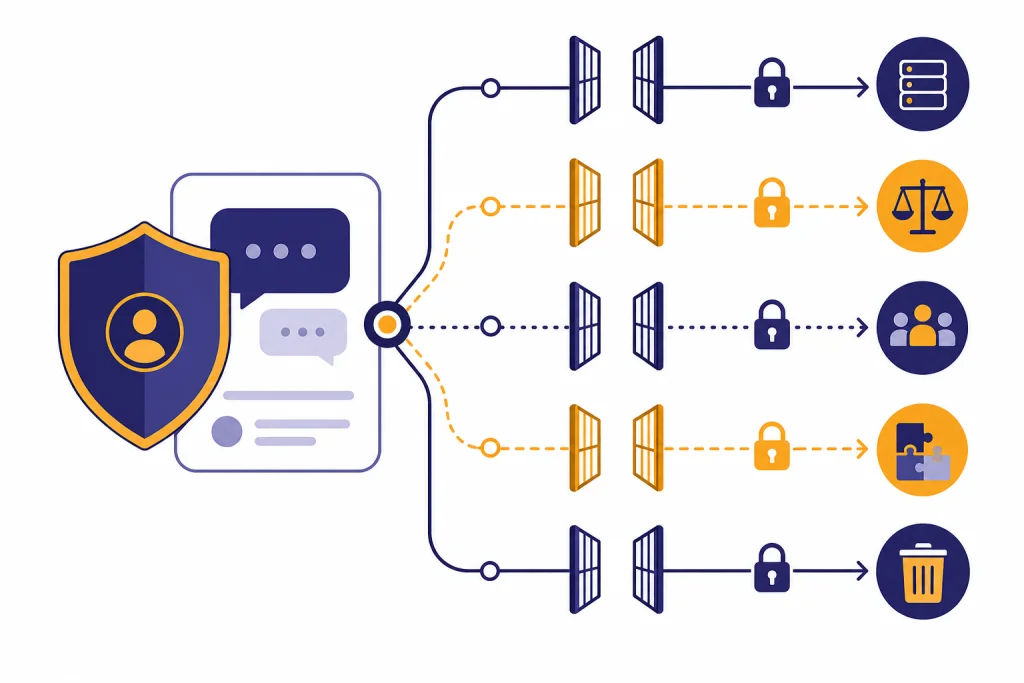
Yes, ChatGPT can share some data in specific ways, but “share” does not mean that your private chats are automatically posted publicly. OpenAI’s U.S. privacy policy says it may disclose personal data to vendors and service providers, affiliates, business account administrators, legal authorities, parties in business transfers, and third parties you choose to interact with.[1] For consumer ChatGPT, OpenAI may also use your content to improve models unless you opt out; business products such as ChatGPT Business, ChatGPT Enterprise, ChatGPT Edu, and the API are handled differently by default.[2] The safe assumption is simple: do not enter secrets, regulated data, or other people’s private information unless your plan, settings, and workplace policy allow it.
Short answer
ChatGPT shares data in limited operational, legal, product, and user-directed situations. The most important distinction is between OpenAI using data internally, OpenAI disclosing data to service providers or legal recipients, and you sending data to another party through a shared chat, GPT action, connector, app, or business workspace.
For a personal ChatGPT account, OpenAI’s policy says it collects account information, user content such as prompts and uploaded files, log data, usage data, device information, location information based on IP address, cookies, and some information from other sources.[1] That does not mean every employee reads your chats. It does mean the company receives and processes what you type, upload, say, or connect.
OpenAI says consumer services may use content to train models, and users can opt out so new conversations are not used for training.[2] If you want the broader privacy picture, read our ChatGPT Privacy guide and ChatGPT Privacy Policy Explained Simply next.
What OpenAI may share
OpenAI’s U.S. privacy policy uses the term “disclose” for several categories of personal data sharing. These categories matter because they show that ChatGPT data is not handled as a sealed private diary. It is handled as service data that may move to specific recipients for specific reasons.
OpenAI may disclose personal data to vendors and service providers that help operate the service, including hosting, cloud, content delivery, customer support, safety, email, analytics, payment, search, shopping, marketing, and information technology providers.[1] The same policy says those parties access, process, or store personal data based on OpenAI’s instructions and in the course of performing duties for OpenAI.[1]
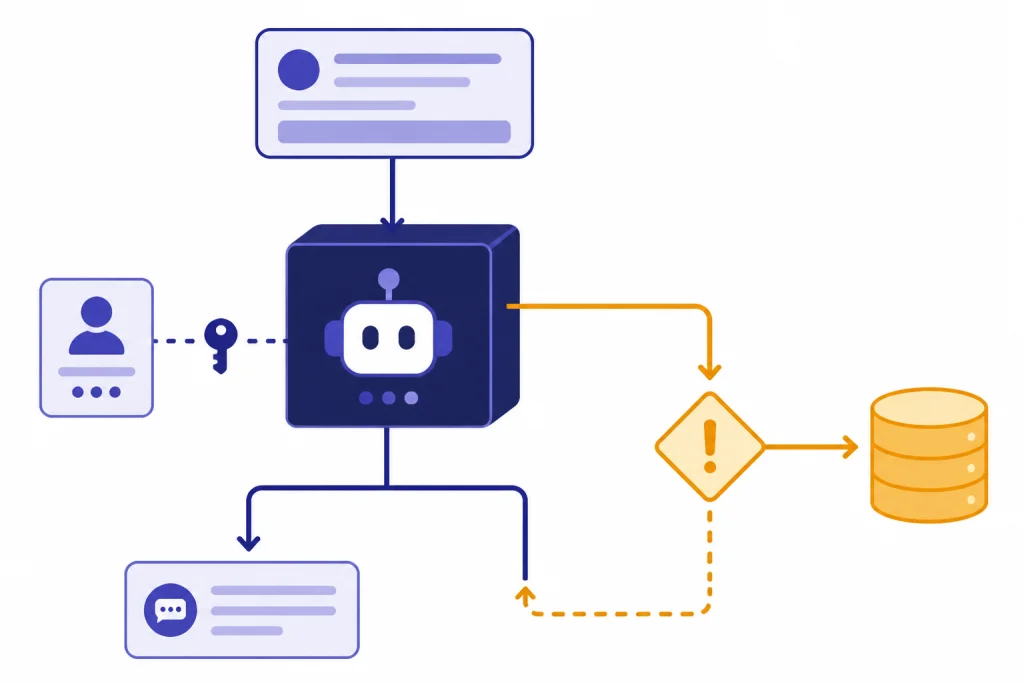
OpenAI may also disclose personal data in a business transfer, to government authorities or other third parties when legally or safety justified, to affiliates, to business account administrators when you join a business account, and to other users or third parties when you choose to interact or share information with them.[1] That last category is easy to miss. If you share a ChatGPT conversation link, use a GPT connected to an outside API, or connect another service, you may be sending information beyond OpenAI.
In plain English: ChatGPT does not need to “sell your chat” for data to move outside the chat window. Operations, support, payment processing, safety enforcement, legal compliance, workspace administration, and third-party features can all involve data disclosure. For a deeper look at storage and retention, see Does ChatGPT Save Your Data? and Does ChatGPT Save Your Chats?.
What is not the same as sharing
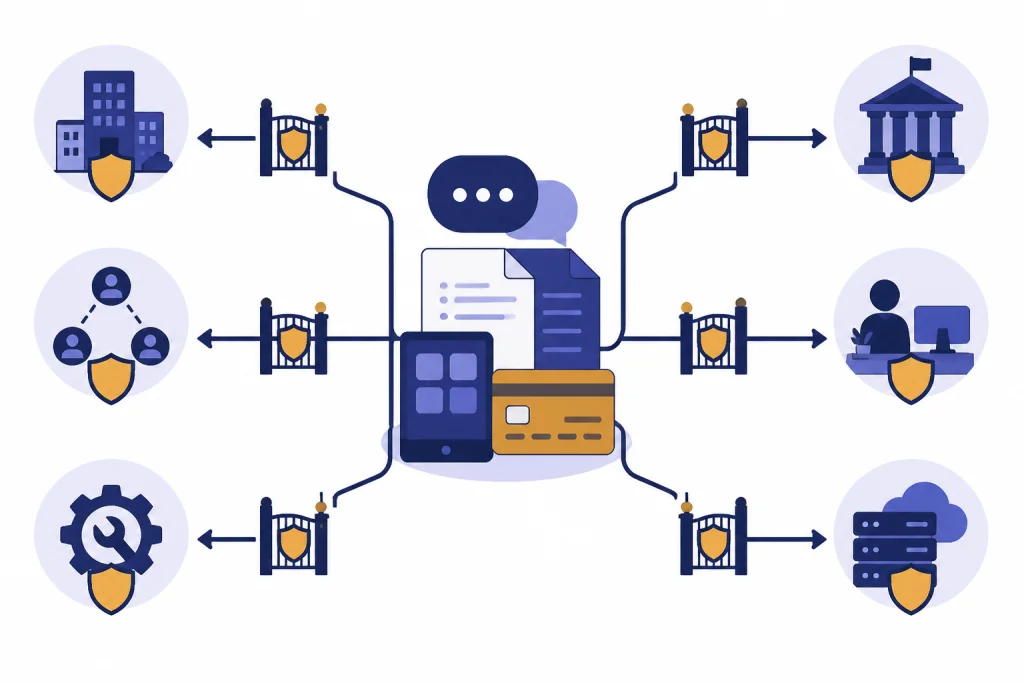
People often use “sharing” to describe several different privacy events. Those events have different risks. A retained chat is not the same as a chat used for training. A chat used to improve a model is not the same as a chat sent to a third-party API. A business admin with access to a workspace is not the same as a random GPT builder seeing your private conversation.
OpenAI’s help article says consumer services such as ChatGPT may use content to train models, but users can opt out through the privacy portal or ChatGPT data controls; once you opt out, new conversations are not used to train models.[2] The same article says Temporary Chat does not appear in history, does not use or create memories, and is not used to train OpenAI models.[2]
Retention is a separate issue. OpenAI’s U.S. privacy policy says that once a user chooses to delete personal data, OpenAI will remove it from its systems within 30 days unless it needs to retain it longer for reasons described in the policy or the data has already been de-identified and disassociated from the account.[1] OpenAI’s Temporary Chat FAQ also says Temporary Chats do not appear in history and may be kept for safety purposes for up to 30 days.[4]
The practical rule is this: turn off training if you do not want future consumer chats used for model improvement, use Temporary Chat when you do not want a conversation saved in chat history, and avoid entering information that would create legal, medical, employment, financial, or personal harm if exposed. For more context on sensitive personal prompts, see Is ChatGPT Safe to Use Personal Data In?.
Consumer, business, and API data handling
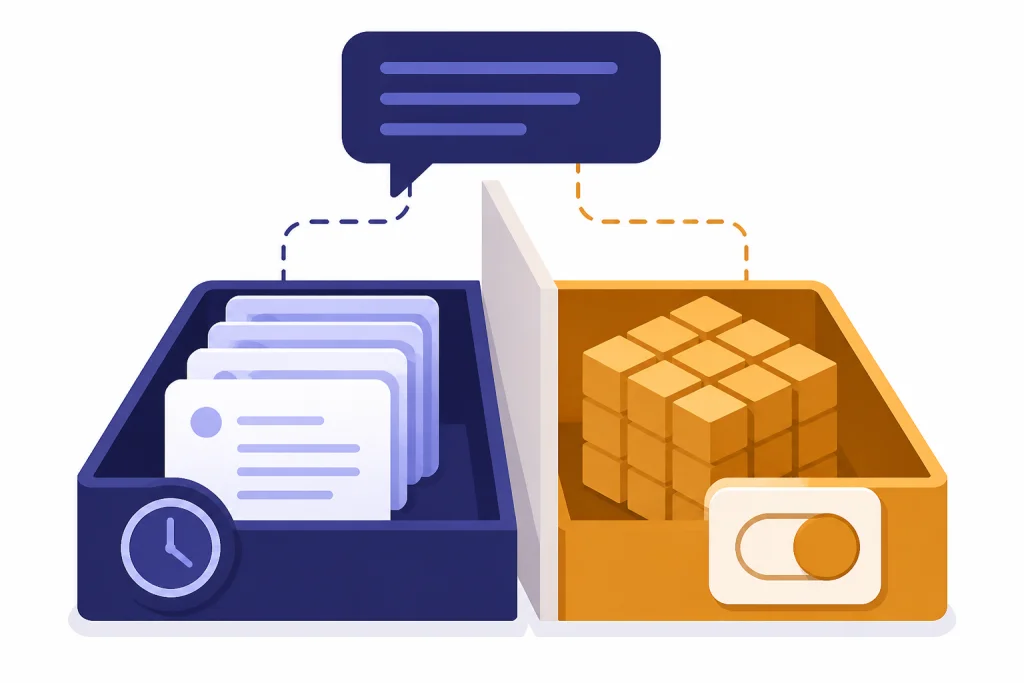
The answer to “does ChatGPT share your data” changes by product. A personal ChatGPT account is not governed by the same default training commitments as a business workspace or API organization. This is where many privacy misunderstandings start.
OpenAI says business data includes inputs and outputs from ChatGPT Business, ChatGPT Enterprise, ChatGPT for Healthcare, ChatGPT Edu, ChatGPT for Teachers, and the API Platform, and that OpenAI does not train its models on that data by default.[6] OpenAI’s API data controls documentation says that, as of March 1, 2023, data sent to the OpenAI API is not used to train or improve OpenAI models unless the customer explicitly opts in.[7]
| Use case | Default training posture | Who may control access | Best privacy use |
|---|---|---|---|
| Personal ChatGPT account | Consumer content may be used for model improvement unless the user opts out.[2] | The individual account holder, subject to OpenAI’s terms and settings. | Everyday tasks with low-sensitive information. |
| Temporary Chat | Not used to improve OpenAI models and not saved in chat history.[4] | The individual user through the Temporary Chat mode. | One-off conversations that should not appear in history. |
| ChatGPT Business, Enterprise, Edu, Healthcare, or Teachers | OpenAI says it does not train on business data by default.[6] | Workspace owners and administrators may control settings and access. | Organizational use where admin controls, policies, and retention matter. |
| OpenAI API Platform | API data is not used for training by default unless the customer explicitly opts in.[7] | Organization owners and project administrators. | Custom applications with defined data flows and technical controls. |
The table does not mean business plans are risk-free. It means their defaults and controls are designed for organizational governance. Admin access, retention settings, connected apps, internal data sources, and employee behavior still matter. If your question is mainly about protection rather than sharing, read ChatGPT Data Protection Practices, Is ChatGPT Secure? Encryption Explained, and Is ChatGPT Encrypted End-to-End?.
Where your data can leave ChatGPT
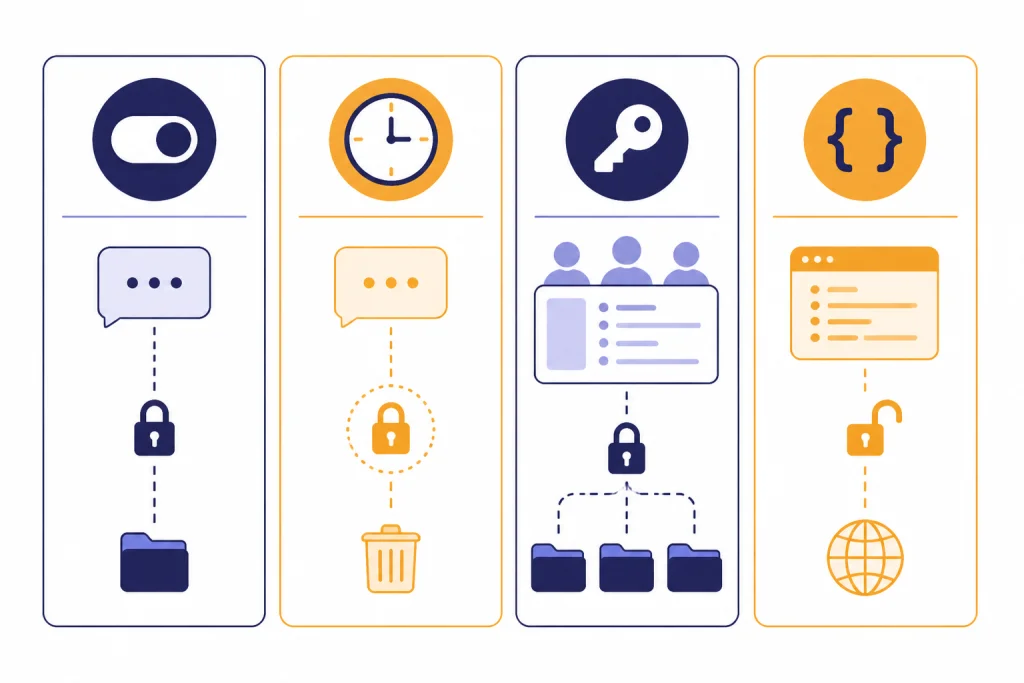
Data can leave the core ChatGPT experience because of a feature you choose, a workspace you join, or an integration you use. These are often more immediate privacy risks than abstract model training.
Shared conversations
If you share a conversation, anyone with access to the shared material may see what it contains. Treat shared chats like forwarded email. Remove names, addresses, passwords, documents, and private context before sharing.
GPTs with actions, apps, or external APIs
OpenAI’s GPTs documentation says GPTs can integrate with apps and external APIs, and relevant parts of your input may be sent to the third-party service when you interact with one of those GPTs.[5] The same documentation says OpenAI does not audit or control how those services use or store your data.[5] This is a key boundary. OpenAI’s privacy controls do not automatically control another company’s API.
Business workspaces
OpenAI’s privacy policy says that when you join a ChatGPT Enterprise or business account, administrators may access and control the account, including access to content.[1] If you use a work account, assume your employer’s policies apply. Do not move personal, client, or regulated data into a workspace unless the organization has approved that use.
Feedback and support
OpenAI’s model improvement article says that even if you opt out of training, you can still provide feedback, and if you do, the entire conversation associated with that feedback may be used to train models.[2] If a conversation contains sensitive material, do not use the feedback button unless you understand the consequence.
How to reduce data sharing
You cannot use ChatGPT without sending data to OpenAI. You can reduce what you send, how long it remains useful, and where it can go next.
- Turn off model training for consumer chats. OpenAI says signed-in users can go to Settings, open Data Controls, and turn off “Improve the model for everyone.”[3]
- Use Temporary Chat for one-off prompts. OpenAI says Temporary Chats are not saved in history, are not used to improve models, and may be kept for safety purposes for up to 30 days.[4]
- Do not paste secrets. Remove passwords, API keys, private tokens, unreleased financials, health records, legal files, and client data before prompting.
- Check GPT actions before using them. If a GPT uses an external API or app, relevant parts of your input may go to that third party.[5]
- Use approved business tools for work. Business and API products have different default training commitments than consumer ChatGPT.[6]
- Delete chats you no longer need. Deletion is not instant in every technical or legal sense, but it reduces account-visible history and starts the removal process described in OpenAI’s policy.[1]
- Export and review your data periodically. OpenAI’s data controls include export options for signed-in users.[3]
These steps are privacy hygiene, not a guarantee. They reduce exposure, but they do not turn ChatGPT into an offline notebook. If you need a system that never sends prompts to a cloud provider, see our reality check on how to use ChatGPT offline.
What not to enter
The safest ChatGPT privacy practice is data minimization. Give the model enough context to help, but not enough to expose a person, account, client, patient, student, employee, trade secret, or legal matter.

Avoid entering credentials, private keys, unpublished source code that your employer restricts, Social Security numbers, full medical records, legal strategy, personal addresses, bank account numbers, student records, customer lists, and confidential business plans. If you must analyze sensitive material, redact it first or use an approved business environment with a clear data processing agreement and retention policy.
Be especially careful with health and emotional disclosures. ChatGPT can be useful for drafting, reflection, and learning, but it is not a confidential therapist, doctor, lawyer, or crisis service. If your concern involves vulnerable users or mental health content, read our guides to chatgpt and mental health and ChatGPT Psychosis.
Also watch for third-party prompts. A custom GPT may ask for data that feels necessary to complete a task, but if it uses an outside API, your input can be sent to that outside service.[5] When in doubt, describe the problem abstractly. Use placeholders such as “Client A,” “Company B,” or “Account ending 1234” rather than exact identifiers.
Frequently asked questions
Does ChatGPT sell my data?
OpenAI’s U.S. privacy policy says it does not “sell” personal data or “share” personal data for cross-contextual behavioral advertising as those terms are defined under state privacy laws.[1] That is narrower than saying data is never disclosed. The policy still describes disclosures to vendors, affiliates, legal recipients, business administrators, and third parties you interact with.[1]
Can OpenAI employees see my chats?
OpenAI does not describe ChatGPT as end-to-end private from OpenAI itself. Its policy and help content allow processing for service operation, safety, support, legal compliance, and model improvement depending on settings and product type.[1] Do not enter information on the assumption that no authorized person or system could ever review it.
Does opting out delete old training data?
OpenAI says that once you opt out, new conversations will not be used to train models.[2] That is a forward-looking control. OpenAI’s privacy policy separately says some data may already have been de-identified and disassociated from your account when you allowed content to improve models.[1]
Are Temporary Chats private?
Temporary Chats are more private than ordinary saved chats in important ways. OpenAI says they do not appear in history, are not used to improve models, and may be kept for safety purposes for up to 30 days.[4] They are still processed by OpenAI to provide the service.
Do GPT builders see my conversations?
OpenAI’s GPTs documentation says GPT builders cannot view individual conversations users have with their GPTs.[5] That does not cover third-party APIs or apps connected to a GPT. If the GPT uses an external service, relevant parts of your input may be sent to that service.[5]
Is ChatGPT Business safer for company data?
It can be, because OpenAI says it does not train models on business data by default for products such as ChatGPT Business, ChatGPT Enterprise, ChatGPT Edu, ChatGPT for Teachers, ChatGPT for Healthcare, and the API Platform.[6] It is still not a free pass to upload anything. Your organization must configure access, retention, connectors, and employee rules correctly.