

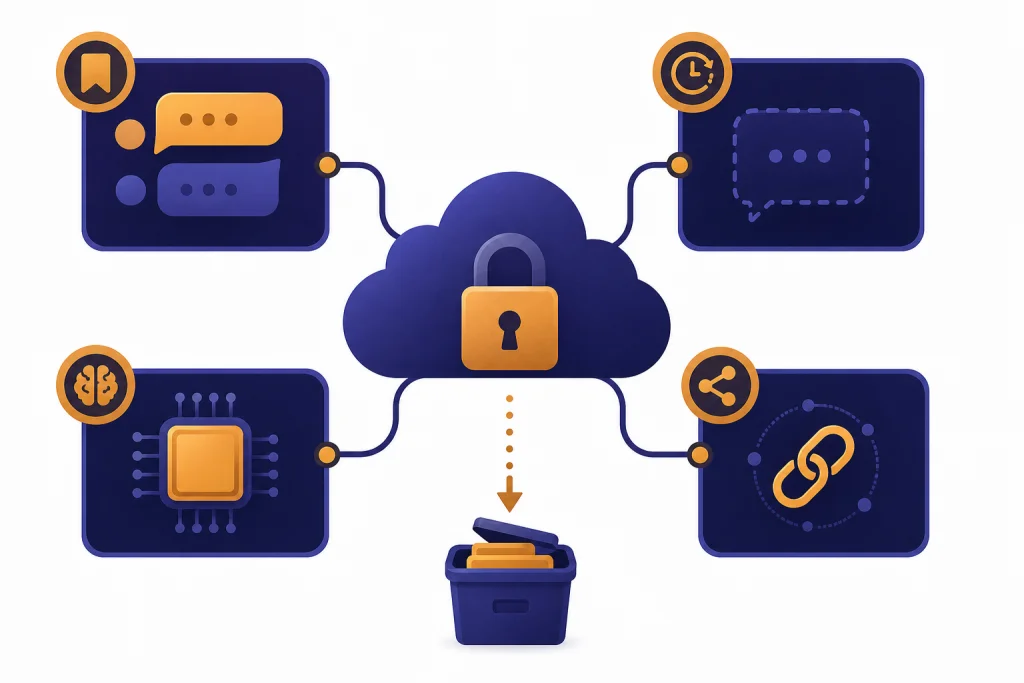
ChatGPT data protection depends on which version you use, which settings you choose, and what information you put into the chat. OpenAI says regular ChatGPT users can control whether their chats help improve models, while Temporary Chats are not used for training and are deleted within a limited retention window. Business products have stronger default privacy commitments, including no model training on business data by default. Encryption, access controls, retention rules, and privacy rights all matter, but they do not make ChatGPT a vault for secrets. Treat ChatGPT as a cloud service that can process sensitive information, not as an end-to-end encrypted private notebook.
What ChatGPT data protection means
ChatGPT data protection is the set of controls that governs how your prompts, uploaded files, account details, memories, shared links, and generated outputs are collected, used, stored, secured, deleted, and sometimes reviewed. It is narrower than general AI safety and broader than simple encryption. A private chat setting does not automatically mean zero storage. Encryption does not mean OpenAI cannot process your text. Deleting a visible chat does not always mean every related record disappears instantly.
For most readers, the core question is practical: can you put personal, client, medical, legal, financial, or business information into ChatGPT without creating avoidable risk? The answer is conditional. OpenAI publishes controls for training, retention, deletion, business data, and privacy requests. Those controls reduce risk, but they do not remove the need for your own rules about what you type, upload, connect, and share.
This article focuses on OpenAI’s public ChatGPT-facing practices as they stand for a general user or organization evaluating ChatGPT. For a broader privacy overview, read our ChatGPT Privacy guide. For a narrower encryption discussion, see whether ChatGPT is encrypted end-to-end.
What OpenAI collects in ChatGPT
OpenAI’s Privacy Policy says it collects personal data that users provide, account information, content, communications, device and usage information, and other information needed to operate its services. The policy was updated on April 8, 2026.[1] In practical terms, ChatGPT data protection starts with recognizing that your chat text is only one part of the data picture.
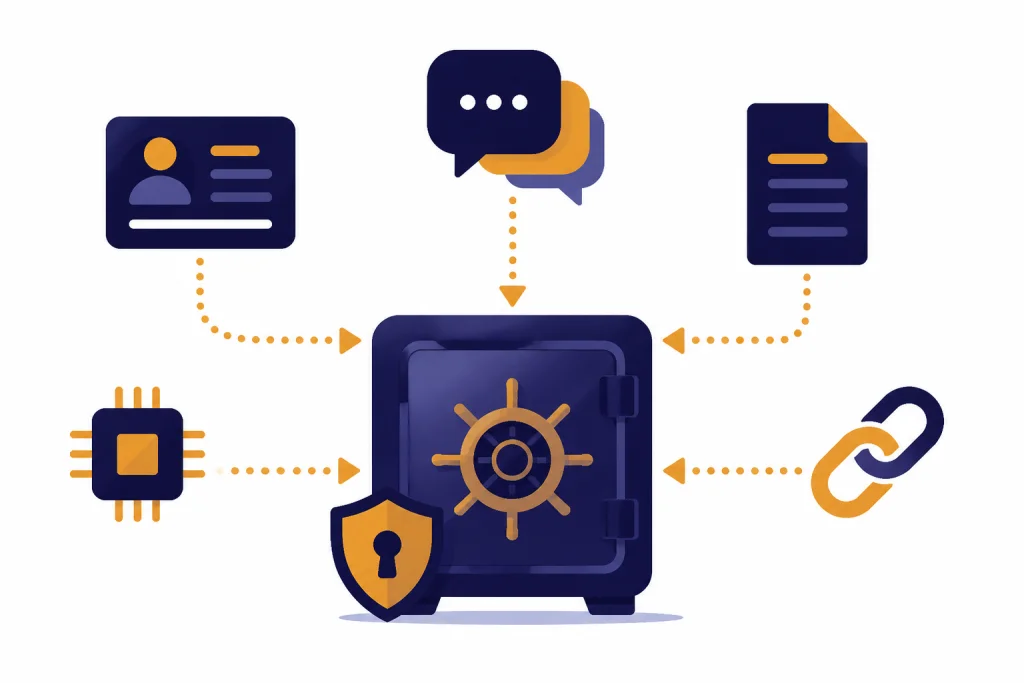
Your ChatGPT data can include prompts, generated outputs, uploaded files, images, voice interactions, custom instructions, memories, shared links, feedback, support messages, billing-related records, and device or log information. If you join a business workspace, account administrators may also have access to controls or content associated with that workspace, depending on the plan and configuration.[1]
Some data is obvious because you type or upload it. Other data is less visible. For example, a file uploaded to summarize a contract may be tied to the conversation lifecycle. A saved memory may preserve a preference or biographical detail across chats. A shared link may expose a conversation outside your account. These features are useful, but each one expands the places where sensitive information can exist.
If you need a deeper explanation of saved chats and storage, see Does ChatGPT Save Your Chats? and Does ChatGPT Save Your Data?. If your main concern is whether OpenAI shares data with others, read Does ChatGPT Share Your Data?.
| Data category | Common examples | Protection issue to check |
|---|---|---|
| Account data | Name, email, login, billing-related records | Account deletion, identity verification, payment retention |
| Conversation content | Prompts, outputs, uploaded text, images, documents | Training settings, deletion, temporary chat use |
| Personalization data | Custom instructions, saved memories, chat history references | Memory review, memory deletion, sensitive preferences |
| Sharing data | Shared links, imported shared conversations | External access, copies held by other users |
| Business data | Workspace conversations, API inputs and outputs, connected app data | Admin controls, retention settings, contractual commitments |
How retention and deletion work
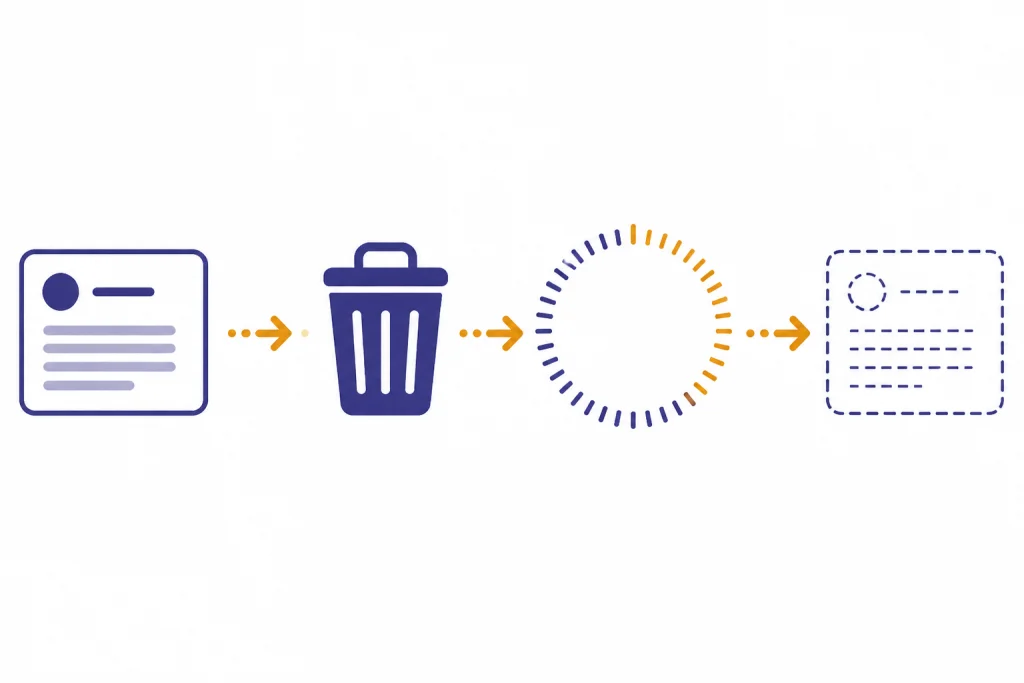
OpenAI’s ChatGPT retention guidance says chats are saved to your account until you delete them manually. When you delete a chat or account, the chat is removed from your account immediately and scheduled for permanent deletion from OpenAI systems within 30 days, unless it was already de-identified and disassociated from you or OpenAI must retain it longer for security or legal reasons.[3]
Temporary Chat follows a different pattern. OpenAI says Temporary Chats do not appear in history, do not create memories, are not used to train models, and may be retained for safety purposes for up to 30 days.[4] OpenAI’s Data Controls FAQ also says Temporary Chats are deleted from systems after 30 days and are not used to train models.[2]
Uploaded files follow the conversation more than many users expect. OpenAI says files uploaded during a conversation are tied to that conversation’s lifecycle, and if the conversation is deleted, the active file is scheduled for deletion alongside the chat under the same 30-day maximum deletion timeline, unless an exception applies.[3] Files uploaded to a custom GPT or project may remain until that GPT or project is deleted, then are removed within 30 days unless legal or security exceptions apply.[3]
Memory adds another layer. OpenAI’s Memory FAQ says that to fully remove something ChatGPT remembers, you may need to delete both the saved memory and the chat where the information was originally shared.[8] That matters because deleting a visible memory entry is not always the same as removing every source conversation that contained the same information.
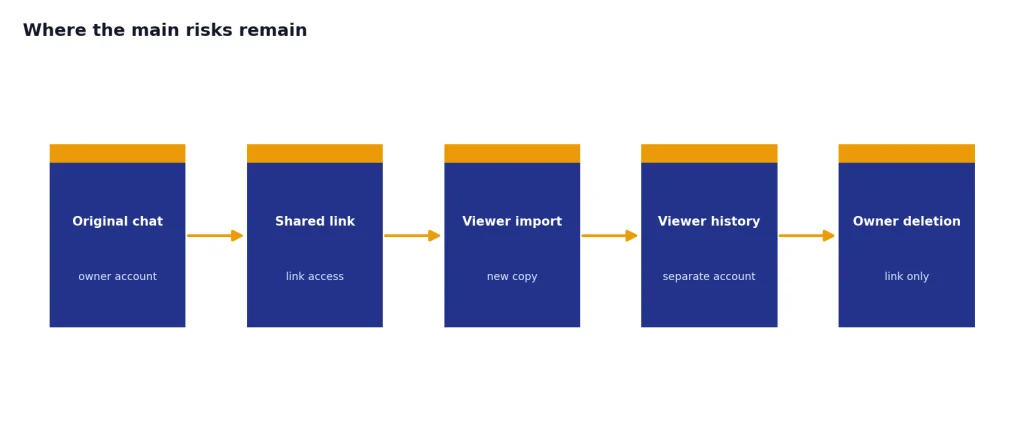
Shared links need separate attention. OpenAI’s Shared Links FAQ says deleting the original ChatGPT conversation also deletes the shared link, but viewers may have imported the conversation into their own chat history. If that happened, deleting your shared link does not remove the imported copy from the viewer’s account.[9]
Training controls and business defaults
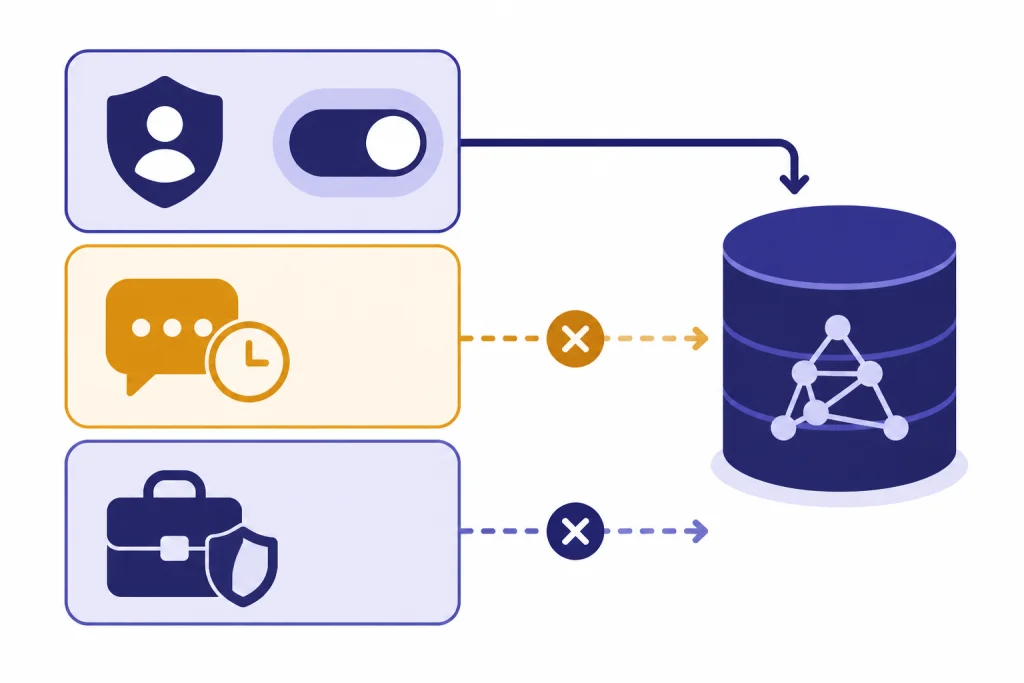
OpenAI distinguishes between consumer ChatGPT use and business offerings. For signed-in consumer users, the Data Controls setting called “Improve the model for everyone” controls whether conversations can help improve OpenAI’s models.[2] OpenAI says users can turn this setting off in ChatGPT settings under Data Controls.[2]
OpenAI’s model-improvement help article says it may use content from services such as ChatGPT to improve model performance, but users can control whether their ChatGPT conversations are used for that purpose. It also says Temporary Chat does not appear in history, does not use or create memories, and is not used to train models.[5]
Business products use a different default. OpenAI says it does not use data from ChatGPT Enterprise, ChatGPT Business, ChatGPT Edu, ChatGPT for Teachers, or the API platform, including inputs and outputs, to train or improve models by default.[6] OpenAI’s enterprise privacy documentation says business customers retain ownership and control over business data submitted through those products.[7]
This split is important. A freelancer using a personal ChatGPT account with training enabled has a different risk profile from a company using ChatGPT Business or Enterprise under business data terms. If your organization handles confidential customer records, regulated data, source code, strategy documents, or unreleased financial information, a managed business plan or API arrangement is usually more appropriate than unmanaged personal accounts.
For legal and regional obligations, read our ChatGPT and GDPR guide. For user-level privacy tradeoffs, see ChatGPT privacy concerns you should know.
| Use mode | Training default or control | Retention pattern | Best fit |
|---|---|---|---|
| Regular personal ChatGPT | User can turn off “Improve the model for everyone” in Data Controls.[2] | Chats remain until deleted, then are scheduled for deletion within 30 days unless an exception applies.[3] | General personal productivity with careful data minimization. |
| Temporary Chat | Not used to train models.[4] | May be retained for safety purposes for up to 30 days.[4] | One-off sensitive drafting where history and memory are not needed. |
| ChatGPT Business, Enterprise, Edu, Teachers, and API | Not used for model training or improvement by default.[6] | Business customers may have configurable retention options, depending on qualification and product.[6] | Managed organizational use with stronger administrative controls. |
Security controls: encryption, access, and compliance
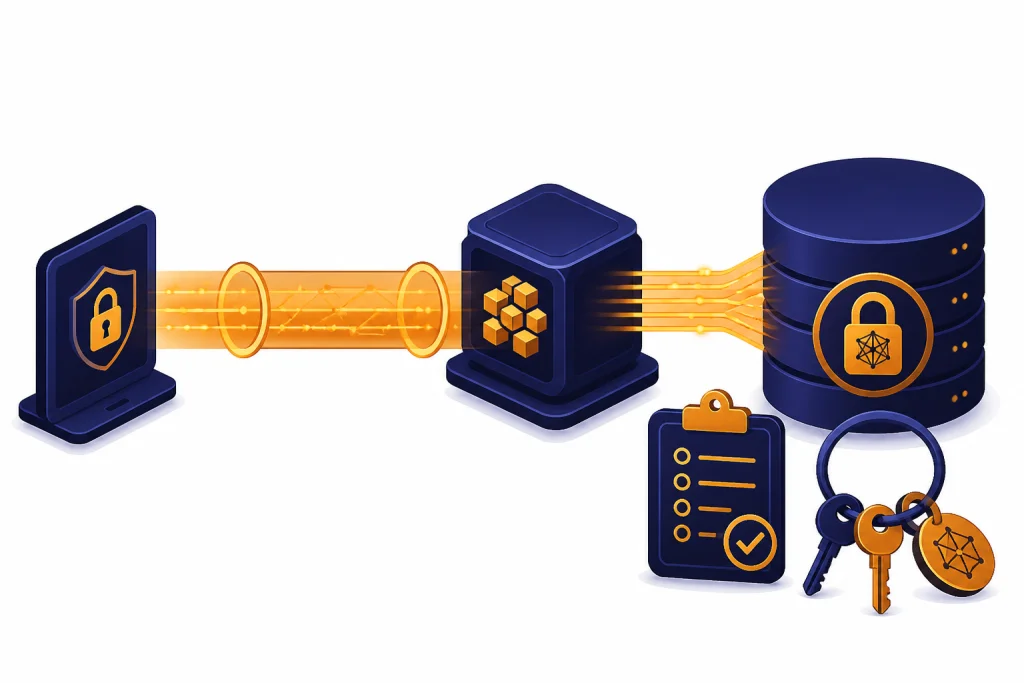
OpenAI says business data is encrypted at rest and in transit between the customer and OpenAI, and between OpenAI and its service providers. OpenAI describes the cryptography as AES-256 encryption at rest and TLS 1.2 or higher in transit.[6] OpenAI’s Data Processing Addendum also lists encryption of data at rest in production datastores and periodic independent security reviews, including SOC 2 Type II certification audits, among its security measures.[10]
Encryption is necessary, but it is not the same as end-to-end encryption. ChatGPT must process your prompt in readable form to generate an answer. That means the service can protect data in transit and storage while still having systems that can access content for processing, abuse monitoring, legal compliance, support, or authorized operational purposes. If you need a full explanation of this distinction, read Is ChatGPT Secure? Encryption Explained.
OpenAI says its business data protections support compliance with GDPR, CCPA, and other privacy laws, and align with SOC 2 Type 2 Trust Services Criteria and ISO/IEC 27001, 27017, 27018, and 27701 certifications.[6] These certifications and frameworks are useful signals. They do not automatically make every use of ChatGPT compliant with every industry rule. Your organization still needs a lawful basis, a data classification policy, vendor review, access controls, retention decisions, and employee training.
Connected apps and actions deserve special care. OpenAI says conversations that use apps have locked-down network access, and that ChatGPT only accesses content within the user’s existing permissions for the connected service.[11] That reduces overbroad access risk, but it also means the data protection boundary includes the third-party app, its permissions, and its own privacy policy.
Data center location can also matter for regulated organizations. OpenAI says qualifying organizations can configure how long OpenAI retains business data, including zero data retention options for the API platform.[6] For storage and infrastructure context, see our guide to ChatGPT data centers and storage.
Practical protection checklist
The safest way to use ChatGPT is to reduce the amount of sensitive data you expose before you rely on platform controls. Settings matter, but data minimization matters more. If you never paste a Social Security number, full medical record, customer list, unreleased contract, or private key into a chat, you do not have to manage the downstream risk of that exact data point.
- Use Temporary Chat for one-off sensitive tasks. It is not used for training and does not appear in history, but OpenAI may retain it for safety purposes for up to 30 days.[4]
- Turn off model improvement for personal use. Review “Improve the model for everyone” under Data Controls if you do not want your conversations used to improve models.[2]
- Delete chats you no longer need. Deleting removes the chat from your account immediately and schedules system deletion within 30 days unless an exception applies.[3]
- Review memory separately. Delete saved memories and the original chats that introduced sensitive details if you want full removal of remembered information.[8]
- Audit shared links. Delete public or outdated links, and assume anyone with access may have copied or imported the content.[9]
- Use a business plan for business data. OpenAI says business products and the API are not used for model training by default.[6]
- Redact before upload. Remove names, account numbers, credentials, internal IDs, protected health details, and customer records unless they are necessary.
- Do not paste secrets. API keys, passwords, private keys, unreleased financials, legal strategy, and privileged communications should stay out of unmanaged chats.
- Control connectors. Review app permissions before connecting mail, drives, calendars, code repositories, or internal knowledge tools.
- Document your policy. Teams need written rules for what employees may use ChatGPT for, which plan they must use, and what data classes are prohibited.
Individuals should also think about personal context. Health, relationships, finances, immigration, employment disputes, and mental health conversations can reveal more than a normal search query. If you use ChatGPT for emotional support, read our guides on ChatGPT and mental health and whether ChatGPT is safe to use with personal data.
Where the main risks remain
The first risk is over-disclosure. ChatGPT can feel conversational, which encourages users to paste full context. That can include names, emails, contracts, source code, personal histories, medical details, and other data that would normally stay in a controlled system. Good prompts should include enough context to get a useful answer, not every underlying record.

The second risk is misunderstanding deletion. Deleting a chat, memory, file, account, or shared link can trigger different retention behavior. OpenAI publishes a 30-day deletion timeline for deleted chats and accounts with exceptions for legal and security reasons.[3] That is a useful rule, but it is not the same as instant erasure from every operational, backup, legal, or third-party location.
The third risk is external sharing. Shared links, copied outputs, screenshots, browser extensions, workplace monitoring tools, connected apps, and third-party GPT actions can move data outside the main ChatGPT account. Once another person imports a shared conversation into their own history, deleting your original shared link may not remove that imported copy.[9]
The fourth risk is compliance overconfidence. OpenAI publishes business privacy and security commitments, but your use case still determines whether you comply with privacy, employment, health, finance, education, discovery, or recordkeeping obligations. A regulated organization should review the contract, DPA, subprocessor list, data residency options, retention configuration, audit logs, and incident process before approving production use.
The fifth risk is output privacy. If ChatGPT produces personal data about someone, and you believe it is inaccurate or should be removed, OpenAI says users can submit correction or removal requests through its privacy processes, subject to applicable law and technical capabilities.[1] OpenAI also has a help article for requests to stop certain personal information from appearing in ChatGPT responses under privacy laws such as the GDPR.[12]
The practical conclusion is simple. ChatGPT data protection is real, but it is layered. Use settings, deletion, memory controls, and business products. Then add your own discipline: redact, classify, minimize, and avoid putting secrets into a general-purpose AI assistant unless your organization has approved the exact workflow.
Frequently asked questions
Does ChatGPT use my chats for training?
It depends on your settings and product. Personal ChatGPT users can turn off “Improve the model for everyone” in Data Controls.[2] OpenAI says ChatGPT Business, Enterprise, Edu, Teachers, and API data are not used for model training or improvement by default.[6]
Are Temporary Chats private?
Temporary Chats are more private than normal chats in specific ways. OpenAI says they do not appear in history, do not create memories, and are not used to train models, but they may be kept for safety purposes for up to 30 days.[4] Do not treat them as zero-retention or end-to-end encrypted conversations.
Does deleting a ChatGPT chat delete uploaded files too?
Usually, uploaded files follow the lifecycle of the conversation where they were uploaded. OpenAI says that if you delete the conversation containing an active file, the file is scheduled for deletion alongside the chat, with the same 30-day maximum deletion timeline unless an exception applies.[3] Files in custom GPTs or projects can follow separate project-level retention rules.
Is ChatGPT end-to-end encrypted?
OpenAI says business data is encrypted at rest with AES-256 and in transit with TLS 1.2 or higher.[6] That is not the same as end-to-end encryption, because ChatGPT must process readable prompts to generate answers. For sensitive material, encryption helps, but it does not replace data minimization.
Can my employer see my ChatGPT messages?
If you use a personal account on a personal device, your employer normally does not administer that account. If you use a work account, managed workspace, company device, company browser, or connected business tools, administrators may have controls or access depending on the plan and workplace policy. OpenAI’s Privacy Policy says business account administrators may access and control accounts in business contexts.[1]
What should I never put into ChatGPT?
Avoid passwords, private keys, authentication tokens, full identity records, protected health information, privileged legal material, confidential client data, unreleased financials, and trade secrets unless your organization has approved the workflow. Use redaction, synthetic examples, Temporary Chat, or a business product with appropriate contractual controls. When in doubt, remove identifying details before prompting.