

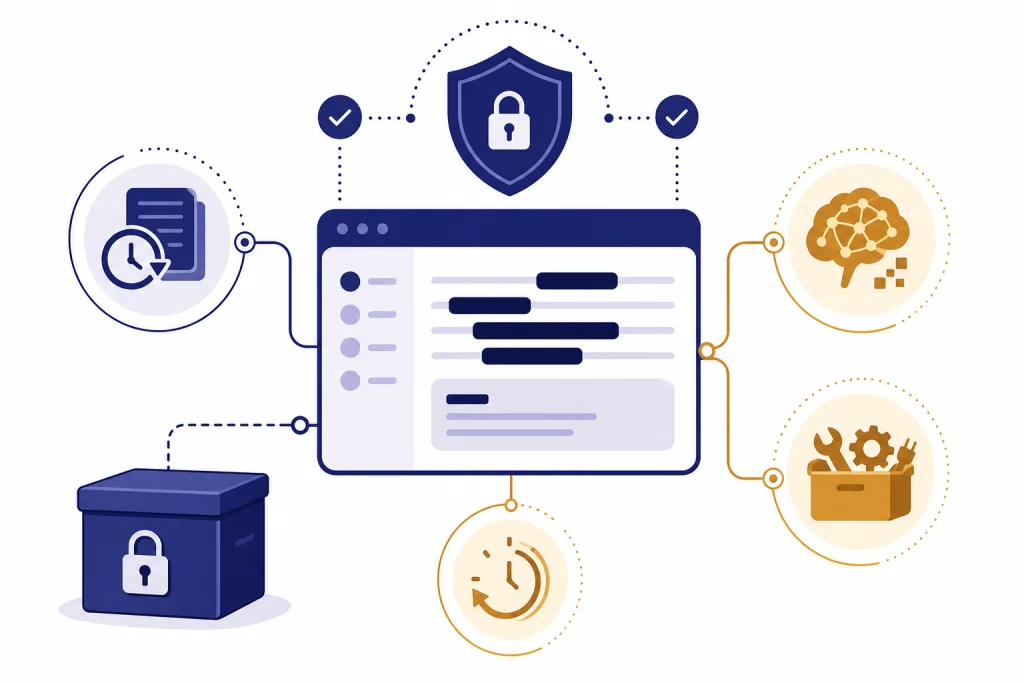
ChatGPT is safe enough for many everyday personal tasks, but it is not a private vault for sensitive data. You should assume that anything you type may be stored, reviewed for safety or legal reasons, used to provide the service, and, on personal plans, used to improve models unless you opt out. The safer approach is to share context, not raw identifiers. Remove names, addresses, account numbers, medical record numbers, client secrets, tax IDs, private keys, and confidential work documents unless your organization has approved a business plan or API setup with the right controls. ChatGPT can be useful with personal data, but only when you minimize, redact, and choose the correct privacy settings.
The short answer
Use ChatGPT as if you were sending information to a cloud service, not as if you were writing in a private notebook. That distinction matters. ChatGPT can process your prompt, produce useful output, and help you rewrite, summarize, brainstorm, or analyze personal material. But the service still receives what you submit.
For low-risk personal context, ChatGPT is usually reasonable. Examples include asking for help drafting a vacation itinerary, rewriting a non-confidential email, comparing household budget categories after removing account details, or turning notes into a checklist. For high-risk personal data, it is usually not worth the exposure unless you have a clear reason, permission, and the right account controls.
The core rule is simple. Share the minimum information needed to get the answer. If ChatGPT does not need your full name, do not include it. If it does not need a document with signatures, account numbers, or addresses, remove those fields first. If you want a broader safety overview beyond personal data, read our general ChatGPT safety review.
How ChatGPT handles personal data
OpenAI’s privacy policy says it collects several categories of personal data when people use its services, including account information, user content, communication information, usage data, and device information.[1] In plain English, that means your account details and the things you submit to ChatGPT can be part of the data OpenAI processes to operate the service.
For individual services such as ChatGPT, OpenAI says content may be used to train its models unless you opt out.[8] OpenAI’s Data Controls page lets signed-in users turn off “Improve the model for everyone,” and OpenAI says conversations remain in chat history but are not used to train ChatGPT after that setting is turned off.[2]
That opt-out is important, but it is not the same as making every prompt disappear instantly. OpenAI’s chat and file retention help article says chats are saved to your account until you delete them manually. When you delete a chat or account, the chat is removed from your account immediately and scheduled for permanent deletion from OpenAI systems within 30 days, unless an exception applies, such as security, legal obligations, or prior de-identification.[3]
Temporary Chat gives you a narrower mode. OpenAI says Temporary Chats do not appear in history, are not used to improve models, and may still be kept for up to 30 days for safety purposes.[4] That makes Temporary Chat useful for lower-retention conversations, but it is still not a guarantee that sensitive material is never stored.
Why “safe” does not mean “private vault”
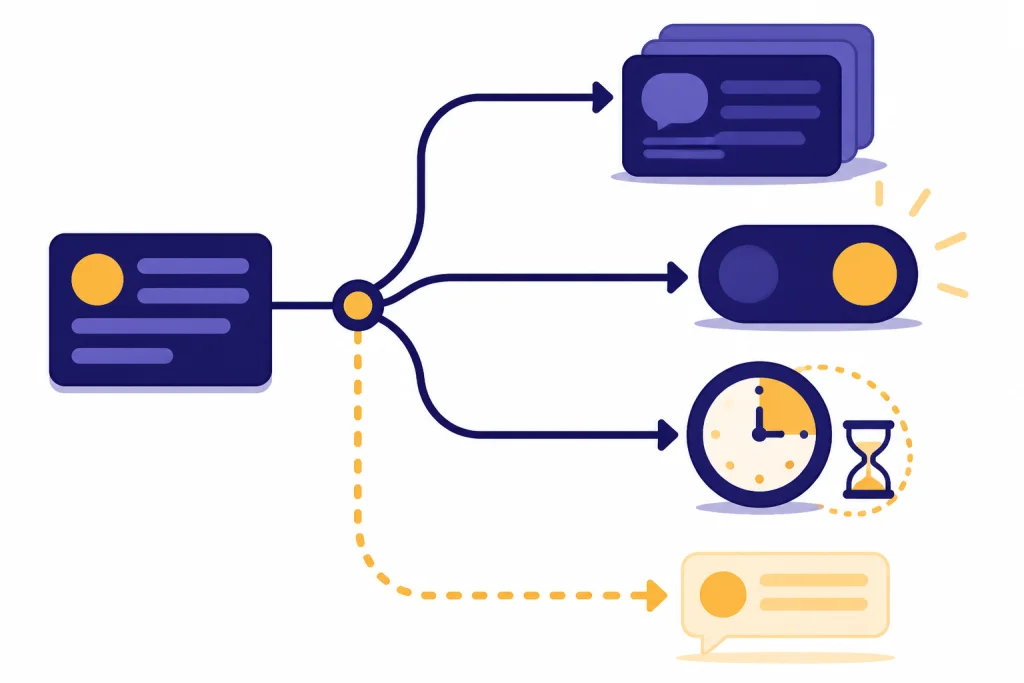
People often ask whether ChatGPT is safe because they want a yes-or-no answer. The better question is what kind of data you plan to submit and what harm would follow if that data were stored, misrouted, shared through a link, disclosed under a legal process, or sent to a third-party tool.
There are several different privacy risks. First, ChatGPT can keep account history unless you delete it or use Temporary Chat. Second, model-improvement settings can affect whether individual-plan content may be used for training. Third, shared links and custom GPT actions can move data outside the private chat context. Fourth, legal and security obligations can override ordinary deletion timelines.
OpenAI’s privacy policy says it may disclose personal data to government authorities or other third parties when required by law, to protect rights or property, to detect or prevent fraud or illegal activity, to protect safety and security, or to protect against legal liability.[1] This is normal for major cloud services, but it is a reminder that “deleted from my sidebar” does not mean “unreachable in every circumstance.”
Custom GPTs add another layer. OpenAI says GPT builders cannot view individual conversations with their GPTs. But if a GPT uses external APIs or apps, relevant parts of your input may be sent to the third-party service, and OpenAI says it does not audit or control how those services use or store that data.[7] Treat any GPT with actions like a form that can submit information to another company.
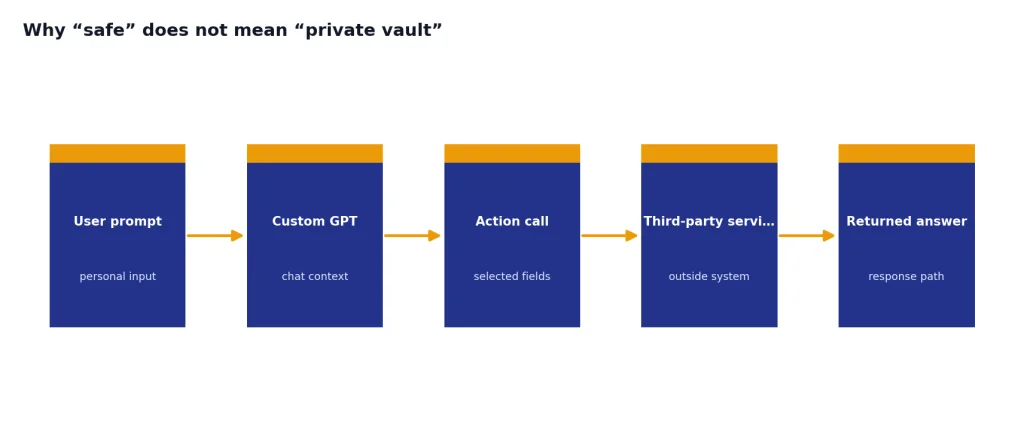
This is why our privacy guidance is conservative. ChatGPT can be secure in the ordinary product-security sense while still being the wrong place for certain secrets. For more detail on technical protections, see our guide to whether ChatGPT is secure and our separate explanation of ChatGPT encryption.
Consumer and business protections compared
The plan type matters. Personal ChatGPT plans are built for individual use. Business and enterprise offerings are built for organizational control, compliance, and administration. OpenAI says it does not train its models on business data by default for ChatGPT Business, ChatGPT Enterprise, ChatGPT Edu, ChatGPT for Teachers, ChatGPT for Healthcare, and the API Platform.[5]
OpenAI also says business data is encrypted at rest with AES-256 and in transit with TLS 1.2 or later between customers and OpenAI and between OpenAI and service providers.[5] OpenAI’s business data page repeats that it does not train on organization data by default across business offerings and the API platform.[6]
| Use case | Default training posture | Retention and control notes | Best fit |
|---|---|---|---|
| Personal ChatGPT account | Content may be used to improve models unless the user opts out. | Chats stay in history until deleted. Deleted chats are scheduled for deletion within 30 days, subject to exceptions. | Everyday personal productivity after redaction. |
| Temporary Chat | OpenAI says Temporary Chats are not used to improve models. | Temporary Chats do not appear in history and may be kept for up to 30 days for safety purposes. | One-off questions where you do not want a normal chat history. |
| ChatGPT Business, Enterprise, Edu, Teachers, or Healthcare | OpenAI says business data is not used for training by default. | Administrative controls, authentication options, and retention controls vary by offering. | Company-approved work with internal policies. |
| OpenAI API Platform | OpenAI says API data is not used for training by default unless the customer opts in. | API retention and zero-data-retention eligibility depend on endpoint and account configuration. | Software products and controlled workflows. |
The practical difference is governance. On a personal account, the individual user must manage privacy settings and decide what to share. In a business workspace, the organization can apply policies, permissions, and controls. If you are handling client data, employee data, health records, legal material, or confidential company information, do not rely on a personal account without approval. Start with your organization’s policy and then compare it with ChatGPT data protection practices, ChatGPT data centers and storage, and ChatGPT and GDPR.
What personal data you should not enter
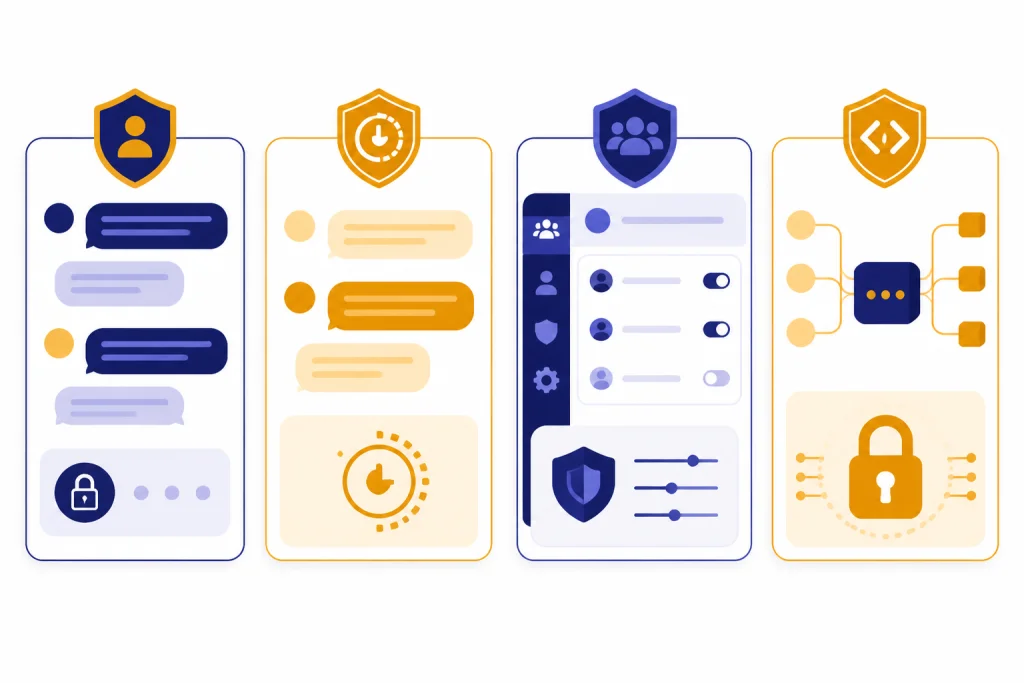
Some information is too sensitive for a normal ChatGPT prompt. You may be able to use ChatGPT with a redacted version, but the raw version should stay out unless you have a strong reason and the correct protections.
- Government identifiers. Do not enter Social Security numbers, passport numbers, driver’s license numbers, immigration numbers, or taxpayer IDs.
- Financial secrets. Do not enter full bank account numbers, card numbers, security codes, loan account numbers, brokerage logins, or crypto seed phrases.
- Authentication secrets. Do not paste passwords, one-time codes, API keys, private keys, recovery codes, session cookies, or internal access tokens.
- Medical identifiers. Avoid medical record numbers, insurance member IDs, lab reports with names and dates of birth, or patient files unless you are working in an approved healthcare environment.
- Legal and client secrets. Do not paste privileged legal analysis, settlement communications, confidential client files, trade secrets, or unreleased business plans into a personal account.
- Children’s information. Be especially careful with minors’ names, school details, locations, photos, health information, or behavioral records.
- Highly personal narratives tied to identity. Remove names and identifying details before asking for help with relationship, workplace, mental health, or family conflict scenarios.
The FTC has investigated consumer-facing AI chatbots, including how companies measure impacts on children and teens and how they use or share personal information obtained through chatbot conversations.[9] That regulatory attention reinforces the basic rule for users: do not treat an AI chat window as a therapist, lawyer, banker, or confidential records system unless the service, account type, and professional context actually support that use.
If the information involves mental health, be extra cautious. ChatGPT can help organize thoughts or suggest general coping resources, but it is not a substitute for a clinician or crisis support. See our related guides on ChatGPT and mental health and ChatGPT psychosis risks for a deeper safety discussion.
Settings to use before sharing personal context
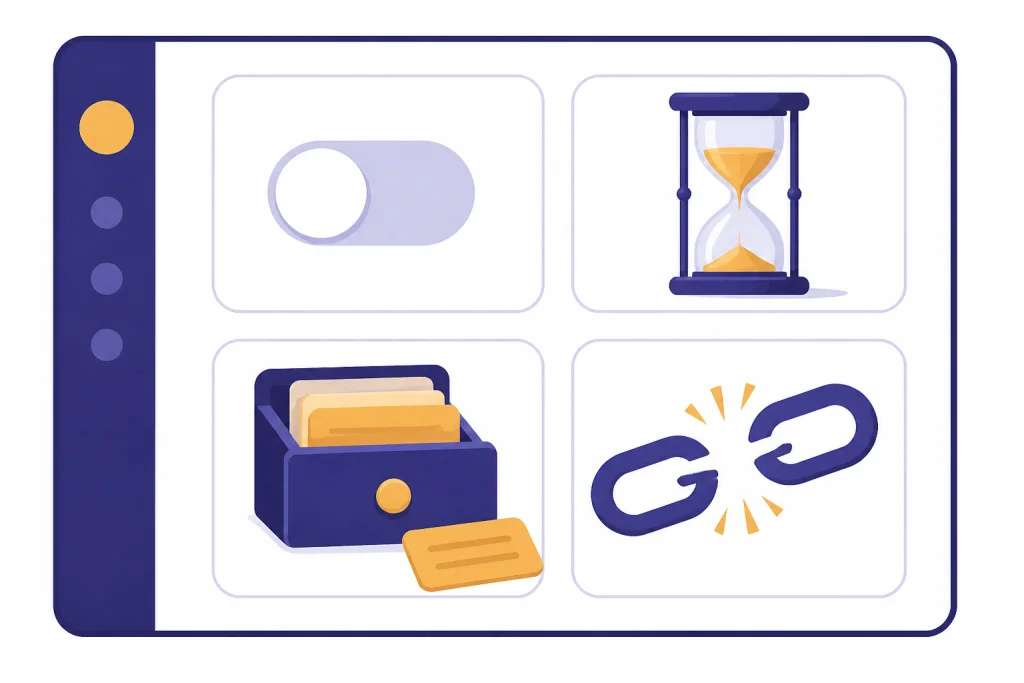
Before you put any personal context into ChatGPT, review the privacy settings that control training, history, memory, and sharing. These controls do not remove every risk, but they reduce avoidable exposure.
Turn off model improvement for personal chats
OpenAI says signed-in users can go to Settings, open Data Controls, and turn off “Improve the model for everyone.” It also says the setting applies across the account once changed.[2] If you use ChatGPT for anything personal, this is the first setting to check.
Use Temporary Chat for one-off sensitive context
Temporary Chat is useful when you want a blank slate. OpenAI says Temporary Chats do not create memories, do not appear in chat history, and are not used to improve models, although a copy may be kept for up to 30 days for safety.[4]
Review memory
Memory can make ChatGPT more helpful, but it can also preserve personal context that you forgot you shared. OpenAI says users can review and delete saved memories, clear all saved memories, or turn memory off in settings.[10] If you use ChatGPT for mixed personal and work tasks, review memory regularly.
Audit shared links
A shared link turns a conversation snapshot into something other people can open. If you used shared links in the past, review and revoke links you no longer need. For a broader explanation of what happens to conversations after you create or delete them, see Does ChatGPT save your chats? and Does ChatGPT share your data?.
A practical redaction workflow
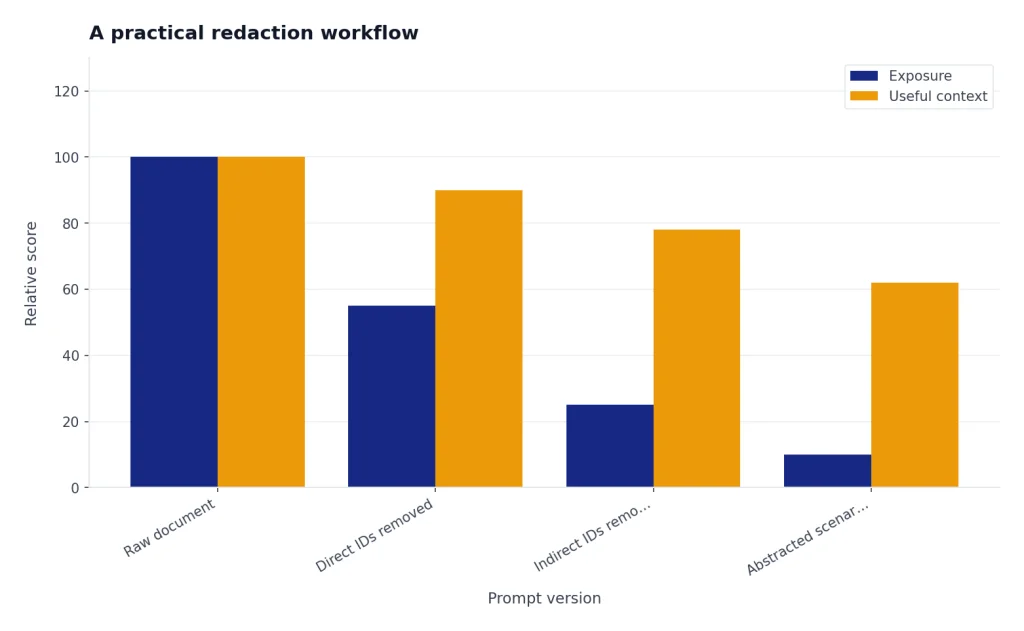
The safest way to use ChatGPT with personal material is to convert the original into a lower-risk version before you paste it. This keeps the useful structure while removing identifiers.
- Define the task. Decide what you need: a summary, rewrite, checklist, explanation, or comparison.
- Copy only the relevant passage. Do not upload an entire document if one paragraph is enough.
- Remove direct identifiers. Replace names, email addresses, phone numbers, addresses, record numbers, and account numbers with generic placeholders.
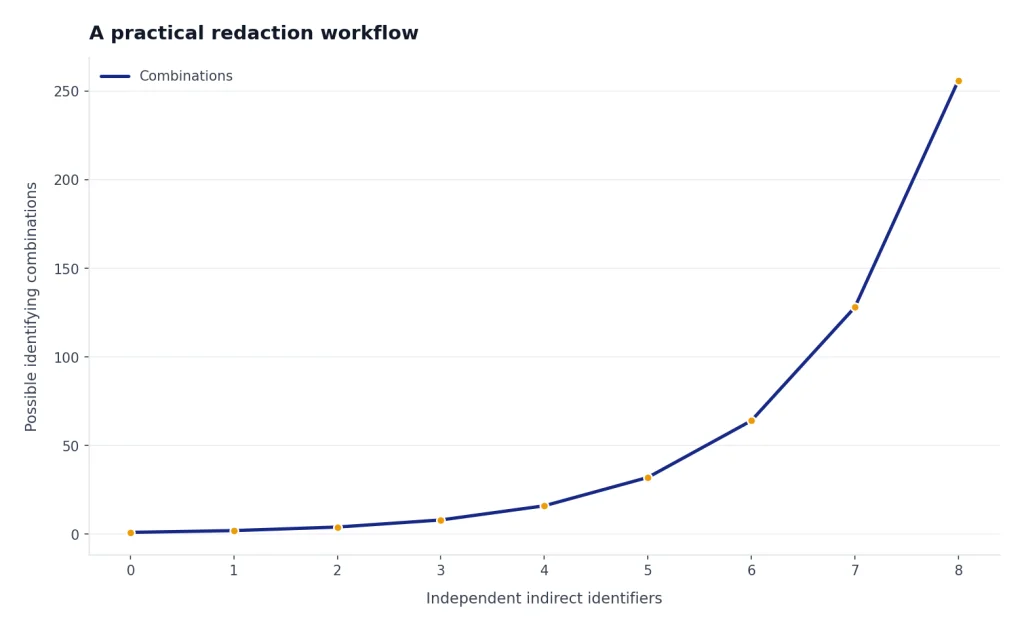
- Remove indirect identifiers. Delete unusual job titles, rare locations, dates, family relationships, or facts that could identify someone when combined.
- Separate secrets from context. Never include passwords, keys, codes, or credentials. ChatGPT does not need them to explain a problem.
- Use role-neutral labels. Replace “Jane Smith, CFO of Acme Medical Clinic” with “the finance lead at a small healthcare company.”
- Ask for a privacy-preserving output. Tell ChatGPT not to invent names, not to include identifiers, and not to reinsert sensitive facts.
- Review the answer before reuse. Make sure the output did not expose or infer details you meant to keep private.
Here is a safer prompt pattern:
I am going to paste a redacted workplace email. Please rewrite it in a calm, professional tone. Do not add names, dates, addresses, or identifying details. Keep the placeholders as written.
This works because ChatGPT usually needs the relationship between facts, not the real identifiers. If you are trying to understand a medical bill, it may need the categories and amounts, but it does not need your member ID. If you are drafting a complaint letter, it may need the timeline, but it does not need your home address until you send the final version outside ChatGPT.
For deeper background on how ChatGPT handles retained information, read our guides to whether ChatGPT saves your data, ChatGPT privacy concerns, and the ChatGPT privacy policy.
The verdict
ChatGPT is safe to use with personal data only when the data is low-risk, minimized, or redacted. It is not safe to use as a storage place for secrets, regulated records, authentication credentials, or confidential third-party information on a personal account.
A good standard is to ask whether you would paste the same information into a support ticket for a cloud software company. If the answer is no, do not paste it into ChatGPT either. If the answer is yes after removing identifiers, use the privacy controls first, keep the prompt narrow, and avoid shared links or third-party GPT actions unless you trust the destination.
The strongest privacy posture is a combination of behavior and settings: opt out of model improvement on personal accounts, use Temporary Chat when appropriate, delete chats you no longer need, review memory, avoid actions that send data to outside services, and redact before uploading files. For ordinary personal productivity, that is usually enough. For sensitive personal records or regulated work, use an approved business environment or do not use ChatGPT for that task.
Frequently asked questions
Is ChatGPT safe to use with my real name?
It depends on the task. Your real name is not always highly sensitive, but it becomes more sensitive when combined with health, legal, financial, employment, or location details. If ChatGPT does not need your name to answer, replace it with a placeholder.
Can I paste medical information into ChatGPT?
You should not paste identifiable medical records into a personal ChatGPT account. If you want help understanding general medical language, remove names, dates of birth, medical record numbers, insurance IDs, addresses, clinician names, and document images. For diagnosis or treatment decisions, use a qualified medical professional.
Does deleting a ChatGPT conversation erase it immediately?
No. OpenAI says deleted chats are removed from your account immediately and scheduled for permanent deletion from its systems within 30 days, subject to exceptions such as legal or security obligations.[3] Do not rely on deletion as a way to undo sharing highly sensitive information.
Is Temporary Chat private enough for sensitive data?
Temporary Chat is more private than a normal personal chat in some ways because OpenAI says it does not appear in history, does not create memories, and is not used to improve models.[4] But OpenAI also says it may keep a copy for up to 30 days for safety purposes.[4] Use it for lower-retention conversations, not for secrets you should never disclose.
Can my employer see what I type into ChatGPT?
If you use a personal account on a personal device, your employer generally would not have automatic access through ChatGPT itself. If you use a company device, company network, managed browser, enterprise workspace, or approved business account, workplace monitoring and admin policies may apply. Follow your employer’s AI and data-handling rules.
Are custom GPTs safe for personal information?
Use extra caution. OpenAI says GPT builders cannot view individual conversations, but GPTs with external APIs or apps may send relevant parts of your input to third-party services, and OpenAI says it does not audit or control how those services use or store that data.[7] Avoid entering sensitive data into GPTs with actions unless you understand and trust the external service.