

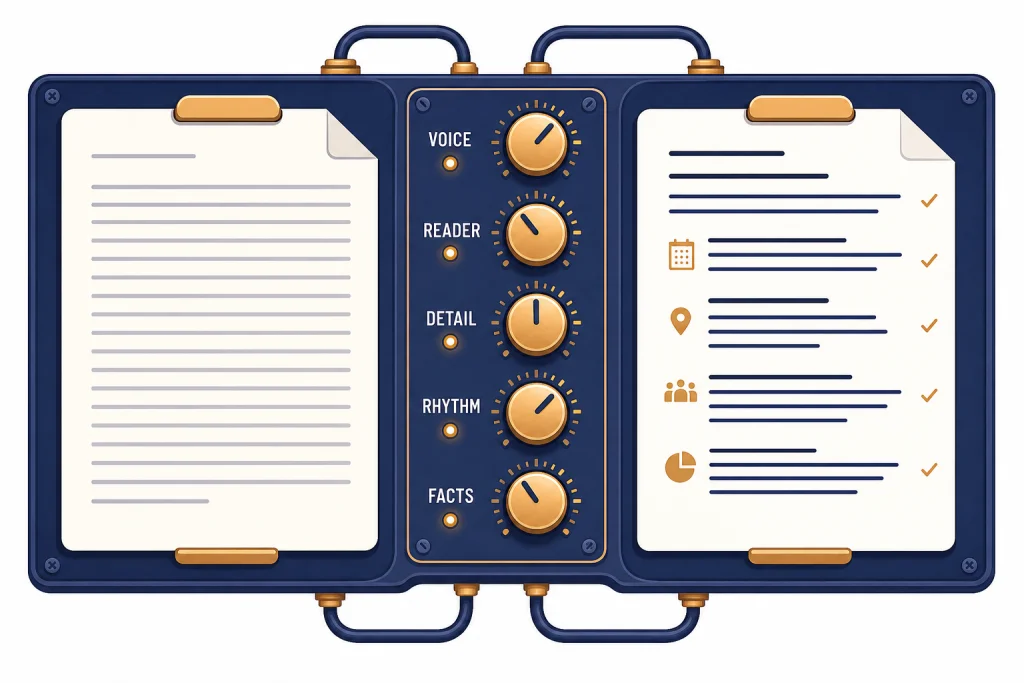
To make ChatGPT write like a human, stop asking for a “more human” tone and start giving it a writing brief. Define the reader, the purpose, the voice, the sentence rhythm, the level of detail, and the habits to avoid. Then revise in passes: first for structure, then for specificity, then for sound. ChatGPT can imitate a style much better when it sees a short sample, a clear goal, and concrete constraints. The best results come from treating ChatGPT like a draft partner, not a one-click ghostwriter. You still need to choose the ideas, supply missing details, check the facts, and edit the final copy so it sounds like you.
The quick prompt that works
If you only need a fast fix, use this prompt before asking ChatGPT to draft or rewrite anything:
Rewrite the text below so it sounds like a real person wrote it.

Keep the meaning. Use plain language. Vary sentence length. Remove generic AI phrasing, salesy transitions, exaggerated claims, and tidy summary sentences. Keep a natural rhythm. Write for [reader] who needs [purpose].

When the text is vague, do not invent facts. Either:
- ask me for the missing detail, or
- use a clear placeholder like [specific customer example needed] or [insert real metric].

Voice: [direct, warm, skeptical, practical, casual, expert, etc.]
Avoid: [phrases, tone, formatting, words, habits]
Keep: [terms, facts, examples, style choices]

Text:
[paste text]
This prompt works because it gives ChatGPT a job, a reader, a tone, and a cleanup list. It also blocks the biggest problem in “humanize this” prompts: invented color. If ChatGPT tries to make a draft more human by adding fake anecdotes, fake numbers, or fake certainty, the writing may sound warmer but become less accurate.
For a deeper walkthrough on tone alone, see our separate guide to making ChatGPT sound more human. This article focuses on the writing process: how to brief, draft, revise, and save a style that keeps working.
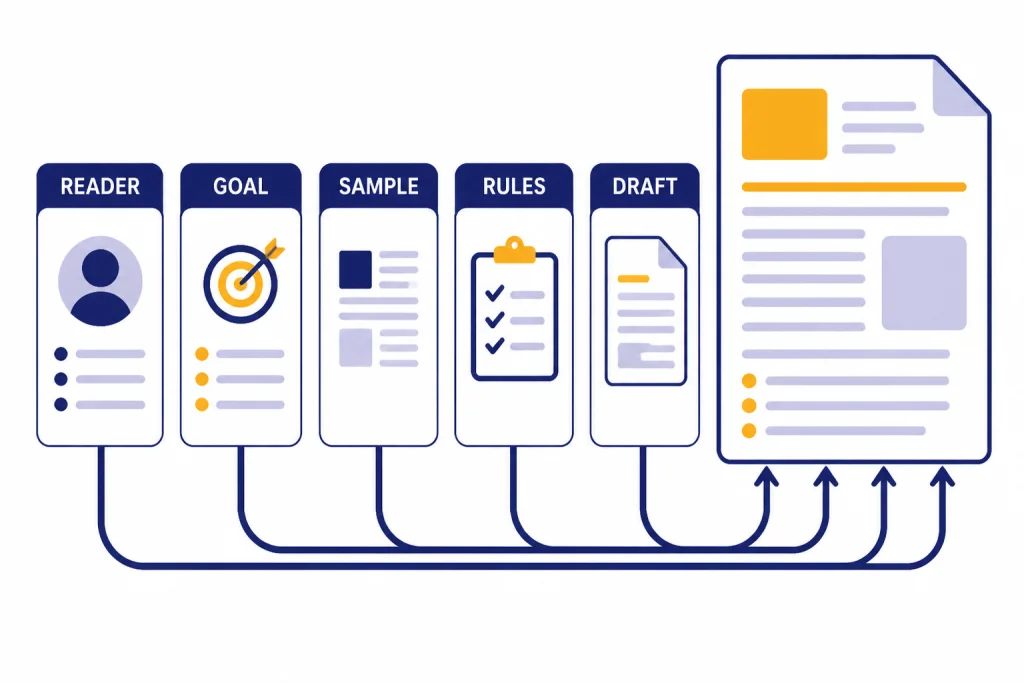
Give ChatGPT a real writing brief
Human writing usually has pressure behind it. It has a reader, a reason, a constraint, and a point of view. ChatGPT often sounds generic when the prompt leaves those things blank. The model fills the gap with safe, balanced, polished language. That language is readable, but it can feel anonymous.
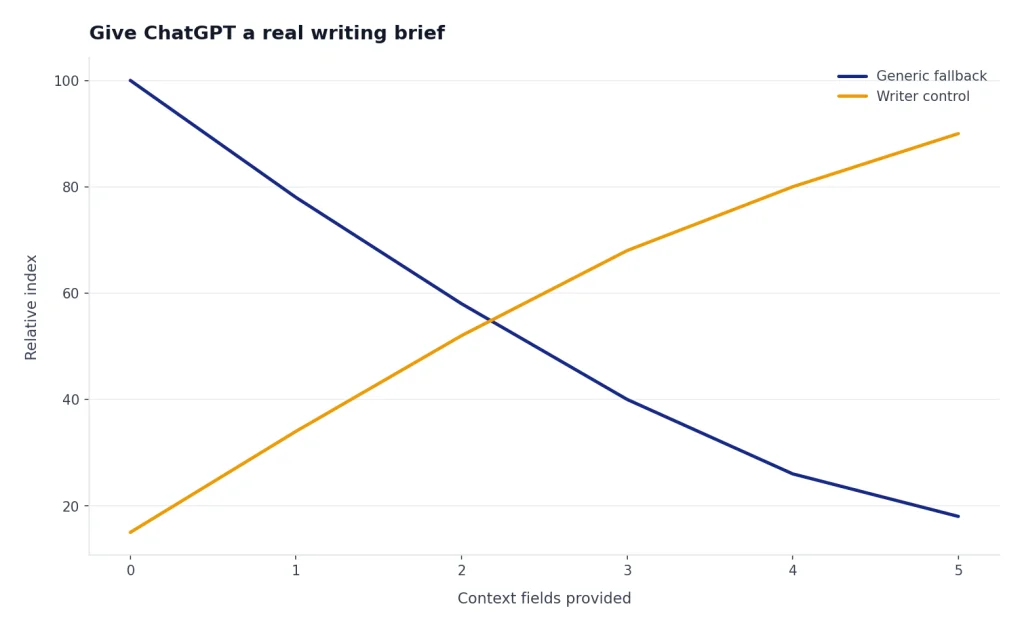
Start every important writing prompt with five pieces of context:
- Audience. Name who will read it and what they already know.
- Purpose. Say whether the text should explain, persuade, reassure, summarize, apologize, sell, or teach.
- Relationship. Tell ChatGPT whether the writer is a coworker, founder, teacher, student, support agent, journalist, parent, or friend.
- Constraints. Give the length, format, reading level, banned phrases, and must-include points.
- Point of view. Give the stance. “Balanced” is not always the right answer.
A weak prompt says, “Write a LinkedIn post about our new feature.” A better prompt says, “Write a 180-word LinkedIn post from a product lead to existing customers. The purpose is to explain why the new export button saves time. Use a plain, slightly dry voice. Do not use hype, emojis, hashtags, or the phrase ‘game changer.’ Mention that the feature came from customer requests.”
If you want ChatGPT to match your voice, include a short writing sample. A sample of 150 to 300 words is usually enough for a single draft. Use work that you actually wrote and are allowed to share. Then ask ChatGPT to extract style rules before it rewrites anything. That extra step makes the output more controllable.
Analyze the writing sample below. Do not rewrite it yet.

List 8 style rules that describe the voice, sentence rhythm, vocabulary, structure, humor level, and level of detail. Then use those rules to rewrite my draft.

Writing sample:
[paste sample]

Draft to rewrite:
[paste draft]
Here is the difference a brief can make. This is an illustrative example, not a measured test.
| Before: generic AI-style draft | After: briefed, more human rewrite |
|---|---|
| We are excited to announce a new export feature that will streamline your workflow and help teams be more productive. | We added the export button because customers kept copying rows out of the dashboard and cleaning them up in a spreadsheet. Now you can download the report in one step and move on to the part that actually needs your attention. |
| In today’s fast-paced environment, clear communication is essential for teams of all sizes. | If three people leave a meeting with three different next steps, the meeting did not work. The fix is not another tool. It is one owner, one deadline, and a written decision before everyone logs off. |
This is also where saved chats can help. If you develop a useful prompt chain, save it and reuse it. Our guide to saving a ChatGPT conversation explains the basic options.
Use human style signals
“Write like a human” is too broad. Human writers disagree, ramble, compress, over-explain, joke, hedge, and make judgment calls. You need to tell ChatGPT which human traits you want.
Use style signals instead of vague labels. A label like “conversational” can mean friendly, loose, funny, chatty, simple, or informal. A signal tells ChatGPT what to do on the page.
| Instead of saying | Tell ChatGPT to do this | Why it sounds more human |
|---|---|---|
| Make it conversational | Use contractions, direct address, and a few short sentences. | It creates speech-like rhythm without making the text sloppy. |
| Make it smarter | Add one concrete example and one caveat. | It shows judgment instead of vague expertise. |
| Make it less AI | Remove generic transitions, repeated sentence openings, and broad claims. | It cuts the patterns readers associate with machine-written prose. |
| Make it warmer | Acknowledge the reader’s likely concern in the first third. | It adds empathy without adding filler. |
| Make it concise | Cut any sentence that repeats a point already made. | It preserves pace and avoids padded explanations. |
Good human writing also has unevenness. That does not mean errors. It means variation. Ask for a mix of short and medium sentences. Ask for one paragraph that is only one sentence if the emphasis helps. Ask ChatGPT to avoid identical paragraph shapes. These small changes make a draft feel less templated.
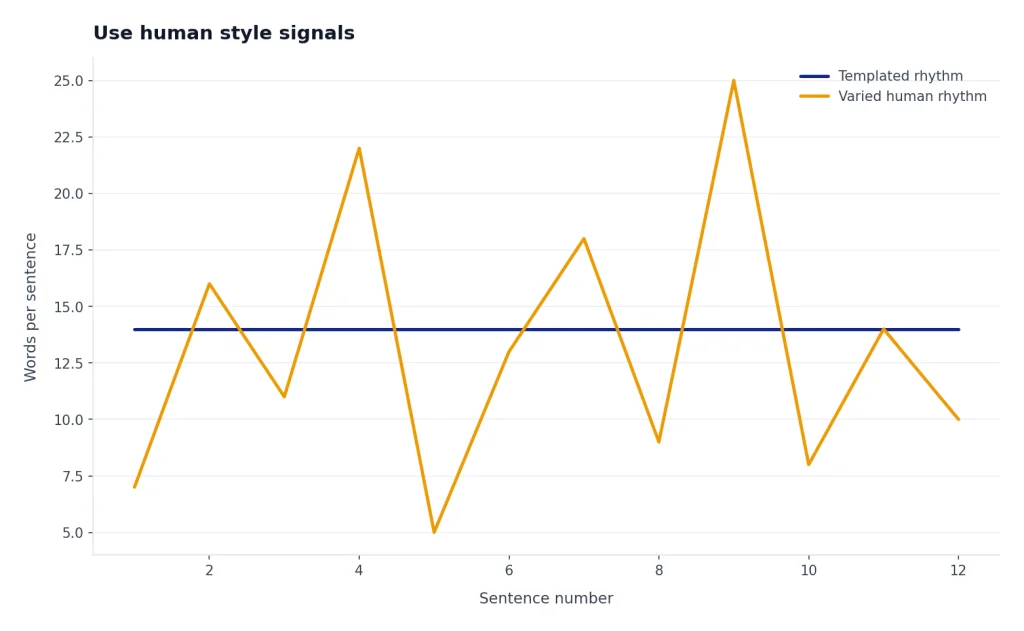
Specificity matters more than casual wording. A sentence like “This saves time” is flat. A sentence like “This removes the copy-paste step between the spreadsheet and the weekly report” feels written by someone who knows the work. When a draft feels generic, ask ChatGPT to mark every vague phrase and either suggest a replacement from the facts you supplied or ask you for the missing detail.
Try this small diagnostic prompt:
Mark every vague phrase in this draft.
For each one, tell me what real detail would make it stronger.
Do not add the detail yourself unless it already appears in the draft or notes.
Use placeholders where I need to supply facts.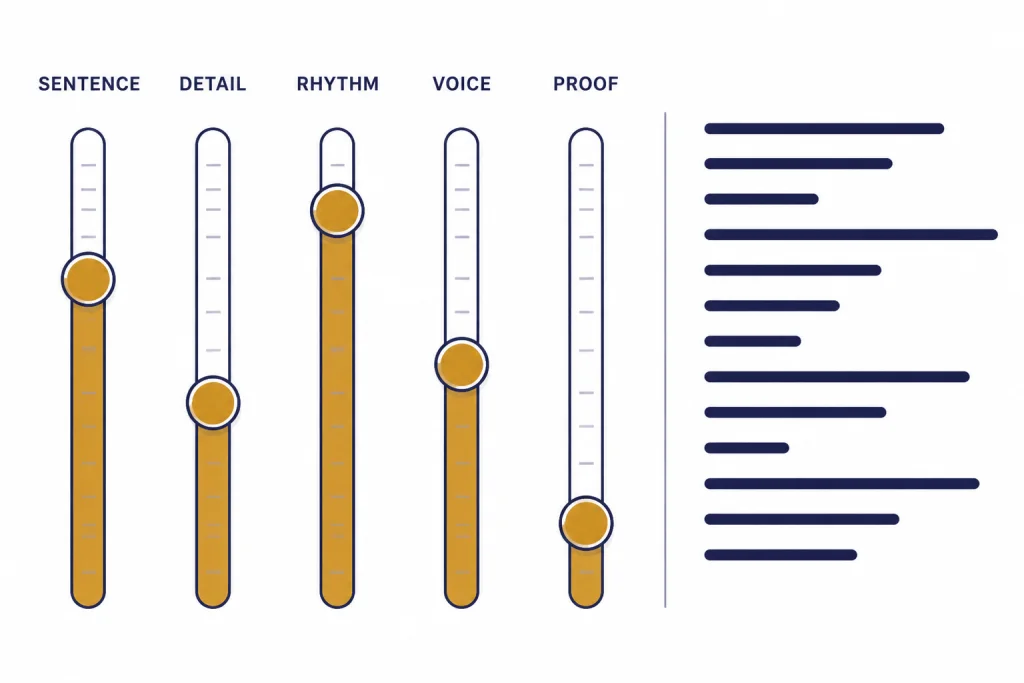
Remove AI-sounding habits
Many ChatGPT drafts sound artificial for the same reasons. They over-balance every claim. They use tidy setup phrases. They end with a neat recap. They choose broad nouns instead of concrete ones. They explain obvious stakes before giving useful information.
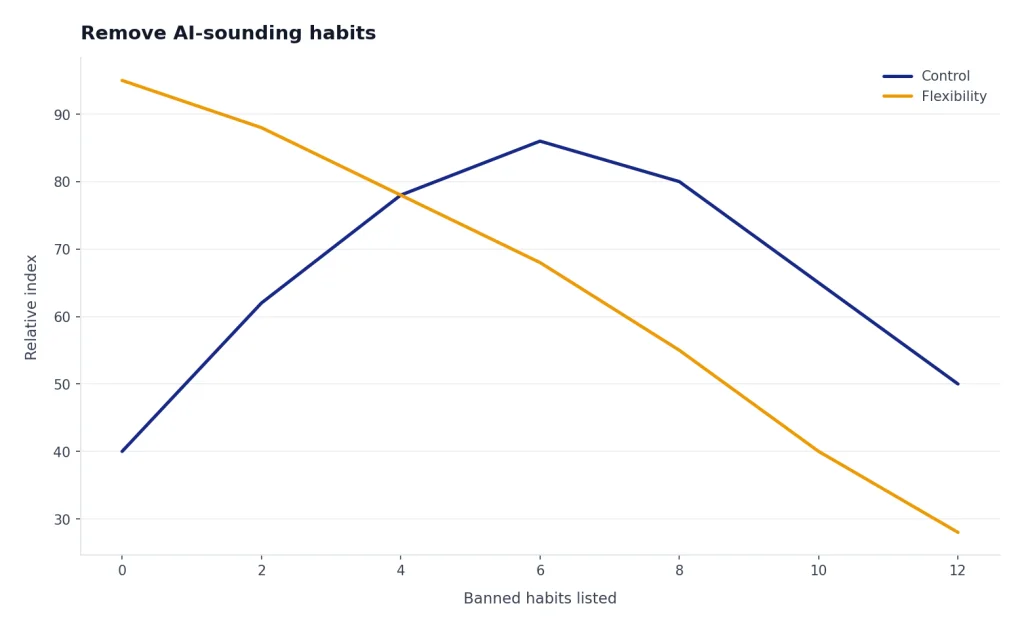
Use a banned-habits list. Do not make it too long. If you ban everything, ChatGPT may become stiff or evasive. Start with the habits that bother your readers most.
- Do not start with “In today’s world,” “In the digital age,” or “It’s important to note.”
- Do not use “delve,” “leverage,” “seamless,” “robust,” “unlock,” or “game changer” unless they are necessary technical terms.
- Do not end with a moral, slogan, or summary sentence unless I ask for one.
- Do not use three-item adjective strings like “simple, powerful, and effective.”
- Do not explain both sides if the piece needs a clear recommendation.
- Do not add fake personal experience, fake quotes, or invented numbers.
Then add positive rules. A negative-only prompt tells ChatGPT what not to do, but not what to do instead. Try: “Replace generic transitions with cause-and-effect transitions. Use examples from the material I provided. If a sentence sounds like a brochure, rewrite it like a support note.”
Here is an illustrative business email rewrite using those rules:
| AI-sounding email | More human email |
|---|---|
| Dear valued customer, we sincerely apologize for any inconvenience caused by the delay. We are working diligently to resolve the issue and appreciate your patience. | Hi Maya — your order is running late, and I’m sorry we did not flag it sooner. The warehouse team has it queued for shipment now. I’ll send the tracking link as soon as it posts instead of making you check back. |
The second version is not “less professional.” It is more accountable. It names the problem, removes the canned apology, and tells the reader what will happen next. If you do not know the customer name, order status, or next step, use placeholders and ask for the missing facts before sending.
Be careful with AI detector goals. Trying to “bypass” a detector is the wrong target for most legitimate writing. The better target is authorship quality: accurate, specific, edited, and aligned with your voice. Research on AI-text detection has found serious limits, including false positives, false negatives, and weak evidence for misconduct decisions. One academic study tested 12 public tools plus 2 commercial systems and concluded that the tested systems should not be used as evidence of academic misconduct by themselves.[5]
If you are using ChatGPT for school, journalism, client work, or regulated content, follow the disclosure rules for that setting. If you need citation help for academic writing, start with MLA citation guidance or Chicago style citation guidance, depending on your assignment.
Revise in passes
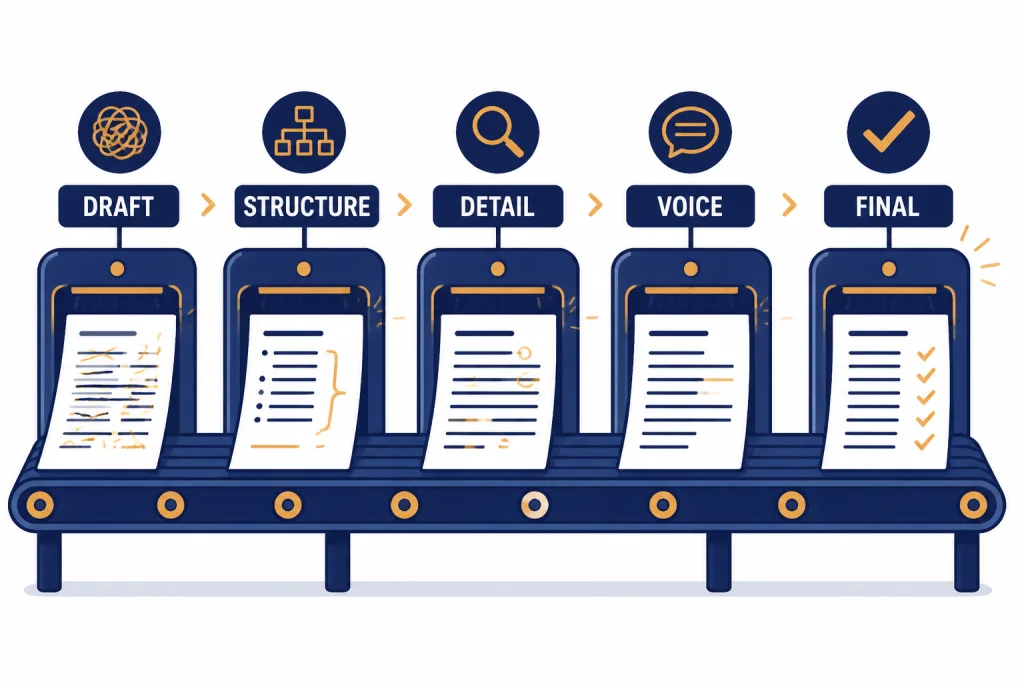
A single prompt can produce a decent draft. It rarely produces the best final version. Human writers revise in layers, and ChatGPT performs better when you ask it to do the same. Do not ask it to fix structure, tone, accuracy, rhythm, and length all at once.
Use this sequence:
- Structure pass. Ask whether the order makes sense and whether anything should move.
- Clarity pass. Ask it to find sentences a busy reader might reread.
- Specificity pass. Ask it to flag vague claims and request missing details from you.
- Voice pass. Ask it to match your sample and banned-habits list.
- Read-aloud pass. Ask it to smooth rhythm without changing meaning.
- Fact pass. Ask it to list every factual claim that needs verification.
The “request missing details” step is important. ChatGPT should not fill gaps with confident guesses. For example, if a draft says a product update “improves workflow,” ask ChatGPT to respond with questions: Which workflow? Who uses it? What step changed? What problem did it remove? Then answer those questions yourself and ask for a revision.
For long drafts, use a document workflow instead of pasting the whole thing repeatedly. ChatGPT canvas is designed for writing and coding projects that need editing and revisions, and OpenAI says you can highlight specific sections to focus ChatGPT’s feedback on that part of the work.[3] Our ChatGPT canvas tutorial covers that workflow in more detail.
When the final version is close, stop asking for broad rewrites. Broad rewrites often reintroduce generic phrasing. Ask for surgical changes: “Rewrite only paragraph 3,” “Give me 5 alternate openings,” or “Cut 40 words without changing the examples.”
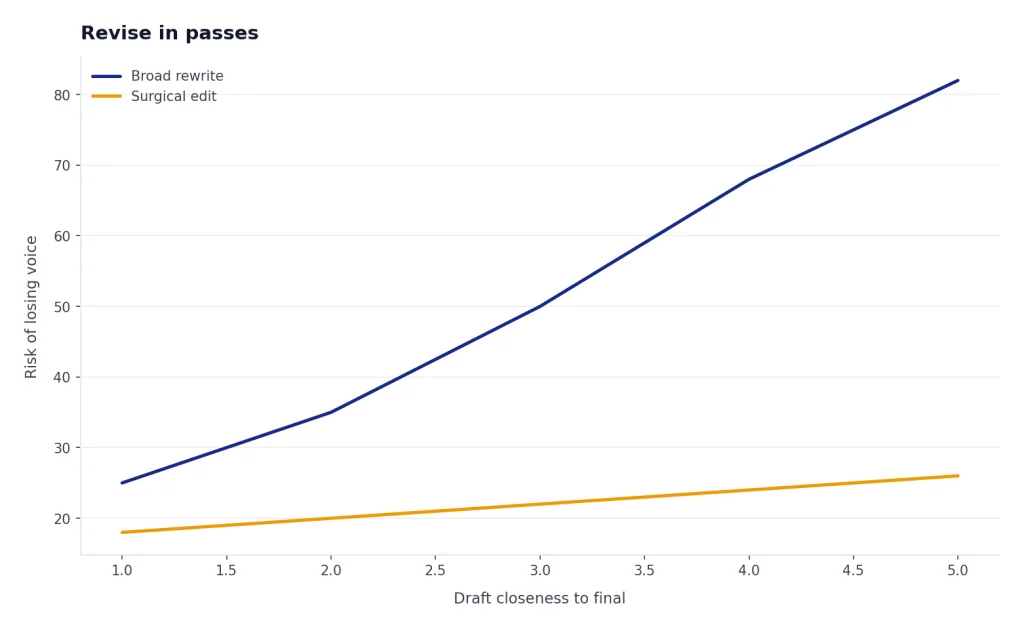
Here is an article-intro example that shows why “revise in passes” beats “make it better.”
| Original intro | Surgical rewrite |
|---|---|
| In today’s competitive landscape, remote teams need effective communication strategies to succeed. This article explores best practices that can help teams collaborate more efficiently. | Remote teams usually do not fail because nobody talked. They fail because the decision lived in a meeting, the deadline lived in someone’s head, and the next step was buried in chat. Start by fixing those three places. |
The rewrite does three specific things: it cuts the throat-clearing, replaces broad nouns with situations a reader recognizes, and gives the piece a point of view. It does not invent a statistic or pretend to cite a study.
Use the right ChatGPT feature
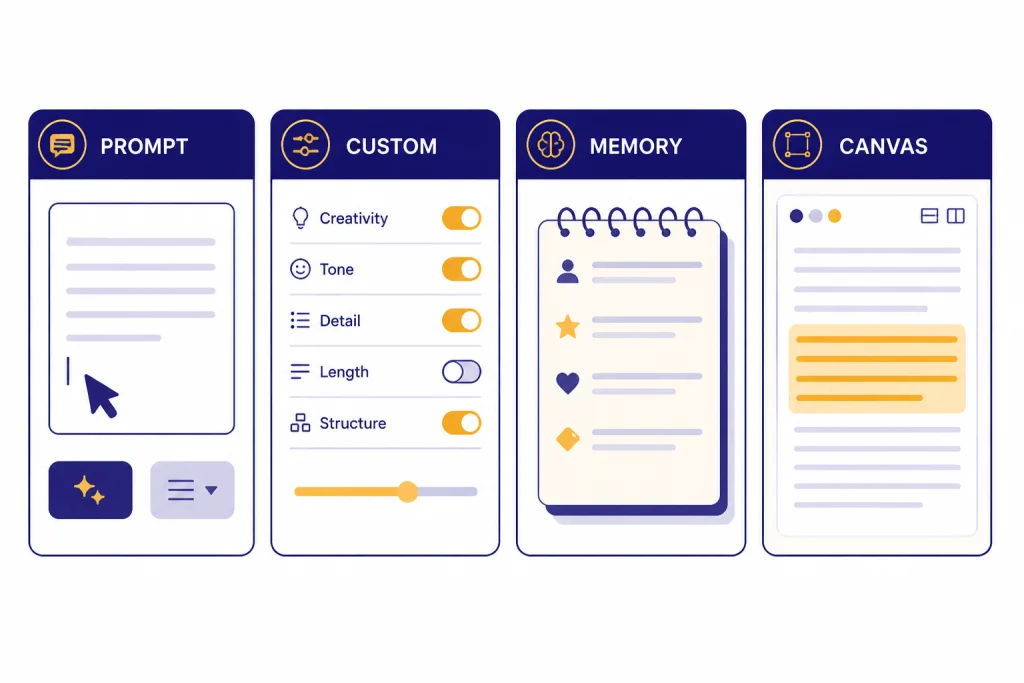
You can make ChatGPT write more naturally with an ordinary prompt, but some built-in features reduce repetition. Use them for different jobs.
Last checked: May 2026. ChatGPT product availability, limits, memory behavior, and canvas support can change. Treat the table below as a practical snapshot, and check your account settings if a feature appears in a different place or behaves differently.
| Method | Best for | Use it when | Watch out for |
|---|---|---|---|
| One-off prompt | Single emails, posts, rewrites, and summaries | You need fast control for one piece. | You must restate your style rules each time. |
| Custom instructions | Default voice and formatting preferences | You want ChatGPT to consider the same preferences across chats. | Keep instructions concise and current; OpenAI documents character limits for custom-instruction fields.[1] |
| Memory | Stable personal preferences | You want ChatGPT to remember broad style preferences between chats. | OpenAI says memory is intended for high-level preferences and can be managed or turned off in settings.[2] |
| Canvas | Longer drafts and iterative editing | You need to revise sections, compare versions, or work in a document-like space. | Platform support and entry points can change; check the current help page or your ChatGPT interface.[3] |
Custom instructions are useful for standing preferences such as “Use American English,” “Avoid hype,” or “Ask clarifying questions before drafting when the brief is incomplete.” OpenAI’s help article explains how custom instructions work and where to manage them.[1] If you often write on your phone, see our guide to using ChatGPT on iPhone or using ChatGPT on Android.
Memory is better for broad preferences than exact wording. You might tell ChatGPT, “Remember that I prefer concise, direct writing with concrete examples and no sales language.” Do not use memory as a storage place for confidential style guides, client materials, or long templates. OpenAI says saved memories are part of the context ChatGPT uses to generate responses and can be deleted or turned off in settings.[2]
Also check your data settings before pasting sensitive writing samples. OpenAI’s Data Controls FAQ says signed-in users can turn off “Improve the model for everyone,” and that conversations will still appear in chat history but will not be used to train ChatGPT after the setting is off.[4] The same FAQ says Temporary Chats are deleted from OpenAI systems after 30 days, are not used to train models, are not saved in history, and do not create memories.[4]
Reusable prompt template
Use this template when you want a reliable draft, not just a smoother rewrite. Fill in the brackets. Delete any line that does not apply.
You are helping me write in my natural voice.

Goal: [what this piece must accomplish]
Reader: [who will read it]
Reader context: [what they know, care about, or misunderstand]
Format: [email, article section, script, memo, post, message]
Length: [target length]
Voice: [plain, direct, warm, dry, expert, casual, etc.]
Point of view: [my stance]
Must include: [facts, examples, links, terms]
Must avoid: [phrases, claims, tone, structure]

Style sample:
[paste a short sample you wrote]

Before drafting:
1. Extract the style rules from my sample.
2. Ask up to 5 questions if you need missing facts.
3. Do not invent details. Use placeholders for missing specifics.

Then draft the piece. After the draft, list the 5 edits you made to make it sound more human.
For rewrites, add this line: “Preserve my meaning and facts. Improve only structure, clarity, rhythm, specificity, and voice.” That prevents ChatGPT from turning a practical edit into a new argument.
For creative work, add boundaries. You can ask for more surprise, sharper imagery, or less symmetry, but define the genre and the narrator’s relationship to the subject. “Make it vivid” is weaker than “Use concrete sensory details from a tired parent’s point of view, but keep the language restrained.”
For business writing, include the consequence of the message. A refund apology, a launch note, and a cold outreach email may all need plain language, but the emotional burden is different. Tell ChatGPT what the reader may feel before they read the message.
For social posts, give ChatGPT the platform and the reason someone would stop scrolling. Then ban the most predictable filler. Here is an illustrative rewrite:
| Generic social post | More human social post |
|---|---|
| We’re thrilled to share our latest guide to better team productivity. Check it out to unlock practical strategies and take your workflow to the next level. | Most productivity advice starts too late. By the time a task is “urgent,” the damage was usually done in the handoff. I wrote a short guide on cleaner handoffs: what changed, who owns it, and where the decision lives. |
The stronger version names a specific problem and gives the post a reason to exist. It also avoids the usual launch-post words: thrilled, unlock, practical strategies, and next level.
Mistakes to avoid
The first mistake is asking ChatGPT to imitate a famous living writer. That can produce awkward pastiche, and it may not fit your audience. Ask for traits instead: clipped sentences, dry humor, concrete verbs, fewer abstractions, or a skeptical tone.
The second mistake is over-prompting. A long style guide can confuse the model if it contains conflicting rules. Keep your active instructions short. Put the most important rules first. If you use custom instructions, remember that OpenAI documents field limits and may update them over time.[1]
The third mistake is accepting the first fluent draft. Fluency is not the same as voice. A polished paragraph can still be vague, padded, or wrong. Read the output aloud. Highlight any sentence you would never say. Ask ChatGPT for alternatives, then choose the one that fits.
The fourth mistake is removing all personality in the name of clarity. Human writing can have a point of view. It can include a blunt sentence, a small aside, or a concrete annoyance. Do not ask ChatGPT to sand off every edge.
The fifth mistake is using ChatGPT when you should write the first draft yourself. If the piece depends on grief, apology, testimony, legal risk, medical detail, or a personal relationship, write the raw version first. Then use ChatGPT to improve clarity without replacing your judgment.
The sixth mistake is asking for “more detail” without giving the detail. That is how fake anecdotes, fake customer situations, and fake metrics sneak in. Ask ChatGPT to label gaps instead: [real example needed], [verify date], [customer quote if approved], or [insert actual result].
If you develop a prompt that works well, export or save it. You can use our guides to exporting ChatGPT data, saving chats as PDF, or sharing a ChatGPT conversation when you need a record of the process.
Frequently asked questions
What is the best prompt to make ChatGPT write like a human?
The best prompt gives ChatGPT a reader, purpose, voice, sample, and banned-habits list. Do not just say “make it human.” Say what kind of human voice you want, what the draft must not do, and whether ChatGPT should ask for missing facts before drafting.
Can ChatGPT copy my personal writing style?
ChatGPT can approximate your style when you provide a sample and ask it to extract style rules. It works better with traits than with vague labels. You should still edit the final draft because style matching is never perfect.
Should I use custom instructions for writing style?
Yes, use custom instructions for standing preferences such as tone, formatting, and words to avoid. Keep them short and practical. Use the prompt itself for details that change from one piece to the next.
Does making ChatGPT sound human help avoid AI detectors?
Do not treat detector avoidance as the goal. AI detectors can be inconsistent, and detection scores are not a reliable measure of writing quality. Focus on accurate, specific, disclosed work that follows the rules of your school, client, publication, or workplace.
Why does ChatGPT keep sounding generic?
It usually sounds generic because the prompt is missing the reader, stakes, examples, or point of view. Add concrete details and ask ChatGPT to flag vague claims before rewriting. Generic input often produces generic output.
Is canvas better for human-sounding writing?
Canvas is better for longer drafts because you can revise sections instead of regenerating the whole piece. That helps preserve good paragraphs while improving weak ones. For a short email or message, a normal chat prompt is usually enough.