

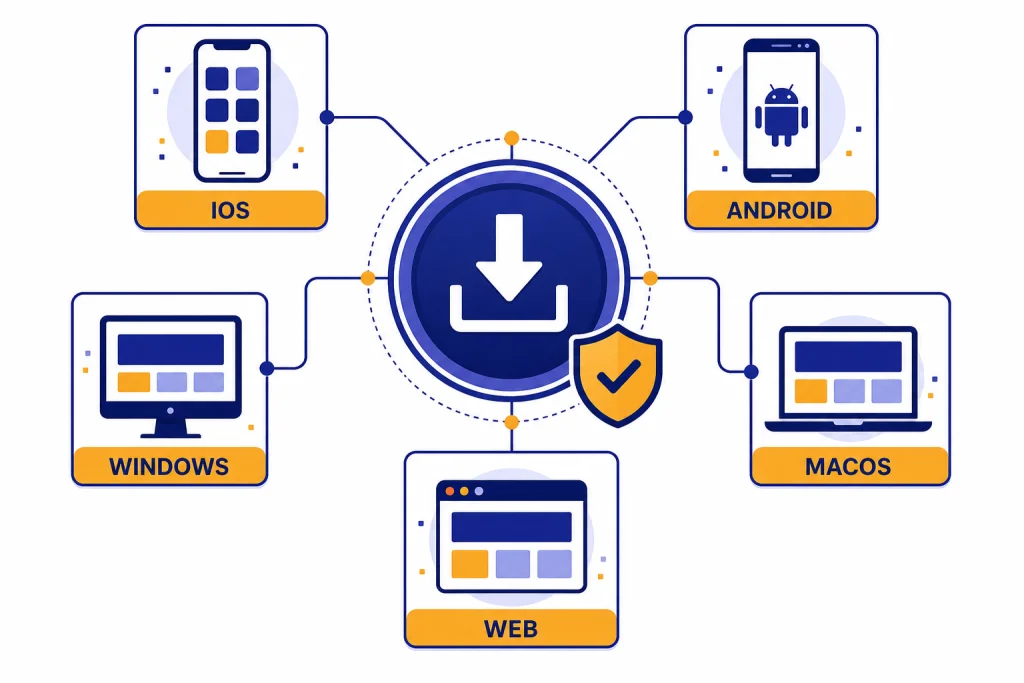
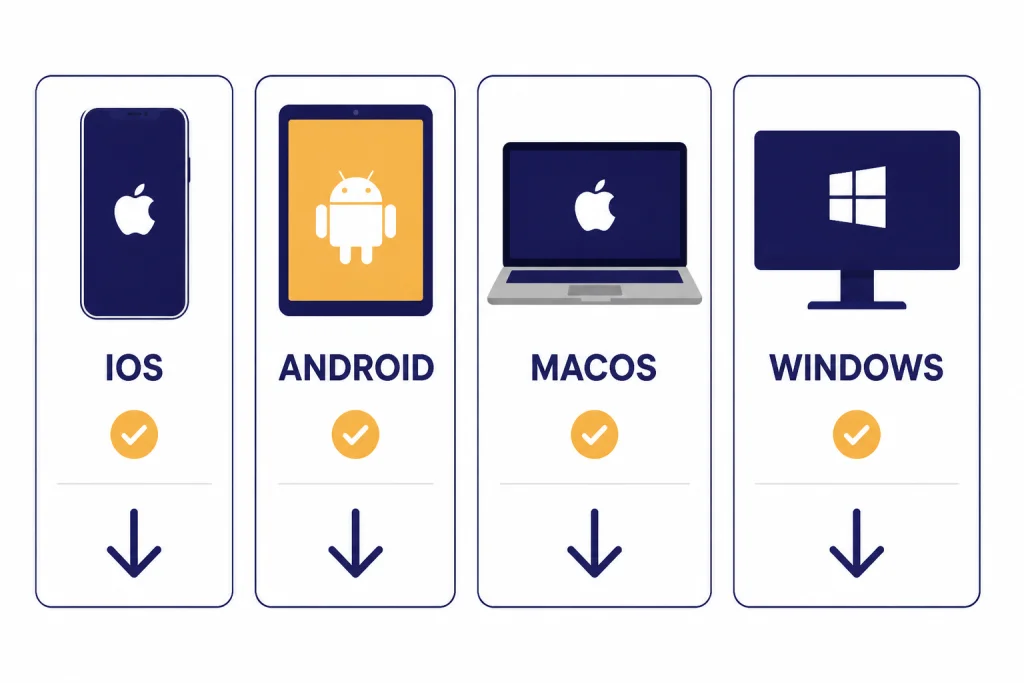
To download the ChatGPT app safely, use OpenAI’s official download page, the Apple App Store, Google Play, the Microsoft Store, or the macOS desktop download linked by OpenAI. The safest rule is simple: check that the app is published by OpenAI before you install it. iPhone and iPad users should use the App Store. Android users should use Google Play. Mac users need a supported Apple Silicon Mac. Windows users should install from the Microsoft Store. If your device is unsupported, blocked by work or school policy, or missing an app store, use ChatGPT in a browser instead.
Official ChatGPT download options
The official ChatGPT app is available for mobile and desktop, but the right download path depends on your device. OpenAI’s download page lists mobile downloads for iOS and Android and desktop downloads for macOS and Windows.[1] Start there if you are unsure which store or installer to trust.
The table below gives the practical version of this guide. If you want a deeper platform-specific walkthrough later, use our guides to ChatGPT on iPhone, ChatGPT on Android, ChatGPT on Mac, and ChatGPT on Windows.
| Device | Best download source | Main requirement | Use the web version when |
|---|---|---|---|
| iPhone or iPad | Apple App Store | The App Store listing identifies ChatGPT as the official app by OpenAI and supports iPhone and iPad.[3] | The App Store is unavailable in your region or managed by an organization. |
| Android phone or tablet | Google Play | OpenAI says the Android app requires an Android device with Google Play running Android 7.0 or newer.[5] | Your device does not have Google Play or your store account cannot access the listing. |
| Mac | OpenAI desktop download | OpenAI lists macOS 14 and Apple Silicon, M1 or better, as requirements for the macOS app.[7] | You have an Intel Mac, an older macOS version, or a managed computer. |
| Windows PC | Microsoft Store | OpenAI lists Windows 10, x64 or arm64, version 17763.0 or higher as the Windows app requirement.[8] | Your work or school blocks Microsoft Store installs. |
| Chromebook or Linux | Browser | OpenAI’s download page lists iOS, Android, macOS, and Windows, not native Chromebook or Linux apps.[1] | Use ChatGPT in your browser. |
Before you install the app
Check the basics before you tap Install. This prevents most failed downloads and keeps you away from look-alike apps.
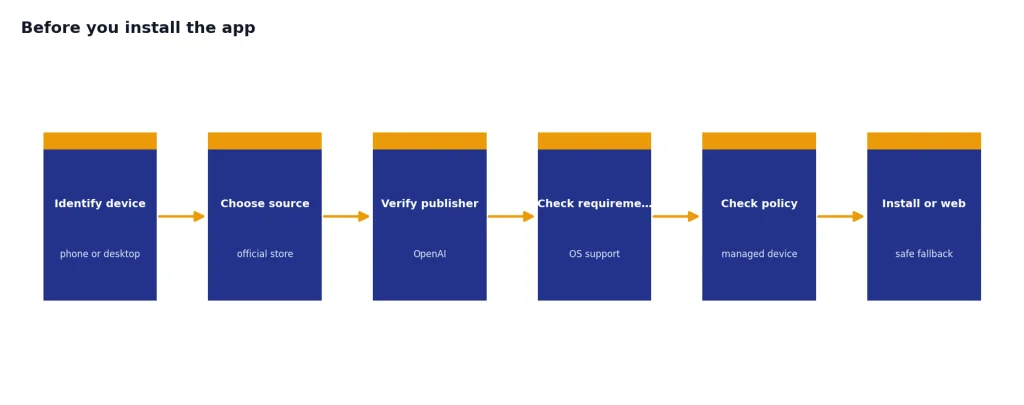
- Confirm your device type. The mobile apps are separate from the desktop apps. Do not install a random third-party wrapper because it appears first in search results.
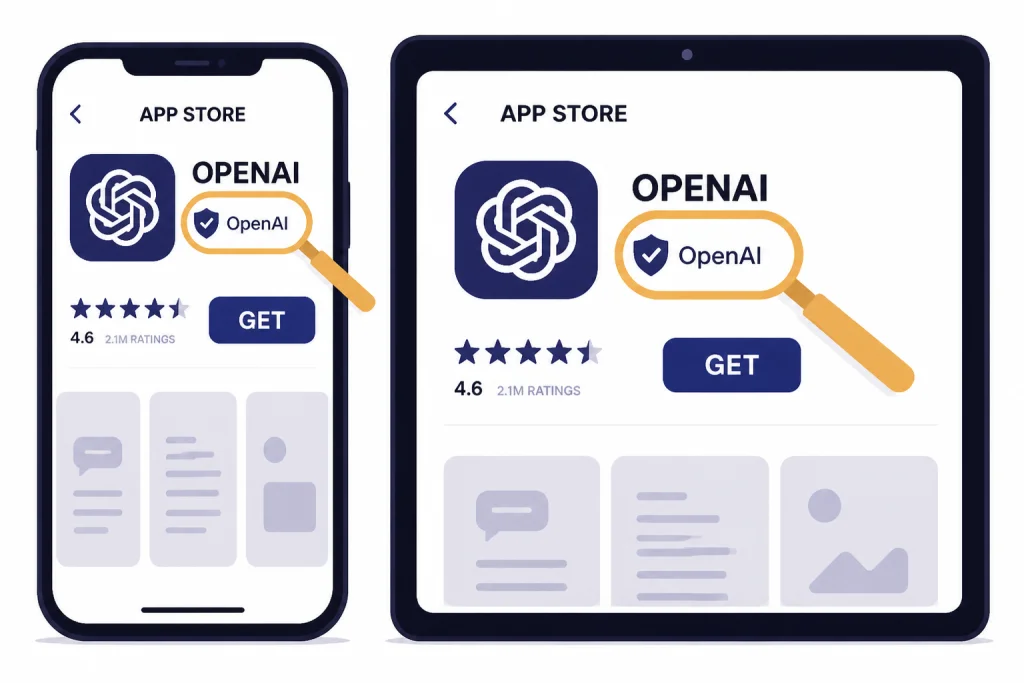
- Check the publisher. On Android, OpenAI tells users to search for “openai chatgpt” and make sure the official app is published by OpenAI.[6] On iPhone and iPad, the App Store listing identifies ChatGPT as the official app by OpenAI.[3]
- Use a supported country or region. OpenAI maintains a list of countries, regions, and territories where ChatGPT access is supported on web and mobile.[9]
- Use the same account across devices. The iOS FAQ says users can access their subscription on another Apple device by logging in with the same OpenAI account that made the original purchase.[2] The same general habit helps keep chats and settings consistent.
- Expect work and school controls. OpenAI notes that app access can depend on company IT policies, and Windows access follows Microsoft Store policies set by an IT administrator.[1][8]
If you still need an account, read how to sign up for ChatGPT first. If you already have an account but cannot get in, use how to log in to ChatGPT before reinstalling the app.
How to download ChatGPT on iPhone and iPad
Use the Apple App Store for iPhone and iPad. OpenAI’s iOS FAQ directs users to download the official ChatGPT iOS app in the App Store.[2] The App Store listing also describes ChatGPT as the official app by OpenAI and says it works on iPhone and iPad.[3]
Install steps for iPhone and iPad
- Open the App Store on your iPhone or iPad.
- Search for ChatGPT.
- Open the listing that says it is the official app by OpenAI.
- Tap Get or the cloud download icon.
- Authenticate with Face ID, Touch ID, or your Apple ID password if prompted.
- Open the app and sign in with your OpenAI account, Apple account, Google account, Microsoft account, or another option shown on your screen.
After you install the iOS app, your past conversations are available from the app’s history area. OpenAI’s iOS FAQ says you can access conversation history from the menu and use search to find words or conversations.[2] If saving chats matters to you, bookmark our guide on how to save a ChatGPT conversation.
If you subscribed through Apple and the app does not recognize the subscription, use the iOS app’s Restore purchases option under Settings and Account. OpenAI documents that option for users who subscribed through the Apple App Store.[2]
How to download ChatGPT on Android
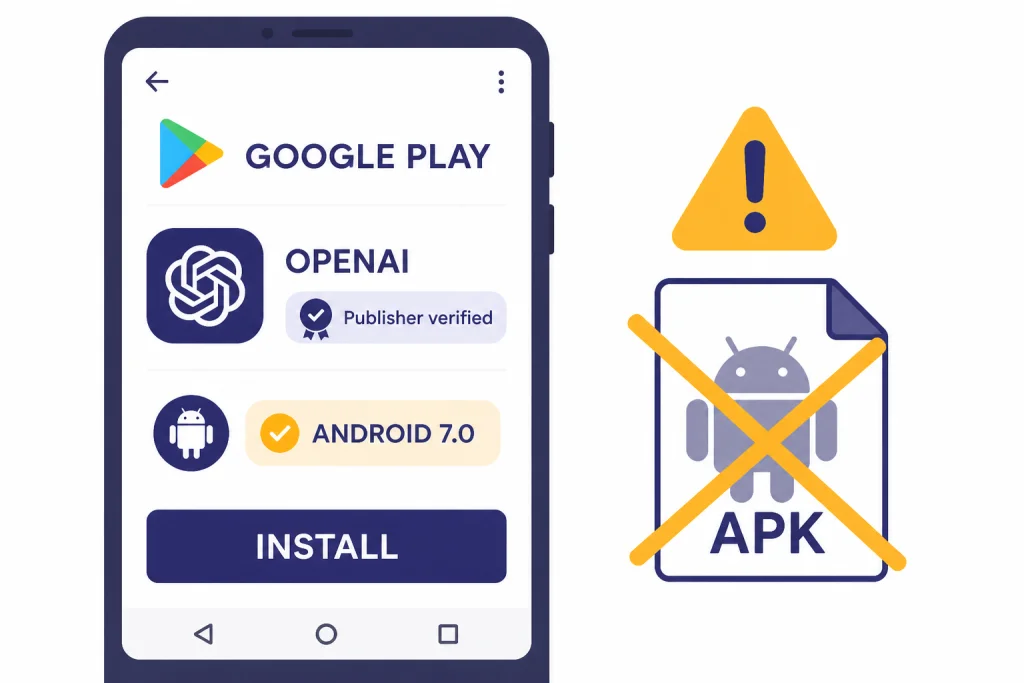
Use Google Play for Android. OpenAI says users can download and install the ChatGPT Android app from the Google Play Store.[4] OpenAI also says the minimum requirement is an Android device with Google Play running Android 7.0 or newer.[5]
Install steps for Android
- Open Google Play on your Android phone or tablet.
- Search for openai chatgpt.
- Select the app published by OpenAI.
- Tap Install.
- Open the app after installation finishes.
- Sign in with the same account you use on the web or another device.
Do not sideload an APK just because Google Play is not available. OpenAI’s Android guidance points users to Google Play, and its Android FAQ tells users to ensure they are downloading the official app published by OpenAI.[4][6] If your Android device does not have Google Play, the browser version is the safer fallback.
Android login issues sometimes come from the browser layer. OpenAI’s Android FAQ says the app attempts to log in with Chrome or Brave if they are installed and recommends Google Chrome as the default browser to resolve a number of common login issues.[6] If you need Android-specific setup help after installing, read how to use ChatGPT on Android.
How to download ChatGPT on Mac and Windows
The desktop apps are useful when you want ChatGPT close to the work you are doing on your computer. OpenAI’s desktop page says the desktop app can chat about email, screenshots, files, and content on your screen.[10] The same page lists downloads for macOS and Windows.[10]
Install steps for Mac
- Open OpenAI’s ChatGPT download page or desktop page.
- Choose the macOS download.
- Open the downloaded installer.
- Move the app to your Applications folder if your Mac prompts you.
- Open ChatGPT and sign in.
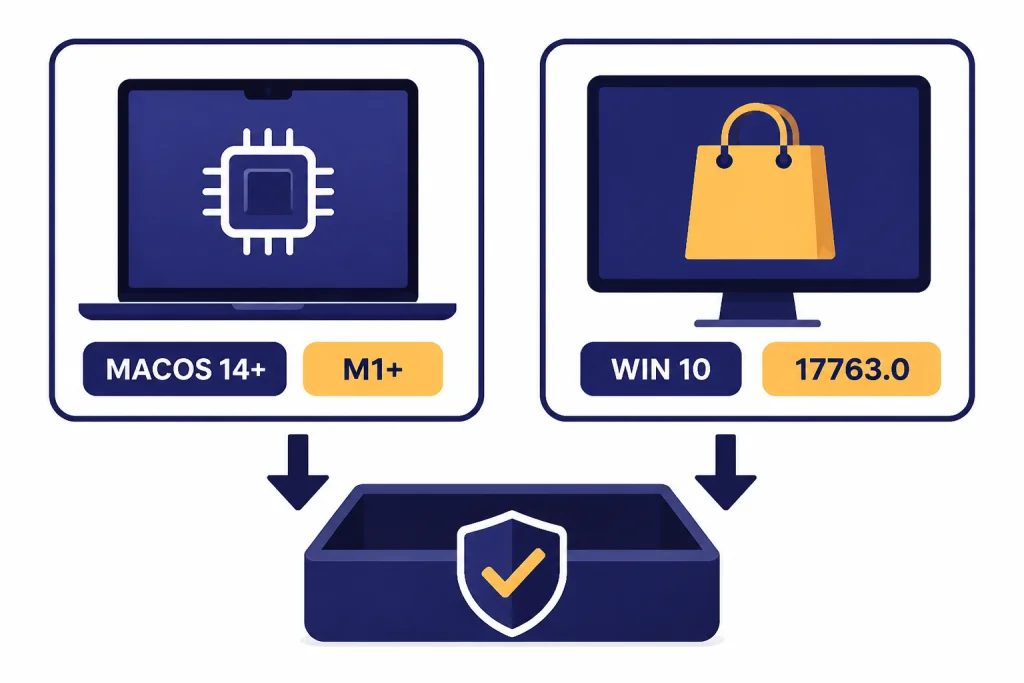
Check your Mac before you download. OpenAI lists macOS 14 and Apple Silicon, M1 or better, as the macOS app requirements.[7] If you have an Intel Mac or an older macOS release, use ChatGPT in your browser instead.
The macOS app also includes a quick launcher. OpenAI says the default Mac shortcut for the Chat Bar is Option plus Space.[7] If you want a full setup guide, use how to use ChatGPT on Mac.
Install steps for Windows
- Open OpenAI’s ChatGPT download page or desktop page.
- Choose the Windows download.
- Complete installation through the Microsoft Store.
- Open ChatGPT from the Start menu.
- Sign in with your OpenAI account.
OpenAI lists the Windows app requirement as Windows 10, x64 or arm64, version 17763.0 or higher.[8] OpenAI’s Windows app article also says the app is distributed through the Microsoft Store, and that access can follow policies set by an IT administrator.[8] If the Store is blocked, ask your organization’s IT team or use the browser version.
The Windows app includes a companion window. OpenAI says the companion chat opens with Alt plus Space when the app is open, unless that shortcut is already registered by another Windows application.[8] For more detail, see our ChatGPT Windows app guide.
What to do on Chromebook, Linux, and unsupported devices
Use ChatGPT in a browser if there is no native app for your device. OpenAI’s download page lists iOS, Android, macOS, and Windows as app options.[1] It does not list native Chromebook or Linux apps on that page.[1]
A browser is also the right choice when your device is too old, your workplace blocks app installation, or your app store account cannot access the listing. You still get the core ChatGPT experience without installing anything. If that is the route you want, read how to use ChatGPT without logging in for the limits of no-login access, or how to use ChatGPT offline for a reality check on offline use.
Be careful with “desktop app” downloads from unrelated websites. A web shortcut can be convenient, but it is not the same thing as an official app. If you make a browser shortcut, create it from your own browser after visiting ChatGPT yourself.
How to avoid fake ChatGPT apps
The safest download habit is to verify the publisher before you install. OpenAI’s Android FAQ explicitly tells users to make sure they download the app published by OpenAI.[6] The Apple App Store listing identifies ChatGPT as the official app by OpenAI.[3]
Use this quick authenticity checklist
- Publisher: The listing should identify OpenAI as the app publisher or developer.
- Source: Use the App Store, Google Play, Microsoft Store, or OpenAI’s own download page.
- Name: Look for ChatGPT, not a vague name that only says AI chatbot or GPT assistant.
- Payment pressure: Be cautious if an app demands payment before you can confirm it is official.
- Permissions: Treat excessive permissions as a warning sign, especially if the app is not from OpenAI.
- Downloads from websites: Avoid installers, APKs, and browser extensions from unrelated sites.
If you are comparing official and unofficial options, read our best ChatGPT app guide. The short answer for most people is still to use the official app or the browser.
What to do after installing ChatGPT
After installation, sign in and check that your history, subscription, and settings look right. OpenAI’s iOS FAQ says users can access conversation history in the app and search for specific words or conversations.[2] OpenAI’s Android FAQ also says users can open the sidebar to see past chats and use search to find words or conversations.[6]
Next, decide how you want to use the app. If you want hands-free conversations, start with ChatGPT voice mode. If you want to work with pictures, use how to upload images to ChatGPT. If you need records for school or work, use how to export your ChatGPT data or how to save ChatGPT conversations as PDF.
Also review your data controls on each device. OpenAI’s iOS FAQ says Chat History and Training settings do not sync across browsers, applications, or devices, so you must disable them separately where you use ChatGPT.[2] That is easy to miss when you install the app after using ChatGPT only on the web.
Troubleshooting common download problems
The app does not appear in the store
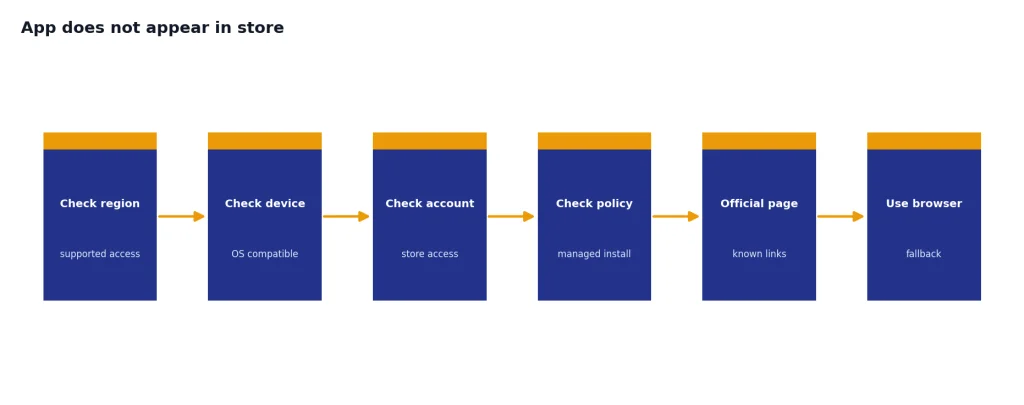
Check your country or region first. OpenAI says ChatGPT is supported only in the listed countries, regions, and territories for web and mobile access.[9] If your region is supported but the listing still does not appear, use OpenAI’s download page or the browser version.
The Android app says something went wrong
OpenAI’s Android FAQ says this can happen when the Google Play Store version is out of date, and it advises updating Google Play and trying again.[6] Also check that Chrome or Brave is installed if login keeps failing, since the Android FAQ says the app attempts to log in with those browsers when available.[6]
The Mac app will not install
Confirm that your Mac meets the official requirements. OpenAI lists macOS 14 and Apple Silicon, M1 or better, for the macOS app.[7] If you have an unsupported Mac, use the web version.
The Windows app is blocked
If you use a company or school computer, the Microsoft Store may be managed. OpenAI says Windows app access follows policies set by your IT administrator for Microsoft Store apps.[8] Ask IT for deployment or use ChatGPT in a browser.
Your messages stop after installation
Installing the app does not automatically remove usage limits. Limits depend on your plan, model, and OpenAI’s current rules. If that is the problem you are trying to solve, read how to handle ChatGPT message limits.
Frequently asked questions
Is the ChatGPT app free to download?
Yes. OpenAI’s iOS launch page described the ChatGPT app as free to use, and the App Store listing shows it as free with in-app purchases.[3] Paid plans may add features or higher limits, but you should not need to pay an unrelated app just to install official ChatGPT.
What is the safest place to download ChatGPT?
Use OpenAI’s download page first if you are unsure. It points to the official iOS, Android, macOS, and Windows download options.[1] On mobile, confirm that the store listing is published by OpenAI before installing.
Can I download ChatGPT on a Chromebook?
OpenAI’s download page lists apps for iOS, Android, macOS, and Windows, not a native Chromebook app.[1] Many Chromebook users should use ChatGPT in the browser. Some Chromebooks can install Android apps, but that depends on Google Play support on the device.
Can I install ChatGPT on an Intel Mac?
Not with the official macOS desktop app requirements listed by OpenAI. OpenAI says the macOS app requires macOS 14 and Apple Silicon, M1 or better.[7] Use the web version if your Mac does not meet those requirements.
Why can’t I find ChatGPT in my app store?
Your country, device, operating system, or organization policy may be blocking access. OpenAI maintains a supported countries list for ChatGPT web and mobile access.[9] If your device is managed by work or school, your administrator may also block app installs.
Does installing the app sync my chats?
Sign in with the same account you use elsewhere. OpenAI’s iOS and Android help articles describe accessing past chats and searching conversation history inside the apps.[2][6] If history is missing, check that you are using the right account and that your data controls allow history.