
How to Upload Images to ChatGPT
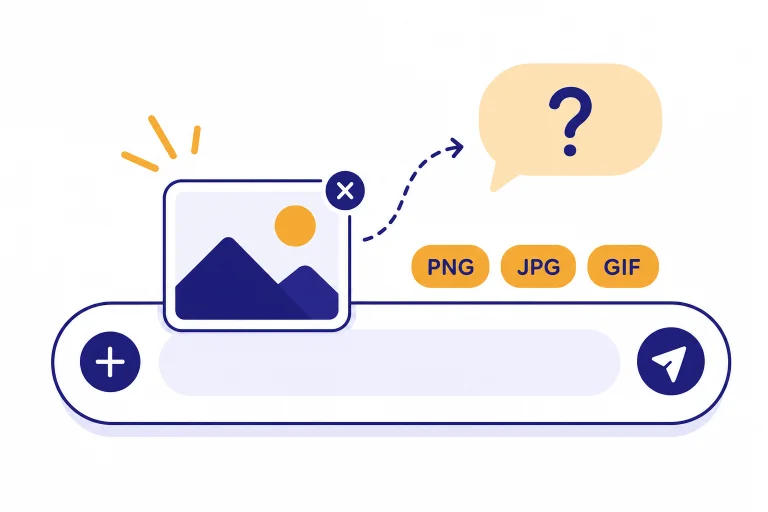
Learn how to upload images to ChatGPT on web, iPhone, Android, Mac, and Windows, including supported formats, limits, prompts, privacy, and fixes.
Learn how to upload images to ChatGPT on web, iPhone, Android, Mac, and Windows, including supported formats, limits, prompts, privacy, and fixes.
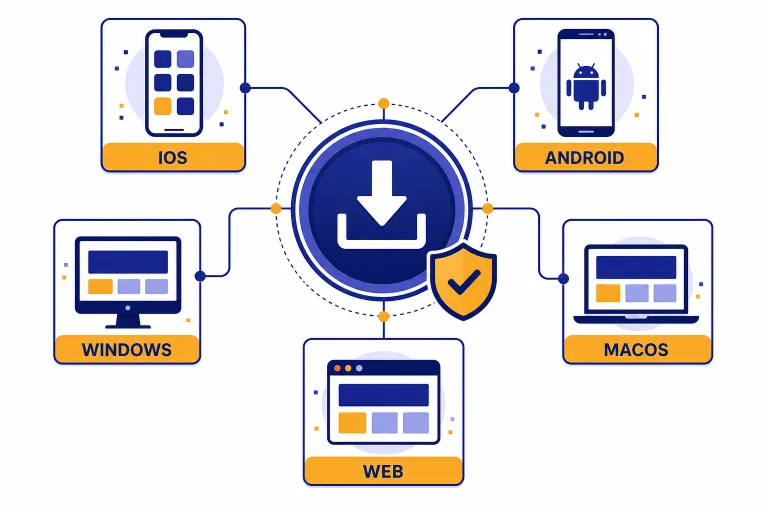
Learn how to download the official ChatGPT app on iPhone, iPad, Android, Mac, and Windows, plus how to avoid fake apps and use the web version.
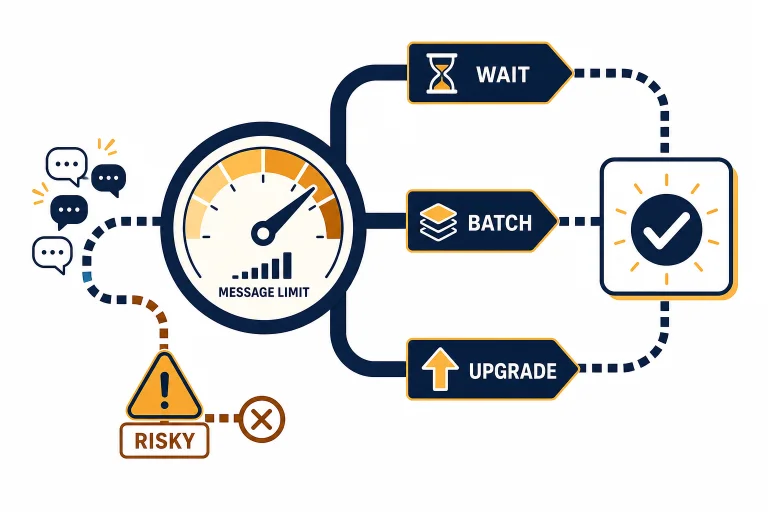
Learn legitimate ways to bypass ChatGPT message limits with better prompts, switching tools, upgrading plans, using the API, and avoiding risks.
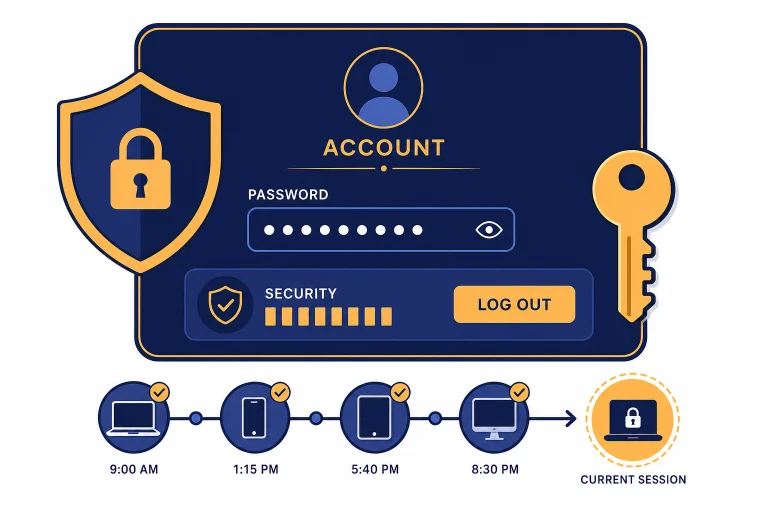
Learn how to change your ChatGPT password, reset it if you cannot sign in, handle Google or Apple login accounts, and secure your account afterward.
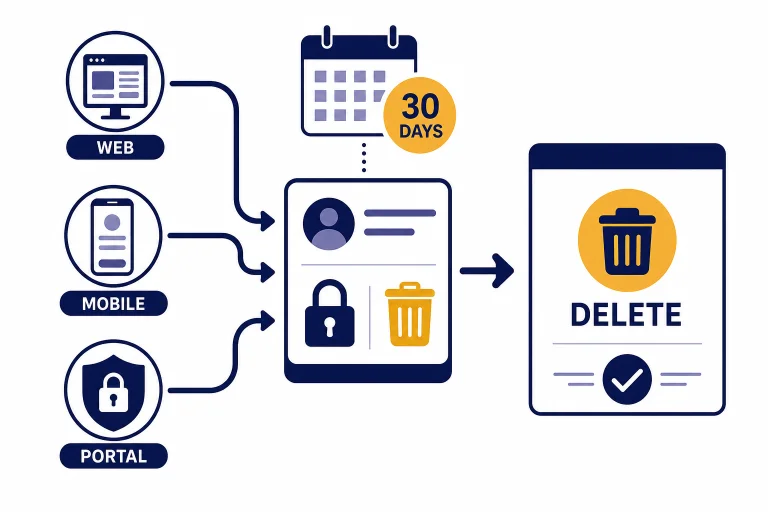
Learn how to delete your ChatGPT account permanently from the web, iPhone, Android, or OpenAI Privacy Portal, plus what to save first.
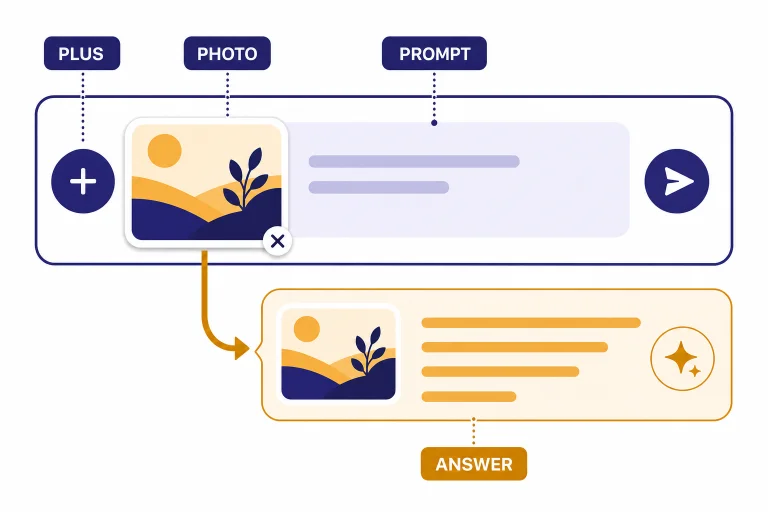
Learn how to upload a photo to ChatGPT on web, iPhone, Android, Mac, and Windows, plus file limits, prompt tips, privacy notes, and fixes.
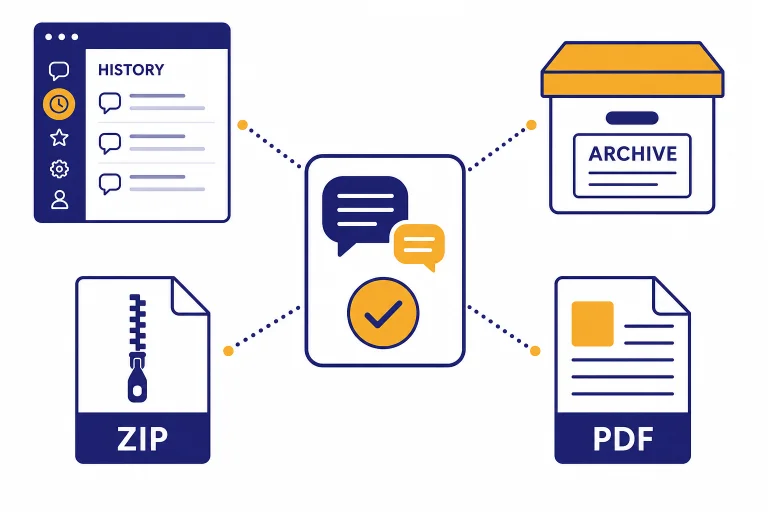
Learn how to save a ChatGPT conversation, export your chat history, archive important chats, share a link, or save a local copy for your records.
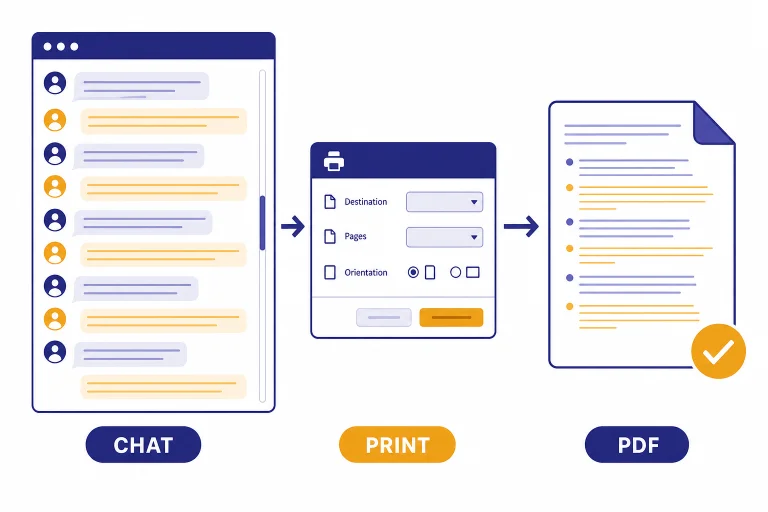
Learn how to save a ChatGPT conversation as a PDF on Windows, Mac, iPhone, and Android, plus when to use copy-paste, data export, or shared links instead.
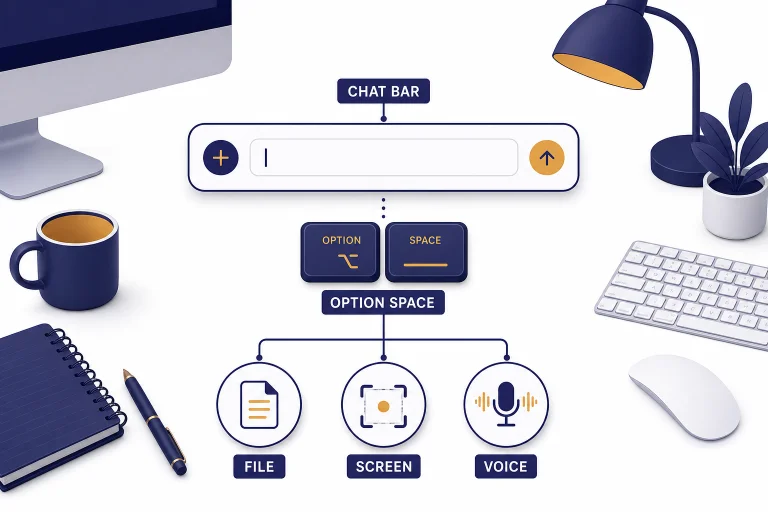
Learn how to use ChatGPT on Mac: install the desktop app, use Chat Bar, upload files, take screenshots, use voice, and manage privacy.
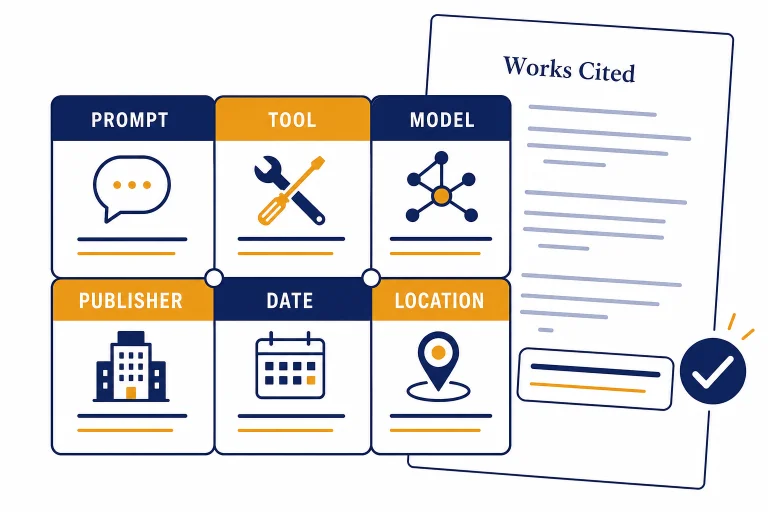
Learn how to cite ChatGPT in MLA format, including Works Cited entries, in-text citations, shared links, prompts, and classroom disclosure notes.
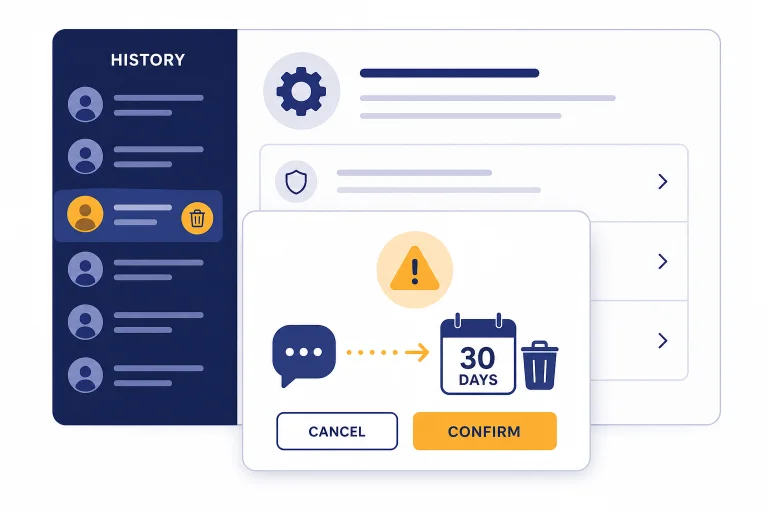
Learn how to delete ChatGPT history on web, iPhone, and Android, clear all chats, archive, export first, and know what deletion removes.
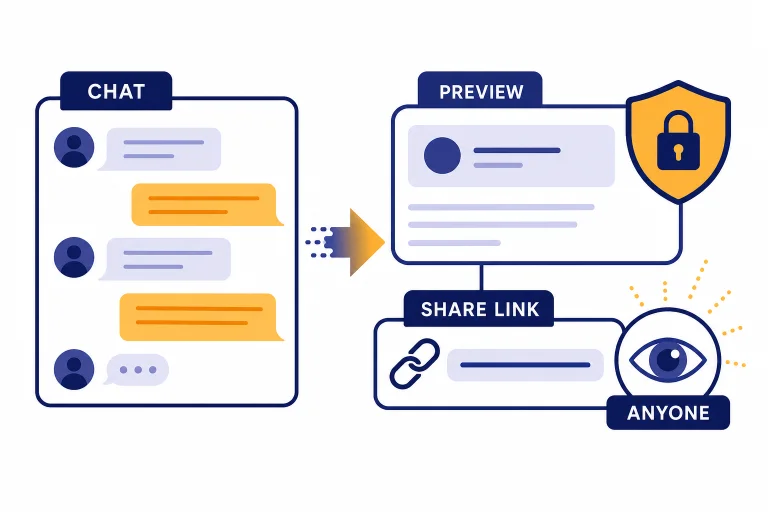
Learn how to share a ChatGPT conversation safely with a link, what recipients see, how to delete links, and when to use PDFs or screenshots.