

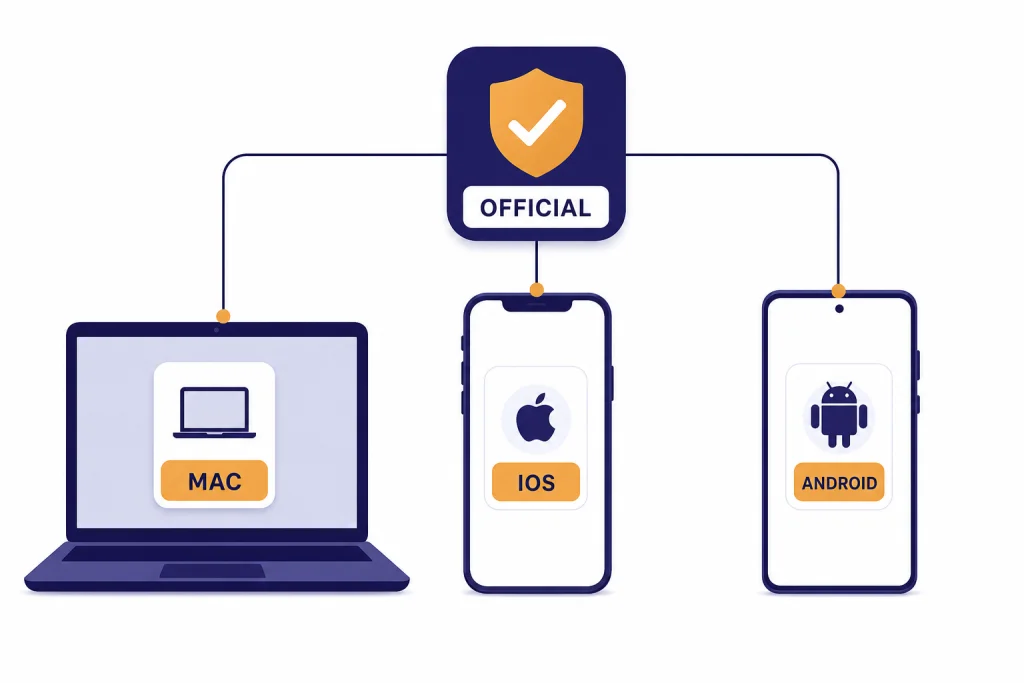
The best ChatGPT app for most people is the official ChatGPT app published by OpenAI, not a third-party wrapper. On Mac, use OpenAI’s desktop app if you have an Apple silicon Mac and want the keyboard launcher, screen context, file uploads, and tighter desktop workflow. On iPhone, use the App Store version because it has the strongest mobile voice, camera, photo, and account-management experience. On Android, use the Google Play version, but know that login depends on a supported browser. If your device is unsupported, the web app at chatgpt.com is the safer fallback than downloading an unofficial clone.[1][13]
Quick answer: which ChatGPT app should you install?
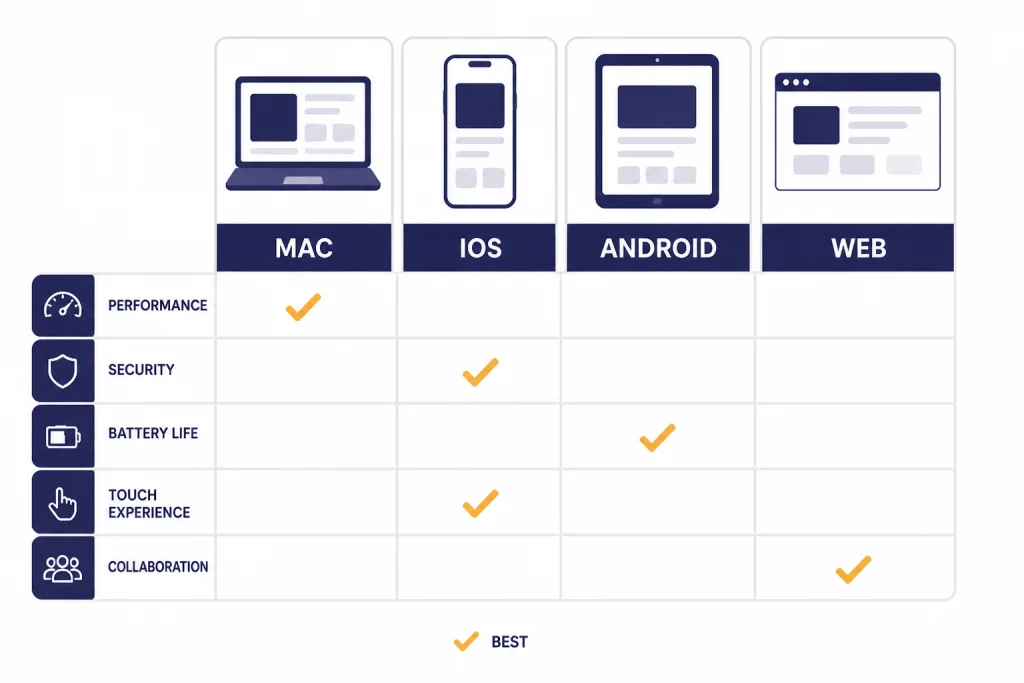
Install the official ChatGPT app from OpenAI for your main device. OpenAI’s download page points users to official iOS, Android, macOS, Windows, and Chrome extension options, and its Help Center separately lists the official apps as authentic OpenAI apps.[1][13] For this guide, the winner is not a single operating system. The best ChatGPT app depends on where you actually work.
Mac is best for desktop writing, screenshots, files, and app-aware workflows. iPhone is best for voice, camera, travel, CarPlay, and quick capture. Android is best for users who live in Google’s mobile ecosystem and want the same ChatGPT account on their phone. The web app is best when you are on an unsupported computer, a shared device, or a work machine that blocks app installation.
| Device | Best choice | Why it wins | Main caveat |
|---|---|---|---|
| Mac | Official ChatGPT macOS app | Desktop launcher, file and screenshot workflows, and app context | Requires macOS 14 or later and Apple silicon, M1 or better[2] |
| iPhone | Official ChatGPT iOS app | Voice, camera, photo upload, history, account controls, and mobile sharing | Some features vary by plan and rollout |
| iPad | Official ChatGPT iOS app | Same app family as iPhone, with a larger workspace | Still a mobile app, not the Mac desktop app[7] |
| Android | Official ChatGPT Android app | Google Play install, voice, photo upload, synced history, and Android sharing | Needs Google Play and Android 7.0 or newer[9] |
| Unsupported device | ChatGPT in a browser | No app install required | Less native integration than desktop or mobile apps |
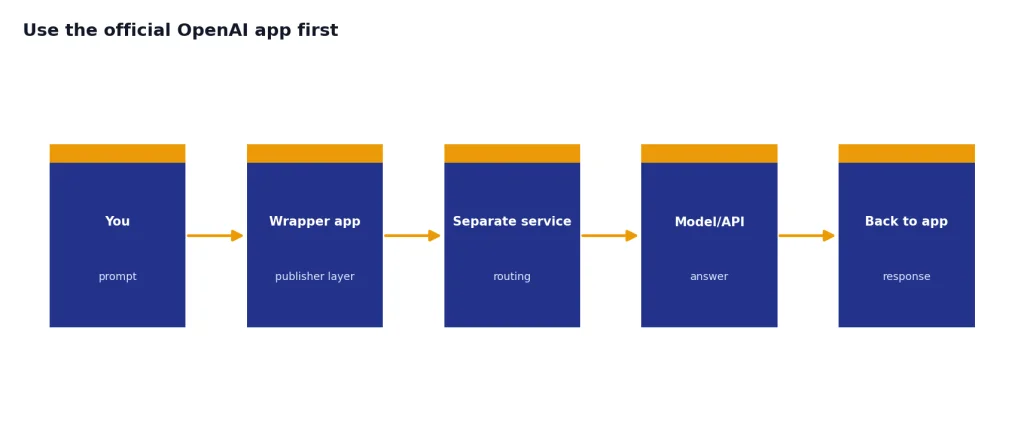
Use the official OpenAI app first
The official app should be your default choice because it reduces the risk of fake subscriptions, unnecessary data collection, stale model access, and misleading branding. OpenAI says users should install authentic apps published by OpenAI and lists the official ChatGPT iOS app, Android app, Mac app, and Windows app as authentic OpenAI apps.[13] That matters because app stores still contain many AI chat apps that use similar names, similar icons, or broad claims about ChatGPT access.
The simplest rule is this: if the publisher is not OpenAI, treat the app as a different product. It may still be useful, but it is not the official ChatGPT app. It may use another model, add its own subscription layer, or send your prompts through a separate service. For most readers, that tradeoff is not worth it.
OpenAI’s official mobile listings describe the app as free and note that it syncs history across devices.[15][16] “Free” does not mean every ChatGPT feature is unlimited. It means you can install and start using the official app without buying a separate third-party wrapper. If you later pay for a ChatGPT plan, make sure the purchase is attached to the OpenAI account you intend to use.
If you are also comparing desktop options on a PC, see our separate chatgpt windows app guide. This article focuses on Mac, iPhone, and Android because those are the platforms where most app-store confusion happens.
Best ChatGPT app for Mac
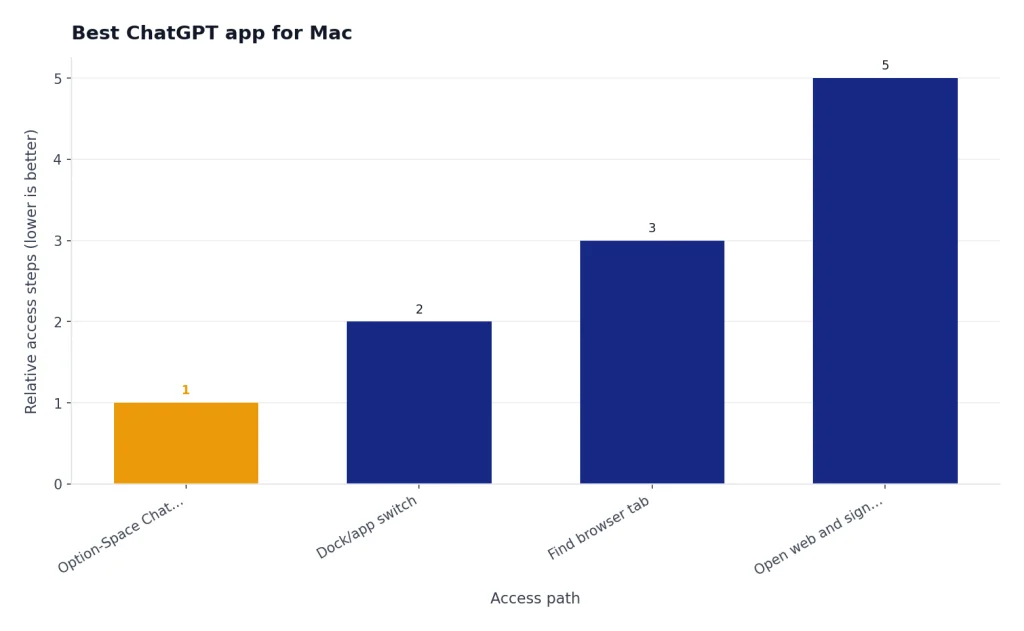
The best ChatGPT app for Mac is OpenAI’s official macOS app if your Mac supports it. OpenAI lists the macOS desktop app as available only for macOS 14 or later with Apple silicon, M1 or better.[1][2] If you have an Intel Mac, an older macOS version, a locked-down work machine, or a school-managed computer, use ChatGPT in the browser instead of hunting for an unofficial desktop clone.
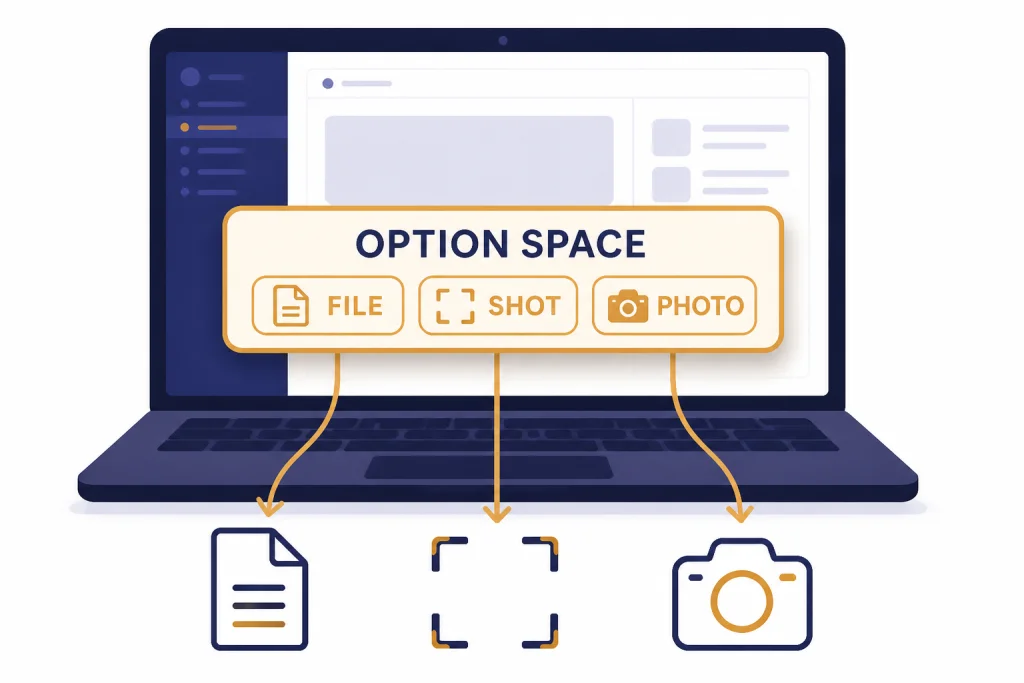
The Mac app’s biggest advantage is speed of access. OpenAI’s Chat Bar opens by default with Option-Space, and the launcher can start a new conversation, upload a file, take a screenshot, or take a photo.[3] That makes the app especially useful for writing, debugging, summarizing documents, checking screenshots, and asking quick questions without breaking focus.
The Mac app can also work with selected apps. OpenAI says the macOS app can read and edit content in supported coding tools, terminals, and notes apps, and that Work with Apps requires the ChatGPT macOS app to be installed and running.[4] If you code, write in notes, or move between terminal output and documentation, that native integration is the main reason to install the desktop app instead of using a browser tab.
Who should use the Mac app
- Writers who want a fast launcher for drafts, outlines, and rewrites.
- Developers who want ChatGPT near their editor, terminal, and project notes.
- Analysts who upload files, screenshots, charts, and tables throughout the day.
- Students who keep ChatGPT open beside PDFs, notes, and assignments.
For deeper file work, pair the Mac app with our chatgpt file upload guide. If you use conversation organization heavily, read our ChatGPT Projects walkthrough before you build a long-term workflow around dozens of separate chats.
Best ChatGPT app for iPhone and iPad
The best ChatGPT app for iPhone is the official ChatGPT iOS app from OpenAI. OpenAI’s Help Center says users can find it by searching the App Store for “openai chatgpt” or by using the direct official link.[5] The iOS app is also supported on iPad, so you do not need a separate “ChatGPT for iPad” product.[7]
The iPhone app is the best everyday ChatGPT app because it is always close to the camera, microphone, photos, and share sheet. The App Store listing describes image generation, Advanced Voice Mode, photo upload, creative help, tailored advice, learning help, professional input, and instant answers as app uses.[15] In practice, that makes iPhone the easiest place to ask about a sign, summarize a meeting note, draft a reply, practice a language, or talk through a plan while walking.
The iOS app also exposes account controls that matter. OpenAI’s iOS FAQ explains how to view history, delete conversations, export chat data, restore App Store purchases, and reach Data Controls from Settings.[6] It also says export links are sent to your registered email address and expire after 24 hours.[6] If you care about privacy settings, do not rely only on the web settings you changed months ago. Check the app settings directly.
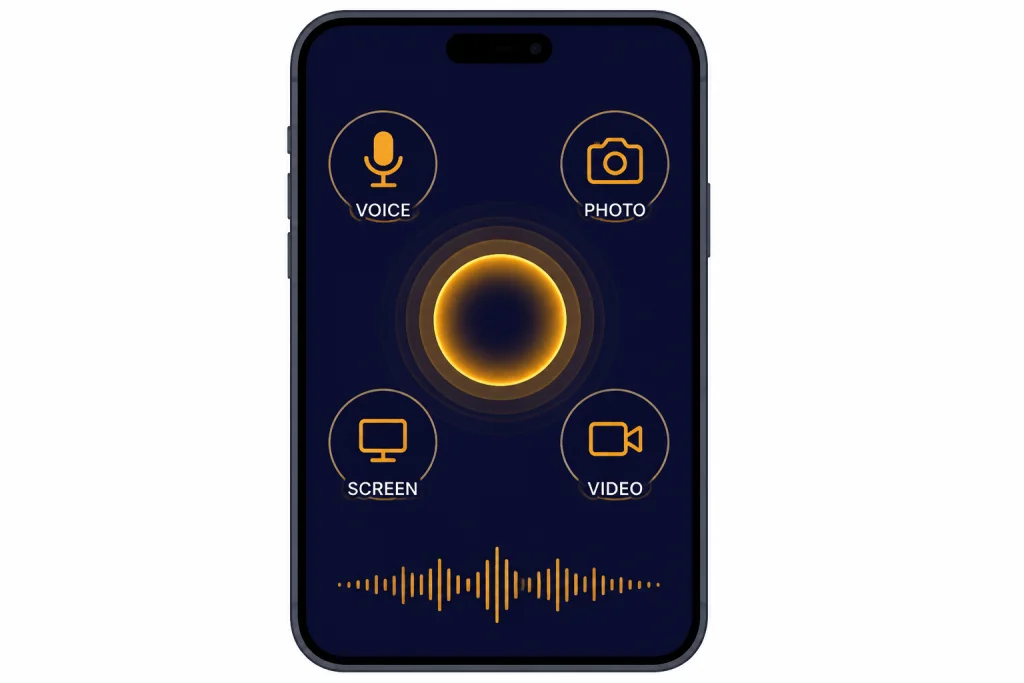
Voice is the iPhone app’s strongest reason to install it. OpenAI says voice conversations on mobile can include muting, ending the conversation, choosing a voice, and, for subscribers, sharing video, photos, or the screen during a voice conversation.[11] If voice is your main use case, also read our chatgpt voice mode review. If you mostly want a faster launch point, our chatgpt mobile widget setup guide covers home-screen access.
Best ChatGPT app for Android
The best ChatGPT app for Android is the official ChatGPT app from OpenAI on Google Play. OpenAI tells Android users to search Google Play for “openai chatgpt” and confirm that the app is published by OpenAI.[8] The Google Play listing also identifies OpenAI as the developer and describes the app as the official Android app.[16]
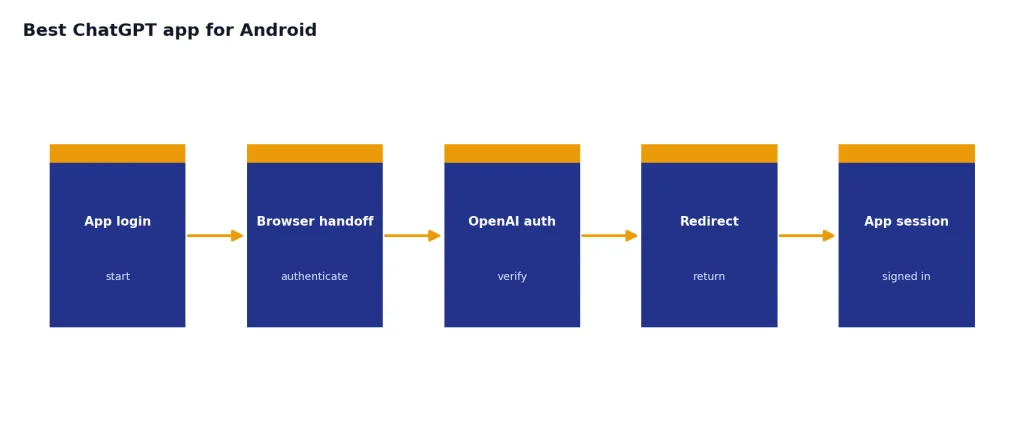
Android’s biggest difference is the login path. OpenAI says the ChatGPT Android app relies on Chrome or Brave to complete sign-in, and other browsers may not support the login flow.[10] If the Android app will not sign in, set Chrome as the default browser first, then try again. This is not a reason to install a random APK. It is a reason to fix the browser dependency or use ChatGPT in the browser.
OpenAI lists the minimum Android requirement as any Android device with Google Play running Android 7.0 or newer.[9] That requirement is important for older phones, de-Googled phones, tablets without Play services, and work-managed Android devices. If Google Play is missing or blocked, the official app may not be the right access method even if the phone itself is powerful enough.
The Android app is still a strong choice once installed. The Play listing describes image generation, Advanced Voice Mode, photo upload, creative help, tailored advice, learning help, professional input, and instant answers.[16] OpenAI’s release notes also show recent Android-specific improvements, including smoother sidebar actions and dictation visuals in early 2026.[12] If you often use images, read our chatgpt vision guide and chatgpt image search explainer to understand what ChatGPT can and cannot infer from photos.
When the web app or Apple Intelligence is better
The official apps are usually best, but they are not always the best access path. Use ChatGPT in a browser when you are on an unsupported Mac, a Chromebook, a public computer, or a company machine where installing apps requires IT approval. The web app is also the least confusing fallback if a mobile app update breaks, your default browser blocks Android login, or you need to compare behavior across devices.
Apple Intelligence is a different case. It is not the same thing as the standalone ChatGPT app. Apple’s Mac help explains that users can allow Apple Intelligence to work with ChatGPT from OpenAI, and users can sign in from System Settings if they decide to use ChatGPT with an account.[14] That integration is useful for system-level writing and Siri-style handoffs, but it does not replace the full ChatGPT app for projects, chat history, file-heavy work, or advanced mobile voice sessions.
If you want current web answers, compare the app experience with our chatgpt search and chatgpt web browsing guides. If you want personal context across devices, read our ChatGPT Memory guide before assuming every app behaves the same way.
Setup checklist for a safer install
Use this checklist before you install or subscribe through any ChatGPT app. It prevents most avoidable problems.
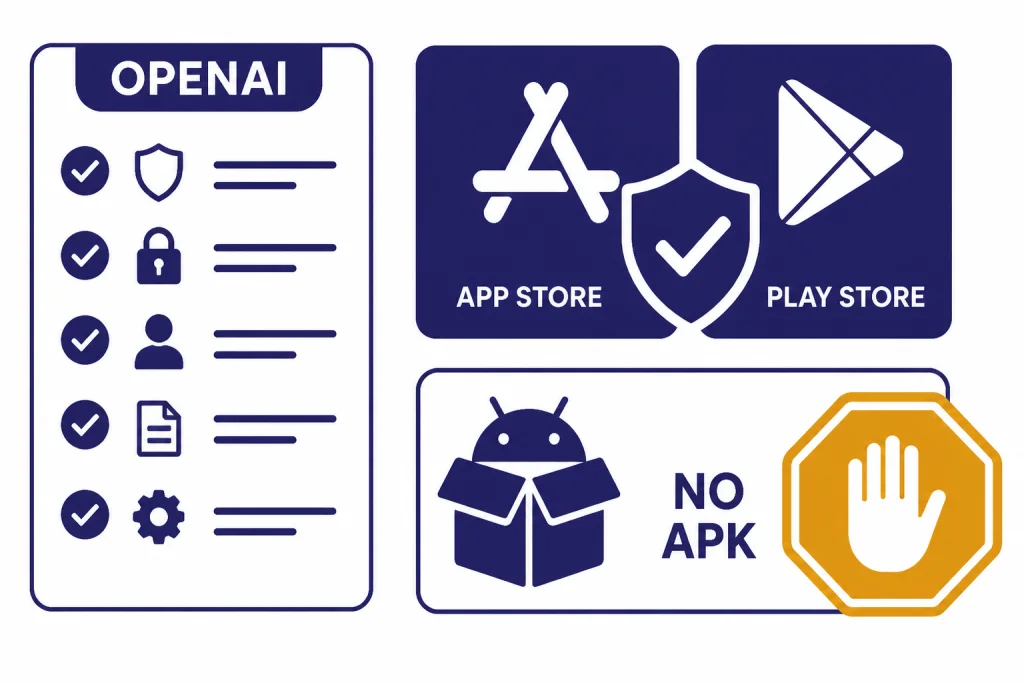
- Confirm the publisher. The official app should be published by OpenAI, not by a generic AI company, keyboard company, or chatbot reseller.[13]
- Start from an official route. Use OpenAI’s download page or OpenAI Help Center links when possible.[1]
- Avoid side-loaded APKs. On Android, OpenAI directs users to Google Play for the official app.[8]
- Check device support. The Mac app requires macOS 14 or later on Apple silicon, M1 or better, and the Android app requires Google Play with Android 7.0 or newer.[2][9]
- Review app settings separately. OpenAI’s iOS FAQ says Chat History and Training controls do not sync across browsers, applications, or devices, so check the app where you use it.[6]
- Know where you subscribed. If you subscribed through the iOS app, OpenAI says you can restore purchases in the iOS app; if you subscribed on the web, manage the subscription at chatgpt.com.[6]
Do not install a third-party app just because it ranks higher for a search like “best chatgpt app.” Ranking is not verification. The best ChatGPT app is the one that gives you official account access, current features, and clear data controls without adding an unnecessary middleman.
Frequently asked questions
What is the best ChatGPT app overall?
The best ChatGPT app overall is the official app published by OpenAI for your device. Use the macOS app on supported Apple silicon Macs, the iOS app on iPhone or iPad, and the Android app from Google Play on supported Android devices. Use the browser version when app installation is blocked or unsupported.
Is there an official ChatGPT app for Mac?
Yes. OpenAI offers an official ChatGPT macOS app, but it is only available for macOS 14 or later on Apple silicon, M1 or better.[2] If you have an Intel Mac, use ChatGPT in the browser instead of installing an unofficial desktop wrapper.
Is the iPhone ChatGPT app the same as the iPad app?
OpenAI supports iPhone and iPad through the ChatGPT iOS app.[7] The iPad version gives you more screen space, but it is still the iOS app family rather than the Mac desktop app. Your history can sync through your OpenAI account when you sign in.
Why can’t I log in to the ChatGPT Android app?
One common reason is the default browser. OpenAI says the Android app relies on Chrome or Brave to complete the login process, and other browsers may cause sign-in errors.[10] Install Chrome or Brave, set one as the default browser, and retry before reinstalling the app.
Are third-party ChatGPT apps safe?
Some third-party AI apps may be legitimate products, but they are not the official ChatGPT app unless OpenAI is the publisher. They may add their own subscriptions, policies, routing, or data handling. For most users, the safer default is the official OpenAI app or the web app.
Do I need the app to use ChatGPT?
No. You can use ChatGPT in a browser if you do not want to install an app or your device does not meet app requirements. The native apps are better for voice, camera, screenshots, and fast launch workflows, but the browser is still the cleanest fallback on unsupported devices.