

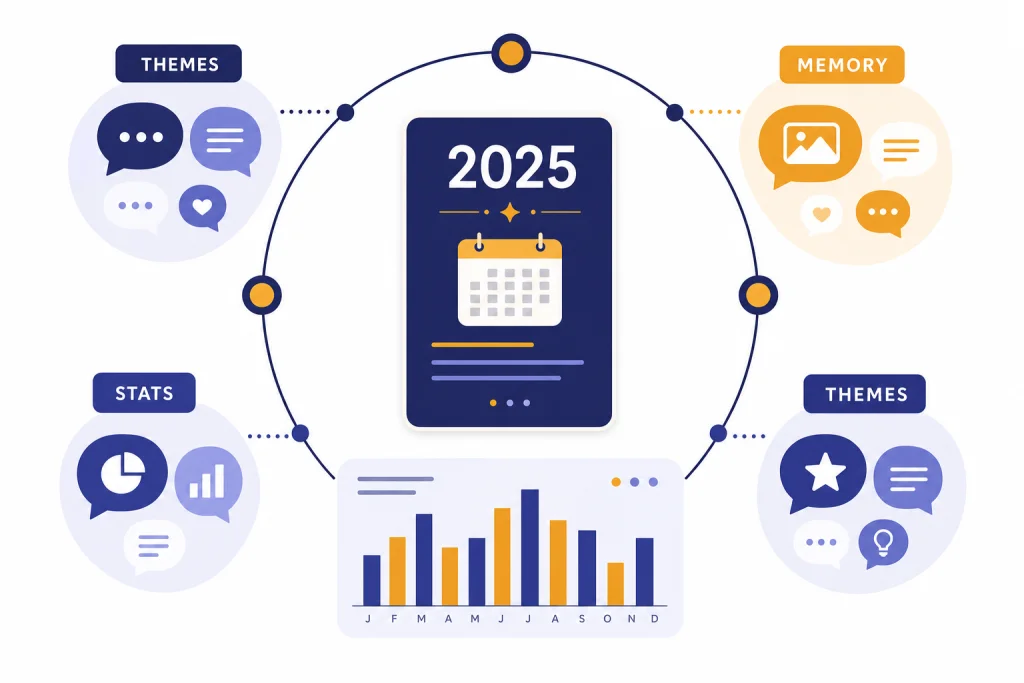
ChatGPT Wrapped is the informal nickname for OpenAI’s official yearly recap, called Your Year with ChatGPT. The feature summarizes how eligible users interacted with ChatGPT during 2025, including high-level conversation themes and usage statistics.[1] It is optional, privacy-focused, and available only to certain consumer users by plan and country.[1] OpenAI began rolling it out on December 22, 2025, and says it requires Memory, Reference chat history, and enough prior activity to generate a meaningful recap.[2] This guide explains what the recap includes, why you may not see it, and how to manage the data settings behind it.
What ChatGPT Wrapped is
ChatGPT Wrapped is not the official feature name. OpenAI calls the feature Your Year with ChatGPT.[1] The nickname caught on because the experience works like a year-end recap: it turns your past usage into a short, personalized review.
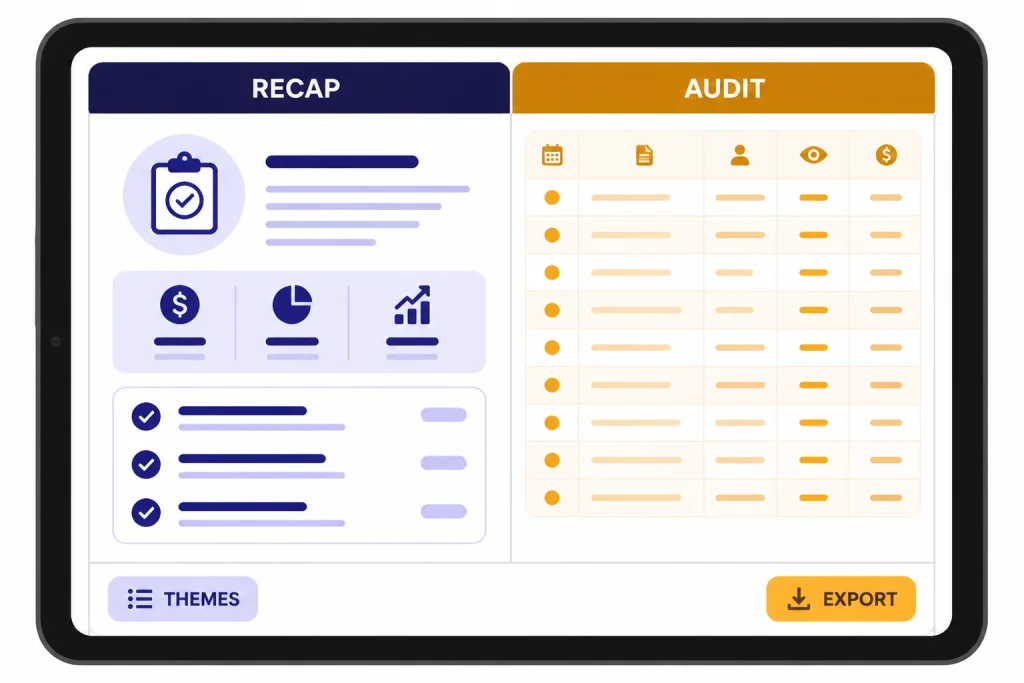
The official recap looks back at your 2025 ChatGPT use, then highlights broad patterns rather than replaying every conversation.[1] That distinction matters. It is not a full audit log, a searchable archive, or a complete analytics dashboard. It is a consumer-facing summary built from the information ChatGPT is allowed to reference.
OpenAI describes the feature as optional and user-controlled.[1] It does not open automatically. If you are eligible, you choose whether to launch it from the ChatGPT home screen or by asking ChatGPT for it directly.[1]
The practical takeaway is simple. If you want a quick, shareable sense of how you used ChatGPT, this feature is useful. If you need exact records, exported data, compliance reports, or project-by-project analysis, you need a different workflow. For organized long-term work, ChatGPT Projects is usually a better place to keep related conversations together.
Who can access it
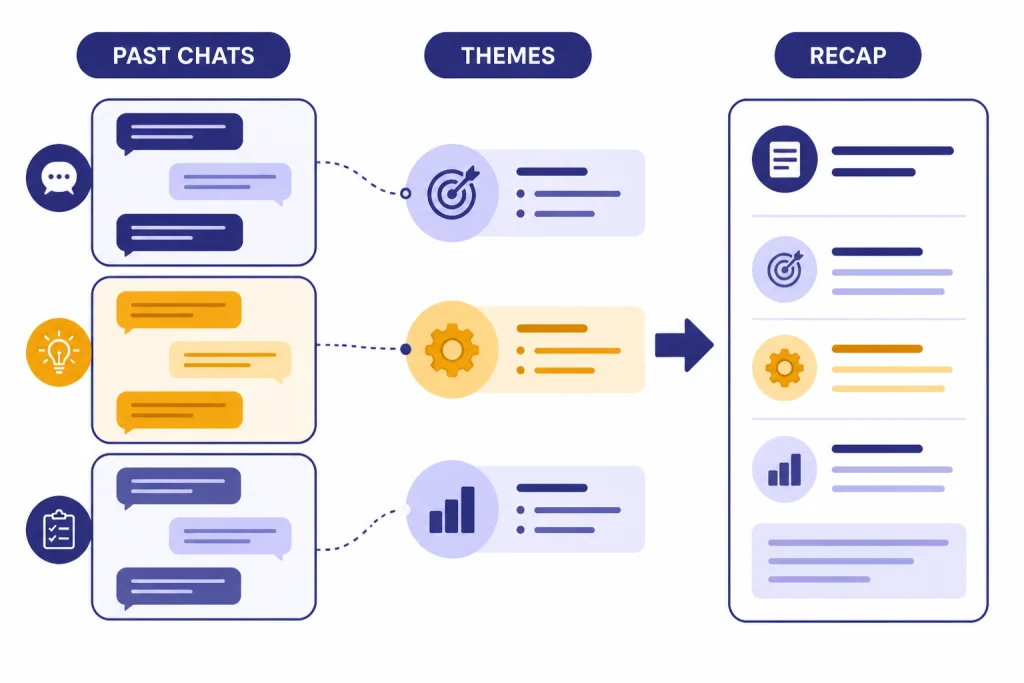
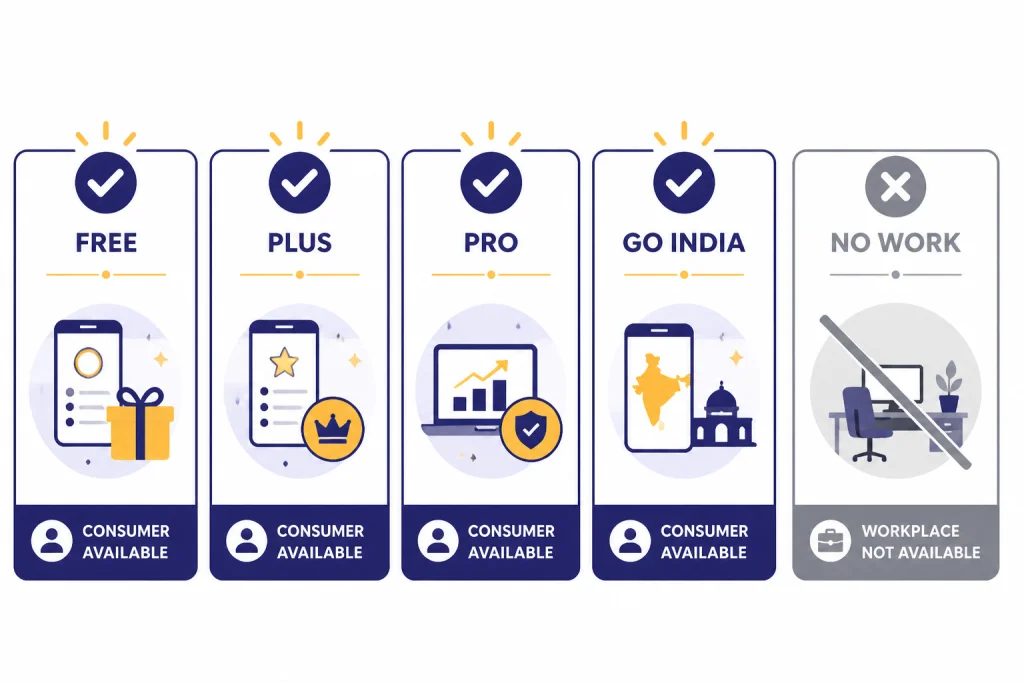
As of this article’s publication date, OpenAI says Your Year with ChatGPT is available to eligible consumer users on Free, Plus, and Pro plans in the United States, United Kingdom, Canada, Australia, and New Zealand.[1] OpenAI also lists consumer users in India on Go, Plus, and Pro plans as eligible.[1]
The feature is not available for Team, Enterprise, or Education accounts.[1] That limitation is important if you use ChatGPT mostly at work or school. A company workspace and a personal account can have different features, data controls, and retention rules.
Eligibility also depends on settings and activity. OpenAI says you must have Reference saved memories turned on, Reference chat history turned on, and enough conversation activity to meet its minimum threshold.[1] OpenAI has not published an official figure for this threshold. If your account has very limited activity, OpenAI says you may see only basic chat statistics.[2]
| Requirement | What OpenAI says | What it means for you |
|---|---|---|
| Plan | Free, Plus, and Pro in listed countries; Go, Plus, and Pro in India | A paid plan is not always required, but the plan must be eligible.[1] |
| Account type | Consumer accounts only | Team, Enterprise, and Education accounts do not get the experience.[1] |
| Personalization settings | Reference saved memories and Reference chat history must be on | The recap depends on ChatGPT being allowed to reference prior chats.[1] |
| Activity level | A minimum conversation activity threshold applies | OpenAI has not published the exact threshold.[1] |
| Platform | iOS, Android, and web | The entry point can appear on the home screen across those platforms.[1] |
If you use ChatGPT across devices, make sure you are signed in to the same account. The recap belongs to the account, not the device. Our best ChatGPT app guide can help if you are deciding which official app or platform should be your main ChatGPT home.
How to open it
If your account qualifies, OpenAI says Your Year with ChatGPT will appear as an entry point on the ChatGPT home screen on iOS, Android, and web.[1] You can also ask ChatGPT directly for Your Year with ChatGPT to trigger the experience.[1]
- Open ChatGPT on web, iOS, or Android.
- Confirm that you are signed in to your personal account.
- Look for the Your Year with ChatGPT entry point on the home screen.
- If you do not see it, start a new chat and ask for your year with ChatGPT.
- If it still does not appear, check Memory and Reference chat history in Settings.
Once you open the recap, OpenAI says you can return to it through the conversation where it was generated.[1] That means it behaves more like a generated ChatGPT conversation than a permanent separate dashboard.
If you use the desktop app often, remember that OpenAI’s help article names iOS, Android, and web for the official entry point.[1] You can still try asking for it inside the app, but if anything looks inconsistent, use the web version first. Windows users can also compare setup options in our ChatGPT Windows app guide.
What the recap shows
OpenAI says the recap highlights high-level themes from your conversations and includes summary statistics about your usage over the year.[2] It may vary from user to user.[1] That leaves room for different formats, different cards, and different levels of detail depending on your account history.
Think of it as a narrative summary, not a spreadsheet. It may identify the kinds of tasks you returned to often, such as writing, coding, planning, brainstorming, learning, image work, or translation. If you use ChatGPT for visual tasks, your broader usage pattern may overlap with features we cover in ChatGPT Vision and ChatGPT image search.
The recap should not be treated as a perfect record. ChatGPT may summarize a theme that feels directionally right but not exact. It may also miss important work if those chats were deleted, temporary, unavailable to memory, or created in an account type that does not support the feature.
| Use case | ChatGPT Wrapped is good for | Use something else when you need |
|---|---|---|
| Personal reflection | A quick view of your main patterns | A complete export of every conversation |
| Social sharing | Lightweight summaries and themes | Private details removed with certainty |
| Work review | A general sense of repeated tasks | Auditable records for clients or employers |
| Learning review | Topics you explored often | Exact study hours, grades, or progress metrics |
| Creative review | Recurring writing or brainstorming themes | File-level version history or asset management |
For file-heavy work, do not rely on the recap as your only record. Use your own folders, exports, or project notes. If you upload documents into ChatGPT, our ChatGPT file upload guide explains the separate feature area that matters for documents and datasets.
Privacy settings behind the recap
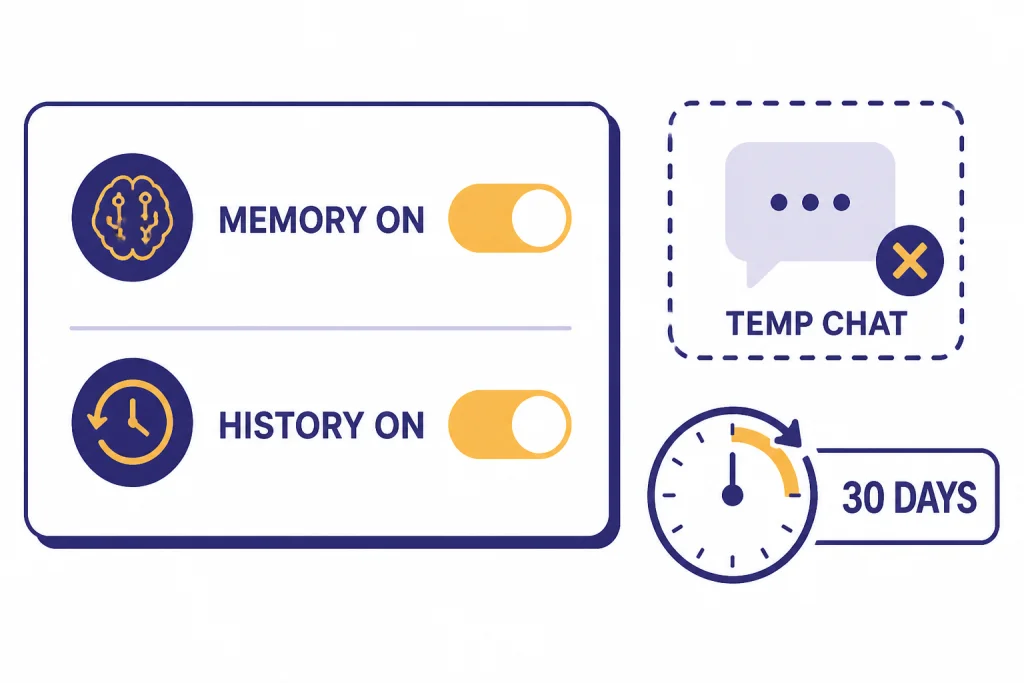
The most important privacy point is that Your Year with ChatGPT depends on Memory and Reference chat history. OpenAI says the feature requires Reference saved memories and Reference chat history, plus enough prior conversation activity.[1]
OpenAI describes Memory as a system that can remember helpful details across chats to make responses more personalized and relevant.[1] Saved memories are explicit or selected details, while Reference chat history lets ChatGPT use information from past conversations to make future chats more useful.[3] If you want a deeper feature walkthrough, read our ChatGPT Memory guide.
OpenAI also says Your Year with ChatGPT does not use Temporary Chats.[1] That is a useful boundary. Temporary Chat is the better choice when you do not want a conversation to feed future personalization or a recap-like experience.
Training controls are separate from whether the recap can be generated. OpenAI says that if “Improve the model for everyone” is turned on, content you share with ChatGPT, including chats and saved memories, may be used to help improve models.[1] OpenAI’s Data Controls FAQ says signed-in users can turn off that setting under Settings > Data Controls.[5]
Deletion is also separate. OpenAI says deleted chats are removed from your visible history immediately and are scheduled for permanent deletion from OpenAI systems within 30 days, unless exceptions apply.[4] OpenAI’s Your Year with ChatGPT FAQ gives the same 30-day deletion window if you delete the generated recap conversation.[1]
| Control | Where it matters | Effect on a recap |
|---|---|---|
| Reference saved memories | Personalization settings | Required for the official recap.[1] |
| Reference chat history | Personalization settings | Required for the official recap.[1] |
| Temporary Chat | New chat mode | Not used for Your Year with ChatGPT.[1] |
| Improve the model for everyone | Data Controls | Controls whether chats may help improve models, not whether the recap entry point appears.[5] |
| Delete chat | Conversation menu or Data Controls | Removes the chat from view and schedules deletion within 30 days, unless exceptions apply.[4] |
If you rely on personalization but want tighter control, review ChatGPT Custom Instructions as well. Custom Instructions are better for stable preferences you intentionally write down, while Memory and Reference chat history can evolve from your usage.
Why it may be missing
If ChatGPT Wrapped does not appear, do not assume your account is broken. OpenAI lists several reasons the experience may be unavailable: Memory or Reference chat history is off, your account does not meet the minimum activity threshold, you are using Team, Enterprise, or Education, the feature is still rolling out, or your country is unsupported.[1]
The fastest fix is to verify the basics. Use a personal account. Open ChatGPT on web. Check Settings > Personalization for Memory and Reference chat history. Then ask ChatGPT directly for Your Year with ChatGPT. If the account is eligible but the feature has not finished rolling out, waiting may be the only available step.
Turning on Memory after the fact may help, but not instantly. OpenAI says that if you turn on Reference saved memory and Reference chat history, ChatGPT will start to reference chat history to generate the experience, and the process may take time.[1]
- You are in the wrong account. Switch from a work or school workspace to a personal account.
- Your country is not supported. OpenAI limits access by region.[1]
- Your settings are off. Turn on Reference saved memories and Reference chat history if you want the official recap.[1]
- Your usage is too light. OpenAI has not published the activity threshold.
- You used Temporary Chat heavily. OpenAI says Temporary Chats are not used for the recap.[1]
If you mainly used ChatGPT for web answers, your patterns may also live across search-heavy chats. Our ChatGPT Search and ChatGPT web browsing guides explain how those features differ from a recap.
How to make your own ChatGPT recap
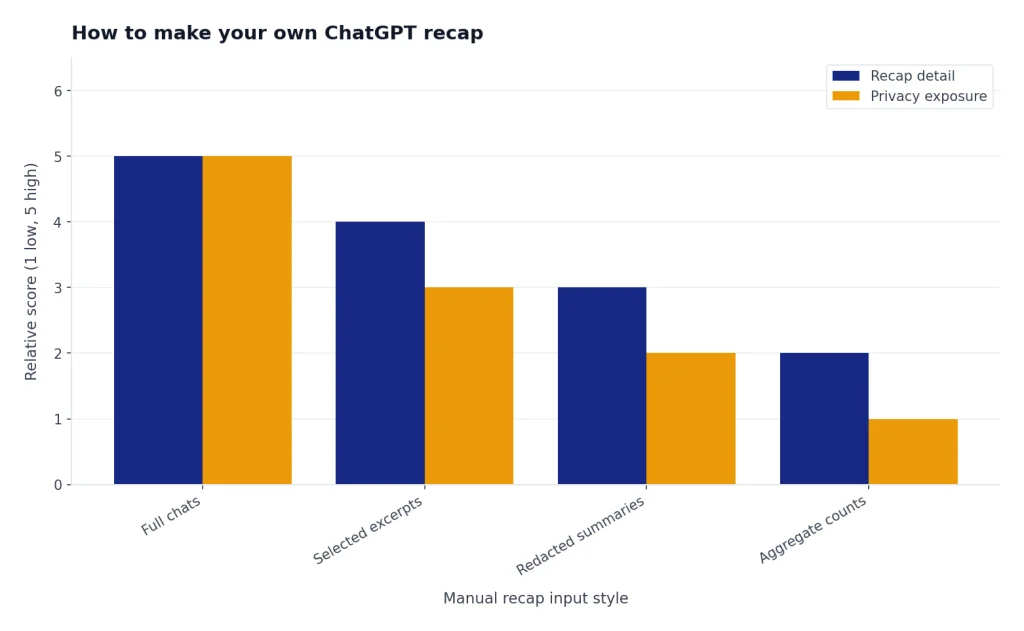
If you cannot access the official recap, you can still create a careful manual version. The safest approach is to avoid dumping private conversations into a new prompt. Instead, summarize only the chats you want included, remove sensitive details, and ask ChatGPT to organize the themes.
Use this prompt as a starting point:
I want to create a private yearly ChatGPT recap. I will paste short summaries of selected conversations, not full private chats. Group them into themes, identify recurring tasks, list useful lessons, and suggest three ways I can use ChatGPT more effectively next year. Do not infer sensitive traits. If there is not enough information, say so.Then paste brief notes such as “planned a family trip,” “debugged Python scripts,” “drafted sales emails,” or “studied Spanish vocabulary.” Keep names, addresses, client details, medical details, and financial details out unless you have a clear reason to include them.
If you want a more structured version, create your own table before asking for analysis:
| Month or period | Main tasks | Useful outputs | What to improve |
|---|---|---|---|
| Early year | Learning, planning, setup | Study plans, outlines, checklists | Save better prompts |
| Middle year | Work drafts, research, coding | Reusable templates and scripts | Group related chats |
| Late year | Review, travel, holiday planning | Itineraries and summaries | Delete unneeded chats |
This manual method is less polished than the official experience, but it gives you more control. It also works for unsupported accounts, deleted entry points, and users who prefer not to turn on Reference chat history. If you want to share the result, use ChatGPT Shareable Links carefully and check the conversation for private details first.
You can also create specialized recaps. A language-learning recap may pair well with ChatGPT Translate. A voice-heavy recap may pair with our ChatGPT voice mode review. A reminder-based recap may overlap with ChatGPT Tasks, especially if you use ChatGPT to plan recurring work.
Frequently asked questions
Is ChatGPT Wrapped an official OpenAI name?
No. The official feature is called Your Year with ChatGPT.[1] ChatGPT Wrapped is the common nickname people use because the experience resembles other yearly recap products.
When did OpenAI launch Your Year with ChatGPT?
OpenAI’s ChatGPT release notes say the rollout began on December 22, 2025.[2] TechCrunch also reported the launch on December 22, 2025.[6]
Why do I only see basic statistics?
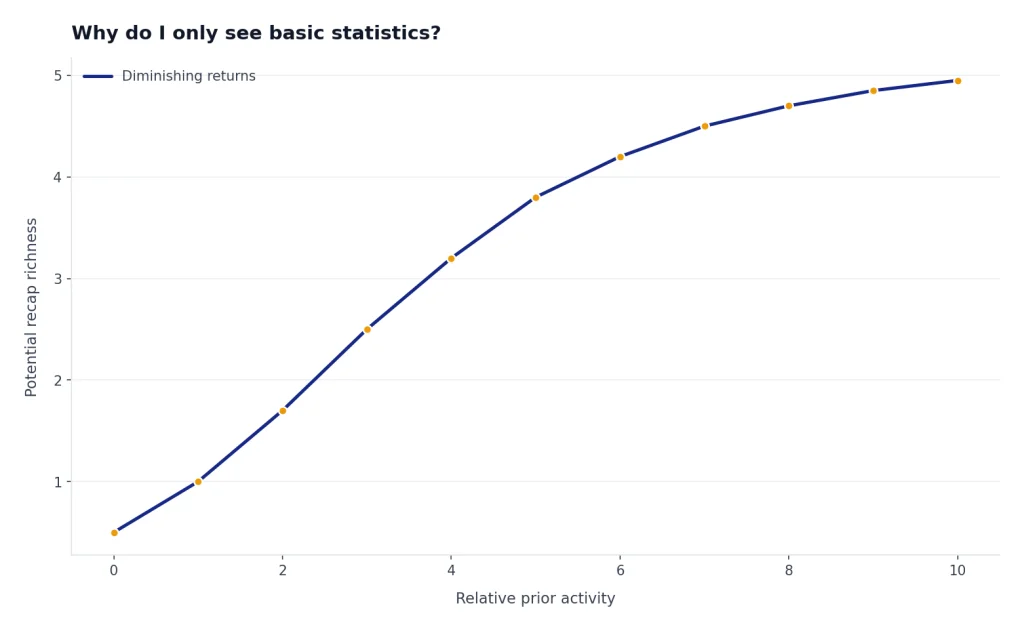
OpenAI says users with very limited activity may see only basic chat statistics.[2] The company has not published the exact activity threshold. More usage does not guarantee a richer recap, but low activity can limit what ChatGPT can summarize.
Can I generate it if Memory was off all year?
Possibly, but not immediately. OpenAI says that if you turn on Reference saved memory and Reference chat history, ChatGPT will start to reference chat history to generate the experience, and that process takes time.[1] It may still fail if your account, country, or activity level is not eligible.
Does ChatGPT Wrapped include Temporary Chats?
No. OpenAI says Your Year with ChatGPT does not use Temporary Chats.[1] Use Temporary Chat when you want a conversation kept out of memory-based personalization.
Can I delete my ChatGPT Wrapped recap?
Yes. OpenAI says the opened recap remains accessible through the conversation where it was generated, with the same data controls as other conversations.[1] If you delete it, OpenAI says it will be deleted within 30 days.[1]