

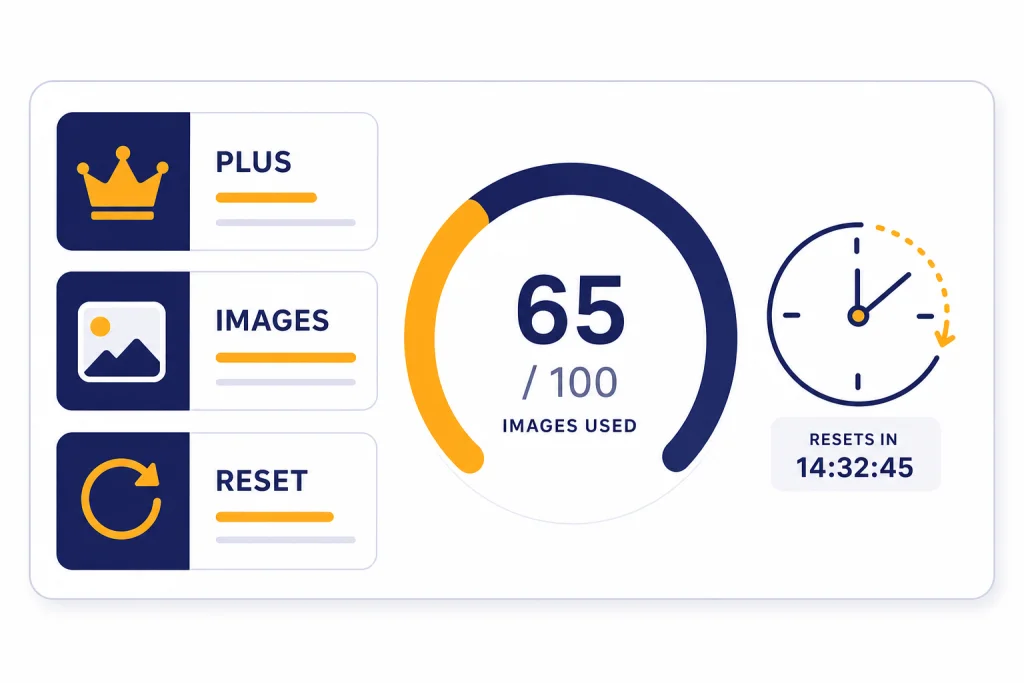
ChatGPT Plus image generation limits are not published as a fixed public quota. OpenAI says Plus includes image generation for $20/month, but Plus subscriptions may still have usage caps that vary with system conditions; OpenAI also says image generation has separate limits, reset periods, and banners from other ChatGPT features.[1][4] The practical answer is simple: Plus gives more headroom than Free, but it is not unlimited and it is not a bulk production service.[3] Watch the limit message shown inside ChatGPT, pause until the displayed reset time, and use the API for repeatable high-volume generation rather than trying to force more images through the consumer app.[6]
The short answer for Plus users
If you are asking, “How many images can I make with ChatGPT Plus?” the most accurate answer is: OpenAI has not published an official figure for this. The public Plus help page says ChatGPT Plus includes image generation and costs $20/month, but it also says Plus subscriptions may include usage limits and those limits may vary based on system conditions.[1]
That creates a real planning problem. A number you see in a screenshot, forum post, or older article may not apply to your account, your region, your model route, or the current load on OpenAI’s systems. The reliable source is the notice ChatGPT shows when your account reaches a limit. OpenAI’s help content explicitly describes separate usage limits, reset periods, and banners for image generation, voice, and file uploads.[4]
- Plus is higher than Free. OpenAI says Free users can create images and that Plus users have higher rate limits.[3]
- Plus is still capped. OpenAI says Plus usage limits can vary when demand changes.[1]
- ChatGPT and the API are separate surfaces. ChatGPT Plus does not include API usage, and OpenAI directs API users to their account limits and model-specific image generation rate limits.[1][6]
In practical terms, treat Plus as a strong consumer plan for manual creative work. It is suited to thumbnails, mockups, presentation art, light product concepts, and iterative edits. It is not the right place to run a batch pipeline, power a customer-facing app, or generate hundreds of assets on a deadline.
What counts as image generation
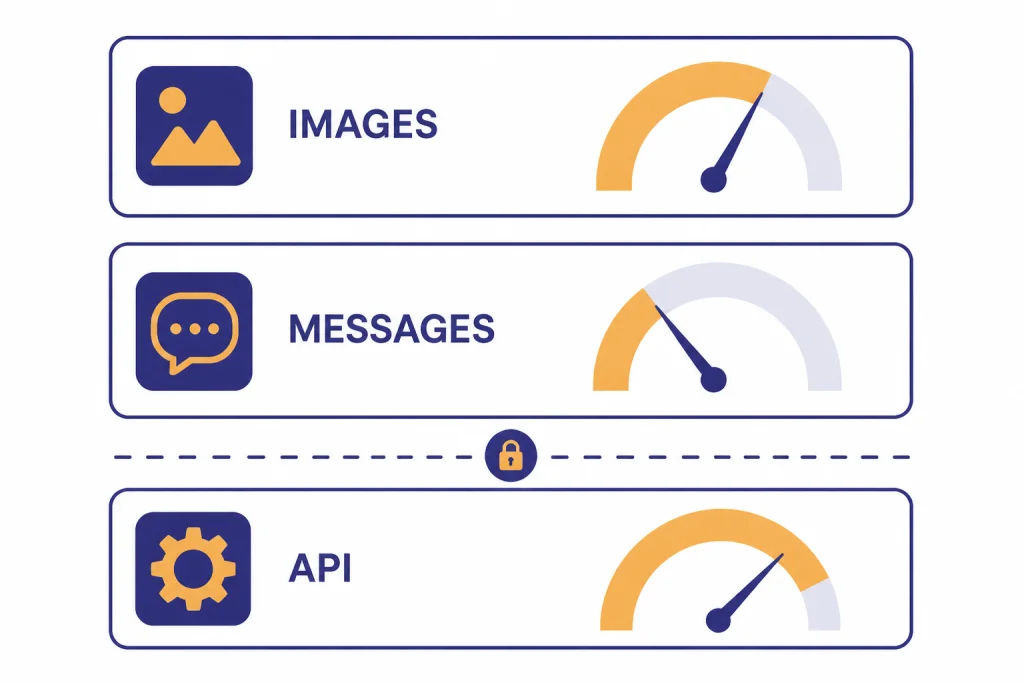
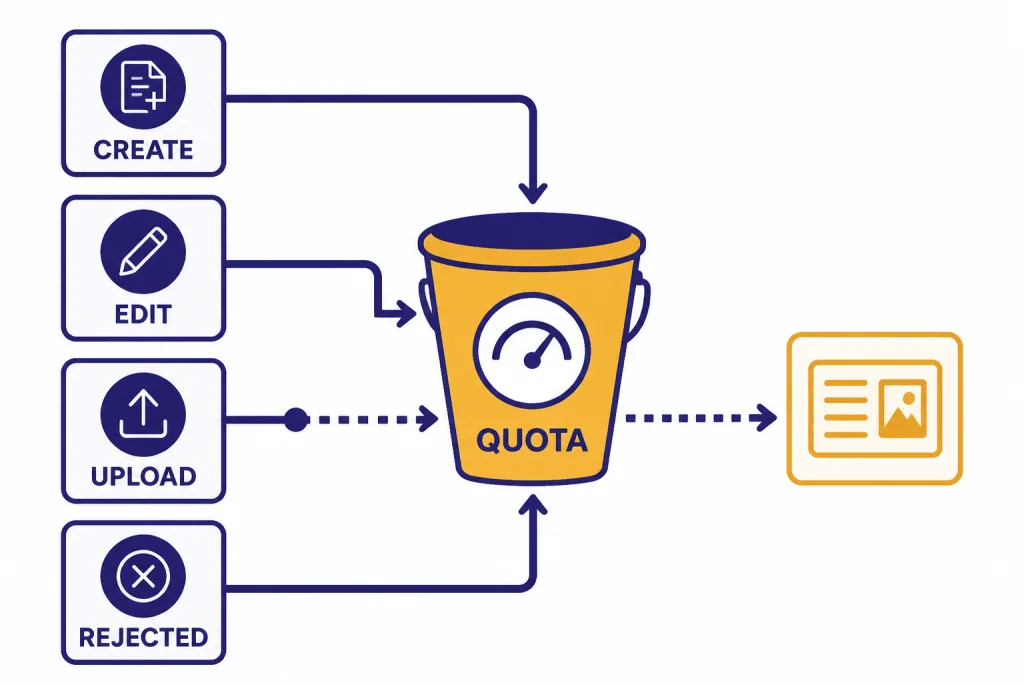
Image generation means asking ChatGPT to create a new image or modify an existing image. OpenAI’s image help page says you can generate by asking for an image or by choosing the Create image tool, and it says you can edit existing images by uploading an image and describing the change.[2] A prompt such as “make a clean icon of a brass desk lamp” is generation. A prompt such as “change the background of this product photo to white” is image editing, but it still uses the image-generation system.
Do not confuse image generation with image analysis. If you upload a chart, screenshot, label, or photo and ask ChatGPT what it contains, that is an image input workflow. OpenAI describes image analysis and image generation as related but distinct capabilities: ChatGPT can analyze uploaded images, and it can also generate or modify images from prompts.[5] If your main task is understanding an existing picture, start with ChatGPT Vision and ChatGPT file upload limits rather than spending image-generation requests.
Also separate image search from image creation. If you are trying to identify where an image came from, compare a product photo, or look for visually similar results, use a search-oriented workflow. Our ChatGPT image search guide covers that use case.
ChatGPT Images, DALL·E, and custom GPTs
OpenAI still says Free, Plus, Team, and Pro users can generate images with the DALL·E GPT, and images created that way show a DALL·E label.[2] But older DALL·E references do not mean every ChatGPT image request now routes through DALL·E. OpenAI also describes ChatGPT Images as a newer built-in image experience and says GPT Image 1.5 is available in the API.[8]
Custom GPTs add one more wrinkle. OpenAI says GPTs with the Image Generation capability enabled can create images.[2] If you use a custom GPT for brand mockups, stickers, ads, or presentation visuals, assume those image requests still draw on your account’s image-generation availability unless ChatGPT explicitly tells you otherwise.
How reset and cooldown messages work
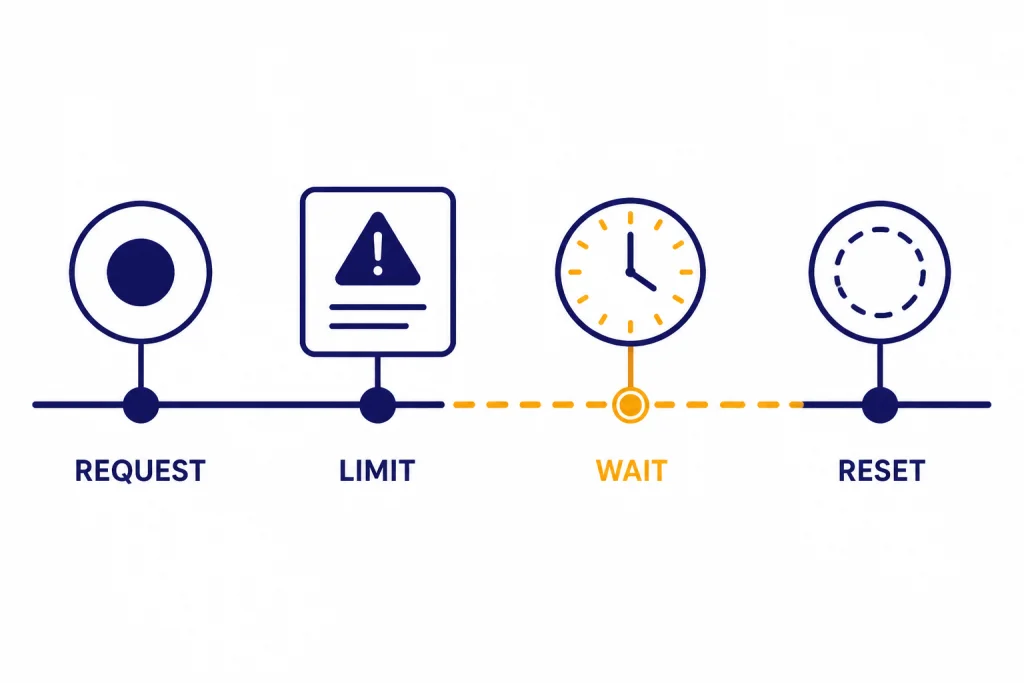
When you hit a limit, the most important text is the message inside ChatGPT. OpenAI’s help text gives examples of banners such as “50 images in the last day” and “resets in 720 hours,” but those examples are not a published ChatGPT Plus quota.[4] They show the format of the kind of account-specific notice you may see.
OpenAI’s Free Tier FAQ explains the basic behavior: if you reach a tool-specific rate limit, you need to wait until a later time to use that tool again.[3] The same planning logic applies on Plus. Wait for the displayed reset time. Do not assume midnight, a new browser session, or a new chat will clear the cap.
A reset message can mean different things depending on the limit being enforced. It may refer to recent image creations, a broader advanced-tool pool, temporary load, or an account-level guardrail. OpenAI’s Plus documentation says limits can vary based on system conditions, which is why two Plus users can see different behavior during the same week.[1]
If the message appears inconsistent, take screenshots of the banner, note the time, and pause image work rather than retrying aggressively. Repeated retries rarely help. They can also waste time while the same server-side limit remains in place.
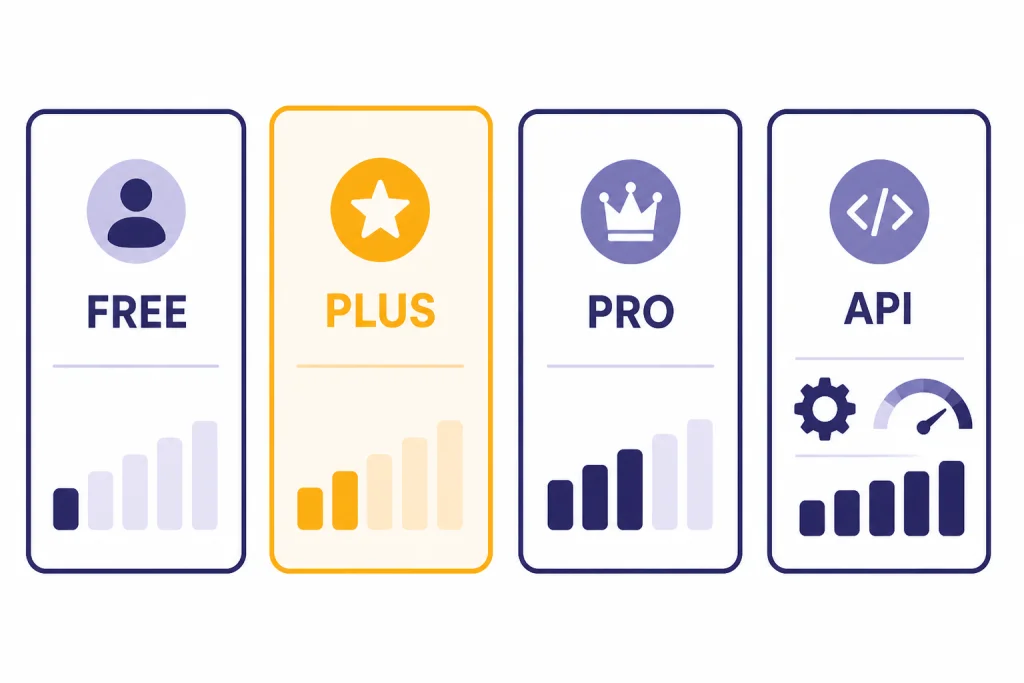
Plus compared with Free, Pro, and the API
The cleanest way to understand ChatGPT Plus image generation limits is to separate plan access from production access. A ChatGPT subscription is a consumer product. The API is a developer product with its own limits, billing, and dashboard.
| Path | What OpenAI publishes | How to think about it |
|---|---|---|
| Free | Free users can create images, but Plus users have higher rate limits. Image creation is also listed as a separate tool limit from Free-tier text usage.[3] | Good for trying image generation. Not dependable for recurring visual work. |
| Plus | Plus includes image generation for $20/month, but Plus may include usage caps that vary with system conditions.[1] | Best for regular manual use. Do not treat it as unlimited. |
| Pro or higher plan | OpenAI describes Pro as a higher-tier option that may include higher usage limits or expanded access to premium tools.[1] | Consider it when manual Plus usage is often blocked, but still verify the current plan terms before upgrading. |
| API | OpenAI says image generation API limits depend on the model and usage tier, and it directs users to check their account limits page.[6] API rate limits are measured at the organization and project level, not only by user.[7] | Use this for automation, apps, repeatable production, and predictable monitoring. |
The API is not a hidden extension of your Plus subscription. OpenAI’s Plus page says API usage is separate and billed independently.[1] If your work depends on a reliable supply of image generations, review our OpenAI API pricing guide before deciding whether to keep pushing Plus or move the workflow into a metered developer setup.
How to stretch Plus without wasting image requests
The best way to avoid the Plus image cap is not to look for a bypass. It is to reduce avoidable generations. Image prompts are easy to send too early. A little planning before the first image request saves both quota and time.
Plan in text before generating
Ask ChatGPT to draft the visual brief first. Include the subject, composition, aspect ratio, color palette, lighting, text labels, and what must not change. Then generate the image only after the brief looks right. This avoids burning image requests on vague prompts such as “make it better.”
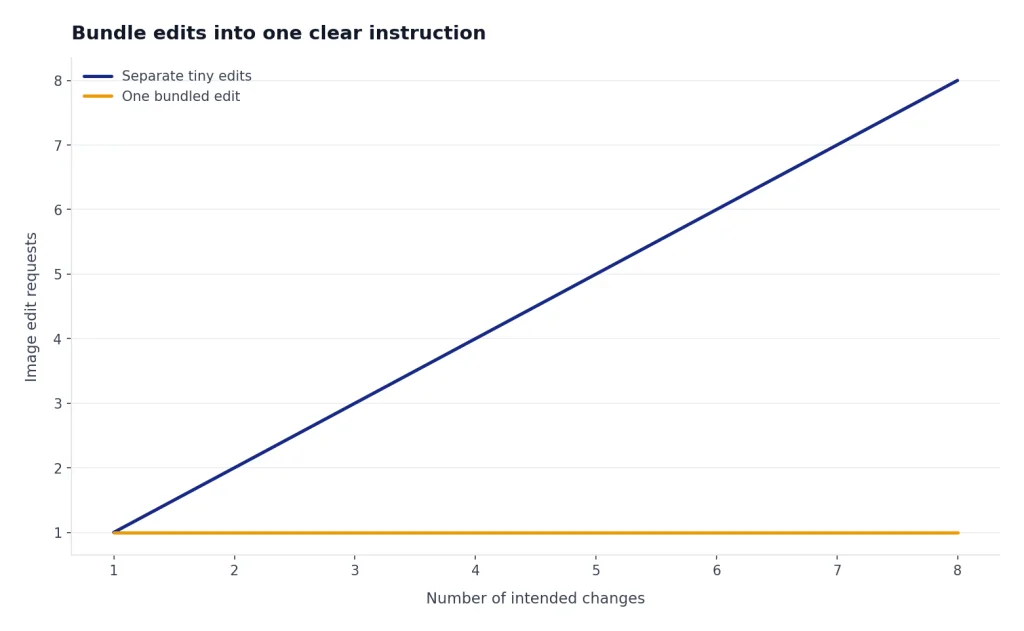
Bundle edits into one clear instruction
Instead of sending a chain of tiny edits, combine them: “keep the product unchanged, remove the background, add a soft shadow, make the label easier to read, and export a square version.” OpenAI says image generation may take up to two minutes depending on prompt complexity, so every unnecessary retry costs time as well as quota.[2]
Create a reusable style system
If you often make the same kind of visuals, write a reusable style block. Store preferred colors, framing, texture, label rules, and banned elements. You can keep that in ChatGPT Custom Instructions for broad preferences, or use ChatGPT Projects when the image work belongs to a specific campaign or client.
Know when not to generate
Do not generate an image just to read a screenshot, extract text from a chart, or compare two photos. Use image analysis instead. Do not generate a new asset just to track down an existing one. Use image search. And if your problem is general message capacity rather than images, read our guide to legitimate message-limit tactics.
When Plus is the wrong image-generation tool
ChatGPT Plus is convenient because the image tool lives inside a normal conversation. That convenience is also its boundary. It is designed for interactive work, not for operating as an image-rendering backend.
- Use the API for batch generation. API image limits depend on model and usage tier, and API users can check their limits in the account dashboard.[6]
- Use the API for applications. OpenAI’s API rate-limit guide explains that limits apply at the organization and project level, which is the right structure for shared production systems.[7]
- Use a video workflow for video. OpenAI groups Sora, ChatGPT Images, and DALL·E under separate image and video generation limits in its help content.[4] For moving visuals, start with our ChatGPT video generator guide.
Plus is still a good value for many creators because it bundles image work with normal ChatGPT conversations. But if your deliverable requires guaranteed throughput, audit trails, programmatic storage, or predictable per-job costs, move the workflow out of the consumer chat surface.
Frequently asked questions
What is the exact ChatGPT Plus image generation limit?
OpenAI has not published an official figure for this. Its public Plus documentation says Plus includes image generation for $20/month and may include usage limits that vary with system conditions.[1] Use the reset message shown in your own ChatGPT account as the current limit.
Does ChatGPT Plus include DALL·E?
Yes. OpenAI says Free, Plus, Team, and Pro users can still generate images with the DALL·E GPT, and that DALL·E images are labeled inside ChatGPT.[2] Treat it as a compatibility option, not a guaranteed workaround for Plus limits.
Do image uploads count against image generation limits?
Uploading an image for analysis is not the same task as generating a new image. OpenAI separates image input and image generation in its capabilities overview, and its Free Tier FAQ lists file and image uploads separately from creating images.[5][3] The exact accounting can still depend on the in-product limit message you see.
Will starting a new chat reset my image cap?
Do not rely on that. OpenAI describes image generation limits as feature-level limits with reset periods and banners, not as something tied to one conversation thread.[4] If ChatGPT gives a reset time, wait for that time instead of opening new chats repeatedly.
Why do image limits change during the month?
OpenAI says Plus usage limits may vary based on system conditions.[1] Image generation is compute-heavy, so temporary demand can change what a Plus user experiences. This is why old screenshots and community numbers age badly.
Should heavy image users upgrade or use the API?
If you manually create images and only occasionally hit the cap, a higher ChatGPT plan may be enough. If you need automation, repeated batches, or production tracking, use the API because its image limits are tied to model and usage tier and can be checked in account limits.[6] API rate limits also support developer-style monitoring through organization and project controls.[7]