

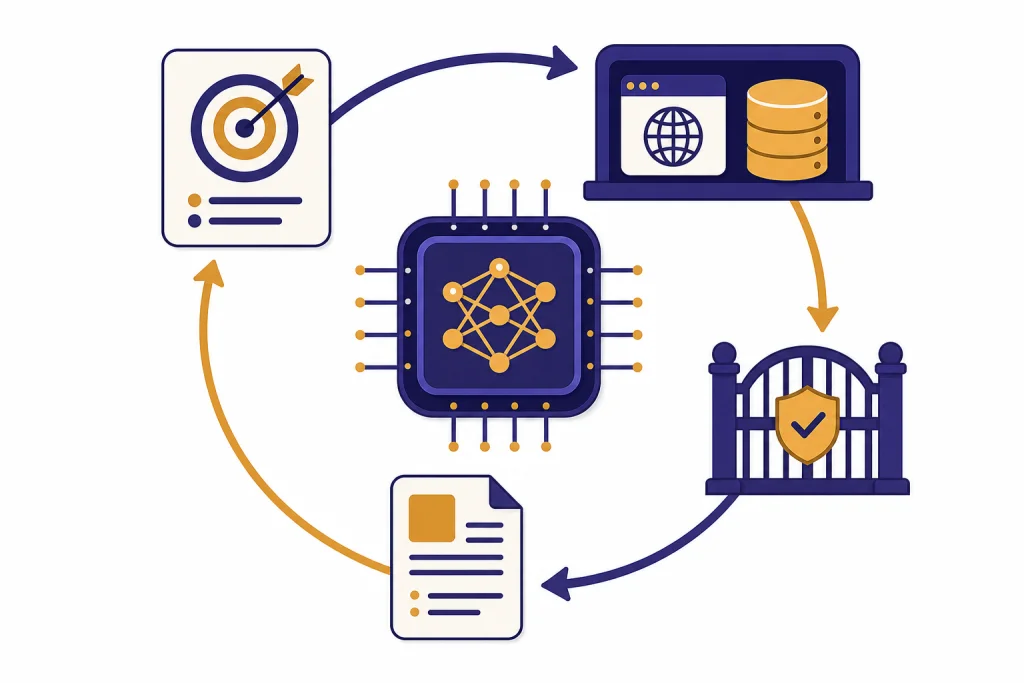
An AI agent is an AI system that can pursue a goal by choosing actions, using tools, checking results, and continuing until the task is done or it needs human help. A normal chatbot mainly responds. An agent does work. It might search files, call an API, browse a website, draft a plan, ask for approval, and revise its next step based on what happened. The practical test is simple: if the system can act in an environment on your behalf, with some autonomy and boundaries, it is agentic. If it only produces text for you to copy and use yourself, it is not really an agent.[1]
Practical definition
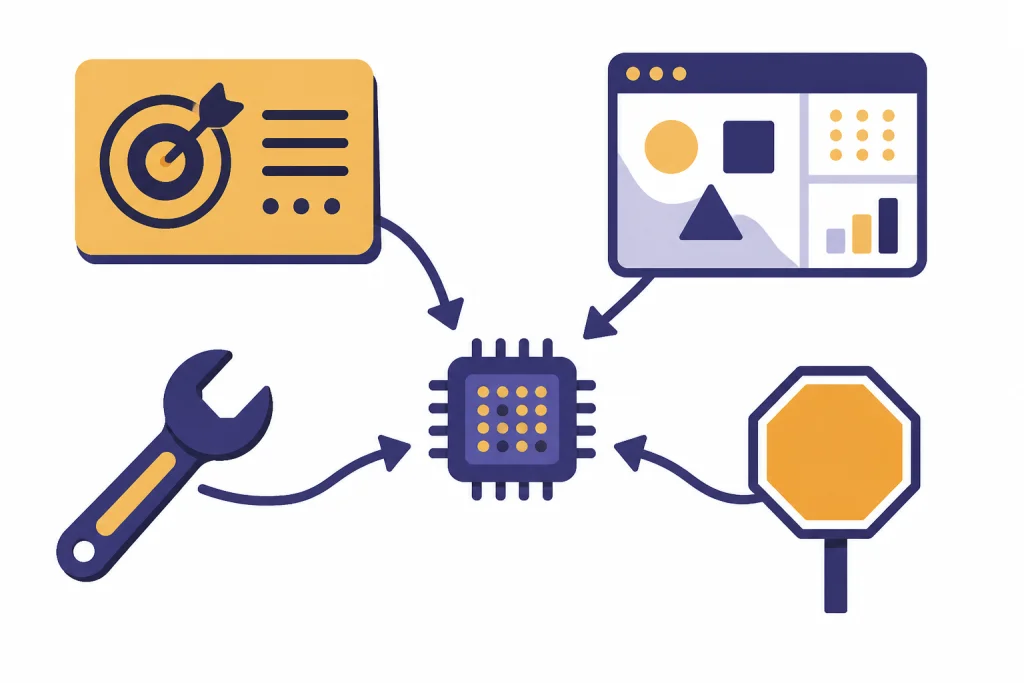
An AI agent is software that combines an AI model with instructions, tools, context, and a control loop. The model interprets the goal. The surrounding system gives it places to act. The loop lets it observe what happened and decide what to do next. NIST describes current agent systems as general-purpose AI models embedded in software scaffolding that lets the model manipulate tools and take actions beyond simple text output.[1]
That definition matters because the word “agent” is often used too loosely. A chat window that drafts an email is useful, but it is not automatically an agent. A workflow that sends the same reminder every Friday is automation, not necessarily an agent. An agent sits between those two ideas. It uses language and reasoning like a model, but it can also interact with systems, select tools, and make limited decisions inside rules you set.
A practical AI agent has four core ingredients: a goal, an environment, tools, and a stopping rule. The goal is the job you want done. The environment is the workspace it can observe, such as a browser, inbox, database, codebase, or document library. Tools are the actions it can take. The stopping rule tells it when to finish, ask for help, or refuse the task.
This is why agents are closely related to large language models, but not identical to them. The model is the reasoning engine. The agent is the whole system around that engine. If you are new to the broader category, start with generative AI and then come back to agents as the action-oriented version.
How an AI agent works
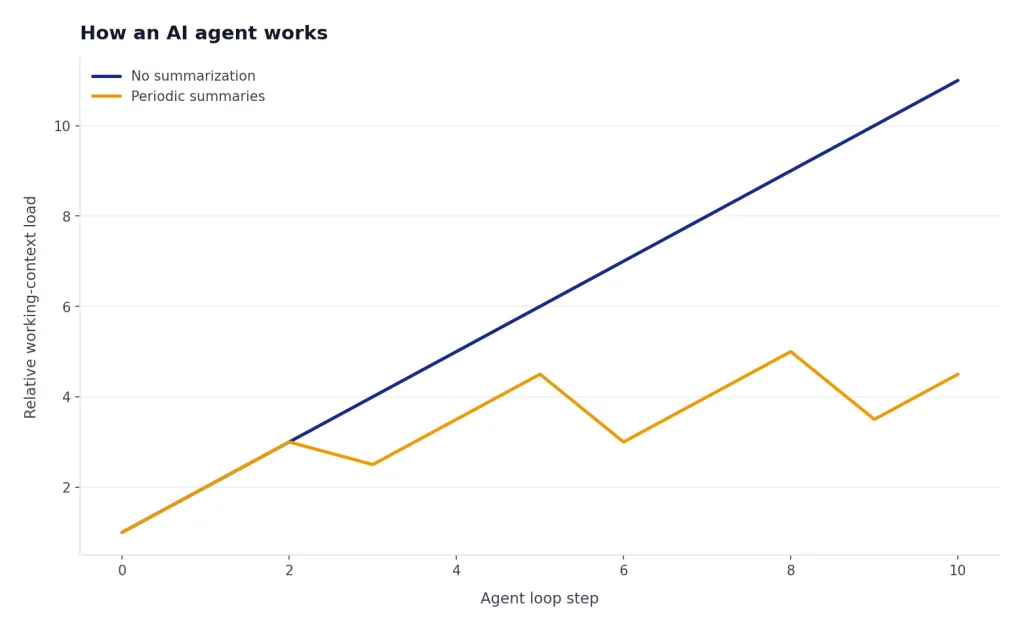
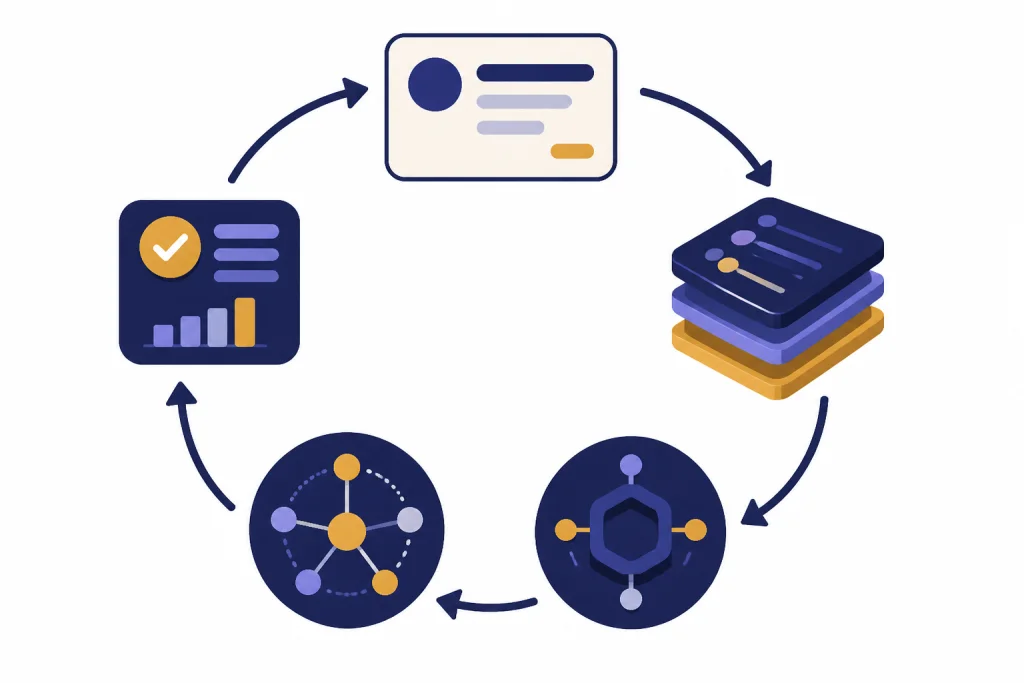
Most AI agents follow a loop. The user gives a task. The agent reads the available context. It plans a next action. It uses a tool or asks a model for a step. It observes the result. Then it either continues, revises the plan, asks for human input, or stops.
Anthropic draws a useful distinction between workflows and agents. In a workflow, the path is mostly predefined by code. In an agent, the AI model has more control over the path it takes through the task.[2] This does not mean the agent should be free to do anything. Good agent design gives the model freedom only where judgment helps, while keeping permissions, approvals, and failure handling outside the model.
Consider a simple research agent. You ask for a vendor shortlist. A non-agent chatbot might give general advice from its training and maybe ask follow-up questions. A research agent can search the web, open pages, compare claims, keep notes, discard weak sources, and return a cited summary. OpenAI describes deep research as an agent that can work independently after a prompt by finding, analyzing, and synthesizing online sources into a report.[6]
A browser agent works differently. You give it a concrete web task. It sees the page, clicks, types, scrolls, and hands control back when it hits sensitive steps. OpenAI described Operator as a research preview of an agent that used its own browser to perform tasks for users, with safeguards such as asking the user to take over for sensitive information and confirmations.[5]
The loop is the difference. The agent does not merely answer once. It keeps state, uses tools, checks outcomes, and adapts. That is also why context windows and tokens matter. The agent needs enough working context to remember the task, tool results, user rules, and recent decisions.
What is not an AI agent
The fastest way to understand agents is to separate them from nearby concepts. Many products call themselves agents because the term is popular. The useful question is not what the product is called. The useful question is whether it can take meaningful actions toward a goal under bounded autonomy.
| System | Main pattern | Why it is or is not an agent |
|---|---|---|
| Basic chatbot | Responds to user messages | Usually not an agent because it produces answers but does not act in an external environment. See our beginner guide to what ChatGPT is. |
| Prompt template | Turns a reusable instruction into output | Not an agent. It may be well designed, but it has no tool loop or independent action. See prompt engineering skills. |
| Fixed automation | Runs predefined steps | Usually not an agent. It can be powerful, but the path is determined by code rather than model judgment.[2] |
| RAG application | Retrieves relevant information before answering | Not always an agent. Retrieval-augmented generation can become part of an agent when retrieval feeds a broader action loop. |
| Tool-using AI system | Selects and calls tools to pursue a goal | Often an agent when it can observe results, choose next steps, and stop or ask for help.[1] |
A spreadsheet macro can save time, but it is not an AI agent just because it automates work. A search chatbot can cite sources, but it is not necessarily agentic if the search process is a single hidden retrieval step. A coding assistant can be agentic if it edits files, runs tests, reads errors, and iterates. The same assistant is less agentic if it only suggests code for you to paste.
The boundary is not perfect. “Agentic” is a spectrum. A system that can call a calculator has a small amount of agency. A system that can plan a multi-step workflow across a browser, database, and email account has more agency. The more it can change state outside the chat, the more careful the design must be.
Common types and examples
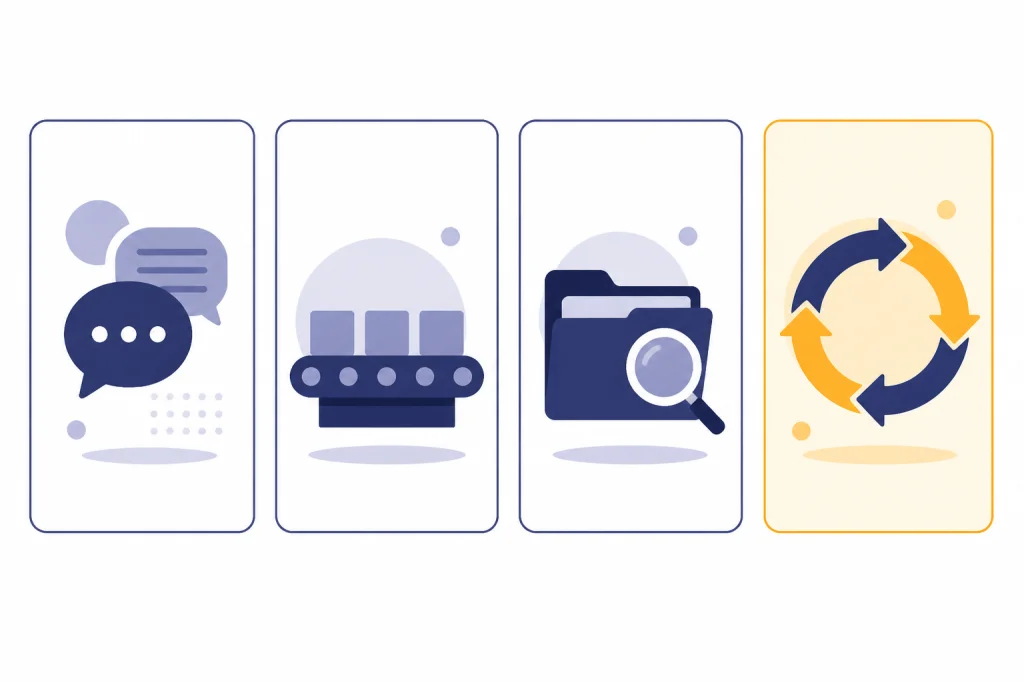
AI agents are easier to evaluate when you group them by the environment where they act. A research agent acts in search results and documents. A coding agent acts in a repository and terminal. A customer support agent acts in tickets, order records, and knowledge bases. A browser agent acts on websites. A data agent acts in dashboards, warehouses, notebooks, and business files.
A customer support agent might read a ticket, retrieve the policy, check order status, draft a reply, and create a refund request only after approval. A coding agent might inspect a bug report, open files, modify a function, run tests, and summarize the patch. A personal productivity agent might turn meeting notes into tasks, but it should ask before sending messages or changing calendars.
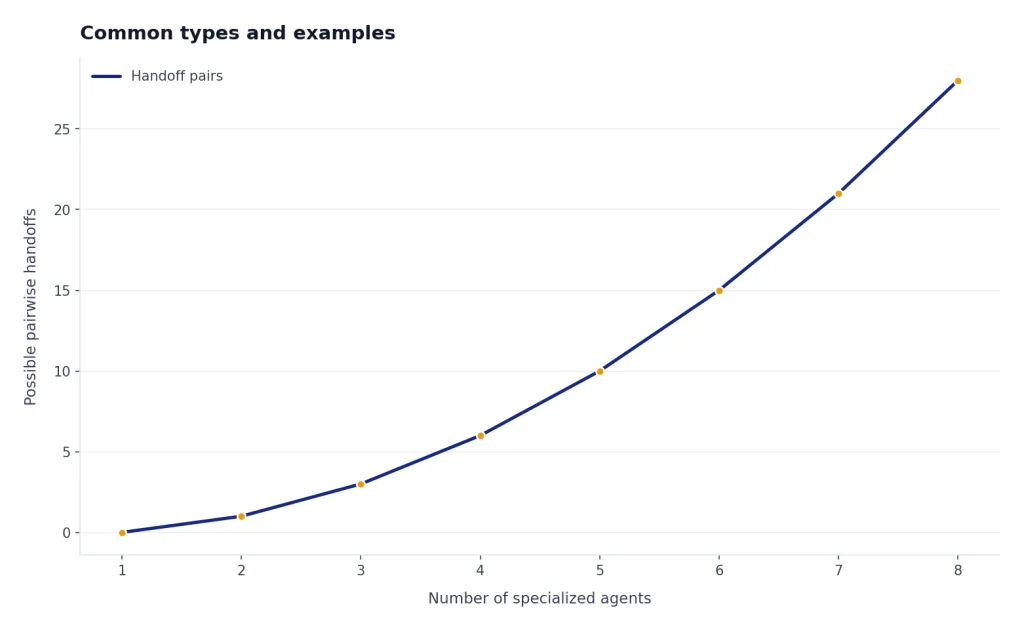
OpenAI’s Agents SDK documentation describes agentic applications where a model can use additional context and tools, hand off to specialized agents, stream partial results, and keep a trace of what happened.[3] That feature list shows how production agents differ from one-off prompts. They need orchestration, handoffs, visibility, and controls.
Agents can also be single-agent or multi-agent systems. A single-agent system uses one model-driven worker to plan and act. A multi-agent system splits work among specialized agents, such as a researcher, writer, reviewer, and verifier. Multi-agent systems can help when tasks naturally divide, but they can also add overhead and failure points. More agents do not automatically mean a better system.
Some agents are built on general models. Others use fine-tuning, retrieval, system instructions, or tool-specific policies to behave consistently in a narrower domain. The important point is that the agent is not defined by the training method. It is defined by the ability to pursue goals through action.
Tools, data, and memory
Tools turn an AI model into something that can do work. A tool can be a search function, file lookup, code runner, browser, database query, payment action, ticket update, calendar change, or internal API. Without tools, an agent can still reason, but it cannot reliably affect the outside world.
OpenAI introduced the Responses API and Agents SDK as building blocks for developers creating agentic applications, including support for built-in tools and orchestration of single-agent and multi-agent workflows.[4] Anthropic introduced the Model Context Protocol as an open standard for connecting AI assistants to systems where data lives, such as content repositories, business tools, and development environments.[7] These developments point to the same idea: agents need structured ways to reach data and act through software.
Memory is more complicated. People often use the word to mean several things. Short-term memory is the current conversation and tool results. Long-term memory is stored user preference or project state. External memory is a database, vector store, ticket history, or document repository the agent can retrieve from. A safe design treats memory as evidence, not truth. The agent should be able to cite where a fact came from and should not silently overwrite important records.
Tool design is also prompt design. A vague tool such as “do_admin_action” is risky because the model has to infer too much. A narrow tool such as “create_draft_refund_request” is safer because the action is specific and can require approval. Good agents are not just smarter models. They are better systems.
Limits and safety
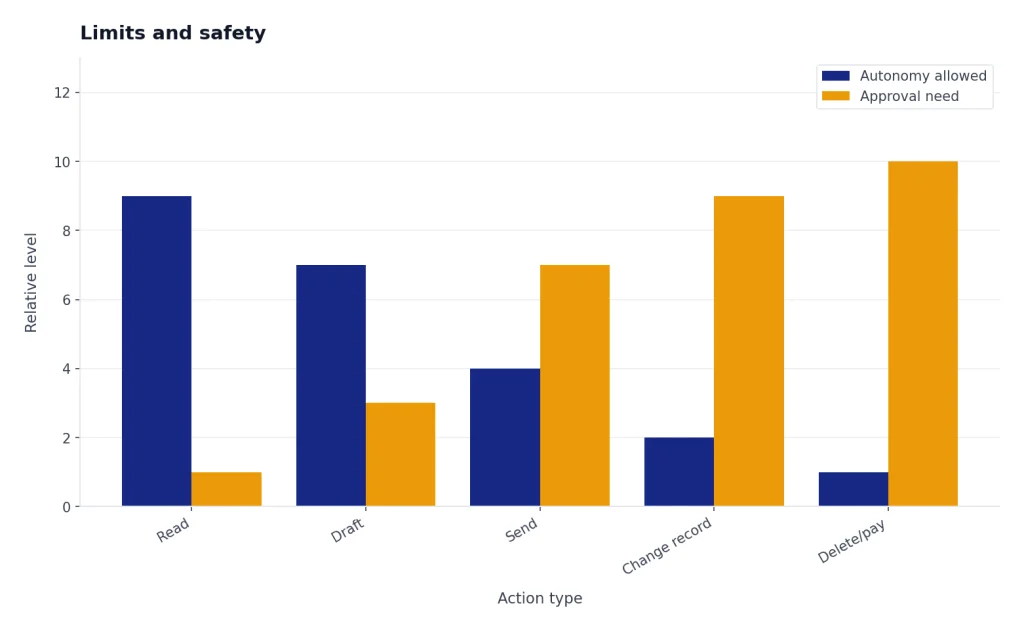
Agents are useful because they can act. They are risky for the same reason. A wrong answer in a chat may waste time. A wrong tool call can send an email, delete a file, leak data, buy the wrong product, or change a customer record. That is why an agent should have narrower permissions than the person supervising it.
NIST has highlighted security and reliability risks for agent systems, including indirect prompt injection, insecure models, data poisoning, specification gaming, and actions that may harm security even without an adversarial input.[8] These risks increase when an agent reads untrusted content and can also take actions in sensitive systems.
Good agent design uses defense in depth. Give the agent least-privilege access. Separate reading tools from writing tools. Require confirmation before irreversible actions. Log every tool call. Use allowlists for high-risk systems. Put spending limits, rate limits, and approval gates around external actions. Make it easy for a human to inspect what the agent did and why.
Agents also need refusal behavior. They should decline tasks outside policy, ask for clarification when the goal is ambiguous, and stop when the environment does not match expectations. A safe agent is not one that never asks questions. A safe agent asks at the right moments.
This is where evaluation matters. Test the agent against realistic tasks, not only happy paths. Include malformed data, missing permissions, conflicting instructions, fake tool output, and adversarial content. If you use an agent with the OpenAI API, you also need normal production hygiene such as handling failures and rate limits; our OpenAI API errors guide covers that operational layer.
When you need an AI agent
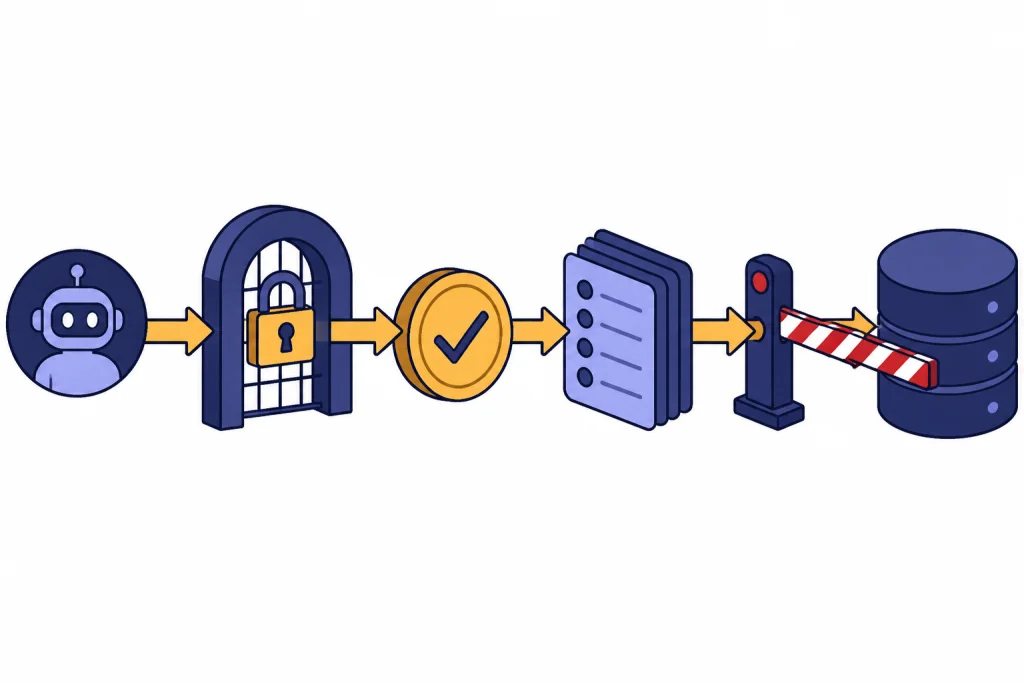
You need an AI agent when the task cannot be solved well by one answer and the path depends on what happens along the way. Research, debugging, customer triage, document processing, and operations work often fit this pattern. A plain chatbot is better when the user only needs an explanation, draft, summary, or brainstorm.
Use an agent when the task has a clear goal, observable progress, safe tools, and a human fallback. Avoid an agent when the task is high stakes, ambiguous, hard to verify, or requires broad permissions without oversight. A human-in-the-loop workflow is often the best middle ground. The agent does the repetitive work and the human approves the consequential step.
A useful planning test is to write the job as a checklist. If every step is stable and predictable, use ordinary automation. If the steps require judgment, retrieval, tool selection, and revision, consider an agent. If the work requires deep domain accountability, keep the agent in an assistant role.
The best agents are boring in the right way. They have small scopes, clear permissions, readable logs, and well-defined exit points. They do not pretend to be autonomous employees. They are bounded systems that help people complete work faster while keeping responsibility with the user or organization deploying them.
Frequently asked questions
Is ChatGPT an AI agent?
ChatGPT can behave like a chatbot or an agent depending on the mode, tools, and permissions available. A normal conversation where it answers questions is not strongly agentic. When it can use tools, browse, analyze files, or take steps toward a goal, it becomes more agentic.
What is the difference between an AI agent and a bot?
A bot often follows fixed rules or scripts. An AI agent uses a model to interpret a goal, choose actions, and adapt based on results. Some bots are agentic, but many are simple automation systems with no meaningful planning loop.
Does an AI agent need tools?
For practical use, yes. A model without tools can reason and draft, but it cannot act outside the conversation. Tools give the agent access to search, files, browsers, code, databases, and business systems.
Are AI agents autonomous?
They can be partly autonomous, but they should not be unlimited. The safest agents operate inside boundaries set by developers and users. They should ask for approval before sensitive, costly, or irreversible actions.
Is RAG the same as an AI agent?
No. RAG retrieves information to improve an answer. An agent may use RAG as one tool, but it also plans, acts, observes results, and decides what to do next.
What makes an AI agent trustworthy?
A trustworthy agent has a narrow scope, clear permissions, visible logs, strong evaluation, and human approval for consequential actions. It should show its work where possible and fail safely when it is uncertain. Trust comes from system design, not from the model name alone.