

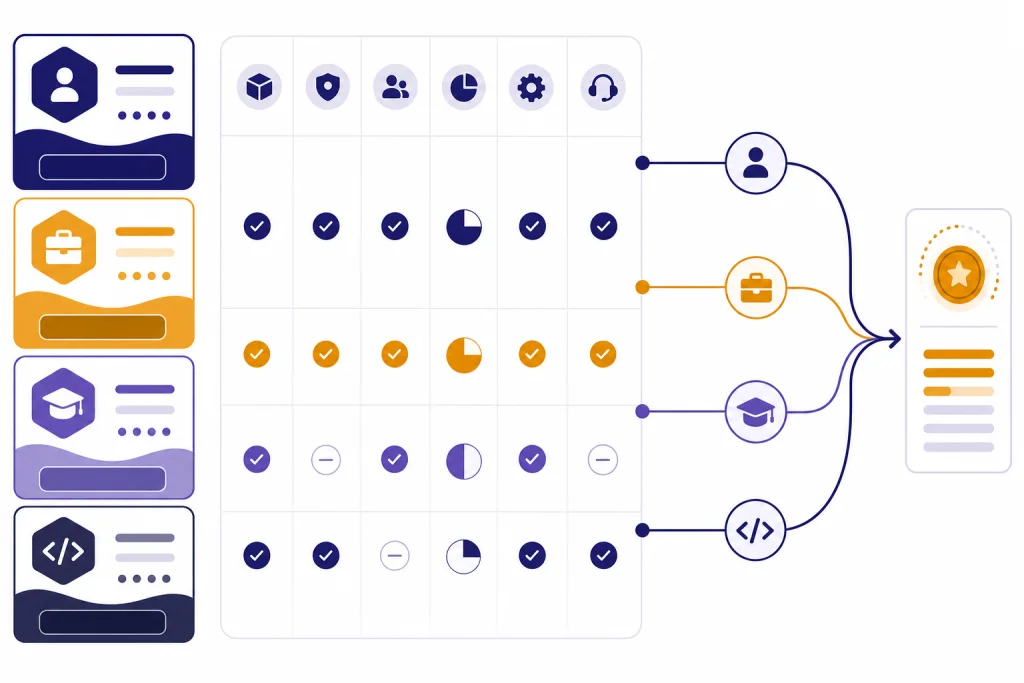
ChatGPT subscription plans now span individual, team, enterprise, education, and developer use. Most people should start with Free or Go, move to Plus when they need deeper reasoning and more advanced tools, and choose Pro only if they use ChatGPT heavily every day. Businesses should compare Business against Enterprise based on admin controls, security, procurement needs, and support. Universities should look at ChatGPT Edu rather than buying individual seats at scale. Developers should treat the OpenAI API as a separate pay-as-you-go product, not as a ChatGPT subscription. This guide compares the real choices, the hidden tradeoffs, and the billing details that matter before you pay.
Quick comparison of ChatGPT subscription plans
The fastest way to compare ChatGPT subscription plans is to separate them by buyer. Free, Go, Plus, and Pro are personal plans. Business is the self-serve workspace plan that replaced the older Team naming in OpenAI’s help materials. Enterprise and Edu are contracted plans. The OpenAI API is separate from all ChatGPT subscriptions and is billed by usage rather than by a flat ChatGPT seat.
OpenAI’s public pricing page lists Free, Go, Plus, Pro, Business, and Enterprise as the main ChatGPT plan families, and it says paid plans are priced per user per month while Business and Enterprise can use annual billing.[1] If you are comparing only personal plans, our ChatGPT Free vs Plus guide goes deeper on the most common upgrade decision.
| Plan | Best for | Published price or billing model | Main reason to choose it | Main caution |
|---|---|---|---|---|
| Free | Casual use and basic testing | $0 per month.[1] | Try ChatGPT without paying. | Lower limits and limited access to advanced tools. |
| Go | Everyday users who want more messages and uploads | $8 per month in the U.S.; OpenAI says Go pricing can be localized in some markets.[2] | More core access at a lower price than Plus. | Not the best plan for advanced reasoning-heavy work. |
| Plus | Students, professionals, writers, analysts, and general power users | $20 per month.[4] | Better access to advanced reasoning, uploads, image tools, projects, tasks, and custom GPTs. | Still has limits, and it is not a business workspace. |
| Pro | Heavy individual users | OpenAI describes Pro options at $100 and $200 per month, with the $200 tier carrying the highest usage allowance.[5] | Highest personal usage tier and access to Pro-level models and tools. | Expensive unless ChatGPT is part of daily revenue-producing work. |
| Business | Small teams and growing companies | For most countries, standard ChatGPT seats are $25 per user per month monthly or $20 per user per month annually; minimum standard ChatGPT seat count is 2.[6] | Shared workspace, admin controls, centralized billing, and no training on workspace data. | API usage is separate, and procurement options are limited for self-serve subscriptions. |
| Enterprise | Larger organizations with security, support, and procurement requirements | Custom pricing through sales; OpenAI has not published an official fixed per-seat price for Enterprise.[8] | Advanced controls, enterprise security, support, and contract terms. | You need to contact sales and evaluate a contract. |
| Edu | Universities and campus-wide deployments | Sales-led education plan; OpenAI has not published an official fixed per-seat price for Edu.[13] | Designed for students, faculty, researchers, and campus administrators. | Not a self-serve consumer discount. |
| OpenAI API | Developers building apps, automations, and products | Usage-based token pricing, separate from ChatGPT subscriptions.[9] | Programmatic access and model-by-model billing. | A ChatGPT plan does not include API usage. |
Individual plans: Free, Go, Plus, and Pro
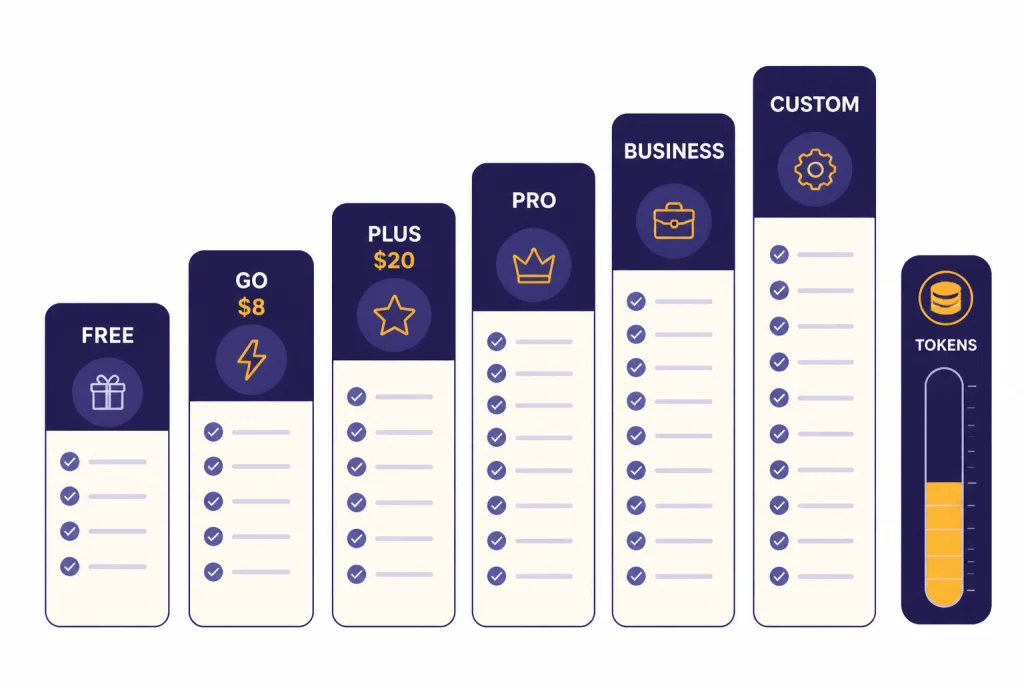
The individual ladder is now broader than the old Free-versus-Plus choice. Free gives you a no-cost way to use ChatGPT with lower limits. Go sits between Free and Plus for people who mainly want more everyday usage. Plus is the mainstream upgrade for advanced reasoning and broader tools. Pro is for users who push limits often enough that a high monthly subscription is rational.
Free
Free is the right starting point if you are testing ChatGPT, asking occasional questions, or using it for light writing and brainstorming. OpenAI lists Free with limited access to GPT-5.3, limited messages and uploads, limited image generation, limited deep research, limited memory and context, and limited Codex access.[1]
Free is not really a productivity plan. It is a trial-by-usage plan. You can learn the interface, test whether ChatGPT helps your work, and then decide whether the limits are holding you back. If you rarely hit the limits, do not upgrade just because a paid plan exists.
Go
Go is the practical middle plan. OpenAI announced global availability for ChatGPT Go on January 16, 2026, and said the U.S. price is $8 per month.[2] OpenAI describes Go as a lower-cost plan with expanded access to messages, file uploads, image creation, longer memory, and a larger context window compared with Free.[3]
Pick Go if your main problem is quantity, not model depth. It is useful for daily study help, drafts, document uploads, and image generation when you do not need the more advanced reasoning and research features that justify Plus. OpenAI also says API usage is not included with Go and is billed separately.[3]
Plus
Plus is the default paid recommendation for most serious individual users. OpenAI’s Help Center describes ChatGPT Plus as enhanced access to the ChatGPT web app for $20 per month, billed monthly.[4] It lists benefits such as priority access during high-traffic periods, higher GPT-5 limits, faster responses, voice conversations, image generation, file uploads and analysis, Deep Research where available, and custom GPT creation and use.[4]
Plus makes sense if ChatGPT saves you time several days each week. Students, researchers, independent consultants, marketers, analysts, and programmers usually get more value from Plus than Go when they use file analysis, reasoning, custom GPTs, and deeper research. If you are focused on value, compare this section with is ChatGPT Plus worth it? and ChatGPT Plus Benefits.
Pro
Pro is not just Plus with a nicer label. OpenAI says Pro is designed for people who rely on AI for high-stakes, complex work, and its Pro plans include access to Pro models, Codex, deep research, image creation, memory, and file uploads.[5] OpenAI’s Pro Help Center page describes a $100 Pro option with higher usage than Plus and a $200 Pro option with the highest usage allowance.[5]
Most people should not start with Pro. Upgrade only after Plus becomes a bottleneck. If you already know that model limits, deep research, Codex, or parallel workflows slow you down, compare ChatGPT Plus vs Pro before paying for the higher tier.
Team and organization plans: Business, Enterprise, and Edu
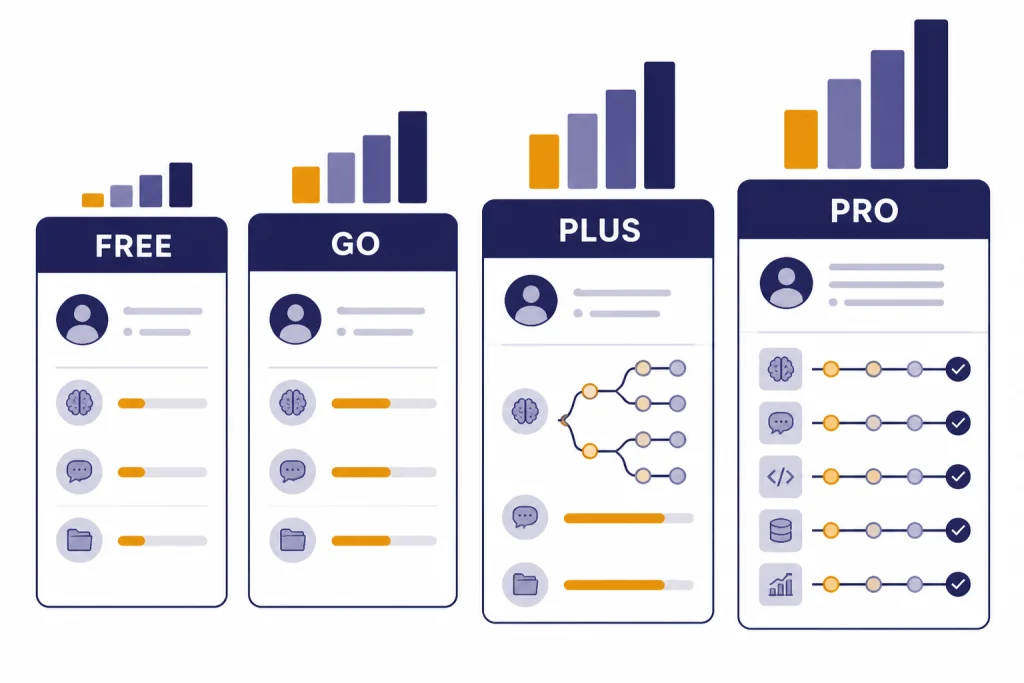
OpenAI’s current workspace plan for smaller organizations is ChatGPT Business. Older content may still refer to ChatGPT Team, but OpenAI’s Help Center says ChatGPT Team was renamed ChatGPT Business on August 29, 2025.[6] For a buying team, that naming change matters because you should evaluate the current Business plan rather than search for a separate Team subscription.
Business
Business is the self-serve plan for organizations that want a shared ChatGPT workspace. OpenAI says Business includes centralized billing, admin controls, usage visibility, spend controls, and access to ChatGPT and Codex depending on seat type.[6] Standard ChatGPT seats include ChatGPT and Codex, while Codex seats are usage-based and do not include ChatGPT workspace access.[6]
The current standard ChatGPT Business seat price in most countries is $25 per user per month on monthly billing or $20 per user per month on annual billing, and OpenAI requires at least 2 standard ChatGPT seats for that seat type.[6] That makes the practical starting cost higher than a single Plus subscription, but it buys a workspace rather than one personal account. For a detailed seat-by-seat breakdown, see ChatGPT Team Pricing and ChatGPT Business Pricing.
Enterprise
Enterprise is the sales-led option for organizations that need more governance, support, security review, procurement options, or legal terms. OpenAI says Enterprise combines enterprise-grade privacy and security with centralized administration and advanced ChatGPT capabilities, including domain verification, SSO, SCIM, usage insights, longer context windows, advanced data analysis, and customization options.[7]
OpenAI has not published an official fixed Enterprise seat price. The correct path is to contact sales, especially if your organization needs invoices, purchase orders, wire transfers, custom legal terms, Zero Data Retention, business associate agreements, or other sales-led arrangements.[8] For procurement planning, read our ChatGPT Enterprise Pricing guide.
Edu
ChatGPT Edu is the education plan for campus-wide deployments. OpenAI’s ChatGPT Edu page describes it as a way to bring AI to campus for students, faculty, researchers, and campus administrators, with expanded access to GPT-5, tools for analysis and research, and customizable GPTs for projects and courses.[13]
Edu is not the same thing as a student discount on Plus. It is a university plan that normally belongs in a campus procurement process. OpenAI has not published an official fixed per-seat Edu price, so schools should contact OpenAI for a quote.[13] If you are evaluating a campus rollout, start with ChatGPT Edu Pricing.
How the OpenAI API fits into pricing
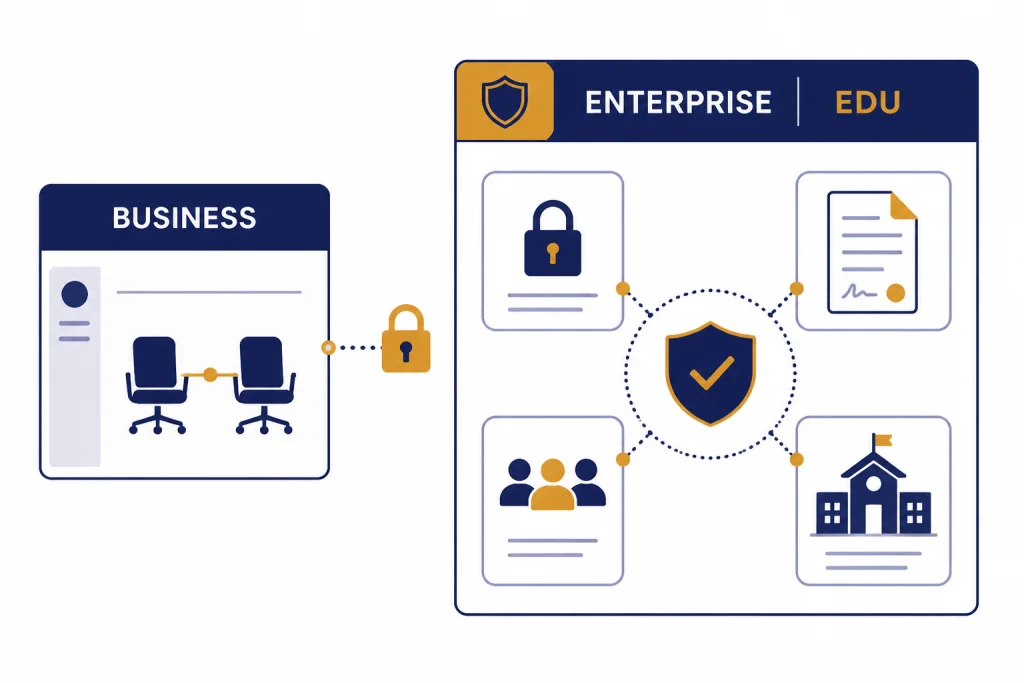
The OpenAI API is not a ChatGPT subscription plan. It is a developer platform for building software that calls OpenAI models. OpenAI’s Business Help Center states that a ChatGPT Business subscription does not include API usage and that API usage is billed separately.[6] The same distinction matters for Free, Go, Plus, Pro, Enterprise, and Edu: a ChatGPT seat gives a person access to the ChatGPT product, while the API bills programmatic usage.
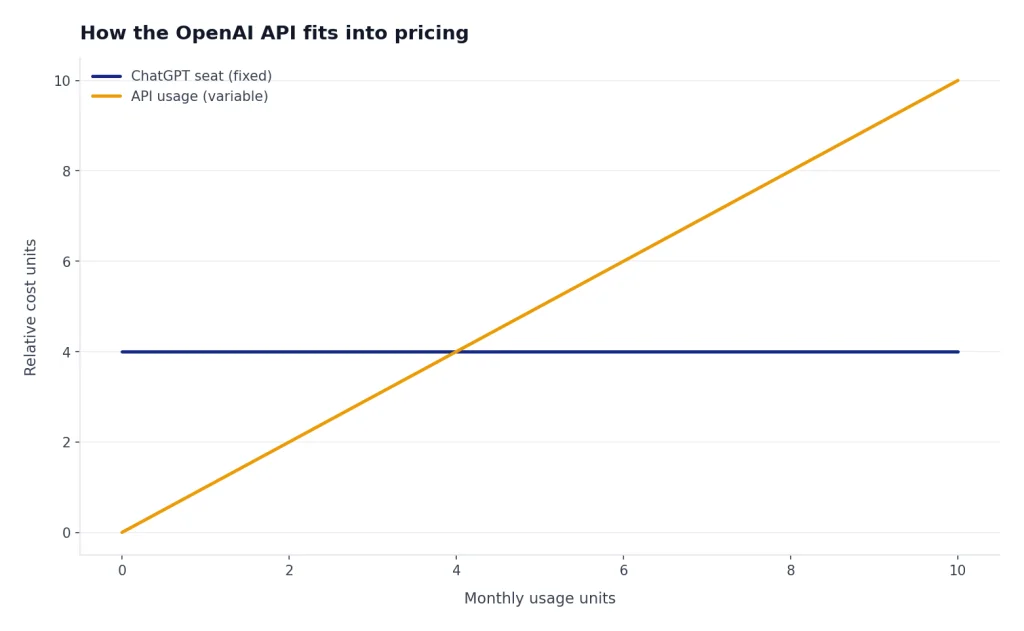
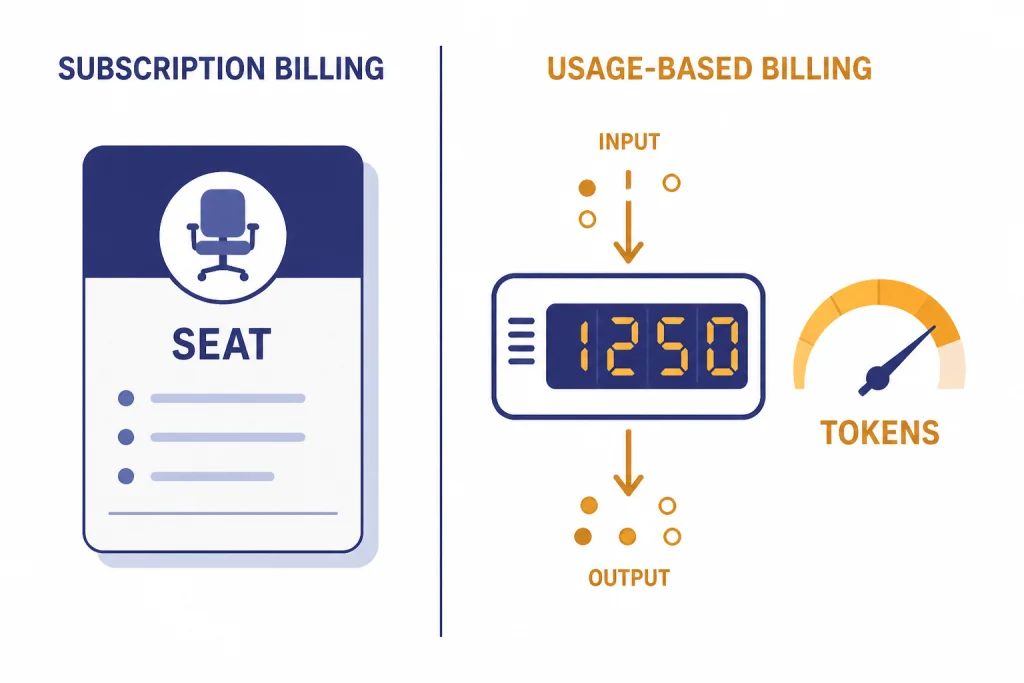
API pricing changes by model and token usage. OpenAI’s API pricing page says text token prices are listed per 1 million tokens, and the page lists separate input, cached input, and output prices for models.[9] For example, the API pricing page lists gpt-5.2 at $1.75 per 1 million input tokens, $0.175 per 1 million cached input tokens, and $14.00 per 1 million output tokens.[9] It also lists gpt-5-mini at $0.25 per 1 million input tokens and $2.00 per 1 million output tokens, and gpt-5-nano at $0.05 per 1 million input tokens and $0.40 per 1 million output tokens.[9]
Use the API when you are building an app, an internal tool, a workflow, a chatbot, an analysis pipeline, or an automation that needs model calls behind the scenes. Use a ChatGPT subscription when a person is working in the ChatGPT interface. If you want model-by-model developer costs, read OpenAI API Pricing. If you want to compare model capabilities rather than subscription tiers, read All GPT Models Compared Side by Side.
| Use case | Better fit | Why |
|---|---|---|
| A person drafts reports, uploads PDFs, and asks questions in ChatGPT | ChatGPT Plus or Pro | The value is in the ChatGPT interface, memory, files, research tools, and conversation workflow. |
| A company gives employees a shared workspace with admin controls | Business or Enterprise | The buyer needs seats, workspace settings, data controls, and centralized billing. |
| A university gives access across a campus | Edu | The buyer needs an education deployment, not individual consumer subscriptions. |
| A developer sends prompts from an app to a model endpoint | OpenAI API | The buyer needs usage-based programmatic access rather than a human ChatGPT seat. |
Discounts, trials, promo codes, refunds, and cancellation
Discounts and trials are narrower than many search results imply. OpenAI’s official student offer for ChatGPT Plus was limited to verified students in the U.S. and Canada, allowed students to claim free Plus access from March 31, 2025 through May 31, 2025, and lasted for two months once claimed.[10] That was a real offer, but it was not a standing permanent student price. For current eligibility details, see ChatGPT Plus for Students and ChatGPT Student Discount.
Promo codes are also conditional. If you see a code on a coupon site, treat it as unverified unless it comes from OpenAI or a current OpenAI-approved promotion. We maintain separate trackers for ChatGPT Promo Code, ChatGPT Plus Discount Code, and ChatGPT Plus Free Trial because expired offers can look current in search results.
Refunds depend on how you subscribed. For web subscriptions, OpenAI says accidental purchases are generally eligible for a refund if you contact support within 14 days of the charge, and eligible refunds are processed within 5 to 7 business days.[11] For Google Play subscriptions, OpenAI says eligible refunds are processed within 10 business days.[11] For Apple subscriptions, OpenAI says cancellations and refunds must be requested directly from Apple.[11]
Cancellation is separate from a refund. OpenAI says cancellation becomes effective the day after your next billing date, you can keep using the service until then, and you should cancel at least 24 hours before your next billing date to avoid the next charge.[12] If you need step-by-step instructions, use How to Cancel ChatGPT Subscription on Any Device or How to Cancel ChatGPT Plus Subscription. For refund steps, see ChatGPT Refund Policy.
Which ChatGPT subscription plan should you choose?
Choose the cheapest plan that removes your actual bottleneck. If you do not hit limits, stay on Free. If you hit Free limits but mostly need more ordinary messages, uploads, and image generation, choose Go. If you need advanced reasoning, better research, richer file workflows, projects, custom GPTs, and a serious everyday assistant, choose Plus. If Plus blocks your work repeatedly and ChatGPT is central to your income or research output, consider Pro.
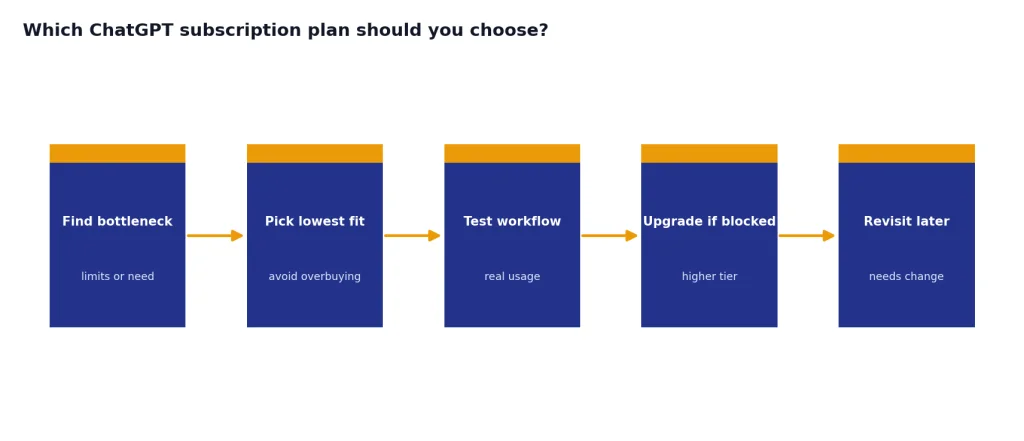
For small organizations, do not buy a pile of personal Plus accounts and call it a team plan. Business gives a shared workspace, centralized billing, admin controls, and business data handling that personal accounts do not provide. If your company needs procurement paperwork, custom terms, stronger controls, or high-touch support, Enterprise is the more appropriate conversation.
For schools, Edu is the right comparison point for campus deployment. Individual student deals are not a substitute for a university contract. For developers, ignore ChatGPT plan names at first and estimate API usage by model, token volume, caching, tools, and expected traffic.
- Pick Free if you are still deciding whether ChatGPT helps you.
- Pick Go if Free is too limited but Plus feels excessive.
- Pick Plus if ChatGPT is a regular productivity tool.
- Pick Pro if you use advanced models and tools heavily enough to justify the cost.
- Pick Business if several people need a managed workspace.
- Pick Enterprise if legal, security, procurement, and support requirements drive the purchase.
- Pick Edu if the buyer is a university or campus program.
- Pick the API if software, not a person in ChatGPT, will call the model.
If you want a total cost view, start with How Much Does ChatGPT Cost in Total?. If you are outside the United States, also compare ChatGPT Pricing by Country, because local billing, taxes, and availability can change the practical price.
Frequently asked questions
What is the best ChatGPT subscription plan for most people?
Plus is the best default paid plan for most people who use ChatGPT for work, school, research, writing, or analysis. Go is better if you mainly want more everyday usage at a lower price. Free is still fine if you rarely hit limits.
Is ChatGPT Team still available?
OpenAI now uses the name ChatGPT Business for the self-serve team workspace. OpenAI’s Help Center says ChatGPT Team was renamed ChatGPT Business on August 29, 2025.[6] If you see “Team” in older articles, compare it against the current Business plan.
Does ChatGPT Plus include API credits?
No. ChatGPT subscriptions and API usage are separate. OpenAI states that API usage is billed independently, and its API pricing is based on usage such as model tokens.[9]
Does ChatGPT have a student discount?
OpenAI has offered student promotions, but they have not been a permanent universal discount. The official U.S. and Canada student Plus offer ran from March 31, 2025 through May 31, 2025 and gave eligible students two months of Plus once claimed.[10] Always verify student offers through OpenAI rather than coupon pages.
Can I get a refund after subscribing?
Maybe. OpenAI says accidental web purchases are generally eligible if you contact support within 14 days of the charge, while Apple subscriptions must be handled through Apple.[11] Refund rules can vary by purchase channel and region.
Which plan should a small business buy?
Most small teams should start by evaluating Business, not individual Plus accounts. Business adds a shared workspace, centralized billing, admin controls, and business data handling. Enterprise is more appropriate when procurement, security, support, or custom terms matter more than self-service setup.