


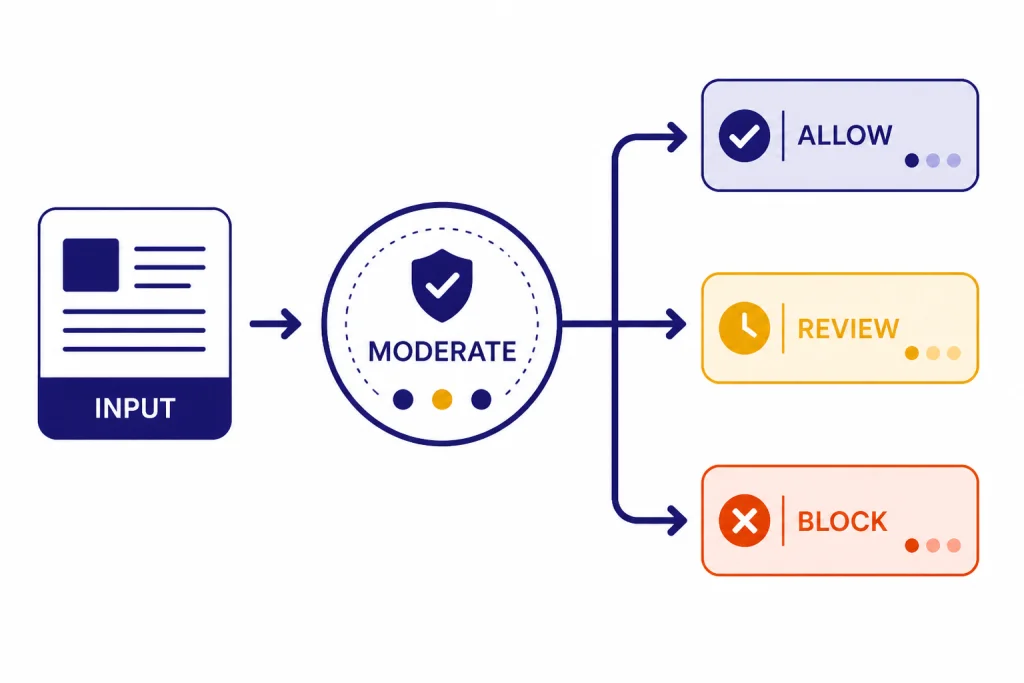
The OpenAI Moderation API is a free endpoint for checking whether text or images may be harmful before you show, store, or send them into a generative AI workflow. It returns category flags, category scores, and input-type details so your application can allow, block, queue, or review content based on your own policy. OpenAI recommends the newer `omni-moderation-latest` model for new applications because it supports text and image inputs and more categories than the legacy `text-moderation-latest` model.[1] It is not a complete trust and safety program by itself, but it is the right first guardrail for user-generated content, chatbot inputs, and model outputs.
What the Moderation API does
The moderation api classifies submitted content as potentially harmful or not harmful across a set of safety categories. OpenAI documents the endpoint as a way to check text or images and then take corrective action such as filtering content or intervening with an account.[1] In practice, your application sends user content to the endpoint, reads the JSON response, and applies your own product rules.
A common pattern is to run moderation before an AI response is generated. That catches unsafe user prompts before they reach a model. You can also moderate after generation, especially if your product displays AI output in public, sends it to another user, or saves it to a shared workspace. For agentic applications built on the OpenAI Responses API, moderation is often one layer in a broader input and output control system.
The endpoint does not write policy for you. It gives signals. Your application decides whether a score is acceptable, whether a category needs a hard block, whether a moderator should review it, and whether the user should receive a warning. That distinction matters. A classroom app, a public forum, and an internal developer tool may use the same model but different thresholds.
Pricing and rate limits
The Moderation API is free to use. OpenAI states this in the moderation guide and also described the updated moderation model as free for all developers when it introduced `omni-moderation-latest` on September 26, 2024.[1][4] You still need an OpenAI API account and an API key. If you are sorting out account access, start with Free OpenAI API Key and Does ChatGPT Plus Include API Access?, because ChatGPT subscriptions and API billing are separate products.
Free does not mean unlimited. OpenAI publishes per-model rate limits for `omni-moderation-latest`, and those limits vary by usage tier.[3] The current model page lists the following request and token caps for the moderation model.[3]
| Usage tier | Requests per minute | Requests per day | Tokens per minute |
|---|---|---|---|
| Free | 250 | 5,000 | 10,000 |
| Tier 1 | 500 | 10,000 | 10,000 |
| Tier 2 | 500 | Not listed | 20,000 |
| Tier 3 | 1,000 | Not listed | 50,000 |
| Tier 4 | 2,000 | Not listed | 250,000 |
| Tier 5 | 5,000 | Not listed | 500,000 |
OpenAI also states that rate limits are set at the organization and project level, vary by model, and are visible in account settings.[5] If your integration receives rate-limit errors, use the headers returned by the API. The rate-limit guide lists headers such as `x-ratelimit-limit-requests`, `x-ratelimit-remaining-requests`, `x-ratelimit-limit-tokens`, and reset headers for requests and tokens.[5] For a broader handling strategy, use OpenAI API Errors with a retry policy and clear logging.
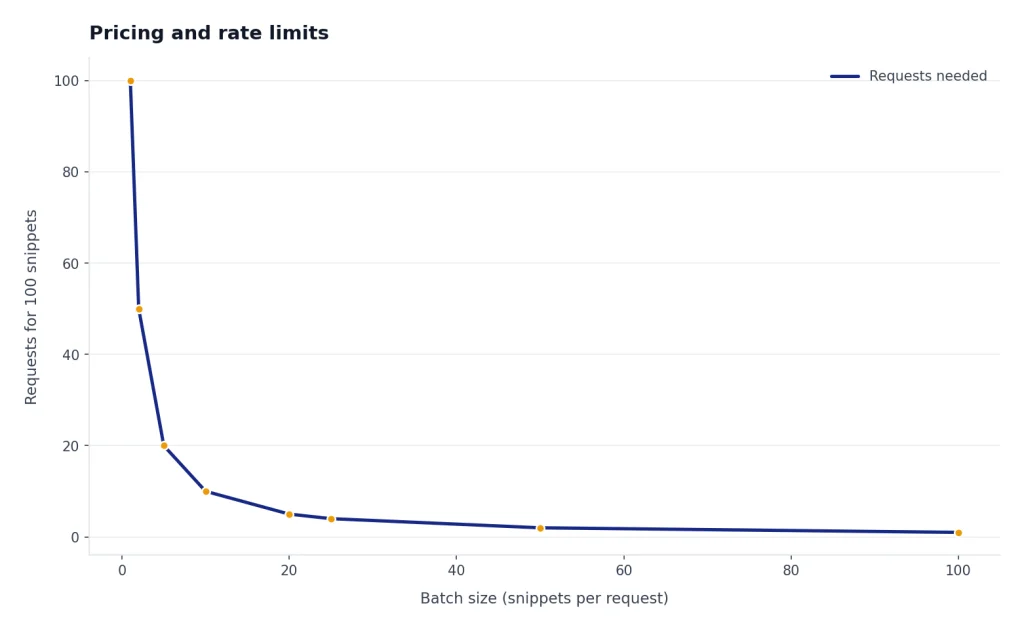
Because moderation calls are free, teams sometimes add them to every request path. That is reasonable for high-risk user-generated content, but it still consumes rate-limit capacity. Use batching at your own application layer when you have many small text snippets, cache repeated checks for identical content when policy permits, and avoid retry storms. If your app also calls paid generation models, use the OpenAI API Cost Calculator and OpenAI API Pricing to estimate the non-moderation part of the bill.

Models and input types
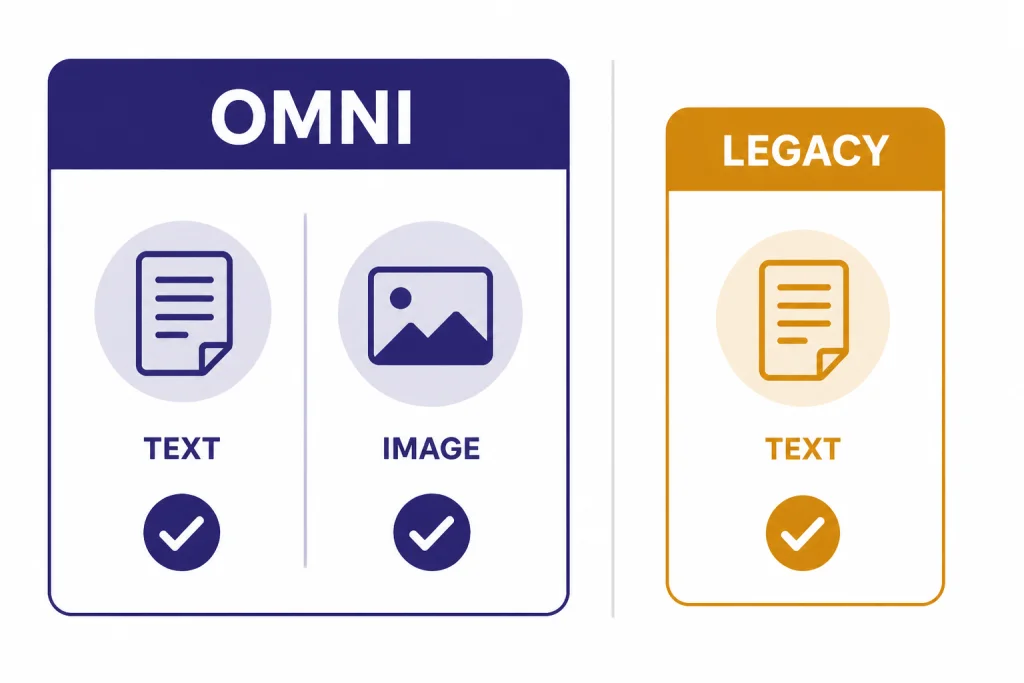
OpenAI lists two models for the moderation endpoint: `omni-moderation-latest` and legacy `text-moderation-latest`.[1] New applications should use `omni-moderation-latest` unless they have a specific compatibility reason not to. OpenAI describes the omni model as its most capable moderation model and says it accepts text and image input.[3]
The model page also lists `omni-moderation-2024-09-26` as the dated snapshot behind the omni moderation family.[3] A snapshot is useful when you need more stable behavior for audits or regression tests. The rolling `latest` alias is easier for most products because it receives OpenAI’s ongoing model updates. If you build strict thresholds around `category_scores`, test them periodically because OpenAI says it plans to continuously upgrade the underlying moderation model.[1]
| Model | Best use | Inputs | Notes |
|---|---|---|---|
| `omni-moderation-latest` | Default choice for new safety filters | Text and images | Supports more categorization options and multimodal inputs than the legacy model.[1] |
| `omni-moderation-2024-09-26` | Stable testing and controlled rollout | Text and images | Dated snapshot listed by OpenAI for the omni moderation family.[3] |
| `text-moderation-latest` | Legacy text-only integrations | Text only | OpenAI labels it legacy and says the newer omni models are the best choice for new applications.[1] |
For image checks, OpenAI’s moderation guide says image files are limited to 20 MB.[1] If your product already uses image understanding through the OpenAI Vision API, treat moderation as a separate safety pass. Vision answers a task-specific question about an image. Moderation classifies whether the image and any paired text fit harmful-content categories.
Response format and categories
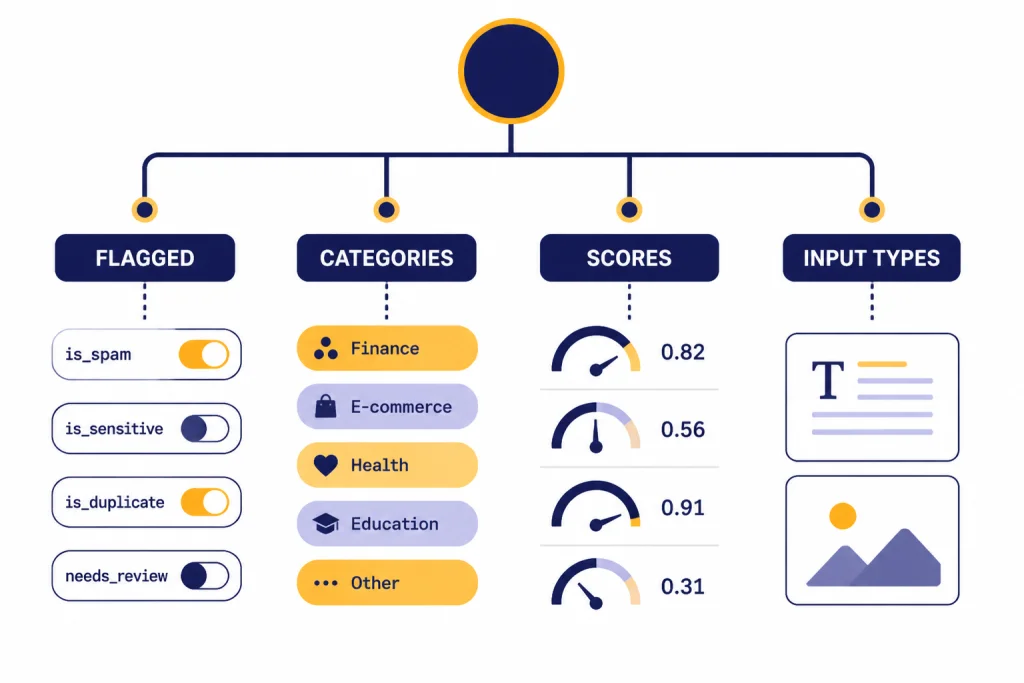
The Moderations API returns a moderation object with `categories`, `category_scores`, `category_applied_input_types`, and `flagged` fields.[2] The `flagged` value is a broad boolean. The category fields are more useful for product decisions because they explain which safety category triggered and how strong the signal was.
The `categories` object contains true-or-false flags for individual categories. The `category_scores` object contains numeric confidence scores from 0 to 1, where higher values mean stronger model confidence that the input violates that category.[1] The `category_applied_input_types` object tells you whether the relevant signal came from text, image, or both, and OpenAI says that field is available only on omni models.[1]
const result = moderation.results[0];

if (result.flagged) {
  if (result.categories["self-harm/intent"]) {
    return queueForUrgentReview();
  }

  if (result.category_scores.violence > 0.75) {
    return blockAndLog();
  }

  return sendToModeratorQueue();
}

return allow();
OpenAI’s documented categories include harassment, harassment with threats, hate, hate with threats, illicit instruction, illicit violent instruction, self-harm, self-harm intent, self-harm instructions, sexual content, sexual content involving minors, violence, and graphic violence.[2] Some categories support both text and images. OpenAI’s guide marks harassment, hate, illicit, and sexual content involving minors as text-only categories, while self-harm, sexual content, violence, and graphic violence support text and images.[1]
Do not treat every category the same. A mild harassment score may justify a warning or review queue. A sexual-minors flag should usually trigger a hard block, escalation, and evidence preservation according to your legal and trust-and-safety process. The Moderation API gives the signal. Your company policy determines the consequence.
How to use it in production
Start with the default model and a simple decision tree. Send content to `/v1/moderations`, check the first result, and branch on the category flags that matter for your product. OpenAI’s API reference documents the moderation endpoint as `POST /moderations` and describes it as classifying text or image inputs as potentially harmful.[2]
For a chatbot, moderate user input before generation. If the input is blocked, return a short, neutral message and do not call the generation model. If it is borderline, send it to a review queue or route it to a safer workflow. If it is allowed, call your model through the GPT-5 API or another generation endpoint, then consider moderating the model output before display.
For public posting products, moderate both before and after publication. Pre-publication checks reduce visible harm. Post-publication checks catch edits, imports, and content created before your current rules existed. Keep the moderation response, the user action, and the final product decision in an audit log. Redact or hash sensitive content where possible.
For agent tools, place moderation at boundaries. Check user instructions before an agent plans work. Check generated messages before the agent sends email, posts to a channel, or writes to a shared record. If the agent can call external systems through function calling, moderation should run before irreversible actions, not only at the first prompt.
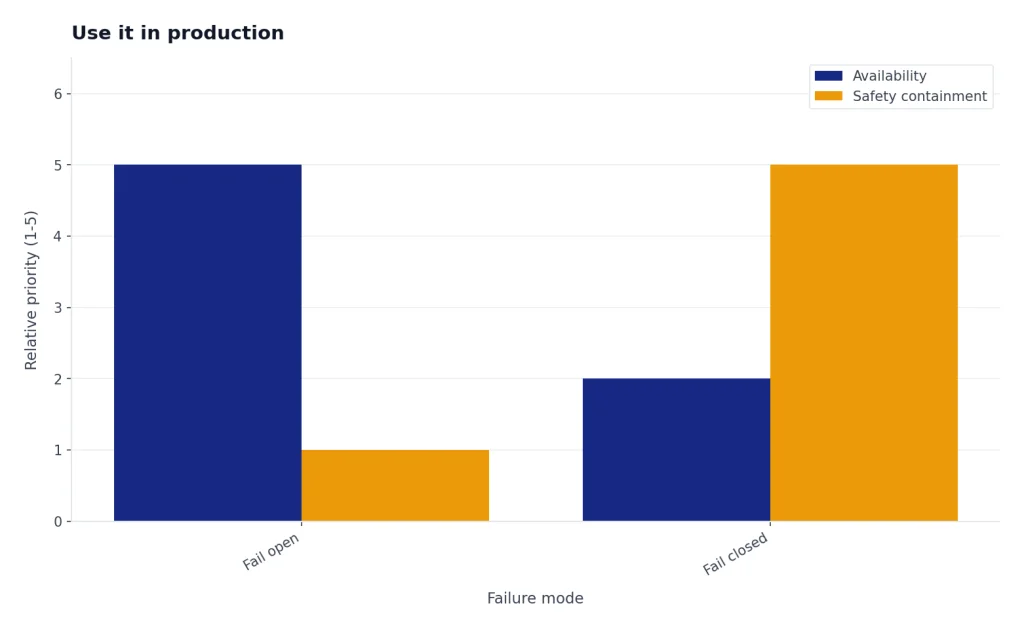
Production systems also need failure handling. If the moderation call times out, decide whether your product fails open or fails closed. Public social features, child-facing products, and high-risk workflows often fail closed. Internal developer tools may fail open with logging. Document that choice in your OpenAI API best practices for production checklist.
What not to use it for
The Moderation API is not a legal compliance engine. It does not decide whether content violates every local law, platform rule, app-store policy, school policy, or advertising policy. Use it as one component in a broader review system that includes written rules, human escalation, and abuse monitoring.
It is also not a replacement for prompt design. You should still constrain user inputs, limit tool permissions, and specify allowed behavior in the system message. If you need predictable machine-readable output from a model, use structured outputs with the OpenAI API for the generation step. Moderation tells you whether content is risky. Structured output tells you whether the model response followed a schema.
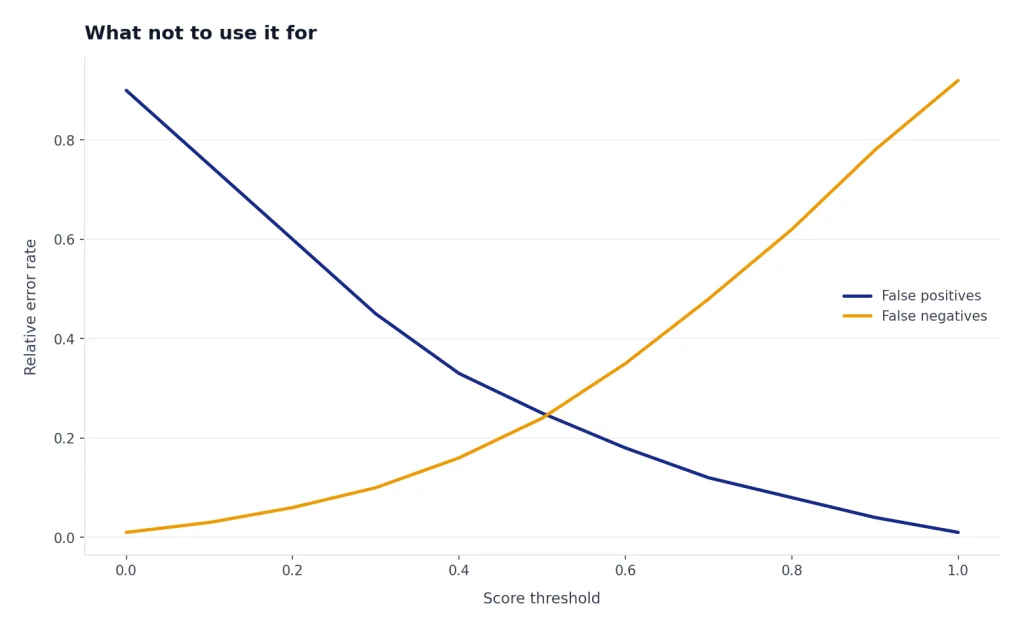
Do not use category scores as permanent universal thresholds without testing. OpenAI says custom policies that rely on `category_scores` may need recalibration over time because the underlying model can be upgraded.[1] Create an internal evaluation set, review false positives and false negatives, and record threshold changes as product decisions.
Finally, do not assume moderation is only for user input. Some of the hardest safety bugs come from generated output, tool results, retrieved documents, and multimodal uploads. If your system streams model output, read our streaming responses with the OpenAI API guide and decide whether you need pre-send buffering for risky surfaces.
Example policy design
A useful moderation policy separates detection from action. Detection comes from the API response. Action comes from your product rules. The table below is an example starting point, not a universal policy.
| Signal | Example action | Reason |
|---|---|---|
| `flagged` is false | Allow | No category crossed the model’s flag threshold. |
| Harassment flag | Warn or review | Many products can handle low-severity cases with friction before a block. |
| Violence or graphic violence flag | Review, restrict, or block | Context matters, especially for news, education, games, and fiction. |
| Self-harm intent flag | Escalate to a safety flow | User safety needs a different response than ordinary content moderation. |
| Sexual content involving minors flag | Block and escalate | This category usually requires the strictest handling and recordkeeping. |
| Illicit violent instruction flag | Block | Instructional wrongdoing with violence should not proceed to generation or posting. |
Review your logs weekly when the system is new. Look at allowed content that should have been blocked and blocked content that should have been allowed. Add product-specific rules on top of the API instead of trying to make one score threshold handle every case. For large asynchronous backfills, the OpenAI Batch API may help with other API workloads, but verify current endpoint support before designing a batch moderation pipeline.
Frequently asked questions
Is the OpenAI Moderation API free?
Yes. OpenAI’s moderation guide says the moderation endpoint is free to use, and OpenAI’s September 26, 2024 announcement also said the updated moderation model is free for developers.[1][4] Free usage is still subject to rate limits.
Which moderation model should I use?
Use `omni-moderation-latest` for new applications. OpenAI says it supports more categorization options and multimodal inputs than legacy `text-moderation-latest`.[1] Use the dated `omni-moderation-2024-09-26` snapshot only when you need version stability for testing or audits.[3]
Can the Moderation API check images?
Yes, with the omni moderation model. OpenAI documents text and image input support for `omni-moderation-latest`, while the legacy text moderation model is text only.[1] OpenAI also states that image files are limited to 20 MB.[1]
Should I moderate model outputs too?
Often, yes. Input moderation reduces unsafe prompts, but output moderation catches generated text that may still be unsafe for your users or public surface. This is especially important for forums, messaging products, education tools, and agent workflows that take external actions.
What does `category_scores` mean?
`category_scores` contains per-category confidence scores from 0 to 1, with higher values meaning stronger confidence that the input violates the category.[1] Do not treat those values as permanent universal thresholds. OpenAI says score-based custom policies may need recalibration as the moderation model is upgraded.[1]
Does moderation replace human review?
No. Automated moderation is best used as a triage layer. Use human review for appeals, borderline cases, high-severity categories, and situations where context changes the decision.