

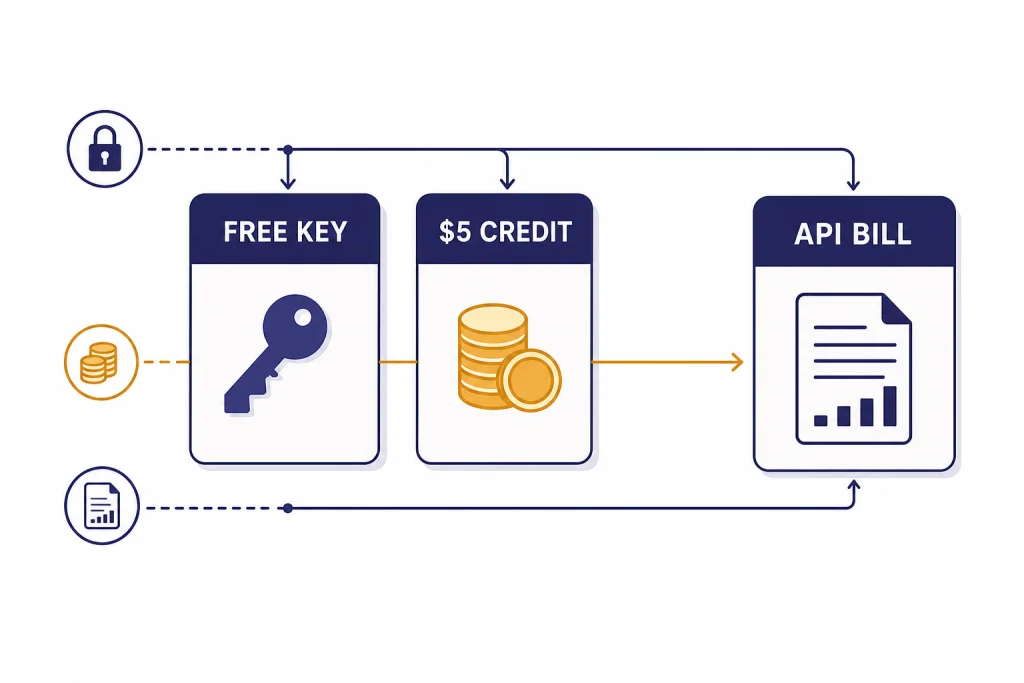
A free OpenAI API key is possible in the narrow sense that you can create a key without paying upfront, but that does not mean OpenAI API usage is unlimited or automatically free in 2026. OpenAI’s API platform separates authentication, billing, credits, model pricing, and rate limits. If your account has free trial credits, those credits are used first; if it does not, you generally need to add billing or prepaid credits before paid API calls will run.[2] This guide explains what “openai api key free” really means, how to create a key safely, and how to test without surprise costs.
Short answer
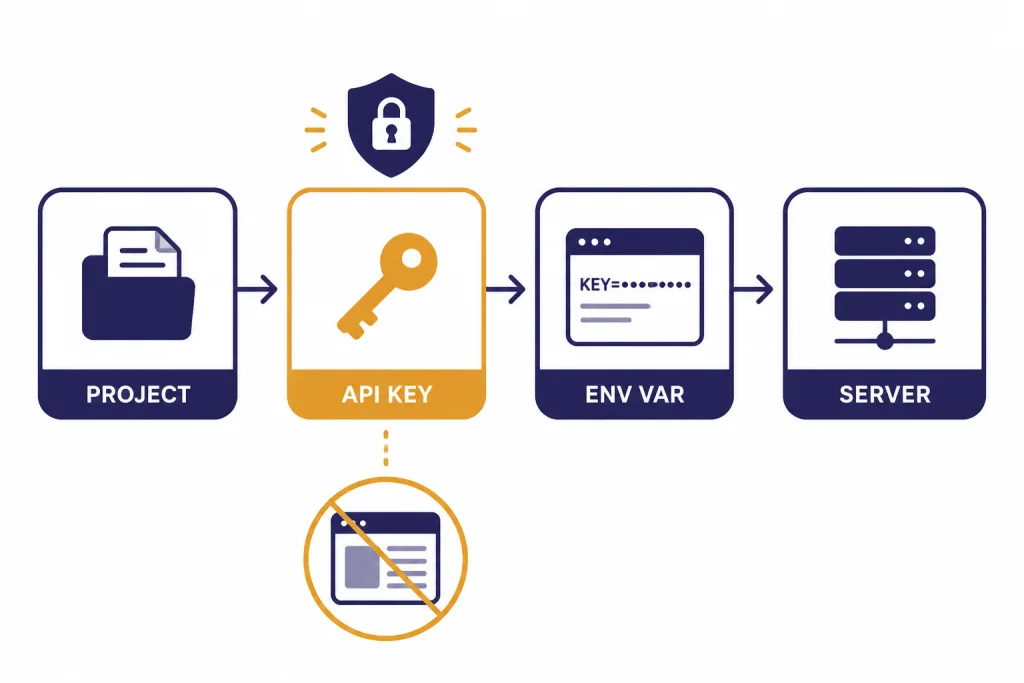
You can create an OpenAI API key from the OpenAI platform, but the key is only an authentication credential. It is not the same thing as free compute. OpenAI’s quickstart tells developers to create an API key in the dashboard, store it safely, and export it as an environment variable such as OPENAI_API_KEY before making requests.[4]
The practical answer is this: a free key may exist, but free usable API access depends on account status, available credits, eligible free features, and model access. OpenAI’s prepaid billing help page says free credits, when present, are used before paid credits; it also says new API users can set up prepaid billing and that the minimum initial credit purchase is $5.[2] OpenAI has not published an official universal free-credit amount that every new API account receives in 2026.
This is the point that confuses many ChatGPT users. ChatGPT and the API platform are billed separately, and a ChatGPT subscription does not automatically pay for API usage.[6] If you are comparing the web app with programmatic access, start with our separate guide to ChatGPT Plus API access or the broader ChatGPT API vs ChatGPT Plus comparison.
What a free OpenAI API key actually means
The phrase “free OpenAI API key” can mean several different things. Only one of them is technically accurate.
| Claim | What it means | Reality in 2026 |
|---|---|---|
| “I can create a key for free.” | You can create an authentication key in the dashboard. | True, but the key alone does not make paid model calls free.[4] |
| “New accounts get free credits.” | Your account may show a free trial or free-credit balance. | Possible, but OpenAI has not published an official universal free-credit amount for every account. If free credits exist, they are used before paid credits.[2] |
| “ChatGPT Plus includes API usage.” | A ChatGPT web subscription covers API calls. | False. ChatGPT billing and API billing are separate systems.[6] |
| “Some API features are free.” | Certain tools or endpoints may have a free tier or no charge. | True in specific cases. OpenAI lists omni-moderation models as free of charge, and file search storage includes 1 GB free before paid storage pricing applies.[1] |
| “A public key from a website is free.” | Someone shares a key you can paste into code. | Unsafe. Use your own key from your own account, and do not share it.[5] |
The cleanest mental model is simple. The API key identifies your project. Billing decides whether the request can run. Pricing decides what a successful request costs. Rate limits decide how quickly you can send requests. Those four layers are separate.
If your goal is to learn the API, you do not need a large budget. You do need to understand which model you are using, whether tools add separate charges, and how to cap spend before you automate anything. For a deeper price table, use our OpenAI API pricing reference or estimate a specific workload with the OpenAI API cost calculator.
How to get an OpenAI API key safely
Create the key only from the OpenAI platform dashboard. OpenAI’s quickstart directs developers to create an API key, store it securely, and export it locally as an environment variable.[4] A safe local setup keeps the secret out of source code, screenshots, client-side JavaScript, mobile apps, and public issue trackers.
- Create or sign in to your OpenAI platform account.
- Open the API key page for the project you want to use.
- Create a new secret key and copy it immediately.
- Save it in a password manager, secret manager, or local environment variable.
- Add billing or prepaid credits only if you are ready to make billable requests.
- Set usage limits before running scripts, cron jobs, agents, batch jobs, or public demos.
OpenAI’s projects documentation says you can create and manage API keys for each project from the project settings page, and that keys can have permission levels such as All, Restricted, and Read Only.[5] Use restricted keys when a project only needs one narrow capability. For example, a prototype that only reads files should not receive a broad production key.
For service accounts, OpenAI says the secret key is shown when the account is created and cannot be viewed again later; if you lose it, you need to generate a new one.[5] Treat that behavior as a security feature. It reduces the risk that a leaked dashboard session exposes old secrets.
# macOS or Linux
export OPENAI_API_KEY="your_api_key_here"

# Then run your app from the same shell
node app.js
Never hard-code the key in a front-end app. A browser bundle is public by design. Put OpenAI calls behind your own server, apply user-level limits, and log usage by feature. If you are building a real application, pair this article with our OpenAI API best practices for production guide.
What you can test for free or almost free
The best low-cost strategy is not to search for a magic free key. It is to choose cheap tests, short prompts, and built-in cost controls. Start with one tiny request. Then inspect usage before writing a loop.
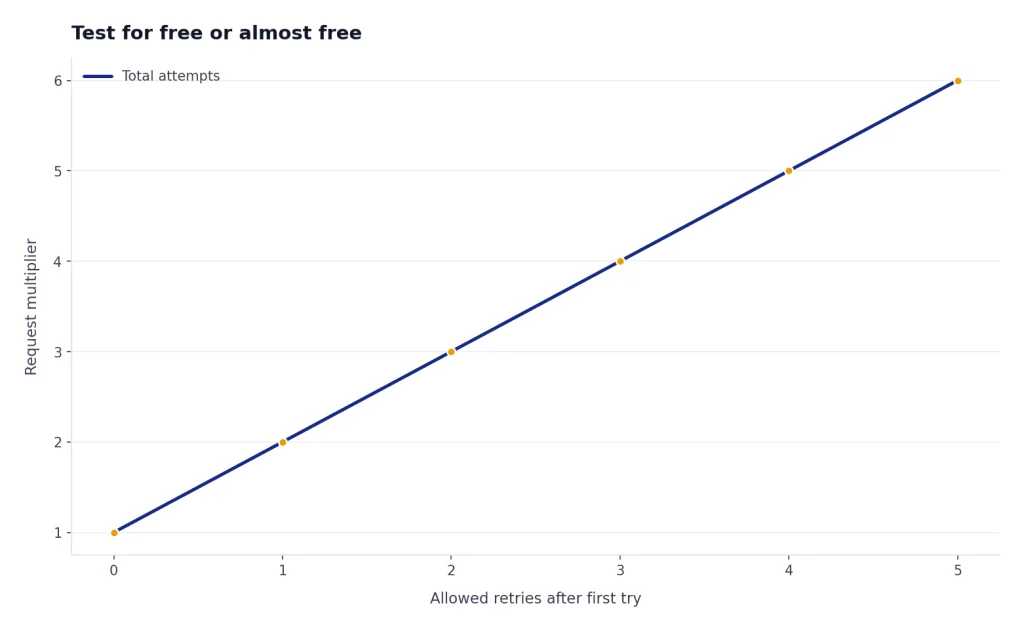
OpenAI’s pricing page lists low-cost text models such as gpt-5-nano at $0.05 per 1M input tokens and $0.40 per 1M output tokens, and gpt-5-mini at $0.25 per 1M input tokens and $2.00 per 1M output tokens.[1] These prices make small experiments inexpensive, but not free. Long outputs, tool calls, images, audio, and retries can still raise a bill.
Embeddings are another useful low-cost starting point. OpenAI lists text-embedding-3-small at $0.02 per 1M tokens and text-embedding-3-large at $0.13 per 1M tokens.[1] If you want to build search, clustering, or retrieval features, see our OpenAI embeddings API guide.
Moderation is the clearest official free API feature. OpenAI lists the omni-moderation models as free of charge.[1] That makes moderation a good first endpoint for learning authentication, response parsing, and error handling without paying for a generation model. Our OpenAI Moderation API walkthrough covers implementation details.
You can also reduce cost by choosing the right API pattern. The Batch API is useful for jobs that do not need immediate responses, and OpenAI’s pricing page says large time-insensitive request volumes can use Batch for additional savings.[1] For async workloads, compare your options in our OpenAI Batch API guide. For interactive apps, the Responses API and streaming responses may be a better fit.
| Learning goal | Low-cost test | Why it helps |
|---|---|---|
| Authentication | Call a simple endpoint with your environment variable. | Confirms your key is loaded without exposing it in code.[4] |
| Safety checks | Try omni-moderation. | OpenAI lists these moderation models as free of charge.[1] |
| Semantic search | Embed a small set of documents with text-embedding-3-small. | The listed price is $0.02 per 1M tokens.[1] |
| Text generation | Use gpt-5-nano with a short prompt and short output. | The listed price is $0.05 per 1M input tokens and $0.40 per 1M output tokens.[1] |
| Bulk processing | Use Batch for non-urgent jobs. | OpenAI states Batch can provide additional savings for large time-insensitive request volumes.[1] |
Costs, quotas, and rate limits to know
Costs and rate limits are not the same thing. Cost is what a request adds to your bill or credit balance. A rate limit is how much traffic OpenAI allows your organization or project to send over a period of time. OpenAI says rate limits are measured in RPM, RPD, TPM, TPD, and IPM, meaning requests per minute, requests per day, tokens per minute, tokens per day, and images per minute.[3]
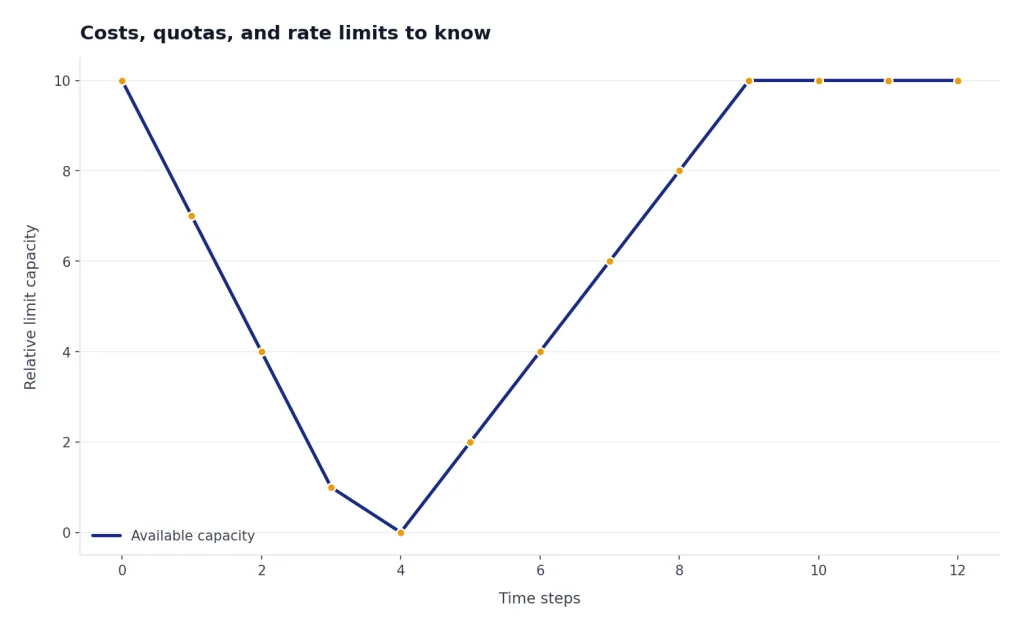
OpenAI’s rate-limit guide also says limits are defined at the organization and project level, not the individual user level, and that limits vary by model.[3] This matters if you invite teammates, run multiple apps from one organization, or reuse a key across development and production.
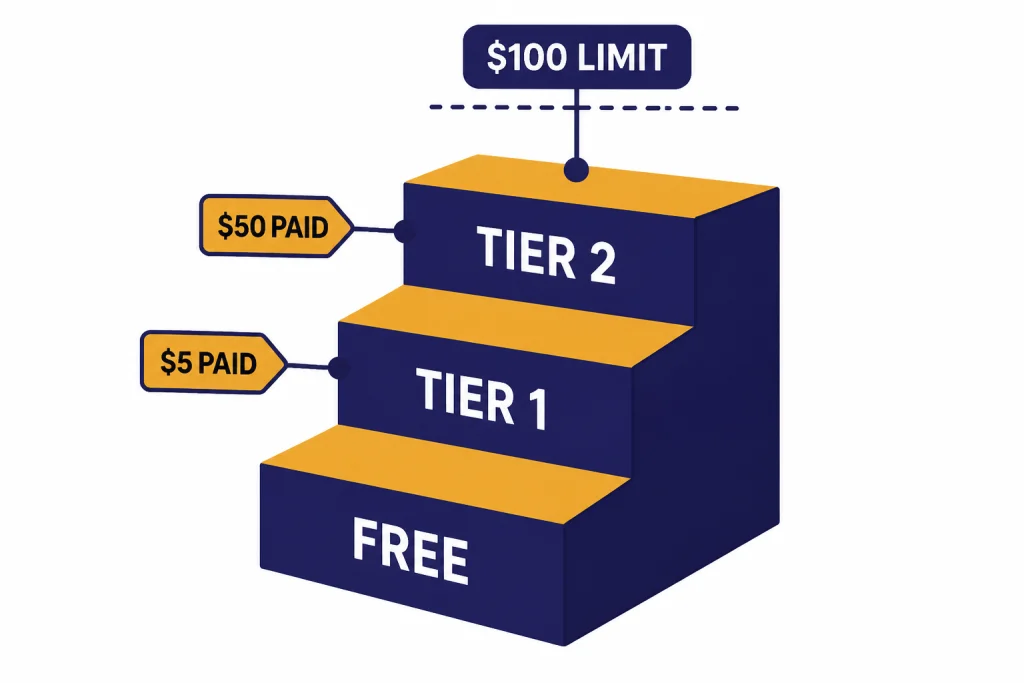
| Usage tier | Qualification shown by OpenAI | Monthly usage limit shown by OpenAI |
|---|---|---|
| Free | User must be in an allowed geography. | $100/month[3] |
| Tier 1 | $5 paid | $100/month[3] |
| Tier 2 | $50 paid and 7+ days since first successful payment. | $500/month[3] |
| Tier 3 | $100 paid and 7+ days since first successful payment. | $1,000/month[3] |
| Tier 4 | $250 paid and 14+ days since first successful payment. | $5,000/month[3] |
| Tier 5 | $1,000 paid and 30+ days since first successful payment. | $200,000/month[3] |
Do not read the “Free” usage tier as a promise of $100 in complimentary credits. It is a usage-limit row in OpenAI’s rate-limit documentation. OpenAI’s production best-practices page separately says that after you enter billing information, you have an approved usage limit of $100 per month, set by OpenAI.[8] Billing eligibility, available credits, and actual model access still matter.
Prepaid billing adds another layer. OpenAI says purchased credits expire after 1 year and are non-refundable.[2] Start with the smallest useful balance, set an alert, and avoid auto-recharge until you know your app’s traffic pattern.
For development, create separate projects for experiments and production. Give each project its own key, budget, and logs. If you hit a quota or authentication problem, our OpenAI API errors guide can help you distinguish billing errors from rate limits, invalid keys, and malformed requests.
What not to do when looking for a free key
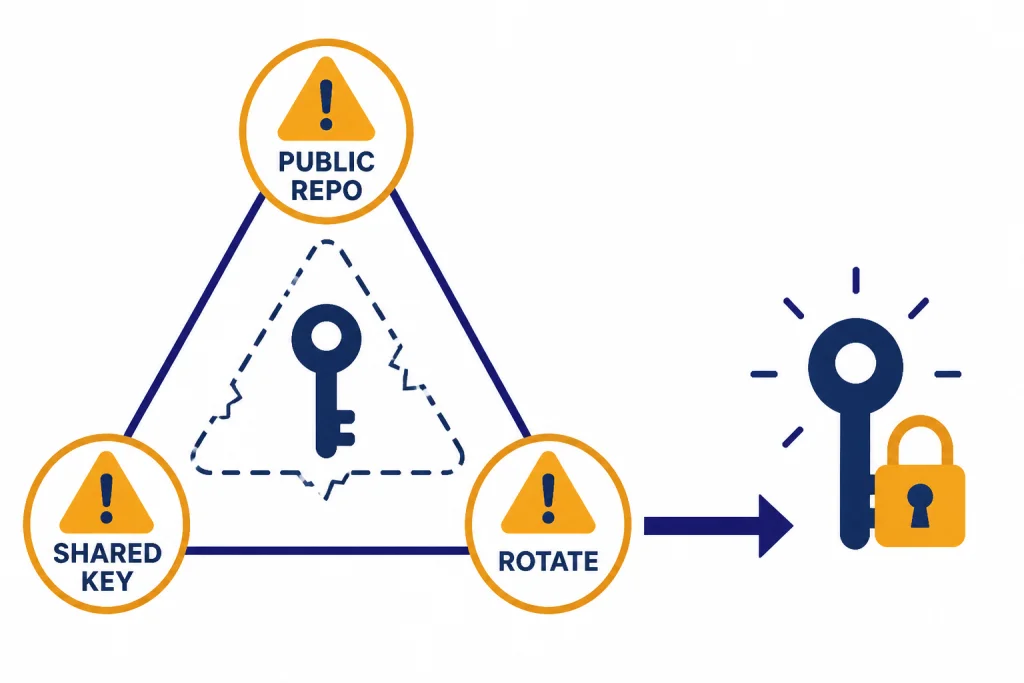
A surprising number of “free API key” pages are not harmless. Some collect email addresses. Some ask you to paste your own key into an untrusted page. Some share keys that may be stolen, revoked, rate-limited, or tied to someone else’s bill. None of those options is a reliable way to build.
- Do not use a key posted in a forum, repository, paste site, or video description.
- Do not paste your OpenAI key into a third-party “tester” unless you fully trust the operator.
- Do not ship a key in browser JavaScript, mobile app code, desktop binaries, or public notebooks.
- Do not share one production key across clients, contractors, and internal tools.
- Do not assume a deleted GitHub commit removes the leak from forks, caches, or package mirrors.
OpenAI’s project documentation says secret keys can be managed in project settings, and the project API key reference supports listing, retrieving metadata for, and deleting project API keys through organization endpoints.[7] If you suspect exposure, revoke the key and create a new one. Do not wait to see whether usage appears on the bill.
Build a simple rule into your workflow. Development keys stay local. Production keys stay in a server-side secret manager. Public clients call your backend, not OpenAI directly. Logs should record request IDs, feature names, and approximate token use, but never the secret itself.
Free alternatives and when they fit
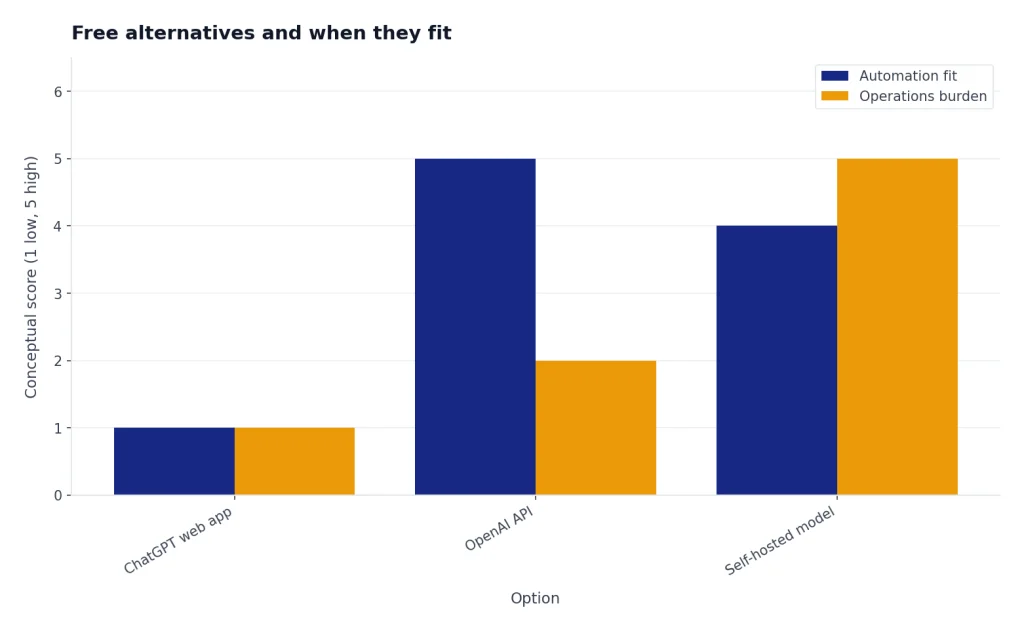
If your real requirement is “I need AI features with no API bill,” OpenAI may not be the only option. The right alternative depends on what you are building.
For personal writing, coding help, and brainstorming, the ChatGPT web app may be enough. It is not API access, and OpenAI says ChatGPT and API billing are managed separately.[6] For app development, that distinction matters because a web subscription does not provide a server-side API budget.
For content safety, OpenAI’s moderation endpoint is the best official zero-cost starting point because omni-moderation models are listed as free of charge.[1] For semantic search, embeddings are often cheaper than repeated generation calls. For document workflows, combine embeddings, small models, and structured outputs rather than sending long prompts to the most expensive model every time. Our guides to structured outputs, function calling, and the OpenAI Vision API show patterns that reduce waste by narrowing each call’s job.
For offline experiments, open-weight models may be useful, but they are not a drop-in replacement for OpenAI’s hosted API. You trade API billing for hardware, deployment, maintenance, evaluation, and security work. If you need production reliability, audit logs, managed scaling, and official model APIs, a small paid OpenAI budget is often simpler than a “free” self-hosted stack.
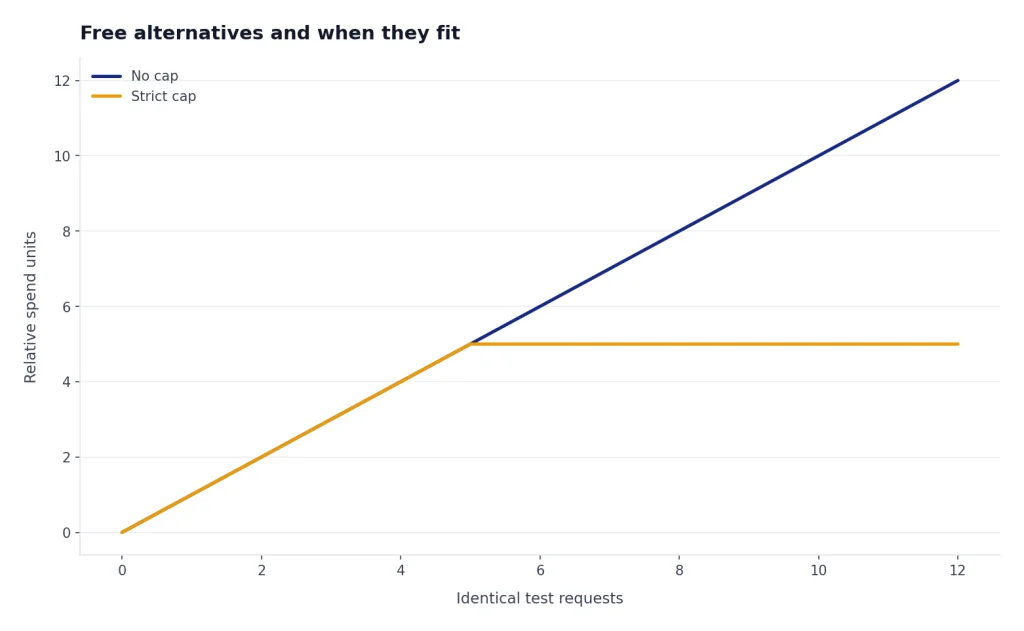
The best answer for most learners is practical: create your own key, set a strict spend cap, start with moderation or a tiny low-cost model call, and inspect usage after every test. That gives you the benefits people are usually looking for when they search for a free OpenAI API key, without relying on unsafe shared secrets.
Frequently asked questions
Can I get an OpenAI API key for free in 2026?
Yes, you can create an API key without paying for the key itself. The key is only an authentication credential. Actual API usage depends on billing status, available free credits if your account has them, and the price of the model or tool you call.[2]
Does every new OpenAI account get free API credits?
OpenAI has not published an official universal free-credit amount for every new API account in 2026. OpenAI’s billing docs say free credits, if present in your account, are used before paid credits.[2] Check your own billing dashboard instead of relying on old screenshots or forum posts.
Does ChatGPT Plus include API access?
No. OpenAI says ChatGPT and the API platform are separate platforms with separate billing systems.[6] A ChatGPT subscription can be useful for the web app, but API calls are billed through the API platform.
What is the cheapest way to test the OpenAI API?
Start with a small request, short output, and a low-cost model such as gpt-5-nano, which OpenAI lists at $0.05 per 1M input tokens and $0.40 per 1M output tokens.[1] For a zero-cost official endpoint, test omni-moderation, which OpenAI lists as free of charge.[1]
Why does my free API key return a quota or billing error?
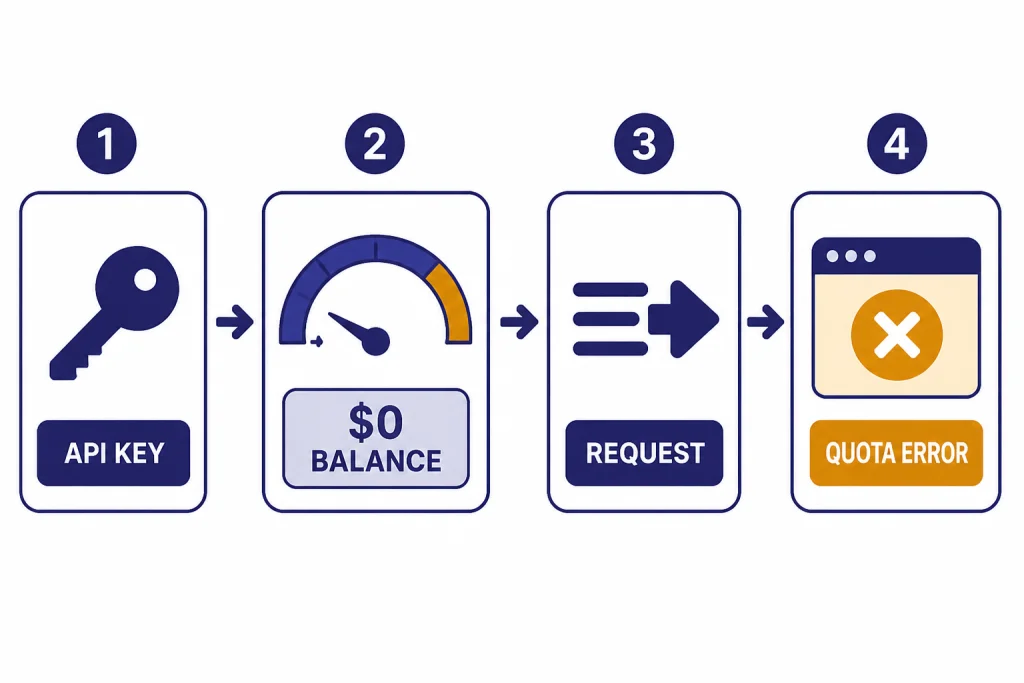
The key may be valid while the account has no usable credits, no billing setup, insufficient quota, or limited model access. OpenAI says once credits are consumed, API requests start returning an error that indicates you have hit your billing quota.[2] See our OpenAI API errors guide for troubleshooting by error type.
Is it safe to use an OpenAI API key shared online?
No. Use your own key and keep it secret. OpenAI’s help center reminds users not to share API keys, and project settings let you manage and revoke keys when needed.[5] A shared key can disappear, leak data, violate terms, or connect your project to someone else’s account.