

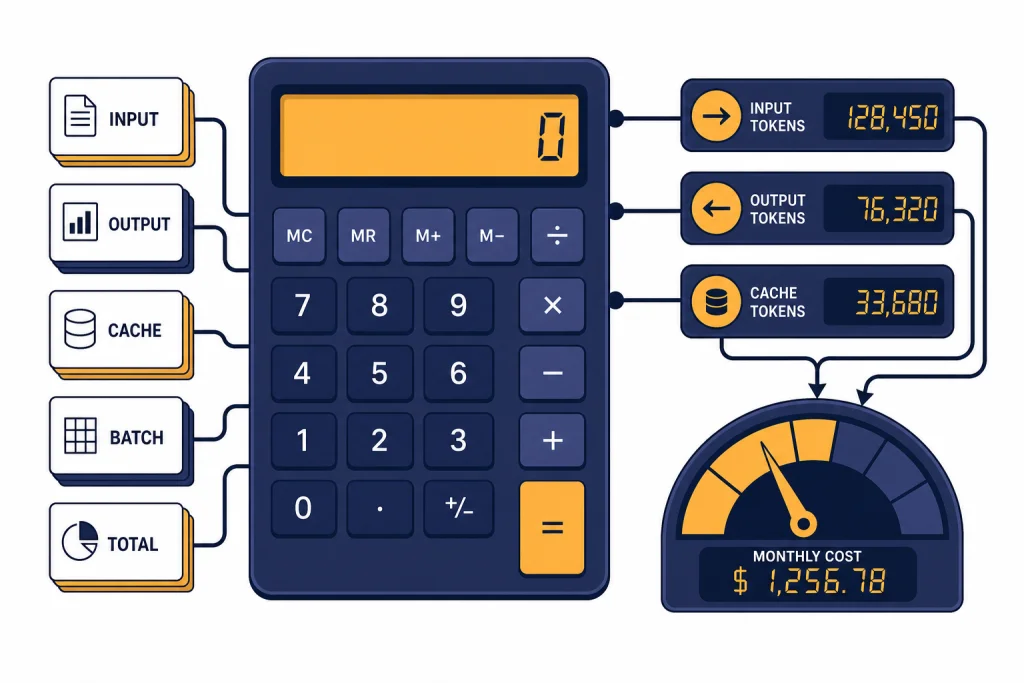
The best OpenAI API cost calculator tools do three jobs well. They turn token estimates into dollars, show how model choice changes your monthly bill, and make hidden levers like cached input and Batch API discounts visible before you ship. This page starts with our own calculator because it is the fastest way to estimate a simple OpenAI workload without opening a spreadsheet. Then it compares it with token counters, multi-provider pricing calculators, observability platforms, and budget-control gateways. Use this guide when you need a practical estimate for a prototype, a client quote, a product margin model, or a production cost review.
OpenAI API Cost Calculator
Estimate what an API call will cost. Pick the model, enter input + output tokens, and see the price. Updated for May 2026 list prices.
Price table
| Model | Input / 1M | Output / 1M |
|---|
Prices are list rates excluding prompt caching, batch, or volume discounts.
What the calculator does
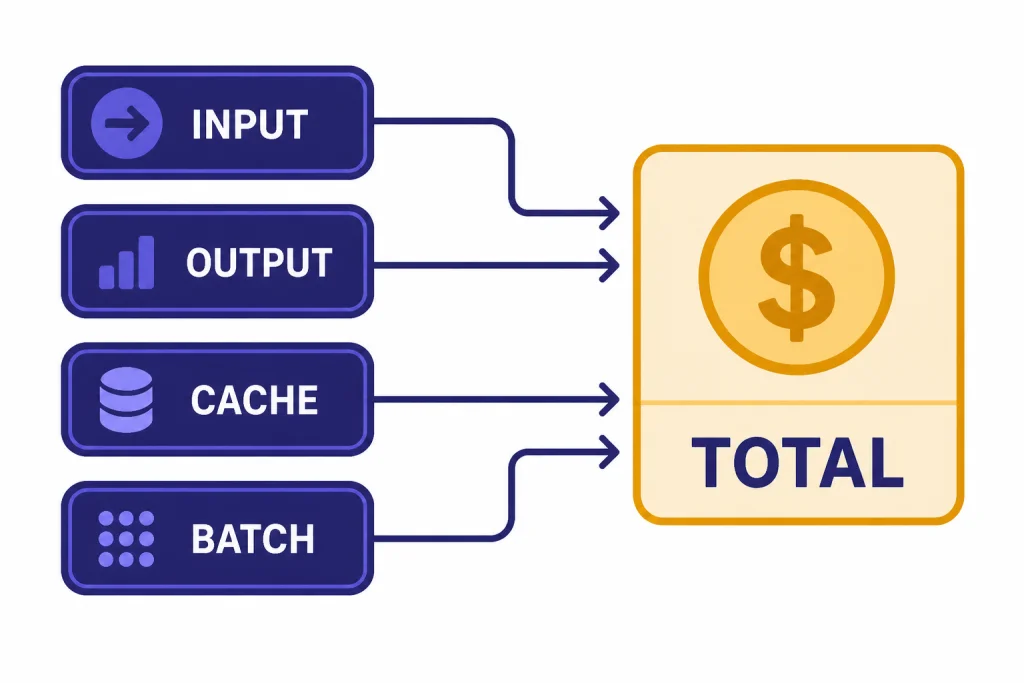
Our OpenAI API cost calculator estimates API spend from the few inputs that usually drive the bill: model, input tokens, output tokens, request volume, cached input share, and batch processing. It is meant for planning, not invoice reconciliation. It helps you answer questions such as: “What happens if this feature runs 100,000 times per month?” or “How much do I save if I move an offline job to the Batch API?”
The math follows OpenAI’s public pricing structure. OpenAI prices text model usage by token, with separate rates for input, cached input, and output where supported. For example, the GPT-4o mini model page lists text pricing at $0.15 per 1M input tokens, $0.075 per 1M cached input tokens, and $0.60 per 1M output tokens.[1] The GPT-4.1 nano model page lists $0.10 per 1M input tokens, $0.025 per 1M cached input tokens, and $0.40 per 1M output tokens.[2]
The calculator is useful because OpenAI API costs are not one flat subscription price. They depend on how much text you send, how much text the model returns, which model you choose, and whether the request qualifies for discounts. If you are comparing API costs with flat ChatGPT subscriptions, start with our ChatGPT Plus price guide. If you need the underlying model-by-model reference, see our OpenAI API pricing breakdown.
How to use it
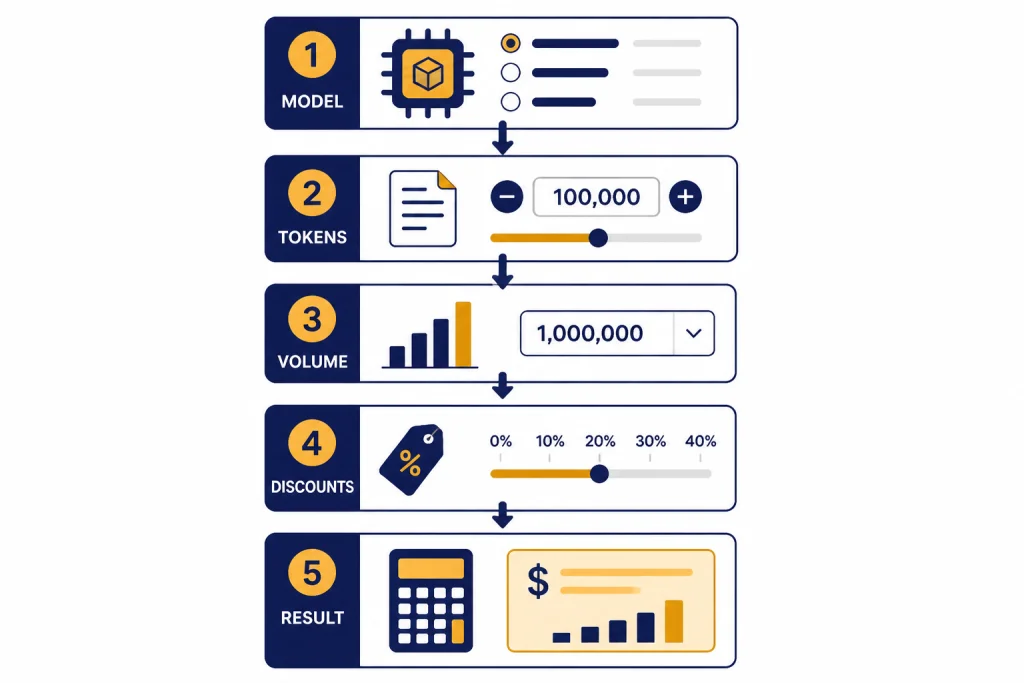
Use the calculator from top to bottom. Do not start with the monthly total you want. Start with a realistic description of the workload, then let the cost estimate tell you whether the design is viable.
- Choose the model. Pick the model you expect to call in production. If you are still deciding, run the same workload through more than one model and compare the totals.
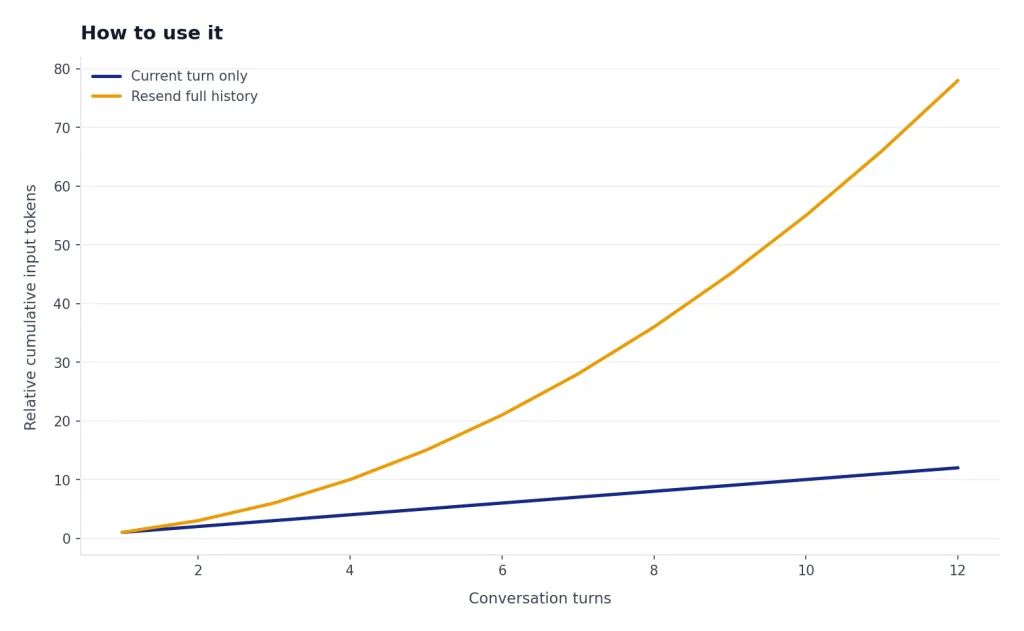
- Estimate input tokens per request. Count the user message, system instructions, retrieved context, tool instructions, and any conversation history you resend.
- Estimate output tokens per request. Use a conservative number for generated text. Long explanations, JSON objects, and multi-step reasoning can raise this quickly.
- Enter request volume. Use monthly requests for budgeting. For early products, also run a high-growth scenario.
- Add cached input if applicable. If a large prefix repeats across requests, estimate what share of input tokens may be cached.
- Toggle Batch API only for offline jobs. OpenAI describes Batch API as asynchronous processing with 50% lower costs and a clear 24-hour turnaround time.[3] It is not for user-facing chat that needs an immediate response.
- Compare the result with your business metric. Divide monthly cost by users, documents, support tickets, or completed jobs. The useful number is often cost per outcome, not total spend.
Here is a simple example. A feature that makes 100,000 monthly calls, with 800 input tokens and 250 output tokens per call, would consume 80M input tokens and 25M output tokens. At the GPT-4o mini rates listed above, that estimate is $27 per month before any applicable cached-input or batch discount.[1] The same token pattern on GPT-4.1 nano would estimate at $18 per month, based on that model’s published input and output prices.[2]
That example is intentionally small. In real products, cost surprises usually come from retrieval context, repeated chat history, unbounded outputs, retries, and agent loops. If you are building with code, pair this calculator with OpenAI token counter tools so you can measure real prompts instead of guessing from word counts.
What to enter for realistic estimates
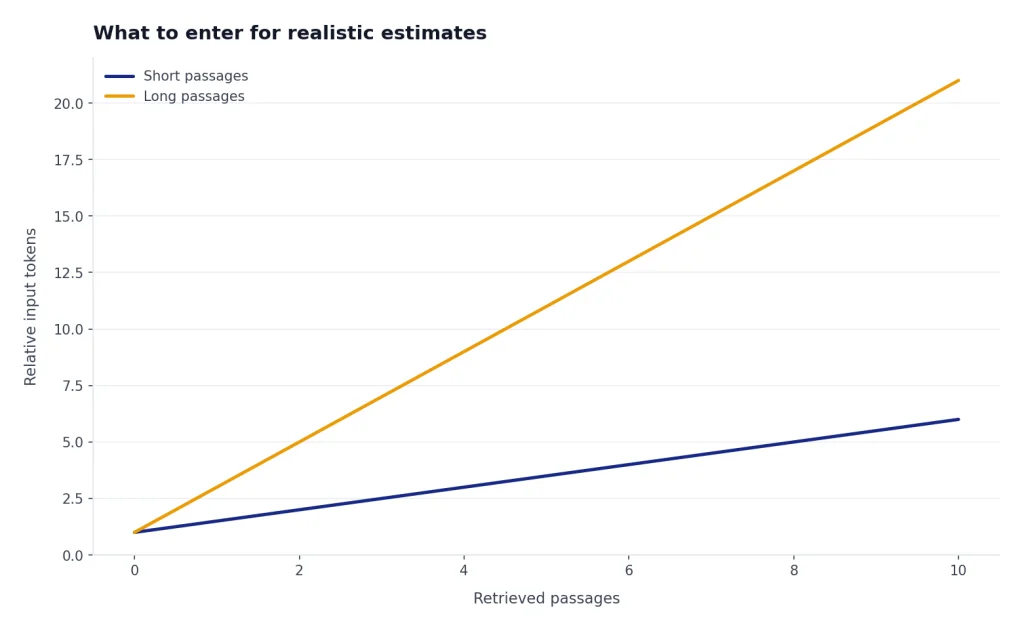
A calculator is only as accurate as the inputs. The most common mistake is entering only the user’s visible prompt. API calls often include hidden or semi-hidden text: system instructions, developer messages, formatting rules, retrieved passages, schemas, examples, and previous turns in a conversation.
OpenAI’s tokenizer guidance explains why token counting matters: models process text as tokens, and knowing token counts helps you determine whether text fits a model and how much an API call costs because usage is priced by token.[4] For a rough planning pass, you can estimate. For a serious budget, count actual prompts from logs or representative test requests.
| Input field | What to include | Common undercount |
|---|---|---|
| Input tokens | System prompt, user text, retrieved context, tool schemas, examples, and chat history | Only counting the visible user message |
| Output tokens | Expected answer, JSON fields, citations, explanations, and tool arguments generated by the model | Using a short demo answer for a production workflow |
| Requests | Every model call, including retries, background jobs, evaluation runs, and agent substeps | Counting user sessions instead of model calls |
| Cached input | Repeated prefix tokens that qualify for cached-input pricing | Assuming all repeated text will always be discounted |
| Batch usage | Only jobs that can wait for asynchronous processing | Applying batch savings to interactive features |
For retrieval-augmented generation, run at least three scenarios: low context, normal context, and worst-case context. A document summarizer, legal search tool, or research assistant can swing from cheap to expensive when the retrieved context grows. If you are choosing tools for that kind of workflow, our guides to AI summarizer tools and AI research tools for academics cover adjacent product tradeoffs.
Best OpenAI API cost calculator tools compared
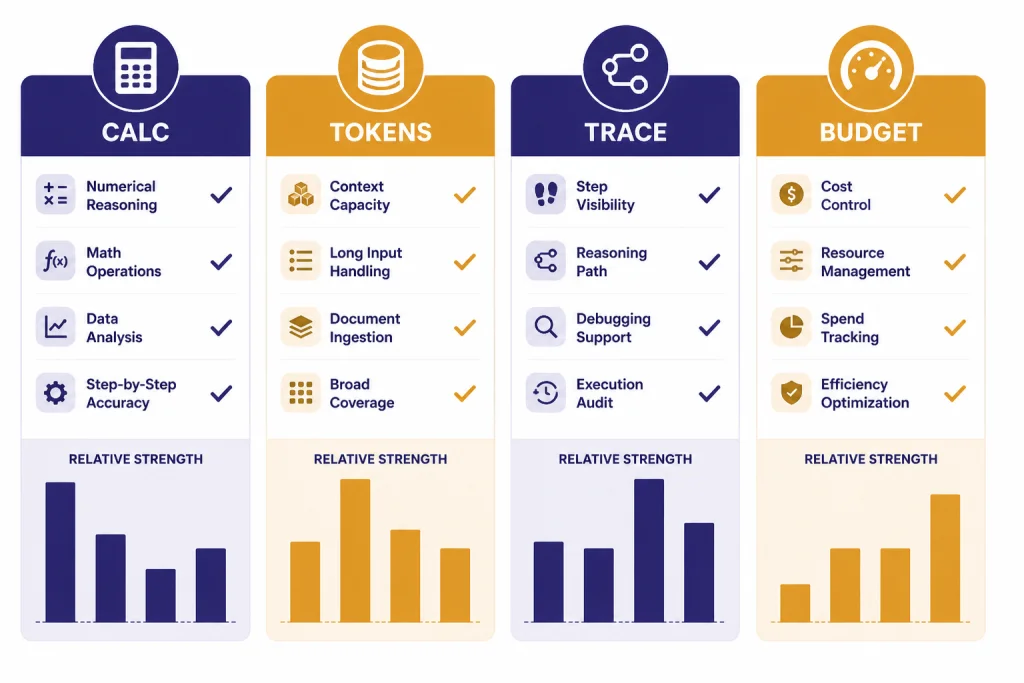
No single tool covers every cost question. A simple calculator is best before you build. A token counter is best while designing prompts. A usage dashboard is best after calls run. An observability or gateway tool is best when you need per-user, per-feature, or per-team attribution.
| Tool type | Best for | Strength | Limit |
|---|---|---|---|
| chatai.guide API cost calculator | Fast OpenAI planning estimates | Simple model, token, volume, cache, and batch math in one place | Does not replace the OpenAI invoice or a production dashboard |
| OpenAI pricing pages | Source-of-truth rates | Official model pricing, endpoint notes, and discount references | Requires manual calculation for real workloads |
| OpenAI token counting tools | Prompt sizing before launch | Measures or estimates the token side of the equation | Still needs pricing and request-volume assumptions |
| AI Cost Check | Cross-provider comparison | Compares OpenAI, Anthropic, Google, Mistral, DeepSeek, and xAI pricing in one place.[5] | Third-party data should be checked against official pricing before procurement |
| APIpulse | Budget planning and scenario comparison | Offers real-time calculations as users adjust tokens, requests, and providers.[6] | Optimization recommendations still need testing on your workload |
| llmprice.fyi | Broad market scanning | Compares per-token pricing across OpenAI, Anthropic, Google, xAI, Meta, Mistral, Cohere, DeepSeek, and more than 50 providers.[7] | Its page says data comes from the OpenRouter API, so verify direct-provider prices when buying direct.[7] |
| Helicone | Request-level observability | Captures usage and estimates request cost from model and pricing data.[8] | Adds integration and logging considerations |
| LangSmith | Agent and chain tracing | Shows token and cost breakdowns in traces, project stats, and dashboards.[9] | Most useful when your app already needs tracing and debugging |
| Portkey | Budget enforcement through a gateway | Supports cost-based and token-based budget limits for supported providers and models.[10] | Its budget-limit documentation says the feature is for Enterprise and select Pro customers.[10] |
| LiteLLM | Multi-tenant gateway spend tracking | Documents multi-tenant cost tracking and spend management per project or user.[11] | Requires gateway operations and model pricing configuration discipline |
For most readers, the right stack is simple. Use this page’s calculator for early planning. Use a token counter while building prompts. Use OpenAI’s Usage Dashboard or Costs endpoint after real traffic starts. Add Helicone, LangSmith, Portkey, or LiteLLM when a team needs attribution, traces, budgets, or routing across multiple providers.
Tool categories also matter. If your API feature involves images, audio, video, coding, or translation, do not assume text-token math covers the whole bill. Start with the specific API pricing page, then use category guides such as OpenAI Vision API, AI image tools, AI voice tools, AI video tools, AI translation tools, and AI coding assistants to understand product-level alternatives.
When not to use a simple calculator
Do not use a simple calculator as the final authority for accounting. It is an estimate. It cannot know your exact cached-token behavior, failed calls, retries, tool calls, vector storage, code interpreter sessions, image usage, audio usage, or future pricing changes.
OpenAI’s Usage API documentation says the Costs endpoint gives visibility into spend by invoice line items and project IDs, and it recommends the Costs endpoint or the Costs tab in the Usage Dashboard for financial purposes because those reconcile back to the billing invoice.[12] Use that for finance, chargebacks, and month-end reporting.
You should also skip a simple calculator when debugging errors or runaway usage. A calculator can show what the bill should be under normal assumptions. It cannot explain why a job retried 30 times, why a queue duplicated requests, or why a rate-limit handler kept resubmitting work. For those cases, use logs, traces, and our OpenAI API errors guide.
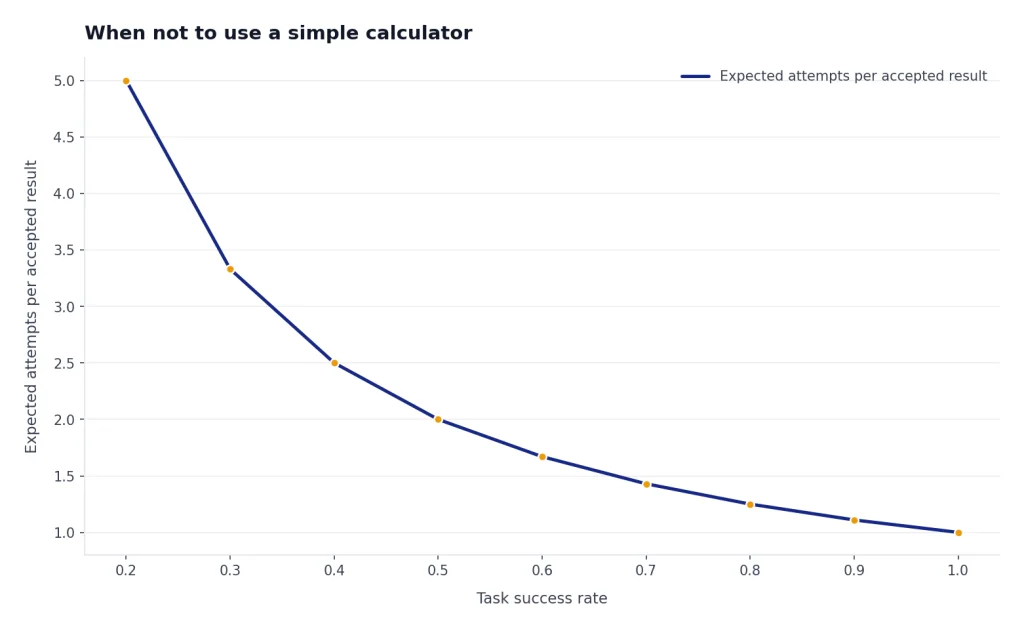
Finally, do not use a calculator to decide model quality. A cheaper model can be the better business choice, but only if it completes the task reliably. Run an evaluation set. Compare success rate, latency, retry rate, and cost per accepted result. For writing-related workflows, our AI writing tools comparison shows why workflow fit can matter as much as raw model price.
How to lower the number after you calculate it
Once the estimate looks too high, reduce the workload before you change providers. The biggest wins usually come from sending fewer tokens, generating fewer tokens, choosing the smallest acceptable model, and moving non-urgent work to cheaper processing modes.
- Shorten repeated instructions. Long system prompts can become a permanent tax on every request.
- Limit retrieval context. Send the best passages, not every possible passage.
- Cap output length. A clear maximum output length protects both latency and cost.
- Use structured outputs carefully. JSON can reduce cleanup work, but oversized schemas and verbose fields can raise token use.
- Route by difficulty. Use a cheaper model for classification, extraction, tagging, and simple transformations. Reserve stronger models for tasks that need them.
- Batch offline jobs. OpenAI documents Batch API as 50% lower cost than synchronous APIs for jobs that do not need immediate responses.[3] Our Batch API guide explains when that tradeoff makes sense.
- Track cost per feature. A product can look affordable overall while one feature quietly burns margin.
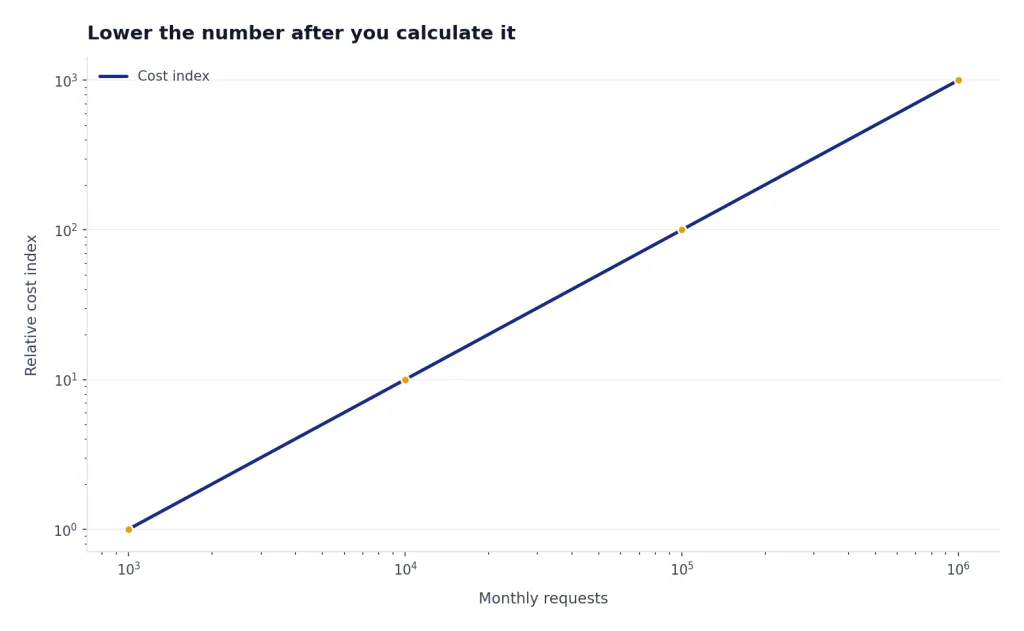
The best API cost calculator tools do not just produce a dollar figure. They force a design conversation. If a feature is cheap at 1,000 requests but expensive at 1M requests, you need limits, routing, caching, batching, or pricing changes before launch.
Frequently asked questions
What is the best OpenAI API cost calculator tool?
For quick OpenAI estimates, use the calculator on this page. It keeps the inputs focused on model, token volume, request volume, caching, and batch processing. For production reporting, use OpenAI’s Usage Dashboard or Costs endpoint instead.
How accurate are API cost calculator tools?
They can be accurate for simple token math if the pricing data and token estimates are correct. They become less accurate when your workload includes retries, tool calls, variable-length outputs, images, audio, storage, or agent loops. Treat the result as a planning estimate until you compare it with real usage data.
Should I use a token counter or a cost calculator?
Use both. A token counter estimates the input and output units. A cost calculator multiplies those units by model prices and request volume. Token counters are especially helpful before you finalize prompts, retrieval settings, and output formats.
Does Batch API always cut OpenAI API costs?
No. Batch API is useful for supported jobs that can run asynchronously. OpenAI describes it as 50% lower cost with a clear 24-hour turnaround time, so it is a poor fit for interactive user experiences that need immediate responses.[3]
Why does my real OpenAI bill differ from my estimate?
The usual causes are larger prompts than expected, longer outputs, retries, failed jobs that still consumed tokens, tool charges, storage charges, and different model usage than planned. Cached input can also differ from assumptions. For financial reconciliation, use OpenAI’s Costs endpoint or the Costs tab in the Usage Dashboard.[12]
Can I use these tools for Claude, Gemini, or other models?
Some tools can. AI Cost Check, APIpulse, and llmprice.fyi publish cross-provider comparison features.[5][6][7] For final decisions, verify prices on the provider’s official pricing page because third-party pricing databases can lag or normalize prices differently.