

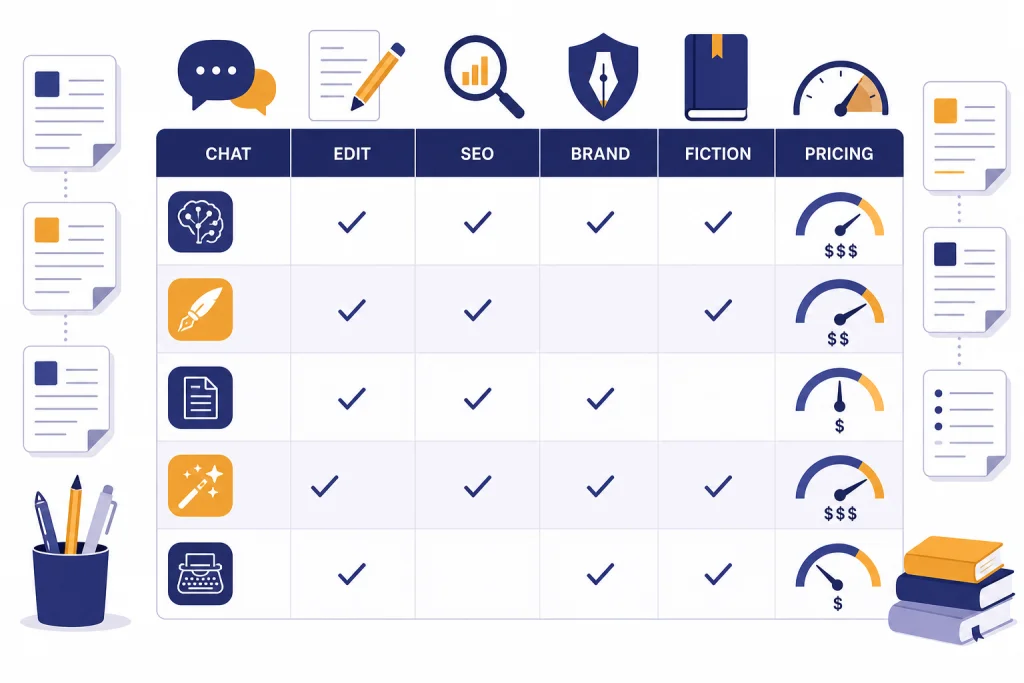
The best AI writing tools in 2026 are no longer interchangeable chat boxes. ChatGPT is the best general-purpose writing assistant for most people. Claude is strongest for long drafts, careful rewriting, and document-heavy work. Gemini fits writers who live in Google apps. Grammarly remains the cleanest option for grammar, tone, and everyday editing. Jasper, Copy.ai, Writesonic, Writer, and Notion AI make more sense for teams that need repeatable marketing or internal workflows. Sudowrite is the most focused choice for fiction writers, while QuillBot is best for paraphrasing and student-style writing support. The right choice depends less on raw model power and more on where your writing already happens.
Quick picks
If you want one tool for nearly every writing task, start with ChatGPT. OpenAI lists ChatGPT Plus at $20 per month, with Team listed at $25 per user per month when billed annually or $30 per user per month when billed monthly.[1] That makes it a practical baseline for solo professionals, students, marketers, and small teams that need drafts, outlines, rewrites, brainstorming, document analysis, and prompt iteration in one place.
Choose Claude if your work involves long drafts, sensitive phrasing, structured arguments, or heavy document context. Anthropic’s help center lists Claude Pro at $20 per month or $200 per year, while Claude Max has higher-usage tiers at $100 and $200 per person per month.[2] Claude is often the more comfortable writing partner when you want careful revision instead of fast output.
Choose Grammarly if your main problem is not idea generation but final polish. Grammarly’s support page lists Grammarly Pro at $30 per member per month, $60 per member for three months, or $144 per member per year.[6] It works best as a layer on top of your normal writing tools, not as a full replacement for a drafting assistant.
Choose Jasper or Copy.ai if you manage marketing campaigns and need repeatable brand outputs. Jasper lists a Pro plan at $69 per month per seat on monthly billing and $59 per month per seat on yearly billing.[7] Copy.ai lists a Chat plan at $29 per month billed monthly or $24 per month billed annually, with higher Growth, Expansion, and Scale tiers for larger go-to-market teams.[8]
For specialized work, pick the specialized tool. Sudowrite is built for fiction. Writesonic is now closer to an SEO and AI search visibility platform than a simple article generator. QuillBot is a lightweight paraphrasing, grammar, citation, and summarization suite. Notion AI fits teams that already use Notion as their workspace. Writer fits enterprises that need governance, knowledge grounding, and controlled workflows.
AI writing tools comparison table
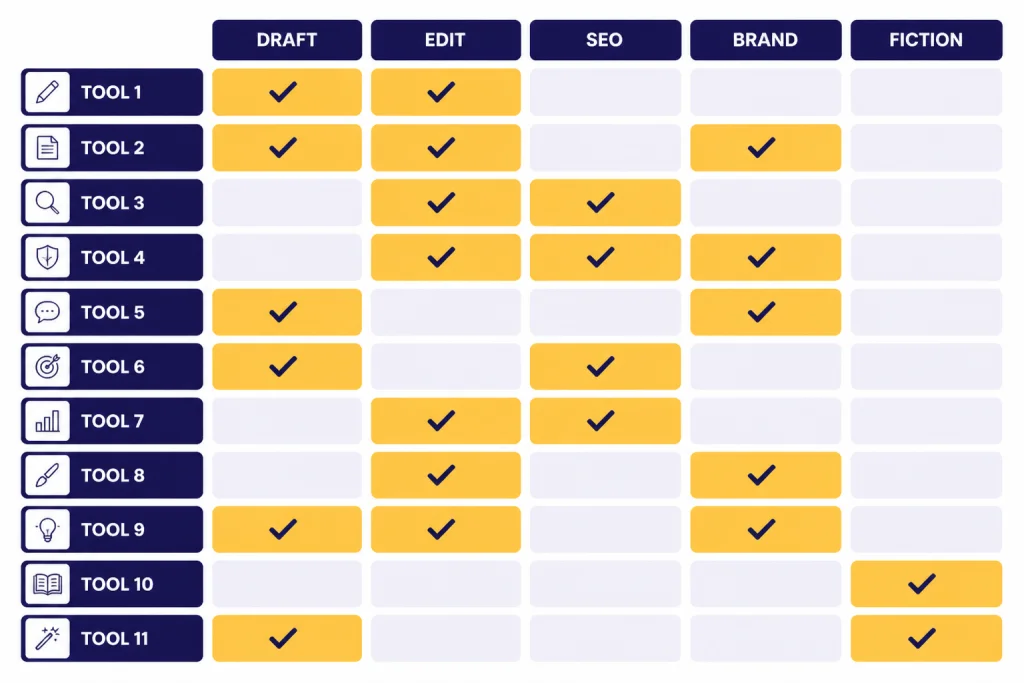
This table compares the best AI writing tools by their most useful writing role. It does not rank them by model benchmarks. A tool that is excellent for fiction may be a poor fit for regulated enterprise copy. A tool that is excellent for grammar may be weak at original ideation.
| Tool | Best fit | Core strength | Starting paid price shown by publisher | Main caution |
|---|---|---|---|---|
| ChatGPT | General writing assistant | Drafts, outlines, rewrites, brainstorming, file work | Plus at $20/month[1] | Needs careful prompting and fact-checking |
| Claude | Long-form writing and revision | Careful prose, document context, nuanced rewriting | Pro at $20/month or $200/year[2] | Usage limits matter for heavy writers |
| Gemini | Google Workspace users | Google ecosystem fit, research, multimodal work | Google AI Pro listed at $19.99/month on Google One[5] | Best value depends on your use of Google apps |
| Grammarly | Editing and tone checks | Grammar, clarity, tone, consistency | Pro at $30/member/month or $144/member/year[6] | Not a complete ideation system |
| Jasper | Marketing teams | Brand voice, campaign assets, marketing agents | Pro at $69/month/seat or $59/month/seat yearly[7] | Price is harder to justify for casual writers |
| Copy.ai | Sales and GTM content | Workflows, GTM automation, sales copy | Chat at $29/month or $24/month annually[8] | Best for process-heavy teams, not just one-off drafts |
| Sudowrite | Fiction writers | Story development, scenes, character work | Plans shown at $10, $22, and $44 per month on the yearly view[9] | Not built for business documentation |
| Writesonic | SEO and AI search visibility | SEO content, audits, AI visibility tracking | Lite shown at $49/month billed annually[10] | More platform than casual writing app |
| QuillBot | Paraphrasing and student support | Paraphrasing, grammar, citations, summarizing | Premium at $19.95 monthly or $99.95 yearly[11] | Can encourage surface-level rewriting |
| Notion AI | Workspace writing | Notes, docs, meeting summaries, internal knowledge | Notion lists Plus at $10/member/month yearly and Business at $20/member/month yearly[12] | Best only if your team already uses Notion |
| Writer | Enterprise writing governance | Brand control, workflows, knowledge graph, compliance | Writer lists Starter and Enterprise plans but does not expose a public dollar price on the retrieved plans page[14] | Too heavy for most solo writers |
Best tools by writing job
Best overall: ChatGPT
ChatGPT is the safest first choice if you do not know exactly what kind of writing tool you need. It can draft a blog outline, rewrite a dense email, summarize interview notes, turn bullet points into a memo, brainstorm headline angles, and critique a finished draft. It is also flexible enough to support workflows from prompt generation to research planning and document cleanup.
The main weakness is that ChatGPT is broad by design. It will not automatically preserve a brand style unless you give it examples and constraints. It can also produce confident-sounding language that still needs verification. Treat it as a drafting partner, not a final authority.
Best for long drafts: Claude
Claude is the best fit when the writing task is long, layered, or sensitive. It is strong for turning messy notes into a coherent memo, revising a long essay, improving an executive brief, or refining the tone of a difficult message. It also tends to be useful when you want several rounds of critique instead of one fast rewrite.
Claude Max is designed for heavier usage than Pro. Anthropic says the Max plan combines Claude apps and Claude Code, with Max options offering up to 5x or 20x more usage per session than Pro, depending on tier.[3] That matters if you write in long sessions with many uploaded files.
Best for Google users: Gemini
Gemini is most attractive when your writing already sits inside Google’s ecosystem. It fits people who draft in Docs, manage knowledge in Drive, work from Gmail, and want AI assistance close to those materials. Google’s AI Pro plan is listed as part of Google One at $19.99 per month.[5] Google also announced AI Ultra as a higher-access plan at $249.99 per month in the United States.[4]
Gemini is less compelling if you do not care about Google Workspace. In that case, compare it directly against ChatGPT and Claude on your own files, tone requirements, and revision habits.
Best for editing: Grammarly
Grammarly is not the most ambitious writing tool on this list. That is why it works. It focuses on the part of writing most people do every day: cleaning up sentences, catching errors, adjusting tone, and making communication clearer. It is especially useful for email, client notes, reports, internal docs, and professional profiles.
Use Grammarly after you draft with another tool. It can improve clarity, but it should not decide the argument, evidence, or structure of serious writing for you.
Best for marketing teams: Jasper
Jasper is built for marketing output rather than general writing. Its value is highest when a team needs on-brand copy across campaigns, landing pages, product messaging, social posts, and sales enablement. Jasper’s pricing page describes the Pro plan as including one seat, brand voice-related customization, marketing agents, and a canvas for on-brand content creation.[7]
Jasper is harder to recommend for students, casual bloggers, or solo users who only need occasional drafting. For those users, a general assistant plus a strong editing workflow is usually enough.
Best for GTM workflows: Copy.ai
Copy.ai is strongest when writing is part of a repeatable go-to-market process. Its pricing page emphasizes chat, projects, model access, workflows, integrations, and higher tiers with workflow credits.[8] That makes it more useful for sales, demand generation, and account-based marketing than for one-off essays or personal writing.
If your team has clear inputs and repeated outputs, Copy.ai can help standardize the process. If your work is mostly exploratory writing, it may feel too workflow-oriented.
Best for fiction: Sudowrite
Sudowrite is the most focused creative-writing option here. It is built around fiction problems: scenes, pacing, sensory detail, character development, and story continuation. Its pricing page shows Hobby & Student, Professional, and Max tiers with monthly credit allowances.[9]
It is not the right tool for policy memos, SEO briefs, or executive emails. That is a strength. Fiction writers need tools that understand story structure, not another generic business assistant.
Best for paraphrasing: QuillBot
QuillBot is best for paraphrasing, grammar fixes, citation help, and light summarization. QuillBot lists Premium at $19.95 monthly, $13.31 per month on the semi-annual plan, and $8.33 monthly on the annual plan billed at $99.95.[11]
Use it carefully in school settings. A paraphraser can help you understand alternate phrasing, but it can also tempt you to disguise weak sourcing. If academic integrity matters, pair it with a real citation workflow and review our guide to AI detectors for teachers and plagiarism checkers.
How pricing differs
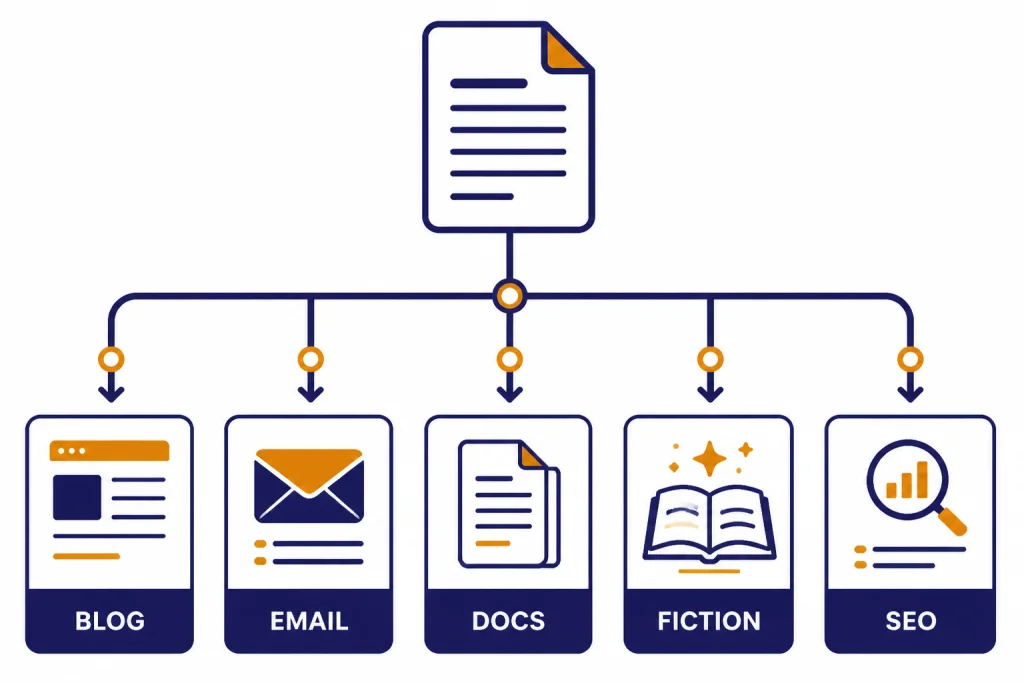
AI writing tools price themselves in different ways. General assistants usually charge by subscription tier. Editing tools charge per user. Marketing platforms charge per seat, workflow, or business package. Fiction tools often use credit allowances. Enterprise platforms may avoid public prices and quote based on seats, security, integrations, and support.
The middle of the market is crowded around the $20-per-month user. ChatGPT Plus is listed at $20 per month.[1] Claude Pro is listed at $20 per month.[2] Google AI Pro is listed at $19.99 per month.[5] These plans are the natural comparison set for individual users.
The marketing-tool tier costs more. Jasper Pro is listed at $69 per month per seat on monthly billing.[7] Writesonic’s pricing page shows a Lite plan at $49 per month billed annually, and higher Basic and Growth plans at $249 and $499 per month on monthly billing.[10] Copy.ai’s self-serve Chat plan is lower at $29 per month billed monthly, but its Growth tier is listed at $1,000 per month billed annually for larger teams.[8]
Notion is different because the AI value is tied to the workspace. Notion’s pricing page lists Free, Plus, Business, and Enterprise plans, with Plus at $10 per member per month on yearly billing and Business at $20 per member per month on yearly billing.[12] Notion’s help page says that for users who were not subscribed to Notion AI before May 13, 2025, Notion AI is no longer an add-on and is available by default with Business or Enterprise.[13]
Do not compare prices without comparing replacement value. A $20 general assistant may replace brainstorming, drafting, and summarizing. A $69 marketing tool may only make sense if it saves a team from repetitive campaign production. A custom enterprise platform may be justified only when governance and data controls are mandatory.
How to choose an AI writing tool
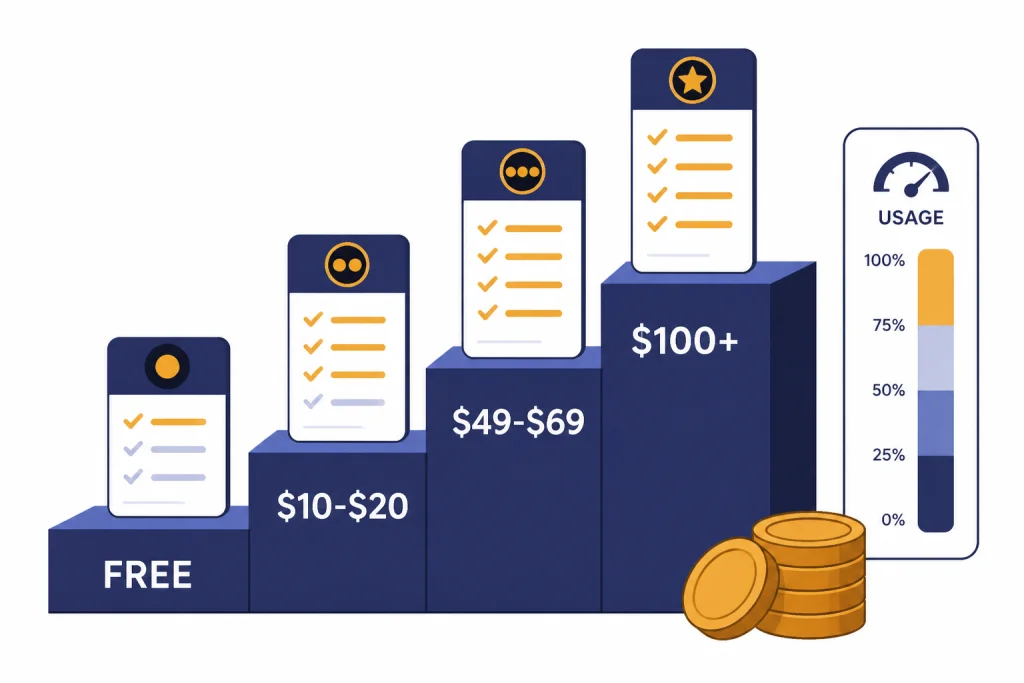
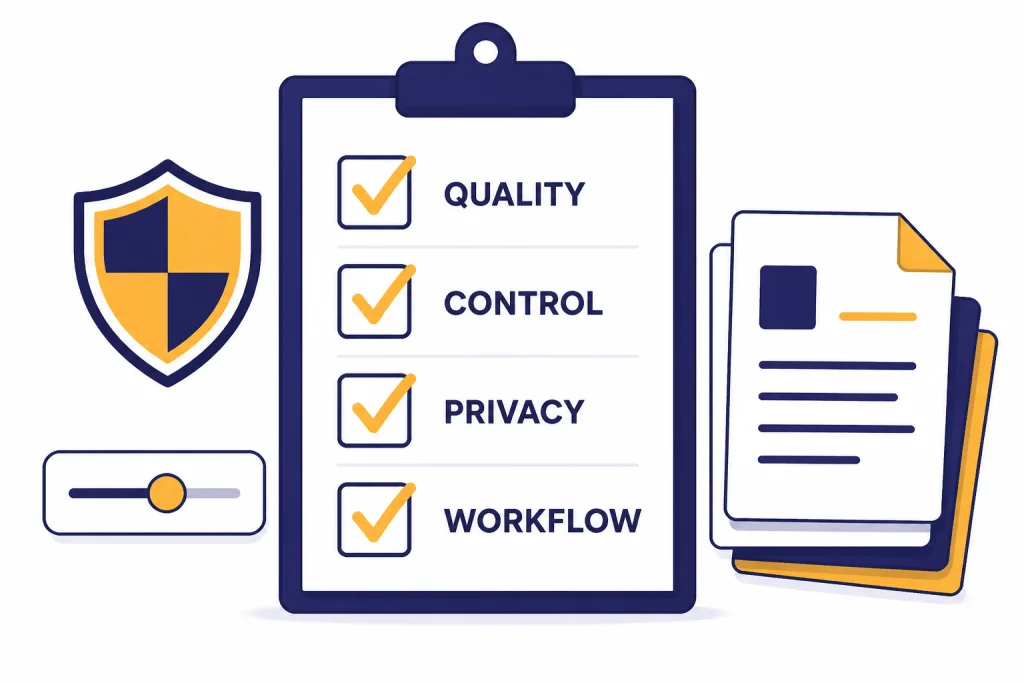
Start with the writing environment, not the model name. If your team writes in Google Docs, Gemini deserves a trial. If your knowledge base lives in Notion, Notion AI may reduce context switching. If you live in email, browser forms, and client documents, Grammarly may help more than a full drafting platform.
Next, decide whether you need generation, revision, or workflow automation. Generation tools create first drafts. Revision tools improve existing text. Workflow tools turn repeated inputs into repeated outputs. Many bad AI purchases happen when a team buys a workflow platform but only needs better editing, or buys an editor but expects it to build full campaign systems.
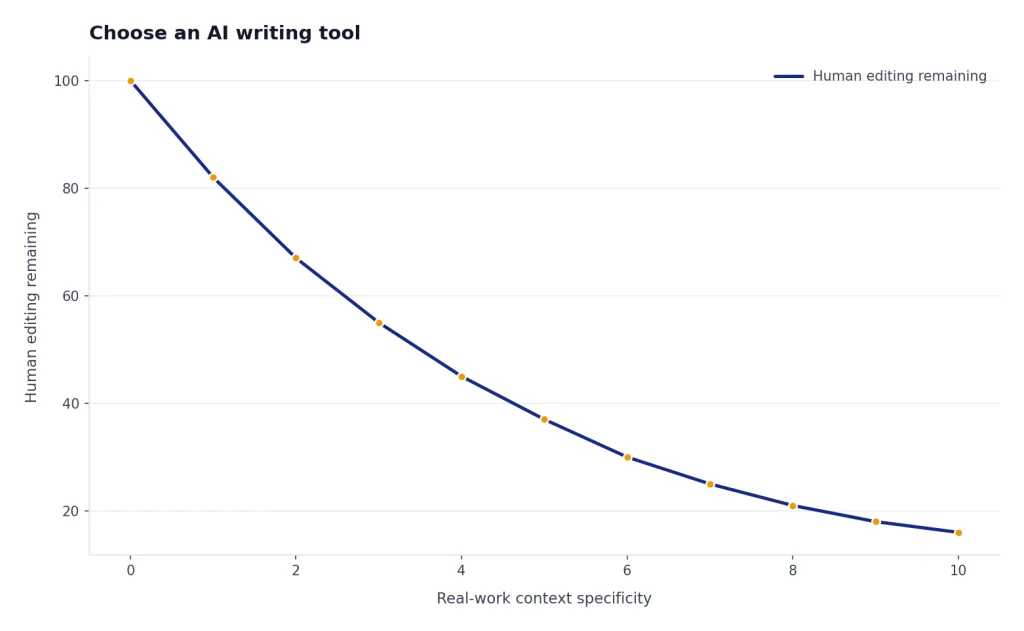
Then test on your real work. Do not test AI writing tools with generic prompts like “write a blog post about productivity.” Use the last messy brief, email thread, transcript, support article, product page, or grant draft you actually had to finish. Ask each tool to produce the same output. Compare how much human editing remains.
- For solo professionals: Start with ChatGPT, Claude, or Gemini. Add Grammarly if polished communication matters.
- For students: Use ChatGPT or Claude for outlining and explanation, QuillBot for limited paraphrasing, and a citation checker before submission.
- For content teams: Compare Jasper, Copy.ai, Writesonic, and ChatGPT Team against your publishing workflow.
- For authors: Try Sudowrite before buying a general assistant for fiction-specific work.
- For enterprises: Evaluate Writer, Jasper Business, Copy.ai Enterprise, ChatGPT Team or Enterprise, and Claude Team or Enterprise around governance and data policy.
If you are building more technical workflows, pay attention to token usage, file limits, and API costs. Our guides to OpenAI token counter tools and API cost calculators can help if your writing workflow moves from a web app into automation.
Limits, quality checks, and academic risk
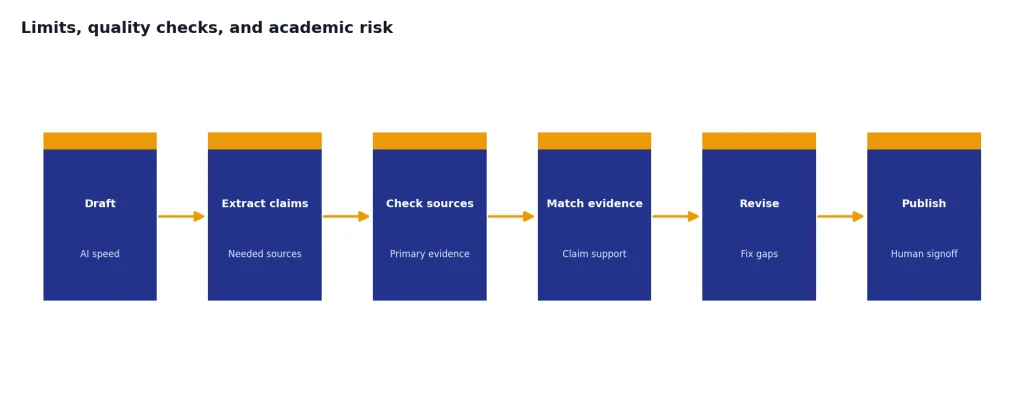
AI writing tools can make bad writing sound finished. That is their biggest risk. A polished paragraph can still contain a weak argument, an invented source, a false comparison, or a claim that does not match your evidence. Use AI for speed, structure, and revision, but keep human responsibility for accuracy.
For factual work, separate drafting from verification. Ask the tool to identify claims that need sources. Check those claims yourself. Use primary sources when possible. If the article is research-heavy, use a dedicated research workflow and compare it with our guide to AI research tools for academics.
For school and professional settings, assume policy matters. Many schools, publishers, and workplaces now distinguish between allowed AI assistance and undisclosed authorship. If you are submitting work under your name, keep notes on how you used the tool. If you are editing translated or multilingual content, compare purpose-built options in our AI translation tools guide.
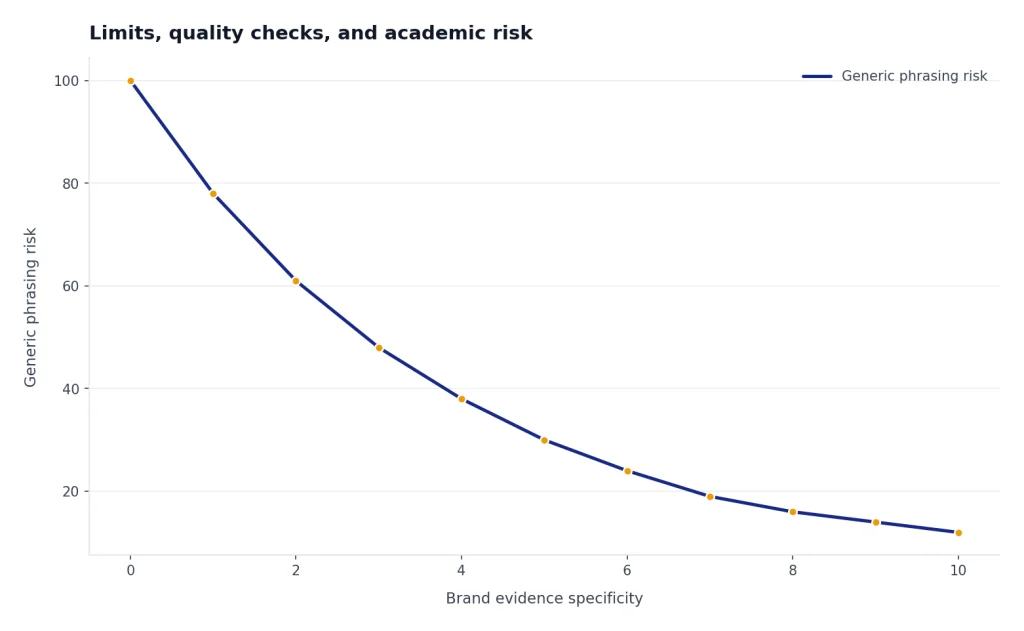
For marketing content, watch for sameness. AI-generated posts often converge toward safe, generic phrasing. Build a house style guide, feed the tool examples of your best work, and require specific evidence, customer language, and product details. If your workflow includes images, videos, or multimedia campaigns, writing tools may need to sit alongside AI image tools or AI video tools, not replace them.
For resumés and career documents, avoid over-optimization. AI can make a résumé clearer, but it can also flatten your real experience into generic corporate language. If that is your main use case, compare dedicated AI resume builder tools before paying for a broader writing platform.
Final recommendations
Most people should start with one general assistant and one editor. ChatGPT plus Grammarly is the most straightforward setup. Claude plus Grammarly is better if you care most about long-form revision and careful prose. Gemini plus Grammarly is the better fit if Google Workspace is where your writing lives.
Marketing teams should not default to the cheapest subscription. They should test Jasper, Copy.ai, Writesonic, and ChatGPT Team on the same campaign brief. The winning tool is the one that reduces review time, preserves brand voice, and integrates with the team’s actual publishing process.
Fiction writers should try Sudowrite before forcing a general assistant to behave like a novel-writing partner. Students should be cautious with QuillBot and any paraphrasing tool. Enterprise buyers should start with data controls, auditability, and workflow governance before comparing prose quality.
The best AI writing tool is the one that improves your real writing process without hiding your judgment. If a tool helps you think, organize, and revise, keep it. If it only produces more words you do not trust, cancel it.
Frequently asked questions
What is the best AI writing tool overall in 2026?
ChatGPT is the best overall choice for most users because it handles the widest range of writing jobs. It can draft, revise, summarize, brainstorm, and analyze files in one workspace. Claude is a close alternative if your work is mostly long-form writing and careful editing.
Which AI writing tool is best for students?
Students should use AI tools for outlining, explanation, brainstorming, and revision support rather than undisclosed authorship. ChatGPT and Claude are good for understanding topics and improving structure. QuillBot can help with paraphrasing and citations, but students should follow their school’s AI policy.
Is Grammarly still worth paying for if I already use ChatGPT?
Yes, if you write many emails, documents, proposals, or client messages. ChatGPT is stronger for drafting and ideation. Grammarly is better as a persistent editing layer that catches issues while you write across apps.
Are Jasper and Copy.ai better than ChatGPT?
They are better for some marketing teams, but not for every writer. Jasper and Copy.ai add brand, campaign, and workflow structure around AI writing. If you only need occasional drafts, ChatGPT or Claude will usually be simpler and cheaper.
Which AI writing tool is best for SEO content?
Writesonic is the most SEO-focused option in this comparison because its product now emphasizes SEO content, audits, and AI search visibility. Jasper can also work well for marketing content when brand consistency matters. For serious SEO work, still use human review, search intent analysis, and source checking.
Can AI writing tools replace human writers?
They can replace some low-value drafting and rewriting tasks. They do not replace judgment, reporting, taste, subject-matter expertise, or accountability. The best use is to accelerate a capable writer, not to publish unchecked output.