

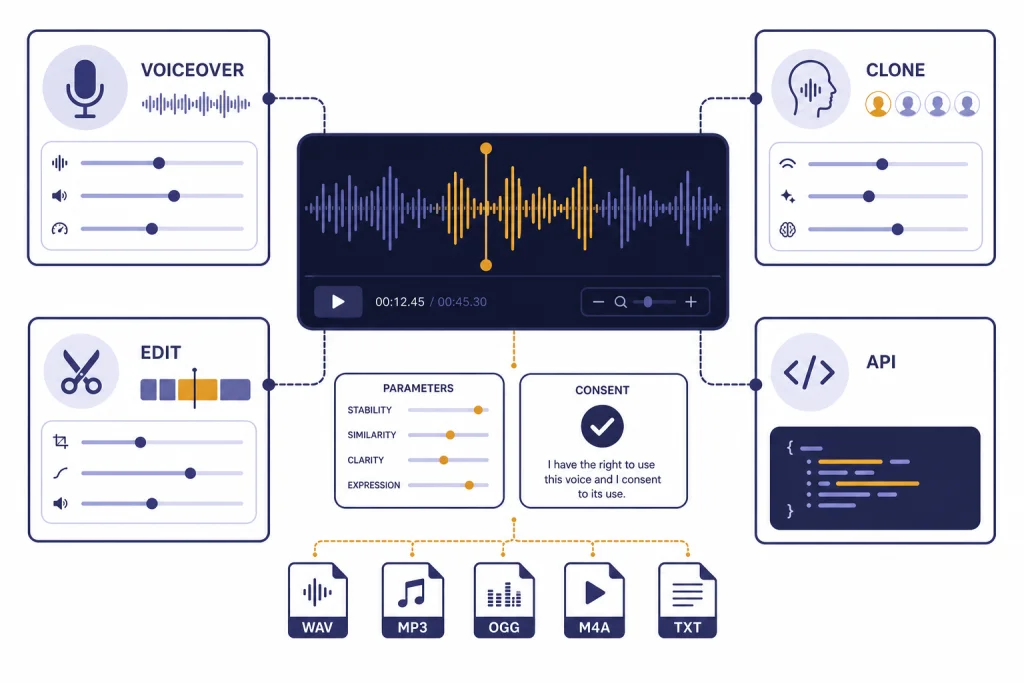
The best AI voice tools now fall into two clear groups: production studios for creators and developer platforms for apps, agents, and custom workflows. ElevenLabs is the strongest all-around pick for realistic voice generation and cloning. Murf fits polished training and marketing voiceovers. Descript is best when voice generation is part of a podcast or video editing workflow. WellSaid is the safest choice for enterprise voiceover teams. Resemble AI is the better fit for API-first cloning, watermarking, and detection workflows. Speechify Studio is useful for simple creator voiceovers. OpenAI’s audio tools are best when you want text-to-speech inside a broader AI application rather than a full voice-cloning studio.
Quick verdict
If you want one recommendation, start with ElevenLabs. Its public plans include text-to-speech, speech-to-text, sound effects, voice design, music, studio projects, instant voice cloning on Starter, and professional voice cloning on Creator and above.[1] That makes it the most complete choice for creators who need realistic narration, character voices, dubbing, and cloned voices in one place.
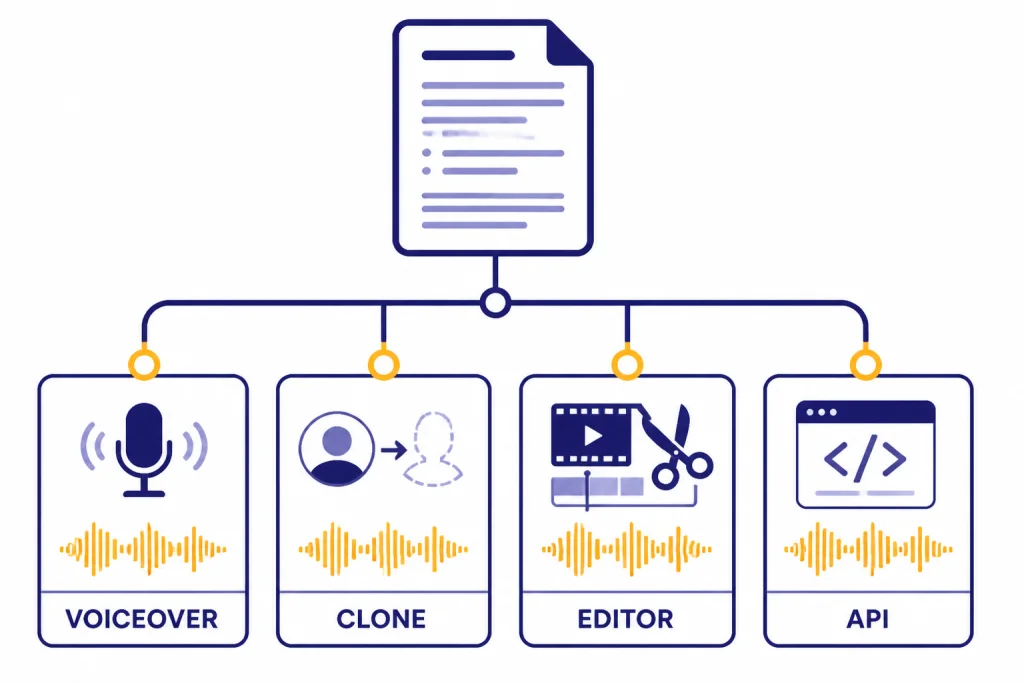
Choose Murf when you need a cleaner business workflow for presentations, e-learning, and marketing voiceovers. Choose Descript when the audio is part of a larger editing job, because Descript combines transcription, editing, AI speech, custom voice clones, and video regenerate in the same workspace.[3] Choose WellSaid when procurement, team controls, security, and voice actor ethics matter more than experimentation. Choose Resemble AI when you are building a product and need usage-based API pricing, cloning, watermarking, and deepfake detection.[6]
If your project also includes video or image generation, read our related guides to best AI video tools of 2026 and Best AI Image Tools. Voice tools are often only one part of a larger production stack.
AI voice tools compared
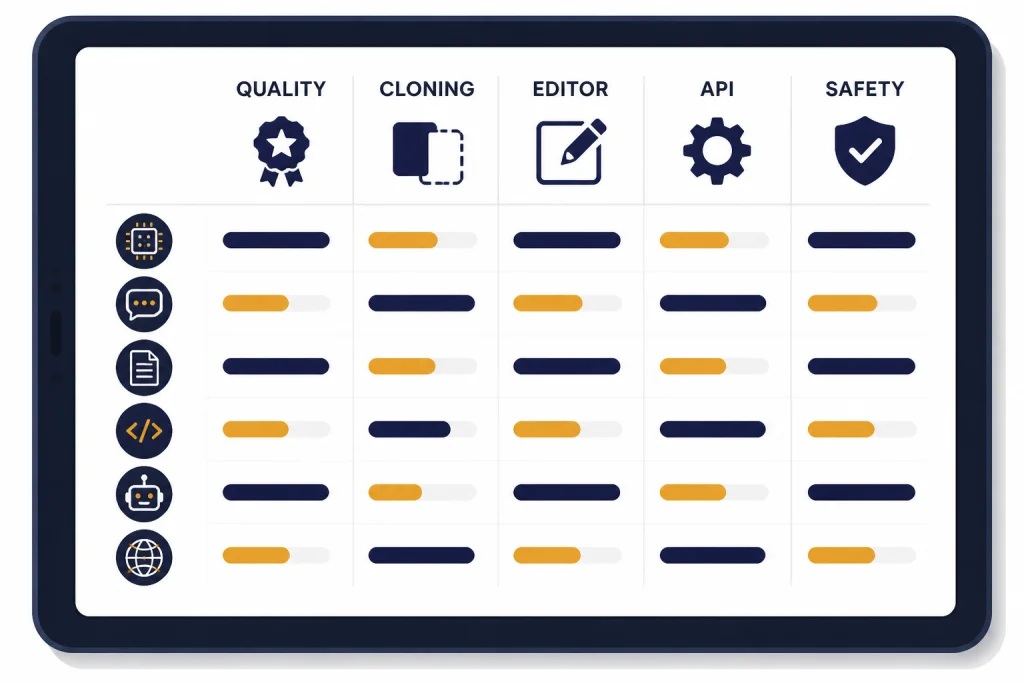
The table below compares the strongest options for the most common jobs: narration, voice cloning, business voiceover, editing, and app development. “Starting paid price” means the lowest public paid tier we could confirm from retrieved sources. Enterprise plans, annual discounts, and usage-based billing can change the real cost.
| Tool | Best for | Voice cloning | Starting paid price | Main caution |
|---|---|---|---|---|
| ElevenLabs | Realistic voice generation and creator cloning | Instant cloning starts on Starter; professional cloning starts on Creator.[1] | Starter is listed at $6 per month; Creator is listed at $11 per month with a $22 first-month promotion shown on the page.[1] | Credit-based billing requires usage planning. |
| Murf | Business voiceovers, training, and marketing scripts | Available on paid tiers according to independent pricing trackers.[2][13] | Independent trackers report Creator at $19 per month on annual billing or $29 monthly.[2][13] | The official pricing page requires JavaScript in our retrieval, so confirm current pricing before purchase. |
| Descript | Podcast and video editing with AI voice repair | Custom voice clones are part of AI Speech features.[3] | Creator is shown at $24 and $35 per person per month, depending on billing view.[3] | Best as an editor, not a pure voice API. |
| WellSaid | Enterprise voiceover production | Private voice development is handled through enterprise conversations.[4] | Creative is listed at $50 per month per user when billed annually and $55 per month per user on monthly billing.[4] | Higher entry price than creator-first tools. |
| Resemble AI | API-first cloning, agents, watermarking, and detection | Rapid clone and professional clone are supported.[7] | Flex starts at $0, with text-to-speech billed at $0.0005 per second and rapid voice clone add-ons listed at $2 per month per voice.[6] | Best for technical teams, not casual editors. |
| Speechify Studio | Simple creator voiceovers and dubbing | Voice cloning starts on Studio Starter.[5] | Studio Starter is listed at $19 per month; Studio Creator is listed at $49 per month.[5] | Separate from the Speechify reading app subscription. |
| OpenAI audio tools | Developers adding speech to AI products | No public self-serve voice-cloning studio is listed in the retrieved TTS guide. | OpenAI’s pricing page lists TTS speech generation at $15 per 1 million characters.[8] | You need to build the workflow yourself. |
Best picks by use case
Best overall: ElevenLabs
ElevenLabs is the best starting point for most readers because it covers the broadest set of voice tasks without forcing you into a developer workflow. The Free plan includes 10,000 credits per month, while the Starter plan adds a commercial license and instant voice cloning.[1] Creator adds professional voice cloning and more credits, and Pro adds 44.1kHz PCM audio output through the API and 192kbps audio quality.[1]
Use it for YouTube narration, short-form ads, audiobooks, podcasts, multilingual dubbing tests, and character voices. It is also a good fit if you want to experiment with voice design before committing to a cloned voice. The main drawback is metering. You should estimate characters, minutes, and regeneration habits before picking a plan.
Best business voiceover studio: Murf
Murf is strongest for structured voiceover work. It fits teams producing training modules, product explainers, sales videos, and narrated presentations. Independent pricing trackers report a Free plan with 10 minutes of voice generation, a Creator plan with 24 hours per year, and a Business plan with 96 hours per year on annual billing.[2][13]
Murf is not the first tool I would pick for character-heavy fiction or experimental voice cloning. It is a practical studio for people who have scripts, review cycles, brand guidelines, and deadlines. If you are comparing it with writing and scripting tools, see our best AI writing tools compared in 2026.
Best audio and video editor with AI voice: Descript
Descript is different from most AI voice tools because the voice features sit inside a full editing environment. Its pricing page lists AI Speech, text-to-speech, Regenerate, custom voice clones, stock AI speakers, transcription, Studio Sound, filler word removal, and video tools in the same product.[3] This matters when you need to fix a sentence inside a podcast, regenerate a line, or create a short clip from a longer recording.
Pick Descript if you edit podcasts, webinars, screen recordings, or social videos. Skip it if you only want a lightweight text-to-speech generator. You are paying for editing workflow, not just voice output.
Best enterprise voiceover platform: WellSaid
WellSaid is the strongest pick for organizations that need polished voiceovers with predictable governance. The Creative plan lists 720 downloads per year and about 72 hours of audio per year, while Business lists 1,300 downloads per year and about 144 hours of audio per year.[4] The Enterprise plan lists 4,300 downloads per year, about 480 audio hours per year, no seat limit, all languages, enterprise security, SOC 2 reports, and single sign-on.[4]
WellSaid is not the cheapest. It is better for learning and development teams, regulated content teams, and brands that need review, collaboration, and compliance. If you also need translation, compare it with best AI translation tools tested.
Best simple creator studio: Speechify Studio
Speechify Studio is a good choice when you want a simple web studio for voiceovers, dubbing, and voice changer work. Its Free plan includes 600 Studio credits, access to 1,000+ realistic voices, Voiceover Studio, Dubbing Studio, and Voice Changer, but no voice cloning and no commercial usage rights.[5] Studio Starter adds 7,200 Studio credits, voice cloning, and commercial usage rights for $19 per month.[5]
The important detail is that Speechify Studio is separate from Speechify’s reading app. Use Studio for creating audio assets. Use the reader app for listening to documents, PDFs, and books.
What to know about voice cloning
Voice cloning is powerful because it lets a tool create speech in a specific speaker’s vocal style from a reference sample. That can save time for podcasters, educators, accessibility projects, localization teams, and game studios. It also creates obvious misuse risks. Consumer Reports assessed voice cloning products from Descript, ElevenLabs, Lovo, PlayHT, Resemble AI, and Speechify and found gaps in safeguards intended to prevent fraud and misuse.[10]
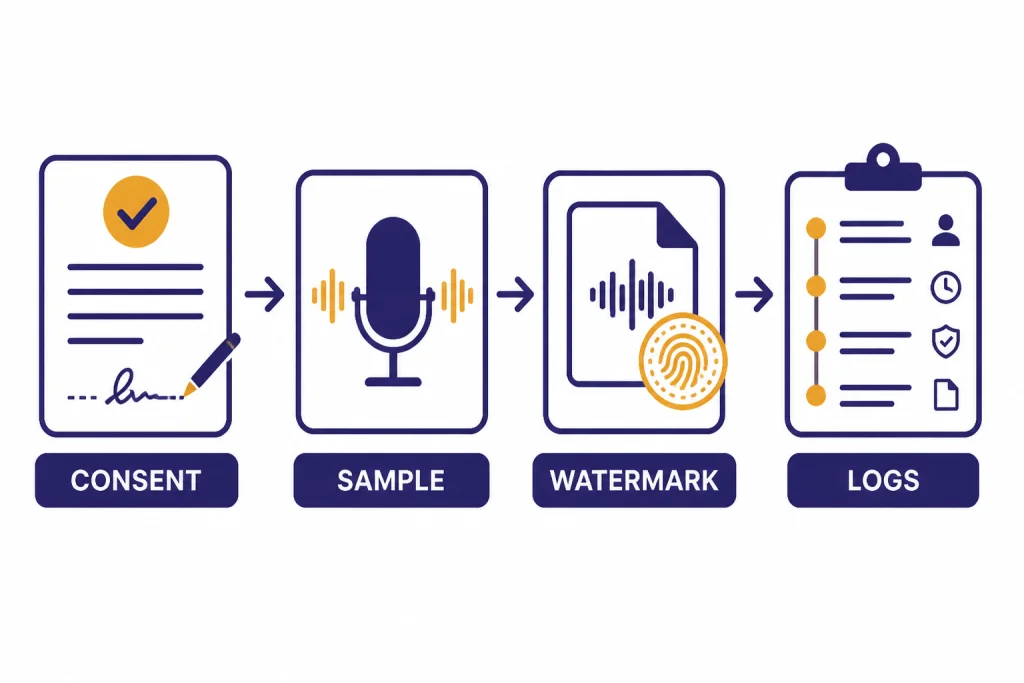
The responsible baseline is simple. Clone only voices you own or have explicit permission to use. Keep the source consent record. Avoid celebrity, employee, student, customer, and private-person cloning without a clear written release. Label synthetic voice use when the audience could reasonably believe the audio is human-recorded.
Resemble AI is one of the stronger choices when cloning safety is central to the project. Its voice creation page describes Rapid Clone from 10 seconds of audio, Professional Clone from 10 to 25+ minutes of audio, PerTh watermarking, and multilingual cloning across 23 languages.[7] Its pricing page also includes deepfake detection, watermark encode, and watermark decode usage rates.[6]
For personal productivity, you may not need cloning at all. A stock AI voice is usually safer and easier to license. For a related but different use case, see our voice control for ChatGPT review, which focuses on speaking to ChatGPT rather than creating cloned voice output.
Best tools for APIs and apps
If you are building an app, voice agent, or internal workflow, pick the tool by latency, pricing unit, documentation, and safety controls rather than by studio interface. Resemble AI’s Flex plan uses usage-based billing and lists text-to-speech at $0.0005 per second, voice agents at $0.001 per second, and audio deepfake detection at $0.001 per second.[6] That pricing style is easier to model for call centers, game dialogue, voice bots, and internal tools.
OpenAI is a better fit when speech is one part of a broader AI application. The OpenAI text-to-speech guide describes a speech endpoint based on GPT-4o mini TTS.[9] OpenAI’s pricing page lists TTS speech generation at $15 per 1 million characters.[8] That makes it attractive if you already use the OpenAI API for prompts, retrieval, summarization, or agent workflows.
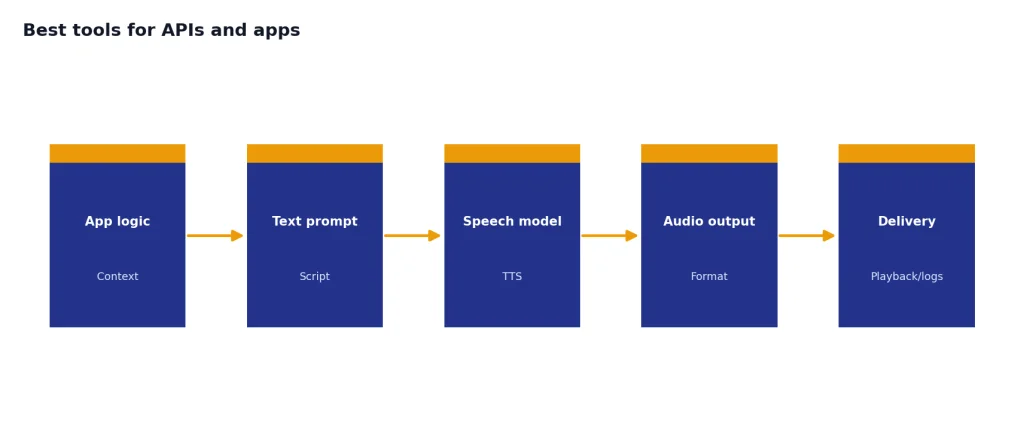
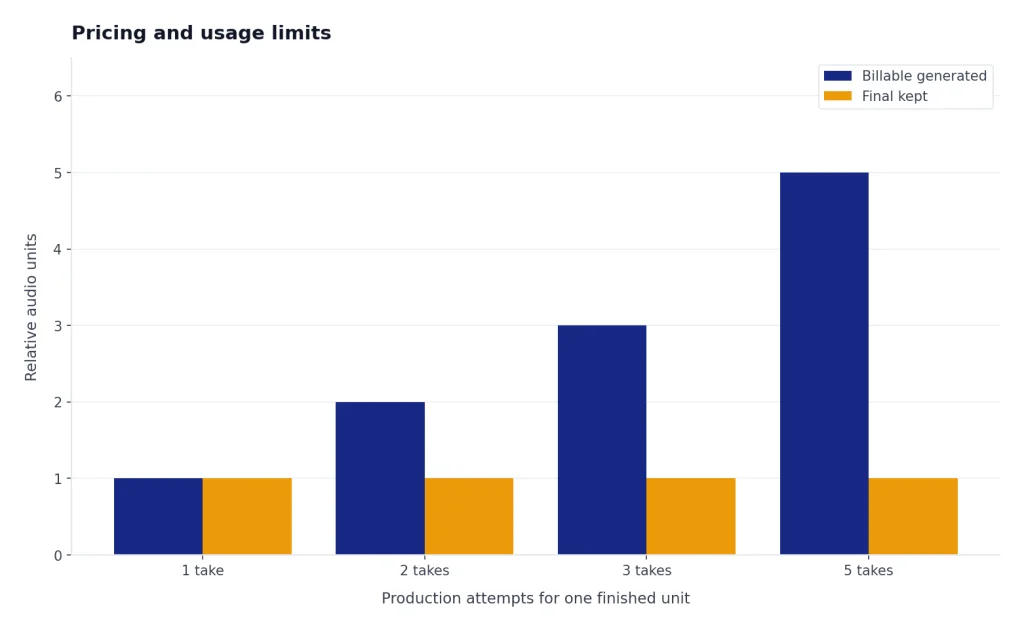
For cost planning, use character counts, seconds of audio, and regeneration estimates. Voice generation can become expensive when you iterate on tone, pace, pronunciation, and emotional delivery. If you are building with the OpenAI API, our OpenAI API cost calculator tools and OpenAI Token Counter Tools can help with the non-audio parts of the same workflow.
PlayHT has historically appeared in many AI voice roundups, but verify current availability before making it part of a production plan. A retrieved PlayHT products page says, “We have shut down the service,” so I would not treat it as a default recommendation without direct confirmation from the vendor.[12]
Pricing and usage limits
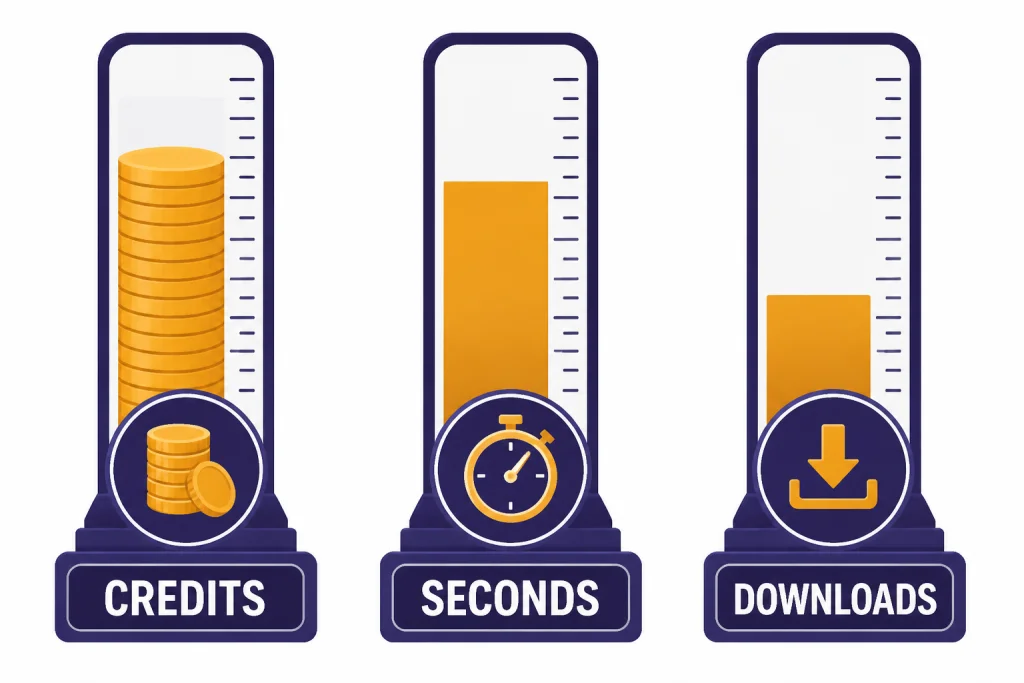
AI voice pricing is hard to compare because vendors bill different units. ElevenLabs uses monthly credits and minutes. Speechify Studio uses credits. Resemble AI bills per second. WellSaid uses downloads and approximate annual audio hours. OpenAI lists text-to-speech by characters. This means the cheapest-looking plan may not be cheapest for your actual use.
| Billing model | Where it appears | Best when | Watch out for |
|---|---|---|---|
| Credits | ElevenLabs, Speechify Studio | You create varied short clips and can budget by generation. | Regenerations and premium voices can drain credits faster than expected. |
| Minutes or hours | Murf, WellSaid | You know your monthly or annual voiceover volume. | Unused time may not roll over. WellSaid says unused audio hours reset at the start of each billing cycle.[4] |
| Seconds of audio | Resemble AI | You are building an API product or voice agent. | Long calls and repeated generations add up quickly.[6] |
| Characters | OpenAI TTS | You generate speech from scripts in an app. | Character estimates can be off if scripts are revised often.[8] |
| Per-seat plans | WellSaid, Descript, Murf business plans | Teams need collaboration and review workflows. | Adding editors can cost more than adding audio capacity. |
For a solo creator, the practical test is a real project. Paste in a finished script, generate one version, regenerate the awkward lines, export the final audio, and note the consumed credits or minutes. For a team, build a monthly estimate from finished minutes, draft-to-final ratio, number of reviewers, required file formats, and commercial rights.
Safety, consent, and commercial rights
Commercial rights matter as much as sound quality. ElevenLabs says paid-plan generation includes commercial rights, while the Free plan is non-commercial with attribution.[1] Speechify Studio says its Free plan has no commercial usage rights, while Studio Starter includes commercial usage rights.[5] WellSaid says all paid plans include full commercial usage rights.[4]
Consent matters even more for cloned voices. The FTC has treated AI-enabled voice cloning as a consumer harm area and announced Voice Cloning Challenge winners focused on preventing, monitoring, and evaluating malicious use.[11] That is not just a legal issue. It is also a trust issue. If you publish synthetic audio that sounds like a real person, your audience should not have to guess whether that person actually said it.
Use a written consent process for any real-person voice. Keep a record of the speaker, project, allowed uses, geography, duration, revocation terms, compensation, and whether the clone may be used for advertising. Do not rely on a casual email when the voice will represent a brand, a course, a political message, a medical topic, or a financial product.
Schools and publishers should be especially cautious. If synthetic audio is part of class materials, student work, or submitted assignments, pair voice policies with broader AI policies. Our guides to Best AI Detectors for Teachers and Schools and Best Plagiarism Checkers cover adjacent integrity issues.
How to choose the right AI voice tool
Start with the output, not the tool. A narrated training module, a cloned host intro, a voice agent, a dubbed video, and a podcast repair all have different requirements. The wrong tool can still sound impressive in a demo and fail in production.
- For realistic narration: start with ElevenLabs, then compare Murf if you need a more structured business studio.
- For podcast repair: choose Descript because the voice feature sits next to transcription and editing.
- For enterprise learning content: choose WellSaid when security, review, and governance are more important than the lowest price.
- For app development: compare Resemble AI and OpenAI based on billing unit, latency, and safety needs.
- For simple creator voiceovers: test Speechify Studio if you want a fast web workflow with cloning on a lower paid tier.
- For multilingual localization: test the exact languages and accents before buying an annual plan. Voice quality can vary by language and speaker style.
Then run a small bake-off. Use the same script in every tool. Include hard names, acronyms, numbers, emotional lines, and a sentence with pauses. Export the audio. Listen on headphones and phone speakers. Ask whether the tool handled pronunciation, pacing, emphasis, licensing, and revision speed. For projects that combine text, images, video, and audio, you may also want our Best ChatGPT Prompt Generator Tools and best ChatGPT mobile apps guides.
Do not buy on voice quality alone. The best AI voice tools also give you predictable costs, clear commercial rights, consent controls, export formats, and a workflow you can repeat under deadline.
Frequently asked questions
What is the best AI voice tool overall?
ElevenLabs is the best overall pick for most creators because it combines text-to-speech, voice design, instant voice cloning, professional voice cloning, dubbing, and API options in one product.[1] It is not always the cheapest. It is the best first test for realistic voice output.
What is the best AI voice tool for business training videos?
Murf and WellSaid are the best starting points. Murf fits practical training and marketing voiceovers when you want a studio workflow. WellSaid is stronger when your organization needs seats, collaboration, security, and procurement-friendly controls.[4]
Which AI voice tool is best for voice cloning?
ElevenLabs is the best creator-friendly choice for cloning. Resemble AI is the stronger technical choice when you need rapid clone, professional clone, watermarking, detection, or API control.[6][7] Always get explicit permission before cloning a real person’s voice.
Can I use AI voice output commercially?
Often yes, but it depends on the plan and tool. ElevenLabs, Speechify Studio, and WellSaid all distinguish plan rights in their pricing or FAQ materials.[1][5][4] Check the current terms before using any AI voice in ads, courses, podcasts, or client work.
Is OpenAI a voice cloning tool?
OpenAI’s retrieved text-to-speech documentation is best understood as an API option for generating speech from text, not as a public self-serve voice-cloning studio.[9] It is useful when you are already building with the OpenAI API. For creator cloning, ElevenLabs, Descript, Speechify Studio, and Resemble AI are more direct options.
What should I test before paying for an annual AI voice plan?
Test pronunciation, pacing, emotional delivery, export formats, commercial rights, and regeneration cost. Use one real script rather than a demo sentence. If the tool cannot handle your hardest names and acronyms, it will slow you down in production.