

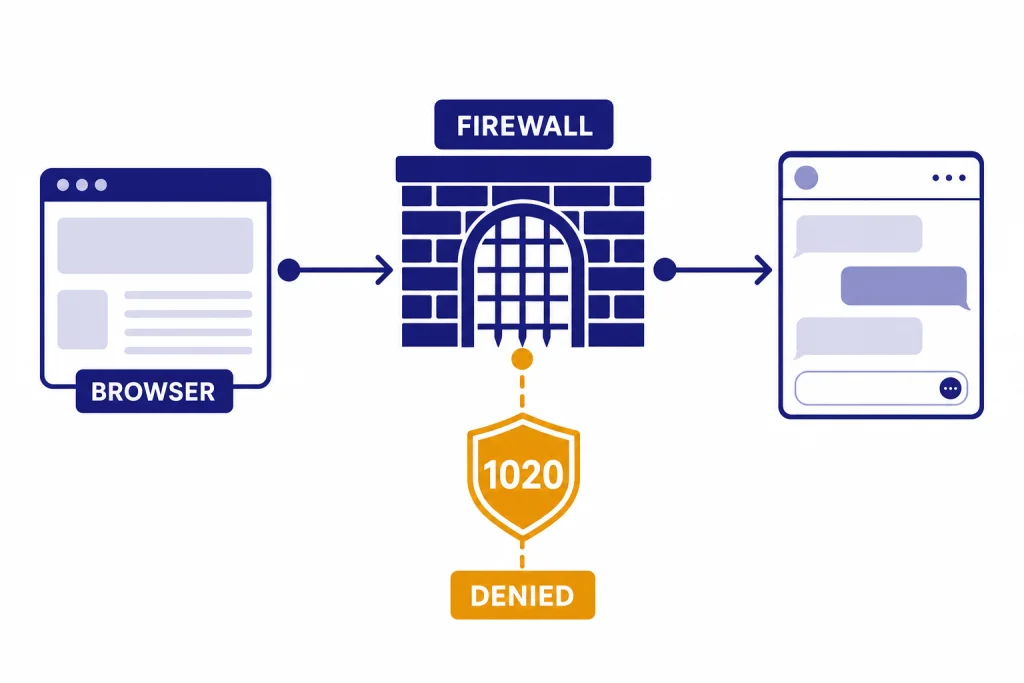
ChatGPT Error 1020 Access Denied usually means your browser, device, network, VPN, or region tripped a Cloudflare firewall rule before the ChatGPT page could load.[1] It is different from a normal ChatGPT outage or a model error because the block happens at the web security layer. The fastest fix is to test ChatGPT in a private window, turn off VPN or secure DNS tools, clear site data, switch networks, and check OpenAI’s status page before changing anything else.[2] If the error only appears on one network or one VPN exit node, your local route is probably the trigger. If many users report access errors at the same time, wait for OpenAI or its infrastructure provider to resolve it.
What ChatGPT Error 1020 means
ChatGPT Error 1020 is a Cloudflare access denial, not a message from the model. Cloudflare’s documentation says Error 1020 means access to a website was denied by a Cloudflare firewall rule.[1] In plain English, the security layer decided your request should not reach the protected site.
That distinction matters. If ChatGPT itself is slow, stuck, or returning a server-side message, you troubleshoot the app. If you see Error 1020 before the ChatGPT interface loads, you troubleshoot the path between your browser and OpenAI’s protected web service. That path includes your browser profile, cookies, extensions, VPN, DNS resolver, corporate security tools, public Wi-Fi, and IP reputation.
The error can feel like an account ban, but it is not automatically an account ban. A Cloudflare block can happen before OpenAI knows which account is trying to sign in. It may follow you across browsers if your network route is the trigger. It may disappear instantly if you switch from a VPN to your normal connection, from Wi-Fi to cellular data, or from a hardened browser profile to a clean one.
If you are seeing login loops instead of an access-denied screen, use our separate ChatGPT login failed guide. If ChatGPT loads but fails while answering, start with the ChatGPT network error breakdown or ChatGPT something went wrong error.
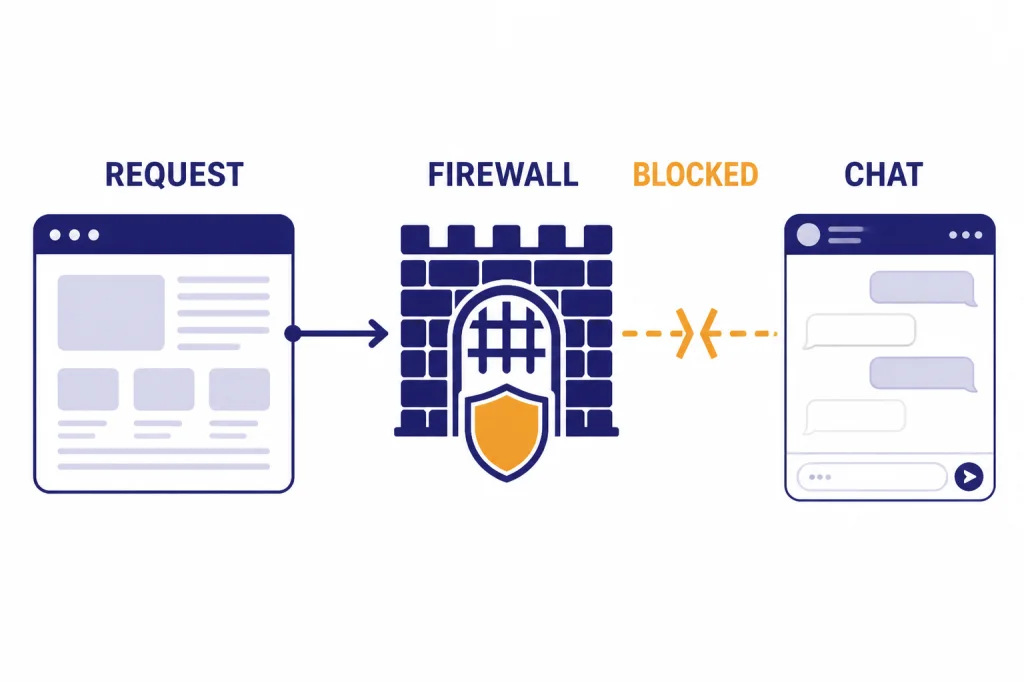
First check: outage or local block
Do not start by reinstalling browsers or changing security software. First decide whether the problem is local to your route or part of a broader service incident.
OpenAI’s own troubleshooting guidance tells users to check status.openai.com for known outages when ChatGPT returns errors.[2] The OpenAI status history also lists incidents affecting ChatGPT, login, file uploads, and other services, so it is the best first stop when many people appear to be affected.[3] If the status page shows a current ChatGPT incident, wait and retry later. If the status page is normal, continue with local tests.
- Try a private window. This bypasses many cookie and extension problems without changing your main browser setup.
- Try another browser. If one browser fails and another works, the problem is probably an extension, privacy setting, or corrupted site data.
- Try another network. Move from Wi-Fi to mobile hotspot, or from a VPN to your normal ISP. If the error disappears, your prior IP route was likely blocked or challenged.
- Try the official app or the web client. A web-only issue may not match an app issue. An app-only issue may involve device networking or enterprise security software.
- Check whether other ChatGPT features fail too. File upload, voice, image generation, and conversation loading can fail for different reasons.
For broader outage context, see ChatGPT outages 2026 and our longer ChatGPT outage history. Those pages help separate a personal access block from a public service problem.
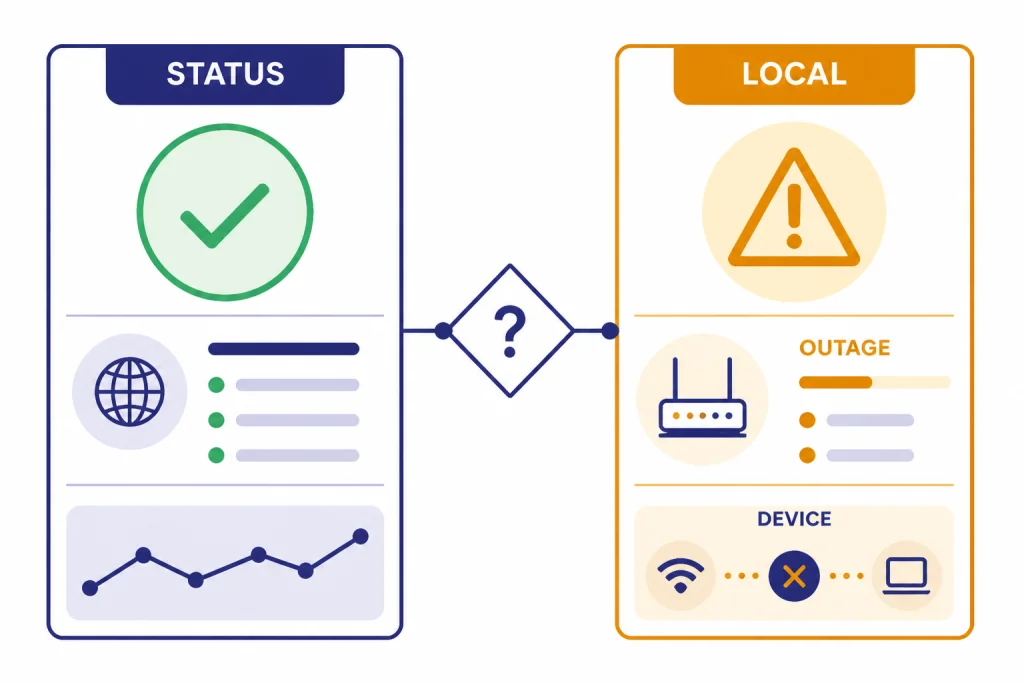
Quick fixes that solve most cases
Work through these in order. Stop when ChatGPT loads normally again.
Turn off your VPN or switch VPN servers
VPNs often route many users through the same exit IP. If that IP has unusual traffic patterns, bot-like behavior, unsupported-region signals, or prior abuse, access may be denied. OpenAI’s general troubleshooting advice includes disabling VPNs or proxy connections when ChatGPT errors occur.[2] If you need a VPN for work, switch to a different exit region or ask your IT team whether ChatGPT traffic is being inspected.
If VPN problems are the main pattern, use our dedicated guide to ChatGPT not working with VPN. If your real location is unsupported, a VPN may create more account risk than it solves. OpenAI says accessing or offering access to ChatGPT outside its supported countries and territories may result in an account being blocked or suspended.[4]
Clear ChatGPT site data
Clear cookies and site data for chat.openai.com and chatgpt.com, then restart the browser. OpenAI recommends clearing browser cache and cookies for ChatGPT error troubleshooting, and specifically clearing site data or cookies for chat.openai.com when the page is blank, frozen, or endlessly loading.[2] This step helps when an old session token, corrupted local storage, or stale challenge state keeps sending bad requests.
Disable privacy, script, and ad-blocking extensions
Extensions can block the scripts, cookies, challenge frames, or security checks that ChatGPT needs to load. Test with all extensions disabled, or create a fresh browser profile with no extensions. If that works, re-enable extensions one at a time until the access-denied screen returns.
Turn off secure DNS, filtering, or web protection tools
Secure DNS and web protection tools can change how your browser resolves, filters, or inspects ChatGPT traffic. OpenAI’s troubleshooting page names VPNs, secure DNS, Web Protect, and other security filters as items to turn off while diagnosing ChatGPT errors.[2] Do not permanently weaken your security setup. Use the test only to identify the cause, then add a narrow exception if your tool supports one.
Switch networks
If home Wi-Fi fails, test cellular data. If office Wi-Fi fails, test a mobile hotspot. If public Wi-Fi fails, try a trusted private connection. A network switch changes your public IP address and often bypasses the blocked route. If ChatGPT works on cellular data but not on your home network, restart your router and ask your ISP for help if the block persists.
If ChatGPT loads but specific features fail after access returns, use feature-specific guides: ChatGPT file upload not working, ChatGPT image generator not working, and ChatGPT voice mode not working.
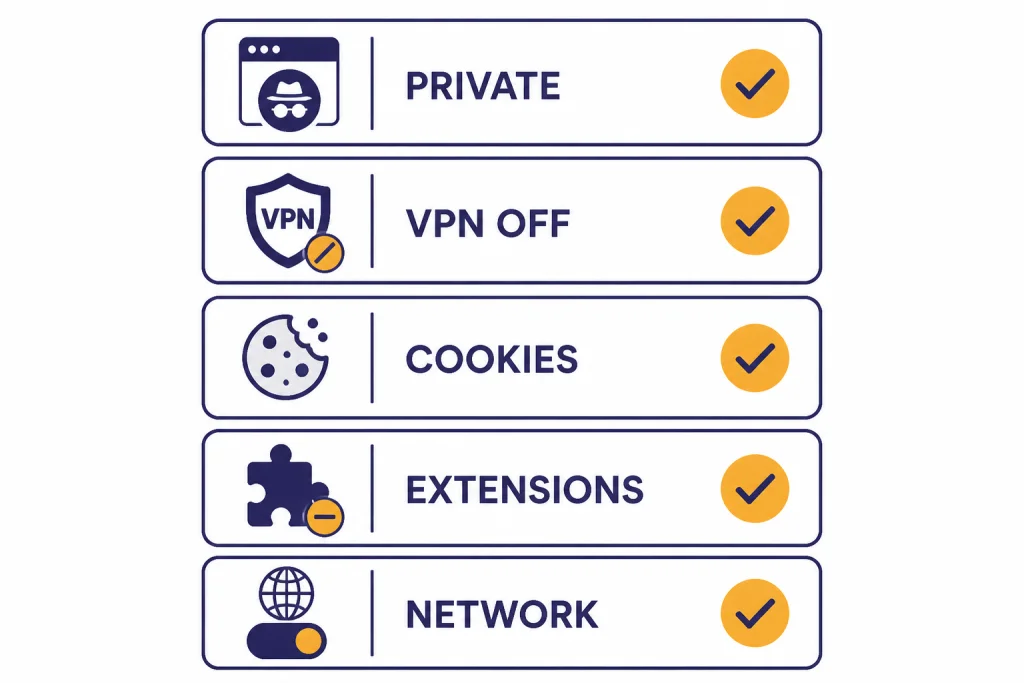
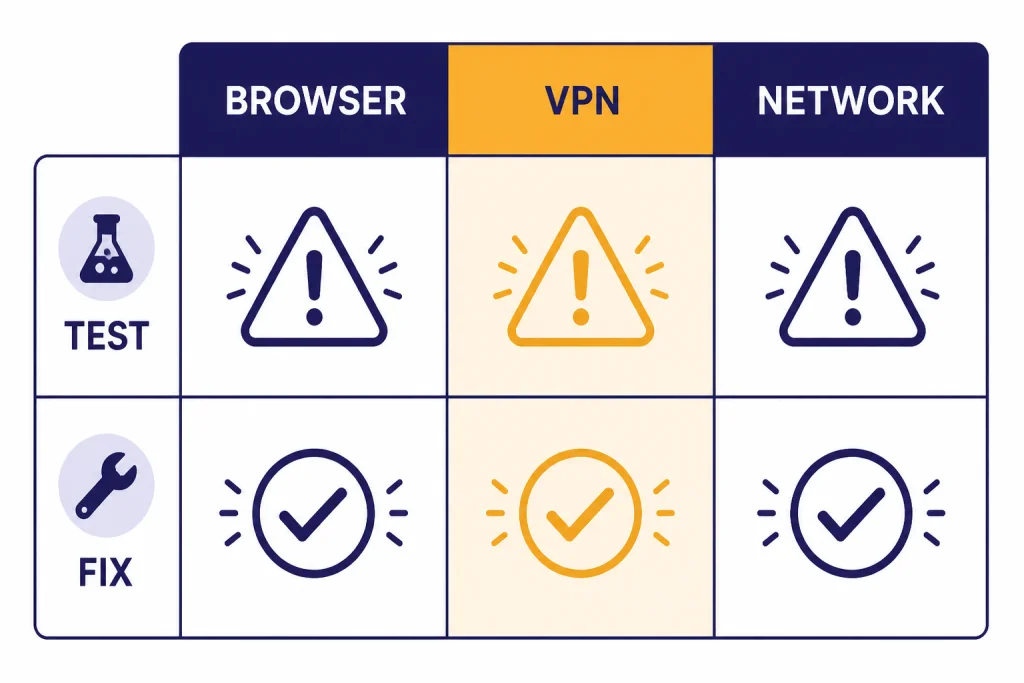
Browser, network, and VPN causes compared
Error 1020 has one visible message, but several practical causes. Use this table to match the symptom to the next useful test.
| Pattern you see | Most likely cause | Best next test | Likely fix |
|---|---|---|---|
| Fails only in one browser | Extension, privacy setting, blocked script, or corrupted site data | Open ChatGPT in a private window or clean browser profile | Clear site data and disable extensions one by one |
| Fails on every browser while VPN is on | VPN exit IP or proxy route is blocked | Disconnect VPN or choose another server | Use a cleaner exit node or normal ISP connection |
| Fails on home Wi-Fi but works on mobile data | Home IP reputation, router cache, DNS filtering, or ISP route | Restart router and test another DNS setting | Use a different network or ask ISP for a new IP route |
| Fails only at work or school | Firewall, TLS inspection, DNS filtering, or enterprise policy | Ask IT whether ChatGPT and Cloudflare challenge traffic are allowed | Use an approved network path or web client policy exception |
| Fails while traveling | Unsupported region, hotel Wi-Fi filtering, or risky shared IP | Check OpenAI’s supported-country list and test cellular data | Use ChatGPT only from a supported location and trusted network |
| Many users report access problems at once | OpenAI or infrastructure incident | Check OpenAI Status and recent outage reports | Wait for recovery instead of changing local settings |
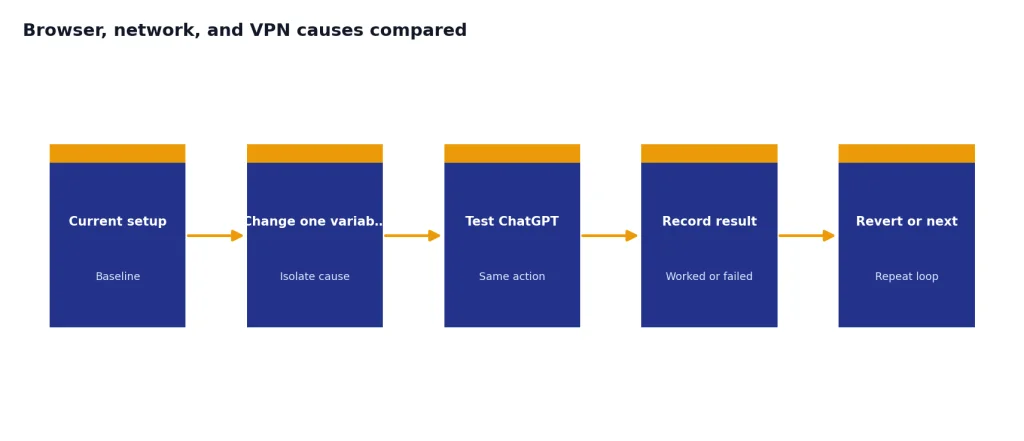
The key is isolation. Change one variable at a time. If you change browser, VPN, DNS, and network all at once, you may regain access without knowing what fixed it. That makes the error harder to solve when it returns.
Error 1020 also differs from load and capacity errors. For server responses, compare ChatGPT error 500 internal server, ChatGPT error 503 service unavailable, and ChatGPT Error 429 Too Many Requests. Those errors point to different layers than a Cloudflare access denial.
Work, school, and mobile app cases
Enterprise networks add another layer. Your organization may inspect encrypted traffic, route web requests through a secure gateway, block consumer AI tools, or require approved apps. In those cases, Error 1020 may be the visible result of a policy conflict rather than a personal browser problem.
OpenAI has a specific support article for ChatGPT Mac and iOS access issues involving Cloudflare Zero Trust, TLS Decryption, ChatGPT Enterprise, and ChatGPT Edu.[5] That article says the issue can affect organizations using ChatGPT Enterprise or Edu with Cloudflare Zero Trust enabled, TLS Decryption turned on, and the macOS or iOS native app.[5] It also notes that the issue should not impact the ChatGPT web client, Windows, or Android users.[5]
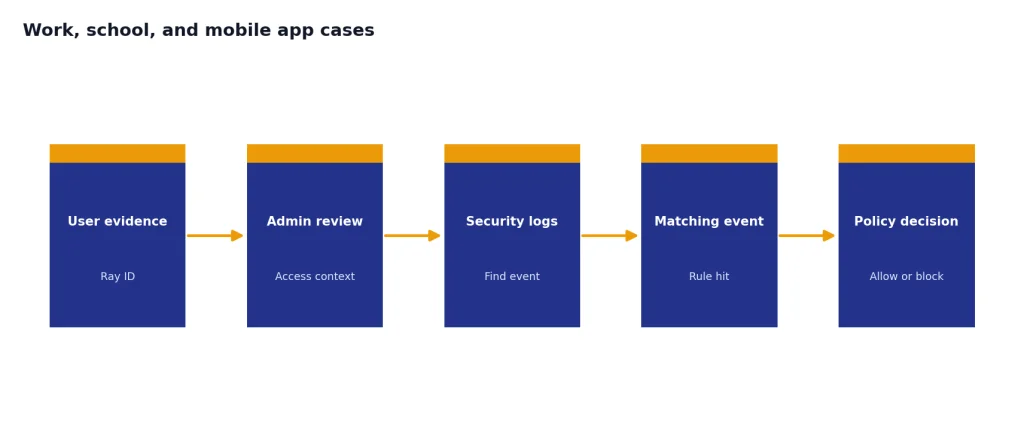
If you are on a managed device, do not try to bypass company controls. Collect the exact error screen, browser, device, network name, timestamp, and whether web or app access failed. Send that to IT. A firewall administrator can compare the timestamp and request details with security logs. Cloudflare’s Error 1020 guidance tells site owners to use the Ray ID or client IP address from the visitor’s error message when searching Security Events.[1]
If only the phone app fails, check ChatGPT app not working. If access fails because of geography rather than a firewall rule, see ChatGPT region not supported.
When to contact support
Contact support after you have tested a private window, another browser, another network, and VPN off. Support will be more useful if you provide evidence instead of a general complaint.
- The exact error text and whether it says Cloudflare.
- The Cloudflare Ray ID if the page shows one.
- Your approximate location and network type, such as home ISP, office Wi-Fi, public Wi-Fi, or cellular.
- The browser and operating system.
- Whether VPN, proxy, secure DNS, antivirus web protection, or a corporate gateway was active.
- The exact time the error appeared, including time zone.
- Whether another browser, device, or network worked.
Cloudflare’s guidance for non-owners is simple: provide the website owner with a screenshot of the Error 1020 message.[1] For ChatGPT, that means OpenAI support or your organization’s ChatGPT administrator, depending on who manages your access. If you use an Enterprise or Edu workspace, start with your internal administrator because they can see local security policies that OpenAI cannot.
If the error appears during a known incident, support may not be able to give an individual fix. In that case, monitor the official status page and avoid repeated refresh loops. Repeated automated retries can make your traffic look less normal, not more normal.
What not to do
Do not buy random “ChatGPT unblock” tools. They often route you through the same kind of shared proxy infrastructure that can trigger access denials. They can also put your account credentials and conversation data at risk.
Do not keep rotating through suspicious VPN locations to reach ChatGPT from an unsupported region. OpenAI’s supported-countries page warns that access outside listed countries and territories may lead to account blocking or suspension.[4] If availability is the root issue, a clean local browser will not solve it.
Do not delete your OpenAI account, cancel your plan, or reset your device for Error 1020. The error usually concerns request filtering, not subscription billing. If you are checking whether plan limits are involved, see ChatGPT daily limit or ChatGPT Plus GPT-4o message limit. Access-denied errors and message caps are different problems.
Do not ignore repeated errors on a work device. If your organization uses traffic inspection or Cloudflare Zero Trust, the fix may require an administrator policy change. User-side browser changes will not override a managed firewall rule.
Frequently asked questions
Is ChatGPT Error 1020 the same as being banned?
No. Error 1020 means Cloudflare denied access based on a firewall rule.[1] It can happen before your ChatGPT account is even identified. Treat it as a network or browser access problem first, unless OpenAI separately tells you your account is suspended.
Why does ChatGPT work on my phone but not my computer?
Your phone may be using a different network, DNS resolver, browser profile, or public IP address. If mobile data works but home Wi-Fi fails, the home network route is the likely trigger. If the same Wi-Fi works on your phone but not your computer, check extensions, cookies, antivirus web protection, and secure DNS settings on the computer.
Can a VPN fix ChatGPT Error 1020?
Sometimes a VPN changes your IP route and bypasses a local block. More often, VPNs cause the problem because shared exit IPs can look risky. OpenAI’s troubleshooting advice includes turning off VPNs or proxy connections when diagnosing ChatGPT errors.[2]
Should I clear all browser cookies?
Start by clearing site data only for ChatGPT-related domains. That is less disruptive than clearing every cookie in your browser. OpenAI recommends clearing cache and cookies, and clearing site data or cookies for chat.openai.com when the interface is blank, frozen, or endlessly loading.[2]
What is a Cloudflare Ray ID?
A Ray ID is an identifier that helps a site owner locate a specific request in Cloudflare security logs. Cloudflare tells site owners to search Security Events using the Ray ID or client IP address from the Error 1020 message.[1] If you contact support, include the Ray ID if it appears on the page.
Why does Error 1020 appear only at school or work?
Your organization may route traffic through a firewall, secure web gateway, TLS inspection system, or Cloudflare Zero Trust policy. OpenAI documents a specific Mac and iOS app access issue for some ChatGPT Enterprise and Edu customers using Cloudflare Zero Trust with TLS Decryption enabled.[5] Ask your IT team before trying to bypass managed security controls.