


If you are asking “why is my ChatGPT not working,” start by separating a service outage from a local problem. ChatGPT can fail because OpenAI is having an incident, but it can also break because of your browser cache, extensions, VPN, sign-in method, device app, network, account region, or a feature-specific limit. The fastest path is to check OpenAI’s status first, then test ChatGPT in a clean browser or another network, then narrow the issue by symptom. This guide walks through that order so you do not waste time reinstalling apps when the service is down, or waiting on OpenAI when the fix is on your device.
Quick diagnosis
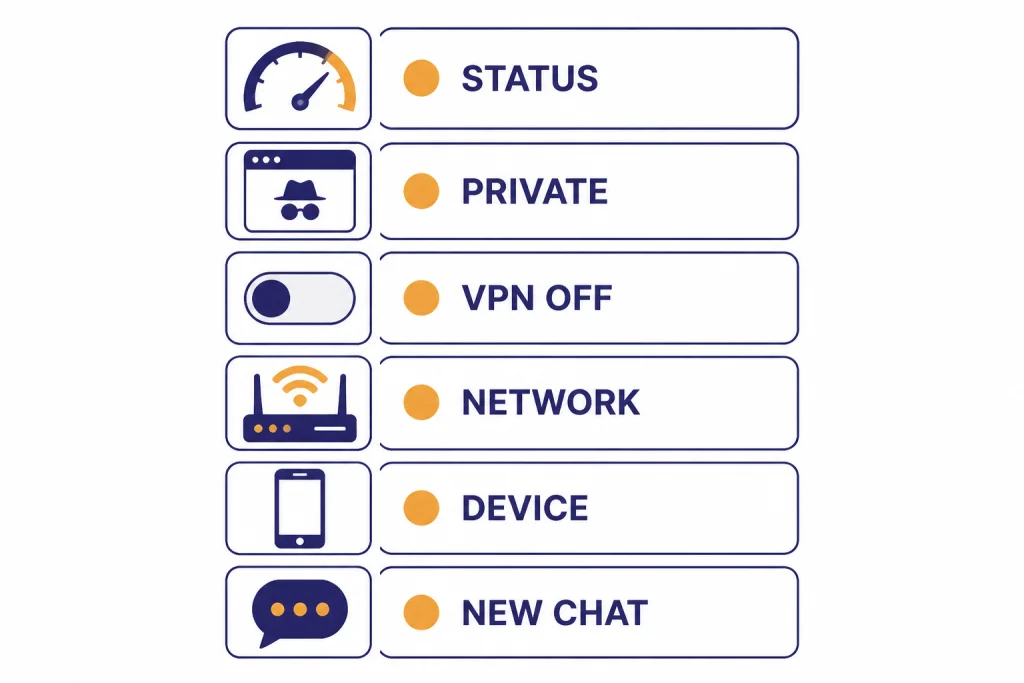
Use this order. It keeps you from changing too many things at once.
- Check the official OpenAI status page for a ChatGPT incident.
- Open a new private or incognito window and sign in again.
- Disable VPN, proxy, secure DNS, ad blockers, script blockers, and privacy extensions for one test.
- Try a different network, such as mobile hotspot instead of home or office Wi-Fi.
- Try a different device or the mobile app if the web app is failing.
- Start a new chat instead of continuing the broken conversation.
- If only one feature fails, troubleshoot that feature instead of the whole account.
Do not start by deleting your account, changing your password repeatedly, or buying another plan. Those steps rarely fix a temporary outage, a blocked browser flow, or a network problem. If ChatGPT is slow rather than completely broken, use our separate guide to ChatGPT running slowly.
Check OpenAI status first
OpenAI’s status page is the first place to check because it separates a platform incident from a personal setup problem. The page also says its availability metrics are reported at an aggregate level across tiers, models, and error types, so your account can still be affected differently from another user’s account.[1]
Look for incidents under ChatGPT, not only API. A green API status does not guarantee that ChatGPT web, mobile, conversations, file uploads, voice, or login are healthy. OpenAI’s history page for April 14, 2026 listed account creation issues and elevated 401 API errors as recovered, which is useful context but not a substitute for testing your own ChatGPT session.[2]
If an incident is active, the best fix is usually to wait, use a different model or surface if available, or switch to work that does not depend on ChatGPT. If you want historical context, see our ChatGPT outage timeline and broader ChatGPT outage history.
| What you see | Most likely scope | Best next step |
|---|---|---|
| Many users report the same failure and OpenAI lists an incident | Service-side issue | Wait, retry later, and avoid repeated refresh loops |
| Only your browser fails | Cache, cookies, extension, or browser profile | Use a private window, then clear site data if it works |
| Only office or school Wi-Fi fails | Network filtering, proxy, firewall, or DNS policy | Try mobile hotspot and ask IT to review blocking rules |
| Only one chat fails | Conversation state, attachment, tool call, or long thread | Start a new chat and paste the last useful context |
| Only uploads, voice, or images fail | Feature-specific limit, permission, or outage | Troubleshoot that feature directly |
Isolate your device, browser, and network
OpenAI’s ChatGPT error troubleshooting page lists network configuration, browser extensions, and temporary server-side problems as common causes of ChatGPT errors.[3] That means your first local test should be a clean session, not a complicated system change.
Test a clean browser session
Open ChatGPT in a private or incognito window. If it works there, the problem is likely your regular browser profile. Clear ChatGPT site data, sign in again, and temporarily disable extensions that block scripts, cookies, trackers, pop-ups, or security challenges. OpenAI recommends incognito windows, cache and cookie clearing, extension checks, and different browsers for login and error troubleshooting.[3][4]
Test another network
Switch from Wi-Fi to mobile data, or from a company network to a home network. If ChatGPT works on one network but not another, the issue may be a firewall, VPN, proxy, secure DNS tool, content filter, or captive portal. OpenAI specifically recommends turning off VPNs and secure DNS tools when troubleshooting the “Something went wrong” and connection-related messages.[3] For a deeper VPN walkthrough, use our ChatGPT VPN troubleshooting guide.
Stop retrying too aggressively
If the failure looks like a rate limit or “Too many requests,” do not hammer the send button. OpenAI says rate limit errors happen when the allowed request or token rate is reached, and it recommends exponential backoff instead of continuous resending.[12] If this is the message you see, our Too Many Requests guide and ChatGPT Error 429 guide focus on that pattern.


Match the symptom to the fix
“Not working” is too broad to troubleshoot well. Use the visible symptom, then choose the smallest fix that matches it.
| Symptom | Likely cause | Try this first | Related guide |
|---|---|---|---|
| Blank page or endless loading | Browser state, blocked script, or service issue | Private window, different browser, clear site data | Network error fixes |
| “Something went wrong” | Temporary server issue or local setup problem | Refresh, start new chat, check status, disable extensions | Something went wrong fixes |
| Conversation will not load | Broken thread, stale session, or outage | Open a new chat, sign out and back in | Conversation not found help |
| Server error page | Backend or gateway problem | Check status, wait, retry later | Internal server error guide |
| Access denied or verification loop | VPN, proxy, browser challenge, or blocked cookies | Disable VPN, allow cookies and JavaScript | Access denied fixes |
| Capacity message | High demand or account-tier limit | Wait and retry from a fresh session | Capacity message guide |
When the symptom changes after each retry, slow down. A changing error often means you are seeing a mix of service load, session state, and local network behavior. Record the exact message before you change settings.
Fix login, account, and region problems
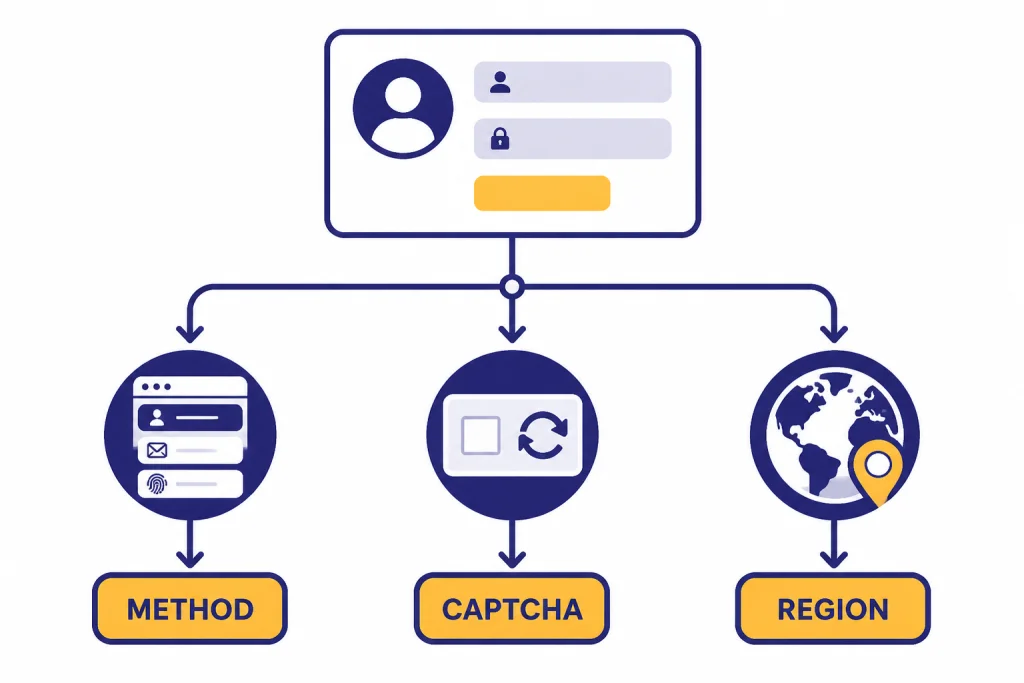
Login failures are often account-flow problems, not password problems. OpenAI says users who signed up with Google, Microsoft, or Apple must continue using the same authentication method.[4] If you used Apple Hide My Email, your ChatGPT account may be tied to an Apple private relay address rather than your normal email address.[4]
If the page is stuck on a browser check, allow cookies and JavaScript for the ChatGPT and authentication domains, then test without VPN, proxy, ad blocker, cookie manager, or script blocker. OpenAI’s CAPTCHA guidance also says repeated CAPTCHA challenges can be related to VPN use or non-standard browser configurations such as extensions.[5] For a dedicated login checklist, see ChatGPT login failed fixes.
Region problems need a different approach. OpenAI publishes a supported countries and regions list for ChatGPT access, and says accessing or offering access outside supported locations may result in an account being blocked or suspended.[9] If you recently traveled, used a VPN endpoint, or connected from a corporate network that routes through another country, region detection can be part of the problem. See our ChatGPT region support guide before you keep retrying from the same connection.
If you cannot log in on Android, check the browser used for the authentication flow. OpenAI says the ChatGPT Android app relies on Chrome or Brave to securely complete login, and other browsers may not support the flow.[8]
Fix feature-specific problems
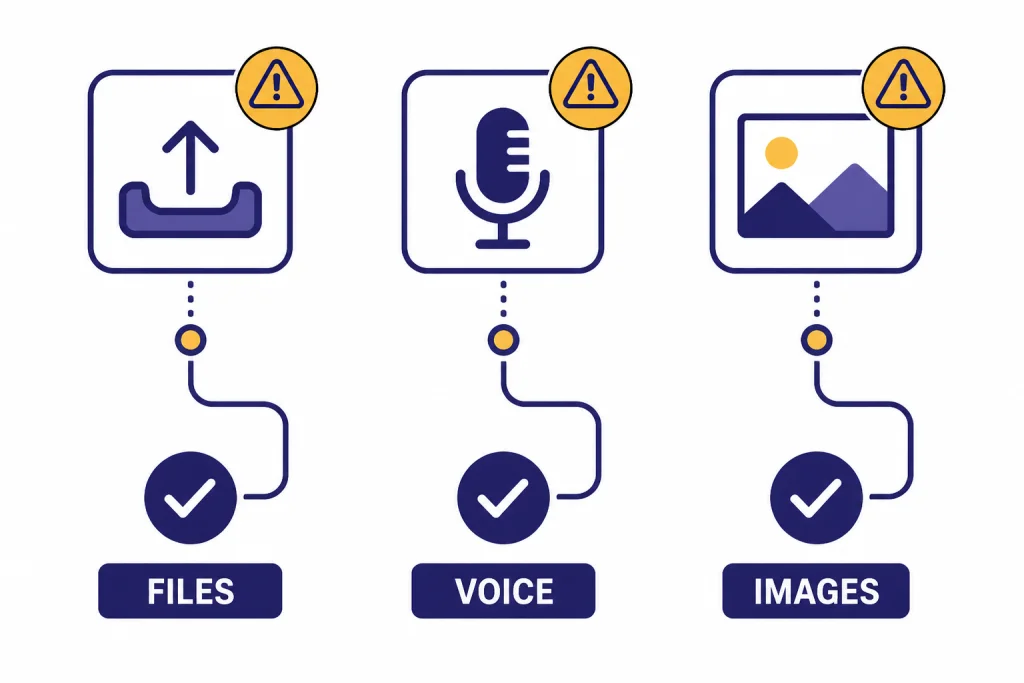
If normal text chat works, ChatGPT itself is not fully down for you. The failing part may be a feature, permission, file type, plan rule, or tool outage.
File uploads
For files, test with a small PDF or TXT file before blaming the account. OpenAI says common text files, spreadsheets, presentations, and documents are supported, including XLSX, XLS, CSV, TSV, DOCX, PPTX, PDF, and TXT, but it does not currently support Google Docs files directly.[11] If your file upload button is missing or uploads fail after selecting a supported file, see ChatGPT file upload not working.
Voice mode
For voice, check microphone permission first. OpenAI says ChatGPT voice requires microphone permission on mobile and browser permission on web.[10] Voice mode also does not support tools such as image generation, file uploads, or Code Interpreter, so a voice conversation can appear “broken” if you expect it to run those tools.[10] Use our ChatGPT voice mode diagnostic guide if the microphone, audio, or conversation screen fails.
Images, data analysis, and app crashes
If image generation fails while text works, treat that as an image tool issue, not a general ChatGPT outage. Start with ChatGPT image generator not working. If data analysis or Code Interpreter loses its working state, use the Code Interpreter session expired guide. If the iPhone app crashes, OpenAI recommends relaunching the app, then uninstalling and re-downloading it if the crash continues.[7] For broader phone troubleshooting, see ChatGPT app not working.
When to wait and when to contact support
Wait when the status page shows an active ChatGPT incident, many users are reporting the same symptom, or the failure affects multiple devices and networks at the same time. In that case, repeated troubleshooting can create more noise. Keep a backup workflow ready, such as saving prompts in a document and returning later.
Contact support when the problem is specific to your account, billing state, workspace, or login method and persists after clean-browser and alternate-network tests. OpenAI’s error troubleshooting guidance says that if the issue persists across browsers, devices, and networks, you should collect details such as browser console errors, timestamps, model used, and the conversation URL or ID before contacting support.[3]
Use this short support packet:
- The exact error message.
- Whether it happens on web, iOS, Android, or all surfaces.
- The time and time zone when it happened.
- The network used, including VPN or corporate Wi-Fi if relevant.
- The browser and whether incognito worked.
- The model or feature used, if visible.
- A screenshot with sensitive information hidden.
The main rule is simple: if ChatGPT fails everywhere for many people, wait on OpenAI. If it fails only for you, isolate the browser, network, account, and feature until the pattern is clear.
Frequently asked questions
Why is ChatGPT not working even though the status page is green?
The status page reports aggregate service health, so it may not reflect every account, region, model, feature, or device-specific problem. A green page means you should test your browser, network, login method, and feature permissions next.
Why does ChatGPT work on my phone but not my computer?
That usually points to the computer’s browser profile, extensions, cookies, DNS, VPN, or network. Try a private browser window, then a different browser. If that works, clear ChatGPT site data and re-enable extensions one at a time.
Why does ChatGPT keep saying something went wrong?
That message can come from a temporary server problem or your local setup. Refresh once, start a new chat, check OpenAI status, then test without extensions or VPN. If it keeps happening in only one conversation, move the useful context into a new chat.
Will reinstalling the ChatGPT app fix it?
It can help if the app is crashing or stuck after an update. It will not fix an OpenAI outage, an account restriction, an unsupported region, or a network block. Test ChatGPT on the web first if you can.
Can a VPN make ChatGPT stop working?
Yes. A VPN can trigger verification loops, region mismatch, CAPTCHAs, access-denied pages, or unusual traffic checks. Turn it off for one test, then reconnect through a different endpoint only after you know whether it caused the failure.
What should I do if ChatGPT is down during urgent work?
Save your prompt, notes, and files outside ChatGPT. Check status, then try a new chat, a different device, or a different network. If the outage is confirmed, switch to offline drafting, local notes, or another approved tool until recovery.