

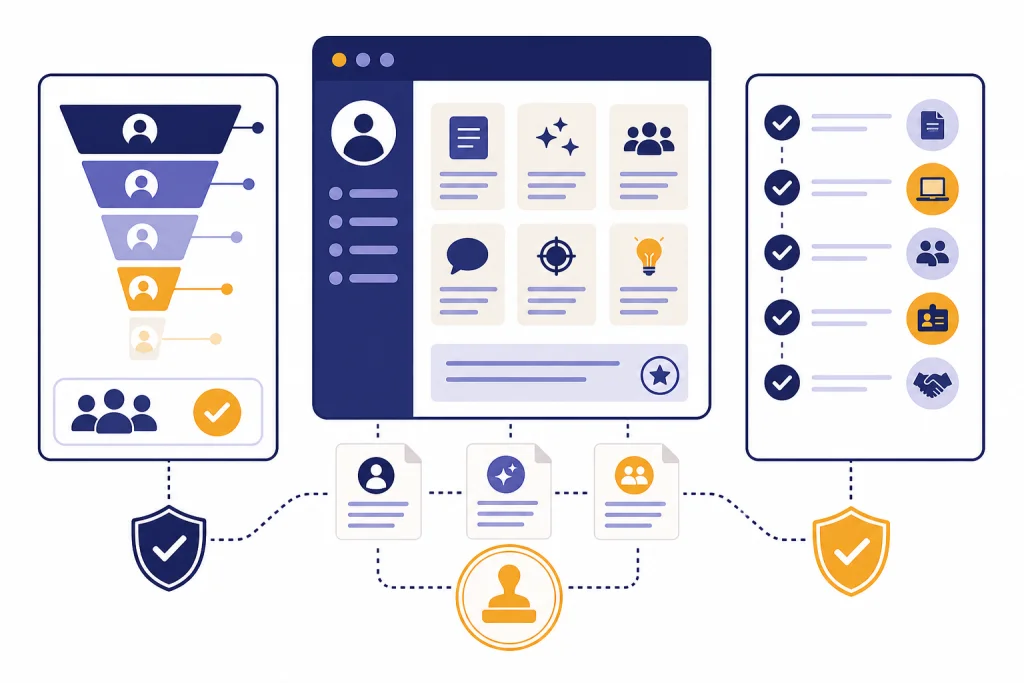
ChatGPT HR prompts can help recruiters and HR teams draft job posts, structure interviews, write onboarding plans, summarize feedback, and turn scattered notes into usable documents. They should not replace HR judgment, legal review, or a fair selection process. The best prompts give ChatGPT a narrow role: draft, compare against a rubric, rewrite for clarity, or build a checklist. This guide gives you copy-paste prompts for hiring and onboarding, plus practical guardrails for using them with candidate and employee information. Use them as starting points, then have a qualified human review anything that affects a person’s job, pay, status, or application outcome.
How to use ChatGPT HR prompts safely
Use ChatGPT as an HR drafting assistant, not as the decision-maker. That distinction matters. OpenAI’s usage policies do not allow automation of high-stakes decisions in sensitive areas, including employment, without human review.[1] OpenAI’s terms also state that users must not use output relating to a person for an employment decision or another important decision about that person.[2]
That does not mean HR teams cannot use prompts. It means the prompt should support a human process. Good uses include drafting job descriptions, turning manager notes into interview questions, making onboarding checklists, rewriting policy explanations in plain English, and summarizing themes from non-sensitive survey comments. Riskier uses include asking ChatGPT to rank candidates, infer protected traits, decide who should be hired, or write rejection reasons based on personal characteristics.
Before you paste anything into ChatGPT, remove unnecessary personal information. Replace candidate names with neutral placeholders. Do not include Social Security numbers, medical details, immigration documents, background check reports, salary history, or private employee relations notes unless your organization has approved that use. If your team handles regulated or confidential HR data, ask your legal, privacy, security, and HR leadership teams which AI products and settings are approved.
For private workplace use, product choice matters. OpenAI says it does not train on business data from ChatGPT Business, ChatGPT Enterprise, ChatGPT Edu, ChatGPT for Healthcare, ChatGPT for Teachers, or its API platform by default, including inputs and outputs.[3] That is different from assuming every employee’s personal account is approved for HR data. Treat HR prompts as part of your organization’s data governance process.
A simple rule helps: if the output shapes a candidate’s or employee’s opportunity, a qualified person must review it before use. If the output merely improves wording, formatting, or planning, the risk is lower but still worth checking for accuracy and tone.
Hiring prompt pack
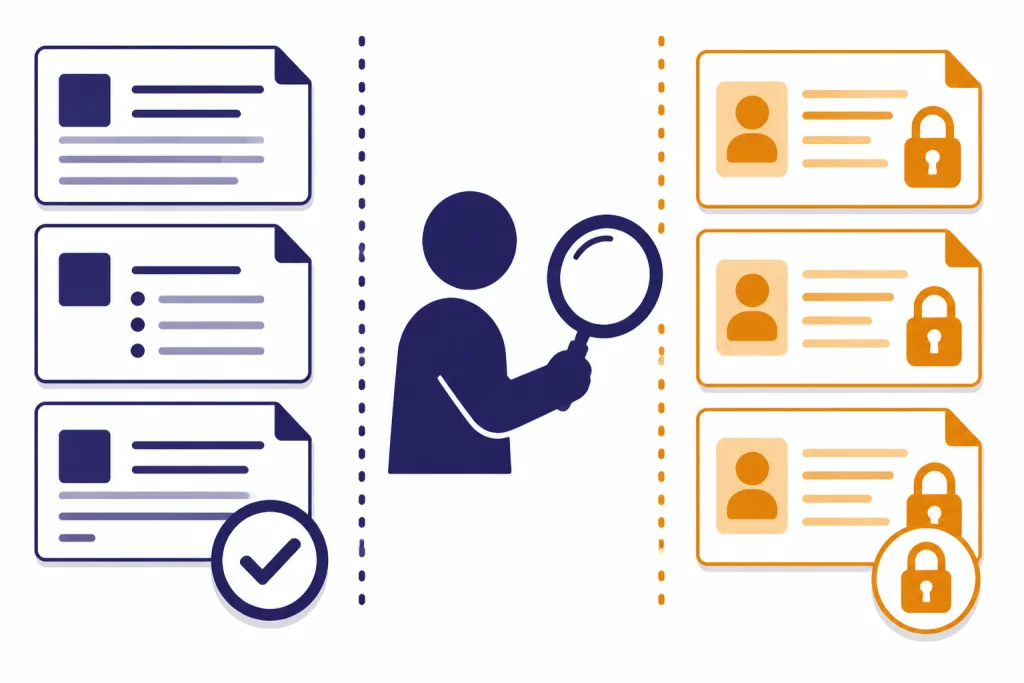
These ChatGPT HR prompts focus on the early hiring funnel: role definition, job descriptions, scorecards, sourcing messages, and candidate communications. They work best when you provide real job context and ask for a draft that stays tied to job-related criteria. If you need a broader reusable system, pair this library with a chatgpt prompt generator and save your best versions by role family.
Role intake prompt
Use this before writing a job post. It helps convert a manager’s rough request into clear hiring criteria.
You are an HR business partner helping prepare a role intake brief. Ask me focused questions first. Then turn my answers into a hiring intake summary with these sections: business need, reporting line, core responsibilities, required skills, trainable skills, success measures, interview panel, hiring timeline, compensation notes to verify internally, and open risks. Keep the language job-related and avoid assumptions about the ideal candidate’s background.Job description prompt
Draft a job description for [role title] at [company type]. Use this role intake: [paste intake]. Structure it with: role summary, responsibilities, required qualifications, preferred qualifications, working arrangement, compensation placeholder, benefits placeholder, equal employment opportunity note placeholder, and application instructions. Use plain language. Separate required qualifications from preferences. Flag any requirement that may be too broad or not clearly job-related.Job post bias review prompt
The EEOC explains that employment tests and selection procedures can raise issues under Title VII, the ADA, or the ADEA, and its guidance discusses both disparate treatment and disparate impact risks.[4] A job post is not the same as a formal test, but the same discipline helps: keep requirements job-related, consistent, and explainable.
Review this job description for unclear, inflated, or potentially exclusionary language. Do not make legal conclusions. Create a table with: phrase, why it may be a concern, safer alternative, and whether the hiring manager should confirm business necessity. Preserve legitimate job requirements. Here is the job description: [paste text]Candidate outreach prompt
Write three concise candidate outreach messages for [role title]. Audience: [candidate profile]. Tone: professional, warm, direct. Include why the role may fit their experience, two role details, and a low-pressure call to action. Do not overstate compensation, remote status, visa support, or promotion prospects. Leave placeholders where HR must verify details.Rejection email prompt
Draft a respectful rejection email for a candidate after [stage]. Keep it brief and neutral. Thank them for their time, state that the team is moving forward with another candidate, and invite them to apply for future relevant roles if appropriate. Do not include subjective judgments, protected characteristics, or detailed legal explanations. Add a version for candidates who completed a final interview.For candidate-facing communication, you can also adapt service recovery language from ChatGPT Customer Service Prompts and Templates. The same principles apply: be clear, specific, respectful, and consistent.
Interview and evaluation prompts
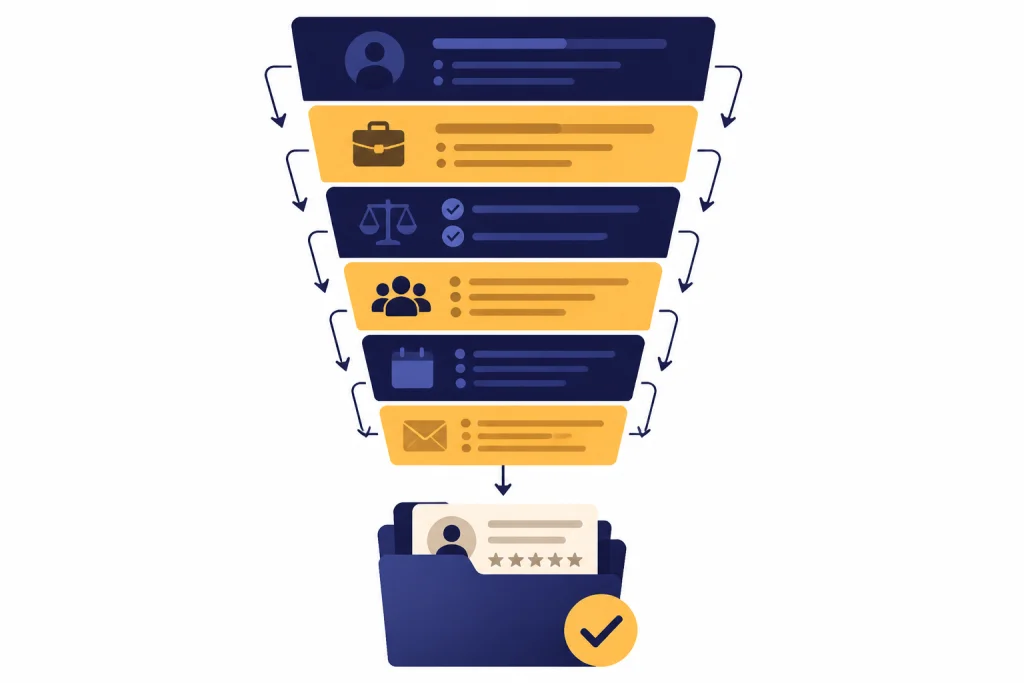
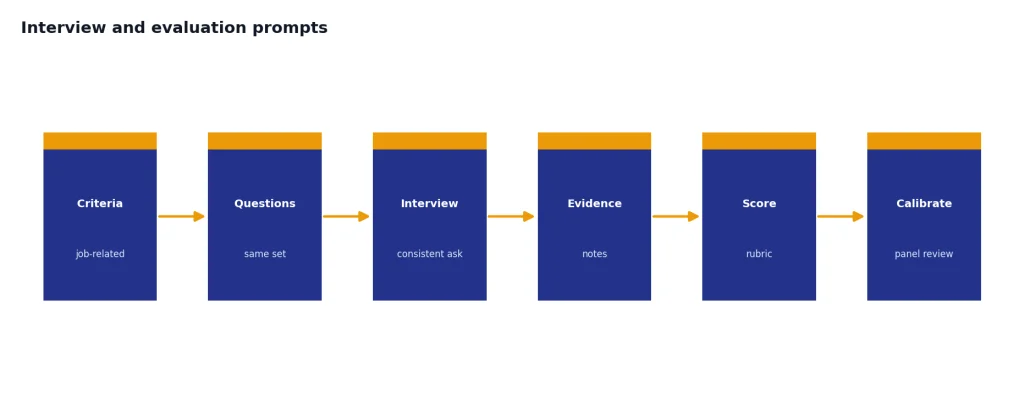
Interviews are where HR prompts can help the most and cause the most harm. Use ChatGPT to create structured questions, not to improvise personal questions about a candidate’s life. Keep the questions tied to the job and apply the same structure across candidates for the same role.
Structured interview guide prompt
Create a structured interview guide for [role title] using this job description: [paste job description]. Include competency areas, behavioral questions, role-specific scenario questions, follow-up probes, and a simple scoring rubric. Keep all questions job-related. Avoid questions about age, family status, disability, religion, national origin, salary history, medical information, or other personal topics that should not be part of the interview.Interview scorecard prompt
Build an interview scorecard for [role title]. Use these competencies: [paste competencies]. For each competency, provide observable positive indicators, observable concern indicators, and a notes field. Do not include personality labels such as “culture fit.” Use “role-related working behaviors” instead. Add instructions reminding interviewers to score based on evidence from the interview and work sample only.Panel calibration prompt
Help me prepare a hiring panel calibration agenda. Role: [role]. Interview stages: [stages]. Create an agenda that covers the hiring criteria, what each interviewer owns, how to document evidence, how to avoid duplicative questions, and how to discuss candidates without relying on vague impressions. Include a short script the recruiter can read at the start.Candidate feedback synthesis prompt
Use this only after removing names and unnecessary personal details. Do not ask ChatGPT to choose the winner. Ask it to organize evidence so the hiring team can review it.
Organize these anonymized interview notes by competency. Do not rank candidates or recommend a hiring decision. Create a table with: competency, evidence that supports strength, evidence that raises concern, missing information, and follow-up question for the hiring team. If a note is vague or not job-related, flag it as “needs clarification.” Notes: [paste anonymized notes]If your HR team also supports employees with resumes or internal mobility, compare these prompts with our AI resume builder tools compared guide. It can help you understand how candidates may be using AI on the other side of the process.
Onboarding prompt pack
Onboarding prompts are safer than selection prompts because they usually focus on planning, communication, and documentation. They still need review. A confusing onboarding plan can create avoidable risk, especially when it touches pay, benefits, policy, access, safety training, or accommodations.
New hire onboarding plan prompt
Create an onboarding plan for a new [role title] joining [team]. Include sections for before start date, first day, first week, first month, and first quarter. Add manager actions, HR actions, IT actions, role training, relationship-building meetings, and success checkpoints. Use placeholders for company-specific policy links. Keep the plan practical for a busy manager.Manager welcome email prompt
Draft a welcome email from a manager to a new hire. Role: [role]. Start date: [date]. Include a warm welcome, what to expect on the first day, who they will meet, how to ask questions, and one sentence about the team’s working style. Do not include confidential team issues or promises that HR has not approved.Buddy guide prompt
Create a buddy guide for a new hire in [department]. Include the buddy’s purpose, boundaries, suggested check-ins, topics to cover, questions the buddy can answer, and topics that should be sent to HR or the manager. Make it friendly but clear that the buddy does not replace the manager or HR.Role-specific learning path prompt
Build a role-specific learning path for [role title]. Inputs: job description, required tools, internal systems, recurring meetings, compliance training, and key stakeholders. Output a sequenced learning plan with tasks, practice activities, manager review points, and signs that the new hire may need extra support. Use placeholders where company-specific resources should be added.Learning design matters here. If you build onboarding programs that teach complex internal systems, borrow the structure from ChatGPT Learning Prompts for Self-Study and ChatGPT Teacher Prompts. Both can help you turn policies into better learning steps.
HR operations prompts after the hire
After onboarding, ChatGPT can help HR teams clean up routine writing. The safest pattern is to ask for a draft, checklist, or plain-language explanation. Do not ask for final disciplinary decisions, medical guidance, legal conclusions, or automated employee scoring.
Policy explainer prompt
Rewrite this HR policy excerpt in plain English for employees. Keep the meaning the same. Do not add new rights, restrictions, exceptions, or promises. Add a short “what this means in practice” section and a “where to ask questions” placeholder. Flag any sentence that seems ambiguous or should be reviewed by HR or legal. Policy excerpt: [paste text]HR knowledge base prompt
Turn this HR policy into a knowledge base article. Audience: employees. Structure it with summary, who it applies to, steps to follow, common mistakes, escalation path, and related policy placeholders. Do not change policy meaning. Add a list of questions HR should verify before publishing.Employee survey theme prompt
Analyze these anonymized employee survey comments for themes. Do not identify individuals. Do not infer demographics or protected characteristics. Group comments into themes, summarize the issue neutrally, include representative paraphrases, and suggest follow-up questions for HR leaders. Flag any comment that appears to need immediate human review. Comments: [paste anonymized comments]Meeting notes to action plan prompt
Convert these HR project meeting notes into an action plan. Create sections for decisions made, open questions, owners, due dates, risks, and next meeting agenda. Do not invent commitments. Mark unclear items as “needs confirmation.” Notes: [paste notes]For spreadsheet-heavy HR work, use ChatGPT Excel Prompts for Power Users to build formulas, clean exports, and summarize non-sensitive HR operations data. For broader workflows, ChatGPT Productivity Prompts for Daily Workflow is a useful companion.
Prompt patterns that work for HR
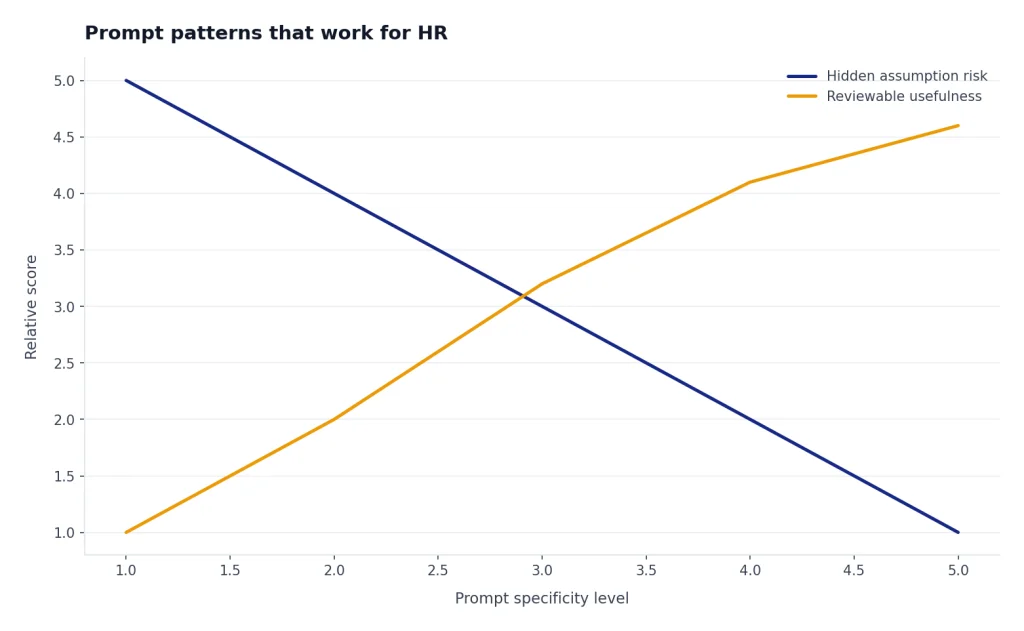
The best ChatGPT HR prompts follow a repeatable pattern. They define the role ChatGPT should play, provide job context, set boundaries, and require a reviewable format. This is better than asking a broad question like “write me an HR plan.” Broad prompts invite generic answers and hidden assumptions.
| HR task | Best prompt pattern | Output to request | Human review focus |
|---|---|---|---|
| Job description | Role intake plus job-related requirements | Structured job post with flagged assumptions | Accuracy, legal language, compensation, required qualifications |
| Interview guide | Competencies plus consistent questions | Question bank and scorecard | Job relevance, consistency, prohibited topics |
| Feedback synthesis | Anonymized notes plus no ranking instruction | Evidence table by competency | Vague notes, bias, missing evidence |
| Onboarding | Role, team, tools, timeline, stakeholders | Checklist and manager plan | Policy accuracy, access steps, training requirements |
| Policy explanation | Existing policy text plus plain-language rewrite | Employee-facing explainer | No changed meaning, no extra promises |
Here is a reusable HR prompt framework you can adapt to almost any low-risk drafting task:
You are helping an HR team draft a document. Task: [describe task]. Audience: [employees, candidates, managers, HR team]. Context: [paste approved information]. Boundaries: do not make legal conclusions, do not invent policy, do not use protected characteristics, and flag anything that needs HR or legal review. Output format: [table, checklist, email, guide, agenda]. Tone: [professional, warm, concise].This pattern also works outside HR. You can adapt it for operations using ChatGPT Business Prompts for Owners, for multilingual employee communications using ChatGPT Translation Prompts for Quality Output, or for regulated wording checks using ChatGPT Legal Prompts.
Data and compliance guardrails
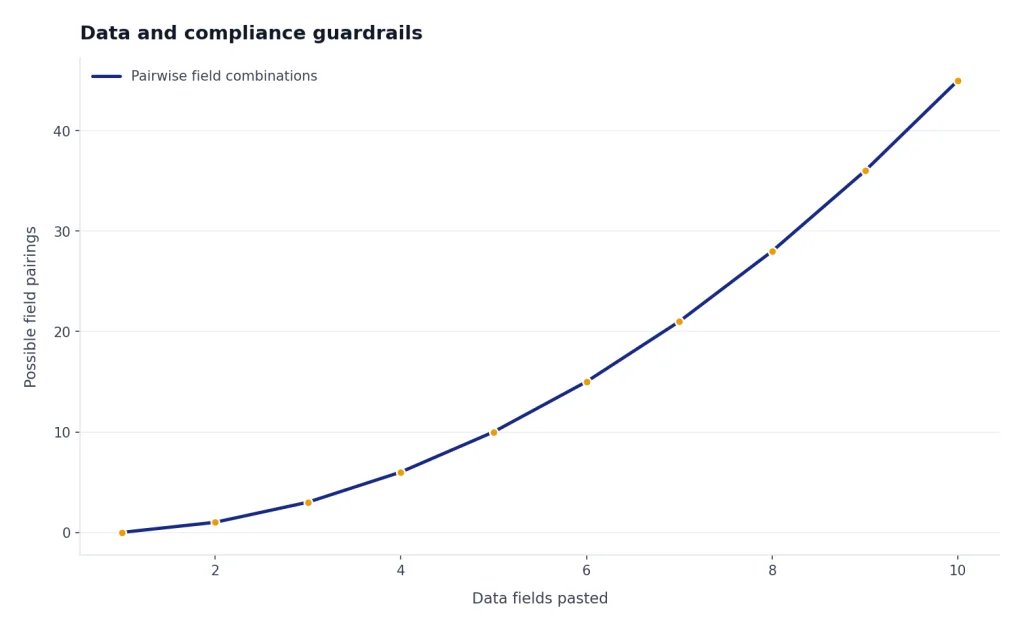
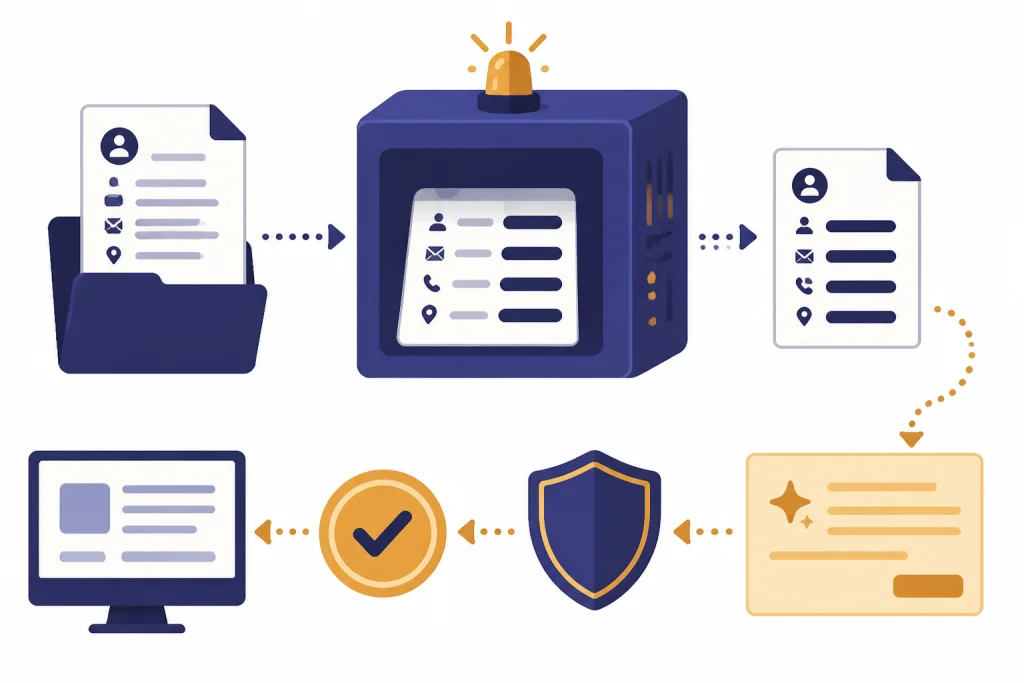
HR data is sensitive because it often contains information about applicants, employees, pay, performance, health, accommodations, investigations, and identity documents. Use a redaction-first workflow. Remove names when they are not needed. Remove direct identifiers. Summarize facts instead of pasting raw documents. Keep a record of which AI tool was used, what data category was entered, who reviewed the output, and where the final approved document lives.
The U.S. Department of Labor’s AI best practices emphasize meaningful human oversight for significant employment decisions.[5] NIST describes its AI Risk Management Framework as voluntary guidance for improving how organizations manage risks in AI products, services, and systems.[6] These are not a substitute for legal advice, but they point toward the same operating model: governance, documentation, explainability, and human accountability.
CIPD’s practical AI guidance for HR professionals focuses on workplace AI policy and the use of generative AI across the employee lifecycle.[7] That is the right level of thinking. Do not treat HR prompts as a private productivity trick. Treat them as a workflow that needs rules, training, and review.
Use this checklist before your HR team adopts a prompt library:
- Approved tools: Define which AI tools employees may use for HR work.
- Approved data: List what can and cannot be pasted into those tools.
- Review rules: Require human review for anything candidate-facing, employee-facing, or decision-adjacent.
- Prompt boundaries: Ban prompts that rank candidates, infer protected traits, or make employment decisions.
- Documentation: Save final approved outputs, not just AI drafts.
- Escalation: Tell employees when to involve legal, privacy, security, or employee relations.
- Training: Teach HR staff how to redact, verify, and challenge AI output.
Do not use ChatGPT as the only source for local employment law, benefits eligibility, wage rules, leave obligations, immigration questions, disability accommodations, union obligations, or disciplinary action. Use it to prepare questions for experts, draft neutral summaries, or make approved policies easier to understand. The final judgment belongs to qualified humans.
Frequently asked questions
Can HR use ChatGPT to screen resumes?
HR teams should be very careful with resume screening. Do not ask ChatGPT to decide who advances, rank candidates, or reject applicants. A safer use is to create a job-related scorecard, summarize anonymized evidence, or flag missing information for a human recruiter to review.
Can ChatGPT write interview questions?
Yes, ChatGPT can draft structured interview questions when you provide the job description and competencies. Review every question before use. Remove anything that touches protected characteristics, personal life, medical information, family status, or topics unrelated to the role.
What HR information should not be pasted into ChatGPT?
Do not paste unnecessary personal data, medical details, government identifiers, background check reports, investigation files, or confidential employee relations notes. If your organization has an approved business AI environment, follow its rules. When in doubt, redact first and ask your privacy or legal team.
Are ChatGPT HR prompts legally reliable?
No prompt is a substitute for legal advice. ChatGPT can help draft, organize, and simplify HR materials, but it can also miss local law, misread facts, or produce language that sounds more certain than it is. Have qualified HR, legal, or compliance reviewers approve sensitive outputs.
What is the best prompt for onboarding?
The best onboarding prompt gives ChatGPT the role, team, manager expectations, tools, stakeholders, and internal training requirements. Ask for a staged checklist with manager actions, HR actions, IT actions, and success checkpoints. Then replace all placeholders with approved company links and policy details.
How should a small business start using ChatGPT for HR?
Start with low-risk drafting tasks: job post drafts, onboarding checklists, manager email templates, and policy explainers based on approved text. Do not start with automated screening or employee decisions. Build a small prompt library, review every output, and document which tool your team is allowed to use.