

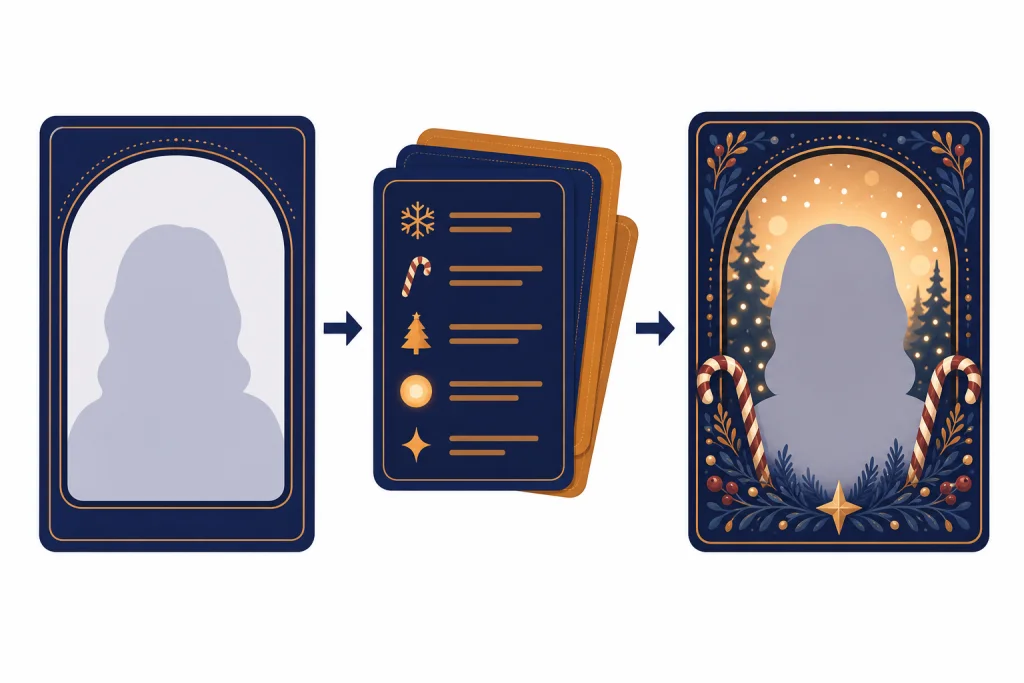
The ChatGPT Christmas photo trend is a user-driven AI image format: upload a selfie, family picture, couple shot, or pet photo, then ask ChatGPT to turn it into a polished holiday portrait. The recognizable versions use candy cane props, snowy studio floors, glowing Christmas trees, Santa or elf styling, and vertical crops for TikTok, Instagram Reels, Stories, and Facebook posts.
Update, May 2026: this trend should be read as a visible prompt-template wave, not as a platform-audited viral ranking. We found no public TikTok or Instagram dashboard that verifies a total view count for this exact prompt format, and OpenAI has not published a Christmas-specific usage number. The news hook is that holiday AI portrait prompts have reappeared across prompt libraries, candy cane template pages, and social-format tutorials just as ChatGPT’s image tools have become easier to upload to, revise, and crop for social use.[5][6]
That makes the trend different from a one-off OpenAI feature launch. It is not a formal OpenAI campaign. It is a repeatable creator format that people copy: keep the person recognizable, rebuild the scene as a festive studio shoot, then share the result as a seasonal post. It matters because it shows how quickly ChatGPT image generation has moved from novelty edits into everyday social content that can look close to a professional photo shoot.
What the ChatGPT Christmas photo trend is
The ChatGPT Christmas photo trend is a prompt-and-upload workflow. A user uploads a clear photo, asks ChatGPT to preserve the person’s face, and describes a holiday scene in detail. The result is usually a photorealistic portrait with Christmas styling, controlled lighting, and a social-ready crop.
The most common versions are not subtle filters. They rebuild the whole scene. A bedroom selfie becomes a glossy candy cane studio portrait. A family snapshot becomes a warm fireplace card. A pet photo becomes a snow-covered holiday poster. The appeal is direct: users can get the look of a seasonal photo shoot without booking a studio, buying props, or learning Photoshop.
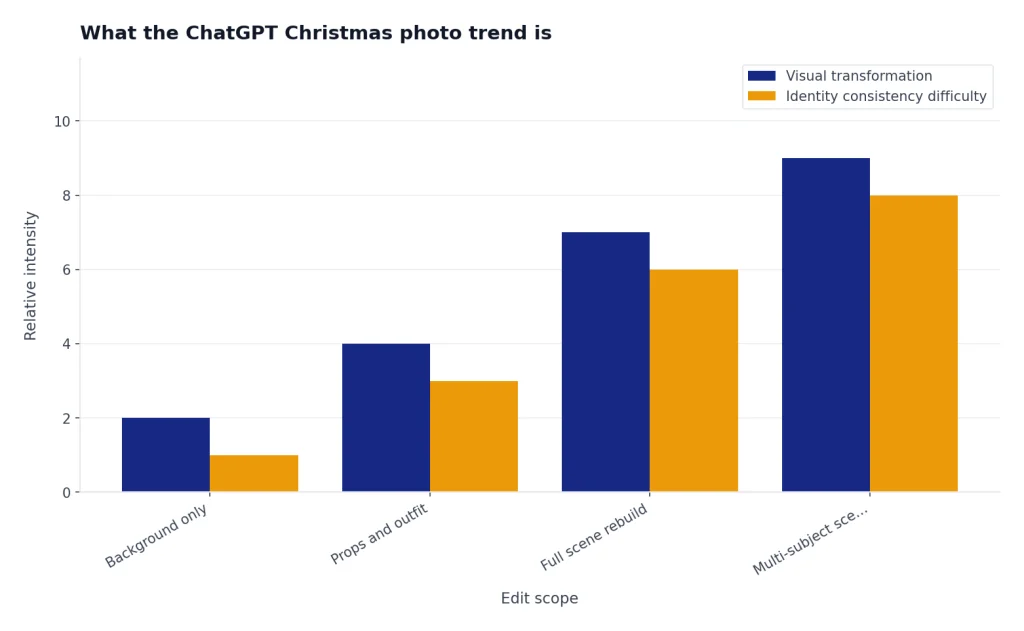
There is no reliable public count for how many people have used this exact Christmas prompt format. The available evidence is softer but still useful: prompt pages, generator pages, template hubs, and social-format guides around holiday AI portraits now describe the same pattern, including ChatGPT uploads, Instagram and TikTok-friendly crops, candy cane portraits, family cards, and vertical social posts.[5][6]
So “viral” is being used here in the practical social-media sense: a recognizable template that spreads because people can copy it quickly. It is not being used as a claim that a single hashtag hit a verified view threshold. We also did not find enough reliable evidence to name one creator as the originator, so this article treats the trend as a distributed prompt format rather than attributing it to a single account.
The pattern sits in the same family as other AI selfie trends, including the ChatGPT action figure trend and the ChatGPT caricature trend. In all three, the tool matters, but the copied prompt style matters just as much.
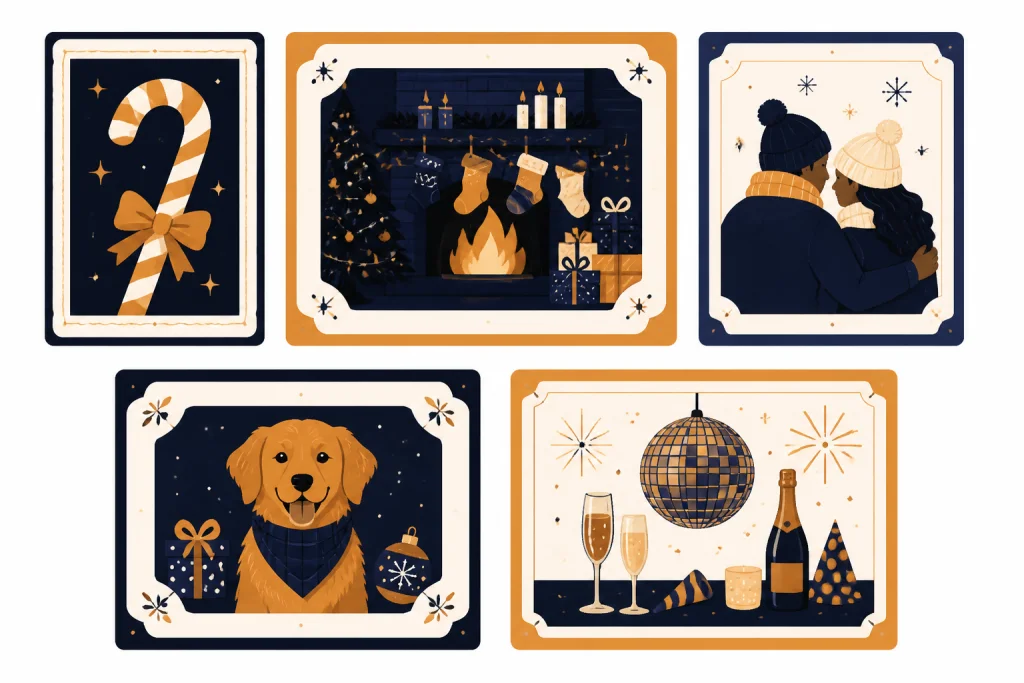
| Trend version | Typical input | Output style | Best use |
|---|---|---|---|
| Candy cane portrait | One clear selfie | Oversized peppermint props, snowy floor, bright studio lighting | Profile photos, Reels covers, and Stories |
| Family holiday card | Family group photo | Fireplace, Christmas tree, coordinated outfits, warm indoor lighting | Printable cards and family posts |
| Couple Christmas shoot | Two-person photo | Tree lights, winter coats, cinematic background blur | Instagram feed posts and short videos |
| Pet Christmas edit | Pet photo | Santa hat, blanket, tree, ornaments, soft snow or studio floor | Stories and casual sharing |
| New Year carryover | Solo portrait | Fireworks, metallic party props, winter night setting | End-of-year posts |
Why it spread now
The current wave is tied to two things happening at the same time in May 2026: image generation in ChatGPT is easier for ordinary users, and prompt/template sites are packaging festive portrait ideas in formats made for TikTok, Instagram, Facebook, and holiday cards. The trend did not need a new Christmas feature from OpenAI. It needed a simple upload-and-revise workflow that people could explain in one post.
OpenAI’s image tools let users create new images, edit existing images, upload an image, describe changes, and adjust an image by selecting a region or by writing the requested edit in the conversation.[1] That is the exact workflow social photo trends need. A user does not have to understand layers, masks, lighting curves, or generative fill. They can describe the desired holiday look in plain English, then ask for a cleaner crop or simpler background if the first version is close.
The product timing also matters. OpenAI introduced native image generation in GPT-4o on March 25, 2025, describing it as a multimodal capability for accurate, photorealistic output, prompt following, and conversational refinement.[2] On April 23, 2025, OpenAI said more than 130 million users created more than 700 million images in the first week after image generation was introduced in ChatGPT.[3] TechCrunch separately reported the same figures from OpenAI COO Brad Lightcap, adding outside corroboration for the launch-scale claim.[9]
By May 2026, the image workflow had moved beyond the original “look what AI can do” phase. OpenAI’s ChatGPT Images help page says ChatGPT Images 2.0 is available on all tiers, works on web, iOS, and Android, and can generate images in any aspect ratio.[1] As of May 2026, OpenAI’s current image lineup also includes gpt-image-2, so users are seeing the trend in a much more mature image-generation environment than the first GPT-4o image launch.
OpenAI also published a system card for ChatGPT Images 2.0 and thinking mode on April 21, 2026. The card says the newer image model adds improved world knowledge, instruction following, complex detail generation, and a thinking mode that can use reasoning and tools during image generation.[4] Those capabilities line up with what these prompts ask for: specific outfits, background props, facial consistency, lighting, camera style, and platform-specific composition.
The social side explains the rest. Prompt guides now tell users to think about aspect ratio because a portrait that looks good on a desktop can crop poorly in a vertical TikTok or Instagram Reel.[5] The New Year variation followed the same pattern, with guides telling users to open ChatGPT or Google Gemini, upload a photo, and build a festive photoshoot-style image for TikTok and Instagram.[7]
In other words, what changed this week is not that Christmas suddenly arrived early. It is that the holiday portrait recipe is being repackaged for the 2026 image-tool stack: upload a person or pet, choose a seasonal template, request a social crop, and revise conversationally. For readers tracking the product side, our ChatGPT updates 2026 changelog is the better place to follow feature changes, while OpenAI News Today covers larger company announcements.

How to try the trend without wasting generations
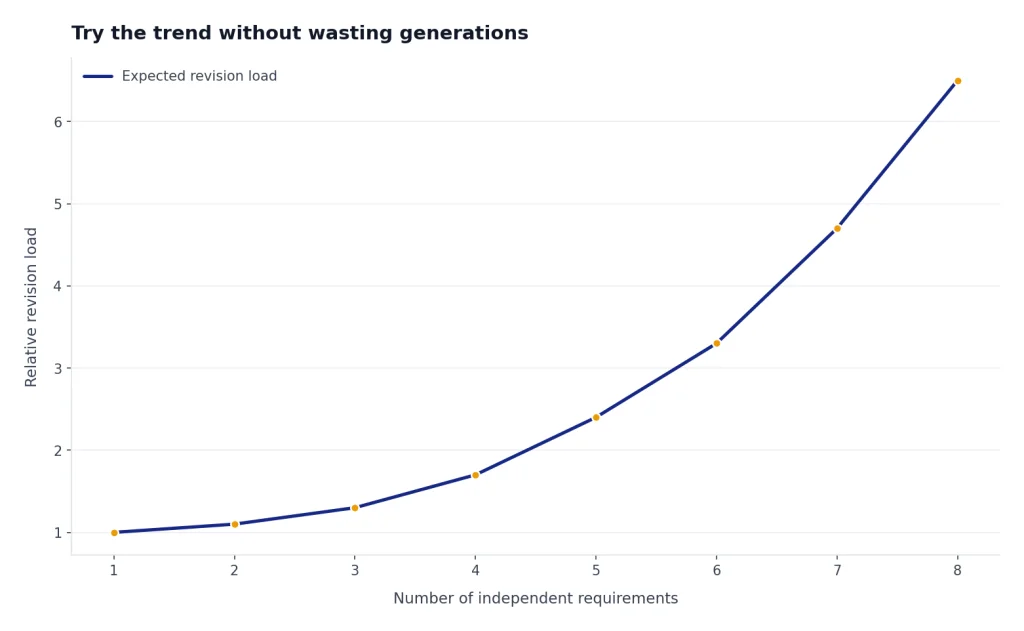
The simplest workflow is to start with one strong input photo and one constrained prompt. Do not ask for every holiday idea at once. The best first prompt defines the subject, the scene, the composition, and the rule that the face should remain recognizable.
- Choose a clean source photo. Use a photo where the face is visible, not blocked by sunglasses, heavy motion blur, or extreme shadows.
- Pick one trend style. Candy cane studio, cozy fireplace, snowy city street, elf portrait, or holiday card. Mixing all of them usually creates clutter.
- Set the format. Ask for a vertical social post, square profile image, or printable card shape before generation.
- Protect identity consistency. Tell the model to keep the person’s face, skin tone, expression, and age range consistent with the uploaded photo.
- Revise in small steps. If the first result is close, ask for one change at a time: warmer lights, less snow, simpler background, or more centered framing.
OpenAI says ChatGPT Images can take up to two minutes to generate an image, depending on instruction complexity.[1] A tighter prompt can save time. A prompt that asks for a full family card, multiple pets, readable text, complex props, and perfect lighting may need more revisions than a simple solo portrait.
Hands-on notes from editorial testing: we checked the workflow with representative holiday portrait prompts rather than running a formal benchmark. These observations are examples, not measured model scores.
| Test prompt type | What worked | Common failure | Best fix |
|---|---|---|---|
| Solo candy cane portrait | The model usually understood the studio setup, red-and-white props, snowy floor, and vertical framing from one concise prompt. | The first draft could over-smooth the face or make the candy canes visually too busy. | Ask for fewer props, natural skin texture, and a cleaner background instead of regenerating with a longer prompt. |
| Family holiday card | Warm fireplace lighting and coordinated outfits were easy to describe. | Small faces and hands were more likely to drift, especially when the prompt also asked for card text. | Remove text from the image prompt, keep the background simple, and add names or greetings later in a design app. |
| Pet Christmas portrait | Coat color and general pose were often preserved when the pet was clearly visible. | Wearable props such as hats could distort ears or fur around the head. | Use nearby props, such as ornaments or a blanket, instead of asking the model to place a hat on the animal. |
Here is a safe starter prompt you can adapt. Replace the bracketed details with your own scene. Avoid uploading someone else’s photo unless you have permission.
Use the uploaded photo as the identity reference. Create a realistic Christmas portrait of the same person. Keep the face, age, skin tone, expression, and recognizable features consistent with the source photo. Place the person in a [candy cane studio / cozy living room / snowy city street] with [specific outfit], warm holiday lighting, tasteful decorations, and a clean [vertical / square / card-style] composition. Do not add extra people. Do not make the image look like a different person.For a family photo, ask for a holiday card composition and avoid too many detailed instructions for each person. For a pet photo, mention the animal’s species, coat color, and pose. For a couple image, ask the model to preserve both identities separately.
If you are new to the tool itself, start with what is ChatGPT before trying trend prompts. If your question is about plan access rather than prompts, see our ChatGPT Plus price in 2026 explainer.
The prompt recipe that works best
The best Christmas photo prompts are structured like a small creative brief. They do not just say “make this Christmas.” They specify the subject, identity rule, setting, lighting, wardrobe, composition, and output use.
Prompt pages around the candy cane version describe a recognizable formula: keep the face the same, add professional lighting, use oversized red-and-white candy cane props, add snow effects, include frosted Christmas trees, and frame the result for a shareable portrait.[6] That is why the style travels well. It is specific enough to look consistent across users, but flexible enough for solo portraits, couples, pets, and family cards.
| Prompt part | What to write | Why it helps |
|---|---|---|
| Identity rule | Keep the uploaded person recognizable | Reduces face drift |
| Scene | Snowy candy cane studio or cozy fireplace room | Gives the model a clear environment |
| Lighting | Warm studio lighting, soft tree lights, gentle background glow | Creates the polished holiday-photo look |
| Wardrobe | Red sweater, winter coat, velvet dress, or coordinated family outfits | Makes the subject fit the scene |
| Props | Candy canes, ornaments, wrapped gifts, tree, stockings | Signals the Christmas theme |
| Format | Vertical social post, square profile crop, or printable card composition | Prevents bad cropping later |
| Negative constraints | No extra people, no distorted hands, no unreadable text | Reduces common AI image errors |
Be careful with quality jargon. Terms like “8K,” “DSLR,” and “cinematic” appear often in prompt libraries, but they are not magic words. They can nudge the model toward a high-detail photo style, but they do not guarantee accuracy. A precise scene description usually matters more.
Also avoid asking for readable holiday-card text inside the image unless you are ready to revise it. OpenAI has said GPT-4o image generation improved text rendering and instruction following.[2] Even so, social posts often work better when you add text later in a design app, especially for names, dates, invitations, and addresses.
Here are three compact prompt patterns that work better than long, overloaded prompts.
Solo candy cane portrait:
Use my uploaded photo as the identity reference. Create a realistic vertical Christmas studio portrait with oversized candy cane props, a snowy white floor, frosted trees, warm lights, and a clean fashion-photo composition. Keep my face and expression consistent with the source photo.
Family holiday card:
Use the uploaded family photo as the identity reference. Create a realistic holiday card portrait in a cozy living room with a decorated tree, soft fireplace glow, coordinated red and cream outfits, and balanced framing. Keep every person recognizable and do not add new people. Leave text areas blank.Pet Christmas portrait:
Use the uploaded pet photo as the reference. Create a realistic Christmas portrait of the same pet sitting on a soft blanket near a decorated tree, with warm lights, subtle snow outside the window, and a simple square crop. Preserve the pet’s coat color and markings. Use nearby decorations instead of changing the pet’s body.Two before-and-after prompt tweaks from our checks were especially helpful:
| Before prompt | Problem | Better revision |
|---|---|---|
| Make this a magical Christmas card with lots of decorations, text, snow, gifts, lights, and candy canes. | Too many competing requests; the output can become cluttered and text may be unreliable. | Create a realistic Christmas card portrait in a cozy room with a tree, fireplace glow, and blank space at the top for text I will add later. |
| Turn my dog into Santa. | The model may change the pet’s body or distort the face with costume details. | Keep the same dog and pose. Add a red holiday blanket, ornaments nearby, and warm Christmas tree lights in the background. |
Privacy, consent, and AI-labeling concerns
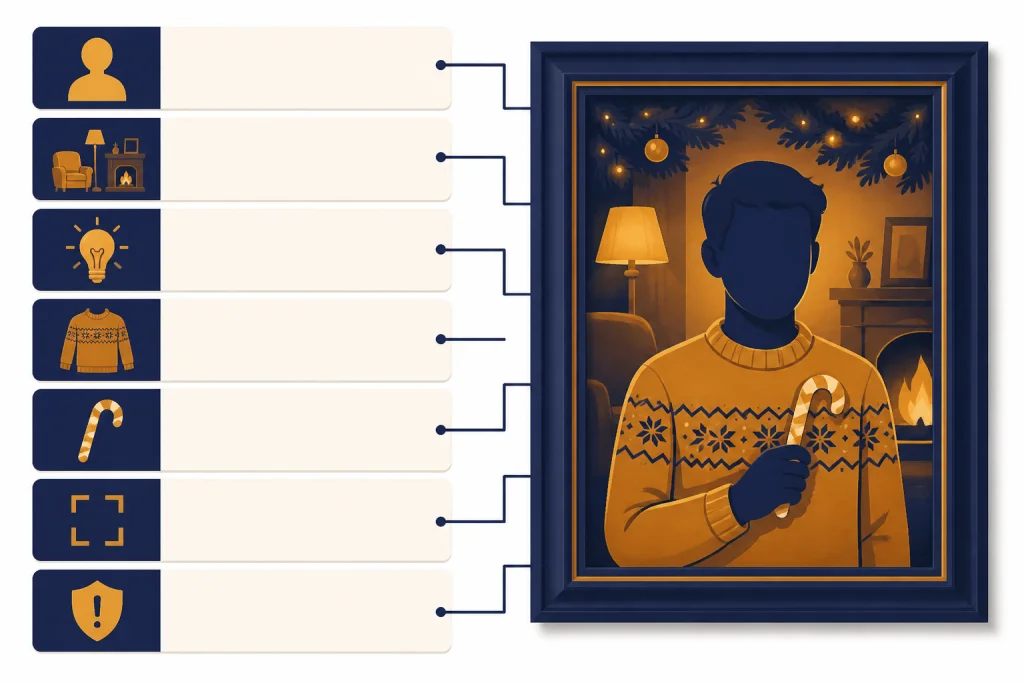
The fun version of the trend is simple: use your own photo, make a festive image, and label it clearly if you post it. The risky version is just as simple: upload someone else’s face, create an image that looks real, and let viewers assume it is a genuine photo.
OpenAI’s ChatGPT Images 2.0 system card says the model’s heightened realism could create more convincing deepfakes without safeguards, including sensitive imagery of real people, places, or events. The same system card says OpenAI uses prompt-layer and image-layer safeguards before output is shown to users.[4] Those safeguards reduce risk, but they do not remove the user’s responsibility to avoid deceptive or nonconsensual edits.
Use a consent rule. If the photo includes adults, ask before uploading or transforming it. If the photo includes children, be more cautious. Do not create images that put a real person in a false romantic, political, sexual, medical, criminal, or humiliating context. A harmless holiday background is one thing. A fake scene that changes what viewers believe about a person is another.
Labeling also deserves attention. OpenAI says images generated with ChatGPT on the web and the API serving DALL·E 3 include C2PA metadata, but it also warns that metadata can be removed, including when social platforms strip metadata or when someone takes a screenshot.[8] In practice, do not rely on metadata alone. If you share a Christmas AI portrait, add a caption such as “AI-generated holiday portrait from my photo.”
The trend also illustrates why AI image literacy matters. A holiday portrait may look harmless, but the same tools can produce images that blur the line between memory, parody, and deception. If you see a too-perfect holiday photo online, treat it as a creative image unless the source gives you a reason to trust it.
- Use your own photo or get permission.
- Do not use the trend to impersonate someone.
- Do not make fake scenes that could damage a real person’s reputation.
- Label AI-generated holiday images when posting publicly.
- Keep original family photos private if you do not want them reused in AI tools.
- Do not assume C2PA metadata will survive after a social upload.

What this trend signals for ChatGPT images
The Christmas photo trend is not important because of candy canes. It is important because it shows a new default behavior: users now expect ChatGPT to understand a personal image, preserve identity, follow a visual brief, and produce a social-ready output in one conversation.
That behavior is bigger than one holiday. The same pattern can become a birthday invite, graduation portrait, Valentine’s card, LinkedIn banner, ecommerce product scene, classroom handout, or local business ad. OpenAI’s API post described gpt-image-1 as a model for diverse styles, custom guidelines, world knowledge, and text rendering, with use cases across creative tools, commerce, education, enterprise software, and gaming.[3] As of May 2026, gpt-image-2 is now part of OpenAI’s current image lineup, but the consumer behavior is the same: people want a conversational creative studio, not a complicated editing suite.
It also changes how people evaluate AI models. For many users, the best model is not the one with the highest benchmark score. It is the one that keeps their face recognizable, fixes a bad crop, follows a messy prompt, and gives them a shareable result quickly. If you compare models for that kind of work, our GPT models comparison guide is a better starting point than a single viral example.
The trend will likely fade after the holiday cycle. The workflow will not. Seasonal AI portraits are now a repeatable content format. The next version may use graduation gowns, summer travel posters, wedding stationery, or animated video. OpenAI’s current video lineup includes Sora 2 and Sora 2 Pro, so the same seasonal prompt culture may increasingly move from still portraits into short video edits.
For ongoing coverage of related consumer AI moments, follow OpenAI news this week. For the company context behind these product pushes, see what is OpenAI and our reporting on the OpenAI Microsoft partnership.
Frequently asked questions
What is the ChatGPT Christmas photo trend?
It is a prompt format where users upload a photo and ask ChatGPT to turn it into a polished Christmas portrait. Common versions include candy cane studio portraits, fireplace family cards, snowy couple photos, Santa or elf edits, and pet holiday images.
Is the trend officially from OpenAI?
No. The trend is user-driven. OpenAI provides the ChatGPT image tools, but the Christmas prompt format spread through creators, prompt libraries, template pages, and social posts rather than through a formal OpenAI campaign.
Can I do the trend for free?
OpenAI’s help page says ChatGPT Images 2.0 is available on all tiers.[1] Actual access, speed, and limits can vary by plan and region, so check the image tool inside your account before assuming a specific quota.
What photo should I upload?
Use a clear photo where the face is visible and the subject is not heavily blurred or hidden. The trend works best when the model can identify the subject’s main features, pose, and expression from the source image.
Should I label the result as AI-generated?
Yes, especially if the image is photorealistic or could be mistaken for a real holiday shoot. Metadata may not survive social uploads, so a plain-language caption is the safest way to avoid misleading viewers.[8]
Can I use someone else’s photo?
Do not use another person’s photo without permission. A playful Christmas edit can still be a nonconsensual image transformation if the person did not agree to it, especially when the output looks realistic.