

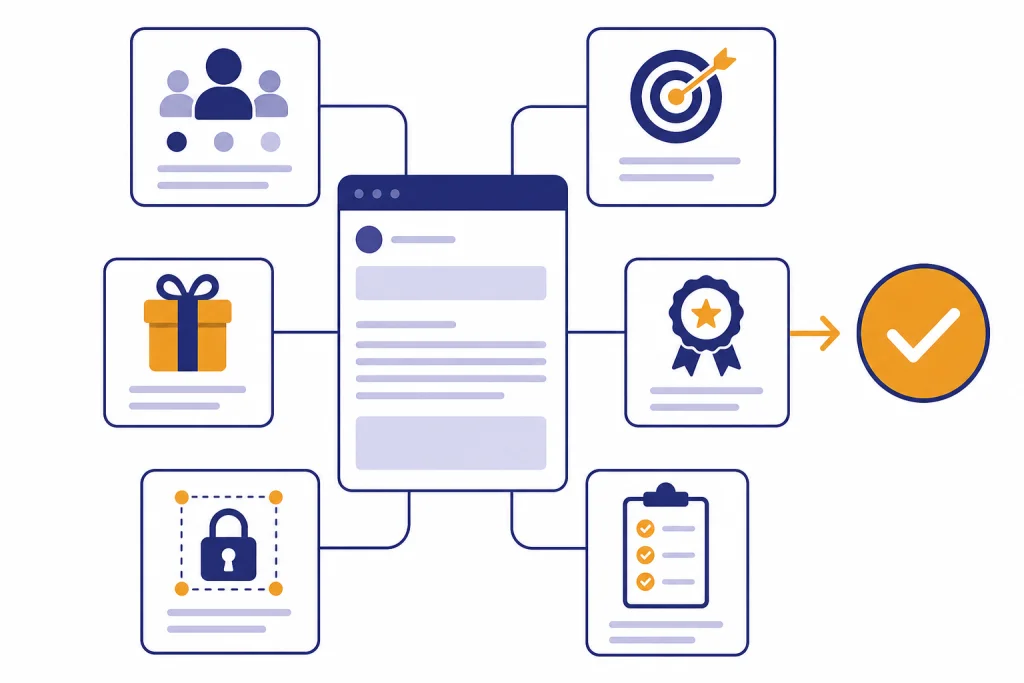
The best ChatGPT email prompts give the model a clear job, a defined audience, a conversion goal, proof points, constraints, and a review step. A weak prompt asks for “a good email.” A strong prompt tells ChatGPT who the reader is, what they already know, what action you want, what offer or value you can prove, and what tone to avoid. This guide gives you a practical prompt framework, copy-paste prompts for common email campaigns, editing prompts for sharper drafts, and compliance checks that help you avoid misleading or hard-to-unsubscribe email. Use these prompts as starting points, then test them against your own list, offer, and customer data.
How to use ChatGPT for conversion-focused email
ChatGPT can draft email faster than a blank page, but conversion depends on the quality of the brief. OpenAI’s prompting documentation says output quality often depends on how well the user prompts the model.[1] For email, that means the prompt must include the reader, the situation, the offer, the desired action, and the limits.
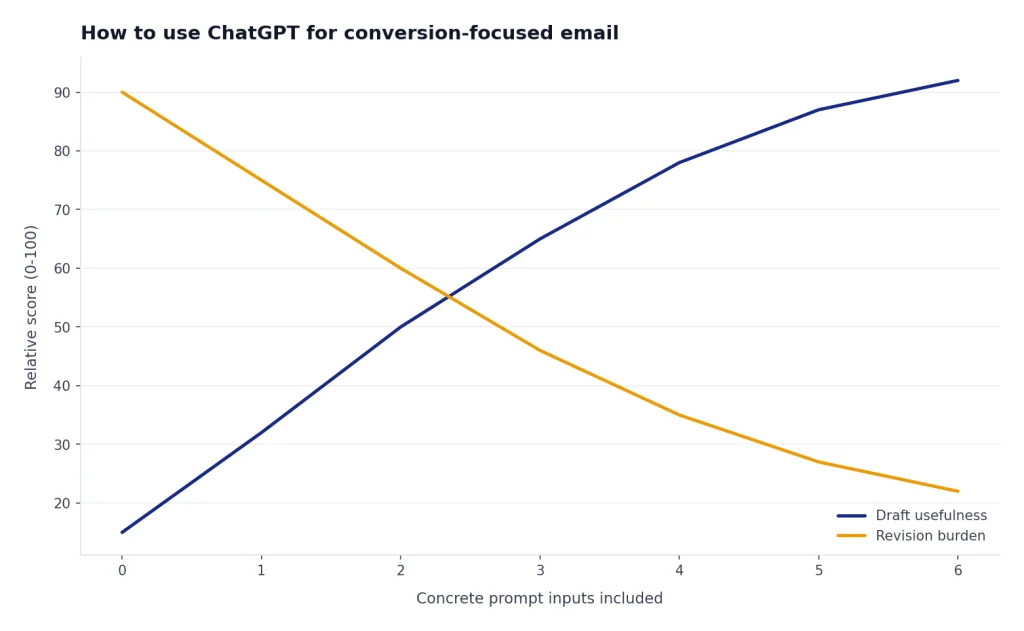
Do not ask ChatGPT to “write a sales email” and expect a polished campaign. Ask it to write to a specific segment. Tell it what the segment believes, what problem is urgent, what promise you can make, and what action you want next. Conversion-focused email is not about clever wording. It is about relevance, timing, clarity, and trust.
Use ChatGPT for first drafts, variations, tone shifts, subject line options, segmentation ideas, and QA checks. Keep human review for claims, legal requirements, brand voice, pricing, testimonials, and deliverability. If your email relates to hiring, legal services, regulated products, customer support, or sales outreach, pair these prompts with more specific libraries such as ChatGPT HR prompts for hiring and onboarding, ChatGPT Legal Prompts, ChatGPT Customer Service Prompts and Templates, and ChatGPT Sales Prompts for Closers.
The best workflow is simple. First, feed ChatGPT the facts. Second, ask for several directions. Third, choose the strongest angle. Fourth, ask for a tighter version. Fifth, check the final email against your claims, audience, unsubscribe requirements, and measurement plan.
The email prompt framework
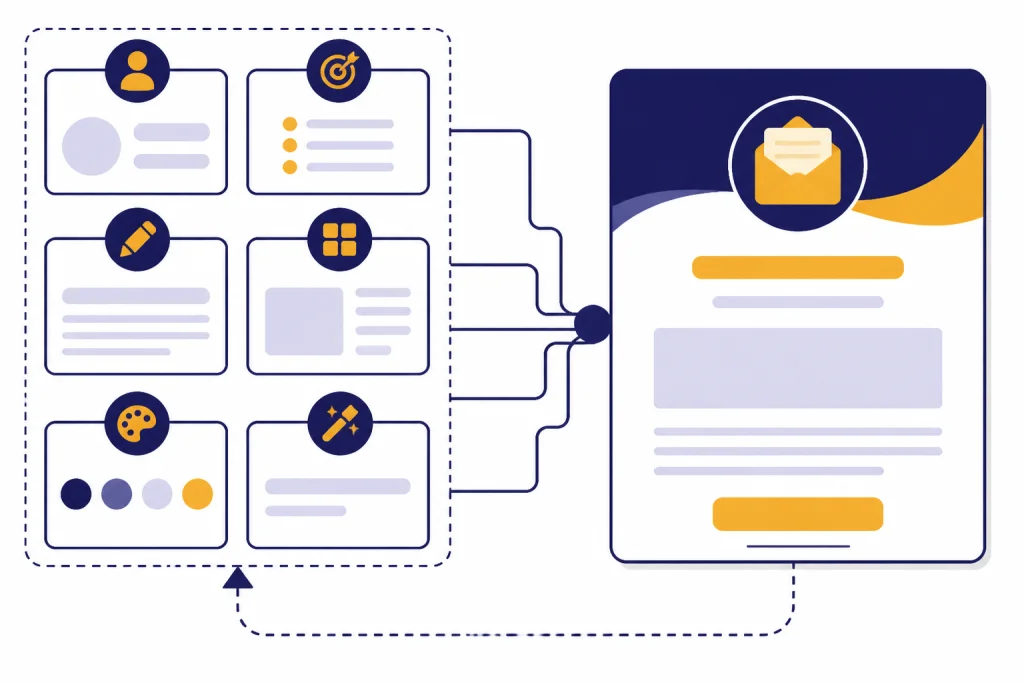
A reliable email prompt has reusable parts. You can save these parts as a template in your own prompt library. If you build many reusable prompts, the chatgpt prompt generator can help you turn scattered instructions into a repeatable system.
| Prompt input | What to include | Why it matters |
|---|---|---|
| Audience | Segment, role, awareness level, objections, relationship to your brand | Prevents generic copy and helps the email sound relevant |
| Goal | Reply, click, trial signup, purchase, renewal, demo, feedback, referral | Keeps the message focused on one action |
| Offer | Product, service, content, event, discount, upgrade, consultation, resource | Gives the reader a clear reason to act |
| Proof | Customer outcomes, product facts, guarantees, social proof, case details | Reduces skepticism and supports the claim |
| Constraints | Tone, length, banned phrases, reading level, formatting, CTA style | Makes the draft easier to edit and publish |
| Review task | Ask ChatGPT to critique the draft before finalizing it | Catches vague claims, weak CTAs, and missing context |
Here is the base prompt you can adapt for most campaigns.
You are an email strategist and conversion copywriter. Write an email for this audience: <audience segment>. The reader currently believes: <current belief or pain point>. The goal is: <one action>. The offer is: <offer>. Use these proof points: <proof>. Use this tone: <tone>. Avoid: <banned phrases or claims>. Write a subject line, preview text, plain-text email body, and CTA. After the draft, explain the conversion logic in plain English.You can also use ChatGPT Custom Instructions to keep persistent preferences in place. OpenAI says custom instructions are available on web, desktop, iOS, and Android, and the longer form text fields have a 1,500 character limit.[2] That is useful for brand voice rules, but keep campaign-specific details in the chat so each email stays accurate.
Copy-paste ChatGPT email prompts
Use these chatgpt email prompts as working drafts. Replace the bracketed details before you run them. If the first output sounds too polished, ask ChatGPT to make it plainer, shorter, and more specific.
Cold outreach prompt
Write a concise cold email to <role> at <company type>. The likely pain point is <pain point>. My offer is <offer>. The proof point is <proof>. Do not use hype, fake familiarity, or exaggerated urgency. Keep it under <word limit>. End with a low-pressure question that is easy to answer.Warm follow-up prompt
Write a follow-up email to someone who <previous action>. Reference that action naturally. Reconnect the action to this problem: <problem>. Offer this next step: <next step>. Give me three versions: helpful, direct, and consultative. Do not make the reader feel guilty for not replying.Newsletter intro prompt
Write the opening section of a newsletter for <audience>. The topic is <topic>. The reader should understand <main takeaway> and click through to <resource>. Start with the practical value, not a personal anecdote. Include a subject line, preview text, and one clear CTA.Product launch prompt
Write a product launch email for <product>. The audience is <segment>. The old problem is <old problem>. The new capability is <capability>. Use these concrete details: <details>. Avoid unsupported claims. Give me a short version for existing customers and a longer version for prospects.Abandoned cart prompt
Write an abandoned cart email for <product>. The reader left after viewing <cart or product detail>. The main objection may be <objection>. Reassure the reader using <shipping, return, guarantee, support, or comparison detail>. Keep the email useful, not pushy. Include a direct CTA back to the cart.Reactivation prompt
Write a reactivation email for subscribers who have not engaged recently. Audience: <segment>. Reason they subscribed: <original value>. New value to mention: <new value>. Ask whether they still want updates. Include a clear preference or unsubscribe path. Keep the tone respectful.
Prompts by email type
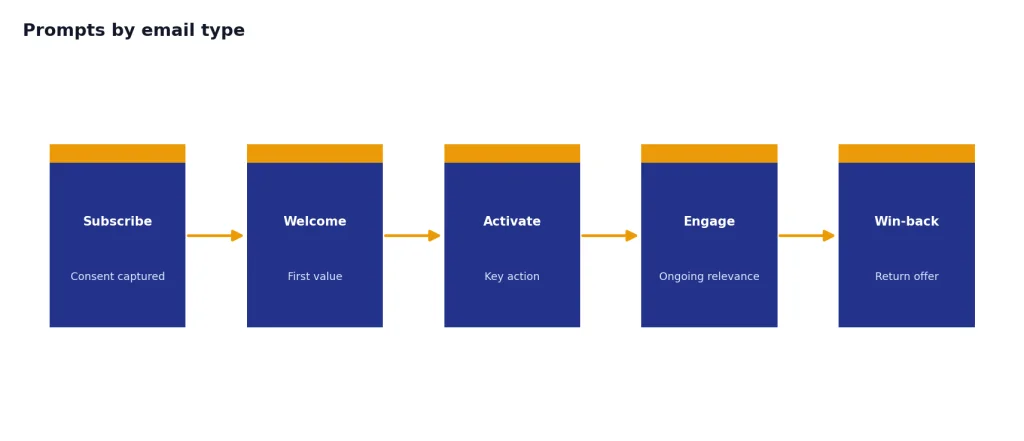
Different email types need different prompts. A sales email needs a reason to reply. A newsletter needs a reason to click. A customer email needs clarity and reassurance. A lifecycle email needs timing and context.
| Email type | Best ChatGPT instruction | What to review manually |
|---|---|---|
| Sales outreach | Ask for relevance, plain proof, and one low-friction reply question | Personalization accuracy and prospect fit |
| Newsletter | Ask for a useful lead, skimmable structure, and one click target | Source accuracy and link quality |
| Launch | Ask for old state, new state, proof, and practical next step | Feature availability, pricing, and claims |
| Onboarding | Ask for one next action based on where the user is stuck | Product instructions and support links |
| Win-back | Ask for respect, preference options, and a concrete reason to return | Suppression rules and unsubscribe handling |
| Customer support | Ask for empathy, diagnosis, next steps, and escalation language | Policy accuracy and account-specific details |
For business owners, email is usually one part of a larger workflow. Use ChatGPT Business Prompts for Owners for positioning, offers, hiring, and planning before you write the email. Use chatgpt productivity prompts for daily workflow if you want prompts that turn email writing into a repeatable weekly process.
Some use cases need specialized context. A real estate nurture email needs property, neighborhood, timing, and lead source details, so start with ChatGPT Real Estate Prompts for Agents. A campaign that must also become posts, captions, and short videos should connect with chatgpt social media prompts for every platform. A multilingual campaign should run through chatgpt translation prompts for quality output before it goes live.
How to edit AI email drafts
ChatGPT often produces drafts that are clean but too broad. The edit prompt is where the conversion work happens. Ask it to remove vague benefits, replace abstract claims with concrete details, and make the CTA easier to understand.
Review this email draft as a skeptical reader in the target audience. Identify where it sounds generic, where the claim needs proof, where the CTA is unclear, and where the tone creates friction. Then rewrite the email in a more specific, plainspoken version. Keep the same offer and goal. Draft: <paste draft>Use a second edit for subject lines. Subject lines should match the body. If the subject promises a discount, the email body should make the discount easy to find. If the subject promises a useful idea, the body should deliver that idea before asking for a click.
Generate subject line options for this email. Group them by angle: benefit, curiosity, urgency, proof, and plain description. Do not use clickbait. For each subject line, explain what reader motivation it targets and what risk it creates.For team workflows, ask ChatGPT to create a revision memo rather than only a new draft. A revision memo helps stakeholders see why a line changed. It also helps you preserve brand rules, especially if several people approve emails.
Create an edit memo for this email. Use three sections: what changed, why it should improve conversion, and what still needs human verification. Keep the memo short enough to paste into a team review thread.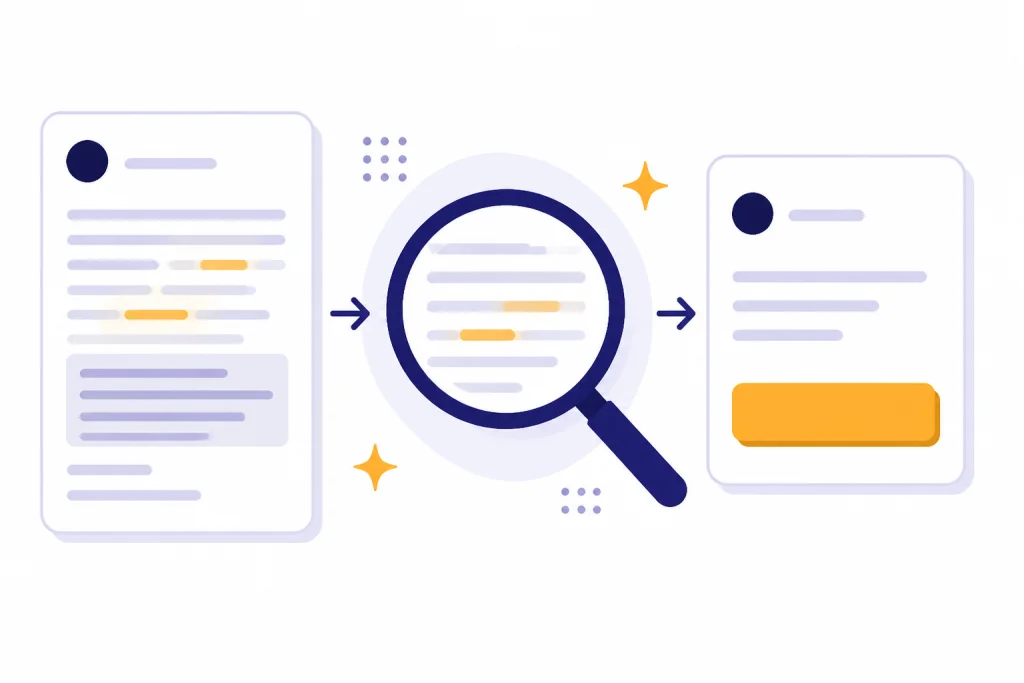
Compliance and deliverability checks
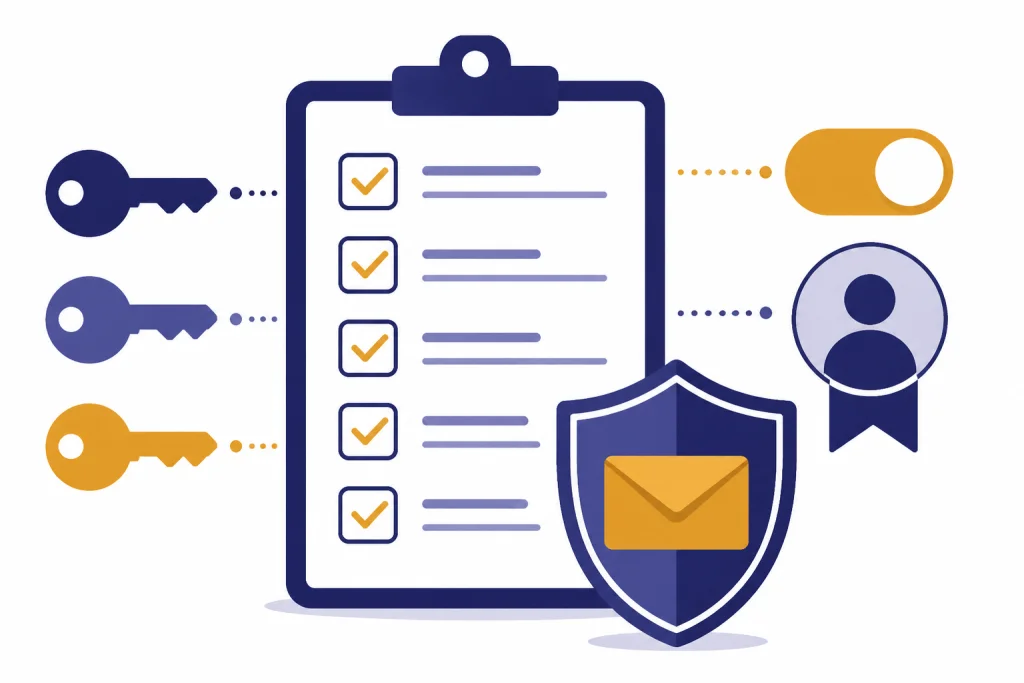
ChatGPT can help you check an email for risky language, but it cannot replace legal review. The FTC says the CAN-SPAM Act sets rules for commercial email, gives recipients the right to stop receiving messages, and uses the email’s primary purpose to determine how the law applies.[4] If your message is commercial, do not ask ChatGPT to hide the marketing intent or make the unsubscribe path harder to find.
Review this email for compliance risks. Flag any misleading subject line, unclear sender identity, unsupported claim, missing physical mailing address placeholder, missing unsubscribe language, or confusing CTA. Do not give legal advice. Give me a practical checklist of issues to send to counsel or the email operations owner.Deliverability also depends on sender practices outside the copy. Google’s sender guidelines say all senders to Gmail accounts must use SPF or DKIM, while senders of more than 5,000 messages per day to Gmail accounts must use SPF, DKIM, and DMARC; Google also lists a spam-rate guideline below 0.3% in Postmaster Tools.[5] Yahoo’s sender FAQ says enforcement began in February 2024 and that one-click unsubscribe requires a list-unsubscribe header, with enforcement of that policy beginning in June 2024.[6]
That means a high-converting email is not only persuasive. It is expected, authenticated, easy to leave, and aligned with the reader’s consent. ChatGPT can improve the copy, but your email service provider, DNS records, list hygiene, segmentation, and suppression rules still matter.
Act as an email operations reviewer. Based on this campaign description, list the non-copy items the team should verify before sending: authentication, sender name, reply handling, unsubscribe path, suppression list, segmentation, tracking links, landing page, and post-send monitoring. Campaign: <description>Be careful with private data. OpenAI says it does not use data from ChatGPT Enterprise, ChatGPT Business, ChatGPT Edu, ChatGPT for Healthcare, ChatGPT for Teachers, or its API platform to train or improve models by default.[3] If you use a consumer account, check your data settings and avoid pasting sensitive customer records, medical details, payment information, legal files, or confidential business data into a prompt.
Measurement and testing prompts
Do not judge a prompt by whether the draft sounds good. Judge it by what happens after sending. Define the action before the email is written: reply, click, purchase, demo booking, signup, renewal, referral, or feedback.
Open rates are less reliable than they used to be. Apple says Mail Privacy Protection prevents senders from seeing whether a recipient opened the email.[7] Mailchimp’s public benchmark page says its benchmark data was last updated in December 2023 and was calculated from campaigns sent to at least 1,000 subscribers, which is useful context but not a substitute for your own baseline.[8]
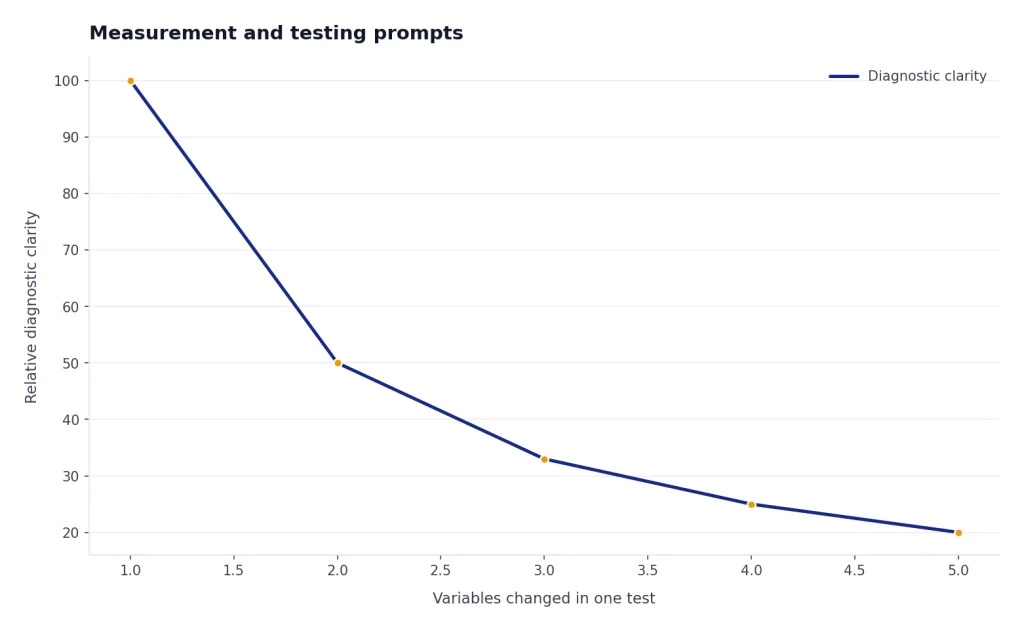
Create a testing plan for this email campaign. Goal: <goal>. Audience: <segment>. Draft: <email>. Suggest testable hypotheses, subject line tests, body copy tests, CTA tests, and the primary metric. Do not optimize for opens alone. Prioritize downstream actions that match the business goal.Ask ChatGPT to separate creative tests from offer tests. A subject line test tells you about packaging. An offer test tells you about demand. A landing page test tells you about post-click friction. If everything changes at once, you learn less.
Analyze these email results and tell me what to test next. Include what the data suggests, what it does not prove, and what variable to isolate in the next send. Results: <paste delivered, bounce, unsubscribe, click, reply, conversion, and revenue data>Save your winning prompts with the results attached. A good prompt library should include the prompt, the audience, the offer, the final human-edited email, and the outcome. Over time, this becomes more valuable than a folder of generic templates.
Frequently asked questions
What is the best ChatGPT prompt for email marketing?
The best prompt names the audience, the problem, the offer, the proof, the desired action, and the tone constraints. It also asks ChatGPT to explain the conversion logic after the draft. That explanation helps you spot weak assumptions before you send.
Can ChatGPT write cold emails that convert?
ChatGPT can draft cold emails, but the result depends on your targeting and proof. Give it a real reason for the recipient to care, not just a product description. Human review is essential because fake personalization can damage trust.
Should I use ChatGPT for subject lines?
Yes, but use it for options and angles rather than final judgment. Ask for subject lines grouped by benefit, curiosity, proof, and plain description. Then choose the one that accurately matches the email body.
How do I keep ChatGPT email copy from sounding generic?
Feed it more specifics. Add the reader’s situation, the buying trigger, the objection, the offer details, and examples of phrases your brand would never use. Then ask ChatGPT to remove vague claims and replace them with concrete details.
Can I paste customer lists or private email data into ChatGPT?
Do not paste sensitive customer data into ChatGPT unless your organization has approved the workflow and account type. Use anonymized segments and summaries when possible. For business accounts and API use, check your organization’s OpenAI data settings before adding confidential material.
What should I test after using ChatGPT email prompts?
Test the variable that matches your goal. For a reply campaign, test relevance and CTA wording. For a click campaign, test the promise, body structure, and link placement. For a purchase campaign, test the offer, urgency, objection handling, and landing page continuity.