
ChatGPT Search: Real-Time Web Answers
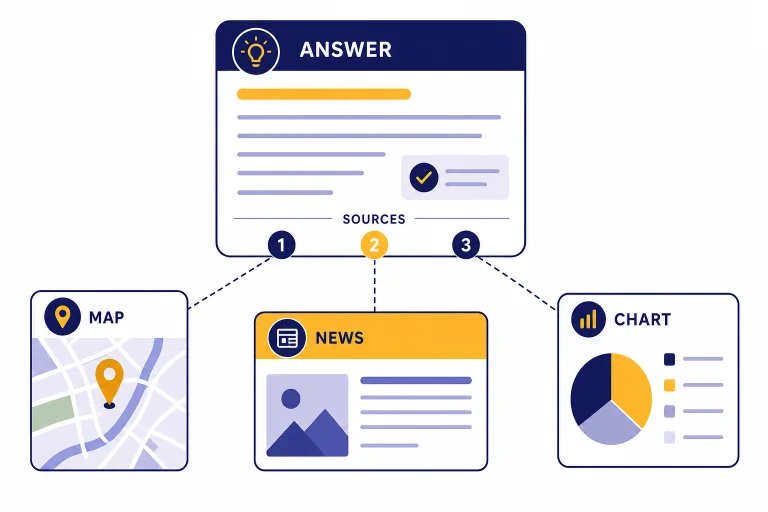
ChatGPT Search brings web results, source links, maps, local answers, and citations into ChatGPT. Learn how it works and when to use it.
ChatGPT Search brings web results, source links, maps, local answers, and citations into ChatGPT. Learn how it works and when to use it.
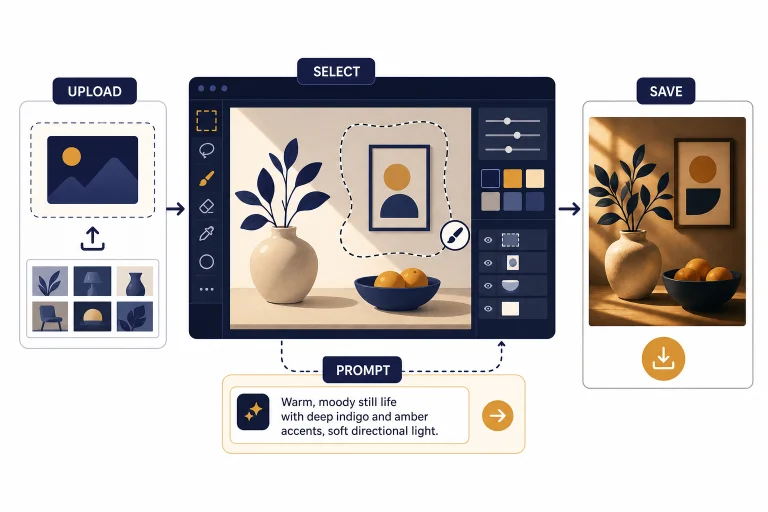
Learn how to use ChatGPT as a photo editor for image uploads, selections, prompts, limits, best use cases, privacy, and troubleshooting.
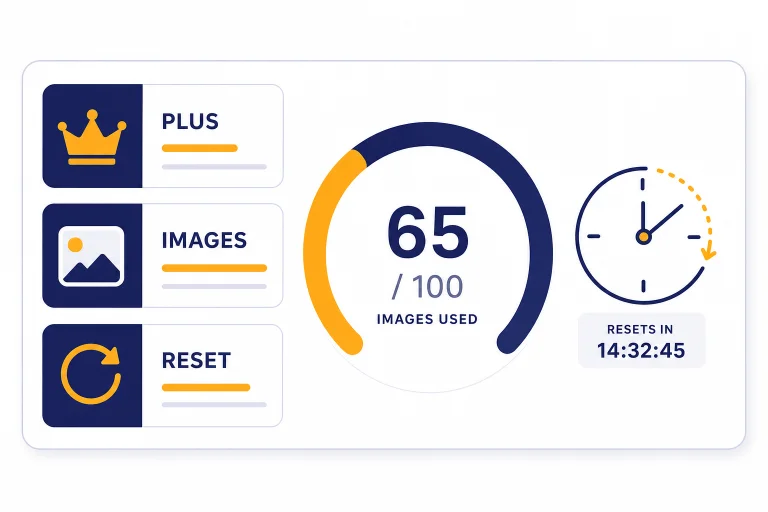
ChatGPT Plus includes image generation, but OpenAI does not publish a fixed Plus image quota. Learn what counts, how resets work, and when to use the API.
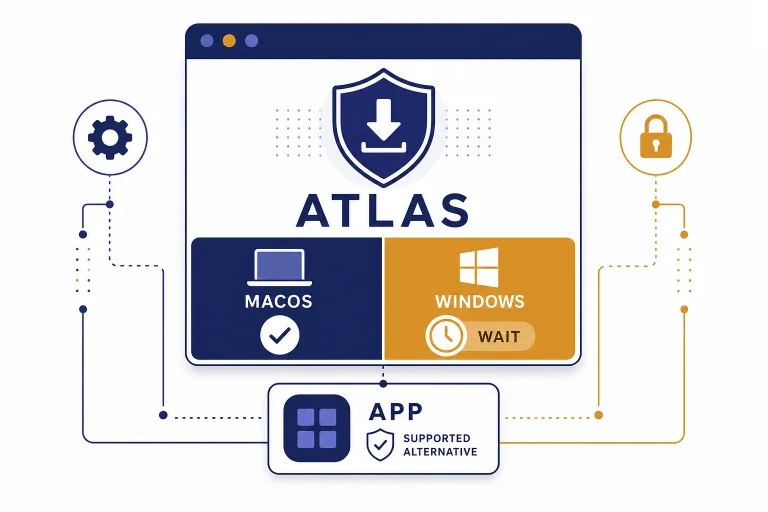
How to install ChatGPT Atlas on Windows, what to do while no official Windows installer exists, and which settings to check when it arrives.
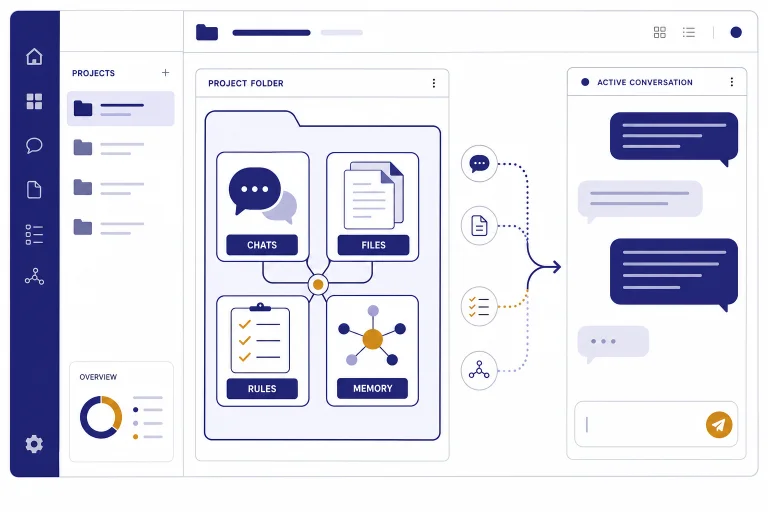
ChatGPT Projects organize chats, files, instructions, memory, and tools into focused workspaces. Learn setup, sharing, and common mistakes.
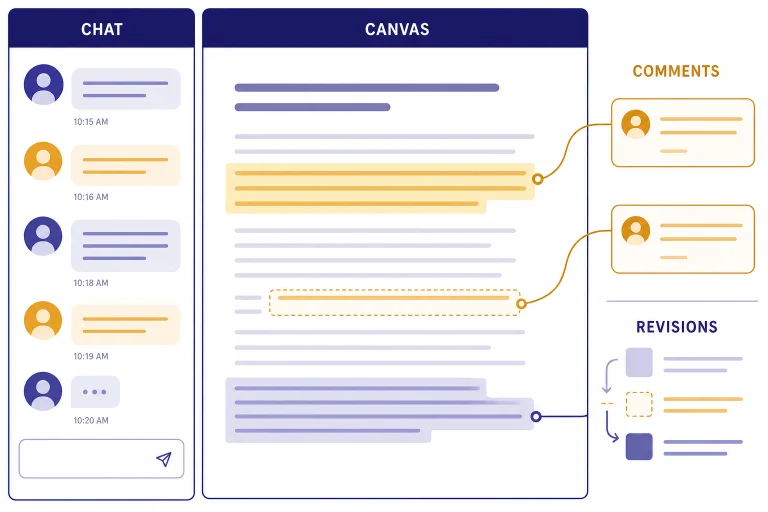
ChatGPT Canvas is the editable workspace inside ChatGPT for drafts, code, comments, revisions, sharing, and exports. Learn when to use it and how it works.
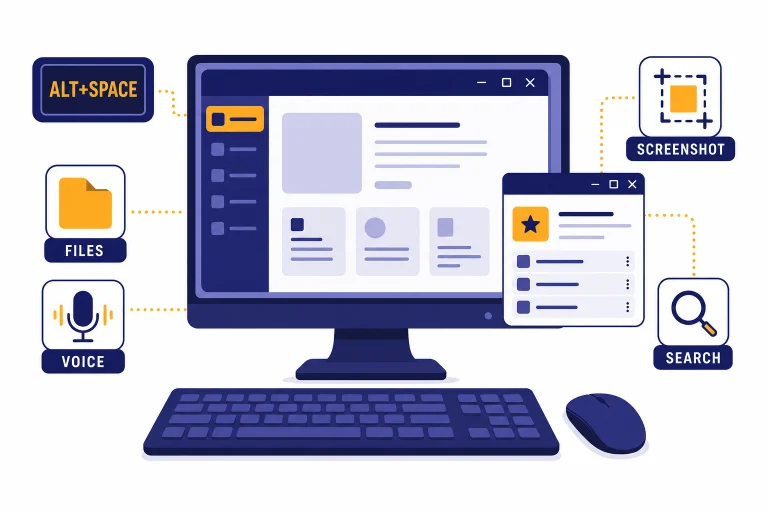
Download and set up the ChatGPT Windows app safely, configure Alt+Space, fix common install problems, and decide when to use the app or browser.
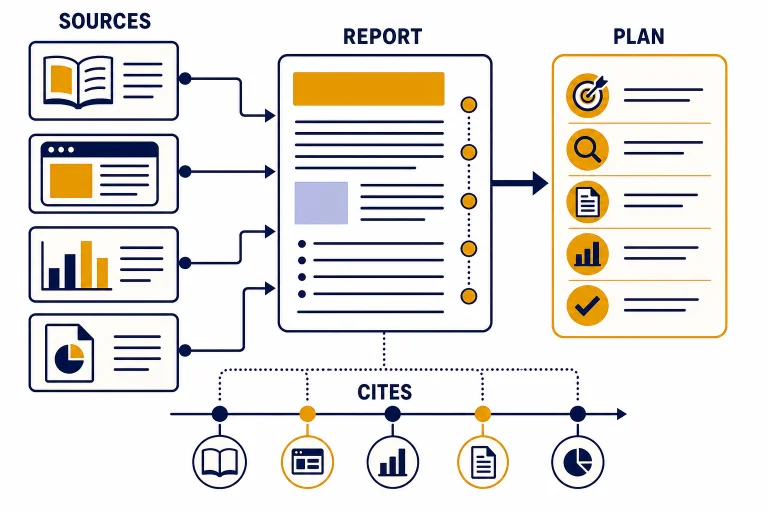
Learn how ChatGPT Deep Research works, when to use it, how to set sources, review citations, and turn a research report into reliable work product.
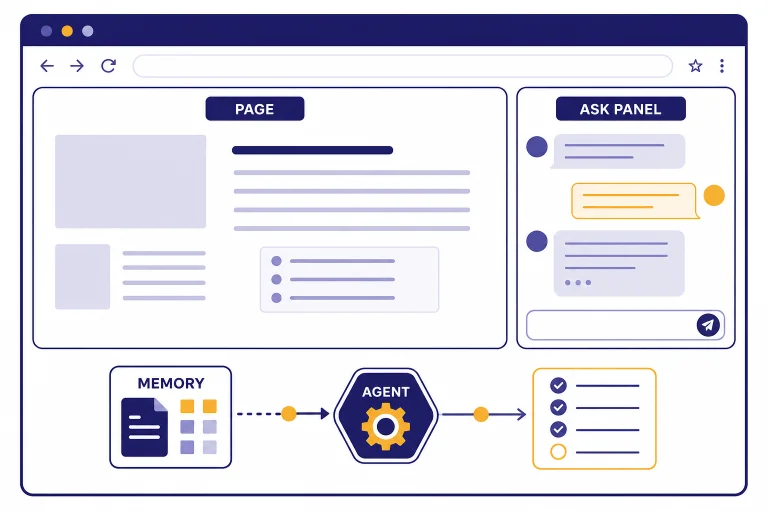
A practical first look at ChatGPT Atlas, OpenAI’s Mac-first browser with ChatGPT, browser memories, and agent mode built in.
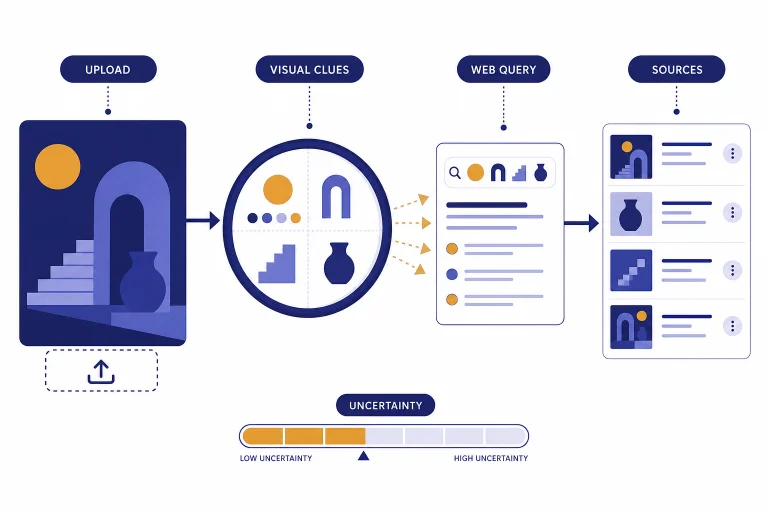
Learn how ChatGPT image search works, where it helps, where it fails, and when to use Google Lens, Bing Visual Search, or TinEye instead.
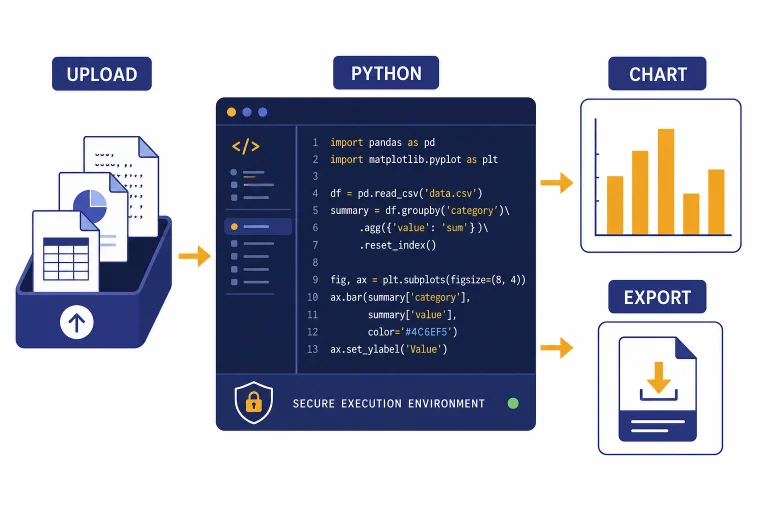
Learn what ChatGPT Code Interpreter is, how it works, supported files, limits, workflows, prompts, privacy, and troubleshooting tips.
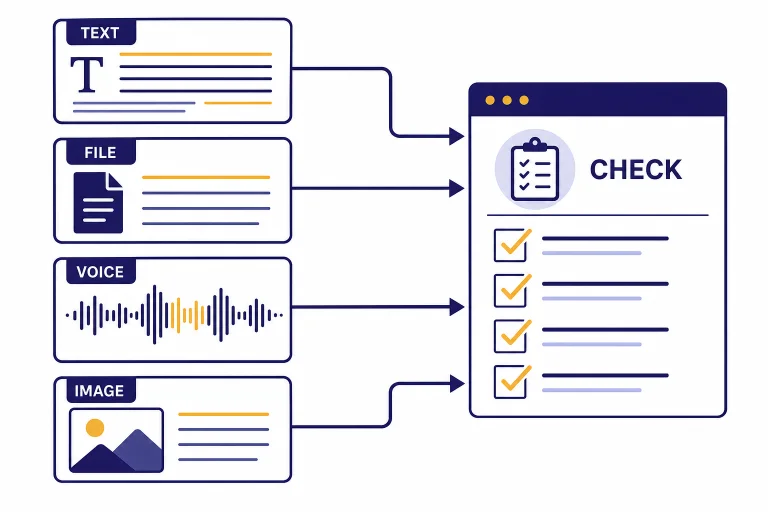
Learn how to use ChatGPT Translate for text, files, images, and voice conversations, with prompts, quality checks, and privacy tips.