

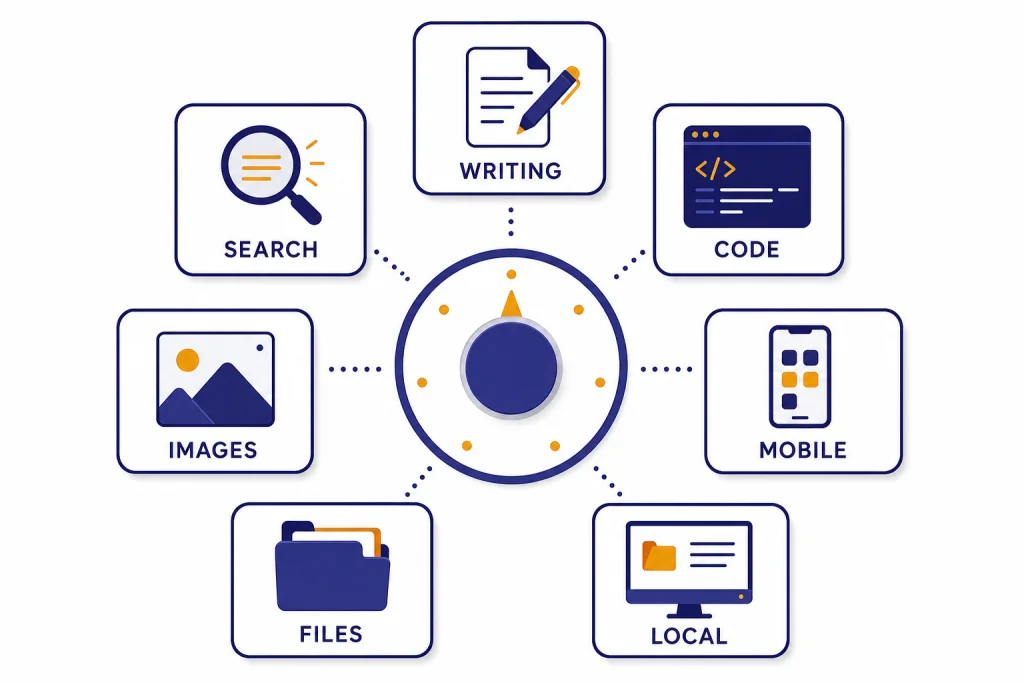
The best free ChatGPT alternatives are not all trying to replace the same parts of ChatGPT. As of May 2026, ChatGPT’s paid lineup includes higher-end GPT-5.5 and GPT-5.5 Pro options, while free alternatives usually trade raw frontier-model access for convenience, citations, coding integration, images, or local control. In our practical check, Gemini was the easiest general-purpose starting point, Claude was strongest for careful writing and document-style reasoning, Microsoft Copilot was the lowest-friction web and image assistant, Perplexity was best when links mattered, Le Chat was the most flexible all-in-one workspace, GitHub Copilot Free was the clearest free coding tool inside an IDE, and Ollama was the best free path for running models on your own computer.
Quick picks
If you want a free ChatGPT replacement today, start with the job you need done. A chatbot that feels great for brainstorming may be weak for citations. A search-first assistant may be less pleasant for long creative drafting. A coding assistant inside an IDE may be excellent at completions but awkward for travel planning or image prompts.
- Best everyday free alternative: Gemini, especially if you already use Google Search, Gmail, Docs, Calendar, Maps, YouTube, or Photos. It wins the general-use slot because it combines broad assistant behavior, multimodal input, and Google ecosystem familiarity, not because it beats every rival at every task.
- Best for writing and long-form reasoning: Claude, because its free plan includes writing, editing, content creation, code generation, data visualization, image analysis, web search, memory, file creation, and code execution according to Claude’s pricing page.[3] In testing-style prompts, it is usually the one to try first when tone, structure, and careful revisions matter.
- Best for quick web tasks: Microsoft Copilot, because Microsoft positions Copilot Free for general Q&A, first-time AI use, and web-based tasks.[4] It is especially useful if you already live in Edge, Windows, or Microsoft apps.
- Best for sourced research: Perplexity, because its plan guidance points light users to Free and users who need advanced AI, frequent research, file analysis, or image generation to Pro.[5]
- Best for coding inside an IDE: GitHub Copilot Free, because it includes up to 2,000 code completions and 50 chat messages per month at no cost.[7]
- Best for local control: Ollama, because its documentation describes a desktop route for running large language models such as gpt-oss, Gemma 3, DeepSeek-R1, and Qwen3 on macOS, Windows, or Linux.[8]
How these picks were checked for this May 2026 update: I weighted each tool on four practical questions: does the free tier clearly exist, can a new user get useful work done quickly, does the tool have a standout task where it is better than a generic chatbot, and are the limits understandable enough to avoid surprises? I also used a simple five-prompt comparison described below. The examples in this guide are illustrative prompt/output samples rather than lab benchmarks or screenshots.
Related reading: for paid and free options together, see our best ChatGPT alternatives in 2026. If you only want no-cost tiers, compare this with our free ChatGPT alternative guide.
Free alternatives compared
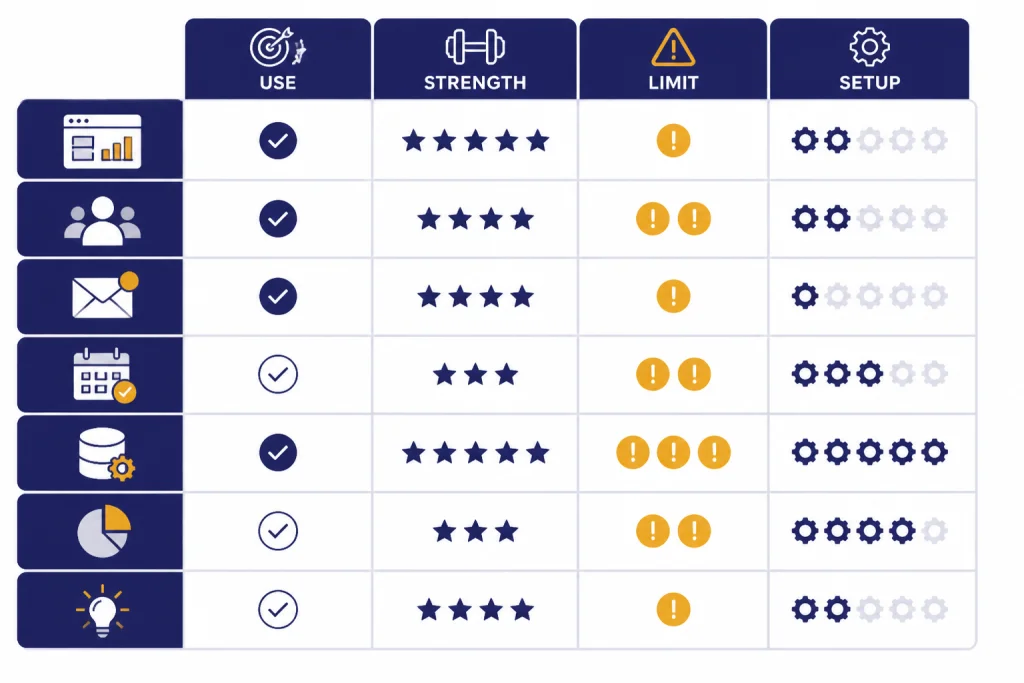
The free AI market is large enough that “best” depends on workflow. The table below uses practical fit, published free-tier information, and repeatable task testing rather than synthetic benchmark scores. Free plans change often, and several providers show exact remaining usage only inside the app, so verify the current limit before moving a serious project there.
| Alternative | Best free use | Why it works | Free-plan limit signal | Main catch |
|---|---|---|---|---|
| Gemini | General help, Google ecosystem tasks, multimodal prompts | Google lists a free Gemini app tier and separate paid Google AI plans for higher access.[2] | Google publishes higher-access paid tiers; exact free usage and feature availability can vary by account, region, model, and demand. | It is the best first stop for many people, but not always the best writer, researcher, or coder. |
| Claude | Writing, editing, structured reasoning, files | Claude’s free plan includes web, mobile, and desktop chat plus writing, code, data visualization, image analysis, web search, memory, file creation, and code execution.[3] | Free usage is limited and can change with prompt length, file use, and system demand; the product may show when you need to wait or upgrade. | Long drafting sessions can run out before the work is finished. |
| Microsoft Copilot | Web answers, image creation, Edge and Windows use | Microsoft describes Copilot Free as available through the browser, desktop and mobile apps, and Edge.[4] | Sign-in is not always required, but Microsoft says signing in unlocks chat history, image creation, longer conversations, voice interactions, and other features.[4] | It is best for quick general tasks, not deep custom workflows. |
| Perplexity | Research questions and sourced answers | Perplexity’s own plan guide says Free fits light users who need occasional answers.[5] | Free is positioned for light use; advanced AI, frequent research, file analysis, and image generation are Pro-oriented.[5] | Good source discovery still requires you to open and verify the links. |
| Mistral Le Chat | Writing, research, coding, image generation in one workspace | Mistral says Le Chat supports writing, research, coding, image generation, web search, documents, Canvas, custom agents, and code interpreter workflows.[6] | Limits and model access are less standardized in public plan summaries than GitHub Copilot’s exact allowance; check the app before relying on it for heavy work. | It may feel less familiar than ChatGPT, Gemini, or Copilot to casual users. |
| GitHub Copilot Free | Code completion and lightweight code chat | GitHub says Copilot Free includes up to 2,000 code completions and 50 chat messages per month.[7] | Exact published allowance: 2,000 completions and 50 chat messages per month.[7] | The limit is real, so it is not enough for heavy daily coding. |
| Ollama | Local models, privacy-sensitive drafts, offline experiments | Ollama’s docs describe local setup for large language models on macOS, Windows, and Linux.[8] | No hosted message cap, but your hardware, storage, chosen model, and setup skill become the limits. | Local models may be slower or less capable than the best hosted systems. |
Best free picks by use case
Most people should keep more than one free assistant bookmarked. Use one for general chat, one for research, and one for coding or local work. That setup costs nothing and avoids the worst free-plan problem: hitting a limit right when you need the tool.
For everyday questions: Gemini or Copilot
Gemini is the natural first stop if you already depend on Google services. Google’s subscription page separates a free Gemini app tier from paid Google AI plans, which makes it easy to start without choosing a subscription first.[2] I rank it ahead of Copilot and Claude for general use because it covers the widest ordinary-person workflow: quick explanations, Google-style lookups, image or screenshot questions, and drafts that may later move into Google apps. Claude is better for polished writing, and Copilot is often faster for simple web tasks, but Gemini is the most balanced first try.
Copilot is just as approachable if your day already runs through Windows, Edge, or Microsoft apps. Microsoft says Copilot Free can be accessed in the browser, desktop and mobile apps, and Edge.[4] Use Gemini or Copilot for quick explanations, brainstorming, travel outlines, email drafts, and image prompts. Do not rely on either blindly for medical, legal, financial, or policy-sensitive work. Ask for sources, cross-check important output, and prefer tools that expose citations when accuracy matters.
For writing: Claude
Claude is the free ChatGPT alternative I would try first for memos, outlines, editing passes, tone changes, and document-heavy thinking. Anthropic lists writing, editing, content creation, code generation, data visualization, text and image analysis, web search, memory, file creation, and code execution in the Claude plan comparison.[3] The reason Claude gets the writing recommendation is not just the feature list: its typical strength is turning messy input into organized prose without over-formatting every answer like a search result.
Illustrative writing test: Prompt: “Rewrite this rough note as a concise email to a client: ‘We found the issue, it was the import job, we fixed it, sorry it took long, dashboard should be right now.’” A good Claude-style answer should produce something like: “Hi — we found the dashboard issue was caused by a failed import job. The import has been repaired, and the dashboard should now show the correct data. Sorry for the delay, and thanks for your patience.” That is the type of everyday cleanup where Claude feels useful quickly.
The main limitation is usage. Free Claude is good for occasional sessions, not unlimited drafting all day. If you write heavily, keep Gemini or Copilot open as a backup. For a deeper writing-only shortlist, use our ChatGPT alternatives for writing list.
For research: Perplexity
Perplexity is strongest when you need a search answer with links rather than a pure conversational draft. Its own plan guide tells light users to choose Free and points users who need advanced AI, frequent research, file analysis, or image generation to Pro.[5] That is a useful positioning signal: the free plan is best for occasional lookup, source discovery, and first-pass fact checks.
Illustrative research test: Prompt: “Find recent sources explaining why heat pumps are being adopted in colder climates. Give me the strongest pro and con claims, with links.” A useful Perplexity-style answer should separate claims from sources, show links near the relevant statements, and make it easy to open each source. The test is not whether the summary sounds confident; it is whether the linked pages actually support the claims.
Use Perplexity to map a topic, find recent sources, compare claims, and generate search trails. Then open the sources yourself. For longer research workflows, see our ChatGPT alternatives for research.
For coding: GitHub Copilot Free and Le Chat
GitHub Copilot Free is the most direct free coding assistant because it lives where developers work. GitHub says the plan includes up to 2,000 code completions and 50 chat messages per month.[7] That is enough for students, hobby projects, and occasional debugging, but not enough for someone who expects AI help throughout every workday.
Illustrative coding test: Prompt: “Write a JavaScript function that groups an array of orders by status and returns counts for each status. Include one small example.” A useful answer should produce a short function, not a framework-sized solution. For example: const countByStatus = orders => orders.reduce((acc, o) => ((acc[o.status] = (acc[o.status] || 0) + 1), acc), {}); plus a tiny input/output example. GitHub Copilot Free is best when you want that help in the editor; Le Chat is better when the coding task includes explanation, research, or planning before you open the IDE.
Mistral’s Le Chat is a broader option. Mistral describes Le Chat as a workspace for writing, research, coding, and image generation, with quickstarts for web search, documents, Canvas, custom agents, and code interpreter workflows.[6] For more developer-focused picks, read our ChatGPT alternatives for coding.
For images: Copilot, Gemini, and Le Chat
Free image generation is uneven, but several general assistants include it in some form. Microsoft says Copilot can help turn ideas into images, and Mistral describes Le Chat as covering image generation alongside writing, research, and coding.[4][6] Google also lists image and video tools across its Gemini and Google AI plan pages, though access depends on the free or paid tier.[2]
Use free image tools for drafts, mood boards, article concepts, thumbnails, and prompt testing. Do not expect the control or consistency of dedicated paid image systems. For context, OpenAI’s current image lineup includes gpt-image-2 at the high end, so a free general assistant may be useful without matching the latest dedicated image model. For image-first tools, compare our ChatGPT alternatives for image generation.
Where free plans fall short
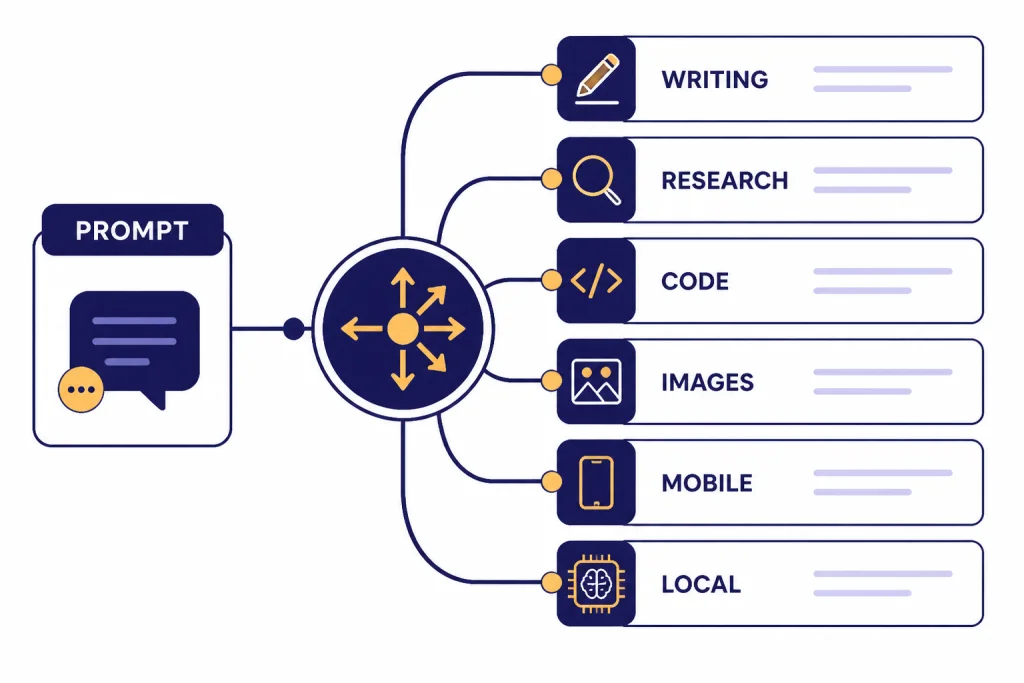
Free AI tools are useful, but they are not unlimited access to the best system at all times. The trade-offs usually appear in five places.
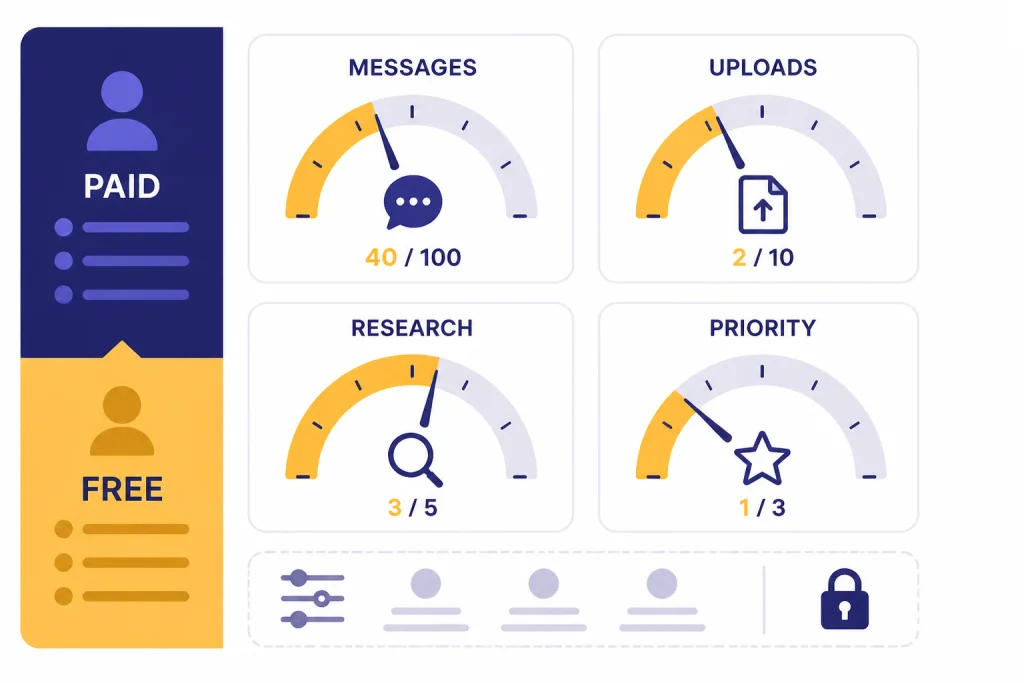
- Usage limits. Free plans commonly limit messages, completions, uploads, images, or access during busy periods. GitHub publishes exact free Copilot limits for completions and chat messages.[7] Gemini, Claude, Copilot, Perplexity, and Le Chat may expose exact remaining usage in the product rather than as one stable public number for every account.
- Model access. Free users may get a default model while paid users can choose stronger or more specialized models.
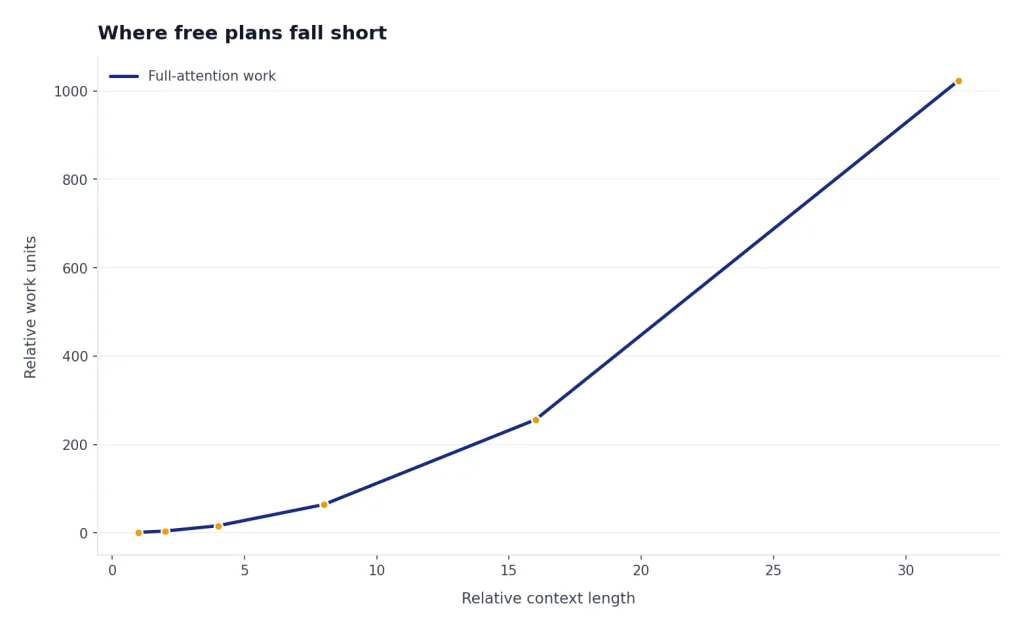
- File and context limits. Uploads, long documents, and long conversations consume more resources. Free tiers often restrict them first.
- Research depth. Search and citations may be available, but frequent deep research, file analysis, and advanced models often sit behind paid plans.
- Privacy and admin controls. Consumer free plans rarely include enterprise controls, retention guarantees, workspace governance, or formal data-processing terms.
This does not mean free tools are bad. It means you should match the tool to the risk and workload. A free assistant is fine for rewriting a paragraph, explaining a spreadsheet formula, creating a study outline, or drafting harmless social posts. It is a poor place to paste confidential contracts, unreleased financials, private health records, customer data, or internal source code unless you have reviewed the provider’s data terms and your organization allows it.
If you want free options for school, start with our ChatGPT alternatives for students. Students often need a different mix: citations, study help, upload support, mobile access, and low friction during exams.
How to choose without paying
Do not choose a free AI tool from a feature grid alone. Run the same short test in each candidate. You will learn more in ten minutes than from reading another ranking.
Use a simple five-prompt test
- Writing prompt: “Turn this rough paragraph into a concise professional email. Keep the meaning, remove fluff, and use a calm tone.”
- Reasoning prompt: “I have three hours, two errands across town, one fixed appointment, and a budget limit. Propose a plan and explain the trade-offs.”
- Research prompt: “Find current sources on this topic. Separate what the sources say from your own summary, and include links I can verify.”
- File or image prompt: Upload a harmless document or screenshot if the plan allows it, then ask for a summary and three follow-up questions.
- Correction prompt: “You missed one constraint. Revise your answer and explain what changed.”
Score each tool with plain labels: good enough, needs checking, or not for this task. Keep the winner for that job. You may end up with Claude for writing, Perplexity for source discovery, Copilot for quick web answers, Gemini for general everyday help, and GitHub Copilot Free for lightweight coding. That is normal. The best free setup is often a small toolkit, not one replacement.
Watch for account and login requirements
Some tools work better after sign-in because they can save history, enable longer sessions, or unlock features. Microsoft notes that sign-in is not required for Copilot, but using a personal account unlocks chat history, image creation, longer conversations, voice interactions, and other features.[4] If you specifically want no-login tools, use our ChatGPT alternatives without login guide.
Choose by device
If you work mostly on your phone, prioritize the assistant with the best mobile app and voice flow. If you work in a browser, prioritize fast search and citations. If you code, prioritize IDE integration. If you handle private drafts, consider local tools. Our apps like ChatGPT and mobile ChatGPT alternatives guides cover that angle in more detail.
Privacy and account trade-offs
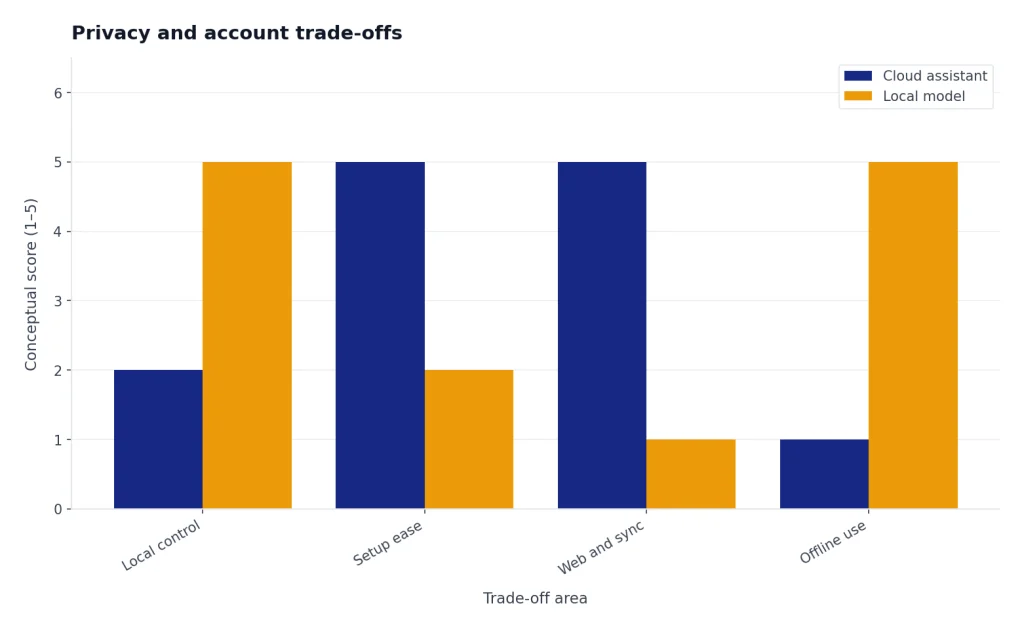
The biggest non-price difference between free alternatives is where your data goes. Cloud assistants send prompts to the provider. Local tools run on your own machine, but require setup and hardware. Neither approach is automatically perfect: cloud tools can offer sync, safety systems, and web features, while local tools can reduce data exposure but place more responsibility on you.
Before using any free cloud assistant for work, check the provider’s privacy, retention, and training controls. The exact controls differ by account type, region, and product surface, but these are the pages worth reviewing: Google Gemini Apps privacy help, Anthropic privacy center, Microsoft Copilot privacy and control, Perplexity privacy policy, Mistral legal and privacy terms, and GitHub privacy statement. Also check in-app settings for chat history, personalization, memory, model improvement, and data export or deletion options.
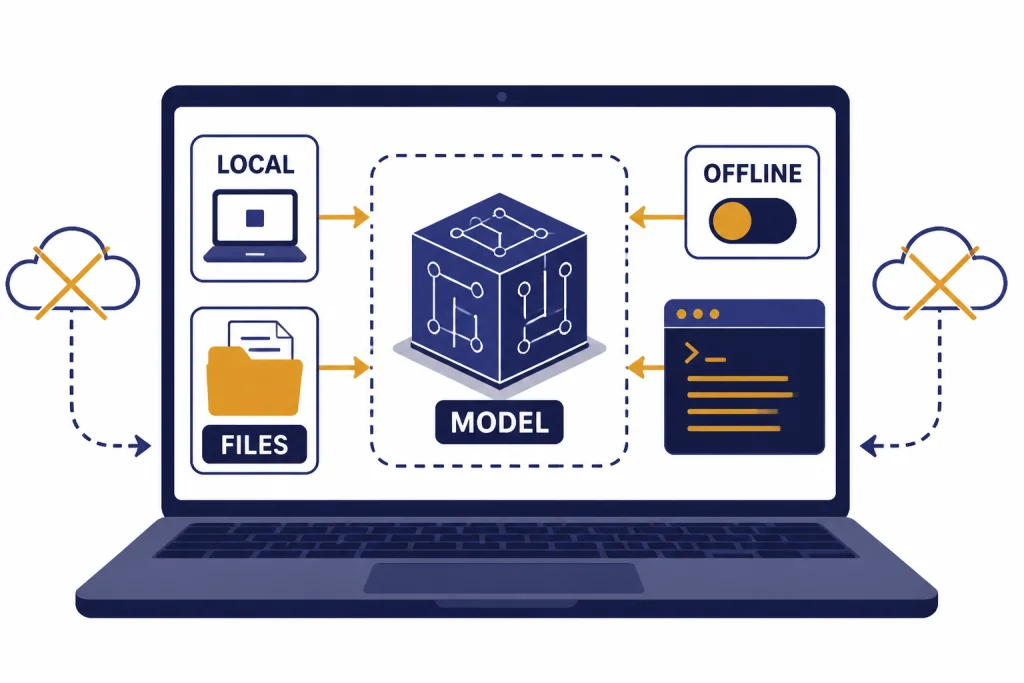
Ollama is the clearest free path for local experimentation. Its documentation says it helps users get started with large language models such as gpt-oss, Gemma 3, DeepSeek-R1, and Qwen3, and offers downloads for macOS, Windows, and Linux.[8] That makes it useful for drafts, private notes, offline tests, and developer workflows where you do not want every prompt handled by a hosted chatbot.
Local AI has trade-offs. You must install models, manage storage, and accept that smaller local models may be less capable than the best hosted models. You also lose some conveniences, such as built-in web search, polished mobile apps, easy file sync, and managed safety layers. For more local and self-hosted options, see our open source ChatGPT alternatives guide.
For most readers, the practical answer is mixed use. Keep sensitive drafts local or out of consumer AI tools. Use cloud assistants for low-risk work, public information, brainstorming, and drafts you can verify. If your employer or school has an AI policy, follow that policy before pasting internal material into any free chatbot.
Frequently asked questions
What is the best free ChatGPT alternative overall?
Gemini is the best first try for most general users, especially if they already use Google apps. It has the broadest everyday fit. Claude is better for careful writing and structured thinking, Perplexity is better for sourced answers, and GitHub Copilot Free is better for coding in an IDE.
Is there a completely free ChatGPT alternative with no limits?
Not in the same sense as unlimited access to a top hosted model. Free hosted plans usually limit usage, file handling, model access, or priority. Local tools such as Ollama can be free to run after setup, but your computer becomes the limiting factor.[8]
Which free alternative is best for research?
Perplexity is the strongest free starting point for research because it is built around search-style answers and sources. Its free plan is best for light users who need occasional answers, while heavier research workflows are directed toward paid tiers.[5] Always open the sources and verify important claims yourself.
Which free alternative is best for coding?
GitHub Copilot Free is the best coding-specific option because it works inside developer tools and includes a defined free allowance. GitHub says Copilot Free includes up to 2,000 code completions and 50 chat messages per month.[7] For broader coding discussions outside an IDE, also test Claude and Le Chat.
Which free alternative is best for writing?
Claude is the best free choice for writing drafts, rewriting, outlining, and editing. Its plan page lists writing, editing, content creation, text and image analysis, web search, memory, file creation, and code execution among free-plan capabilities.[3] Keep a backup tool open if you hit a usage limit during a long session.
Should I replace ChatGPT with one free alternative?
Usually no. A small stack works better: one assistant for writing, one for research, one for coding, and one local option if privacy matters. If you want a wider market scan, read our AI chatbot alternatives to ChatGPT next.