

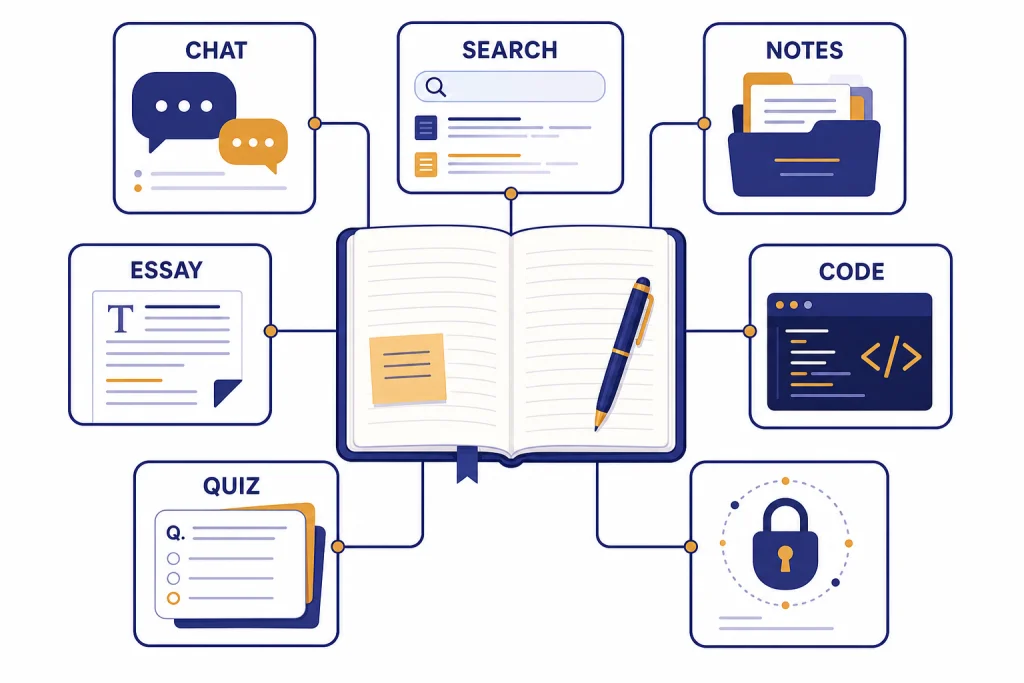
The best free ChatGPT alternatives for students are not all general chatbots. Gemini is the strongest all-around pick for students who live in Google Docs and need study help. Microsoft Copilot is best for students who want quizzes, flashcards, voice study, and Microsoft 365 tie-ins. Claude is best for careful writing feedback and long explanations, but its free plan has usage limits. Perplexity is the best free search-first option, with a paid Education Pro path for heavier research. NotebookLM is the best free tool for turning class sources into summaries, quizzes, and audio overviews. DeepSeek is useful for math, coding, and reasoning when you want another free model to cross-check answers.
Quick picks for students
If you only want one answer, start with Gemini if your schoolwork already lives in Google, Copilot if you want a study companion with quizzes and voice practice, and NotebookLM if you need help understanding assigned readings. Keep Claude around for writing feedback, Perplexity for cited web research, and DeepSeek for a second opinion on math, code, or logic.
This article focuses on practical chatgpt alternatives for students, not every AI app with a free tier. A tool belongs here only if it helps with at least one common student task: explaining concepts, checking writing, building study guides, summarizing assigned sources, practicing for tests, researching with citations, or debugging code. If you want a broader non-student list, read our free ChatGPT alternatives that actually work and our best ChatGPT alternatives in 2026.
The main caution is simple. Free AI tools are useful tutors, but they are unreliable authors. They can miss context, invent citations, flatten your voice, and give confident wrong answers. Use them to study, outline, question, drill, and revise. Do not use them as a replacement for reading the assignment, doing the proof, writing the essay, or checking your school’s academic integrity rules.
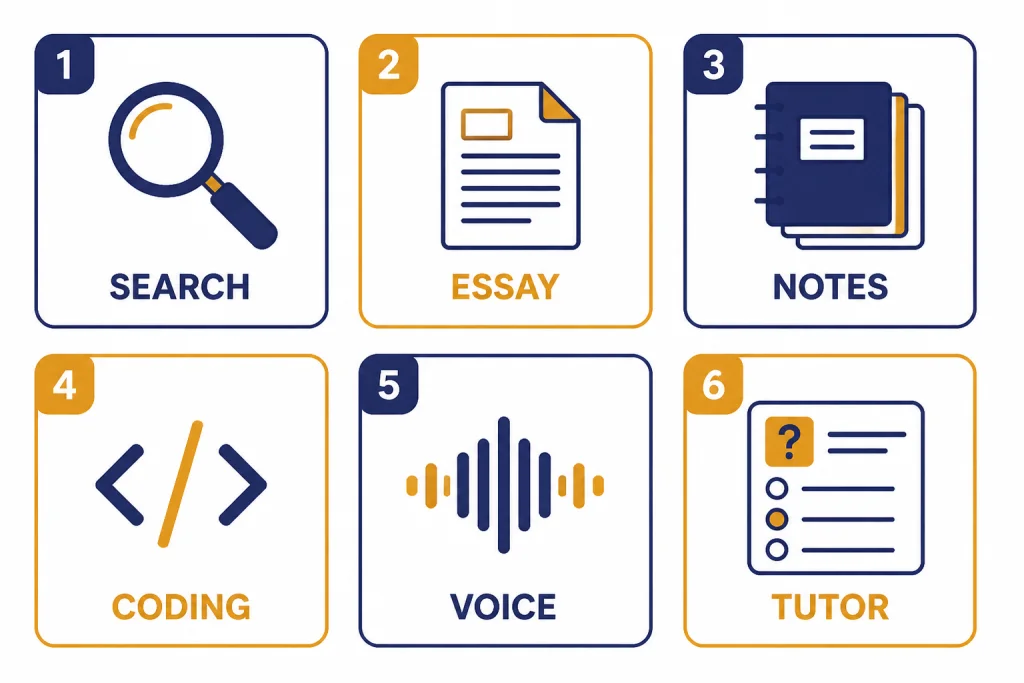
Free ChatGPT alternatives compared
The right free alternative depends on the assignment. A history paper needs source handling. A calculus problem needs step-by-step tutoring. A programming project needs debugging help. A chemistry exam needs practice questions. The table below ranks each tool by student fit, not by raw model benchmark.
| Tool | Best student use | Free or student offer | Main limitation |
|---|---|---|---|
| Google Gemini | General study help, writing drafts, Google-connected workflows, and Canvas-style iteration | Google says eligible college students can get one full year of Google AI Pro at no cost, including Gemini 3 Pro access, 2TB of cloud storage, and advanced NotebookLM features.[2] | Best features may depend on eligibility, account type, and regional availability. |
| Microsoft Copilot | Quizzes, flashcards, voice study, web-grounded answers, and Microsoft ecosystem work | Microsoft says students can get started for free and that college email sign-up can unlock 12 months of Microsoft 365 Premium and extended Copilot usage for free.[3] | Feature access can vary by personal, school, or Microsoft 365 account. |
| Claude | Essay feedback, explanations, brainstorming, and careful rewriting | Claude has a free plan, but Anthropic says free usage is session-based and resets every five hours.[4] | You can hit limits during long writing or research sessions. |
| Perplexity | Cited web research, topic discovery, and source comparison | Perplexity’s Education Pro is not free, but it gives verified university-level students and faculty a $10/month education discount, listed as 50% off.[5] | The free version is better for quick research than heavy academic workflows. |
| NotebookLM | Summarizing assigned PDFs, generating study aids from your own sources, and reviewing notes | NotebookLM Standard lets users sign up free of charge with a Gmail account.[6] | The free Standard tier has usage limits, including 100 notebooks per user, 50 sources per notebook, and 50 chats per day.[6] |
| DeepSeek | Math reasoning, coding help, and cross-checking another chatbot’s answer | DeepSeek’s official site advertises free access to DeepSeek Chat.[7] | Use extra caution for current events, local policy, and sensitive personal data. |
| Khanmigo | Tutoring-style help tied to Khan Academy’s learning approach | Khan Academy says its main content library and learning platform remain 100% free, while direct Khanmigo access requires payment or school/parent access in some cases.[8] | It is not a general free chatbot for every student account. |
Do not treat this as a single winner list. A better approach is to build a small stack. Use one general chatbot, one research tool, and one source-grounded study tool. For example, a student might use Gemini for brainstorming, Perplexity for early source discovery, and NotebookLM for reviewing the actual PDFs assigned by the professor.
Best free choices by school task
Students do not need the same chatbot for every class. A tool that is strong for writing can be mediocre for source review. A tool that is excellent for web research may not be the best place to paste private notes. Match the app to the assignment first.
Best for everyday study help: Gemini
Gemini is the easiest first recommendation for many students because it works well for broad academic tasks. It can explain a concept at different levels, generate practice questions, help restructure a paragraph, and support coding or presentation planning. Google also frames Gemini as a student tool, with Canvas for drafting papers or coding projects and a student offer that includes one full year of Google AI Pro for eligible college students.[2]
Use Gemini when you need to turn a vague assignment into a plan. Ask it to make a study schedule from a syllabus, rewrite lecture notes into a concept map, or quiz you on a chapter. Then verify any factual or cited claims against your textbook, library database, or instructor-provided materials.
Best for Microsoft students: Copilot
Copilot is a strong student pick if you already use Word, OneNote, Outlook, Windows, or Edge. Microsoft’s student page emphasizes quizzes, flashcards, Study and learn mode, Learn Live voice support, Pages, and web-grounded answers.[3] It also says Copilot pulls from live internet data using Bing and includes citations where appropriate.[3]
Use Copilot for short study loops. Ask it to turn a messy set of notes into flashcards, quiz you on mixed topics, or explain a graph you are studying. If your school provides Microsoft tools, check whether you should sign in with a school account or a personal account. Microsoft notes that the experience can differ by account type.[3] For mobile-first options, compare this with our apps like ChatGPT guide.
Best for writing feedback: Claude
Claude is often the best free companion for writing because it tends to be useful at explaining tone, structure, and argument flow. Give it your rubric and a draft, then ask for three things: the strongest paragraph, the weakest claim, and the most important revision. That keeps the feedback specific instead of turning your essay into generic AI prose.
The free plan is not unlimited. Anthropic says Claude’s free usage has a session-based limit that resets every five hours, and that the number of messages can vary based on demand.[4] Save it for high-value feedback sessions rather than endless brainstorming. If writing is your main use case, see our best ChatGPT alternatives for writing.
Best for research with citations: Perplexity
Perplexity is better than a standard chatbot when your first task is to understand the source landscape. Use it to find background reading, compare competing explanations, and locate terms you should search in your library database. Its student-focused Education Pro plan adds Learn Mode, file and image uploads, extended access to Perplexity Research, extended access to Perplexity Academic, and access to the latest AI models after verification.[5]
The free version is still useful, but do not cite Perplexity itself in a paper. Cite the original source after you read it. For deeper research workflows, use this article with our best ChatGPT alternatives for research.
Best for class readings and notes: NotebookLM
NotebookLM is different from a general chatbot because it works around your uploaded sources. That makes it especially useful for assigned PDFs, lecture notes, slide decks, and study packets. Ask it to make a chapter summary, extract key terms, build a quiz, or compare two readings from the same course.
The free Standard tier is generous enough for many students. Google lists Standard limits that include 100 notebooks per user, 50 sources per notebook, 50 chats per day, 3 audio overviews per day, 10 reports per day, 10 flashcards per day, and 10 quizzes per day.[6] Those numbers matter because NotebookLM works best when you create separate notebooks for separate courses or units.
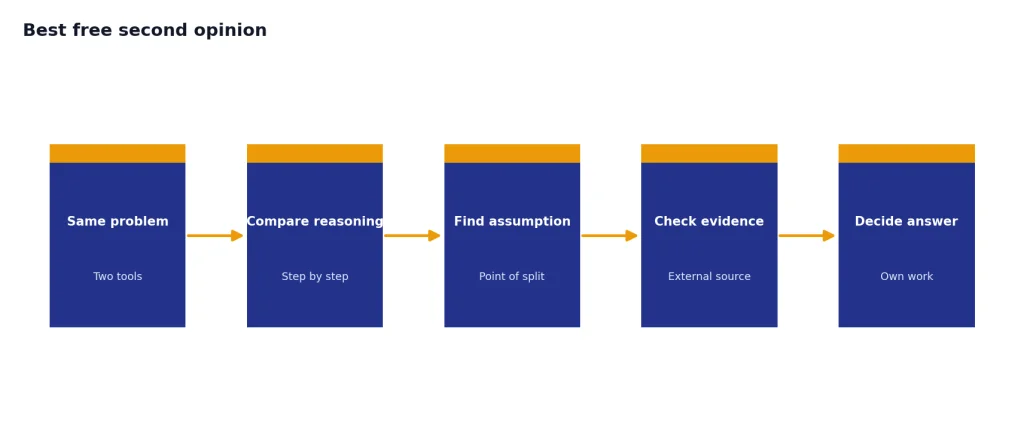
Best free second opinion: DeepSeek
DeepSeek is useful as a second model when you want to challenge an answer from ChatGPT, Gemini, Claude, or Copilot. It is especially handy for coding, math, and step-by-step reasoning. DeepSeek’s official site advertises free access to DeepSeek Chat and points users to its web, app, and API options.[7]
Use it as a verifier, not as the only authority. Ask the same problem in two tools and compare the reasoning. If the outputs disagree, ask each tool to identify the assumption that drives its answer. For coding-specific options, read our best ChatGPT alternatives for coding. If you prefer locally runnable tools, compare these with our open source ChatGPT alternatives.
Where free plans break down
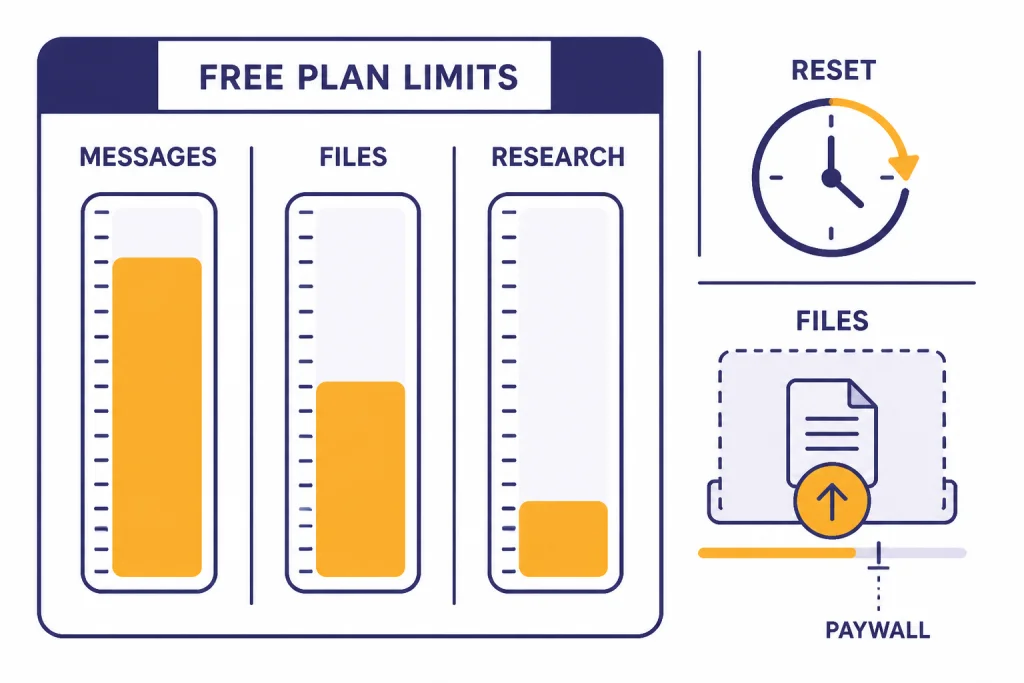
Free AI tools usually fail in predictable places. They run out during finals week. They restrict file uploads. They slow down when demand is high. They reserve the newest models for paid users. They may also limit long conversations, deep research, media generation, or advanced data analysis.
ChatGPT itself is the baseline example. OpenAI lists a free plan with limited access to its current flagship model, limited messages and uploads, limited and slower image generation, limited deep research, limited memory and context, and limited Codex access.[1] That does not make the free plan bad. It means students should expect trade-offs and keep a backup option ready.
Claude has the clearest free-plan warning because Anthropic states that free usage resets every five hours and can vary based on demand.[4] NotebookLM is more transparent about specific Standard limits, including 100 notebooks per user and 50 sources per notebook.[6] Perplexity’s Education Pro shows another pattern: the best student features can move behind a discounted plan rather than a free plan, with its education price listed at $10/month.[5]
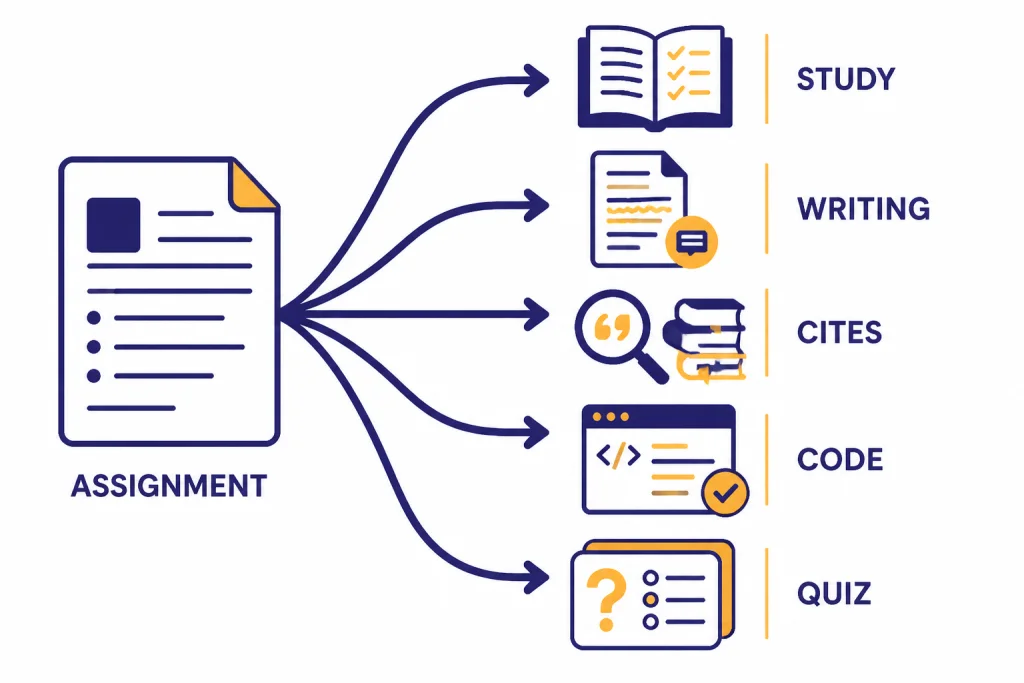
The best workaround is not to create more accounts. It is to divide tasks. Use NotebookLM for source-bound course material. Use Gemini or Copilot for quick tutoring. Use Claude for the most important writing feedback. Use Perplexity for web research discovery. Use DeepSeek to cross-check logic and code.
If you need a no-sign-in option for a quick question, use caution and avoid personal data. We maintain a separate list of ChatGPT alternatives without login required, but no-login tools are not automatically safer or more accurate.
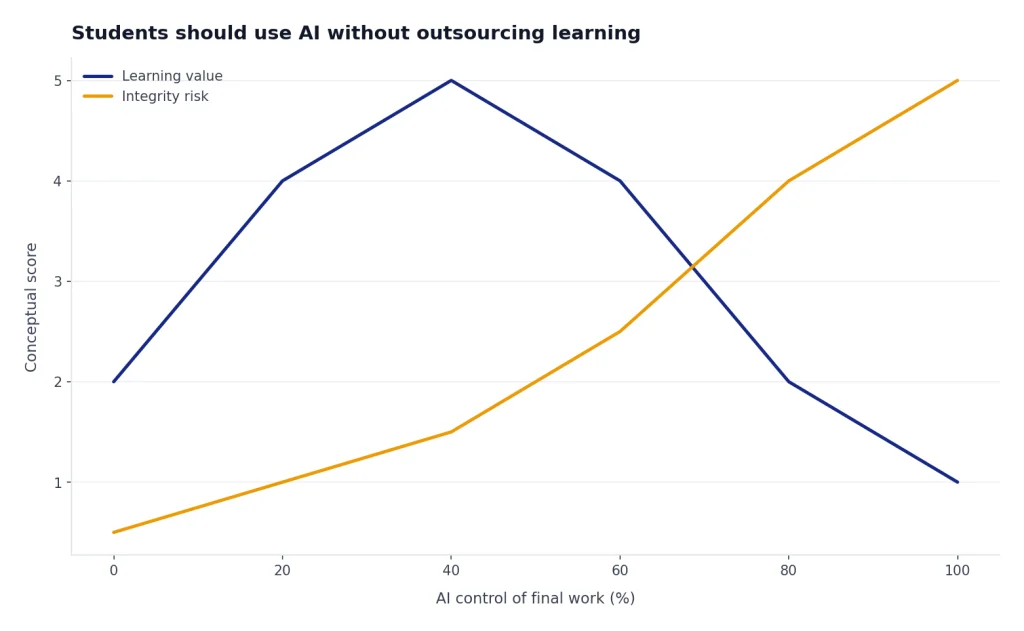
How students should use AI without outsourcing learning
A good AI workflow should make you more active, not less active. If the tool writes the final answer and you submit it, you learn less and risk violating course policy. If the tool quizzes you, challenges your explanation, finds gaps in your outline, or gives feedback on a draft you wrote, it can support real learning.
Use the tutor prompt
Try this prompt for hard concepts:
Act as a tutor. Do not give me the final answer first. Ask one question at a time. If I make a mistake, explain the misconception and give me a smaller hint.
This works well in Gemini, Copilot, Claude, and DeepSeek. It is especially useful for math, science, and coding because it forces a step-by-step exchange.
Use the rubric prompt
For writing assignments, paste the rubric and your draft. Then ask:
Evaluate this draft against the rubric. Give me a short revision plan. Do not rewrite the paper. Identify the highest-impact change I can make in the next hour.
This keeps the model in a feedback role. It also preserves your voice. If you want broader app comparisons, see our AI chatbot alternatives overview.
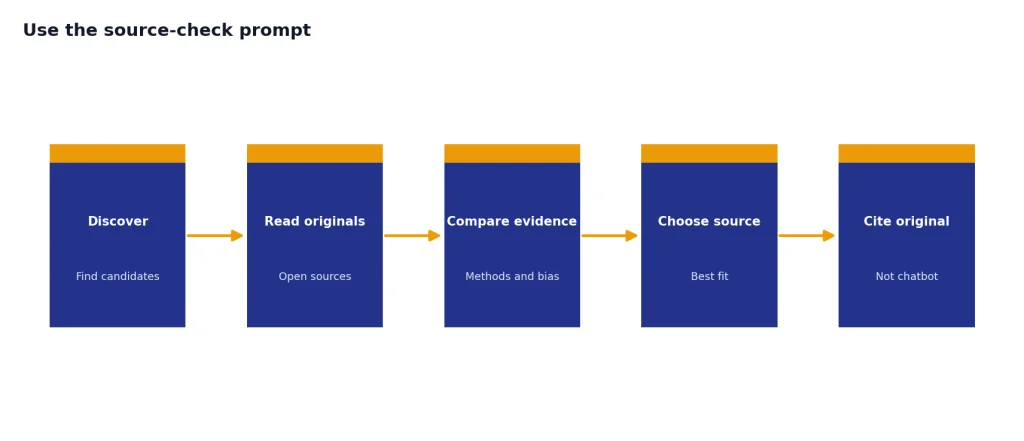
Use the source-check prompt
For research, do not ask a chatbot to invent a bibliography. Ask it to help you inspect sources you already found:
Here are three sources I am considering. Compare their methods, dates, likely bias, and usefulness for my research question. Tell me which source I should read first and why.
Perplexity can help you discover sources. NotebookLM can help you study sources. Your library database, course readings, and instructor guidance should decide what you actually cite.
Use the error-finding prompt
Before submitting a problem set, ask:
Look for mistakes in my reasoning. Do not solve from scratch unless my method fails. Mark any step that needs checking.
This is better than asking for answers. It turns the AI into a reviewer and keeps responsibility with you.
Privacy, age, and school policy checks
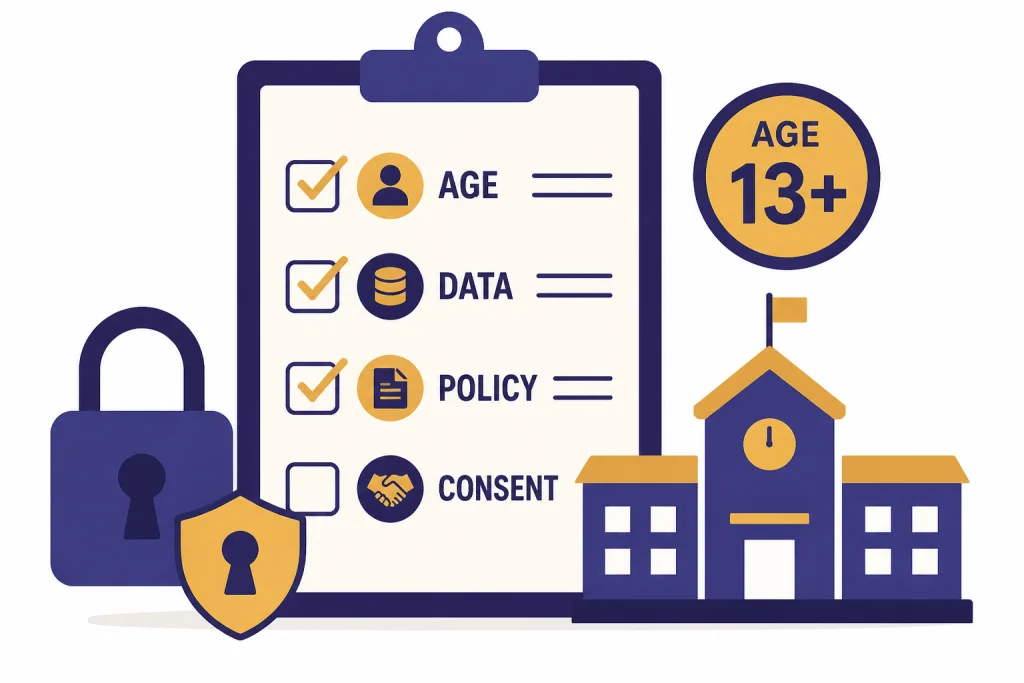
Students should check three things before using any AI tool for class: age rules, data rules, and academic rules. These checks matter more for minors, health-related assignments, unpublished research, confidential interviews, and school-issued accounts.
OpenAI says ChatGPT is not meant for children under 13 and that children ages 13 to 18 need parental consent.[9] Anthropic’s Claude help center says users must be at least 18 years old to use its services.[10] Khan Academy says learners under 18 can access Khanmigo when a parent gives access or when a school district is partnered with Khan Academy.[8]
Do not paste sensitive information into a free chatbot unless you understand the account’s data settings and your school’s rules. Avoid uploading student records, private medical details, unpublished lab data, confidential interview transcripts, or anything covered by a nondisclosure agreement. If you are using a school account, your institution may have different protections, logging, or approved-tool policies than a personal account.
Academic integrity policies also vary. Some instructors allow AI for brainstorming but ban AI-generated prose. Some allow grammar feedback but require disclosure. Some ban AI for take-home exams. When in doubt, ask your instructor in writing and keep a record of how you used the tool.
Final recommendations
For most students, the best free setup is Gemini plus NotebookLM plus one backup chatbot. Gemini handles broad study tasks. NotebookLM keeps you grounded in your actual course materials. Claude, Copilot, or DeepSeek can serve as the backup, depending on whether you need writing feedback, Microsoft-based study features, or reasoning support.
Choose Gemini if you want one general tool and you may qualify for the student Google AI Pro offer. Choose Copilot if you want study modes, quizzes, flashcards, and Microsoft 365 benefits. Choose Claude if your main need is better writing feedback and you can work within free usage windows. Choose Perplexity if source discovery matters most. Choose NotebookLM if you are reading PDFs, lecture notes, and course packets. Choose DeepSeek if you want a free second opinion for reasoning or code.
If you are building a broader toolkit, compare this student-focused list with our chatgpt alternative free guide and our top 10 ChatGPT alternatives in 2026. The best choice is the one that helps you understand the work, not the one that lets you skip it.
Frequently asked questions
What is the best free ChatGPT alternative for students overall?
Gemini is the best overall starting point for many students because it is broad, easy to use, and tied to common Google workflows. Copilot is close behind for students who prefer Microsoft tools and want built-in study features. NotebookLM is better than both when the task is studying specific class materials.
Which free AI tool is best for research papers?
Use Perplexity for early source discovery and NotebookLM for reading and reviewing sources you already have. Do not cite an AI chatbot as if it were the source. Read the original article, book chapter, or report and cite that material directly.
Which alternative is best for essay writing?
Claude is the strongest free writing-feedback choice for many students. Use it to critique structure, clarity, and argument strength. Avoid asking it to write the final essay because that can weaken your work and may violate course rules.
Are free ChatGPT alternatives safe for minors?
Not all of them are designed for minors. OpenAI says ChatGPT is not meant for children under 13 and requires parental consent for children ages 13 to 18.[9] Anthropic says Claude users must be at least 18 years old.[10] Students under 18 should use parent-approved or school-approved tools.
Can students use AI without cheating?
Yes, if the instructor allows it and the student uses AI as a tutor, reviewer, or study aid. Good uses include practice quizzes, explanations, outline feedback, and error checking. Risky uses include submitting AI-written work, generating fake citations, or using AI on exams where it is not allowed.
Should I pay for an AI plan as a student?
Start free unless you are repeatedly hitting limits during important work. A paid plan can make sense for heavy research, coding, or writing, but only after you know which tool fits your classes. Check student offers first because some providers give education discounts or free access periods.