

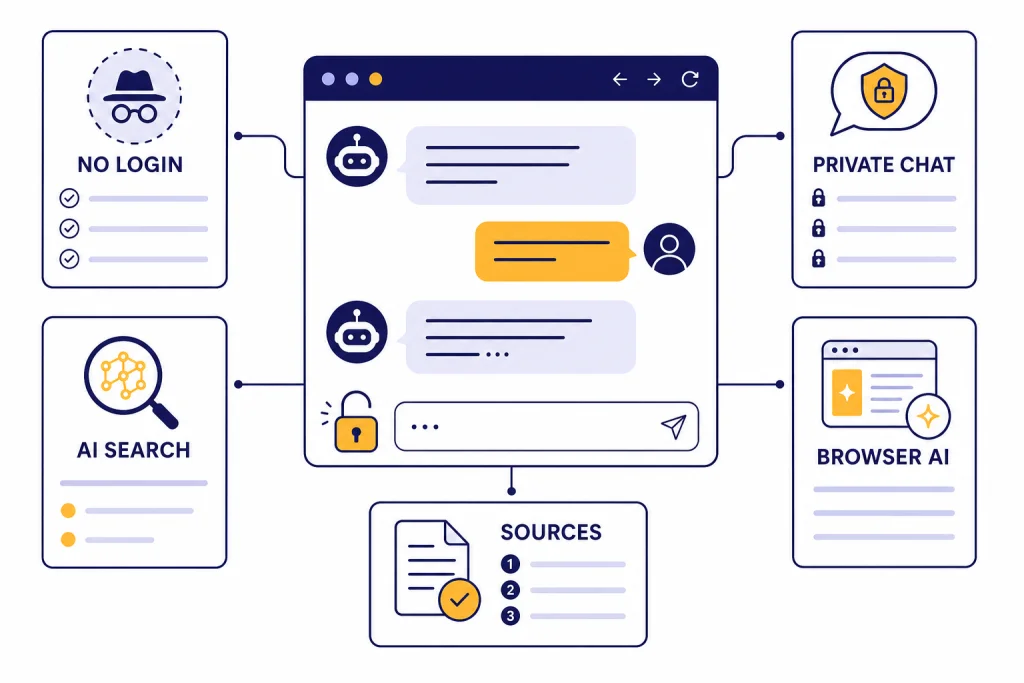
If you need a ChatGPT alternative with no login, start with Duck.ai for private general chat, Brave Search or Ask Brave for sourced web answers, Perplexity for quick research without signing in, and Andi for lightweight anonymous AI search. ChatGPT itself can also be used before creating an account in supported regions, but logged-out mode has limits such as one conversation at a time and no saved history.[1][2] The best choice depends on why you want to avoid an account: speed, privacy, classroom access, shared devices, or avoiding another subscription.
Quick picks
A no-login AI tool is useful when you need an answer quickly and do not want to create another account. It is also helpful in schools, libraries, work machines, and temporary browsers where account creation is blocked. The tradeoff is simple. You usually give up saved history, personalization, file tools, higher limits, and the strongest paid models.
For most readers, the best chatgpt alternative no login choice is not one tool. Use a small set. Duck.ai is the private general-purpose chat option because DuckDuckGo says Duck.ai and Search Assist are free, anonymized, and do not require an account.[5] Brave is better when you want AI built into search or the browser, since Brave says Ask Brave and Leo do not require an account or login.[8] Perplexity is useful for research-style answers, but its own help page says logged-out users get only some features and must sign in for Pro Search, file uploads, and saved threads.[6] Andi is the simplest anonymous AI search option, with basic search available without an account under its terms.[11]
If your goal is broader comparison shopping, see our chatgpt alternative free guide and the larger best ai chatbot alternatives to ChatGPT roundup. This article focuses only on services you can start using without making an account.
What no login really means
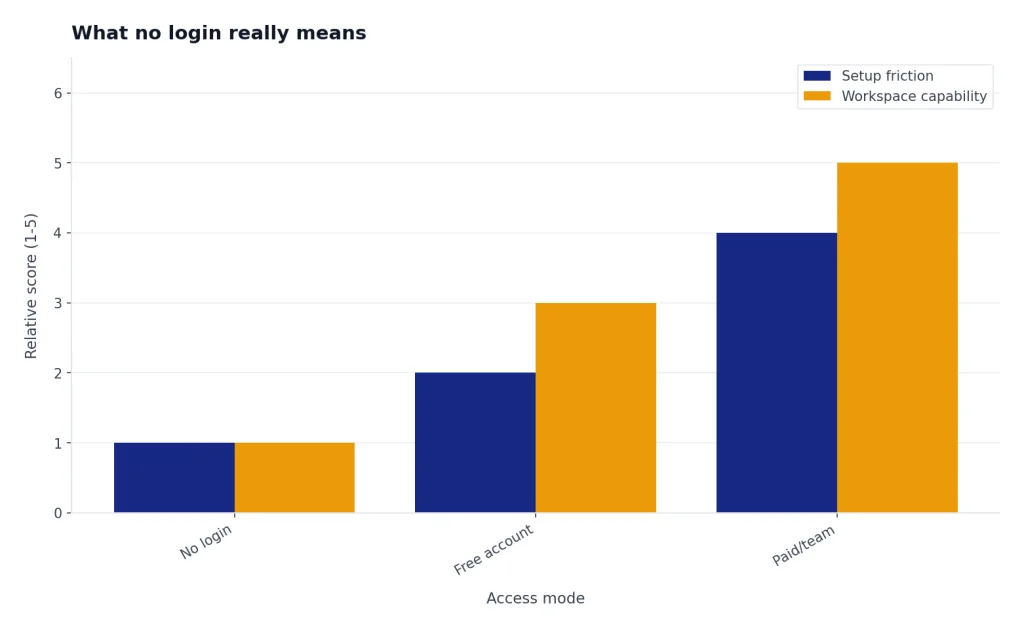
“No login” does not always mean the same thing. It can mean no email address, no password, no paid account, no saved history, or no identity-linked profile. Those are different promises. A site can let you type a prompt without signing in and still process your request on its servers. A browser-based assistant can avoid account creation but still apply rate limits. A search assistant can be anonymous for basic queries but require an account for saved threads or uploads.
OpenAI’s own logged-out ChatGPT experience is a good baseline. OpenAI says ChatGPT can be accessed before creating an account, but chats can only be saved by logging in or creating an account.[2] OpenAI also says logged-out users can have only one conversation at a time.[2] That pattern is common across no-login tools. They lower friction at the start, then ask for a login when you want persistence or higher-end features.
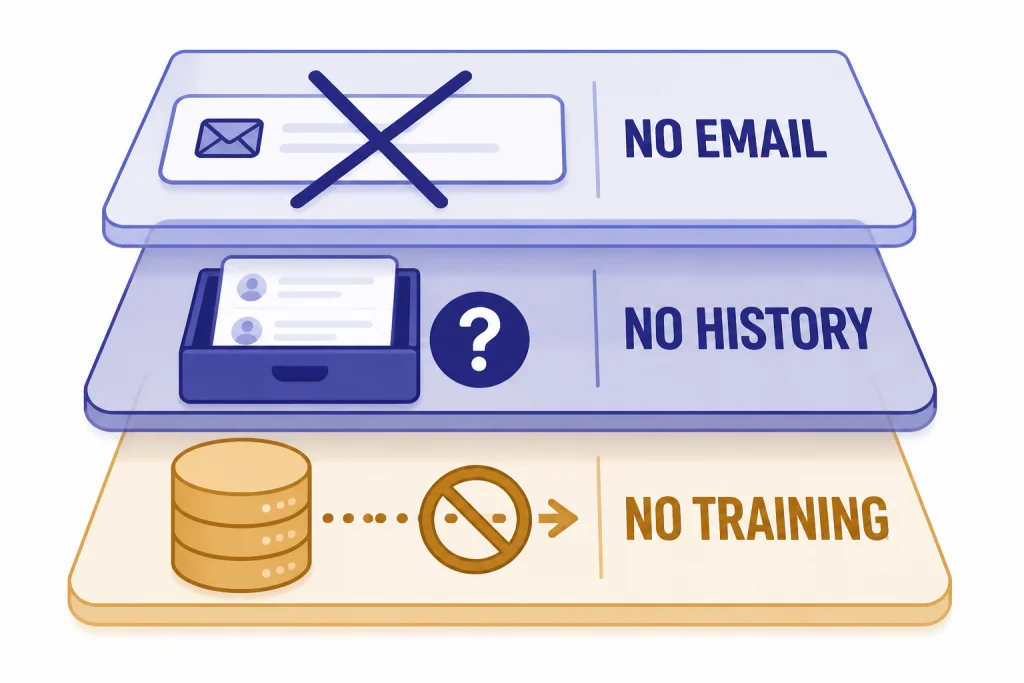
For privacy, check three separate questions before trusting any no-login AI service:
- Does it require an account? If yes, it is not a no-login option for this guide.
- Does it store chats? If yes, check whether you can delete them and whether storage is tied to a browser, device, or account.
- Does it use prompts for training? If the company does not say, assume your prompts may be processed beyond the immediate answer.
Best ChatGPT alternatives without login
Duck.ai: best private no-login chat
Duck.ai is the strongest first stop if you want a ChatGPT-style interface without creating an account. DuckDuckGo says Duck.ai provides free, anonymized access to third-party AI chatbots, including models from OpenAI, Anthropic, and others.[3] DuckDuckGo also says Duck.ai does not record or store your chats and that conversations are not used to train chat models by DuckDuckGo or the underlying model providers.[4]
Use Duck.ai for everyday writing, summarizing, rewriting, brainstorming, explaining concepts, and comparing responses across models. It is a practical choice for privacy-conscious users who do not need a full account workspace. If you need long-term memory, project folders, uploaded files, or team features, a logged-in product will be better.
Brave Search and Ask Brave: best for cited web answers
Brave offers two no-login AI paths. Ask Brave is built into Brave Search, and Brave says no account or login is required.[8] Brave’s product page also describes Ask Brave as an AI chat experience in search that synthesizes content from webpages and cites sources.[8] Brave announced Ask Brave as a free feature available on any browser or platform.[10]
Use Brave when the question depends on current web information or when you want citations beside the answer. It is closer to an AI search assistant than a long-form writing partner. For a fuller research workflow, compare it with our best ChatGPT alternatives for research.
Brave Leo: best no-login browser assistant
Brave Leo is different from a normal web chatbot because it lives inside the Brave browser. Brave says Leo can summarize webpages, analyze PDFs, translate content, and generate text without an account or signup for the free experience.[9] Brave also says Leo does not retain or share chats or use them for additional model training.[9]
Leo is best if you already use Brave and want the assistant attached to the page you are reading. It is less convenient if you prefer another browser or need a standalone web app. For phone-first choices, see our apps like ChatGPT and best mobile alternatives to ChatGPT guides.
Perplexity: best logged-out research preview
Perplexity is a strong research tool, but its no-login mode is more of a preview than a complete account-free workspace. Perplexity says it can be used without signing in, but logged-out users must sign in to try Pro Search, upload files, and save threads.[6] Its help pages describe a free account tier with access to core features, but that is not the same as no login.[6]
Use Perplexity without an account for quick source-backed answers. Create an account only if you want history, collections, uploads, or more advanced searches. Perplexity’s help material is not perfectly consistent on free Pro Search counts: one account page mentions five Pro Searches per day for a free account, while another plan page lists three Pro Searches per day for the free plan.[6][7] Treat those limits as changeable.
Andi: best lightweight anonymous AI search
Andi is a clean AI search assistant rather than a full ChatGPT replacement. Andi’s terms say basic search can be used without an account, and its privacy policy says anonymous searches are not logged and that settings and history are saved only in the browser.[11][12] Andi’s about page describes the product as an AI search chatbot that is ad-free and privacy-focused.[13]
Use Andi for quick factual questions, summaries of web pages, and low-friction search. Skip it for long writing projects, file analysis, coding copilots, or complex multi-step reasoning. It is best when you want fewer controls, not more.
HuggingChat: best open-source-style option, with a caveat
HuggingChat is worth testing if you specifically want open-source model access, but treat its no-login status as less stable than Duck.ai, Brave, Perplexity, and Andi. Search Engine Journal reported that registration was not necessary to use HuggingChat when covering the Hugging Face release.[14] Hugging Face’s privacy policy applies to users of its services and says the company may collect personal information such as an IP address in some contexts.[15]
Use HuggingChat for experimenting with open models and comparing community model behavior. Do not use it as your only no-login option for a classroom or workflow unless you verify access on the exact device and network first. For more on self-hosted and transparent model options, read our open source ChatGPT alternatives guide.
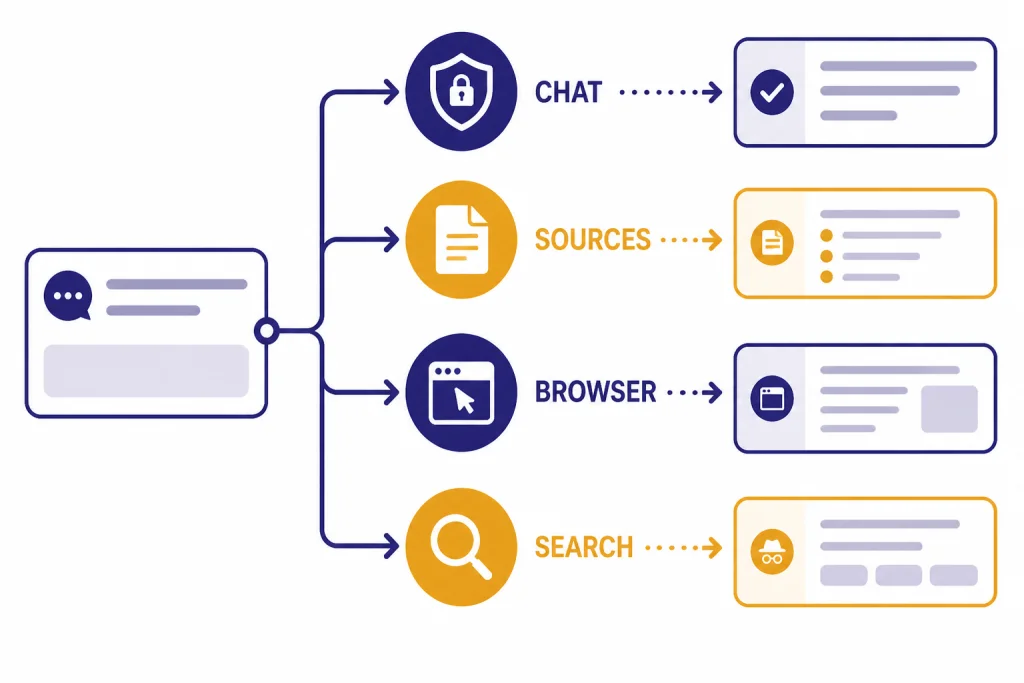
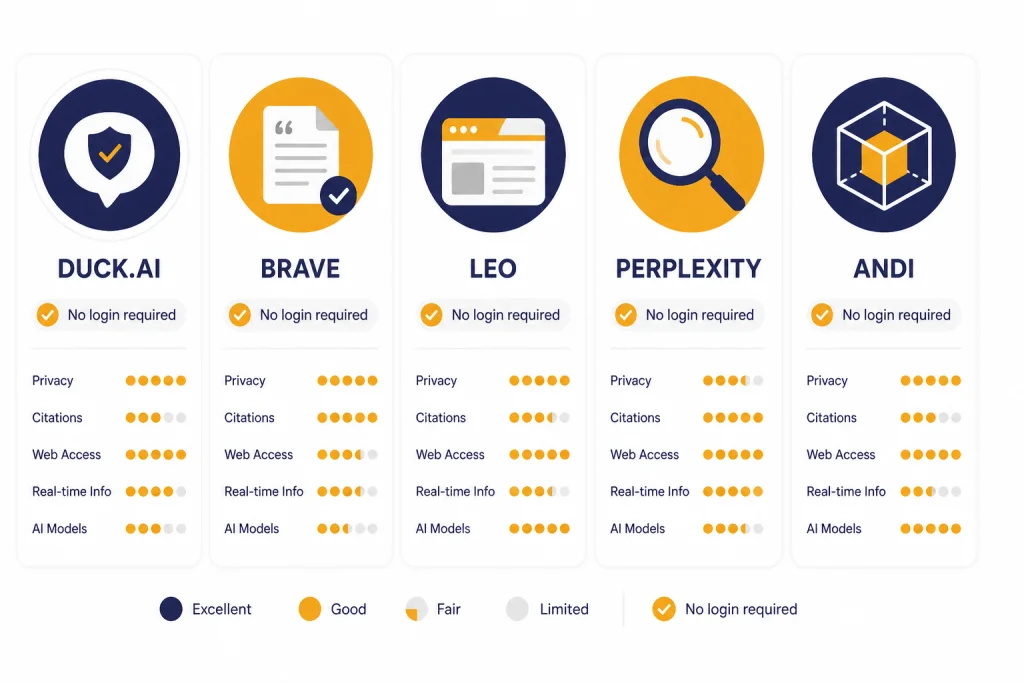
No-login AI chatbot comparison table
This table separates true no-login use from free-account use. It also marks the best job for each tool, because no-account access usually comes with narrower features.
| Tool | No-login status | Best use | Main limitation |
|---|---|---|---|
| Duck.ai | No account required for free anonymized use.[5] | Private general chat and quick drafting. | Not a full saved workspace. |
| Brave Search / Ask Brave | No account or login required.[8] | AI search answers with sources. | Less suited to long writing sessions. |
| Brave Leo | No account or signup required for the free browser assistant.[9] | Summarizing webpages and PDFs inside Brave. | Works best if you use the Brave browser. |
| Perplexity | Some features work without signing in; Pro Search, uploads, and saved threads require sign-in.[6] | Research previews and sourced answers. | Core workflow improves after login. |
| Andi | Basic search can be used without an account.[11] | Anonymous AI search and quick explanations. | Fewer power-user features. |
| HuggingChat | Reported as usable without registration, but verify before relying on it.[14] | Testing open-source-style chat models. | Access and model availability can change. |
If you only want free tools and do not care whether they require accounts, see free ChatGPT alternatives that actually work. If you want the broadest market view, use our ChatGPT alternatives 2026 list.
Privacy and safety tradeoffs
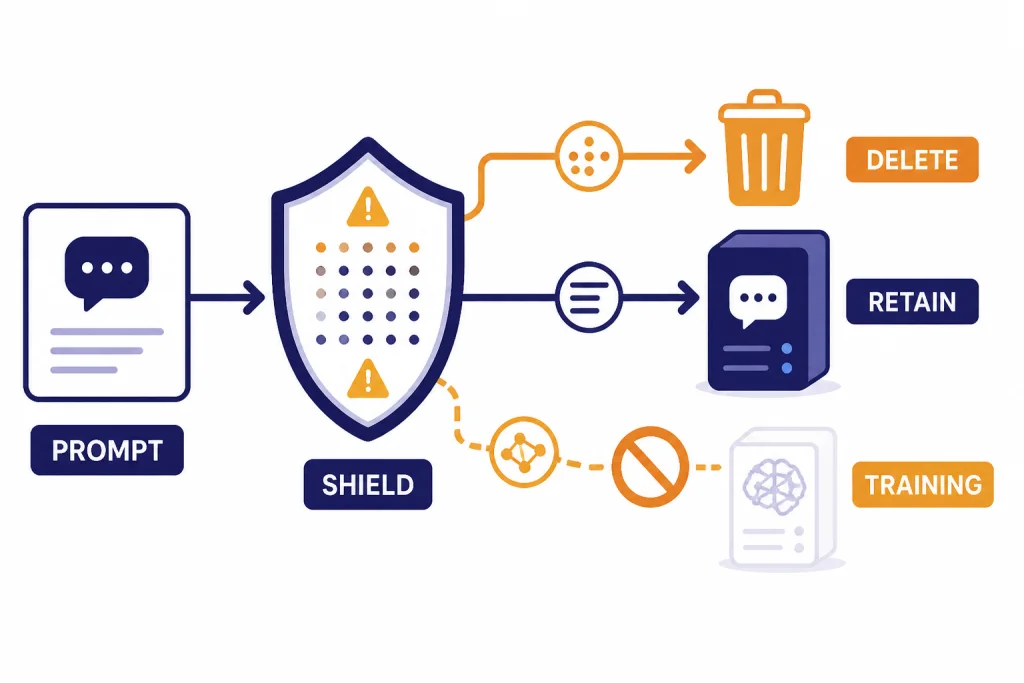
No-login AI can reduce identity linkage, but it does not make sensitive prompts safe. The service still has to process your request. DuckDuckGo says Duck.ai does not record or store chats, and that model providers must delete information once it is no longer necessary to provide responses, at most within 30 days with limited exceptions for safety and legal compliance.[4] Brave says Leo does not retain or share chats and does not use them for additional model training.[9] Andi says anonymous searches are private and not logged.[12]
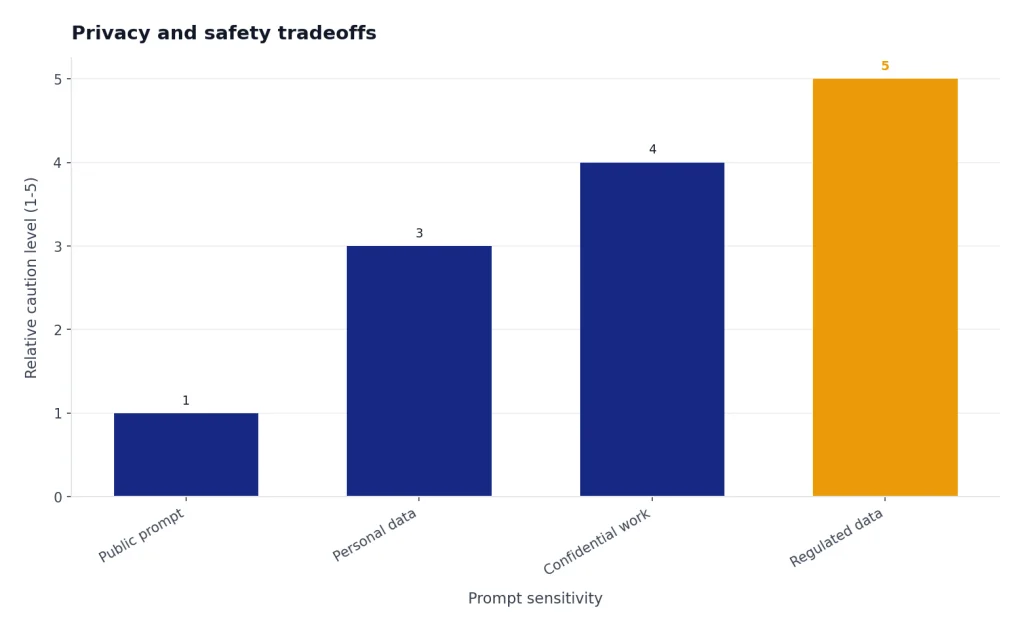
Those are strong privacy claims, but you should still avoid entering highly sensitive information. Do not paste medical records, tax forms, client contracts, source code secrets, passwords, private school records, or personal IDs into a no-login chatbot. “No account” reduces one kind of tracking. It does not replace a data-processing agreement, a company security review, or legal approval.
There is also a quality tradeoff. Logged-out modes often use lower-cost routing, stricter usage limits, and fewer file tools. That is fine for quick tasks. It is not ideal for important decisions, professional research, coding changes in production, or anything that requires audit trails. For writing-heavy work, compare no-login tools with our best ChatGPT alternatives for writing.
When a login is still worth it
A login is worth it when continuity matters. If you need saved conversations, uploaded files, custom instructions, memory, shared projects, admin controls, or billing records, a logged-in account is usually the right tool. OpenAI says logged-out ChatGPT conversations cannot be saved unless you log in or create an account.[2] Perplexity says logged-out users must sign in to save threads and use file uploads.[6]
A login can also improve accountability. If you use AI for school or work, your institution may need to know which tool you used, what data you entered, and how results were generated. Anonymous tools are convenient, but they are hard to document. That matters for citations, academic integrity, regulated data, and collaborative projects. Students should also compare these choices with our best free ChatGPT alternatives for students.
For paid use, decide whether your problem is really “no login” or “no credit card.” Many people search for no-login tools because they do not want another paid plan. If price is the issue, compare free-account tools before defaulting to anonymous tools. If privacy is the issue, read the privacy policy and data-use settings before you type anything important.
How to test a no-login AI tool safely
Before you adopt any no-login AI tool, run a short test. Use the same harmless prompt in each tool. Ask for a summary, a comparison, and a follow-up. Check whether the tool keeps context, cites sources, blocks prompts unexpectedly, or asks you to sign in after one or two messages.
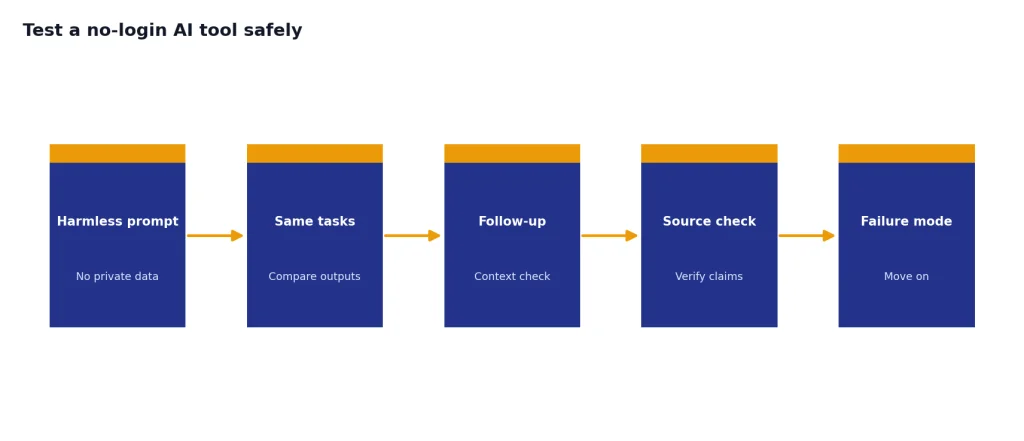
A good test prompt is specific but not private:
Explain the difference between a Roth IRA and a traditional IRA in plain English. Give three practical examples. Then list what I should verify with a tax professional.
This prompt tests explanation, structure, caution, and follow-up quality without revealing personal data. For research tools, add a request for sources. For writing tools, ask for two versions: one concise and one more formal. For coding tools, use a toy example rather than proprietary code.
After the test, choose the tool that fails safely. A good no-login assistant should say when it is uncertain, provide sources when it claims to search the web, and avoid pretending to know details it cannot verify. If it invents citations, pressures you to sign up, or hides its privacy terms, move on.
Frequently asked questions
What is the best ChatGPT alternative with no login?
Duck.ai is the best general choice because it is built around free, anonymized AI chat with no account required.[5] Brave Search or Ask Brave is better for cited web answers, while Andi is better for simple anonymous AI search.
Can I use ChatGPT without logging in?
Yes, in supported regions. OpenAI says ChatGPT can be accessed before creating an account, but logged-out users can only have one conversation at a time and need an account to save chats.[2]
Is no-login AI private?
It can be more private than an account-based tool, but it is not automatically safe for sensitive data. Read the tool’s privacy policy and avoid entering personal, legal, medical, financial, or confidential work information.
Does Perplexity require a login?
Perplexity says it can be used without signing in, but only for some features. It requires sign-in for Pro Search, file uploads, and saved threads.[6]
Which no-login AI is best for research?
Brave Search, Ask Brave, Perplexity, and Andi are the strongest no-login research-style options. Use them for quick source-backed answers, then verify important claims directly from the cited sources.
Which no-login AI is best for writing?
Duck.ai is the best fit for no-login drafting, rewriting, and brainstorming. If you need long documents, saved brand voice, or project memory, a logged-in writing assistant will usually work better.