

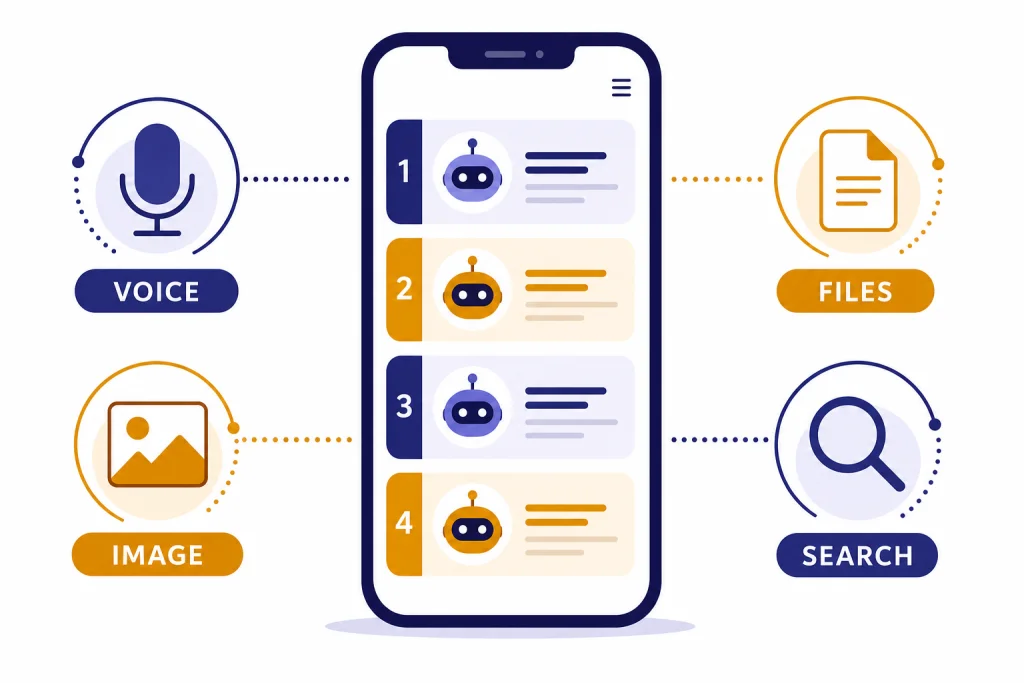
The best official ChatGPT mobile app for most people is OpenAI’s ChatGPT app for iPhone and Android. It is free to download, syncs chat history across devices, and connects to your OpenAI account without relying on a third-party wrapper.[1][2] If you do not want another app, the best no-install option is ChatGPT in a mobile browser. Gemini, Claude, Perplexity, Microsoft Copilot, and Poe are not “ChatGPT apps” in the strict sense; they are competing AI-assistant apps that may be better for Google integration, careful writing, source-backed research, Microsoft workflows, or trying multiple models from one place.
Checked May 4, 2026: this update rechecked the current iOS and Android store listings, publisher names, sign-in flow, mobile voice behavior, file/image entry points, sharing behavior, and pricing/privacy prompts. App version numbers change quickly and can vary by region, device, and staged rollout, so this guide records the check date and feature behavior rather than treating a single build number as permanent.
Quick picks
If you want ChatGPT on your phone, start with the official app from OpenAI. OpenAI’s iPhone listing identifies ChatGPT as the official app, and the Google Play listing identifies the Android app as ChatGPT by OpenAI.[1][2] That publisher check matters because app stores still contain many AI chat apps that use “ChatGPT,” “GPT,” or OpenAI-style wording without being the official product.
Ranking method: I weighted each app by officiality and account safety 25%, mobile usability 20%, voice/image/file support 20%, workflow fit 15%, answer transparency 10%, and pricing/privacy clarity 10%. This is a practical mobile-app ranking, not a lab latency benchmark. The test tasks were: install or open the app, complete onboarding, start a typed chat, try voice, upload or share a file/image where supported, check how sources or model choices are presented, and review subscription/data-control prompts.
Here is the short version.
- Best overall: ChatGPT by OpenAI on iOS and Android.
- Best no-install option: ChatGPT in a mobile browser.
- Best for Google users: Google Gemini, especially on Android, where Google says the Gemini app can work as a mobile assistant.[9]
- Best for careful writing and analysis: Claude by Anthropic, because its mobile flow is calm, document-friendly, and well suited to rewriting, planning, and critique.[10]
- Best for cited answers: Perplexity, because source-backed answers and follow-up research are central to the product rather than an add-on.[12]
- Best for Microsoft users: Microsoft Copilot, available through Microsoft’s mobile app download page for iOS and Android.[11]
- Best multi-model app: Poe, which offers mobile apps and access to multiple AI bots from one account.[13]
For most readers, the answer is still simple: use the official ChatGPT app unless you have a specific reason not to. If you also need desktop options, compare this roundup with our Best ChatGPT Desktop Apps guide. If you want a broader cross-device view, see our best ChatGPT app for Mac, iPhone, and Android breakdown.
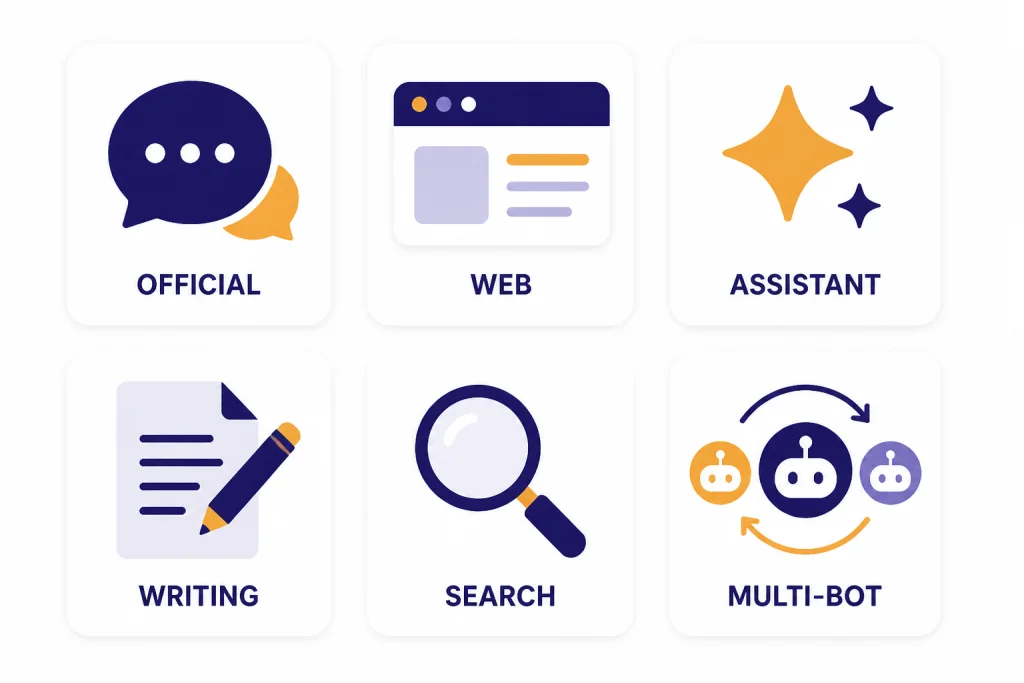
What the official ChatGPT apps do best
The official ChatGPT mobile apps are best when you want the least complicated path to ChatGPT. They avoid API-key setup, browser tab clutter, and the privacy uncertainty of unknown wrappers. OpenAI launched the iOS app on May 18, 2023, and later added the Android app in July 2023.[3][4] Since then, the mobile app has become the default phone experience for many users.
Onboarding notes: the official app flow is straightforward: install, sign in or create an OpenAI account, then land in a familiar chat screen. It asks for microphone, camera, photo, or file access only when those features are needed. On iPhone, the most useful mobile entry points are the app icon, the iOS share sheet, Photos, Files, and voice. On Android, the app works well with the Android file picker and share sheet, but it is still different from a system-level assistant such as Gemini.
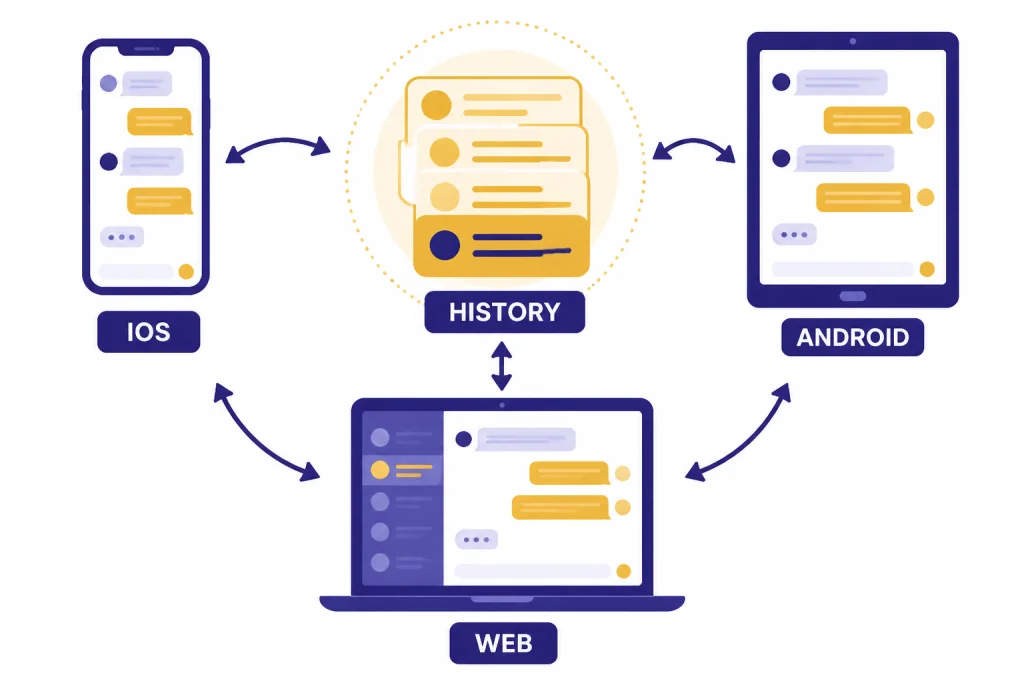
The strongest reason to use the official app is account continuity. The App Store and Google Play listings both describe history sync across devices.[1][2] A chat started on your phone can continue on a laptop, and a prompt drafted on desktop can be reopened from the phone later. This is especially useful for students, consultants, writers, and developers who move between devices throughout the day.
The second reason is feature access. OpenAI’s mobile listings describe the app as bringing OpenAI improvements to the phone, including image generation in the current listing text.[1][2] As of May 2026, OpenAI’s current lineup includes GPT-5.5 and GPT-5.5 Pro for top-tier chat, plus GPT-image-2 for image generation; what you see in the app still depends on your plan, region, and account rollout. OpenAI also documents voice conversations in ChatGPT mobile apps, desktop apps, and ChatGPT on the web.[5] In practice, the native app is better than a browser tab for voice because microphone access, interruption, and returning to the conversation feel more phone-native.
The third reason is file and image handling. OpenAI’s file guidance says users can add photos or files, including formats such as CSV, XLSX, PDF, DOCX, JPEG, PNG, and TXT.[6] On mobile, that makes ChatGPT useful for quick document checks, receipt summaries, screenshot explanations, and photo-based questions. The main quirk is that uploading from a phone is less predictable than dragging a file on desktop: cloud files may need to download locally first, large PDFs can take a moment to process, and plan limits can affect how many files or images you can work with. For deeper document workflows, compare mobile ChatGPT with dedicated tools in our Best AI Summarizer Tools for Long Documents guide.
The main limitation is not the app itself. It is the plan and usage policy behind your account. OpenAI’s pricing page lists a free plan, Plus at $20, and Pro at $200.[7] If you use ChatGPT only for casual questions, the free plan may be enough. If you rely on it for work, study, coding, file analysis, image generation, or heavier model access, the paid tier can matter more than the difference between iOS and Android. For a full price discussion, see our ChatGPT Plus price in 2026 guide.
Feature comparison
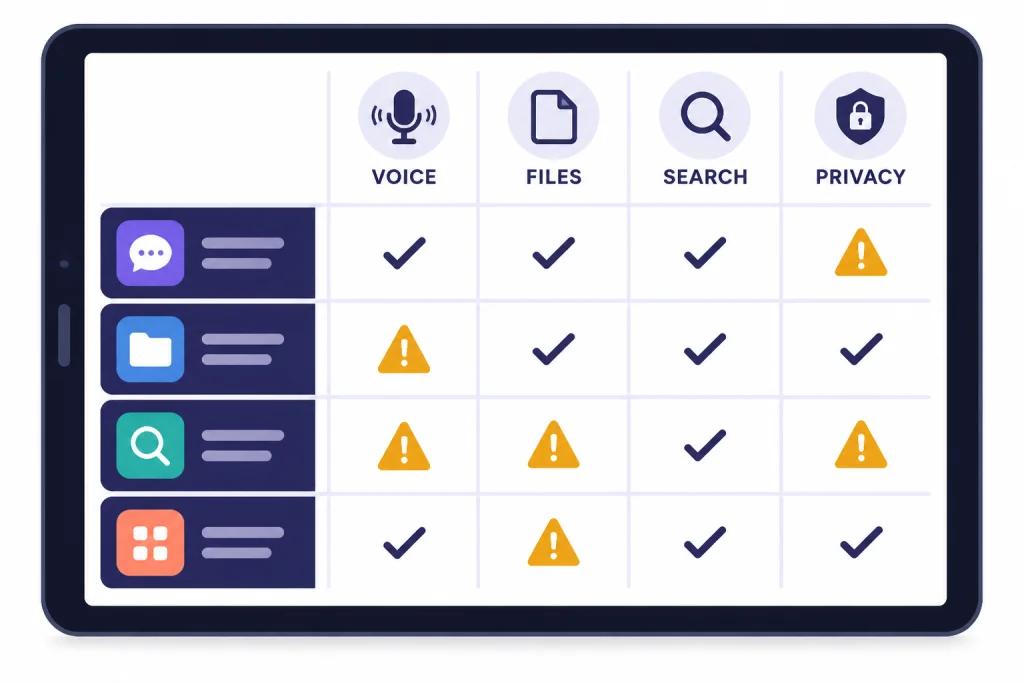
The best ChatGPT mobile app depends on what you mean by “ChatGPT.” If you mean OpenAI’s own chatbot, use the official ChatGPT app. If you mean a phone-based AI assistant that can answer questions, draft text, summarize pages, research with sources, or help with work, several apps can compete. The table below focuses on mobile-specific differences rather than app-store popularity.
| Mobile app | Official ChatGPT access? | Voice behavior | Images and files | Mobile shortcuts and sharing | Best fit | Main caution |
|---|---|---|---|---|---|---|
| ChatGPT by OpenAI | Yes. This is the official OpenAI app.[1][2] | Strong native voice flow; better than mobile web for frequent spoken chats.[5] | Supports photos and common file types, subject to plan/account limits.[6] Image generation is listed in the current store copy.[1][2] | Works well from home screen, app file picker, Photos/Files, and share sheets; not the same as replacing the Android system assistant. | Best default for most ChatGPT users. | Advanced models, image generation, and file usage can depend on plan and rollout. |
| ChatGPT mobile web | Yes, through the browser using the same ChatGPT account. | Usable, but less convenient for push-to-talk or long hands-free sessions. | Useful for quick chats and some uploads, but less fluid than a native app for camera/photo/file handoff. | No app install; can be pinned to a home screen, but share-sheet behavior is less app-like. | Best when you cannot install apps or are using a shared device. | Browser tabs, permissions, and background behavior are less predictable. |
| Google Gemini | No. It is Google’s AI assistant, not ChatGPT. | Strongest on Android, where Google says Gemini can work as a mobile assistant.[9] | Good for Google-connected workflows; exact image/file behavior varies by platform and account. | Best Android assistant-style integration in this roundup; iOS support is more limited. | Google account, Android, Search, Gmail, Docs, Drive, and Maps users. | Use ChatGPT instead if you specifically need OpenAI account history or ChatGPT models. |
| Claude | No. It is Anthropic’s assistant. | Good for dictating or revising longer text, though it is less assistant-like at the OS level. | Well suited to document review, long prompts, rewriting, and careful critique, depending on plan limits.[10] | Clean app experience; less about widgets and shortcuts, more about focused conversations. | Writers, editors, strategists, and users who want a second opinion on wording or reasoning. | Not a substitute for ChatGPT history, memory, or OpenAI-specific tools. |
| Perplexity | No. It is an AI search and answer engine. | Useful for quick spoken questions, but the main value is cited research rather than conversation. | Best for source-backed answer threads and research follow-ups.[12] | Works well as a “look this up and cite it” app from a phone. | Research, product comparisons, current events, and fact-finding. | Not ideal for every drafting, coding, or creative ChatGPT workflow. |
| Microsoft Copilot | No. It is Microsoft’s Copilot app ecosystem.[11] | Good fit for users already signed into Microsoft services. | Most valuable when your work already lives in Microsoft accounts and files. | Natural for Microsoft 365, Outlook, Teams, and Windows-adjacent users. | Microsoft ecosystem users, especially where Copilot is already approved at work. | Consumer Copilot and work-managed Microsoft 365 Copilot can behave differently. |
| Poe | No, unless you choose a bot that routes to an OpenAI model through Poe’s platform. | Good for quick chats across bots, but voice and model behavior can vary by bot. | Useful for comparing model outputs; specific file/image capabilities depend on bot and plan.[13] | Convenient if you want one app instead of several AI apps. | Trying many bots, comparing styles, and experimenting. | Easy to forget which bot/model produced an answer; pricing and access can change. |
The official ChatGPT app wins if you care about the safest route to OpenAI’s product. Gemini wins when you want an AI assistant tied to Android and Google services. Claude earns its writing recommendation because its interface encourages long prompts, revisions, and calmer document-style back-and-forth. Perplexity earns its research recommendation because sources are visible in the answer flow instead of being an afterthought. Poe wins when comparison is the point: you want to ask the same question to several bots without installing several apps.
If your mobile use is mostly coding, you may be better served by a coding-specific tool on desktop and ChatGPT mobile for quick review. Start with our best AI coding assistants of 2026 article if code completion, repository context, and IDE support matter more than phone convenience. If your mobile use is prompt drafting, pair ChatGPT with one of the tools in our Best ChatGPT Prompt Generator Tools roundup.
Best alternatives to the ChatGPT app
Google Gemini
Gemini is the best ChatGPT-style app for Android users who want the assistant to feel close to the phone operating system. Google’s support documentation says Gemini is available through the Gemini app on iOS and through the Gemini app on Android, including as a mobile assistant.[9] During the mobile check, Gemini’s clearest advantage was not that it felt like ChatGPT; it was that Android users can treat it more like a phone assistant for Google-centered tasks.
The tradeoff is that Gemini is not ChatGPT. If you specifically want OpenAI’s models, account history, custom instructions, or ChatGPT workflows, use the official ChatGPT app instead. Gemini is an alternative assistant, not a replacement app for your ChatGPT account.
Claude
Claude is the best alternative for long-form writing, planning, editing, and careful reasoning. Anthropic’s support material lists access through Claude for iOS and Claude for Android.[10] The reason it ranks highly for writing is practical: the app is uncluttered, long prompts remain readable, and Claude’s responses often work well as a revision partner rather than a one-shot answer machine.
Example mobile use: paste a rough client email and ask, “Rewrite this to be direct but not cold, keep it under 120 words, and list what you changed.” Claude is especially useful for that kind of tone-sensitive edit. ChatGPT can do it too, but Claude is worth installing if writing quality and nuance are your main phone tasks.
Claude is less useful if you want an official OpenAI app, ChatGPT memory, or the exact same chat history you use on ChatGPT.com. It is best treated as a second-opinion app. Many power users keep ChatGPT and Claude installed and send the same hard prompt to both.
Perplexity
Perplexity is the best option when your phone question is really a research question. Its Pro page describes a search-oriented product that can orchestrate models for tasks and support research-style workflows.[12] The mobile experience is strongest when you want a concise answer with sources, follow-up questions, and a thread you can return to later.
Example mobile use: ask, “Compare the current refund policies for these three travel booking sites and cite the official pages.” Perplexity’s advantage is that it pushes you toward source-backed answers from the beginning. That does not remove the need to verify important claims, but it makes the verification step easier than in a generic chat app.
Do not use Perplexity as a generic ChatGPT clone. Use it when the answer depends on current information, source comparison, or quick fact-finding. If you regularly research papers, products, or academic topics from your phone, also compare it with our Best AI Research Tools for Academics guide.
Microsoft Copilot
Microsoft Copilot is the best ChatGPT-style mobile app for people who already live in Microsoft’s ecosystem. Microsoft’s download page says the free Microsoft 365 Copilot app is available for Android users in Google Play and iOS users in the Apple App Store.[11] Its advantage is not that it is the cleanest general chatbot; it is that Microsoft users may already have approved accounts, files, and workplace policies around Copilot.
The caution is account context. A consumer Copilot session and a work-managed Microsoft 365 Copilot environment can behave differently. If your employer manages your Microsoft account, check your organization’s AI policy before pasting sensitive work data into any mobile assistant.
Poe
Poe is the best multi-model app for curious users who want one place to try several AI bots. Poe’s subscription page points users to iOS, Android, and macOS apps and positions the service around fast AI chat with multiple model options.[13] The mobile benefit is convenience: one app can show you several assistant styles without making you maintain several separate chat histories.
The drawback is complexity. When an app offers many bots, you need to know which model or bot you are actually using. For serious work, keep a short note of which app produced which output. That is especially important for writing, coding, citations, and anything you plan to publish.
How to choose safely
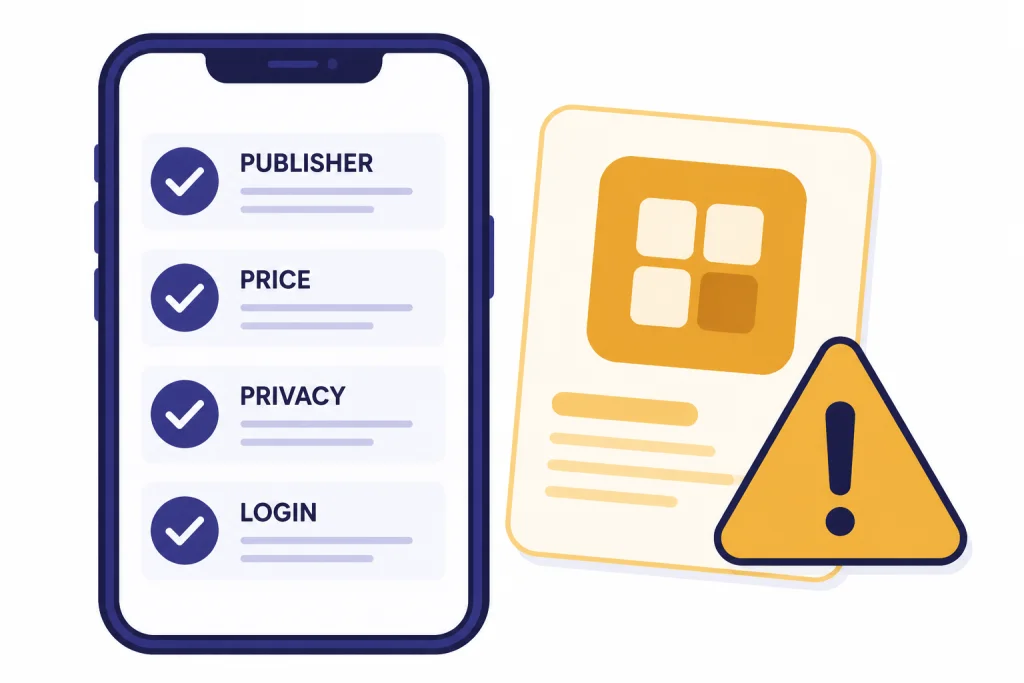
Safety matters more on mobile than on desktop because app stores make unofficial AI wrappers look legitimate. Before you install any ChatGPT-related app, check the publisher name, not just the title. The official iOS ChatGPT listing is published as an OpenAI app, and the official Android listing is the ChatGPT app from OpenAI.[1][2] If the title sounds official but the publisher is unknown, skip it.
Also check subscription prompts before you start a trial. Some third-party AI apps charge for access to models you can reach directly from the official provider. A separate app can still be useful if it adds workflow features, such as better templates, team routing, offline note capture, or model comparison, but it should clearly explain what it adds. Do not pay for a generic chatbot just because it uses the word “GPT” in the title.
Review data settings after installation. OpenAI’s data controls documentation says mobile users can manage whether chats are used to help train ChatGPT, and OpenAI’s business data page says data from ChatGPT Enterprise, ChatGPT Business, ChatGPT Edu, ChatGPT for Healthcare, ChatGPT for Teachers, and the API platform is not used by default for training or improving models.[8][14] That distinction matters. Personal accounts, business accounts, and school accounts may have different defaults and controls.
Use temporary or privacy-conscious workflows for sensitive content. Do not paste tax records, medical records, legal documents, customer data, or private workplace files into a mobile AI app unless you understand the account, plan, retention rules, and organization policy. For education use, compare app convenience with the risk controls discussed in our Best AI Detectors for Teachers and Schools guide. For writing and originality checks, pair mobile AI use with our Best Plagiarism Checkers roundup.
A quick mobile safety checklist: confirm the publisher, confirm the login domain, read the subscription screen before accepting a trial, open privacy/data controls after first launch, and avoid uploading sensitive files from your phone unless you would be comfortable storing them in that account. If an app hides its model, publisher, pricing, or data policy, choose a better-known option.
Who should use which app
Students should start with the official ChatGPT app, then add Perplexity if they need sources. ChatGPT is better for brainstorming, explaining concepts, outlining essays, and practicing questions. Perplexity is better when the task starts with “find sources” or “what does the current evidence say.” Students should still verify claims and follow school AI rules.
Professionals should use the official ChatGPT app for drafting, summarizing, meeting preparation, and quick analysis. If the workplace runs on Microsoft, Copilot may fit better. If the workplace uses sensitive data, the right answer may be a managed business plan rather than a personal mobile app.
Writers and marketers should keep ChatGPT and Claude side by side. ChatGPT is strong for ideation, structured prompts, and multimodal tasks. Claude is often useful as a second editor for tone, flow, and nuance. For broader options, compare mobile workflows with our best AI writing tools compared in 2026 guide.
Developers should not expect a phone app to replace an IDE assistant. ChatGPT mobile is excellent for explaining errors, drafting regex patterns, translating snippets, and rubber-duck debugging while away from a computer. For production work, use mobile as a companion and choose a dedicated coding assistant for the main workflow.
Creators should choose based on media type. ChatGPT is useful for image prompts, captions, concepts, and planning. As of May 2026, OpenAI’s current image lineup includes GPT-image-2, but serious image creators should still compare dedicated interfaces, editing controls, licensing terms, and export workflows. If your work is mostly image generation, compare dedicated tools in our Best AI Image Tools guide. If your work is voice or narration, see our best AI voice tools and voice cloning software review.
Travelers and hands-free users should prioritize voice quality, quick launch behavior, battery use, and whether the app remains usable when network quality is poor. OpenAI documents voice conversations in the ChatGPT mobile apps, desktop apps, and web experience.[5] If voice is your main workflow, install the official app instead of relying only on a browser tab.
Researchers should install ChatGPT for synthesis and Perplexity for source discovery. A good workflow is to use Perplexity to identify and cite sources, then use ChatGPT or Claude to turn your own notes into an outline. Do not let any mobile assistant become the only verification step.
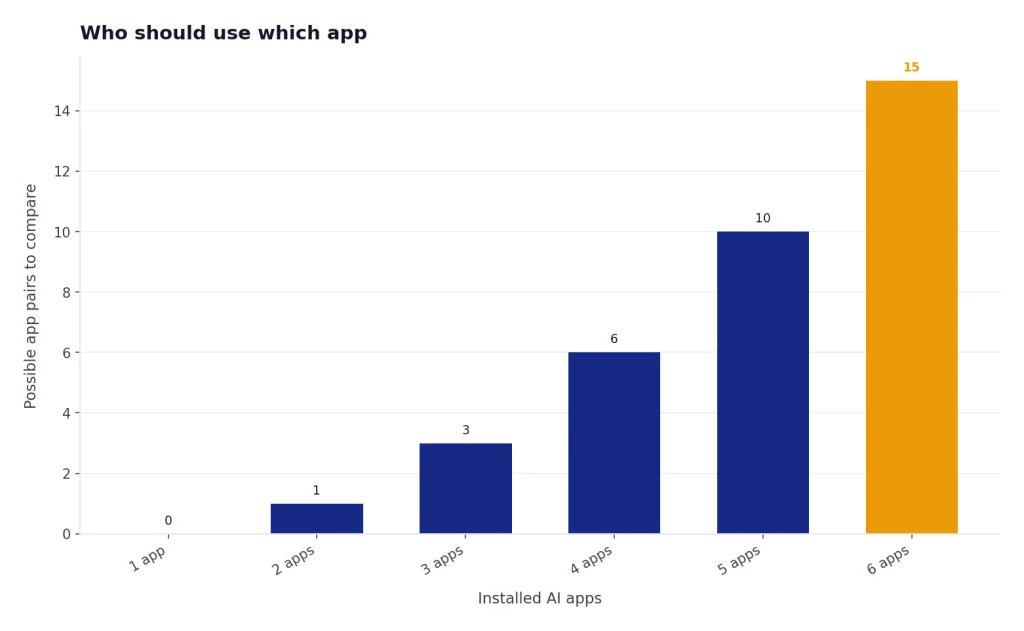
The final recommendation is practical. Install the official ChatGPT app first. Add one alternative only if it solves a clear problem. Too many AI apps create duplicated histories, subscription confusion, and privacy blind spots.
Frequently asked questions
What is the best ChatGPT mobile app?
The best ChatGPT mobile app is the official ChatGPT app by OpenAI for iPhone and Android. It is the safest default because it connects directly to your OpenAI account and syncs history across devices.[1][2] Use alternatives only when you want a different assistant or a specific feature.
Is the official ChatGPT app free?
Yes. The official App Store and Google Play listings describe the ChatGPT app as free to download.[1][2] OpenAI also sells paid ChatGPT plans, including Plus at $20 and Pro at $200 on its pricing page.[7]
Is ChatGPT better on iPhone or Android?
The core ChatGPT experience is similar on both platforms because your OpenAI account carries the main features. iPhone may feel more polished for some users, while Android may fit better with system sharing and file workflows. The bigger difference is usually your ChatGPT plan, not the phone operating system.
Can I just use ChatGPT in my phone browser?
Yes. The mobile website is a good no-install option if you do not want another app. The native app is usually better for frequent use, voice conversations, file sharing, photo uploads, and faster access from the home screen.
Are third-party ChatGPT apps safe?
Some are legitimate, but many are unnecessary wrappers. Check the publisher, privacy policy, subscription terms, and whether the app clearly explains what it adds beyond direct ChatGPT access. If all you need is ChatGPT, use OpenAI’s official app.
Which ChatGPT alternative is best on mobile?
Gemini is best for Google and Android integration, Claude is best for writing and analysis, Perplexity is best for cited research, Copilot is best for Microsoft users, and Poe is best for trying multiple bots. None of these is the official ChatGPT app. They are alternatives for different workflows.