

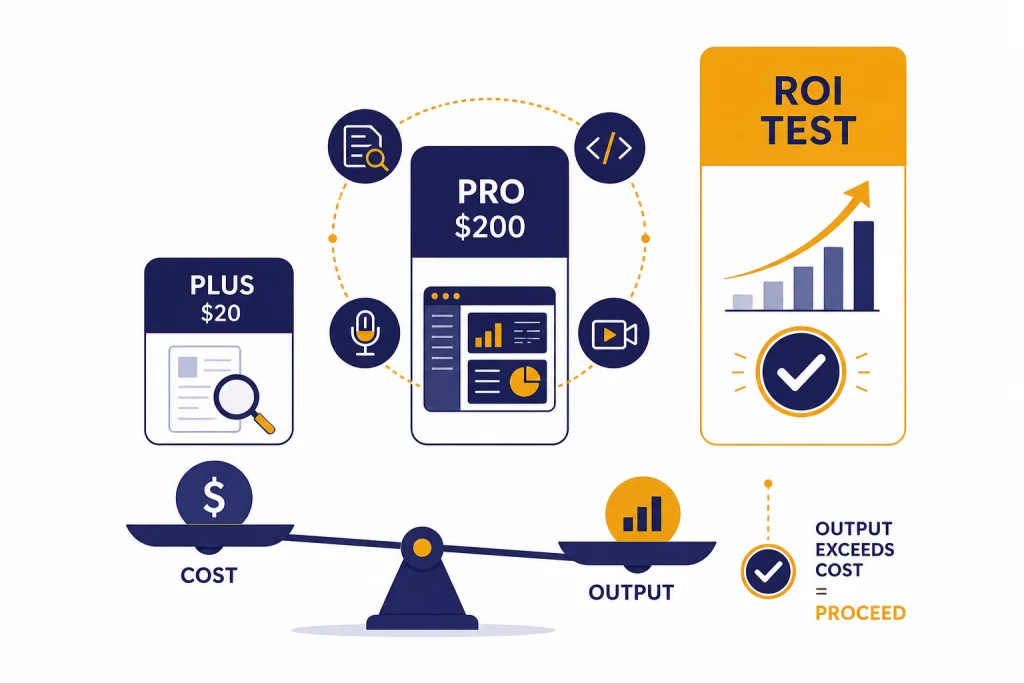
ChatGPT Pro is worth $200/month only if you use it for paid work that benefits from the highest ChatGPT limits, Pro reasoning models, deep research, agent mode, advanced voice, Sora, and Codex. OpenAI launched ChatGPT Pro on December 5, 2024, at $200/month, and the plan has since become a power-user bundle rather than a simple “better chatbot” upgrade.[2][3] Most casual users should stay on Plus or a free plan. Professionals who hit Plus limits, run long research jobs, analyze files daily, code with agents, or bill clients for AI-assisted output can justify it faster than hobbyists can.[1][5]
Verdict: ChatGPT Pro is worth it for heavy professional use
Our verdict for this ChatGPT Pro review is direct: buy Pro if ChatGPT is part of your workday, not your curiosity stack. The $200/month plan makes sense when higher limits and Pro models save billable time or improve deliverables you already get paid to produce.[1][3]
Do not buy it because you expect every answer to be perfect. Pro improves access, headroom, and model choice, but it does not remove hallucinations, weak prompts, bad source judgment, or the need to verify important work.
What ChatGPT Pro includes
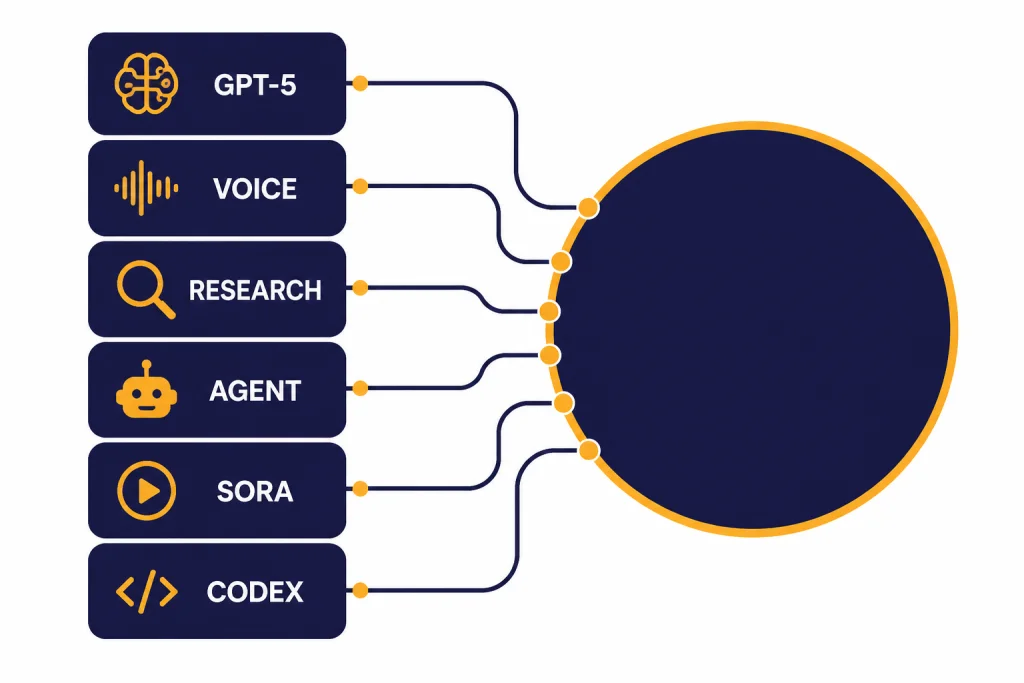
ChatGPT Pro started as a $200/month plan with unlimited access to OpenAI o1, o1-mini, GPT-4o, Advanced Voice, and o1 pro mode when OpenAI announced it on December 5, 2024.[2][3] By early 2026, the value proposition had shifted toward access to GPT-5-era models, Pro reasoning, higher tool limits, deep research, ChatGPT agent, advanced voice, Sora video generation, and Codex preview access.[1][5]
The important phrase is “higher access,” not “magic accuracy.” OpenAI describes Pro as including unlimited access to GPT-5 and select legacy models, with abuse guardrails and possible temporary restrictions for policy-violating or automated use.[1][6] That matters if you are thinking about using one Pro account as a cheap backend for an app, a scraping system, or a shared team resource. OpenAI’s terms do not support that use case.[1]
OpenAI’s release notes also show how fast the plan changes. On March 5, 2026, OpenAI described GPT-5.4 Thinking in ChatGPT as a model update focused on reasoning, coding, agentic workflows, and professional tasks involving spreadsheets, presentations, and documents.[5][7] On March 17, 2026, OpenAI simplified the model picker around Instant, Thinking, and Pro options for eligible paid plans.[5] That kind of rapid update cycle is part of what Pro buyers are paying for.
| Pro component | What it adds | Why it matters |
|---|---|---|
| Pro reasoning models | Access to OpenAI’s highest ChatGPT reasoning tier for complex tasks.[1][5] | Useful for legal-style issue spotting, technical planning, data interpretation, and difficult code review. |
| Deep research | Agentic web research that searches, reads, and synthesizes many sources into a report.[8][1] | Best when you need a first-pass research memo, market scan, literature map, or sourced briefing. |
| ChatGPT agent | Agent mode can browse, use tools, work with files, and perform controlled online tasks.[9][1] | Useful for multi-step workflows that combine research, extraction, spreadsheet edits, and form-like actions. |
| Advanced voice | OpenAI lists unlimited advanced voice and higher limits for video and screen sharing under Pro.[1] | Helpful for live tutoring, rehearsal, meeting prep, and hands-free review. |
| Sora and Codex | OpenAI lists extended Sora video generation and Codex research preview access under Pro.[1] | Important for creators and developers who would otherwise buy separate tools. |
ChatGPT Plus vs Pro
The hard comparison is not Free versus Pro. It is Plus versus Pro. If you are still deciding whether ChatGPT itself is useful, start with our broader ChatGPT review 2026. If you already use the paid tier, compare this review with our ChatGPT Plus review and ChatGPT Plus price breakdown.
Plus remains the better default for most people because it gives access to advanced ChatGPT features at a much lower monthly price. Pro is a capacity and priority upgrade. The difference shows up when you hit limits, run long tasks, use models all day, or rely on the newest Pro reasoning model rather than the standard paid experience.[1][5]
The simplest way to think about it: Plus is a personal productivity subscription. Pro is a workstation subscription. If you open ChatGPT a few times per week, Pro will feel excessive. If you keep it open beside your code editor, spreadsheet, research notes, CRM, or document drafts, Pro starts to look less like a luxury and more like capacity insurance.
| Plan | Best fit | Practical limitation |
|---|---|---|
| Free | Testing ChatGPT, occasional answers, light drafting. | Limited access and lower headroom compared with paid plans.[10] |
| Plus | Regular personal productivity, writing, learning, image work, and limited advanced research. | Good value, but heavier users may still hit limits or wait for capacity.[10][8] |
| Pro | Daily professional use, harder reasoning, higher tool limits, agent workflows, research, coding, and media creation. | Costs $200/month and still requires human review.[1][3] |
| Business or Enterprise | Teams that need admin controls, workspace governance, security controls, or centralized billing. | Better organizational fit than individual Pro when multiple people need shared controls.[10] |
Where Pro earns its price
Pro earns its price in work that is frequent, complex, and economically valuable. It is strongest when the model is not just answering questions but helping you produce a client memo, debug a system, plan a technical migration, review a contract, summarize a research field, or turn scattered source material into a usable draft.
Research and analysis
Deep research is one of the clearest Pro use cases. OpenAI introduced deep research on February 2, 2025, as an agentic capability that conducts multi-step internet research and synthesizes many sources into a report.[8][4] A consultant, analyst, founder, journalist, or academic can turn a vague brief into a structured research plan, ask for competing viewpoints, and then verify the citations manually.
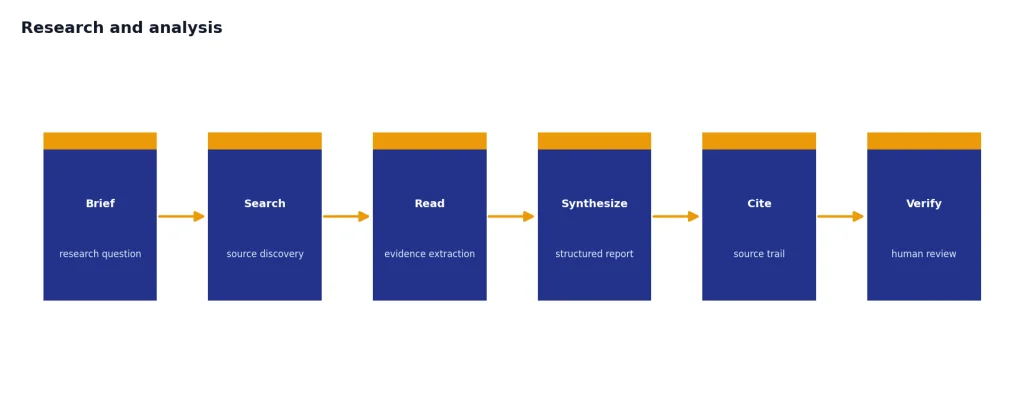
That does not make deep research a replacement for expert judgment. It is better as a first analyst than as a final authority. The time savings are real when the job is to map a market, gather background, compare policy positions, or find contradictions across documents.
Coding and technical work
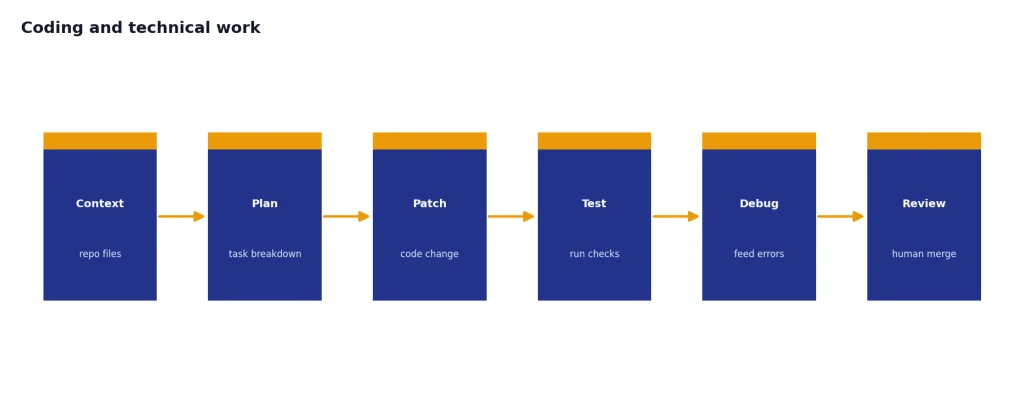
Developers should evaluate Pro differently from general users. If you already spend money on IDE copilots, API calls, browser research tools, and model subscriptions, Pro can consolidate part of that stack. GPT-5 was introduced on August 7, 2025, with OpenAI positioning it as a major upgrade for coding, math, writing, health, visual perception, and other tasks.[6][7]
For coding, the win is not that Pro writes flawless software. It is that you can ask more, test more approaches, upload more context, and use agentic workflows for review and iteration. If you need a more technical interface than ChatGPT, read our OpenAI Playground review and compare that with OpenAI API pricing.
Writing, strategy, and client deliverables
Pro helps professional writers, marketers, product managers, and strategists when prompts include messy context. Long briefs, research notes, transcripts, tables, and competing requirements are where a higher-limit plan matters. The strongest workflow is not “write this article.” It is “compare these inputs, identify gaps, build an outline, draft a section, critique it against this rubric, and revise.”
Canvas is useful in that loop because it turns ChatGPT from a chat-only interface into a more editable workspace. If that is your main interest, see our ChatGPT Canvas review. If your work depends on reusable assistants, our ChatGPT Custom GPTs review and GPT Store review cover the adjacent tools.
Limits, caveats, and failure modes
The word “unlimited” needs careful reading. OpenAI says ChatGPT Pro offers unlimited access to GPT-5 and select legacy models, but also says usage must comply with its Terms of Use and may be temporarily restricted when guardrails detect potential abuse.[1][6] That is a reasonable operational policy, but it means Pro is not a blank check.
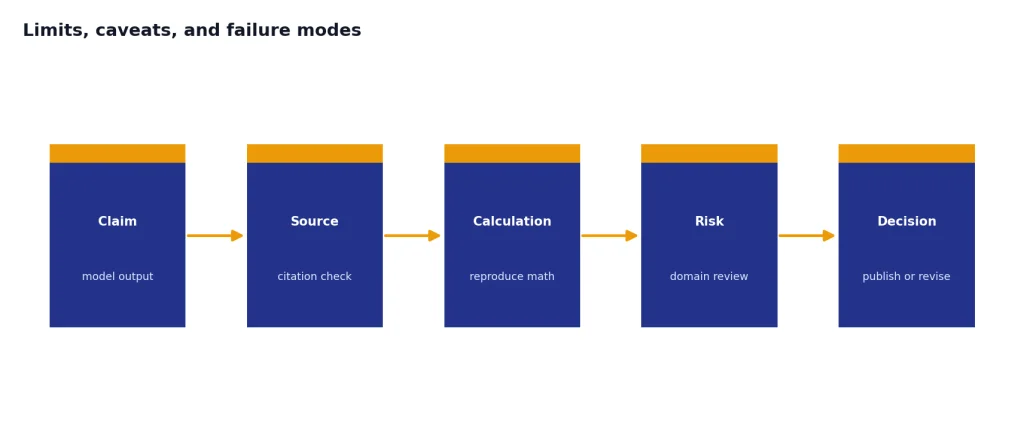
There are also quality limits. Pro can still make confident mistakes. It can misread a source, over-compress nuance, invent a connection, or choose the wrong tool. Higher reasoning does not remove the need to inspect citations, reproduce calculations, and check legal, medical, financial, or engineering claims.
Cost is the second failure mode. The $200/month price is easy to rationalize if you compare it to a consultant, intern, or software tool bundle.[1][3] It is harder to justify if you mostly ask for summaries, recipes, brainstorming, grammar rewrites, or casual explanations. For those jobs, Plus or a competing $20/month plan often gets close enough.
Interface churn is the third caveat. OpenAI’s release notes show frequent changes to models, the model picker, deep research, connectors, and legacy model availability.[5] Power users benefit from those upgrades, but they also need to adapt workflows. If you need a locked-down, predictable environment for a team, our ChatGPT Team review and ChatGPT Enterprise review are better comparisons.
Original analysis: the Pro break-even test
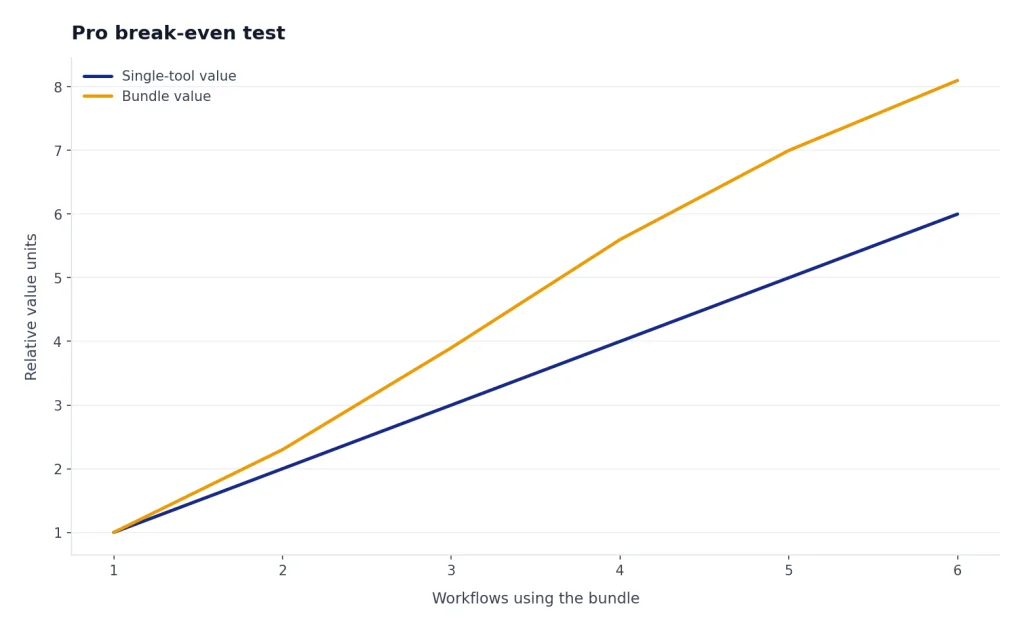
Here is the decision framework we use: ChatGPT Pro is worth buying when it clears the “three-workflow test.” You should have at least one daily workflow, one weekly high-value workflow, and one backup workflow that all benefit from Pro. If you only have one interesting use case, wait.
A daily workflow might be coding assistance, client writing, data analysis, lesson planning, or research triage. A weekly high-value workflow might be a deep research report, sales deck critique, technical architecture review, or competitive scan. A backup workflow might be voice coaching before calls, Sora storyboarding, custom GPT maintenance, or agentic spreadsheet cleanup.
The pattern is simple: Pro is valuable when it reduces context switching across multiple paid tools. It is weaker when you use only one slice of the bundle. A developer who uses Codex, Pro reasoning, file analysis, and deep research gets more value than a casual user who only wants faster answers. A researcher who runs deep research, checks sources, and turns findings into client-ready memos gets more value than someone who asks one-off questions.
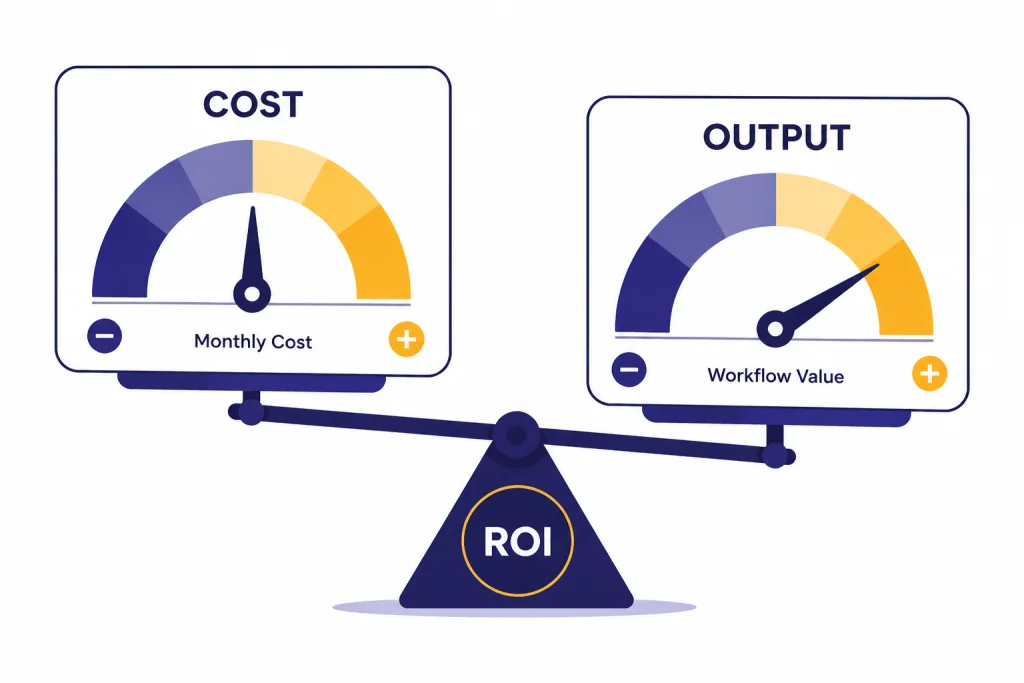
The price also changes user behavior. A $200/month subscription pushes you to find better workflows, save prompts, build reusable project structures, and measure output quality.[1][3] That can be good if you are disciplined. It can be wasteful if the subscription becomes a guilt-driven productivity experiment.
How Pro compares with other premium AI plans
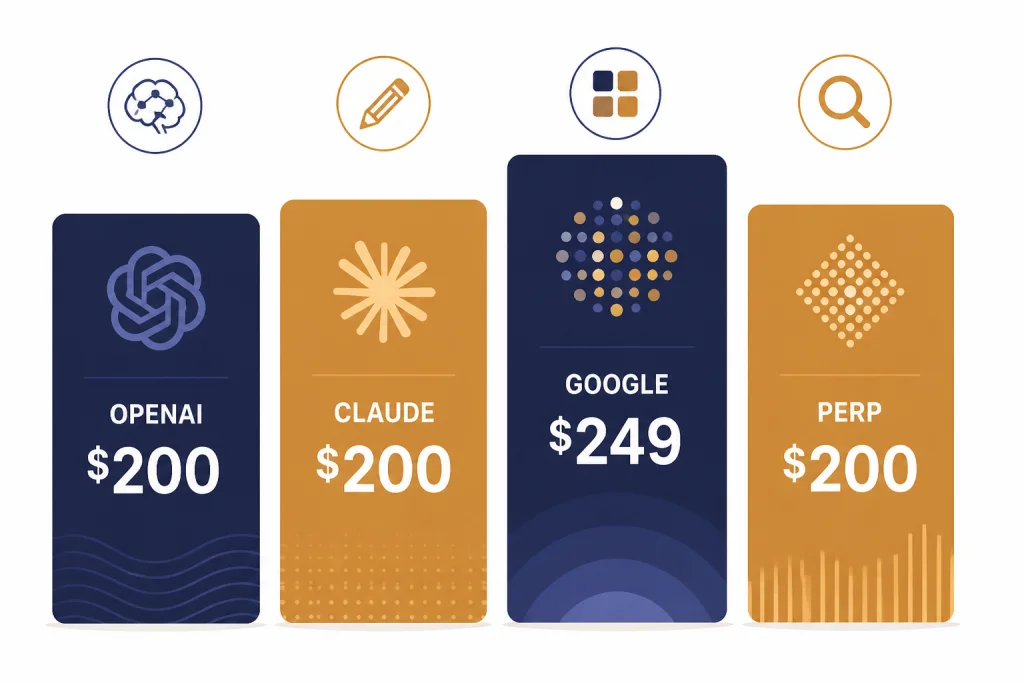
ChatGPT Pro is no longer unusual just because it costs $200/month. Anthropic lists Claude Max 20x at $200/month, Google announced AI Ultra at $249.99/month in the U.S., and Perplexity Max is listed at $200/month or $2,000/year.[11][12][13][15] The premium AI market has moved toward high-limit subscriptions for people who use AI as work infrastructure.
That does not mean every premium plan solves the same problem. ChatGPT Pro is strongest as a broad OpenAI bundle. Claude Max is attractive for users who prefer Claude’s writing, coding, and long-form collaboration style. Google AI Ultra is a broader Google ecosystem bundle. Perplexity Max leans toward search, research, and agentic browsing workflows.
| Premium plan | Listed price | Best reason to consider it |
|---|---|---|
| ChatGPT Pro | $200/month.[1][3] | Broad OpenAI access across Pro reasoning, deep research, agent mode, voice, Sora, and Codex.[1][9] |
| Claude Max 20x | $200/month.[11][12] | High-volume Claude use for writing, coding, and long collaborative sessions. |
| Google AI Ultra | $249.99/month in the U.S.[13][14] | Google ecosystem access with the highest Google AI limits and premium features. |
| Perplexity Max | $200/month or $2,000/year.[15][16] | Research-heavy users who want Perplexity’s search-first interface and latest product access. |
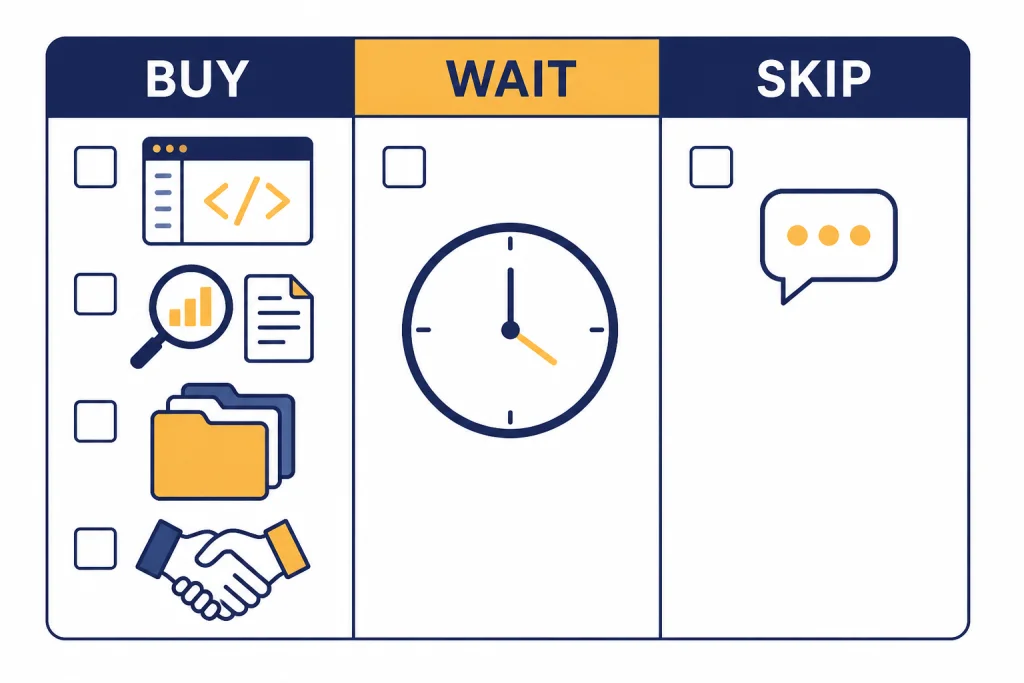
Who should buy, wait, or skip
Buy ChatGPT Pro if
- You use ChatGPT for paid work most weekdays.
- You hit Plus limits often enough that waiting changes your output.
- You need Pro reasoning for complex planning, coding, research, or analysis.
- You use several parts of the bundle: deep research, files, agent mode, voice, Sora, Codex, and custom GPTs.
- You can connect the subscription to revenue, time saved, or better deliverables.
Wait if
- You are curious about Pro but have not maxed out Plus.
- You only need one Pro feature and can use a cheaper specialized tool.
- Your employer may pay for Team, Enterprise, or another approved AI workspace.
- Your work requires strict data controls that an individual plan does not provide.
Skip it if
- You mainly ask casual questions, draft short emails, summarize simple articles, or brainstorm.
- You expect Pro to eliminate fact-checking.
- You want to share one account across a team.
- You need predictable enterprise governance, user management, or administrative controls.
If your main interest is one model family, compare our GPT-5 review, OpenAI o3 review, and GPT-4o review. If your main interest is media generation, our Sora review and DALL-E 3 review are better starting points.
Frequently asked questions
Is ChatGPT Pro really $200 per month?
Yes. OpenAI’s Help Center lists ChatGPT Pro at $200/month billed monthly, and Reuters also reported the $200/month launch price when the plan was introduced.[1][3] The plan launched on December 5, 2024.[2][3] OpenAI has changed the features around Pro over time, so always check the plan page before subscribing.
Is ChatGPT Pro ten times better than Plus?
No. The value is not a straight quality multiplier. Pro costs much more because it offers higher access, Pro models, and more room for heavy workflows, not because every answer is ten times better.[1][5] If Plus already meets your needs, Pro is probably unnecessary.
Does ChatGPT Pro include deep research?
Yes. OpenAI lists extended access to deep research under ChatGPT Pro.[1] Deep research launched on February 2, 2025, as an agentic research feature that searches, analyzes, and synthesizes online information into a report.[8][4] It is useful, but you should still inspect sources and verify important claims.
Does ChatGPT Pro include ChatGPT agent?
Yes. OpenAI lists extended access to ChatGPT agent under Pro, and the ChatGPT agent release notes say agent became available for Pro, Plus, and Team users on July 17, 2025.[1][9] Agent mode can perform multi-step online tasks while keeping the user in control. It is powerful, but it is not a license to automate risky or unsupervised actions.
Can I use ChatGPT Pro instead of the OpenAI API?
Sometimes, but not for app backends or programmatic workloads. OpenAI says Pro usage must follow its Terms of Use and prohibits abusive automated extraction, credential sharing, resale, and using ChatGPT to power third-party services.[1] If you are building software, compare Pro with API usage and read our OpenAI API pricing guide.
Is ChatGPT Pro better than Claude Max?
It depends on your work. Claude Max 20x is listed at $200/month, matching ChatGPT Pro’s headline price.[11][12] ChatGPT Pro is stronger if you want OpenAI’s full bundle across Pro reasoning, agent mode, voice, Sora, Codex, and deep research.[1][9] Claude may be a better fit if you strongly prefer Claude’s writing or coding style.
Should a small business buy Pro for every employee?
Usually no. Individual Pro can work for one power user, but teams often need admin controls, billing, governance, and security settings. OpenAI’s pricing page separates individual plans from business and enterprise plans, which are designed for organizations rather than solo users.[10] For teams, compare ChatGPT Team and ChatGPT Enterprise before buying multiple individual Pro subscriptions.
Bottom line
ChatGPT Pro is a serious work subscription, not a better default for everyone. The $200/month price is defensible when Pro models, deep research, agent workflows, voice, Sora, Codex, and higher limits support work that already has economic value.[1][3]
Watch the model and plan changes closely. OpenAI’s release cadence keeps improving Pro, but it also changes the product you are paying for.[5] If you subscribe, set a calendar reminder after one billing cycle and ask whether it saved time, raised output quality, or replaced other tools. If the answer is vague, downgrade.