

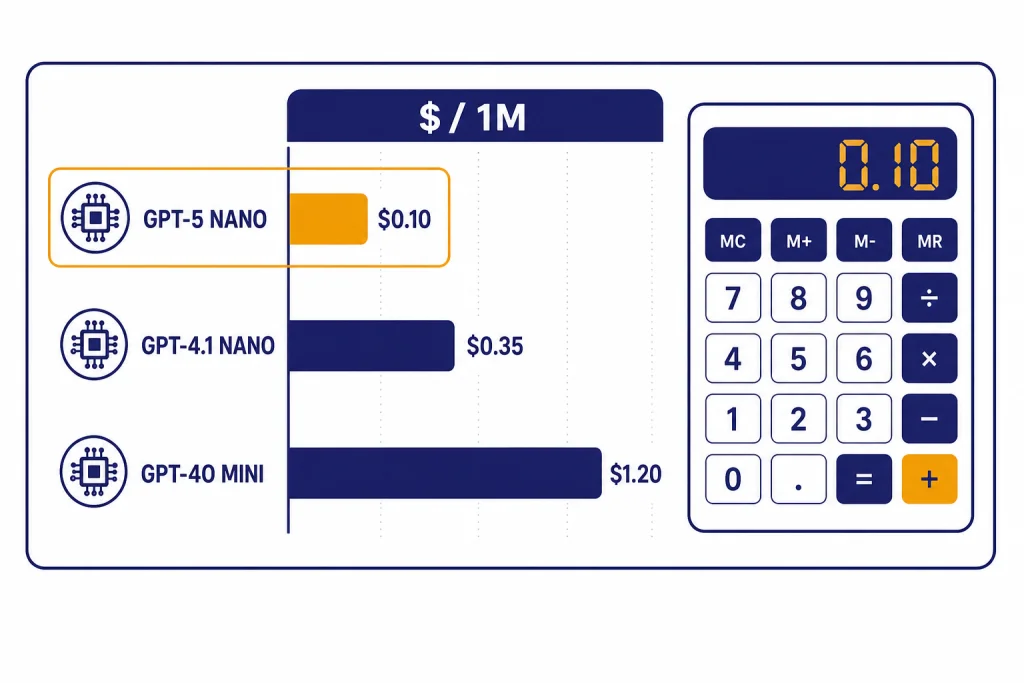
The cheapest GPT model in OpenAI’s API is GPT-5 nano for most text workloads: it lists at $0.05 per 1 million input tokens and $0.40 per 1 million output tokens.[3] GPT-4.1 nano is the closest alternative, with a higher input price of $0.10 per 1 million tokens and the same $0.40 output price.[4] The right budget pick still depends on your prompt shape. Short classification, tagging, extraction, routing, and simple rewriting usually favor GPT-5 nano. Long-context jobs may favor GPT-4.1 nano because it belongs to the GPT-4.1 family, which OpenAI described as supporting up to a 1 million-token context window.[4]
Quick answer
If you only care about the posted API price, GPT-5 nano is the cheapest GPT model in 2026. OpenAI lists GPT-5 nano at $0.05 per 1 million input tokens and $0.40 per 1 million output tokens.[3] That makes it cheaper on input than GPT-4.1 nano, GPT-4o mini, GPT-5 mini, GPT-4.1 mini, GPT-5, and GPT-5.2.
The more practical answer is slightly narrower. GPT-5 nano is the cheapest default for small, repeatable text tasks. GPT-4.1 nano is often the better cheap model when you need a very large context window, predictable non-reasoning behavior, or a model from the GPT-4.1 line. GPT-4o mini remains useful when an existing app already depends on its behavior, but it is no longer the lowest-cost GPT option by list price.
This article focuses on OpenAI API costs, not the fixed monthly price of ChatGPT plans. If you are comparing end-user subscriptions instead, see our separate guide to the ChatGPT Plus price in 2026. If you want the full API rate card, use our OpenAI API pricing breakdown alongside this model-specific guide.
Cheapest GPT models compared
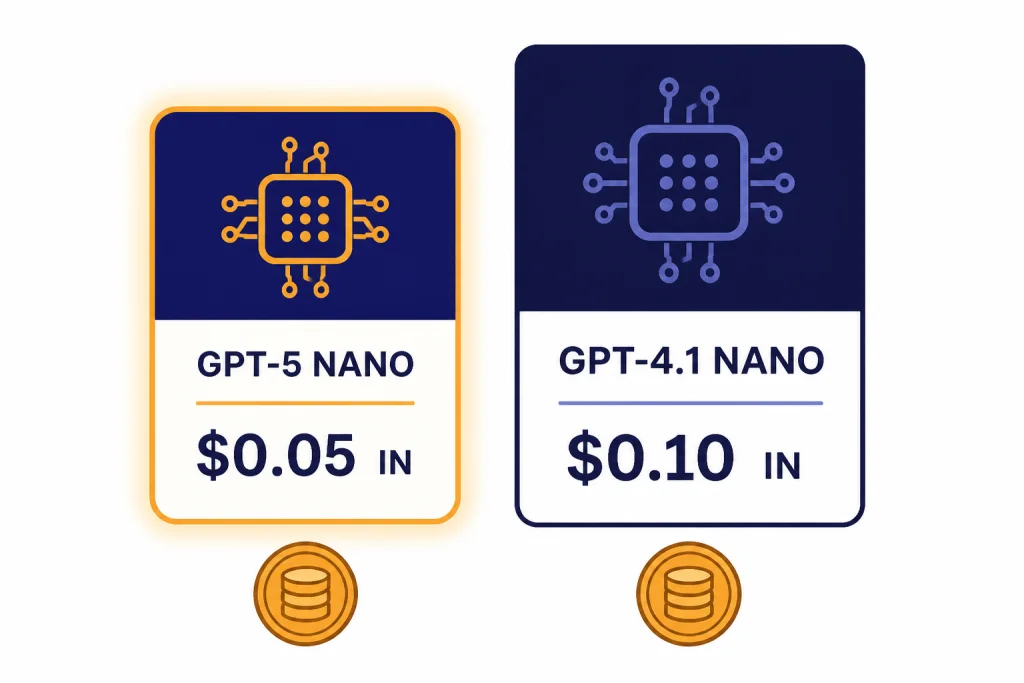
The table below ranks common GPT text models by their standard listed token prices. OpenAI bills input tokens and output tokens separately, so the cheapest model can change if your app produces long answers. The “sample blended cost” column uses a simple workload of 1 million input tokens plus 250,000 output tokens. That is not an OpenAI billing unit. It is a comparison device for apps that read more than they write.
| Rank | Model | Input price | Output price | Sample blended cost | Best budget use | Source |
|---|---|---|---|---|---|---|
| 1 | GPT-5 nano | $0.05 / 1M tokens | $0.40 / 1M tokens | $0.15 | Low-cost routing, extraction, labels, short rewriting | [3] |
| 2 | GPT-4.1 nano | $0.10 / 1M tokens | $0.40 / 1M tokens | $0.20 | Cheap long-context and non-reasoning tasks | [4] |
| 3 | GPT-4o mini | $0.15 / 1M tokens | $0.60 / 1M tokens | $0.30 | Legacy small-model apps and focused multimodal text output | [5] |
| 4 | GPT-5 mini | $0.25 / 1M tokens | $2.00 / 1M tokens | $0.75 | Better quality than nano while staying low-cost | [3] |
| 5 | GPT-4.1 mini | $0.40 / 1M tokens | $1.60 / 1M tokens | $0.80 | Instruction following, coding support, long context | [4] |
| 6 | GPT-5 | $1.25 / 1M tokens | $10.00 / 1M tokens | $3.75 | Harder tasks that need stronger reasoning | [3] |
| 7 | GPT-5.2 | $1.75 / 1M tokens | $14.00 / 1M tokens | $5.25 | Higher-end agentic and professional work | [2] |
On pure posted price, the cheapest GPT model is clear. GPT-5 nano has the lowest input price in this comparison and ties GPT-4.1 nano for the lowest output price. The difference matters most in read-heavy systems, such as document triage, retrieval-augmented routing, moderation prechecks, and classification pipelines.
If your app writes long answers, the output price matters more than the input price. GPT-5 nano and GPT-4.1 nano both list output at $0.40 per 1 million tokens, so the savings gap between them narrows when responses dominate your bill.[3][4]
Real workload costs
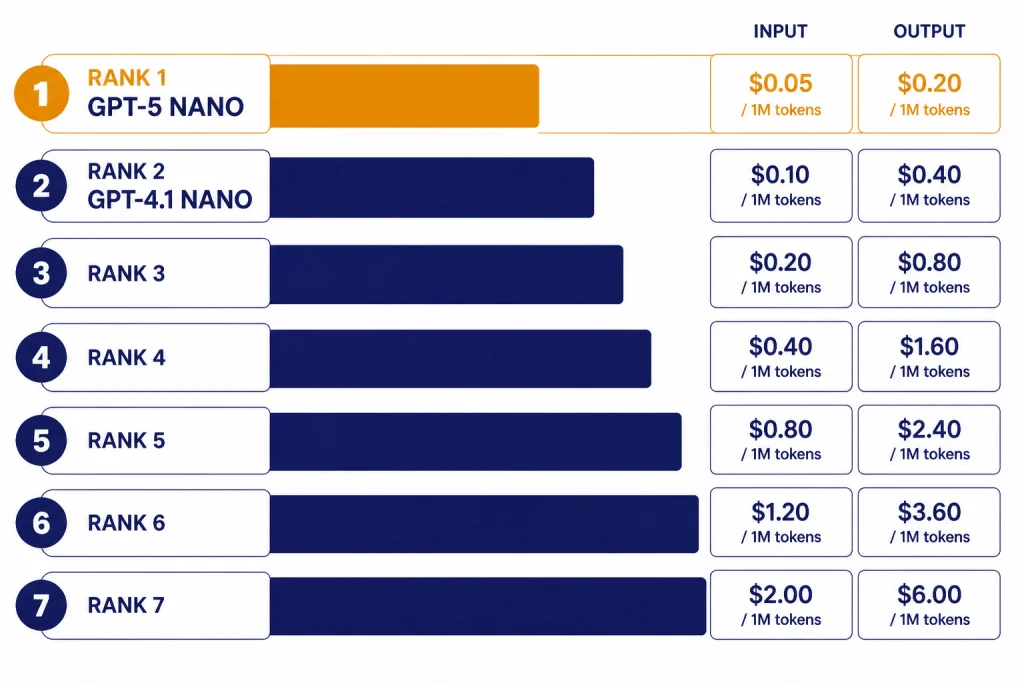
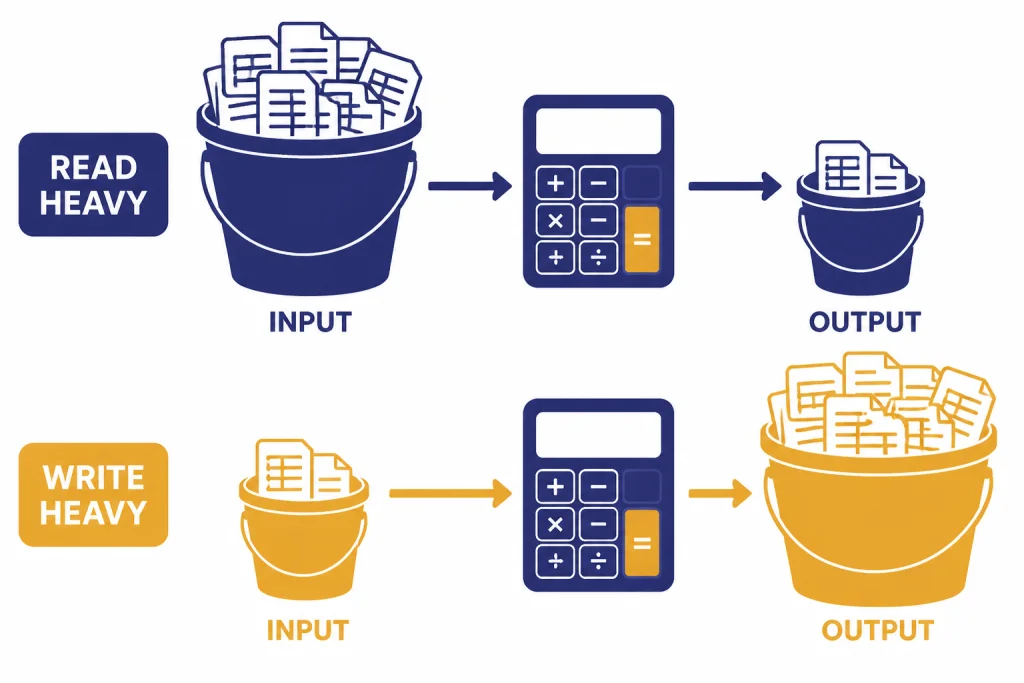
Token prices are useful, but most teams need to estimate jobs. The easiest way is to separate input from output, then multiply each side by the model’s price. A support classifier might read a long customer message and return a short category. A writing assistant might read a short prompt and generate a long draft. Those two jobs can have opposite cost winners.
Example 1: classification and routing
For a workload with 1 million input tokens and 100,000 output tokens, GPT-5 nano costs $0.09 at standard rates. That comes from $0.05 for the input side plus $0.04 for the output side, using OpenAI’s listed GPT-5 nano prices.[3] GPT-4.1 nano costs $0.14 for the same token mix, because its input side is priced higher while its output side is the same.[4]
This is why GPT-5 nano is the first model to test for tags, categories, routing labels, short JSON extraction, spam scoring, and simple intent detection. The answer is short. The model reads more than it writes. The lower input price compounds across high-volume traffic.
Example 2: short prompts and long answers
For a workload with 100,000 input tokens and 1 million output tokens, GPT-5 nano costs $0.405 at standard rates.[3] GPT-4.1 nano costs $0.41 for the same mix.[4] The difference is tiny because both models list the same output price. In this pattern, quality and behavior should decide the winner more than the small input-price gap.
For high-volume generation, track output length before you change models. A cheaper model that writes twice as much text can cost more than a stronger model that follows brevity instructions. This is one reason our fastest GPT model guide treats latency, output length, and task fit as separate variables.
Example 3: long-context review
GPT-4.1 is documented by OpenAI as featuring a 1M token context window in the API, and the model reference lists a 1,047,576-token context window for GPT-4.1.[8] OpenAI’s GPT-4.1 launch post also describes the GPT-4.1 family as supporting up to a 1 million-token context window.[4] That does not automatically make GPT-4.1 nano the best model for every long file, but it makes the GPT-4.1 nano tier important for budget long-context experiments.
Long context has its own failure mode. The model may accept the text but still miss details buried deep inside it. If your main constraint is context size, compare the cheap model against a stronger one on your exact retrieval and citation task. Our context window comparison explains why context capacity and long-context accuracy are not the same thing.
When the cheapest model is not the best value
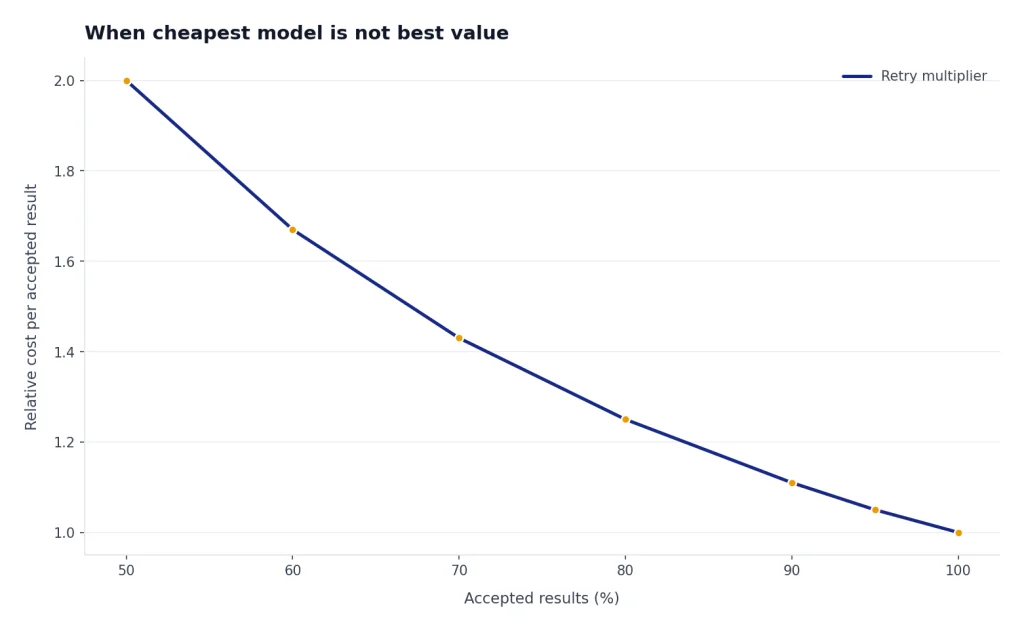
The cheapest GPT model is not always the cheapest system. A low-cost model can raise your total bill if it needs retries, produces malformed JSON, misses instructions, or forces you to add a second review pass. The right comparison is cost per accepted result, not cost per token.
- Use GPT-5 nano first when the task is narrow, testable, and tolerant of simple responses.
- Use GPT-4.1 nano when you want a cheap non-reasoning model from the GPT-4.1 family or need to test very large context flows.
- Use GPT-5 mini when nano fails too often but the full GPT-5 tier is too expensive.
- Use GPT-4.1 mini when you want a balance of low price, long context, and stronger instruction following than nano.
- Use GPT-5 or GPT-5.2 when mistakes are more expensive than tokens.
OpenAI described GPT-5 as available in three API sizes: GPT-5, GPT-5 mini, and GPT-5 nano.[3] That family structure is useful for cost control because you can route easy work to nano, medium work to mini, and harder work to a larger GPT-5 model. If your workload includes coding, compare this article with our best GPT model for coding before choosing only on price.
Writing is another case where list price can mislead. A stronger model may need less editing, follow tone rules more closely, and produce fewer unusable drafts. For editorial work, start with the cheapest acceptable model, then compare it with the options in our best GPT model for writing guide.
For broad capability comparisons, price should be one column rather than the whole decision. Our all GPT models compared side by side guide covers model families, strengths, and trade-offs. Our most powerful GPT model benchmark article is the better place to start if accuracy matters more than budget.
How to lower GPT costs without changing models
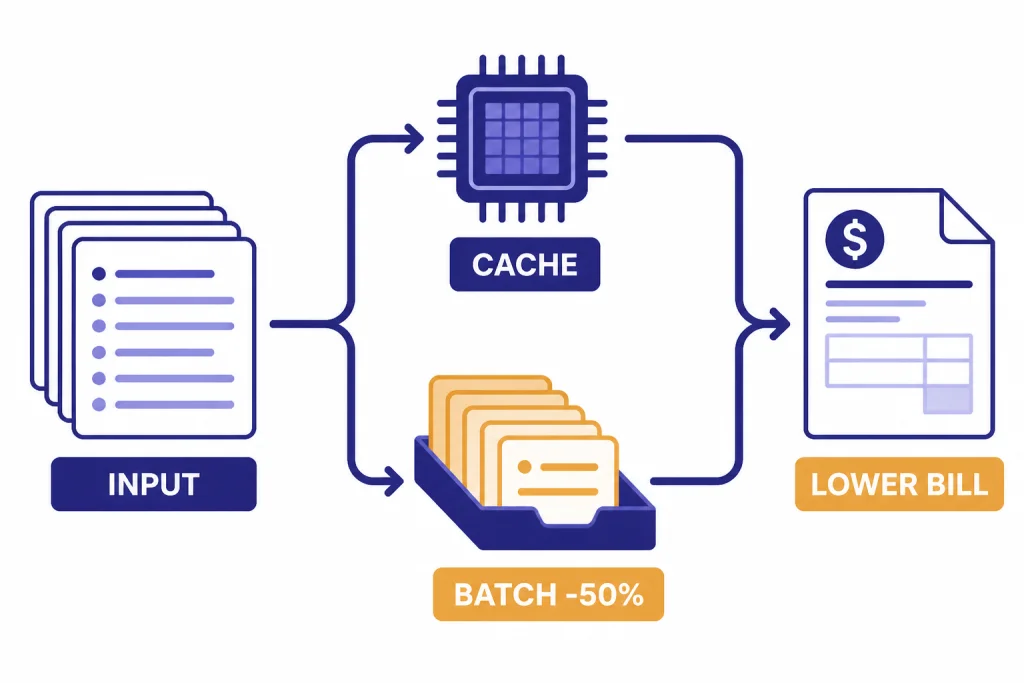
Model choice is only one cost lever. OpenAI’s platform also supports caching and batch processing, and both can matter as much as the model tier for high-volume systems.
Use prompt caching for repeated prefixes
OpenAI says Prompt Caching works automatically on API requests for recent models, with no code changes required, and can reduce input token costs by up to 90% and latency by up to 80%.[6] This is most useful when many requests share the same system prompt, schema, policy text, tool instructions, or long document prefix.
Caching does not make every request cheaper. It helps when the beginning of the prompt repeats. If every request is unique from the first token, you should focus on prompt length, retrieval quality, and output limits instead.
Use Batch API for offline work
OpenAI’s Batch API FAQ says each supported model is offered at a 50% cost discount compared with synchronous APIs.[7] Batch is a strong fit for offline classification, nightly enrichment, dataset labeling, evaluation runs, and report generation that does not need an immediate response.
Batch is not a replacement for interactive chat. If a user is waiting on the answer, the synchronous API is usually the right path. If the work can finish later, Batch can be one of the simplest ways to cut the bill while keeping the same model.
Cap output length
Output tokens usually cost more than input tokens. That pattern holds across GPT-5 nano, GPT-4.1 nano, GPT-5 mini, GPT-4.1 mini, GPT-5, and GPT-5.2 in the official prices cited in this guide.[2][3][4] A strict maximum output length can save more than switching models if your app tends to produce verbose answers.
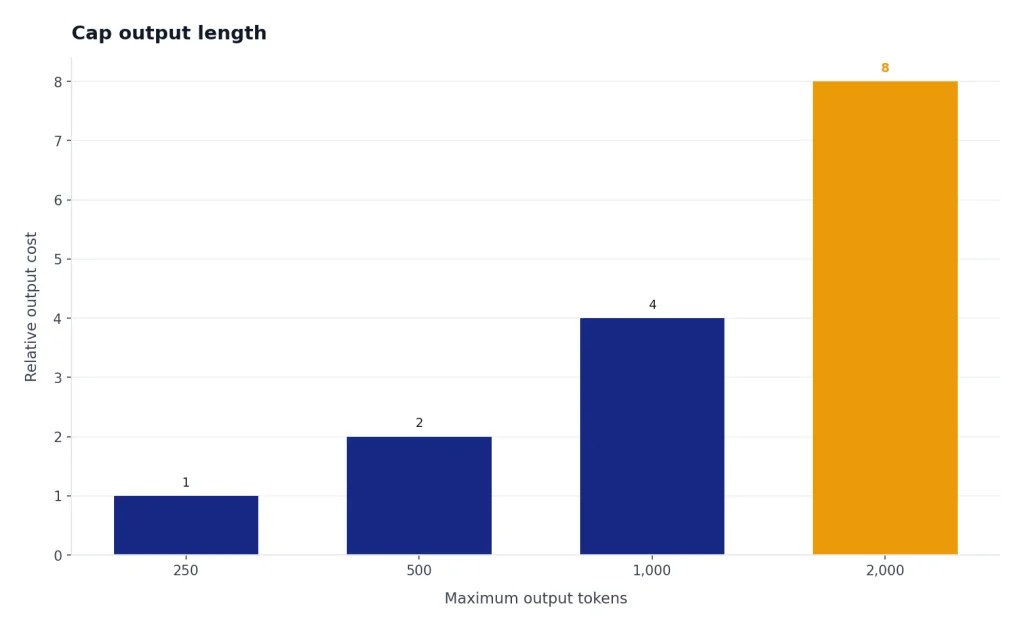
Use short JSON schemas, concise style instructions, and explicit answer budgets. Then measure actual output tokens. A cheap model with loose instructions can become expensive if it over-explains every answer.
Which cheap GPT model should you use?
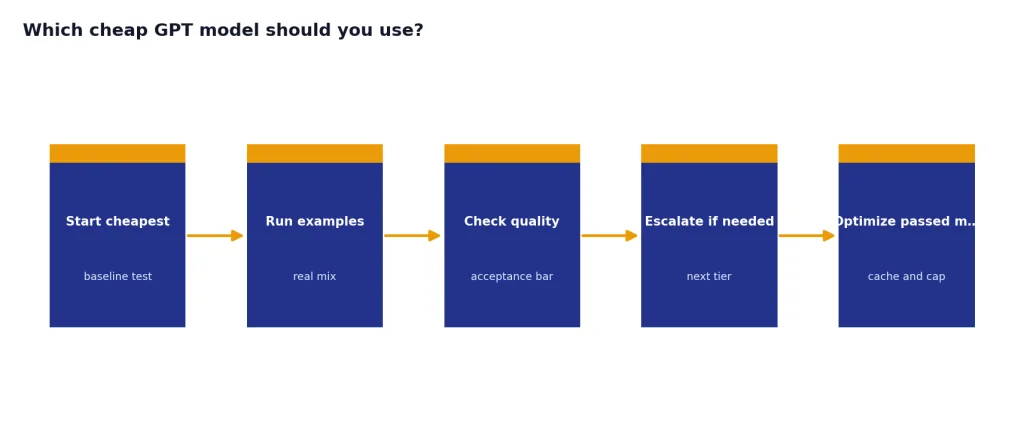
Start with GPT-5 nano if the task is simple and you can validate the output automatically. It is the best first test for high-volume, low-risk text operations. Examples include ticket tags, sentiment buckets, basic extraction, title cleanup, search query expansion, short summaries, and routing decisions.
Move to GPT-4.1 nano if the job needs a cheap model with a large-context orientation or if GPT-5 nano’s reasoning behavior is not the best fit for your pipeline. GPT-4.1 nano is especially relevant for document workflows where the price must stay low but the prompt may be large.
Move to GPT-5 mini or GPT-4.1 mini when the nano models fail quality checks. GPT-5 mini has the lower input price between those two, while GPT-4.1 mini has a lower output price than GPT-5 mini in the cited OpenAI launch pricing.[3][4] Test both if your prompts are complex but your budget cannot support full frontier models.
Do not choose a text model for image, speech, or video work just because it is cheap. Those are different model categories with different pricing mechanics. For media-specific decisions, use our guides to the best GPT model for image generation, DALL-E 3, Whisper, and Sora.
The practical rule is simple: use the cheapest model that passes your quality bar on real examples. Then reduce cost with caching, batching, shorter prompts, and tighter outputs. Do not optimize against a single demo prompt. Optimize against the mix of requests that actually drives your bill.
Frequently asked questions
What is the cheapest GPT model in 2026?
GPT-5 nano is the cheapest GPT model by standard OpenAI API list price in this comparison. OpenAI lists it at $0.05 per 1 million input tokens and $0.40 per 1 million output tokens.[3] GPT-4.1 nano is close, but its input price is higher.
Is GPT-4.1 nano cheaper than GPT-5 nano?
No, not for input tokens. GPT-4.1 nano is listed at $0.10 per 1 million input tokens and $0.40 per 1 million output tokens.[4] GPT-5 nano is listed at $0.05 per 1 million input tokens and $0.40 per 1 million output tokens.[3]
Is GPT-4o mini still the cheapest OpenAI model?
No. GPT-4o mini is inexpensive, but OpenAI’s model docs list it at $0.15 per 1 million input tokens and $0.60 per 1 million output tokens.[5] GPT-5 nano and GPT-4.1 nano are both cheaper on the listed prices used in this guide.
Which cheap GPT model is best for long documents?
GPT-4.1 nano is the budget model to test first for long-context workflows. OpenAI’s GPT-4.1 launch post says the GPT-4.1 family supports up to a 1 million-token context window.[4] You should still test whether it retrieves and reasons over your long documents accurately enough.
Can prompt caching make a more expensive model cheaper?
It can reduce the input side of the bill when prompts repeat. OpenAI says Prompt Caching can reduce input token costs by up to 90% and latency by up to 80% for recent models.[6] It helps most when many requests share the same long prefix.
Should I always use the cheapest GPT model?
No. Use the cheapest GPT model that passes your quality bar. If a cheap model creates retries, bad JSON, wrong classifications, or extra review work, a more expensive model can have a lower cost per accepted result.