The best GPT model for images in May 2026 is GPT Image 2. It is the current top OpenAI image-generation model for new API work when quality, prompt adherence, editing, transparent backgrounds, and text rendering matter. Use GPT Image 1.5 when you need a strong fallback or an existing workflow is already tuned around it. Use GPT Image 1 only for continuity with older GPT Image integrations. DALL-E 3 and DALL-E 2 are legacy choices for most new builds, with DALL-E 2 mainly relevant for older variation workflows. In ChatGPT, the best choice is the built-in Images experience rather than manually picking a DALL-E GPT.
Quick answer
If you are choosing the best GPT model for images in the OpenAI API, start with GPT Image 2. As of May 2026, gpt-image-2 is OpenAI’s current top image model and the right default for marketing visuals, product mockups, educational diagrams, UI concepts, image edits, assets with transparent backgrounds, and prompts that include detailed visual constraints.
GPT Image 1.5 remains a strong option, especially for teams that already tested prompts, quality settings, and review workflows around gpt-image-1.5. OpenAI’s image-generation docs describe the GPT Image line as the modern path for generation and editing, while DALL-E is now legacy.[1] If you are starting fresh, compare GPT Image 2 against GPT Image 1.5 on your own prompts before optimizing for cost.
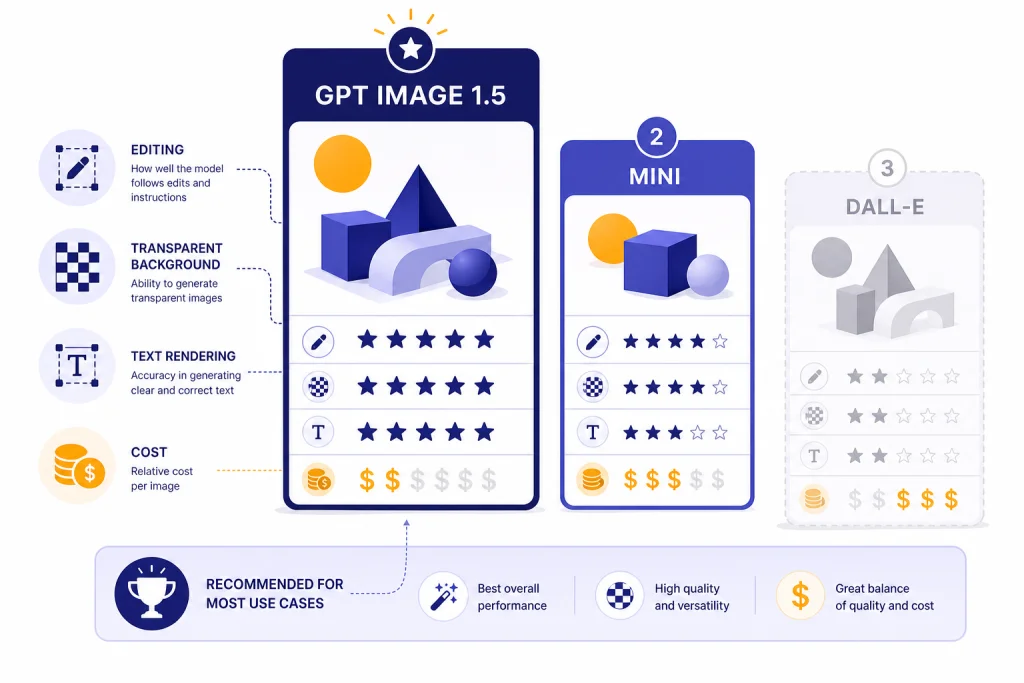
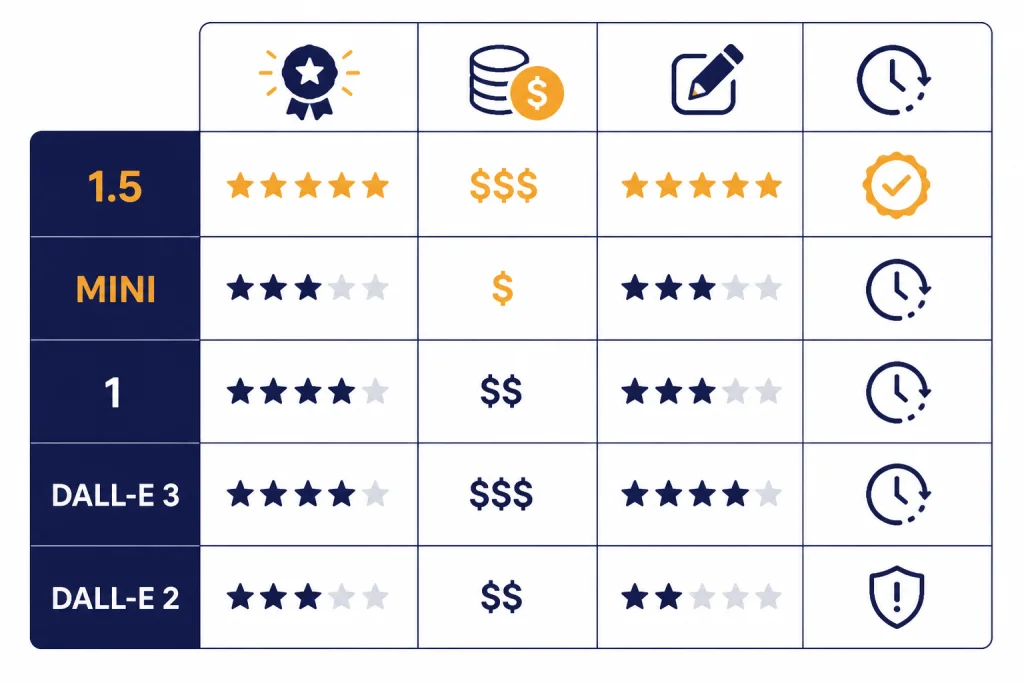
Do not treat GPT Image 1 Mini as the default budget recommendation unless it appears in your organization’s current model list and pricing page. Earlier pricing references and third-party examples sometimes mention Mini-style tiers, but the current canonical lineup for this guide is GPT Image 2, GPT Image 1.5, GPT Image 1, and legacy DALL-E models. For broader model tradeoffs, see all GPT models compared side by side, then use this article for the image-specific decision.
The decision is different if you mean ChatGPT rather than the API. In ChatGPT, use the built-in Images experience. OpenAI’s ChatGPT pricing page lists image generation availability by plan, while the API exposes explicit model names, settings, and usage-based pricing.[5]
GPT image model comparison
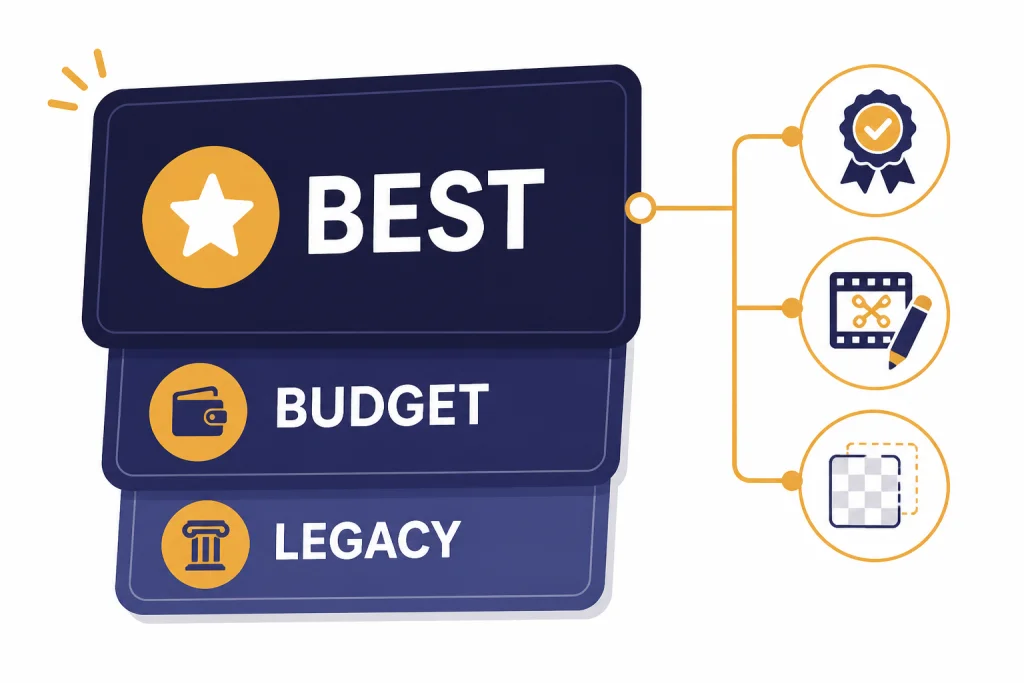
OpenAI’s current image lineup has two distinct branches: the newer GPT Image release path and the older DALL-E path. GPT Image 2 is the current best choice for new work. GPT Image 1.5 is still a capable fallback. GPT Image 1 is mainly for compatibility. DALL-E 3 and DALL-E 2 should be treated as legacy unless an existing product depends on them or you specifically need DALL-E 2 variation behavior.
| Model | Best use | API support | Pricing note | Verdict |
|---|---|---|---|---|
| GPT Image 2 | Best overall quality, instruction following, edits, text-heavy visuals, transparent assets, and new production workflows | Modern GPT Image generation and editing workflows through OpenAI’s image-generation API surfaces.[1] | Check the current OpenAI pricing page for the latest per-image rates by size and quality.[2] | Best default choice in May 2026 |
| GPT Image 1.5 | Strong fallback for teams already tuned around GPT Image 1.5; good for edits, design assets, and production previews | Generations and edits through the Image API; image tool support through the Responses API.[1] | Use the pricing page to compare against GPT Image 2 at the same size and quality level.[2] | Best fallback, not the newest top model |
| GPT Image 1 | Older GPT Image workflows that need continuity more than the newest quality level | Generations and edits through the Image API.[1] | Verify current rates before using it as a budget model; older does not always mean cheaper.[2] | Use for compatibility |
| DALL-E 3 | Legacy text-to-image apps that only generate new images | Image API generations only.[1] | Legacy pricing may differ from GPT Image pricing; confirm before migration planning.[2] | Legacy choice |
| DALL-E 2 | Legacy apps that need variations or older inpainting behavior | Image API generations, edits, and variations.[1] | Use only when the legacy feature is worth maintaining.[2] | Use only when variation support matters |
OpenAI’s image generation guide states that DALL-E 2 and DALL-E 3 are deprecated and that support is scheduled to stop on May 12, 2026.[1] That deprecation is separate from the GPT Image release path. In other words, DALL-E being legacy does not mean image generation is going away; it means new builds should move to GPT Image models, especially GPT Image 2 for current work. If you need a deeper historical comparison, read our DALL-E 3 and DALL-E 2 guides.
Best overall: GPT Image 2
GPT Image 2 is the best GPT model for image generation because it is the current top model in OpenAI’s image stack. The practical reason to choose it is not just “newer model” status. Image generation succeeds when the model follows constraints, preserves important input details during edits, renders usable text when requested, and needs fewer reruns. Those are the places where the top model usually pays for itself.
Choose GPT Image 2 first for prompts that include several requirements at once. Examples include “make a square app-store-style icon with a transparent background,” “turn this product photo into three consistent ecommerce angles,” or “create a poster with exactly two short labels and a blank space for a headline.” These are specification prompts, not just art prompts. When the prompt has brand, layout, format, and editing constraints, start with the strongest model.
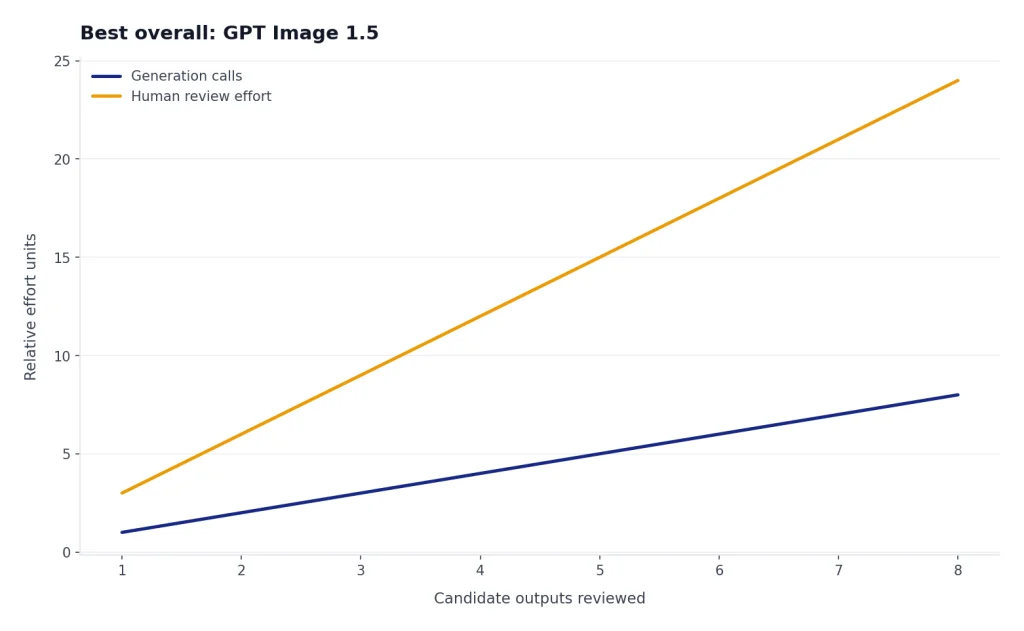
GPT Image 1.5 is still worth testing. If your use case is simple, your prompts are already stable, or human review catches every output before publication, 1.5 may be good enough. But for public-facing images, the cost of review and reruns often matters more than the posted per-image price. A higher-quality first attempt can be cheaper in practice than a cheaper model that needs repeated attempts. For general model strength outside images, compare this with our most powerful GPT model guide.
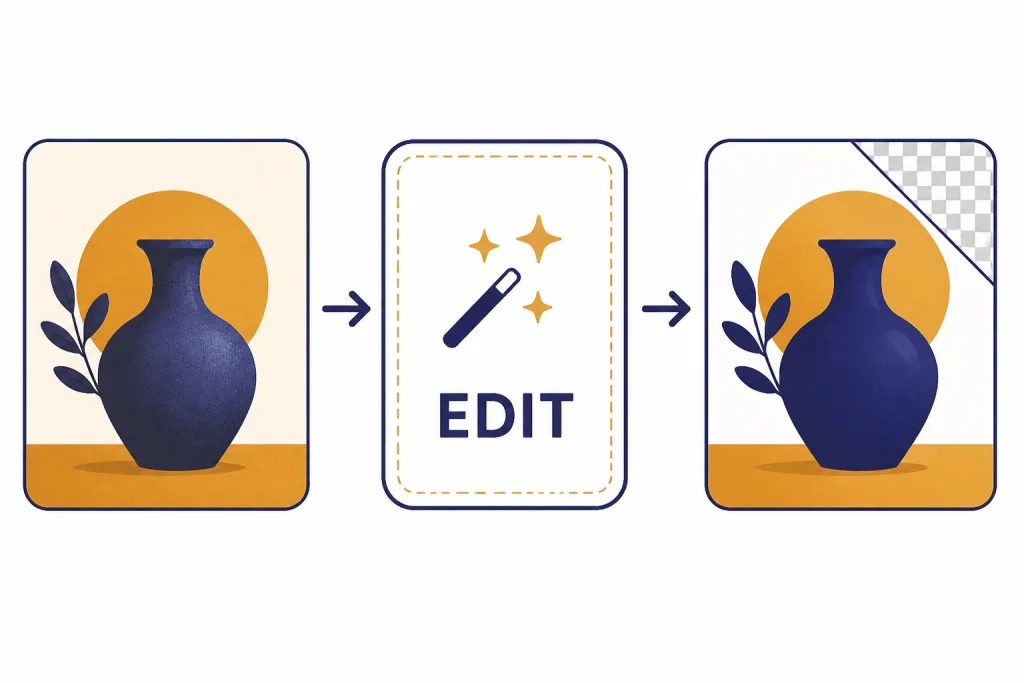
GPT Image models are especially relevant for editing. OpenAI’s guide says the Image API supports generations and edits for GPT Image models, while the Responses API can support image generation as part of a multi-step flow.[1] That lets you build an interface where a user uploads a rough image, asks for a change, inspects the result, and keeps iterating without treating every image as a one-shot prompt.
Illustrative prompt: “Use this product photo as the source. Keep the bottle shape and label text unchanged. Replace the background with a clean light-gray studio surface, add a soft shadow, and export with a transparent background.” Expected better-model behavior: the product remains recognizable, the label is not rewritten, and the background change does not distort the object. This is the kind of edit-heavy task where starting with GPT Image 2 is sensible.
Cheaper and legacy options
If price is your main constraint, do not assume the answer is a model called “Mini.” The verified OpenAI image-model lineup for this May 2026 update includes GPT Image 2, GPT Image 1.5, GPT Image 1, and the legacy DALL-E models; it does not make GPT Image 1 Mini a safe current recommendation. If your account, SDK, or older internal notes show a Mini tier, confirm it directly against your live /v1/models list and the OpenAI pricing page before building around it.[2]
The practical budget move is to test GPT Image 1.5 against GPT Image 2 on the same prompts, sizes, and quality settings. Use the stronger model for final assets, text-heavy graphics, brand-sensitive work, and difficult edits. Use the cheaper acceptable model only for drafts, internal thumbnails, placeholder creative, prompt-template testing, or batches where only a small share of outputs will be promoted to final review.
GPT Image 1 is harder to recommend for new work. It can preserve compatibility with an existing integration, but “older” does not automatically mean “best budget choice.” Before choosing it, compare real outputs and current pricing against GPT Image 1.5 and GPT Image 2.[2] If you are starting fresh, GPT Image 1 should be the exception, not the default.
DALL-E 3 is now mostly a legacy model. OpenAI’s guide says DALL-E 3 supports generations only, while GPT Image models support a broader set of generation and editing workflows.[1] DALL-E 3 can still be useful when an existing app already uses it and migration would be disruptive, but it is not the best GPT-era image model for new products.
DALL-E 2 has one narrow advantage: variations. OpenAI’s Image API guide lists variations as available with DALL-E 2 only.[1] That can matter for older creative tools that generate families of similar images from one source. For most new work, that advantage is outweighed by the deprecation timeline and weaker fit with modern GPT Image editing workflows.
If price is your main constraint, also read our cheapest GPT model and OpenAI API pricing guides. Image generation has its own cost structure, so the cheapest text model is not automatically the cheapest image workflow.
ChatGPT vs API image generation
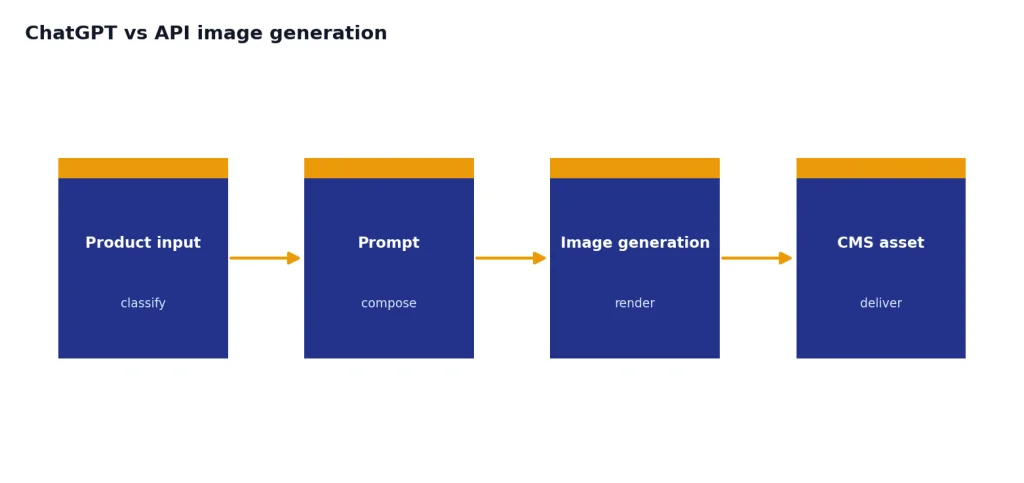
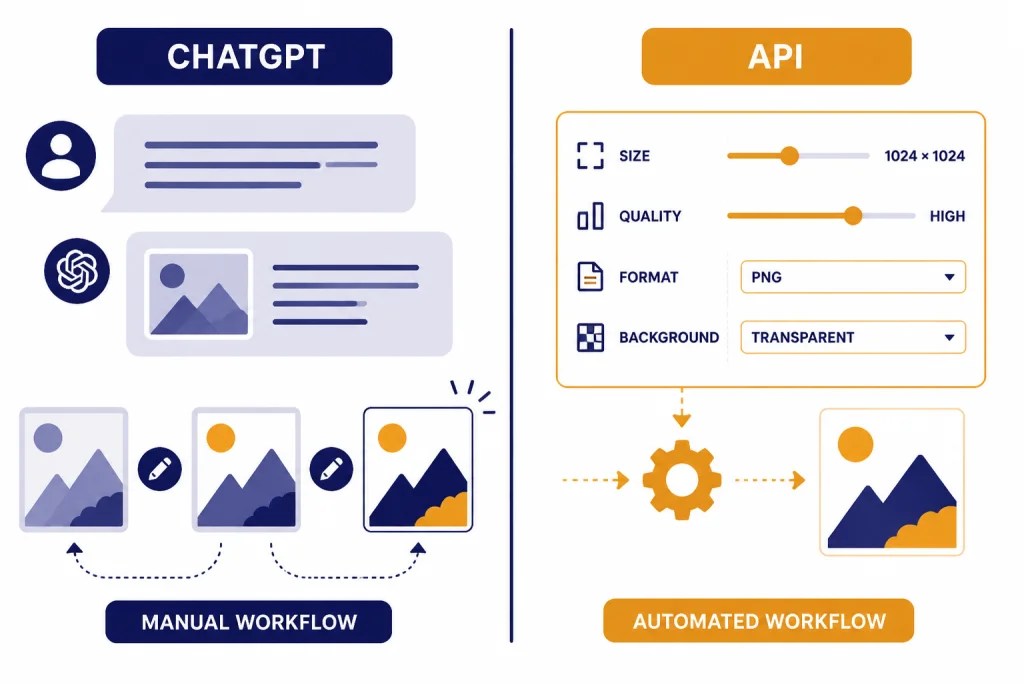
Use ChatGPT when you want a human-in-the-loop image studio. Use the API when you need automation, repeatability, or product integration. This distinction is often more important than the model name.
In ChatGPT, you describe the image, upload references when needed, ask for edits, and continue the conversation. This is the best route for writers, marketers, teachers, founders, and designers who need to think through the image while creating it. OpenAI’s ChatGPT pricing page lists image generation availability by plan and usage limits.[5] Those subscriptions are plan-based, not per-image API billing.
In the API, you choose the image model and settings directly. The Image API is best for a single prompt or edit. The Responses API is better when image generation is part of a larger conversation or multi-step workflow.[1] For example, an ecommerce tool might ask a text model to classify a product, write an image prompt, call GPT Image 2 for the final asset, and return the result to a content management system.
The API also gives developers more control over file format, compression, background, quality, and size. OpenAI’s docs list output options including size, quality, format, compression, and background, with automatic selection available for size, quality, and background.[4] That matters when you generate thumbnails, transparent icons, or JPEG previews where file size and retry rate affect the final cost.
For seeing and interpreting existing images rather than generating new ones, look at GPT-4 Vision. Vision models analyze image inputs. GPT Image models create and edit image outputs. Many real applications use both.
Settings that change quality, cost, and workflow
The model matters, but settings can change the result almost as much. Start with GPT Image 2 for the best baseline, then tune size, quality, output format, background, and edit inputs.
Size
OpenAI lists common GPT Image sizes of 1024 x 1024, 1536 x 1024, and 1024 x 1536, with auto available as the default size behavior.[1] Use square images for icons, thumbnails, and balanced social previews. Use portrait for posters and mobile-first creative. Use landscape for banners, headers, and presentation slides.
Quality
OpenAI lists low, medium, high, and auto quality options for GPT Image models.[1] Use low for drafts and quick idea exploration. Use medium for most production previews. Use high when visual detail, text rendering, or final polish matters enough to justify the extra cost and latency.
Format and compression
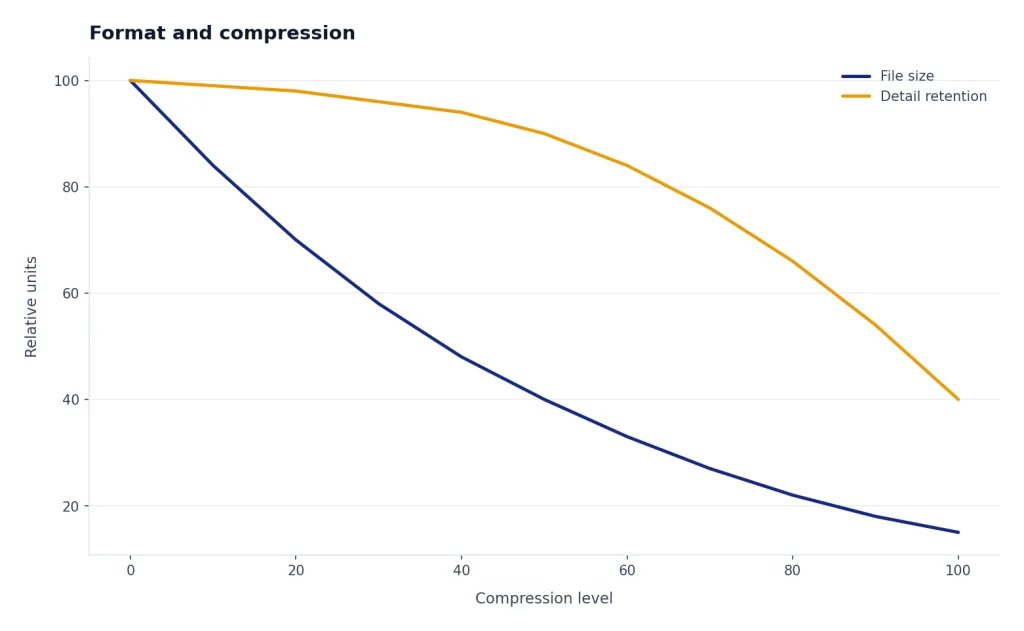
The Image API returns base64-encoded image data and supports PNG by default, with JPEG and WebP also available.[1] OpenAI’s guide says JPEG is faster than PNG, so prioritize JPEG when latency matters and transparency is not required.[1] For JPEG and WebP, the API supports an output_compression parameter from 0 to 100 percent.[1]
Transparent backgrounds
GPT Image models support transparent backgrounds, but OpenAI says transparency is supported only with PNG and WebP output formats.[1] This is important for icons, stickers, product overlays, interface components, and composited marketing assets. If the image will be placed over another background later, set transparency explicitly instead of trying to remove the background after generation.
Editing inputs
For image edits, OpenAI’s API reference says GPT Image models can accept up to 16 images, and each image should be a PNG, WebP, or JPG file under 50 MB.[3] It also lists a maximum prompt length of 32,000 characters for GPT image model edits.[3] Those limits make GPT Image models much better suited to structured editing workflows than older one-image prompt patterns.
Illustrative failure case: a prompt such as “make this flyer more premium” is vague and may produce a pretty but unusable redesign. A better edit prompt is: “Keep the exact event title and date. Change the background to dark navy, add a single gold accent line, preserve the logo placement, and leave the bottom-right quarter empty for a QR code.” The model choice matters, but clear constraints still reduce reruns.
Context still matters when you mix image and text work. If your workflow includes long briefs, brand rules, product catalogs, or multi-step planning before image generation, compare context window sizes for every GPT model before designing the full pipeline.
How to pick the right model
Use this practical decision tree.
- Start with GPT Image 2. Use it for final, public, detailed, text-heavy, or edit-heavy images.
- Benchmark GPT Image 1.5 as the fallback. Use the same prompts, sizes, and quality settings so you are comparing real outputs, not assumptions.
- Keep GPT Image 1 only for compatibility. Do not choose it by default for a new workflow unless your tests show a specific reason.
- Verify any Mini-tier reference before using it. If it is not in your live model list and current pricing table, do not build around it.
- Avoid DALL-E for new production builds. Use DALL-E 2 or DALL-E 3 only when a legacy feature or migration plan requires it.
- Use ChatGPT for manual creative direction. Use the API for automation, product features, and repeatable asset generation.
For most readers, the answer is now simple: the best GPT model for images is GPT Image 2. GPT Image 1.5 is the practical fallback, GPT Image 1 is for continuity, and DALL-E is legacy. If the image is part of a broader project that also includes copy, code, or video, pair this article with our guides to the best GPT model for writing, best GPT model for coding, and Sora.
Frequently asked questions
What is the best GPT model for image generation?
The best GPT model for image generation is GPT Image 2 for most API users in May 2026. Use GPT Image 1.5 as a strong fallback when you already have prompts or workflows tuned around it, and use GPT Image 1 mainly for older integrations.
Is GPT Image 1.5 better than DALL-E 3?
For new workflows, yes. GPT Image 1.5 is better treated as part of the modern GPT Image line, while DALL-E 3 is legacy and supports a narrower generation-only workflow.[1] However, GPT Image 2 is now the better default than both for new image-generation work.
What is the cheapest GPT model for images?
The cheapest current choice depends on OpenAI’s live pricing by model, size, and quality. Check the pricing page before deciding.[2] As a workflow rule, test GPT Image 1.5 against GPT Image 2 for drafts and internal assets, but do not rely on a “GPT Image 1 Mini” tier unless it appears in your live model list and current pricing table.
Should I use ChatGPT or the API for image generation?
Use ChatGPT when a person is actively directing the image and wants conversational edits. Use the API when you need repeatable generation inside an app, website, automation, or production pipeline. The API exposes model choice and settings such as size, quality, output format, compression, and background.[4]
Can GPT Image models edit existing images?
Yes. OpenAI’s Image API supports edits for GPT Image models, and the API reference says GPT Image models can accept up to 16 images for edits.[3] This makes them useful for product retouching, composition changes, background adjustments, and iterative creative workflows.
Does GPT Image support transparent backgrounds?
Yes. OpenAI says GPT Image models support transparent backgrounds, and transparency works with PNG and WebP output formats.[1] Use this for icons, stickers, interface assets, and composited graphics where you do not want a generated background baked into the file.