


The ChatGPT file upload limit depends on what you upload and where you upload it. The headline limit is 512MB per file, but text and document files also have a 2M-token cap, spreadsheets are limited to about 50MB, and images are capped at 20MB each.[1] File count limits also matter: OpenAI lists up to 80 file uploads every 3 hours for most users, 3 uploads per day for Free users, up to 10 files for the lifetime of a GPT, and separate Project limits by plan.[1] The practical rule is simple: use clean, common formats, split large work into smaller files, and delete old uploads when storage caps block new ones.
Quick answer
For normal ChatGPT use, the most important limit is 512MB per file. That does not mean every 511MB file will work well. Text-heavy documents also face a 2M-token cap per file, spreadsheets have an approximate 50MB limit that depends on row size, and images have a 20MB limit per image.[1]
The attachment button is not a substitute for unlimited storage. OpenAI also applies upload-rate limits, account or organization storage caps, custom GPT limits, and Project limits.[1] If your file is under the size limit but still fails, the cause is usually token count, unsupported formatting, a reached quota, a temporary upload incident, or a plan-specific limit.
If you are comparing upload limits with other ChatGPT constraints, keep this article separate from the ChatGPT token limit, the ChatGPT context window, and the ChatGPT message limit. Upload capacity, context capacity, and message quotas are related, but they are not the same limit.
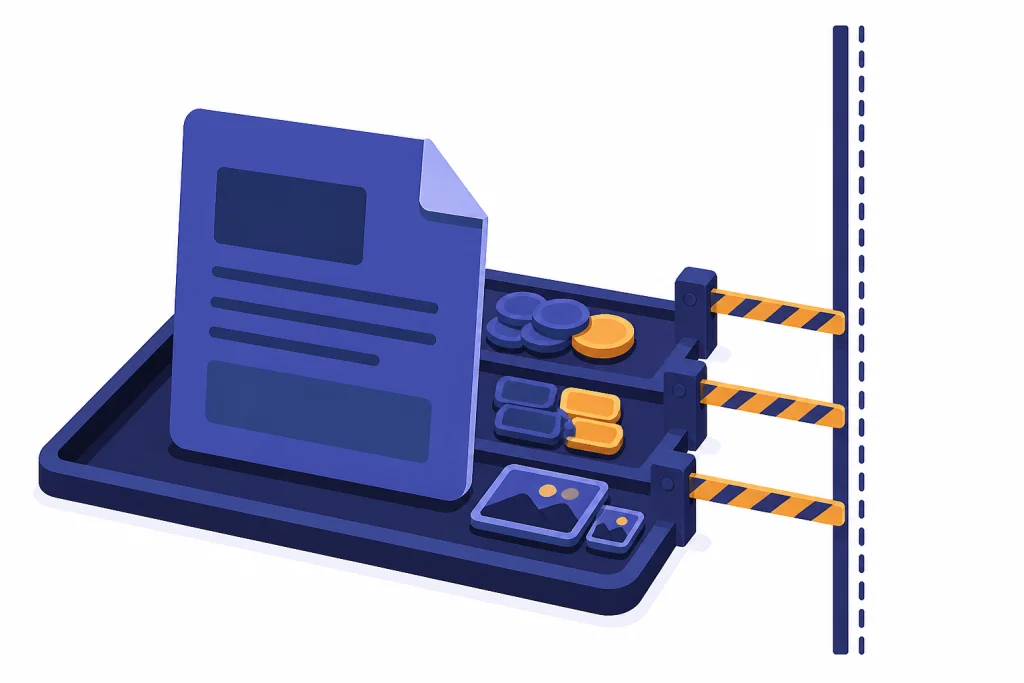
ChatGPT file upload limits by file type
OpenAI’s current file upload FAQ gives several limits that stack together. A file must satisfy the file-size rule, the format rule, and any applicable usage cap. A PDF can be rejected for being too large in bytes, too large in tokens, or too hard to parse. A spreadsheet can be rejected even when it is far below 512MB because OpenAI gives CSV and spreadsheet uploads a separate approximate 50MB limit.[1]
| Upload type | Published limit | What it means in practice |
|---|---|---|
| Any file uploaded to a GPT or ChatGPT conversation | 512MB per file | This is the hard per-file ceiling, not a guarantee that every file near that size will parse cleanly.[1] |
| Text and document files | 2M tokens per file | Long PDFs, DOCX files, TXT files, and presentations can hit this before they hit 512MB.[1] |
| CSV files and spreadsheets | Approximately 50MB | The effective limit depends on row size, width, and structure.[1] |
| Images | 20MB per image | Compress or resize high-resolution images before uploading.[1] |
| Free users | 3 file uploads per day | Free accounts have a much tighter daily upload allowance.[1] |
| General rolling upload rate | Up to 80 files every 3 hours | OpenAI says it may lower limits during peak hours.[1] |
Do not plan a workflow around the biggest number in the table. A 400MB scanned PDF may be less useful than a 4MB clean text export. ChatGPT has to extract, index, and reason over the content. File quality matters as much as file size.

Supported file formats
OpenAI says ChatGPT supports most common file extensions for text files, spreadsheets, presentations, and documents, including XLSX, XLS, CSV, TSV, DOCX, PPTX, PDF, and TXT.[2] OpenAI’s file workflow guide also lists CSV, XLSX, PDF, DOCX, JPEG, PNG, and TXT as examples of supported formats.[3]
The official support note also says .gdoc files are not currently supported and recommends exporting them to a format such as PDF or DOCX first.[2] That matters if you work in Google Docs. Downloading or exporting the file before upload is often more reliable than dragging a cloud-native shortcut into ChatGPT.
A simple format strategy works best:
- Use TXT or Markdown for plain text, logs, notes, transcripts, and clean source material.
- Use PDF for final reports when layout matters, but prefer selectable text over scanned pages.
- Use DOCX for drafts you want rewritten, edited, or restructured.
- Use CSV for tables when you want predictable data analysis.
- Use XLSX when formulas, multiple sheets, or workbook structure matter.
- Use PNG or JPEG for screenshots, diagrams, receipts, and visual inspection.
If your problem is specifically image-based, see the ChatGPT image upload limit. Image uploads have their own practical constraints even when they appear inside the same attachment menu.
File count, storage, and Project limits
File size is only one part of the chatgpt file upload limit. OpenAI also lists count and storage rules. The file upload FAQ says users can upload up to 80 files every 3 hours, Free users are limited to 3 file uploads per day, and ChatGPT may lower these limits during peak hours.[1]
Custom GPTs have their own count rule. OpenAI’s FAQ says you can upload up to 10 files per GPT for the lifetime of that GPT.[1] That is not the same thing as a normal chat. If you are building a custom GPT, merge related short files, remove duplicates, and keep a separate source folder so you can rebuild the GPT cleanly later.
Projects also have plan-specific file limits. OpenAI lists up to 20 files per Project for Plus, and up to 40 files per Project for Pro, Team, Education, and Business.[1] If you use Projects heavily, file count can become the blocking limit before file size does. For plan-specific detail, see our ChatGPT Plus file upload limit explained and ChatGPT Free plan limits in 2026.
Storage caps are the one area where OpenAI’s help content is not perfectly tidy. In one section of the file upload FAQ, OpenAI says each end user is capped at 25GB and each organization is capped at 100GB.[1] Later in the same FAQ, the troubleshooting section refers to shared storage caps of 10GB per user and 100GB per organization, and OpenAI’s connected-apps upload guidance also states 10GB per end user and 100GB per organization.[1][4] Treat this as an account-specific limit that may vary by plan or product surface. OpenAI has not published a single clean explanation that reconciles the 25GB and 10GB figures.
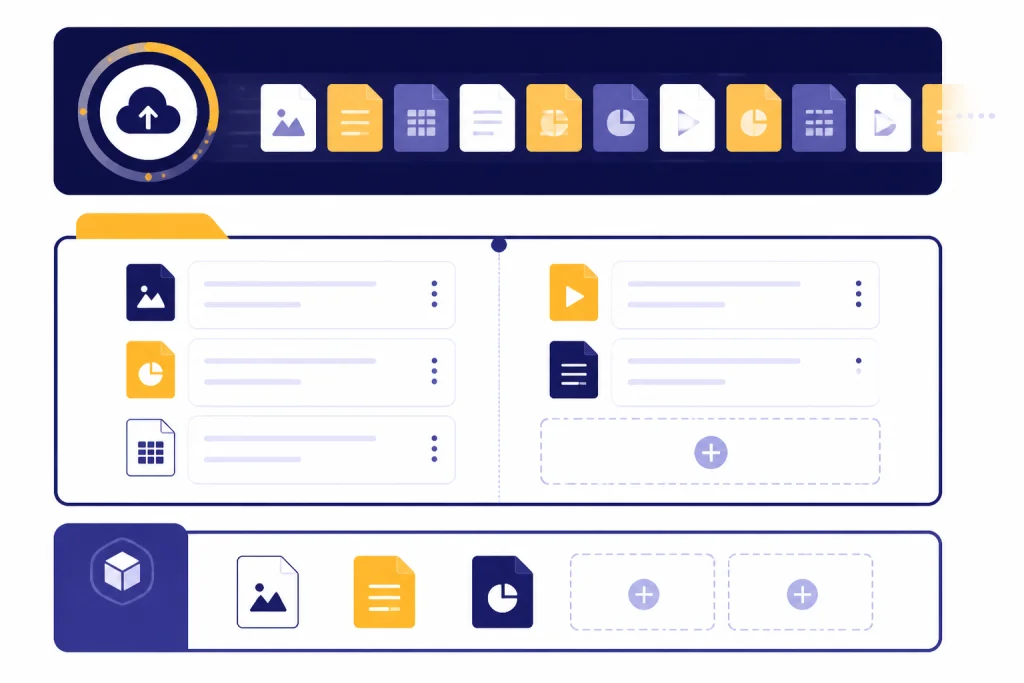
Why token limits can block files below 512MB
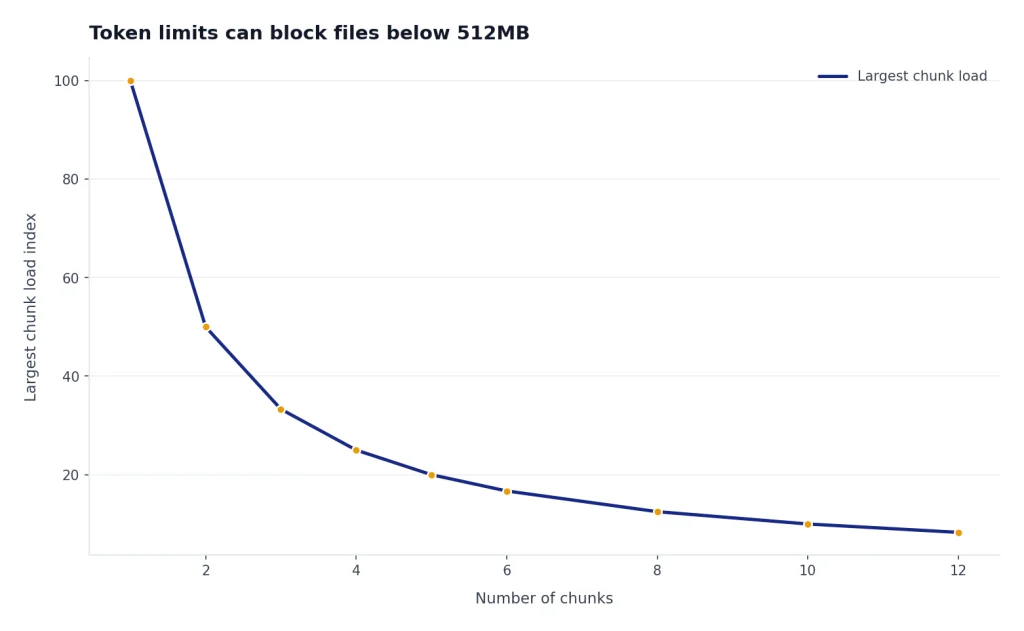
The 512MB limit measures file size. The 2M-token limit measures extracted text volume for text and document files.[1] These are different units. A compact text file can contain an enormous amount of readable language while taking little disk space. A scanned PDF can be huge in bytes but contain little extractable text.

This is why a file can fail even when your operating system says it is under the upload-size limit. ChatGPT may accept the upload, process part of it, or return weak answers if the extracted content is too long, too messy, or too poorly structured. If you need to understand the model-side limit, read our ChatGPT context window sizes by model and ChatGPT Plus token limit breakdown.
Use this rule: upload the smallest file that preserves the evidence ChatGPT needs. Remove cover pages, appendices, duplicate boilerplate, old revision history, hidden sheets, and unneeded embedded media. If the task is narrow, split the file by chapter, date range, department, or question.
A good prompt also reduces wasted processing. Instead of uploading a 200-page report and asking, “What do you think,” ask ChatGPT to inspect the executive summary, risk section, or tables you care about first. Then upload supporting sections only if needed.
Best format to upload for each task
The best file format is the one that preserves the structure ChatGPT needs for the job. You do not need to convert everything to PDF. In many cases, PDF is the least flexible option because it can hide table structure, split lines awkwardly, or include scanned pages that require visual extraction.
| Task | Best upload format | Why |
|---|---|---|
| Summarize a policy, memo, or contract | DOCX, PDF, or TXT | DOCX and TXT preserve text cleanly. PDF is fine when the document has selectable text. |
| Analyze sales, finance, or survey data | CSV or XLSX | Tables stay structured, which helps ChatGPT compute, filter, and chart. |
| Review a slide deck | PPTX or exported PDF | PPTX preserves slide structure. PDF can work for a final static version. |
| Extract text from a screenshot | PNG or JPEG | Use images when the source is visual and no text export exists. |
| Compare versions of a draft | DOCX or TXT | Clean text is easier to compare than a visually complex PDF. |
| Upload code, logs, or configuration | TXT, Markdown, JSON, or pasted text | Plain text avoids formatting artifacts and keeps the model focused on content. |
For large written inputs that are not really “files,” pasting may be better than uploading. Our ChatGPT character limit per message and ChatGPT word limit guides explain when message length becomes the next constraint.
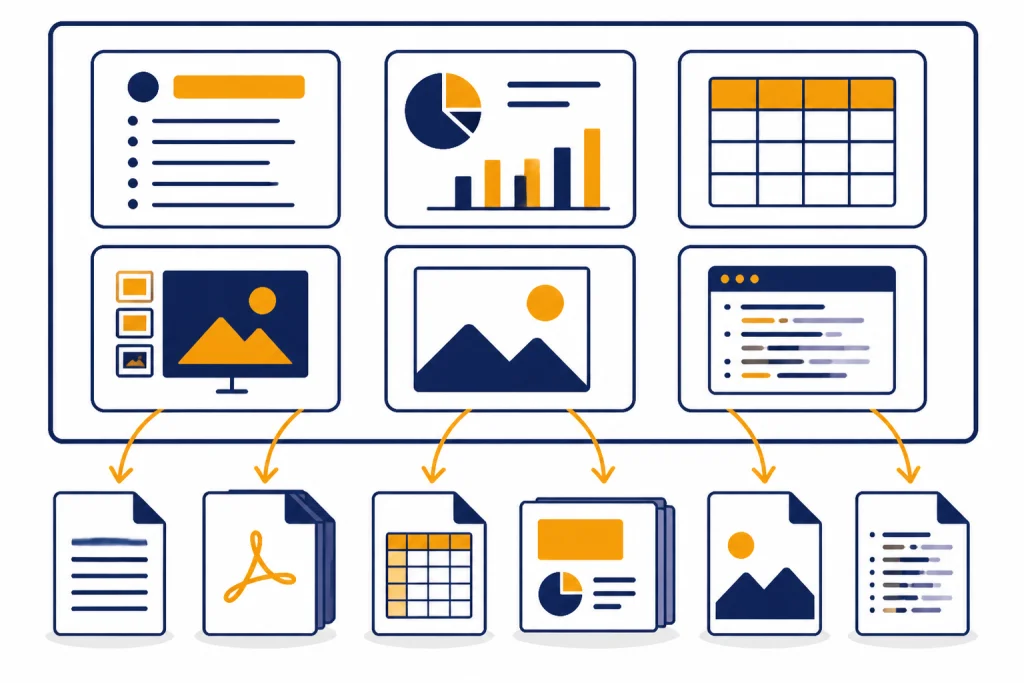
Cloud files and connected apps
Uploading from cloud storage does not remove the file upload restrictions. OpenAI’s connected-apps guidance says file upload restrictions also apply to files from cloud storage services, including the 512MB per-file limit, 2M-token document cap, 20MB image limit, and stated storage caps.[4]
Cloud connections can still be useful. They reduce manual downloads and help you reference work files in the conversation. But they are not a loophole for oversized PDFs, huge spreadsheets, or unsupported cloud-native files. If a Google Docs file will not attach, export it to PDF or DOCX first, because OpenAI says .gdoc is not currently supported.[2]
For teams, admin settings may also affect what users can connect. OpenAI’s apps documentation says some app functionality may be limited to certain plans, and workspace admins can control app availability for Business, Enterprise, and Edu workspaces.[7] If file upload works in a personal account but not a work account, ask the workspace admin before assuming ChatGPT is broken.
How to fix upload limit errors
If ChatGPT says “upload limit reached,” the cause may be the rolling upload rate, shared storage, failed attempts that counted against the rate cap, or a service incident. OpenAI says users should confirm the correct account and plan, remember that failed uploads can sometimes count toward the upload-rate cap, check status.openai.com, and include account email, screenshot, timestamp, timezone, platform, browser, and request ID when escalating.[1]
Use this troubleshooting order:
- Check the file type. Convert unsupported or cloud-native files to a common format.
- Check size. Keep documents under 512MB, spreadsheets around the published spreadsheet limit, and images under the image limit.[1]
- Reduce token load. Split long documents into chapters or sections.
- Simplify the file. Remove embedded images, comments, hidden sheets, tracked changes, and duplicate pages.
- Try a cleaner format. Convert PDF to DOCX or TXT when the PDF is text-heavy and poorly parsed.
- Delete old files. Remove files from old chats, Projects, or custom GPTs if you may have hit storage.
- Wait for the rolling window. If the rate cap is the issue, more attempts may extend the problem.
- Check service status. Upload failures can come from an incident rather than your file.
If the attachment icon is missing, the upload starts but stalls, or every format fails, use our ChatGPT file upload not working guide. If you are repeatedly blocked by broader usage caps, compare the ChatGPT daily limit and ChatGPT rate limit as well.
Retention and privacy basics
Uploaded files are not just transient pixels on your screen. OpenAI says files uploaded to ChatGPT are saved in your account up to the retention period of the corresponding chat, and files uploaded as knowledge to a custom GPT are retained until you delete that custom GPT.[1] OpenAI also says that after you delete a chat containing a file, your account, or a custom GPT, the associated file is deleted from its systems within 30 days unless an exception applies.[1]
OpenAI’s separate retention article says files uploaded to a custom GPT or Project, including shared Projects, are retained until the GPT or Project is deleted.[6] That makes housekeeping important. If you upload confidential drafts, customer data, or internal documents, remove them when the work is done and follow your organization’s policy.
Training use depends on product and settings. OpenAI’s file upload FAQ says content submitted to consumer ChatGPT may be used to improve model performance, while content submitted by customers to business offerings such as the API and ChatGPT Enterprise is not used to improve model performance.[1] If you use ChatGPT for sensitive work, check your Data Controls before uploading files. The ChatGPT memory limit also matters because memory and uploaded context can interact in ways users do not always expect.
ChatGPT uploads vs OpenAI API file limits
The ChatGPT file upload limit is not the same as every OpenAI API file limit. The OpenAI API files reference says individual API files can be up to 512MB, each project can store up to 2.5TB of files, and there is no organization-wide storage limit.[5] It also says the Assistants API supports files up to 2M tokens, fine-tuning supports only JSONL files, and the Batch API supports JSONL files up to 200MB.[5]
That distinction matters for builders. ChatGPT is an end-user product with chat, Project, custom GPT, plan, and storage limits. The API is a developer platform with endpoint-specific rules. If you are building a workflow instead of manually chatting with files, see our OpenAI API pricing guide before deciding whether to use ChatGPT, the API, or both.
For most users, the practical answer is still this: keep files smaller, cleaner, and more focused than the published ceiling. Upload limits tell you what may be accepted. They do not tell you what will produce the best answer.
Frequently asked questions
What is the maximum ChatGPT file upload size?
The general hard limit is 512MB per file for files uploaded to a GPT or a ChatGPT conversation.[1] Text and document files also have a 2M-token cap, spreadsheets are limited to about 50MB, and images are capped at 20MB each.[1]
Why does my file fail if it is under 512MB?
The file may exceed the token cap, use an unsupported format, contain hard-to-parse scanned pages, hit a spreadsheet-specific limit, or trigger an account quota. OpenAI also says failed upload attempts can sometimes count toward the upload-rate cap.[1]
What file formats does ChatGPT support?
OpenAI says common text, spreadsheet, presentation, and document formats are supported, including XLSX, XLS, CSV, TSV, DOCX, PPTX, PDF, and TXT.[2] OpenAI’s file guide also lists JPEG and PNG among supported upload examples.[3]
Can ChatGPT upload Google Docs files?
OpenAI says .gdoc files are not currently supported and recommends exporting them to a format such as PDF or DOCX.[2] If you use Google Docs, download a copy before uploading or connect an eligible app when your plan and workspace allow it.
How many files can I upload to a custom GPT?
OpenAI’s file upload FAQ says you can upload up to 10 files per GPT for the lifetime of that GPT.[1] That limit is separate from normal chat uploads and separate from Project file limits.
Do cloud storage files bypass ChatGPT upload limits?
No. OpenAI says file upload restrictions also apply to files from cloud storage services.[4] A file from Drive, OneDrive, or SharePoint can still run into file size, token, image, spreadsheet, or storage caps.
Are uploaded files deleted when I delete the chat?
OpenAI says files uploaded to ChatGPT are saved up to the retention period of the corresponding chat, and files associated with a deleted chat, account, or custom GPT are deleted from its systems within 30 days unless an exception applies.[1] Files uploaded to a custom GPT or Project may remain until that GPT or Project is deleted.[6]