

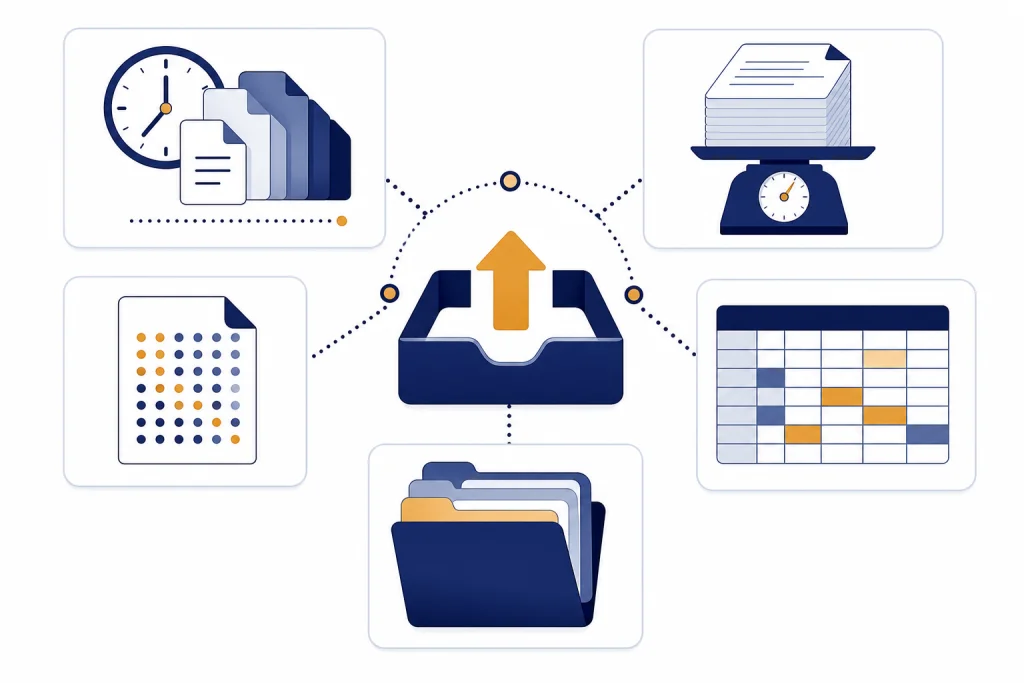
The ChatGPT Plus file upload limit is best understood as several caps working at the same time: up to 80 file uploads every 3 hours, 512 MB per file, 2 million tokens for text and document files, and about 50 MB for CSV or spreadsheet files. Images have a 20 MB limit.[1] Projects add a separate Plus cap of 20 files per project.[1] OpenAI’s Help Center contains conflicting storage-cap language, listing 25 GB per end user in one section and 10 GB per user in another; both references describe storage as a shared cap across file features.[1]
The current Plus upload limits
ChatGPT Plus file uploads are a paid ChatGPT app feature, not a separate API allowance. OpenAI describes Plus as a $20/month subscription and lists file uploads and analysis among its benefits.[5] The practical mistake is to look for one single quota. Plus users can hit a rolling upload rate, a per-file size cap, a file-content cap, a project cap, or a storage cap.
| Limit type | What OpenAI publishes | What it means for Plus users |
|---|---|---|
| Rolling upload rate | Users can upload up to 80 files every 3 hours. Free users are separately limited to 3 file uploads per day, and OpenAI may lower limits during peak hours.[1] | You can run out even when each file is small. Waiting is the only reliable reset. |
| Per-file size | Files uploaded to a GPT or ChatGPT conversation have a hard 512 MB cap.[1] The separate File storage article repeats the same cap.[2] | A larger file must be reduced, split, or exported in a smaller form before upload. |
| Text and document content | Text and document files are capped at 2 million tokens per file; the spreadsheet exception is handled separately.[1] | A text-heavy PDF can fail before it reaches the MB cap. |
| CSV and spreadsheet size | CSV files and spreadsheets are limited to approximately 50 MB, depending on row size.[1] OpenAI’s data analysis guide also lists approximately 50 MB for CSV files and spreadsheets.[3] | Large workbooks should be trimmed to the relevant sheets, rows, and columns. |
| Images | Images have a 20 MB per-image limit.[1] | Image uploads are not a workaround for large document uploads. |
| Projects | Plus projects support up to 20 files per project; Pro, Team, Education, and Business projects support up to 40 files per project.[1] | Project file caps are separate from the rolling upload window. |
| Storage | OpenAI’s FAQ is inconsistent: one section lists 25 GB per end user, while troubleshooting text lists 10 GB per user. Both references list 100 GB per organization.[1] | If you see storage-related upload errors, treat old files as the first thing to clean up. |
For the broader limit that applies across ChatGPT plans, see our general ChatGPT file upload limit guide. This article focuses on the Plus experience: what the published numbers mean, why uploads fail anyway, and how to stay inside the rules without trying to evade them.
What counts against the limit
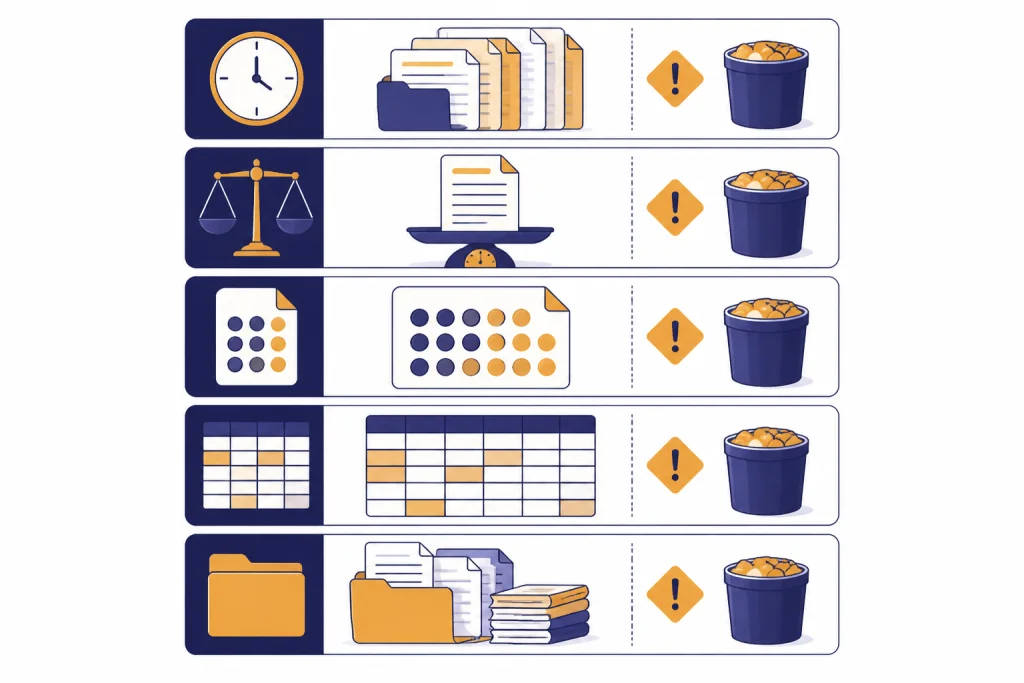
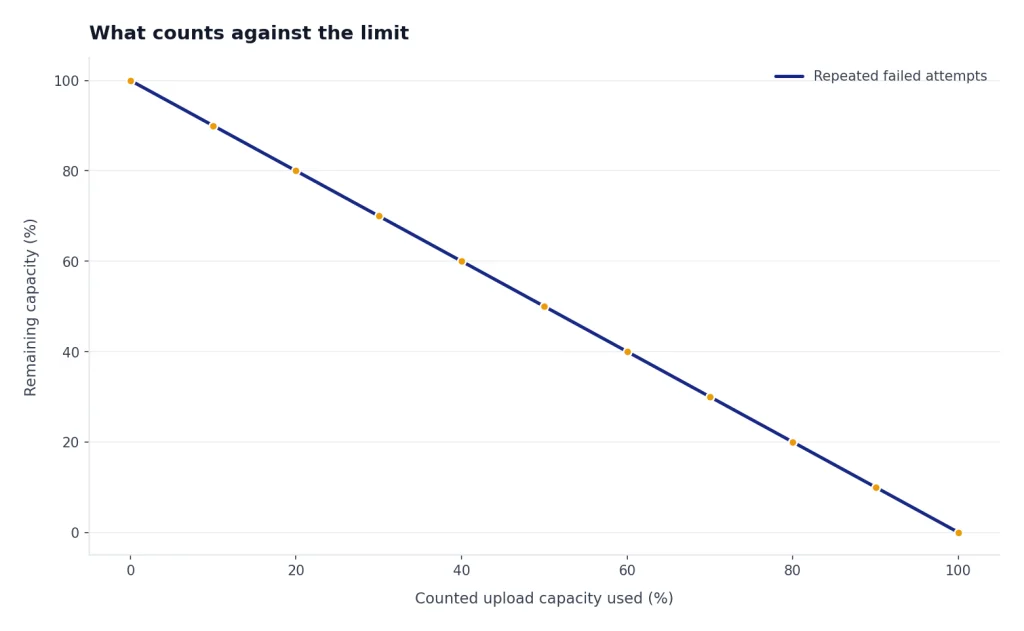
The Plus file upload limit is not only about successful uploads. OpenAI says failed upload attempts can sometimes count toward the upload-rate cap.[1] That is why a file that stalls, errors, or needs to be retried can still make the next upload fail.
- Files uploaded in a normal chat count toward the rolling file-upload window.
- Files added to a Project count against the Project file cap and shared storage.
- Files added as custom GPT knowledge count against GPT knowledge limits and shared storage.
- Repeated failed attempts may count, so retrying the same bad file over and over can make the problem worse.
Storage is shared across chats, Projects, and custom GPT knowledge according to OpenAI’s troubleshooting language.[1] Starting a new chat may help if you are hitting the conversation-level file count, but it will not bypass the rolling upload rate or the shared storage cap. Uploading files also does not remove the normal ChatGPT usage rules around messages; if you are analyzing files in many follow-up prompts, check the Plus message limits and the broader ChatGPT rate limit behavior as well.
Size limits by file type
The file size you see in Finder, File Explorer, or your cloud drive is only part of the story. ChatGPT also has to extract, parse, and fit useful content into the model workflow. That is why a compact but extremely dense spreadsheet can be harder to use than a larger file with simpler structure.
| File type | Published Plus-relevant cap | Practical note |
|---|---|---|
| PDF, DOCX, TXT, and other text documents | 512 MB per file and 2 million tokens per file.[1] | The token cap can matter before the file-size cap. For model context behavior, see our ChatGPT token limit and context window explainers. |
| CSV and spreadsheet files | Approximately 50 MB, depending on row size.[1] | Export the exact sheet or range you need instead of uploading a full workbook when possible. |
| Images | 20 MB per image.[1] | For image-specific behavior, see our separate guide to image upload limits. |
| Presentations | Common presentation files are supported, but the same size and extraction constraints apply.[1] | Slide decks with many screenshots may upload but yield weaker text analysis on Plus. |
OpenAI’s File Uploads FAQ says file uploads support common text, spreadsheet, presentation, and document extensions.[1] It does not mean every file in those categories will parse well. Corrupt files, scans without OCR text, unusual encodings, and very wide spreadsheets can still fail or produce poor answers.
Conversation uploads, Projects, and custom GPTs
Plus users often mix three different upload locations: a regular conversation, a Project, and a custom GPT. They look similar in the interface, but the caps are not identical.
| Upload location | Published file count | How to think about it |
|---|---|---|
| Conversation used for data analysis | OpenAI’s data analysis guide says up to 10 files can be uploaded to a given conversation.[3] | Use one conversation for one analysis task. Start a new thread when the task changes. |
| Plus Project | OpenAI lists up to 20 files per Project for Plus.[1] | Projects are better for a stable set of related files, not for dumping every document you own. |
| Higher-tier Project | OpenAI lists up to 40 files per Project for Pro, Team, Education, and Business.[1] | This is a project-file cap, not a promise that every other upload limit is doubled. |
| Custom GPT knowledge | OpenAI docs disagree. The File Uploads FAQ says up to 10 files per GPT for the lifetime of that GPT, while the GPT Builder article says a GPT can attach up to 20 files and each file can be up to 512 MB.[1][4] | Use the builder UI as the final check, and do not assume old blog posts reflect the current cap. |
This conflict matters for Plus subscribers who build custom GPTs as personal research assistants. If you hit a knowledge-file cap, combine small reference notes only when it improves retrieval, and remove outdated files instead of trying to stack more material into the GPT.
Why a valid file can still fail
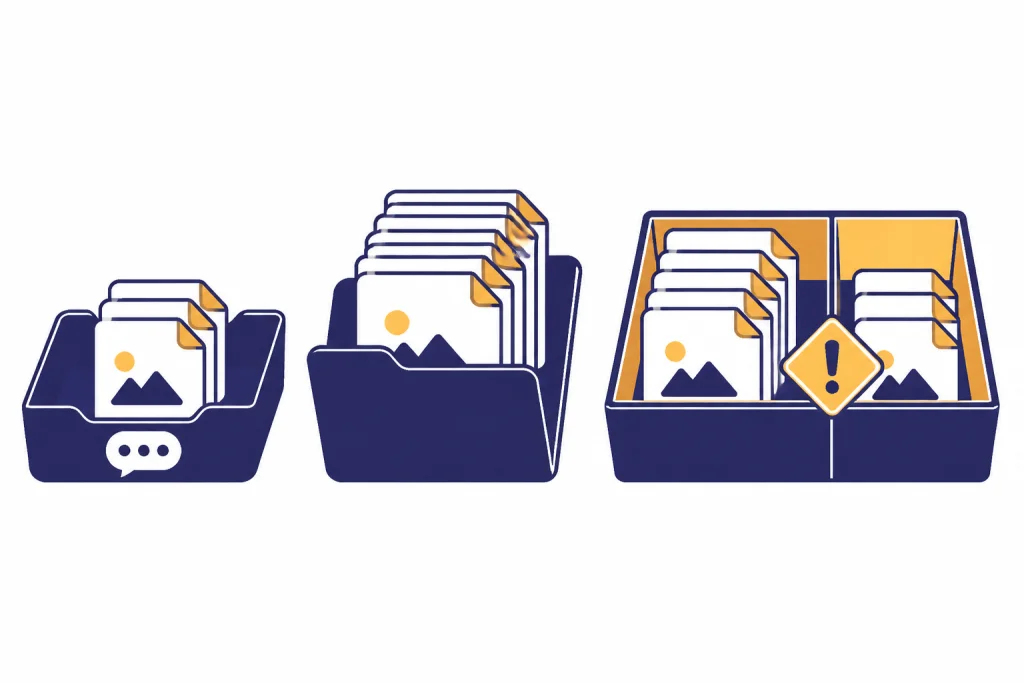
A file can meet the visible file-size rule and still fail. In practice, most failures come from a mismatch between the file’s surface size and the work ChatGPT must do after upload.
- The document is too text-dense. A text or document file can hit the 2 million-token cap even if it is under 512 MB.[1]
- The spreadsheet is too wide or complex. The spreadsheet limit is approximately 50 MB and depends on row size.[1]
- The file is image-heavy. OpenAI says ChatGPT Enterprise supports Visual Retrieval for PDF files, while all other plans and document files use text-based retrieval and discard images.[1]
- The rolling window is exhausted. Plus users can run into the 80-files-per-3-hours upload rate, and OpenAI says limits may be lower during peak hours.[1]
- Storage is exhausted. The Help Center points to shared storage caps across chats, Projects, and custom GPT knowledge, though its user-level storage figure is inconsistent.[1]
If the upload button works but the analysis fails, the issue is probably parsing, extraction, or file quality. If the upload button is blocked immediately, the issue is more likely a rate, plan, or storage cap. For step-by-step fixes, use our file upload troubleshooting guide.

How to stay under the Plus file upload limit
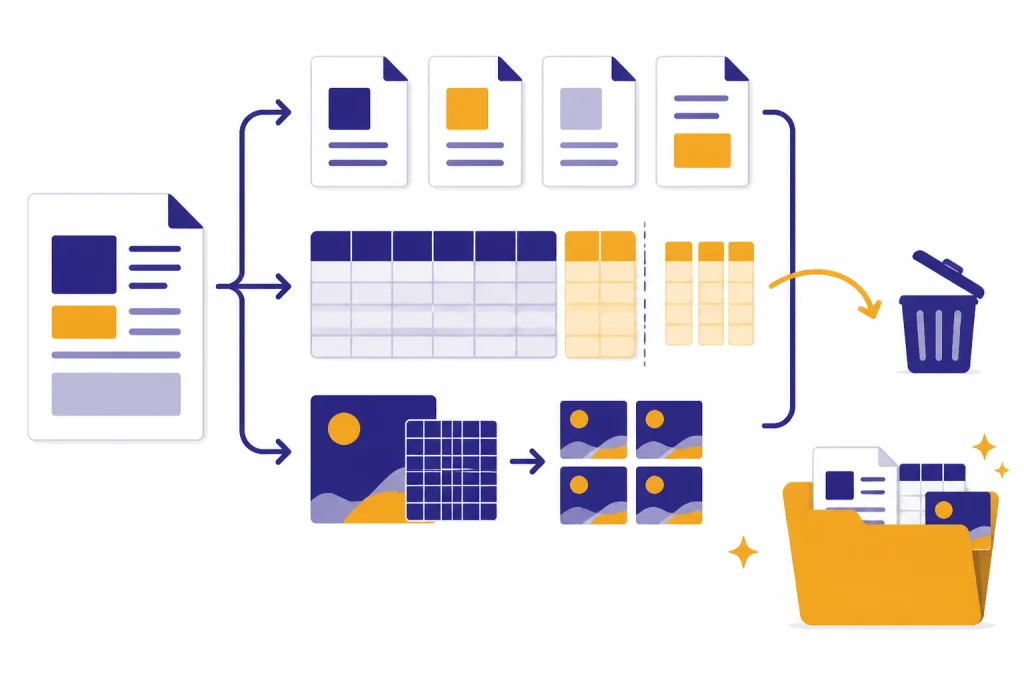
The best workaround is not to trick the cap. The better approach is to reduce the amount of irrelevant material you ask ChatGPT to process. Cleaner uploads produce better answers and waste fewer attempts.
Prepare files before uploading
- Split very long reports by section when a text-heavy file is likely to hit the 2 million-token document cap.[1]
- Export only the relevant spreadsheet sheet, rows, and columns when the workbook is near the approximately 50 MB spreadsheet limit.[1]
- Run OCR before uploading scanned PDFs if you need text extraction rather than visual inspection.
- Compress images before upload and keep each image below the 20 MB image cap.[1]
- Remove appendices, duplicates, boilerplate, and blank pages when they do not matter to the task.
Use chats and Projects deliberately
Use a regular chat for a short analysis task. Use a Project when the same collection of files will support repeated work. Do not upload the same source packet repeatedly in separate chats if one Project would keep the task organized.
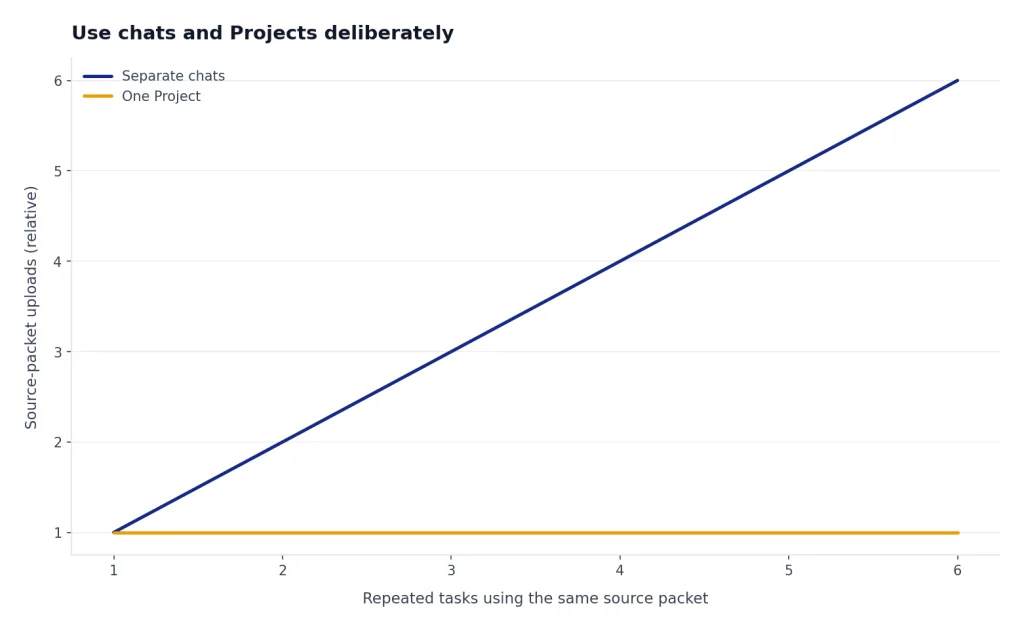
If you are close to the cap, ask ChatGPT to tell you which files it actually needs before uploading the rest. That prompt costs a message, but it can save upload attempts. For broader tradeoffs between files, messages, and paid-plan usage, see our ChatGPT Plus price and Plus value guide.
Clean up when storage is the blocker
OpenAI says users who encounter a file usage cap can delete files from recent chats or from GPTs they built because those share caps.[1] Retention documentation says deleted chats are scheduled for permanent deletion from OpenAI systems within 30 days unless de-identification, legal, or security exceptions apply.[7] If you need immediate practical relief, focus first on removing large, outdated files from chats, Projects, and custom GPTs you no longer use.
Plus versus other plans for uploads
OpenAI publishes a mix of exact limits and broad plan descriptions. It does not publish a complete public upload-rate table for every plan. The table below separates hard numbers from general plan positioning.
| Plan or tier | What the official docs say | Reader takeaway |
|---|---|---|
| Free | OpenAI lists file uploads as limited on Free, and the File Uploads FAQ says Free users are limited to 3 file uploads per day.[6][1] | Free is for occasional uploads, not sustained document analysis. |
| Plus | Plus costs $20/month and includes file uploads and analysis.[5] The File Uploads FAQ lists up to 80 uploads every 3 hours and up to 20 files per Plus Project.[1] | Plus is enough for regular personal document work if you prepare files well. |
| Pro, Team, Education, Business | The File Uploads FAQ lists up to 40 files per Project for Pro, Team, Education, and Business.[1] | Higher tiers may help if Projects, team workflows, or heavier usage are the bottleneck. |
| Enterprise | The File Uploads FAQ says file uploads are available to Enterprise users and that Enterprise supports Visual Retrieval for PDF files.[1] | Enterprise is the relevant comparison when PDF visuals, admin controls, and business data handling matter. |
If your real problem is not files but response volume, a plan upgrade may not solve it. Compare the upload rules here with our guide to ChatGPT daily limits before changing plans.
Data privacy and retention basics
Do not upload sensitive files just because Plus accepts the format. OpenAI says content submitted to ChatGPT and other individual services may be used to improve model performance, and that uploaded files can be part of that content, depending on the service and user choices.[1] The same FAQ says OpenAI does not use content submitted by customers to business offerings such as the API and ChatGPT Enterprise to improve model performance.[1]
Retention is also separate from upload limits. OpenAI’s retention policy says chats are saved until manually deleted, and deleted chats are scheduled for permanent deletion within 30 days unless exceptions apply.[7] Files attached to custom GPTs or Projects are retained until the GPT or Project is deleted, then removed within 30 days unless legal or security exceptions apply.[7]
Memory is a different feature from file storage. If you are trying to understand what ChatGPT can remember between chats, read our memory storage limits guide instead of treating uploaded files as long-term memory.
Frequently asked questions
What is the ChatGPT Plus file upload limit?
OpenAI’s File Uploads FAQ says users can upload up to 80 files every 3 hours, with a 512 MB hard limit per file.[1] Text and document files also have a 2 million-token cap, spreadsheets are limited to approximately 50 MB, and images are limited to 20 MB each.[1] Plus Projects have a separate 20-file cap.[1]
Does the 512 MB cap mean any 512 MB PDF will work?
No. The 512 MB cap is only the hard file-size ceiling.[1] A text-heavy PDF can still hit the 2 million-token document limit, and a scan without usable text may produce weak extraction.[1] If the PDF depends on diagrams or screenshots, Plus may not analyze those visuals the way you expect.
Why do I see upload limit reached after only a few files?
The upload error may be caused by shared storage, not just the rolling file count. OpenAI also says failed upload attempts can sometimes count toward the upload-rate cap.[1] Its own storage wording is inconsistent, so delete old large files and wait for the rolling window before assuming your account is broken.
Can I bypass the limit by starting a new chat?
Starting a new chat can help if your current conversation is crowded, because OpenAI’s data analysis guide lists up to 10 files in a given conversation.[3] It does not bypass the rolling upload rate, per-file size caps, or shared storage caps.[1] Use a new chat for a new task, not as a quota workaround.
Do uploaded files count against my message limit?
The file upload cap and message cap are separate limits. Uploading a file starts the analysis workflow, but every follow-up question still uses normal ChatGPT interaction capacity. If your file uploads work but ChatGPT stops responding because you have used too many prompts, check the message limit rather than the file limit.
Does ChatGPT Plus include API file uploads?
No. OpenAI says ChatGPT Plus is a subscription for enhanced access to the ChatGPT web app, and API usage is separate and billed independently.[5] Do not buy Plus expecting it to raise API file, token, or rate limits.