


The ChatGPT Plus GPT-4o message limit is now a legacy limit, not an active quota. As of April 12, 2026, ChatGPT Plus users cannot select GPT-4o in ChatGPT because OpenAI retired GPT-4o and several other legacy ChatGPT models from the product; Business, Enterprise, and Edu transition access inside Custom GPTs ended on April 3, 2026.[1] The old Plus cap was up to 80 GPT-4o messages every 3 hours, with no rollover and possible reductions during peak demand.[4] That number still matters because older guides and screenshots still reference it. Today, treat GPT-4o as unavailable in ChatGPT Plus and use the current Plus model picker instead.
Current GPT-4o limit
The current ChatGPT Plus GPT-4o message limit is not applicable. GPT-4o is no longer an available ChatGPT model for Plus users, so there is no live GPT-4o counter to refill, reset, or raise. OpenAI’s Help Center says GPT-4o was retired from ChatGPT on February 13, 2026, and that GPT-4o was fully retired across all plans after the Business, Enterprise, and Edu Custom GPT transition ended on April 3, 2026.[1]
This is different from hitting a temporary cap. If GPT-4o is missing from your model picker, that is expected behavior, not a normal limit warning. OpenAI’s release notes also state that GPT-4o, GPT-4.1, GPT-4.1 mini, and OpenAI o4-mini were retired from ChatGPT on February 13, 2026, with no API changes at that time.[3]
ChatGPT Plus is still a paid plan for expanded ChatGPT access. OpenAI’s Plus help page lists Plus at $20/month and says Plus subscriptions may include usage limits such as message caps, especially during high demand.[5] For current caps across the model picker, use our current Plus limits by model. For the broader plan-by-plan view, see the general ChatGPT message limit guide.

Historical Plus cap
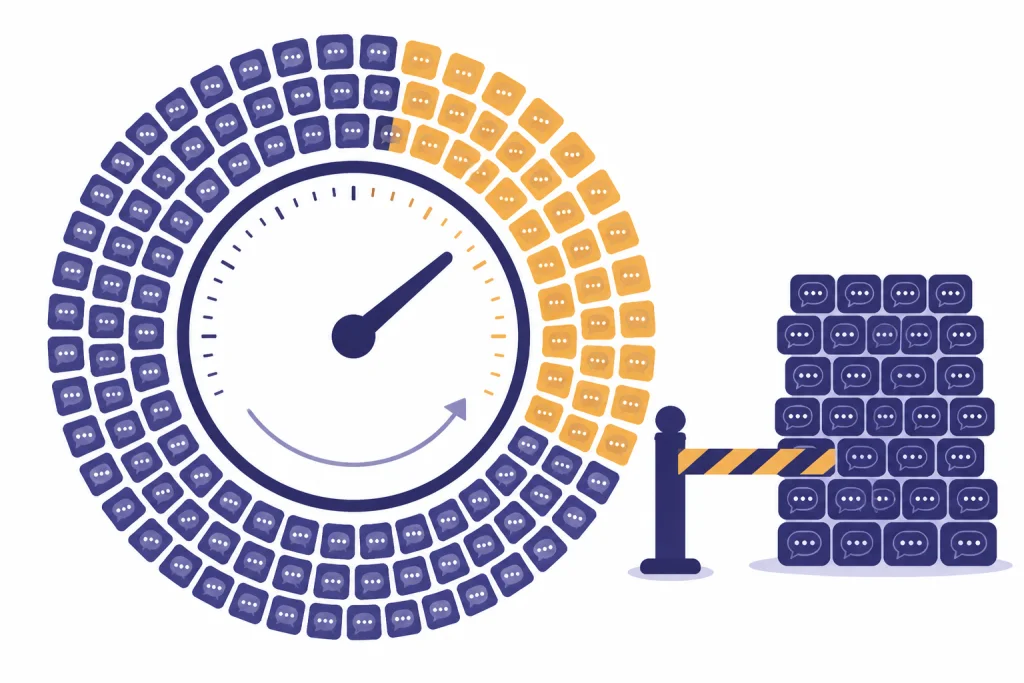
The historical ChatGPT Plus GPT-4o cap was up to 80 messages every 3 hours. OpenAI’s model selector article said that, as of February 1, 2025, Plus users could send up to 80 messages every 3 hours on GPT-4o and up to 40 messages every 3 hours on GPT-4.[4] That was a model-specific rolling window, not a fixed daily allowance.

| Question | Historical GPT-4o Plus answer | Practical meaning |
|---|---|---|
| Nominal message cap | Up to 80 GPT-4o messages every 3 hours.[4] | Plan work in short bursts instead of assuming one daily pool. |
| Unused messages | Unused messages did not accumulate; waiting 6 hours did not create a 160-message GPT-4o allowance.[4] | You could not bank unused GPT-4o capacity. |
| Peak demand | OpenAI said it may reduce the limit during peak hours.[4] | The in-product notice mattered more than an old screenshot. |
| Older GPT-4 comparison | GPT-4 was listed at up to 40 messages every 3 hours.[4] | GPT-4o had the higher published Plus cap while both existed. |
| Status now | No active Plus GPT-4o cap, because GPT-4o is retired from ChatGPT.[1] | Do not troubleshoot it as a normal quota error. |
This is why a “daily GPT-4o limit” calculation is misleading. OpenAI described the Plus GPT-4o limit as a 3-hour window, not as an official daily maximum.[4] OpenAI has not published an official figure for an active Plus GPT-4o cap after retirement.
Retirement timeline
The GPT-4o retirement happened in stages. The key point for Plus users is simple: Plus lost normal ChatGPT access when the model retired from ChatGPT on February 13, 2026.[1] The later April 3, 2026 date applied to remaining Business, Enterprise, and Edu access inside Custom GPTs.[1]
| Date | What changed | Why it matters for Plus users |
|---|---|---|
| January 29, 2026 | OpenAI announced that GPT-4o, GPT-4.1, GPT-4.1 mini, and OpenAI o4-mini would retire from ChatGPT on February 13, 2026.[2] | Plus users had advance notice that the old GPT-4o selector would go away. |
| February 13, 2026 | OpenAI’s release notes said GPT-4o and other legacy models were retired from ChatGPT, with no API changes at that time.[3] | The Plus GPT-4o message cap stopped being an active ChatGPT limit. |
| April 3, 2026 | Business, Enterprise, and Edu customers lost remaining GPT-4o access inside Custom GPTs; after that date, GPT-4o was fully retired across all plans.[1] | By this article’s publication date, GPT-4o was not a Plus fallback or hidden option. |
| April 12, 2026 | This article’s status date. | The correct Plus answer is “not available,” not “80 messages every 3 hours.”[1] |
The API distinction matters. OpenAI said the ChatGPT retirement did not change API access at that time.[1] But ChatGPT Plus does not include API usage; OpenAI says API usage is separate and billed independently.[5] If you need a developer workflow, compare the OpenAI API pricing overview instead of trying to recover GPT-4o inside the Plus UI.

How the message window worked
The old GPT-4o cap was a message limit. It was not the same thing as a token limit, a context window, a file limit, or a rate limit. A message limit controls how many prompts you can send to a specific model in a specific window. A token or context limit controls how much text the model can consider in a conversation.
OpenAI did not publish a detailed public accounting rule for every edited message, retry, failed generation, or tool-assisted response under the old GPT-4o Plus cap. OpenAI has not published an official figure for this. Treat third-party counters as estimates, and trust the in-product limit notice when ChatGPT shows one.
If you are diagnosing a limit problem today, separate these buckets before you change your workflow:
- Model message limits: how many messages you can send to a selected model. Start with the Plus message limits by model.
- Daily-limit confusion: whether a cap resets by day or by a shorter rolling window. Use our daily-limit explanation when the reset timing is unclear.
- Rate limits: throttling or temporary access restrictions. See the ChatGPT rate limit guide.
- Context and token limits: how much material fits in the conversation. Compare context window sizes with the token limit breakdown.
- Tool limits: uploads, analysis, and other tools may have their own caps. For documents, see Plus file upload limits.
What Plus users should use instead
Do not try to force GPT-4o back into ChatGPT Plus. Pick the current path that matches the job. OpenAI’s Plus help page describes Plus as including higher GPT-5.3 limits, advanced reasoning models, faster responses, voice conversations, image generation, file uploads and analysis, Deep Research tools where available, and custom GPT creation and use.[5]
| If you used GPT-4o for… | Use this instead on Plus | Notes |
|---|---|---|
| Everyday drafting, coding, and summaries | The current default model or model picker | Plus includes access to higher GPT-5.3 limits, according to OpenAI’s Plus page.[5] |
| Hard planning, math, or multi-step analysis | Advanced reasoning models | Use reasoning only when the task needs it. That preserves higher-cost model capacity for harder work. |
| Files, spreadsheets, and data analysis | Plus file upload and analysis tools | These tools have their own practical constraints, so check upload-specific limits before batching work. |
| Exact GPT-4o API behavior | The OpenAI API, not the ChatGPT Plus subscription | OpenAI says API usage is separate and billed independently from Plus.[5] |
| The conversational style of GPT-4o | Custom instructions and explicit style prompts | GPT-4o itself is retired from ChatGPT, so style prompting is the practical Plus workaround.[1] |
If the only reason you paid for Plus was GPT-4o, reevaluate the subscription against the current model lineup and your actual usage. Our whether Plus is still worth it guide is the right next stop for that decision.
How to stretch Plus limits legitimately
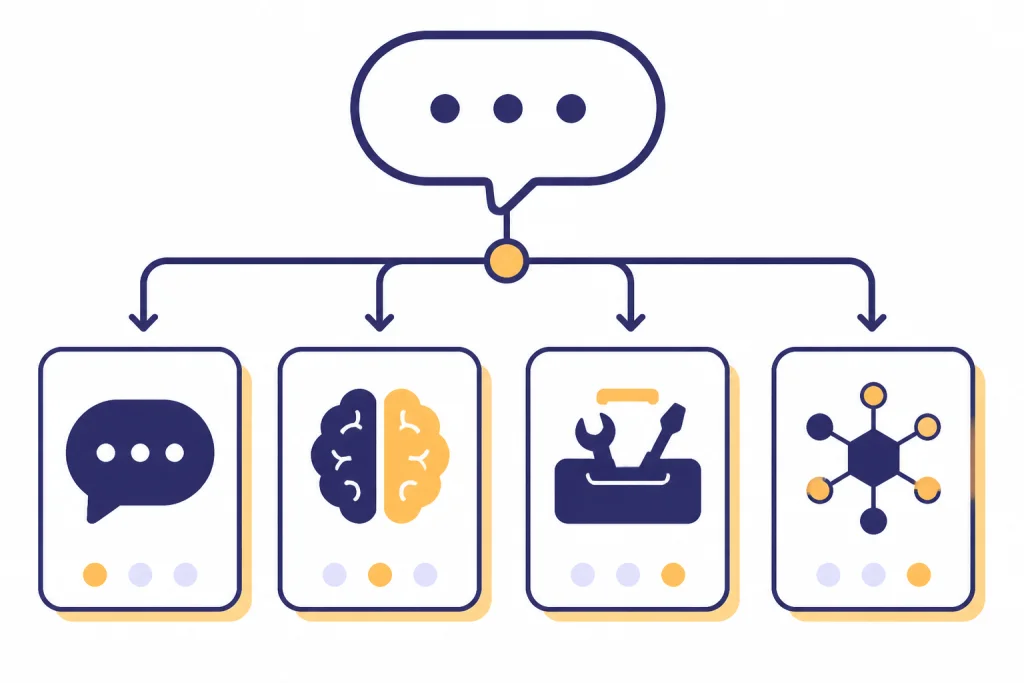
The safest way to handle message pressure is to use fewer, better turns. Do not share accounts, automate the web UI, or use scraping-style behavior to dodge limits. Use product tiers, the model picker, and better prompting instead. For a full playbook, see legitimate limit workarounds.
- Write the prompt before you send it. Include the goal, audience, constraints, files, and output format in one clean request.
- Ask for a plan first when stakes are high. Approve the outline, then ask for the final answer. This reduces wandering follow-ups.
- Use the right model for the task. Save reasoning models for analysis, debugging, and planning. Use the default path for routine writing and summarization.
- Keep reusable context short. Long standing instructions can consume attention and create messy outputs. Store only what helps the next answer.
- Separate upload limits from message limits. If your bottleneck is documents, troubleshoot uploads before blaming the chat cap.
- Move programmatic workloads to the API. Plus is a ChatGPT web-app subscription; OpenAI says API usage is billed separately.[5]
Frequently asked questions
What is the ChatGPT Plus GPT-4o message limit now?
There is no active ChatGPT Plus GPT-4o message limit because GPT-4o is no longer available in ChatGPT Plus. OpenAI says GPT-4o was retired from ChatGPT on February 13, 2026, and fully retired across all plans after April 3, 2026.[1] The old 80-message cap is historical.
Was the old limit 80 messages every 3 hours?
Yes. OpenAI’s model selector article said that, as of February 1, 2025, Plus users could send up to 80 GPT-4o messages every 3 hours.[4] It also said unused messages did not roll over, so waiting 6 hours did not create a 160-message GPT-4o allowance.[4]
Did GPT-4o become unlimited for Plus users?
No. GPT-4o did not become unlimited for Plus users; it was removed from ChatGPT. OpenAI’s retirement page says the model is no longer available for use in ChatGPT.[1]
Can I still use GPT-4o through the API with my Plus subscription?
ChatGPT Plus and the API are separate products. OpenAI said the ChatGPT model retirement did not change API access at that time, but its Plus help page says API usage is separate and billed independently.[1][5] Use API docs and billing pages, not the ChatGPT Plus model picker, for API availability.
Why do older guides still show the GPT-4o cap?
Older guides usually describe the pre-retirement Plus setup. At that time, OpenAI published a Plus GPT-4o cap of up to 80 messages every 3 hours.[4] Those guides are useful for history, but they should not be treated as current ChatGPT Plus instructions.
Does the GPT-4o retirement affect file uploads or memory?
The GPT-4o message cap and tool limits are different limit types. Plus still includes features such as file uploads and analysis, but OpenAI says Plus subscriptions may include usage limits that vary based on system conditions.[5] If your bottleneck is a document workflow, troubleshoot uploads separately from model messages.