

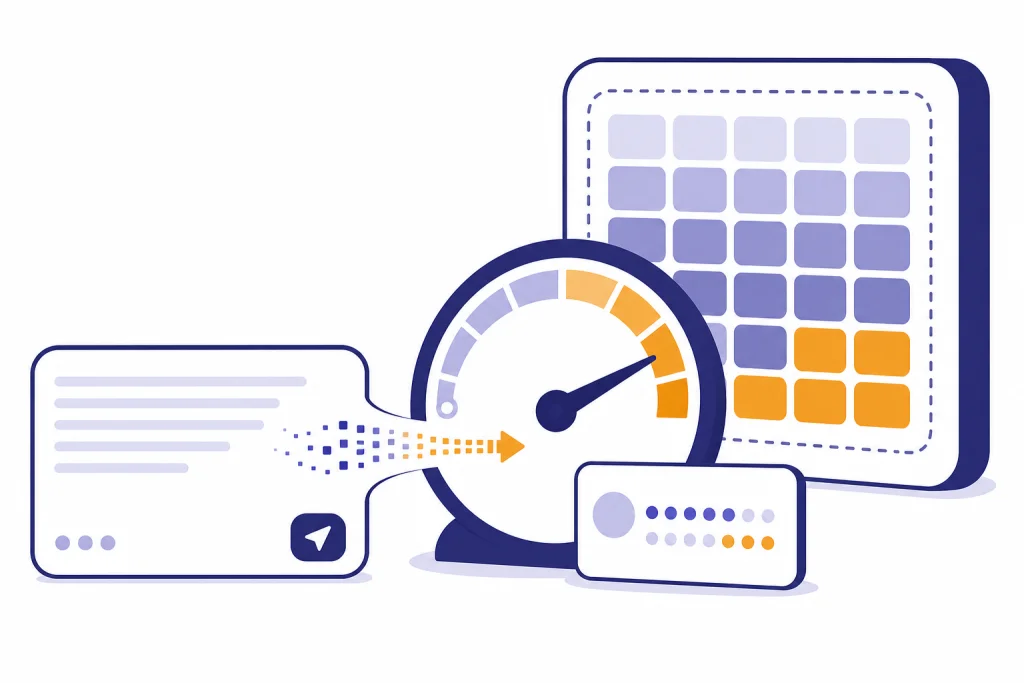
The ChatGPT character limit per message is not a single public number. OpenAI does not publish an official character cap for ordinary messages in the ChatGPT composer. In practice, long prompts run into token limits, model context limits, tool limits, browser or app behavior, and sometimes message-rate limits before they hit a visible character counter. For English text, the best practical estimate is token-based, not character-based: roughly four characters per token. That estimate is useful for planning, but it is not a guarantee. This guide explains what the limit really means, how to estimate it, and what to do when your message is too long.
Quick answer
OpenAI has not published an official character limit for a normal ChatGPT message in the chat composer. The more reliable way to think about the chatgpt character limit is this: ChatGPT processes text as tokens, and each model has a maximum amount of text it can consider across your prompt, previous chat history, tool output, uploaded material, and the answer it is about to write.
OpenAI’s token help page says tokens can be as short as a single character or as long as a full word, and gives the English rule of thumb that 1 token is about 4 characters.[1] OpenAI’s tokenizer page gives the same rough rule for common English text and says 100 tokens is about 75 words.[2] That means a character estimate is always approximate.
If your prompt is short, you usually do not need to think about this. If your prompt is a pasted transcript, legal document, codebase excerpt, research notes, or a long prompt template, use tokens as your working limit. For a deeper model-by-model explanation, see our ChatGPT token limit guide and our ChatGPT context window sizes by model breakdown.
| Place you enter text | What limit matters most | What OpenAI publishes | Practical takeaway |
|---|---|---|---|
| Normal ChatGPT message | Model context and output budget | No official per-message character cap published | Shorten, chunk, or upload files if the composer refuses a long prompt. |
| Custom instructions | Character field limit | The longer custom-instruction text fields have a 1,500-character limit.[3] | Keep permanent style and preference notes concise. |
| Uploaded text or document file | File size and file token cap | Files have a 512MB hard limit, and text/document files are capped at 2M tokens per file.[4] | Use file upload for long source material instead of pasting everything. |
| OpenAI API request | Model context window and max output tokens | OpenAI’s model page lists model-specific context windows and max output values, including 1M-token context windows and 128K-token max output on frontier models.[5] | Choose the model and output cap deliberately. |
Why ChatGPT uses tokens instead of characters
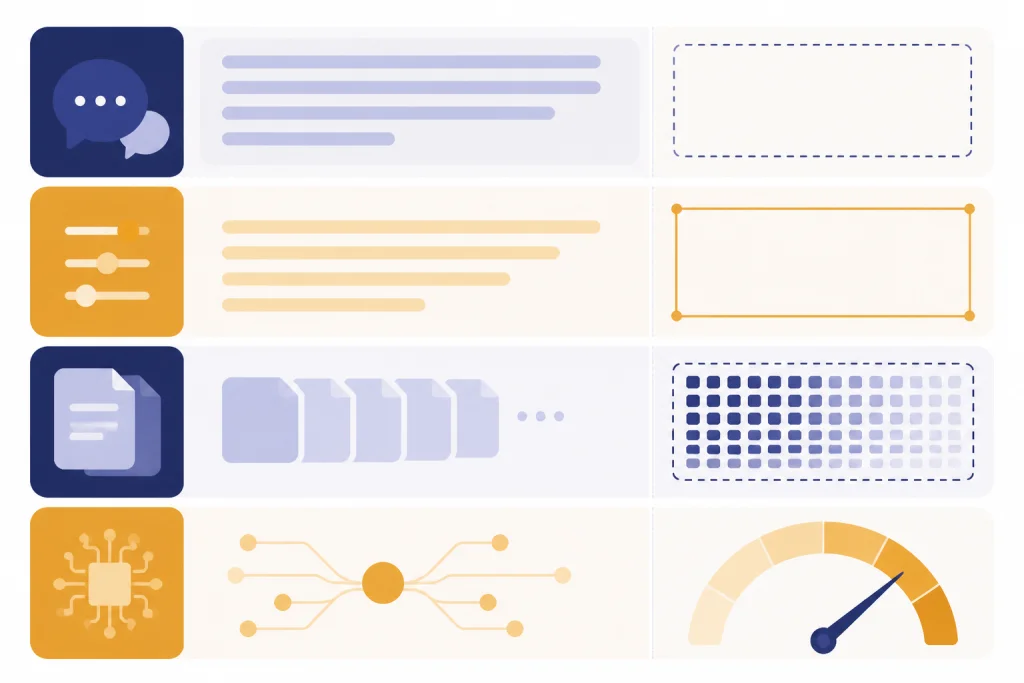
A character is what you see on screen: a letter, number, symbol, space, or punctuation mark. A token is the unit the model processes internally. Tokens do not map cleanly to characters. A short word can be one token. A longer word can be split into multiple tokens. Punctuation, spaces, capitalization, and language all matter.
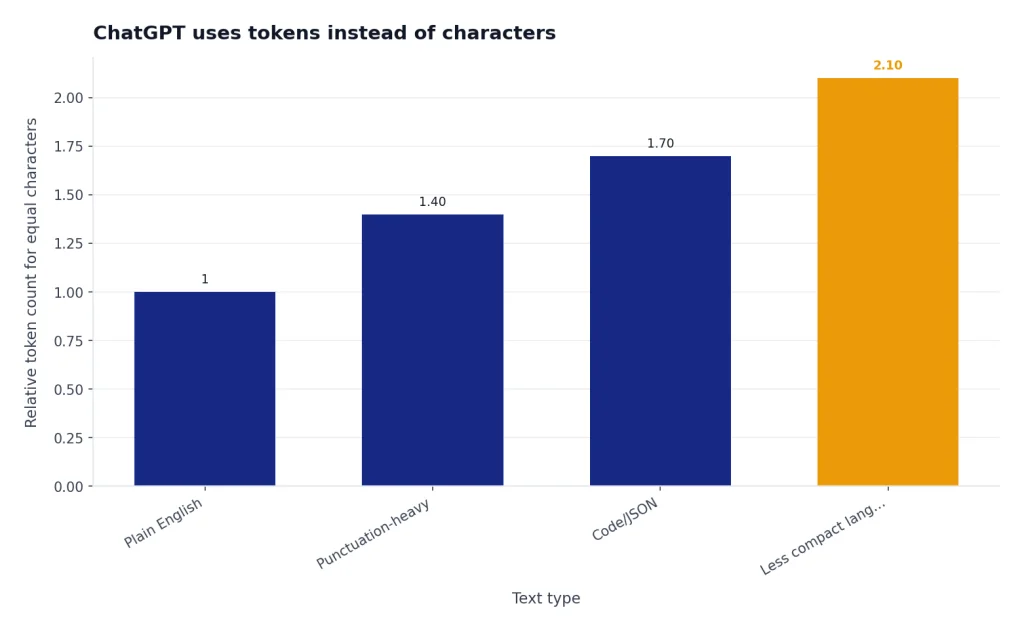
This is why two prompts with the same character count can behave differently. A plain English paragraph may use fewer tokens than a dense code block, a table with many separators, or text in a language that tokenizes less compactly. OpenAI says non-English text often produces a higher token-to-character ratio than English text.[1]
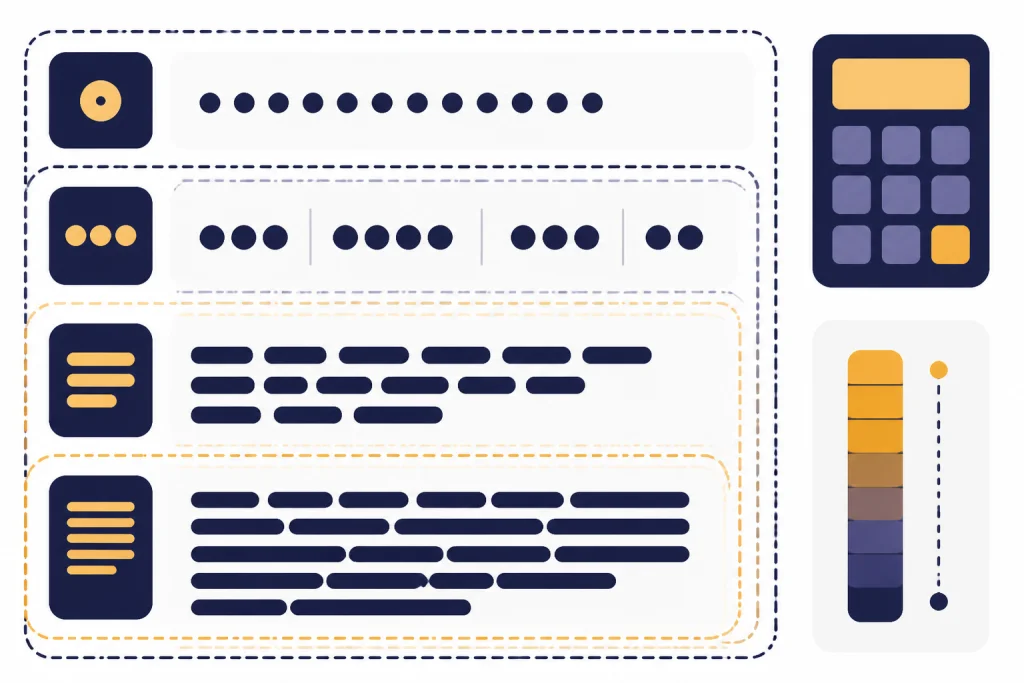
The context window also includes more than your latest message. It can include parts of the conversation history, instructions, tool results, retrieved file excerpts, and space reserved for the answer. If a chat has become long, a prompt that worked in a new chat may fail or behave poorly in the existing thread. This is a context problem, not a simple character problem.
That distinction matters when you compare this article with a ChatGPT word limit estimate. Words are easier for humans to count. Tokens are closer to what the model actually sees. Characters are useful only as a rough planning shortcut.
How to estimate a long message before sending
For English text, start with OpenAI’s rough conversion: 1 token is about 4 characters.[1] A 4,000-character English prompt is therefore roughly 1,000 tokens. A 20,000-character English prompt is roughly 5,000 tokens. These are planning estimates, not exact measurements.
OpenAI also gives a word-based rule of thumb: 100 tokens is about 75 words, and about 1,500 words is about 2,048 tokens.[1] If you are drafting in a word processor, the word count can be easier to use than the character count. If you are working with code, tables, JSON, or multilingual text, use a tokenizer instead of relying on these shortcuts.
A practical workflow is simple. First, count characters or words only to decide whether the prompt is obviously short or obviously large. Second, use OpenAI’s tokenizer for any prompt that looks large, repetitive, or structurally dense. Third, leave room for ChatGPT’s reply. A prompt that fills the available context can leave too little space for a useful answer.
- Short prompt: a question, instruction, or small excerpt. Send it normally.
- Medium prompt: a few pages of notes, requirements, or examples. Remove repetition and ask for a focused output.
- Long prompt: a transcript, report, policy, code file, or exported chat. Upload a file or split it into sections.
- Very long source: many documents or a large dataset. Use file upload, Projects, retrieval, or the API rather than pasting.
Do not calculate to the last token. Leave a margin. ChatGPT may need room for hidden instructions, previous context, tool output, and the response itself. If you regularly work near the edge, the ChatGPT Plus token limit breakdown and ChatGPT Plus message limit by model may be more useful than a raw character estimate.
Where ChatGPT character limits show up
Character limits in ChatGPT are not always shown as a neat counter. You may see a disabled send button, a warning, an incomplete response, a generic error, or a model that ignores the earliest part of an overloaded prompt. The exact behavior can vary by product surface, browser, app version, model, plan, and tool.
The first place is the composer. If you paste too much text into the message box, the interface may become slow or refuse to send. That does not prove there is a universal ChatGPT character limit per message. It only shows that the current interface, model, and chat state could not accept that input cleanly.
The second place is the model context window. OpenAI says each model has a maximum combined token limit for input and output.[1] If the prompt, chat history, retrieved content, and answer together exceed what the model can handle, something must be shortened, summarized, or dropped.
The third place is a plan or rate limit. If you send many long prompts in a short period, you may run into usage controls unrelated to character count. For that scenario, use our ChatGPT message limit, ChatGPT daily limit, and ChatGPT rate limit guides.
The fourth place is a tool-specific limit. File upload, custom instructions, Projects, custom GPT knowledge, data analysis, and API calls can each have their own constraints. A prompt that works in a normal chat may not fit in a custom-instruction field, and a file that uploads successfully may still be too large to use as full context in one response.
What to do when your message is too long
The best fix is not to chase a hidden character number. The best fix is to reduce the amount of text ChatGPT must reason over at once. Long prompts often contain repeated instructions, background that is not needed, examples that could be shortened, or source text that belongs in a file.
Use a short control prompt first
Start with the task, the role, the output format, and the success criteria. Then attach or paste only the source material that is necessary for the first step. A good control prompt might say: “I will give you a policy in sections. After each section, extract obligations, deadlines, and exceptions. Do not summarize until I say ‘final.’”
Split source text into sections
For long material, send one section at a time. Ask ChatGPT to create a running outline or structured notes after each section. When all sections are processed, ask for the final synthesis. This approach is slower, but it reduces the risk that early details fall out of context.
Ask for summaries with stable IDs
If you are summarizing many chunks, give each chunk a name such as Section A, Section B, or Interview 3. Ask ChatGPT to preserve those IDs in the notes. Later, you can ask it to compare Section A with Section D without pasting everything again.
Remove decorative prompt text
Long prompt templates often waste space on tone instructions, repeated warnings, examples that no longer apply, and formatting rules that could be stated once. Keep the non-negotiable rules. Cut the rest. If you need persistent preferences, use custom instructions, but remember that OpenAI lists a 1,500-character limit for the longer custom-instruction fields.[3]
If your real problem is not length but running out of available messages, see How to Bypass ChatGPT Message Limits Legitimately. If your file will not attach, use the troubleshooting steps in our ChatGPT file upload limit guide.

When to use files or the API instead
Pasting is best for short source text. File upload is better for documents. The API is better for repeatable workflows, strict token budgeting, logging, and automation. Each route has different limits, so the right choice depends on the job.
OpenAI’s file upload FAQ says files uploaded to a GPT or ChatGPT conversation have a 512MB hard limit, while text and document files are capped at 2M tokens per file.[4] Those file limits do not mean the model reads every token into the active context at once. It means file upload can store and retrieve from much larger source material than a single pasted message usually can handle.
Use files when you want ChatGPT to inspect a report, transcript, spreadsheet, presentation, or PDF. Use the API when you need predictable handling of many documents, when you need to count tokens programmatically, or when you need to set output limits. OpenAI’s model page lists model-specific context and max-output values, so API builders should check the chosen model rather than assume one universal limit.[5]
| Task | Best input method | Reason |
|---|---|---|
| Rewrite one email | Paste into chat | The prompt is short and the source is simple. |
| Summarize a 40-page PDF | Upload the file | The document is source material, not a chat instruction. |
| Analyze recurring customer tickets | Upload files or use the API | You need structure, repeatability, and room for many records. |
| Run the same prompt on hundreds of inputs | API | You need token accounting, automation, and consistent settings. |
| Keep personal preferences available across chats | Custom instructions or memory | The text should persist, but it must stay concise. |
Memory is a separate feature from the message composer. It can help ChatGPT remember preferences, but it is not a way to paste unlimited source material into a conversation. For that distinction, read our ChatGPT memory limit explanation.

Common mistakes to avoid
The most common mistake is treating a character estimate as a promise. The 1-token-to-4-characters rule is useful for common English text, but OpenAI presents it as a rule of thumb, not a contract.[1] Do not build a workflow that depends on a pasted prompt always fitting because a character counter says it should.
The second mistake is pasting an entire source document when you only need one section. Long prompts make the model work harder to identify what matters. They also make it more likely that the answer will be broad, shallow, or incomplete. If the source is long, upload it or process it in chunks.
The third mistake is continuing a long, crowded chat forever. Long conversations accumulate context. If ChatGPT starts missing earlier constraints or mixing tasks, start a new chat with a short summary of the current state. This often works better than adding another long correction to an overloaded thread.
The fourth mistake is confusing character limits with message limits. A character limit is about how much text fits in one input. A message limit is about how many times you can use a model in a period. The fix for one is not always the fix for the other. For plan-specific limits, see our ChatGPT free plan limits in 2026 overview.
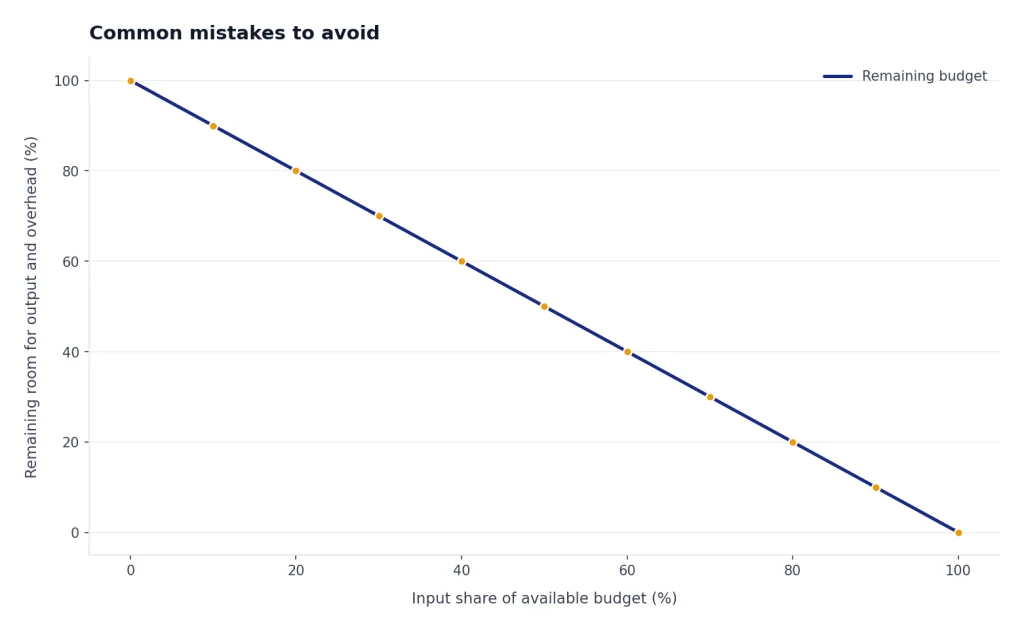
The fifth mistake is asking for a very long output without reserving space for it. Input and output share the model’s available budget. If you paste a long source and ask for a detailed report, the model may have too little room to produce the report you want.
Frequently asked questions
What is the ChatGPT character limit per message?
OpenAI has not published one official character limit for ordinary ChatGPT messages. The practical limit depends on tokens, model context, chat history, tools, and the interface you are using. For English, OpenAI’s rough estimate is 1 token per 4 characters.[1]
Why do some sites give a specific character number?
They are usually reporting a test result, an old interface behavior, or an estimate based on token limits. Those numbers can be useful as anecdotes, but they are not official unless OpenAI publishes them. Treat any fixed ChatGPT character limit claim as temporary unless it links to current OpenAI documentation.
Is the character limit the same as the token limit?
No. Characters are visible symbols and spaces. Tokens are the internal chunks processed by the model. OpenAI says tokens can range from a single character to a full word, depending on language and context.[1]
How many words can I paste into ChatGPT?
There is no universal word count that always works. OpenAI’s English rule of thumb says 100 tokens is about 75 words, and about 1,500 words is about 2,048 tokens.[1] For long prompts, count tokens with a tokenizer or upload the source as a file.
Do custom instructions have a character limit?
Yes. OpenAI says the longer custom-instruction text fields have a 1,500-character limit.[3] That limit is separate from the normal chat composer and should be used for durable preferences, not long documents.
Should I paste a long document or upload it?
Upload it if the document is long source material. OpenAI says ChatGPT file uploads have a 512MB hard limit, and text or document files are capped at 2M tokens per file.[4] Pasting is better for short excerpts and precise instructions.
Can ChatGPT remember text that did not fit in one message?
Not reliably by default. If text does not fit, split it into chunks and ask ChatGPT to create structured notes after each chunk. For reusable personal facts or preferences, use memory or custom instructions rather than repeatedly pasting the same background.