

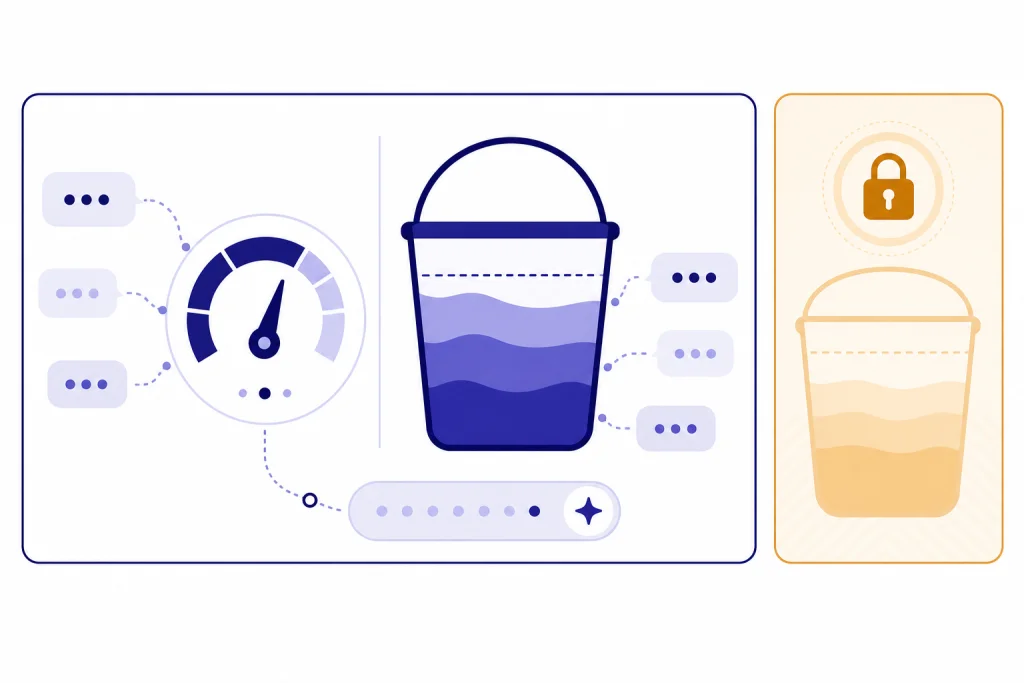
On April 5, 2026, the ChatGPT Plus message limit is easiest to read by model: GPT-5.3 Instant is capped at up to 160 messages every 3 hours, while manually selected GPT-5.4 Thinking is capped at up to 3,000 messages per week.[1] GPT-5.4 Pro is not part of Plus; OpenAI lists it for Pro, Business, Enterprise, and Edu plans.[1] Plus costs $20 per month, and OpenAI says Plus usage caps can vary with system conditions.[2] The practical takeaway is simple: use Instant for volume, save Thinking for hard work, and do not treat Plus as an unlimited Pro plan.
Quick answer
OpenAI’s current Plus limits are model-specific, not one universal ChatGPT cap. For a broader plan-level comparison, start with our ChatGPT message limit guide. This page focuses on the Plus model picker and the practical difference between Instant, Thinking, and Pro.
Think about Plus as a pair of allowance buckets. The high-throughput bucket is Instant. The high-reasoning bucket is manually selected Thinking. Auto-routing sits between them: ChatGPT can choose a reasoning path for harder prompts without charging that automatic switch against your manual weekly Thinking allowance.[1]
- Use Instant for drafting, rewriting, summarizing, brainstorming, and routine questions.
- Use Thinking for difficult coding, research synthesis, math, planning, and document reasoning.
- Do not plan around Pro on Plus. GPT-5.4 Pro is not included in the Plus plan.[1]
- Do not rely on old GPT-4o caps for current Plus planning. Those limits are historical as of this article’s publication date.[3]
ChatGPT Plus message limits by model
The table below uses the model and picker labels that mattered for ChatGPT Plus on April 5, 2026. OpenAI still warns that Plus subscriptions may include message caps that vary based on system conditions, so the in-product notice is the final authority if it shows a more specific cap for your account.[2]
| Model or picker path | Plus message limit | Reset basis | What happens at the cap | Best use |
|---|---|---|---|---|
| GPT-5.3 Instant | Up to 160 messages every 3 hours.[1] | Short model window. | Chats switch to the mini version until the limit resets.[1] | Normal daily volume: writing, editing, quick research, and general help. |
| GPT-5.4 Thinking, manually selected | Up to 3,000 messages per week.[1] | Weekly Thinking allowance. | ChatGPT shows a pop-up, and Thinking is no longer selectable from the menu.[1] | Hard reasoning, coding, spreadsheet work, multi-step planning, and synthesis. |
| Automatic switch from Instant to Thinking | No separate public numeric Plus cap. OpenAI says automatic switching does not count against the manual weekly Thinking limit.[1] | Handled by ChatGPT routing. | ChatGPT may still switch to Thinking after the manual weekly Thinking cap is reached.[1] | Prompts where you want ChatGPT to decide whether deeper reasoning is needed. |
| GPT-5.4 Pro | Not included with Plus. OpenAI lists it for Pro, Business, Enterprise, and Edu.[1] | No Plus reset window. | You need a plan that includes Pro access. | Long-running, highest-capability reasoning workflows. |
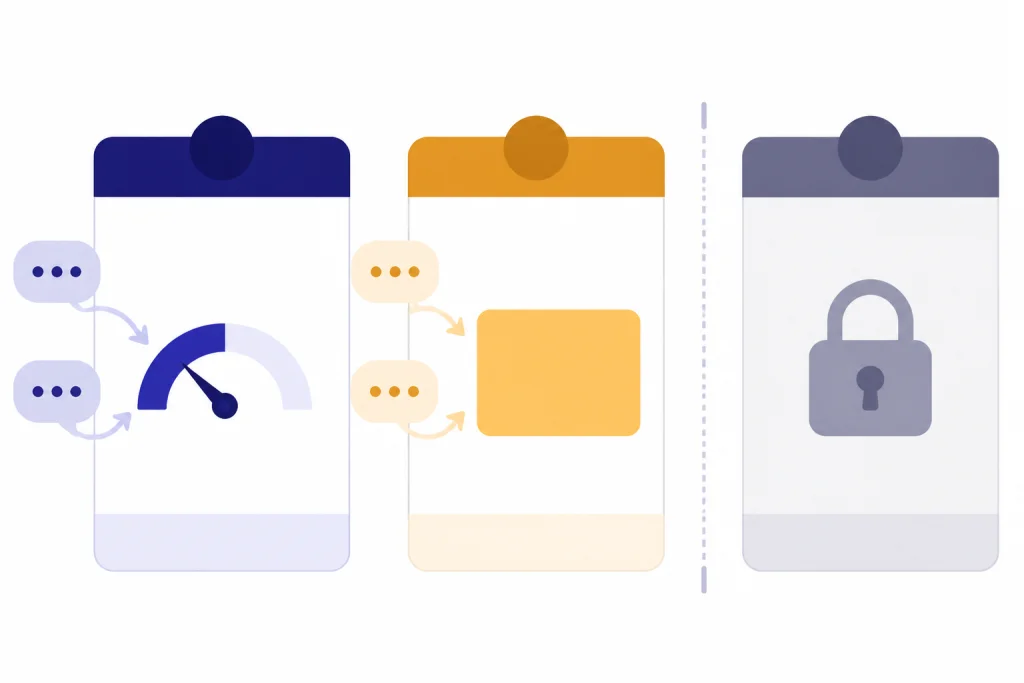
How the Plus reset windows work
OpenAI publishes a short reset window for GPT-5.3 Instant and a weekly allowance for manually selected GPT-5.4 Thinking.[1] That means Plus is not best understood as a simple calendar-day quota. If you are trying to estimate a ChatGPT daily limit, the model-level windows are more useful than multiplying every cap into a guaranteed daily total.
The Instant cap is the one most users will feel during a busy work session. The Thinking cap is the one heavy users will feel across a week. If your workflow includes many small follow-ups, use Instant until the problem genuinely needs reasoning. If the product blocks fast repeated usage rather than a model quota, compare that behavior with our ChatGPT rate limit explainer.
| Workflow | Better default | Why |
|---|---|---|
| Polishing an email, outline, or short memo | Instant | The task is high-turn and low-risk. Save Thinking for harder work. |
| Debugging a subtle code failure | Thinking | The model may need to reason through causes, tests, and fixes. |
| Summarizing a long document set | Instant first, Thinking for review | Use Instant for extraction, then spend Thinking on conclusions. |
| Research synthesis with conflicting evidence | Thinking | The value comes from weighing sources and preserving nuance. |
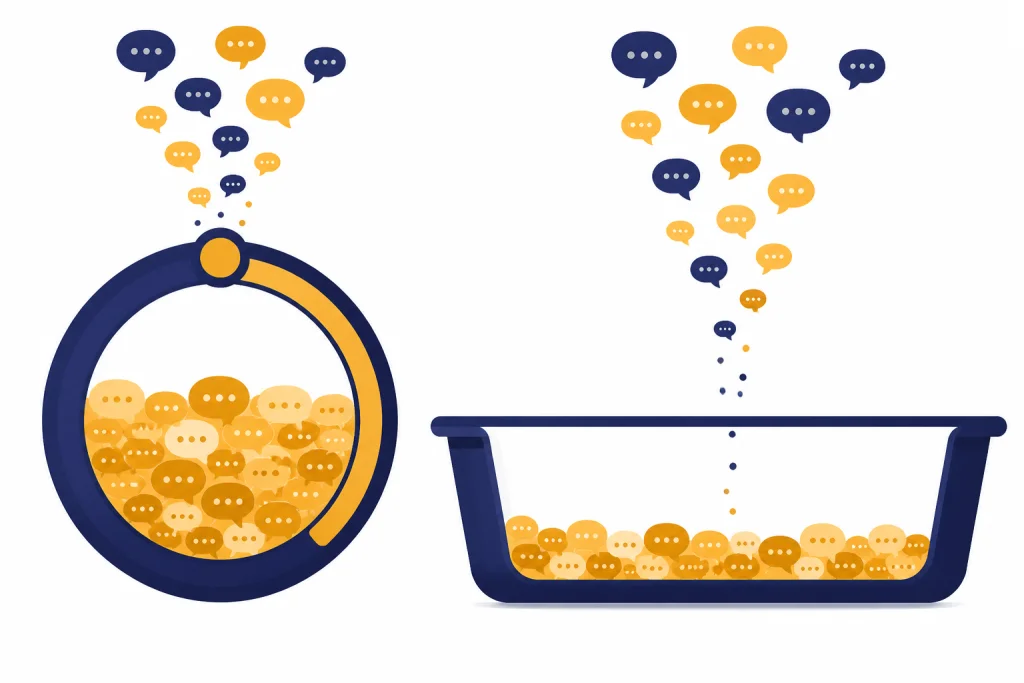
Auto switching versus manual Thinking
On March 17, 2026, OpenAI simplified the model picker around Instant, Thinking, and Pro, with controls to turn automatic switching between Instant and Thinking on or off.[4] The important Plus distinction is whether you selected Thinking yourself or ChatGPT routed an Instant prompt into Thinking.
Manual Thinking spends the weekly bucket
When you choose Thinking directly, you are using the manually selected GPT-5.4 Thinking allowance. OpenAI lists that Plus allowance as up to 3,000 messages per week.[1] Use it when the answer quality depends on careful reasoning, not just a polished response.
Automatic Thinking is different
When you start in Instant, ChatGPT can decide that a prompt needs GPT-5.4 Thinking. OpenAI says automatic switching from GPT-5.3 Instant to GPT-5.4 Thinking does not count toward the weekly manual Thinking limit, and ChatGPT may still switch automatically after the manual limit is reached.[1] This is why Instant is often the safest default when you are unsure.
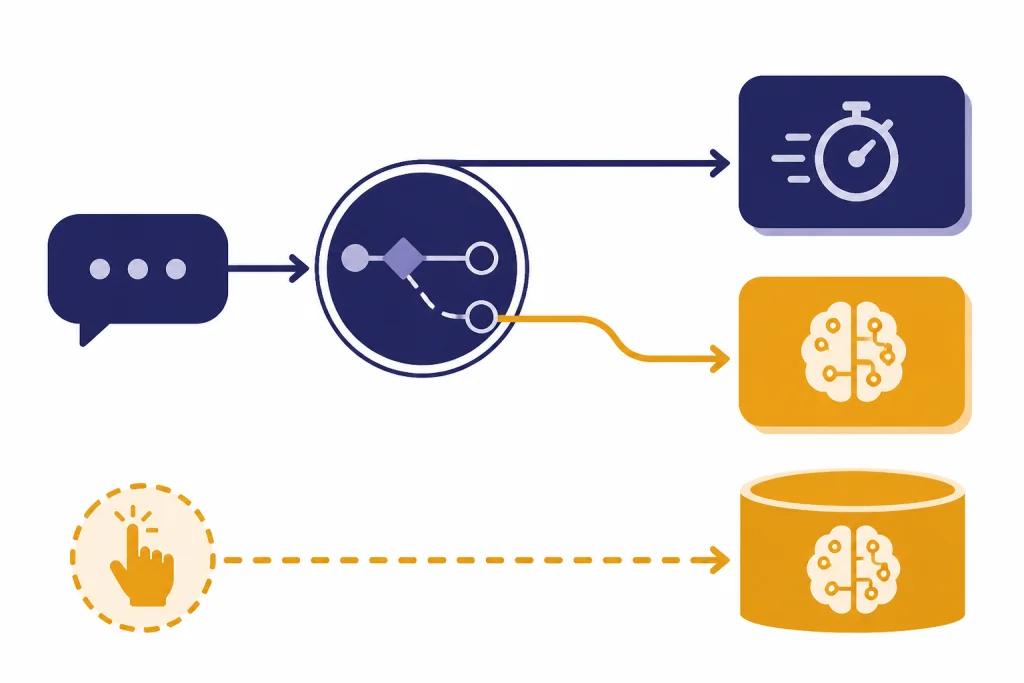
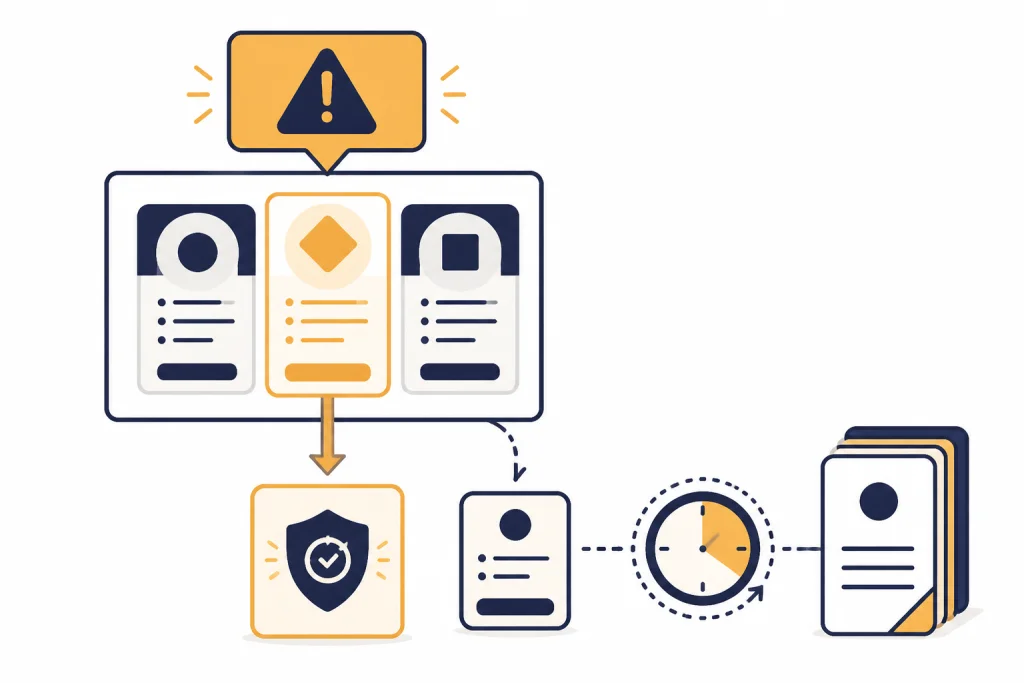
What happens when you hit the cap
The cap behavior depends on the model path. Hitting the GPT-5.3 Instant cap does not necessarily stop the conversation. OpenAI says chats switch to the mini version until the limit resets.[1] Hitting the manual GPT-5.4 Thinking cap is more direct: ChatGPT shows a pop-up, and GPT-5.4 Thinking is no longer selectable from the menu.[1]
OpenAI also said on March 18, 2026 that GPT-5.4 mini would be used as a fallback for GPT-5.4 Thinking when rate limits are reached for Plus, Pro, and other paid users, and that GPT-5.4 mini would not appear as a selectable model in the picker.[4] In plain English: the fallback can keep you working, but it is not the same as having full manual Thinking available.
- If Instant runs out, keep low-stakes work on the fallback or wait for the reset.
- If manual Thinking runs out, switch routine work back to Instant and reserve new hard tasks until the weekly allowance returns.
- If you keep hitting limits during file-heavy work, also check the ChatGPT Plus file upload limit.
- If you need a lawful workaround, use legitimate ways to work around ChatGPT message limits rather than account sharing or automation tricks.
What changed from older Plus model limits
Many older Plus limit references mention GPT-4o, GPT-4.1, o4-mini, GPT-5, or GPT-5.1. Those are not the current Plus model limits for this publication date. OpenAI says ChatGPT retired GPT-4o, GPT-4.1, GPT-4.1 mini, OpenAI o4-mini, and GPT-5 Instant and Thinking on February 13, 2026, then retired GPT-5.1 Instant, GPT-5.1 Thinking, and GPT-5.1 Pro on March 11, 2026.[3] Business, Enterprise, and Edu access to GPT-4o within Custom GPTs ended after April 3, 2026.[3]
If you are looking for the old GPT-4o cap, treat it as historical context and use our ChatGPT Plus GPT-4o limits article instead. For current Plus planning, the active buckets are GPT-5.3 Instant and GPT-5.4 Thinking.
A note on GPT-5.2 legacy access
OpenAI’s GPT-5.3 and GPT-5.4 Help Center article says GPT-5.2 Thinking remains available in Legacy Models for 90 days after the launch of GPT-5.4 Thinking for Plus and Pro users.[1] That is transitional access, not a new primary Plus bucket. OpenAI has not published an official figure for this as a separate April 2026 Plus message limit in the current GPT-5.3 and GPT-5.4 limits article.
Message caps are not token, context, file, or image limits
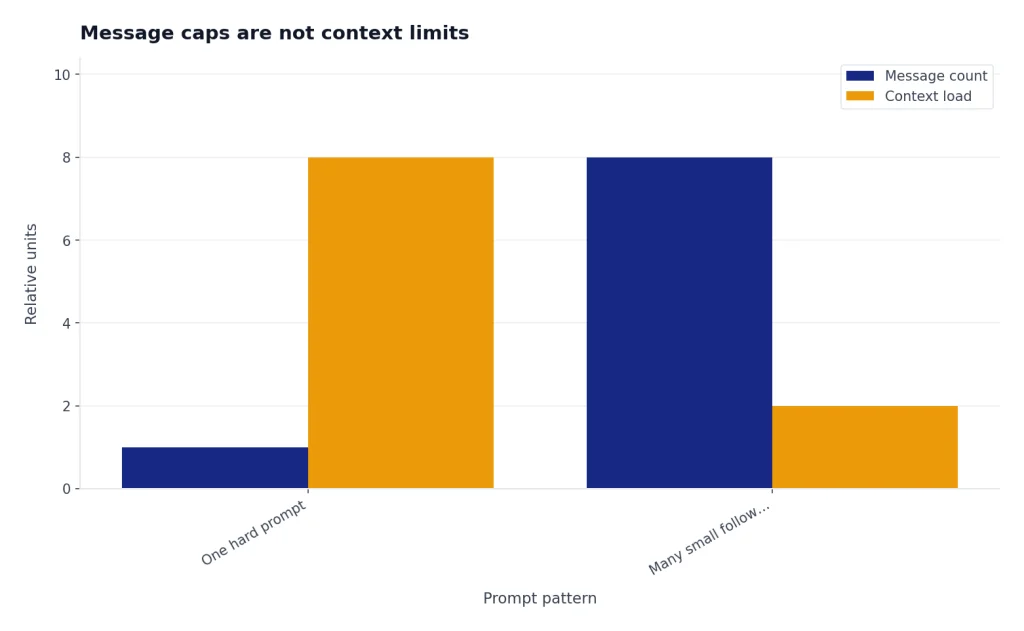
A message cap answers one question: how many turns you can send to a model before that model’s allowance changes. It does not tell you how much text the model can read, how long an answer can be, or how many files you can attach.
If your issue is that ChatGPT forgets earlier parts of a conversation, read about the ChatGPT context window sizes by model. If the issue is input length or output length, use our ChatGPT token limit guide. If the issue is uploads, treat it separately from model messages and check the file quota article linked above.
This distinction matters because a single difficult prompt can be cheap in message count but expensive in context. The reverse is also true: dozens of tiny follow-ups can burn through a message allowance even when each one is short.
How to stay under the Plus limit
The simplest way to stretch Plus is to choose the model according to the decision cost, not the emotional importance of the task. OpenAI describes GPT-5.3 Instant as the everyday workhorse and GPT-5.4 Thinking as the deeper reasoning option.[1] Use that split deliberately.

| Habit | Why it saves messages |
|---|---|
| Batch small edits into one prompt | One well-scoped request usually beats a chain of tiny corrections. |
| Ask Instant to draft first | You can reserve Thinking for critique, verification, or final reasoning. |
| State constraints at the start | Fewer missed requirements means fewer repair prompts. |
| Use Thinking for decision points | Spend the weekly reasoning allowance where the result changes the outcome. |
| Stop when the answer is good enough | Endless refinements are one of the fastest ways to waste a cap. |
If Plus still feels too tight, the answer is not always a higher plan. Sometimes the bottleneck is prompt design, file workflow, or expectations about context. If you are deciding whether the plan still fits your usage, compare the cap against your actual work in our ChatGPT Plus worth it guide.
When Plus is not the right fit
Plus is a $20 monthly subscription, not an unlimited entitlement to every model.[2] OpenAI introduced Plus around general access during peak times, faster responses, and priority access to new features, and the modern plan now layers model-specific allowances on top of that subscription idea.[5]
If you regularly exhaust manual GPT-5.4 Thinking or need GPT-5.4 Pro, Plus may be the wrong tier. OpenAI says Business and Pro offer unlimited access to GPT-5 models subject to abuse guardrails, while GPT-5.4 Pro is listed for Pro, Business, Enterprise, and Edu rather than Plus.[1] API usage is also separate from ChatGPT Plus and billed independently.[2] If you are comparing subscription use with developer usage, see our OpenAI API pricing breakdown.
Independent pricing coverage makes the same practical point: Plus value is shaped by the GPT-5.4 Thinking ceiling, not just by the monthly subscription price.[6] For most steady individual users, Plus is generous enough. For people who run reasoning-heavy work all day, the weekly Thinking cap is the real boundary.
Frequently asked questions
What is the ChatGPT Plus message limit for GPT-5.3 Instant?
ChatGPT Plus users can send up to 160 messages with GPT-5.3 every 3 hours.[1] After that, OpenAI says chats switch to the mini version until the limit resets.[1]
What is the ChatGPT Plus message limit for GPT-5.4 Thinking?
If you manually select GPT-5.4 Thinking on Plus, the published limit is up to 3,000 messages per week.[1] When you reach it, GPT-5.4 Thinking is no longer selectable from the menu.[1]
Does auto-switching use my weekly Thinking messages?
OpenAI says automatic switching from GPT-5.3 Instant to GPT-5.4 Thinking does not count toward the manual weekly Thinking limit.[1] ChatGPT may still use automatic Thinking after that manual limit has been reached.[1]
Does ChatGPT Plus include GPT-5.4 Pro?
No. OpenAI lists GPT-5.4 Pro for Pro, Business, Enterprise, and Edu plans, not Plus.[1] If Pro access is the feature you need, Plus is not the right plan.
Is there a single daily ChatGPT Plus message limit?
OpenAI has not published an official single daily Plus message total. The public Plus limits are model windows and weekly model caps, and OpenAI says Plus usage limits may vary based on system conditions.[1][2]
What happened to GPT-4o Plus limits?
They are historical for current Plus use. OpenAI says GPT-4o was retired from ChatGPT on February 13, 2026, and remaining Business, Enterprise, and Edu Custom GPT access ended after April 3, 2026.[3] For that older cap, use the GPT-4o-specific article linked above.