

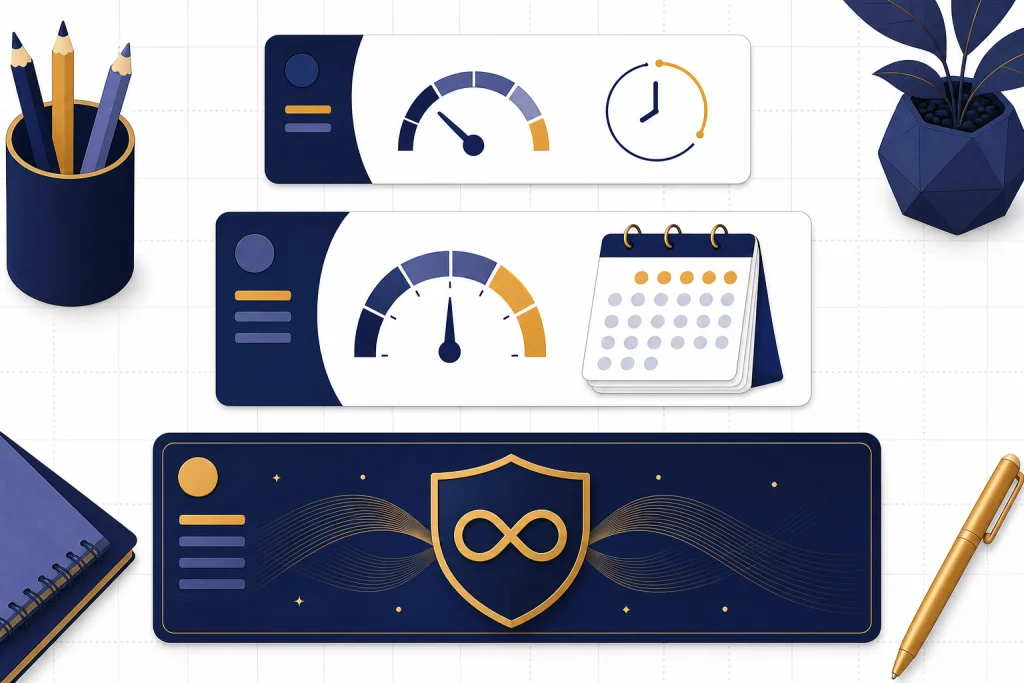
As of March 28, 2026, the ChatGPT message limit is not one universal daily number. Free accounts can send up to 10 GPT-5.3 messages every 5 hours. Plus accounts can send up to 160 GPT-5.3 messages every 3 hours and can manually select GPT-5.4 Thinking for up to 3,000 messages per week. Pro offers unlimited GPT-5 access, subject to abuse guardrails.[1] The practical answer is to watch the model picker and reset notice, because tool usage, GPTs, files, and context have separate limits. This guide breaks down the Free, Plus, and Pro tiers and shows how to avoid wasting messages.
The current ChatGPT message limits
OpenAI documents ChatGPT limits by plan and model window, not as one simple accountwide daily allowance. That is the first thing to understand about the chatgpt message limit: the Free, Plus, and Pro tiers do not all draw from the same kind of counter.[1]
On the publication date for this guide, GPT-5.3 Instant handled ordinary ChatGPT messages, while GPT-5.4 Thinking was the paid reasoning option for harder work. OpenAI release notes list GPT-5.4 Thinking in ChatGPT on March 5, 2026, and GPT-5.4 mini as a fallback option on March 18, 2026.[8]
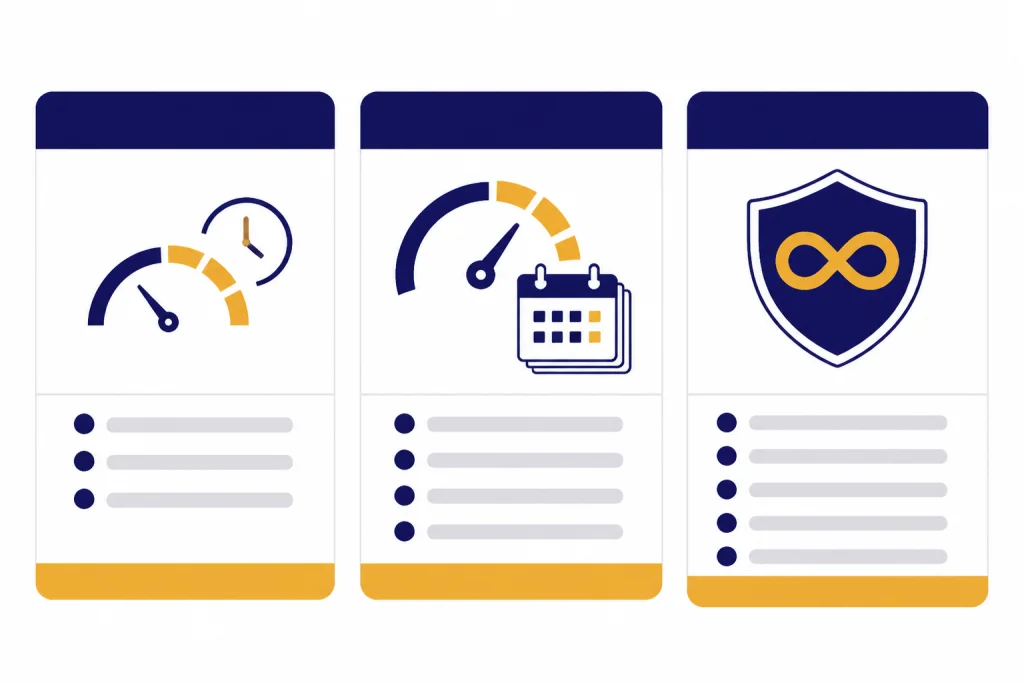
| Tier | Monthly price | Main message limit | What happens at the limit | Best fit |
|---|---|---|---|---|
| Free | $0/month[3] | Up to 10 GPT-5.3 messages every 5 hours[1] | ChatGPT switches to a mini version until the limit resets[1] | Light, occasional use |
| Plus | $20/month[2] | Up to 160 GPT-5.3 messages every 3 hours, plus up to 3,000 manually selected GPT-5.4 Thinking messages per week[1] | Standard chats fall back to mini; manually selected Thinking becomes unavailable after the weekly cap[1] | Daily personal and work use |
| Pro | $200/month[3] | Unlimited GPT-5 access, subject to abuse guardrails[4] | OpenAI may apply temporary restrictions for misuse or policy-violating behavior[4] | Heavy professional use |
Do not convert these rows into a single exact daily number. A daily estimate can be useful for planning, but OpenAI has not published an official figure for this. If you want a day-by-day framing, see our ChatGPT daily limit guide. If you only care about paid accounts, use the ChatGPT Plus message limit by model breakdown.
How the limit resets
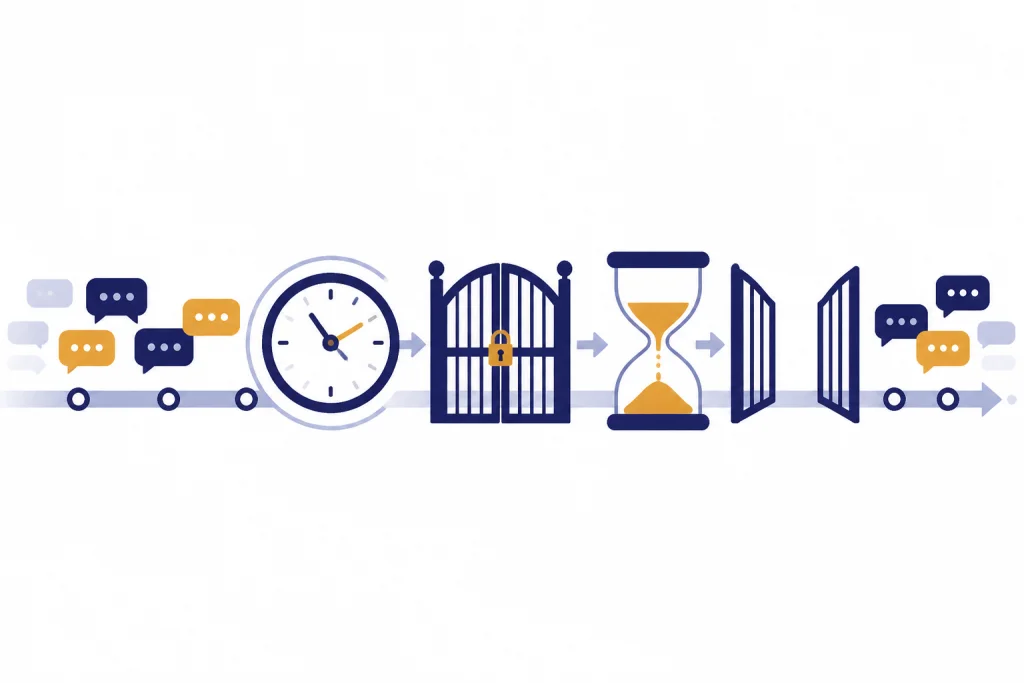
ChatGPT limits usually reset by window, not by calendar day. Free accounts use a 5-hour GPT-5.3 window, while Plus accounts use a 3-hour GPT-5.3 window.[1] The practical result is simple: if you hit the limit, wait for the reset time shown in the interface instead of assuming midnight local time.
Plus also has a separate weekly allowance for manually selected GPT-5.4 Thinking. That cap is different from the GPT-5.3 chat window. OpenAI says automatic switching from GPT-5.3 Instant to GPT-5.4 Thinking does not count toward the manual weekly Thinking limit, so a routed answer and a manually selected Thinking answer may affect different counters.[1]
For paid users, the fallback matters. OpenAI added GPT-5.4 mini in ChatGPT as a fallback for GPT-5.4 Thinking when rate limits are reached.[8] In practice, that means a capped account may still answer, but with a smaller or less capable model. If the answer suddenly feels lighter, check the model indicator before blaming your prompt.
Free plan limits
The Free tier is useful, but it is intentionally limited. OpenAI lists up to 10 GPT-5.3 messages every 5 hours for Free accounts, followed by an automatic switch to a mini version until the limit resets.[1] That is enough for casual questions, short drafting, and quick explanations. It is not enough for long iterative work where you expect dozens of back-and-forth turns.
Free users also need to separate text messages from tool use. OpenAI’s Free Tier FAQ says data analysis, file and image uploads, and image creation have usage rate limits that are separate from the text limit.[5] That means you can hit a file or image cap even if you still have text messages left. For the upload side, use our ChatGPT file upload limit and ChatGPT image upload limit guides.
Custom GPTs do not give Free users a separate pool of messages. OpenAI says GPT usage on the Free tier is subject to the same limitations as ChatGPT, and the Free text limit applies to GPTs.[5] If you hit the Free text cap in a normal chat, switching into a GPT usually will not solve the problem. For more detail, see ChatGPT free plan limits in 2026.
The best Free-tier habit is to ask more complete first prompts. Instead of sending five short messages, bundle the task, context, constraints, and desired format into one clean request. That does not bypass a limit. It simply wastes fewer turns.
Plus plan limits
ChatGPT Plus is the main paid tier for individual users. OpenAI describes Plus as a $20/month subscription with higher GPT-5.3 limits, advanced reasoning models, faster responses, voice conversations, image generation, file uploads and analysis, Deep Research where available, and custom GPT creation and use.[2]
The message limits are the core upgrade. Plus users can send up to 160 GPT-5.3 messages every 3 hours. Plus users can also manually select GPT-5.4 Thinking for up to 3,000 messages per week.[1] For most people, that is the real difference between Free and Plus: not just better models, but more room to iterate.
Plus still has caps. OpenAI says Plus subscriptions may include usage limits such as message caps, especially during high demand, and that limits may vary based on system conditions.[2] If ChatGPT warns that you are capped, treat that warning as authoritative even if an older forum post says the limit should be higher.
Plus is usually the sensible tier if you use ChatGPT every day but do not need all-day heavy reasoning. It is also the tier most affected by confusion from old GPT-4o advice. OpenAI said GPT-4o, GPT-4.1, GPT-4.1 mini, OpenAI o4-mini, and GPT-5 Instant and Thinking were retired from ChatGPT on February 13, 2026.[2] If you are comparing old limits, start with the ChatGPT Plus GPT-4o message limit article and then check the current model picker.
If your buying decision is mostly about cost, pair this guide with ChatGPT Plus price in 2026 and is ChatGPT Plus worth it? honest 2026 verdict. Message limits are only one part of the value calculation.
Pro plan limits
ChatGPT Pro is the high-usage individual tier. The pricing page listed Pro at $200/month on the source snapshot used for this article.[3] OpenAI’s Pro help article says Pro offers unlimited access to GPT-5, but that unlimited access must follow OpenAI’s Terms of Use and abuse guardrails.[4]
That wording matters. Pro is not a license to automate ChatGPT as a scraping engine, share one account with a team, resell access, or power a third-party service. OpenAI lists those as examples of prohibited usage and says temporary restrictions can apply if guardrails are triggered.[4]
Pro also changes the model menu. OpenAI’s GPT-5.3 and GPT-5.4 usage article says GPT-5.4 Pro is available only on Pro, Business, Enterprise, and Edu plans.[1] That does not mean every Pro action has a public fixed counter. If you are asking for the exact hidden Pro message ceiling, OpenAI has not published an official figure for this.
Choose Pro when the bottleneck is serious work volume, not curiosity. A researcher running long reasoning sessions, a developer asking for repeated architecture reviews, or a founder drafting many high-stakes documents may justify the tier. A casual user who hits the Free limit once a week probably should not.
What counts as a message
The safest assumption is that anything asking ChatGPT to generate a new answer may spend from a message allowance. That includes normal prompts, follow-up prompts, and prompts sent inside custom GPTs. OpenAI says rate limits are shared between GPTs and ChatGPT, and when you hit the text rate limit in ChatGPT, you cannot use GPTs until the rate limit resets.[6]
- Likely to spend a message: sending a new prompt, continuing a conversation, using a custom GPT, or asking the model to redo work.
- Usually not a message: reading an old chat, copying text, changing settings, or opening the model picker.
- Separate from text messages: uploads, image creation, data analysis, and similar tools can have their own caps.
OpenAI’s file upload documentation treats upload quotas as separate usage caps from ordinary text messaging.[7] So a user can be blocked from uploading a file while still able to send text, or blocked from a model while still able to read old chats. If a limit message appears after an upload, troubleshoot it as an upload limit before assuming you hit the main chat cap.
OpenAI has not published an official action-by-action consumer ledger that says exactly how every edit, retry, regeneration, or tool call is counted in every interface. If you are close to a cap, treat retries and rewrites as potentially expensive. Ask for a structured revision in one message rather than repeatedly clicking for new versions.
Message limits are not token limits
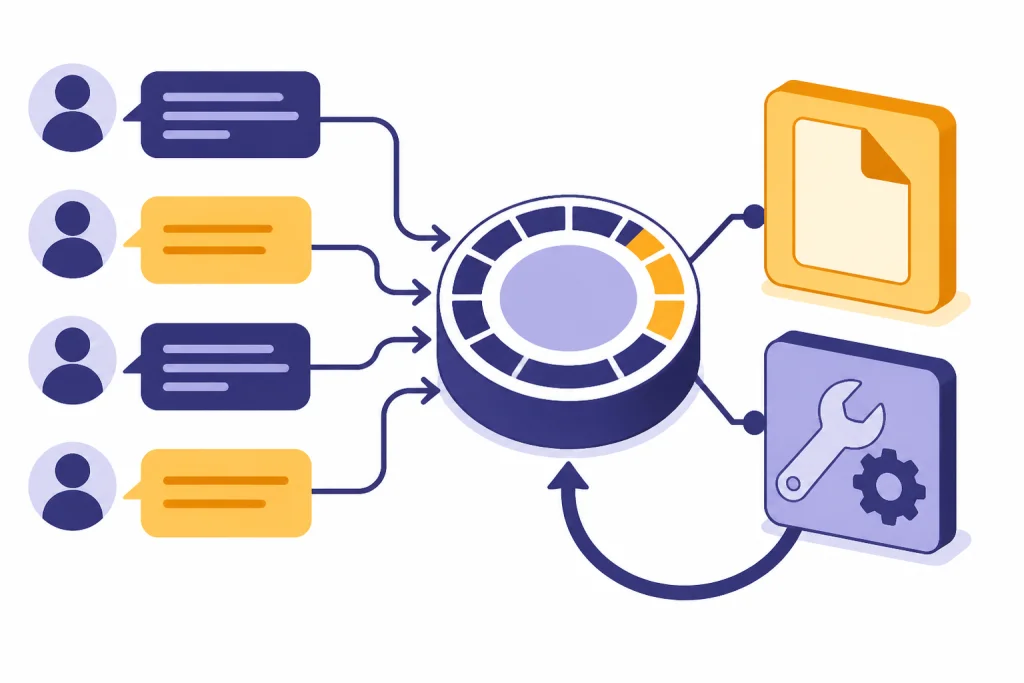
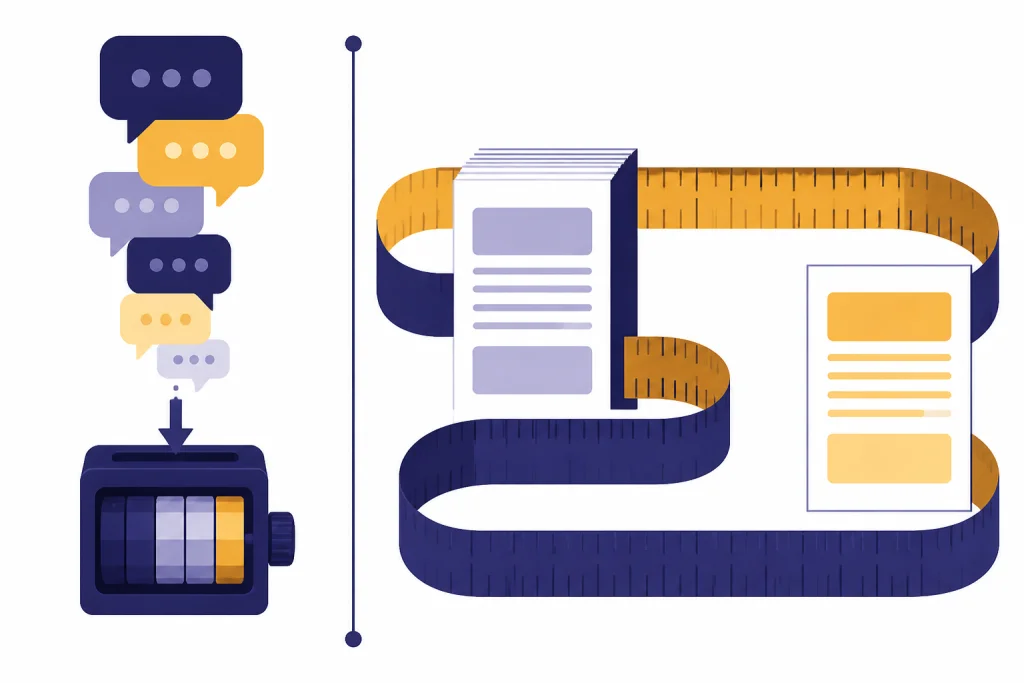
A message limit counts turns. A token limit controls how much text, code, file content, and conversation history a model can consider or produce. They interact, but they are not the same thing.
You can hit the message cap with short prompts if you send many of them. You can also stay within your message cap but run into a context or output constraint because one prompt includes a long transcript, a large document, or a very detailed requested format. For the size side of the problem, use our ChatGPT token limit, ChatGPT context window sizes by model, ChatGPT character limit per message, and ChatGPT word limit guides.
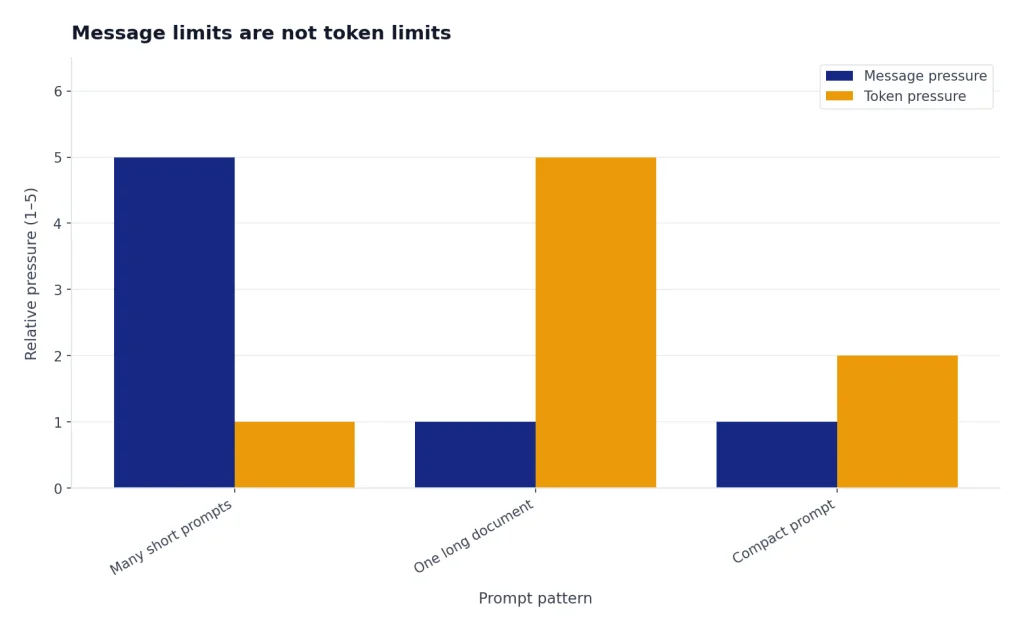
The useful habit is to optimize both. Use fewer, better prompts to conserve messages. Use clean excerpts, summaries, and file references to conserve context. A compact prompt often performs better than a long chain of corrections.
How to avoid hitting the cap
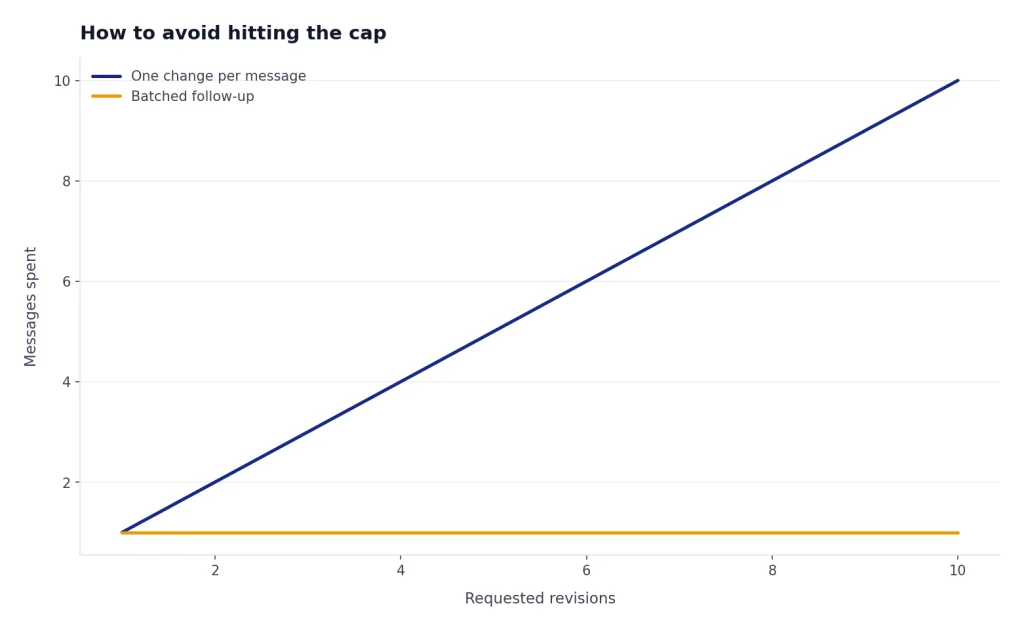
You cannot legitimately remove a plan limit, but you can stop wasting messages. The goal is to get more work from each turn without violating OpenAI’s rules.
- Write the full task once. Include the role, goal, source material, constraints, and output format in one prompt.
- Ask for a plan before a long answer. A short plan can catch misunderstandings before you spend several turns fixing the wrong output.
- Batch small edits. Instead of asking for one change at a time, list all revisions in a single follow-up.
- Use the right model for the job. Save manually selected Thinking for tasks that need reasoning. Use ordinary chat for quick rewriting, summarizing, and brainstorming.
- Start a new chat when context is polluted. A fresh conversation will not reset the message counter, but it can reduce confusion and wasted follow-ups.
- Do not share, resell, or automate account access. OpenAI lists credential sharing, reselling access, and automated extraction as prohibited examples under Pro guardrails.[4]
If you repeatedly hit limits for legitimate work, compare tiers rather than trying to game the system. Our ChatGPT rate limit guide explains the broader API and UI picture, while How to Bypass ChatGPT Message Limits Legitimately covers compliant options such as upgrading, changing workflows, or using the API where appropriate.
Also check adjacent limits before upgrading. Heavy file users may be constrained by upload caps. Long-document users may be constrained by context. People who rely on saved preferences may be constrained by the ChatGPT memory limit. The message limit is important, but it is only one quota in the system.
Frequently asked questions
Is there a ChatGPT daily message limit?
Not as one official number for the Free, Plus, and Pro tiers. OpenAI publishes model-specific windows, such as Free GPT-5.3 usage every 5 hours and Plus GPT-5.3 usage every 3 hours.[1] OpenAI has not published an official figure for a single all-model daily total.
Does ChatGPT Plus reset at midnight?
Do not assume that it resets at midnight. Plus has a 3-hour GPT-5.3 window and a separate weekly cap for manually selected GPT-5.4 Thinking.[1] Use the reset notice in ChatGPT as the source of truth for your account.
Why did ChatGPT switch to a mini model?
That usually means you reached the limit for the model you were using. OpenAI says Free chats switch to a mini version after the GPT-5.3 limit, and Plus GPT-5.3 chats also switch to mini after the relevant limit.[1] The chat can continue, but capability may be lower.
Is ChatGPT Pro truly unlimited?
Pro is described as unlimited GPT-5 access, but it is still subject to abuse guardrails. OpenAI says it may temporarily restrict usage when misuse is suspected, including automated extraction, credential sharing, or reselling access.[4] For normal heavy individual use, Pro is the least restrictive consumer tier.
Do custom GPTs have separate message limits?
No. OpenAI says GPT rate limits are shared with ChatGPT, and hitting the text rate limit in ChatGPT prevents GPT use until the rate limit resets.[6] A custom GPT can improve workflow, but it is not a separate quota pool.
Are ChatGPT message limits the same as API rate limits?
No. ChatGPT plan limits apply to the ChatGPT app experience. OpenAI says API usage is separate and billed independently from ChatGPT Plus.[2] Developers should check API pricing and rate-limit documentation instead of relying on ChatGPT UI limits.