

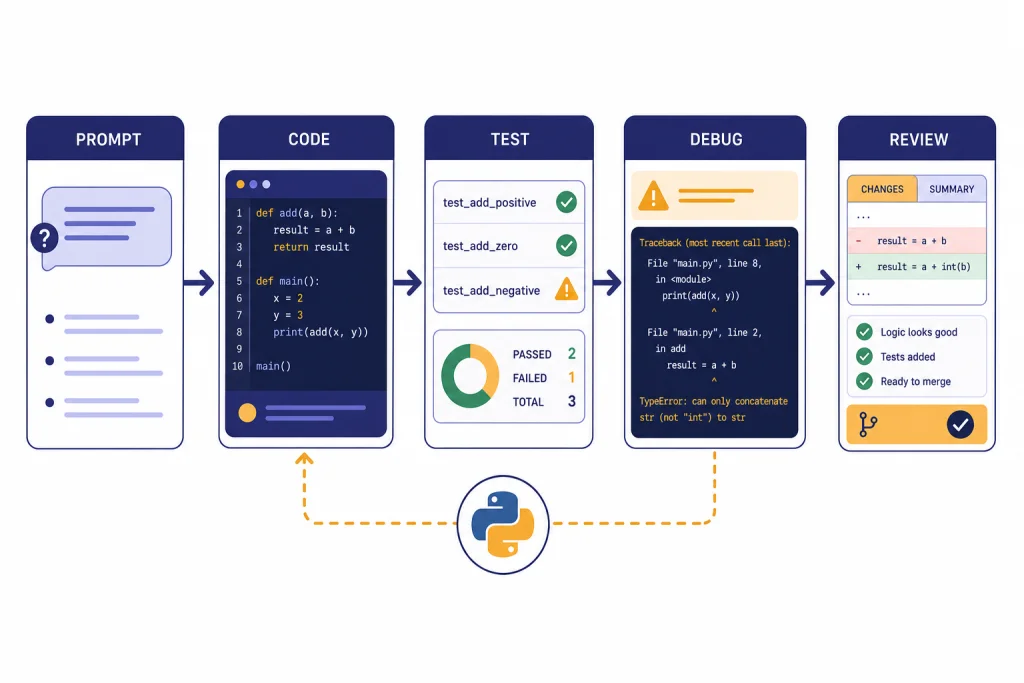
ChatGPT can help Python developers move faster, but it works best when you treat it as a coding partner, not an autopilot. Use it to explain unfamiliar code, draft functions, write tests, debug tracebacks, refactor modules, generate documentation, and explore data with Python. For real projects, give it the surrounding files, expected behavior, package versions, failing tests, and constraints. Then verify the output in your own environment. This guide shows a practical workflow for using ChatGPT for Python without letting bad assumptions, hidden dependencies, or insecure snippets slip into production.
Where ChatGPT fits in a Python workflow
ChatGPT is most useful at the edges of Python development: when you need a first draft, a second pair of eyes, a translation from vague requirement to concrete implementation, or a quick explanation of a library you have not used recently. It is weaker when it lacks context, when the task depends on live system state, or when correctness depends on subtle production constraints.
A good mental model is simple. ChatGPT can propose. Your interpreter, tests, linter, type checker, code review, and security review decide. That keeps the speed benefit without turning the model into an unverified source of truth.
OpenAI documents that ChatGPT’s data analysis feature can write Python code, run that code in a secure execution environment, inspect errors, and integrate results into the answer shown in chat.[1] That matters for Python developers because you can use ChatGPT both as a conversational assistant and, in specific file-analysis workflows, as a small Python execution environment.
If you work across databases, spreadsheets, or analysis notebooks, pair this article with chatgpt for SQL queries and database work and our ChatGPT Code Interpreter tutorial. The overlap is real: many Python tasks start as data questions, SQL extracts, CSV files, or messy business rules.
The best Python tasks to give ChatGPT
ChatGPT works best when the task has a clear definition of success. “Make this better” is vague. “Refactor this function so it is pure, typed, and covered by pytest cases for empty input, duplicate IDs, and missing timestamps” is much stronger.
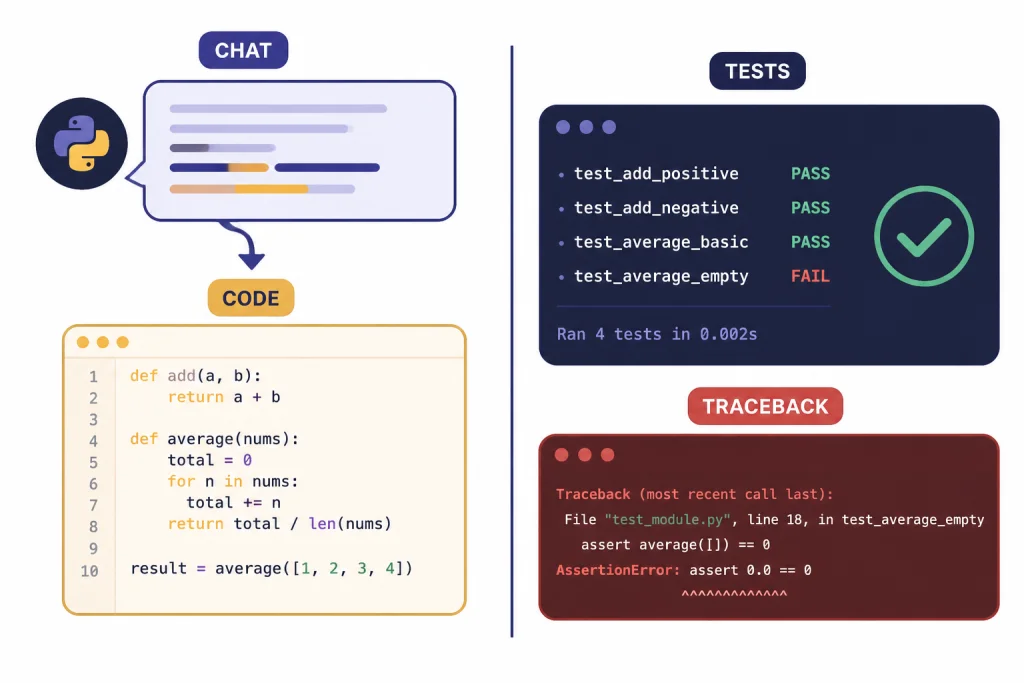
Use the table below to decide which ChatGPT surface fits the job. The categories are not strict. They are a practical way to avoid asking the wrong tool to do the wrong kind of work.
| Python task | Best ChatGPT mode | What to provide | How to verify |
|---|---|---|---|
| Explain unfamiliar code | Regular chat | Function, class, traceback, and goal | Ask for assumptions, then inspect source |
| Draft a small function | Regular chat or canvas | Inputs, outputs, edge cases, style rules | Run examples and tests locally |
| Debug a traceback | Regular chat | Full traceback, minimal code, package versions | Reproduce the fix in a clean environment |
| Generate tests | Regular chat or Codex | Target function, expected behavior, failure modes | Run the test suite and inspect assertions |
| Analyze CSV or spreadsheet data | Data analysis | Uploaded file and question | Open the generated code and check outputs |
| Refactor across a repository | Codex | Repository access, instructions, test command | Review diffs, logs, and test results |
| Build an app feature | Codex or API workflow | Issue spec, acceptance criteria, repo conventions | Review pull request and run CI |
For longer design notes, use ChatGPT to outline options before asking for code. The ChatGPT canvas workflow is useful when you want to keep a spec, implementation notes, and review comments in one editable document. For repeatable prompts, build a small private library with a structure like the one in our ChatGPT prompt generator.
A reliable prompting pattern for Python code
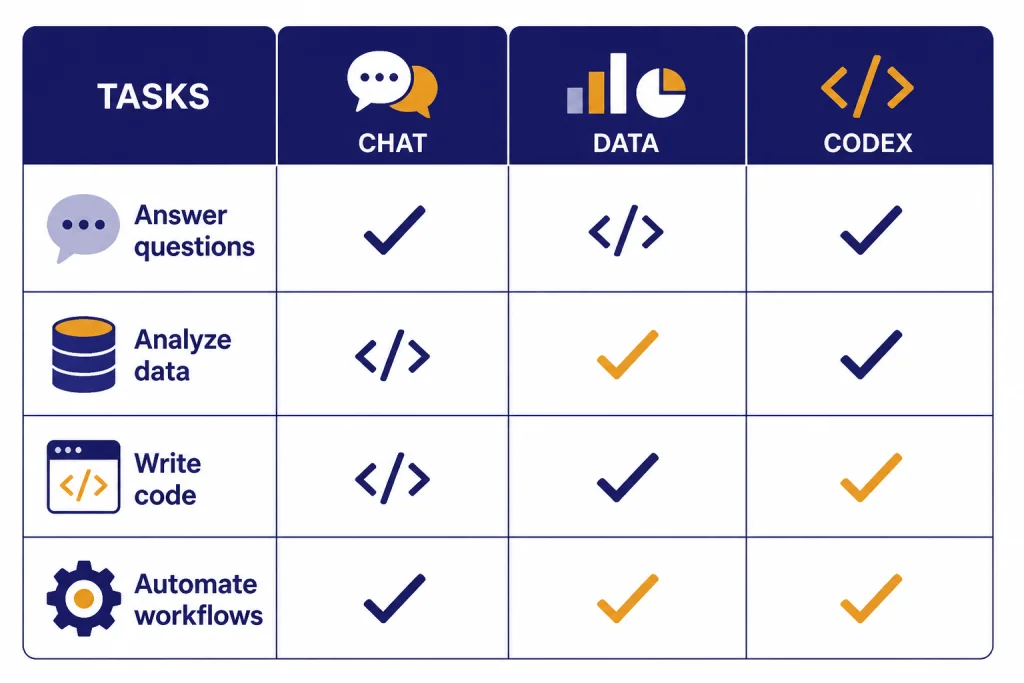
The best prompts for Python development include context, constraints, expected behavior, and verification steps. Do not start with the code request. Start with the operating conditions.
Use this structure for most Python prompts:
- Role: Tell ChatGPT what kind of reviewer or developer to act as.
- Context: Describe the project, Python version if it matters, framework, package manager, and file layout.
- Goal: State the exact behavior you want.
- Constraints: Name libraries that are allowed or forbidden, performance limits, typing rules, and compatibility requirements.
- Input: Paste the code, traceback, sample data, or failing test.
- Output format: Ask for a patch, full file, test cases, explanation, or review checklist.
- Verification: Ask it to include commands you should run and edge cases it considered.
Here is a compact prompt you can reuse:
You are a senior Python reviewer.

Project context:
- FastAPI service using SQLAlchemy and pytest
- Prefer typed functions and small pure helpers
- Do not add new dependencies unless you explain why

Goal:
Refactor the function below so it is easier to test and handles missing email values safely.

Return:
1. Revised code
2. pytest tests for normal, empty, and malformed inputs
3. Any assumptions you made
4. Commands to run locally

Code:
[PASTE CODE HERE]
Ask for assumptions explicitly. ChatGPT will often fill gaps silently unless you make uncertainty part of the task. A good follow-up is: “List the assumptions in your answer that could break this code in production.”
Memory can help if you repeatedly use the same style rules, but it should not replace project documentation. Keep canonical instructions in your repository, README, or contributor guide. If you use ChatGPT heavily across projects, review our ChatGPT memory power-user tips so persistent preferences do not accidentally leak from one coding context into another.
Use ChatGPT for debugging and tests
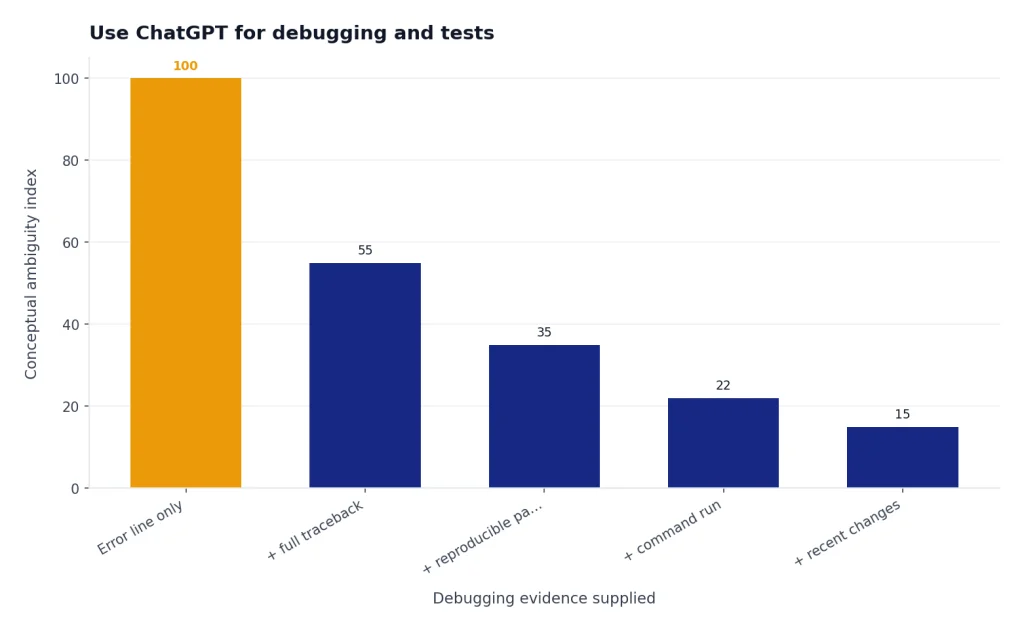
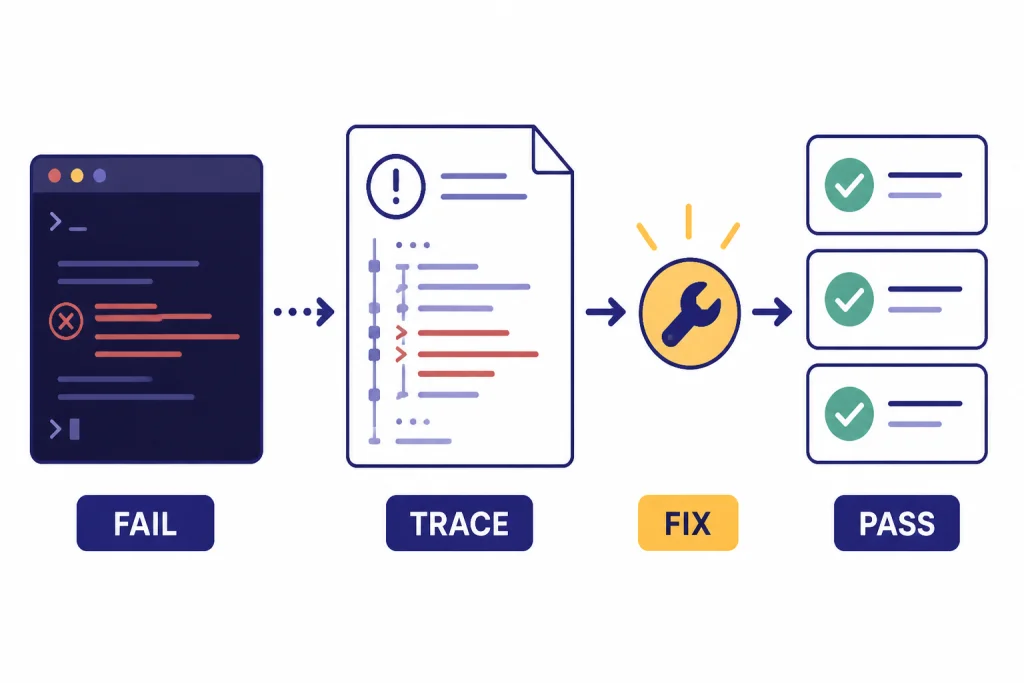
Debugging is one of the strongest uses of ChatGPT for Python because Python errors usually carry rich tracebacks. Do not paste only the final error line. Paste the full traceback, the smallest reproducible code path, the command you ran, and what changed before the failure appeared.
A strong debugging prompt looks like this:
I need help debugging this Python traceback.

What I ran:
python -m pytest tests/test_importer.py -q

Expected behavior:
The importer should skip rows with missing customer_id and continue processing.

Actual behavior:
[PASTE TRACEBACK]

Relevant code:
[PASTE FUNCTION AND TEST]

Please:
- Identify the most likely root cause
- Suggest the smallest safe fix
- Add a regression test
- Explain what evidence supports your conclusion
For testing, ask ChatGPT to cover behavior, not implementation trivia. A weak test checks that a helper was called. A better test checks that malformed input is rejected, duplicate records are handled predictably, and a known bug cannot return.
Python’s standard unittest framework supports test automation, shared setup and shutdown code, aggregating tests into suites, and keeping tests independent from the reporting framework.[6] Pytest is also widely used, and its documentation recommends pyproject.toml for configuration when possible.[7]
When you ask ChatGPT for tests, include your test framework. A pytest answer for a unittest codebase may be useful, but it may not fit your project. Ask for tests in the format you already run in CI.
Use this follow-up after ChatGPT writes tests: “Which important edge cases are still not covered?” This often produces a better second pass. It also forces the assistant to distinguish between happy-path coverage and actual risk coverage.
Use ChatGPT to run Python for data analysis
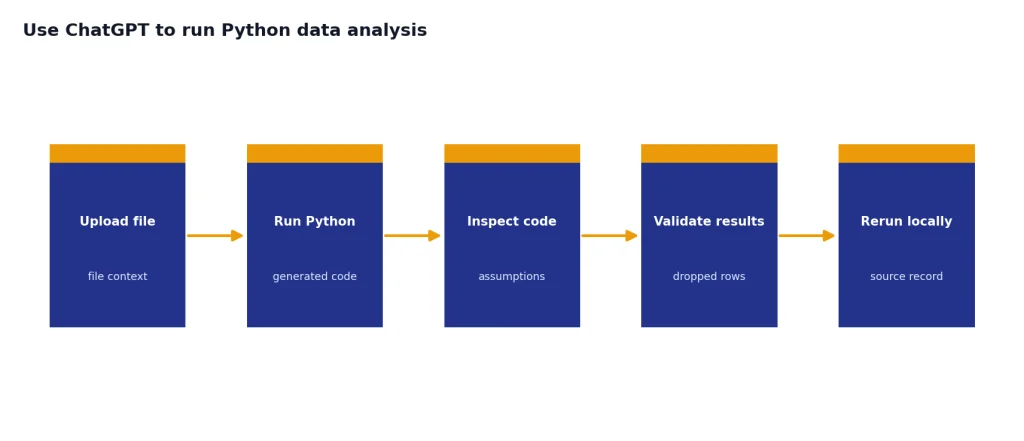
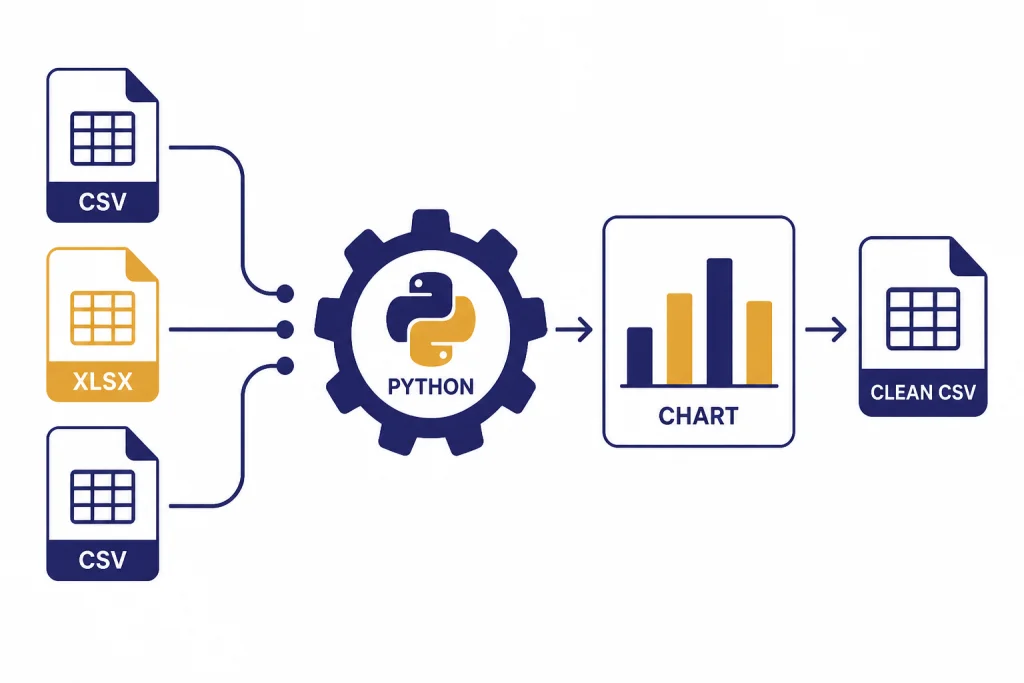
ChatGPT’s data analysis mode is useful when the Python task is file-centered. You can upload a CSV or spreadsheet, ask for cleaning, grouping, visualization, anomaly checks, or a small statistical summary, then inspect the generated code. OpenAI says ChatGPT can analyze Excel and CSV files, create tables and charts, and use Python code to process data in its execution environment.[1]
There are limits. OpenAI says up to 10 files can be uploaded to a conversation, up to 20 files can be attached to a GPT as Knowledge when Code Interpreter is enabled, files are capped at 512 MB per file, and CSV or spreadsheet files are limited to about 50 MB depending on row size.[1] OpenAI’s File Uploads FAQ also states that uploaded files have a 512 MB per-file hard limit and that text/document files are capped at 2 million tokens per file.[2]
Use data analysis for exploratory work, not as the final source of record. Ask ChatGPT to show the code it ran, summarize any dropped rows, and create a downloadable cleaned file only after you inspect the assumptions. If the result matters to finance, health, legal, compliance, hiring, or production operations, rerun the logic in your own environment.
A good data-analysis prompt for Python looks like this:
I uploaded sales_export.csv.

Please use Python to:
1. Inspect the schema and identify missing values
2. Normalize date columns to ISO format
3. Group monthly revenue by product_line
4. Flag rows with negative quantity or price
5. Show the Python code you used
6. Give me a cleaned CSV I can download

Before producing conclusions, list any assumptions about the columns.
This is also where Python overlaps with spreadsheets. If your workflow starts in Excel and ends in Python, our ChatGPT Excel prompts for power users can help you translate spreadsheet cleanup tasks into clearer prompts.
Use Codex for repository-level Python work
For a single function, regular ChatGPT is often enough. For a multi-file Python change, OpenAI’s Codex is usually the better fit. OpenAI describes Codex as a coding agent that can read, modify, and run code, and its documentation says cloud tasks run in sandboxed containers with the repository and configured dependencies.[5]
OpenAI introduced Codex on May 16, 2025, as a cloud-based software engineering agent for tasks such as writing features, answering questions about a codebase, fixing bugs, and proposing pull requests.[3] OpenAI’s Help Center says Codex is included with ChatGPT Plus, Pro, Business, Enterprise, and Edu plans, while plan availability can still depend on workspace settings and rollout details.[4]
Codex works best when your repository already behaves like a professional Python project. That means a clear README, reproducible setup, pinned or declared dependencies, a test command, and style rules. The Python venv module supports lightweight virtual environments with their own installed packages, which is a useful baseline for keeping project dependencies isolated.[8]
Give Codex a task like this:
Task: Add validation to the customer import path.

Repository instructions:
- Use the existing service/repository pattern
- Do not change public API responses unless tests require it
- Add pytest coverage for invalid email, duplicate customer_id, and blank rows
- Run: python -m pytest tests/imports -q
- Summarize changed files and any failing tests you could not fix

Acceptance criteria:
- Invalid rows are collected in an errors list
- Valid rows are still imported
- Existing import tests continue to pass
Review Codex output like any other pull request. Read the diff. Run tests locally. Check whether it added dependencies. Look for broad exception handling, hidden network calls, changed public behavior, or skipped tests. Do not merge agent-written code because the summary sounds confident.
If you plan to move from ChatGPT-assisted coding into application automation, review OpenAI API pricing before you design a workflow that calls models repeatedly. ChatGPT is usually the starting point. The API is the production integration path.
What not to delegate blindly
ChatGPT can produce plausible Python that is wrong. It can invent library methods, miss version-specific behavior, overfit to your example, or propose code that passes a narrow test while breaking real users. Treat generated code as untrusted until it passes your normal review process.
Be especially careful with these tasks:
- Authentication and authorization: Do not accept security-sensitive code without review.
- Cryptography: Prefer established libraries and documented patterns.
- Payments and financial calculations: Require deterministic tests, rounding rules, and audit trails.
- Data deletion or migration scripts: Run on copies first and require dry-run modes.
- Concurrent code: Ask for race-condition analysis and write stress tests.
- Dependency changes: Inspect licenses, maintenance status, and supply-chain risk.
- Privacy-sensitive data: Do not paste secrets, tokens, regulated data, or proprietary code unless your organization permits it.
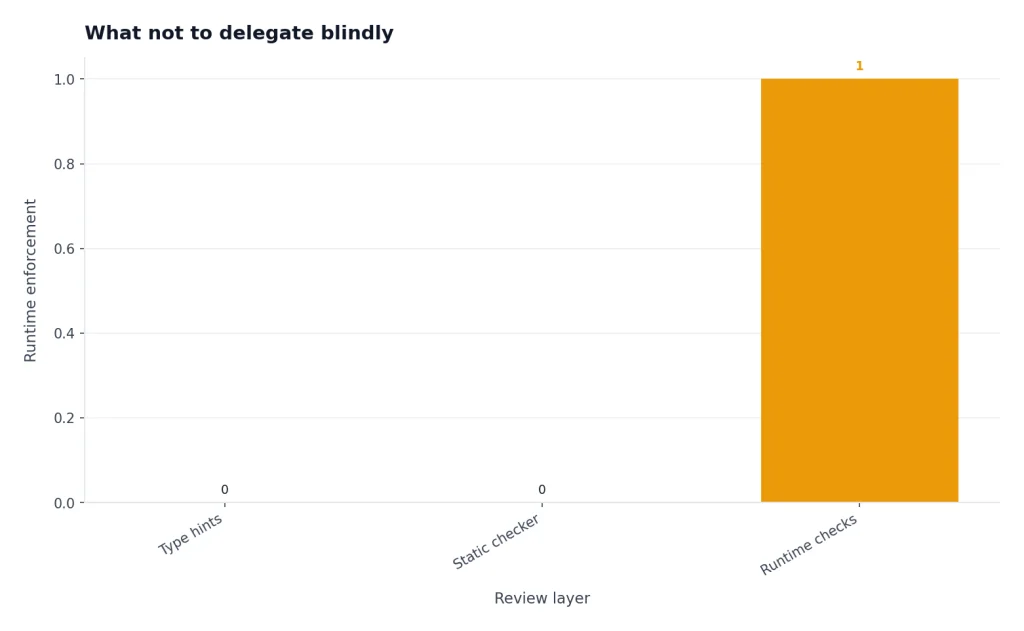
Python type hints can improve review quality, but they are not runtime enforcement by themselves. The Python documentation states that the runtime does not enforce function and variable type annotations.[9] If ChatGPT adds type hints, still run your type checker if your project uses one.
Security review prompts should be specific. Ask ChatGPT to identify injection risks, unsafe deserialization, path traversal, weak randomness, missing authorization checks, and dependency risks. Then verify the result with human review and tooling.
For research-heavy programming tasks, use ChatGPT to organize questions and compare approaches, but verify against primary documentation. The same discipline applies in academic work, where our ChatGPT for research guide emphasizes source checking over polished prose.
Python prompt library
Keep a small library of Python prompts. The point is not to memorize magic words. The point is to standardize the information ChatGPT needs so every request includes context, constraints, and verification.
Code explanation prompt
Explain this Python code for a developer joining the project.
Focus on data flow, side effects, dependencies, and risks.
Then list questions I should ask before changing it.

[PASTE CODE]
Refactor prompt
Refactor this Python module without changing behavior.
Constraints:
- Preserve public function names
- Add type hints where helpful
- Split complex logic into small helpers
- Do not add dependencies
- Include before/after explanation and tests

[PASTE MODULE]
Test generation prompt
Write pytest tests for this function.
Cover normal input, empty input, malformed input, boundary cases, and regression risks.
Do not test implementation details unless necessary.

[PASTE FUNCTION]
Performance review prompt
Review this Python code for performance issues.
Identify likely bottlenecks, unnecessary memory use, repeated I/O, and algorithmic problems.
Suggest changes in order of impact and include tradeoffs.

[PASTE CODE]
Security review prompt
Review this Python code for security risks.
Check input validation, file paths, subprocess use, secrets, SQL injection, deserialization, auth checks, and logging of sensitive data.
Return findings by severity with safer alternatives.

[PASTE CODE]
These prompts are starting points. For production work, add your project’s exact test command, style guide, dependency policy, and definition of done. If you use ChatGPT across documentation, launch notes, or engineering communication, ChatGPT for writing can help keep the non-code parts of the workflow consistent.
Frequently asked questions
Can ChatGPT write Python code from scratch?
Yes. ChatGPT can draft Python functions, scripts, tests, and explanations. You should still run the code, inspect dependencies, and test edge cases before using it in a real project.
Can ChatGPT run Python code?
In data analysis workflows, OpenAI says ChatGPT can write and execute Python in a secure code execution environment.[1] For normal chat answers, assume the code is a suggestion unless the interface shows that a tool actually ran it.
Is ChatGPT better than an IDE assistant for Python?
It depends on the task. ChatGPT is strong for explanation, planning, debugging help, and broad refactors when you provide context. IDE assistants are often better for inline completions and small edits inside the file you already have open.
Should I paste my whole Python repository into ChatGPT?
No. Paste the smallest relevant context unless your organization has approved a repository-connected workflow. For larger codebases, use a tool designed for repository work, define clear access rules, and avoid sharing secrets or regulated data.
Can ChatGPT create pytest tests?
Yes. It can generate pytest-style tests when you provide the function, expected behavior, and edge cases. Always read the assertions carefully because generated tests can accidentally confirm the current implementation instead of the intended behavior.
Can ChatGPT help with Python data analysis?
Yes. OpenAI says ChatGPT can analyze uploaded files such as CSV and Excel files, create tables and charts, and use Python to process data.[1] For important work, inspect the generated code and rerun the analysis in your own environment.