

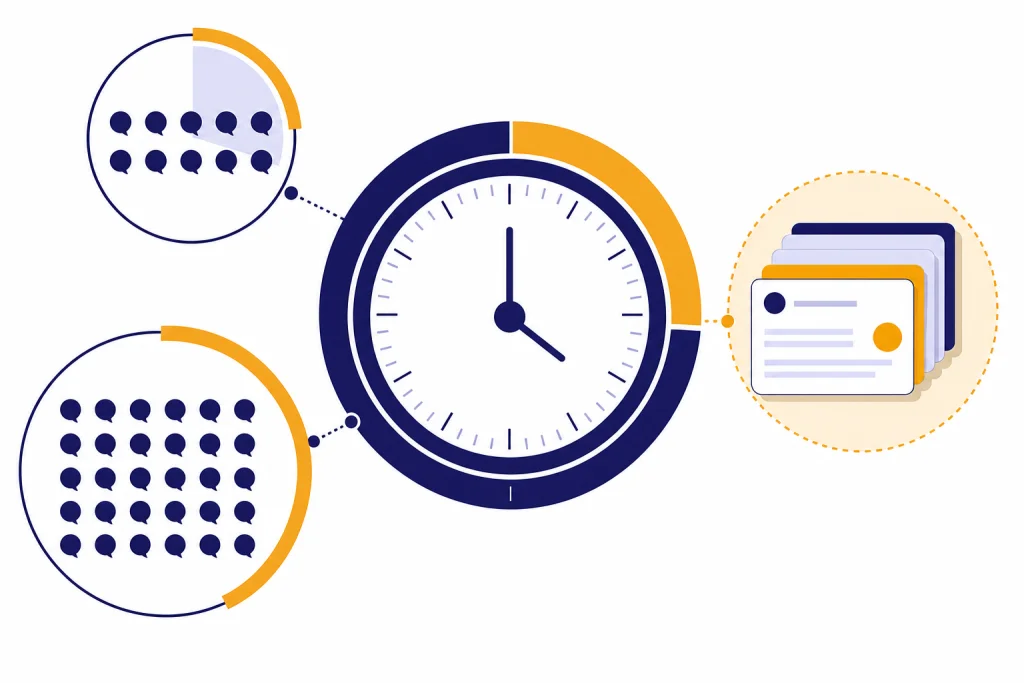
The ChatGPT daily limit is not one fixed number. For normal chat, OpenAI mainly uses rolling message windows by plan and model, not a midnight reset. Free accounts can send up to 10 GPT-5.3 messages every 5 hours before ChatGPT falls back to a mini model.[1] Plus and Go accounts can send up to 160 GPT-5.3 messages every 3 hours, while manually selected GPT-5.4 Thinking has a separate weekly cap of up to 3,000 messages for Plus and Business users.[1] That means the practical answer depends on your plan, selected model, tool use, and whether you mean text messages, files, images, or voice.
Quick answer
If you are asking how many ChatGPT messages you can send per day, the safest answer is this: ChatGPT does not have one universal daily message counter for all users. OpenAI publishes model-specific limits that reset on rolling windows. A Free user gets up to 10 GPT-5.3 messages every 5 hours. A Plus or Go user gets up to 160 GPT-5.3 messages every 3 hours.[1]
Converted into a simple 24-hour estimate, that works out to a theoretical maximum of 48 GPT-5.3 messages per day on Free and 1,280 GPT-5.3 messages per day on Plus or Go if you use every reset window perfectly.[1] Those are not daily allowances. They are rolling-window estimates. You do not get one large bucket at the start of the day.
For deeper reasoning, the math changes. Plus and Business users can manually select GPT-5.4 Thinking with a separate usage limit of up to 3,000 messages per week, which averages about 429 messages per day if spread evenly.[1] Automatic switching from GPT-5.3 Instant to GPT-5.4 Thinking does not count toward that manual weekly Thinking limit, according to OpenAI.[1]
If you want a broader plan-by-plan view, start with our ChatGPT message limit guide. If you only care about paid access, compare this article with our ChatGPT Plus message limit by model breakdown.

ChatGPT daily limit by plan
The table below translates OpenAI’s published rolling limits into plain daily expectations. Treat the daily estimate as a planning number, not a promise. OpenAI says limits may vary by plan, demand, and abuse safeguards.[1]
| Plan or model access | Published limit | Approximate daily planning number | What happens when you hit it |
|---|---|---|---|
| Free with GPT-5.3 | Up to 10 messages every 5 hours[1] | Up to 48 GPT-5.3 messages in 24 hours if perfectly spaced | ChatGPT switches chats to the mini version until the limit resets.[1] |
| Plus or Go with GPT-5.3 | Up to 160 messages every 3 hours[1] | Up to 1,280 GPT-5.3 messages in 24 hours if perfectly spaced | ChatGPT switches to the mini version until the limit resets.[1] |
| Plus or Business with manually selected GPT-5.4 Thinking | Up to 3,000 messages per week[1] | About 429 messages per day on average | GPT-5.4 Thinking stops being selectable after the weekly limit is reached.[1] |
| Business and Pro with GPT-5 models | Unlimited access subject to abuse guardrails[1] | No fixed public daily message number | OpenAI may apply temporary restrictions for misuse or policy-violating behavior.[1] |
| Enterprise | Unlimited messages with GPT-5.3 Instant, according to OpenAI’s Enterprise and Edu limits page[6] | No fixed public daily message number | Workspace controls and abuse safeguards still apply. |
This is why screenshots of “try again later” messages can look inconsistent. Two users can hit different limits because they are on different plans, using different models, or mixing text chat with tools. The ChatGPT free plan limits in 2026 article covers the free tier in more detail.
Why limits do not reset at midnight
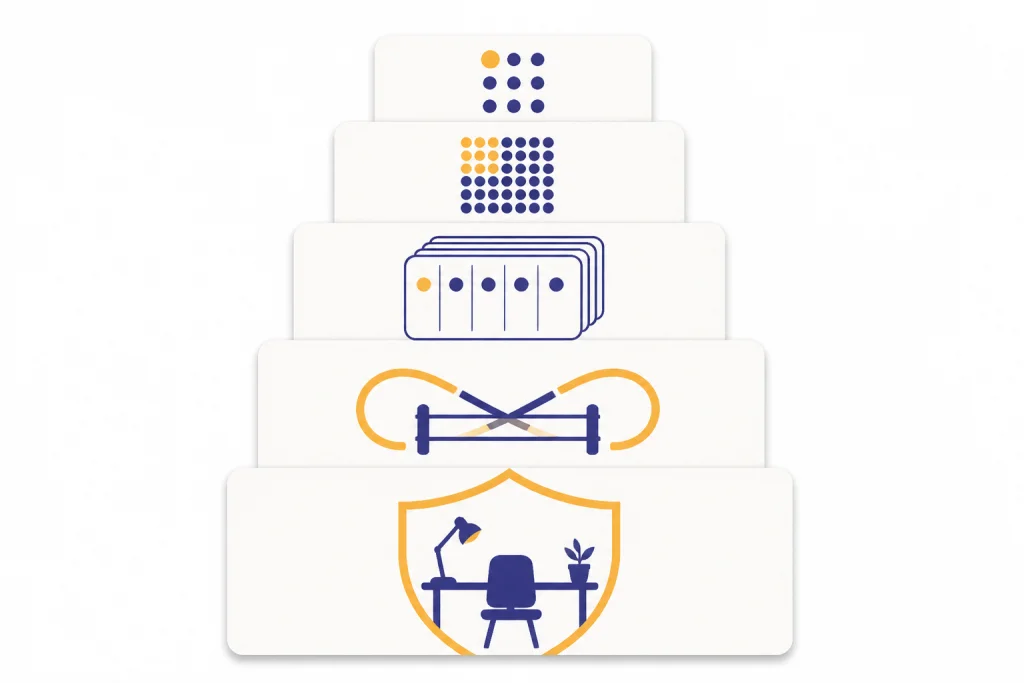
Most ChatGPT message caps work like rolling windows. A rolling window starts when you use messages and opens back up after the stated period passes. The Free GPT-5.3 limit is measured across 5 hours. The Plus and Go GPT-5.3 limit is measured across 3 hours.[1]
That matters because “per day” can be misleading. If you send 10 Free GPT-5.3 messages in one burst, you should not expect a fresh batch at midnight unless the 5-hour window has also reset. If you use Plus and send a large number of GPT-5.3 messages in the afternoon, the next reset depends on the 3-hour window, not the calendar day.[1]
Rolling limits also mean unused messages usually do not stack into a larger future bucket. For example, if a plan gives a fixed number of messages in a 3-hour window, waiting longer does not necessarily multiply the next window into a larger allowance. This is one reason heavy users should plan work in batches instead of assuming they can save capacity for one huge session.

The same distinction shows up in other limit types. Context limits control how much text the model can consider at once, while message limits control how many turns you can send before a reset. If your issue is long prompts rather than blocked sends, read our ChatGPT context window sizes by model and ChatGPT token limit explainers.
What counts as a message
A message is generally a user turn you submit to ChatGPT. Short prompts, long prompts, follow-up questions, and corrections can all consume message capacity. A single message may also use a lot of context if it includes pasted text, code, tables, or long instructions.
That means “messages per day” and “work per day” are not the same thing. One carefully prepared prompt can replace 10 fragmented follow-ups. A vague prompt can burn through a limit quickly because you have to clarify, correct, and regenerate the answer.
Model choice matters too. OpenAI’s GPT-5.3 and GPT-5.4 help article says GPT-5.3 Instant and GPT-5.4 Thinking support current ChatGPT tools such as web search, data analysis, image analysis, file analysis, canvas, image generation, and memory.[1] A message that invokes a tool can feel like a normal chat turn, but the tool may also have its own separate limit.
Long inputs can run into a different wall. If ChatGPT rejects or truncates a large prompt, you may be dealing with a character, word, token, or context limit rather than the daily message allowance. For those cases, see our ChatGPT character limit per message, ChatGPT word limit, and ChatGPT Plus token limit breakdown guides.
Tool limits are separate
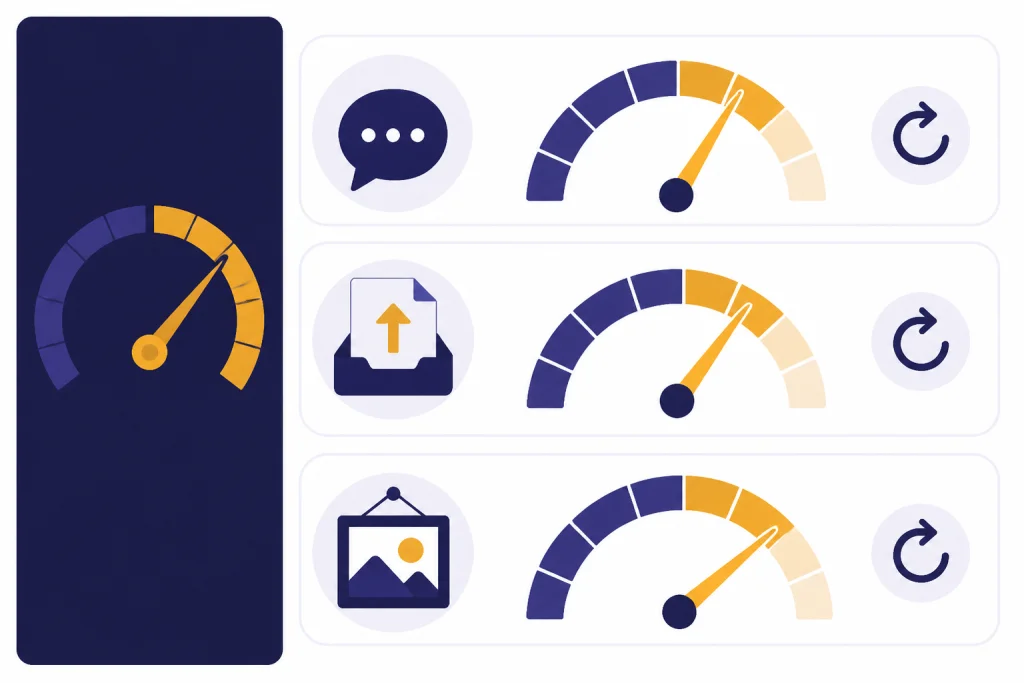
ChatGPT’s daily message limit is only one part of the quota system. Files, image generation, voice, deep research, Codex, and other tools can have their own caps, reset periods, and banners. OpenAI’s Codex help article explicitly notes that ChatGPT file uploads, image generation, and voice have separate usage limits, reset periods, and banners.[7]
File uploads are the clearest example. OpenAI says users can upload up to 80 files every 3 hours, while Free users are limited to 3 file uploads per day.[4] That is not the same as a text message limit. You may still be able to chat after hitting a file upload cap, or you may be blocked from uploading while your normal message window is still available.
File size limits are separate again. OpenAI lists a 512 MB hard limit per file, a 2 million token cap for text and document files, an approximate 50 MB limit for CSV or spreadsheet files depending on row size, and a 20 MB limit per image file.[4] If your upload fails, the cause may be size, storage, file type, or rate limit. Our ChatGPT file upload limit and ChatGPT image upload limit pages go deeper.
OpenAI’s ChatGPT Images FAQ says ChatGPT Images 2.0 is available on all tiers, while Images with Thinking is available on Plus, Pro, and Business and is coming to Enterprise and Edu.[5] It also says image generation can take up to 2 minutes depending on prompt complexity.[5] Slow image generation is not the same as a text-message cap.
How to use your limit well
The best way to avoid hitting the ChatGPT daily limit is to reduce unnecessary back-and-forth. You do not need tricks or account sharing. You need cleaner prompts and better batching.
- Start with the full task. Include the goal, audience, constraints, examples, and desired format in the first message.
- Ask for assumptions before the final answer. This prevents wasted drafts when the model guesses wrong.
- Batch small edits. Instead of sending 5 separate correction messages, collect the changes into 1 message.
- Use the right model for the job. Save manually selected GPT-5.4 Thinking for work that truly needs deeper reasoning.[1]
- Separate drafting from polishing. Generate the structure first, then request revisions in one combined pass.
- Reuse project instructions. If your plan supports projects or custom instructions, store stable preferences there instead of restating them every time.
For example, do not send “write an email,” then “make it shorter,” then “make it warmer,” then “add a deadline.” Send one prompt: “Write a concise customer email under 150 words. Tone: warm but direct. Include a Friday deadline. Give 2 subject lines.” One turn often does the work of several.
If you are regularly blocked during real work, our legitimate ways to bypass ChatGPT message limits guide covers practical options such as changing workflow, using lower-cost models, using the API when appropriate, or upgrading plans. It does not recommend unsafe automation or account sharing.

When to upgrade
Upgrade only when the limit blocks work you actually need to do. Plus expands access compared with Free, and OpenAI lists Plus at $20 per month on its pricing page.[2] But a higher limit is useful only if you use ChatGPT often enough to notice the Free cap.
Plus or Go may make sense if you hit the Free GPT-5.3 limit during ordinary writing, study, coding, or research sessions. The jump from up to 10 messages every 5 hours to up to 160 messages every 3 hours is large for most individual users.[1] You should still expect model and tool-specific limits.
Pro is different. OpenAI’s Pro help page says the plan offers unlimited access to GPT-5 and legacy models, subject to terms of use and guardrails against misuse.[3] OpenAI’s current Pro help article also describes two Pro price points: $100 for a plan with 5x higher usage than Plus and $200 for a plan with 20x higher usage than Plus.[3] If you are not repeatedly constrained by Plus, Pro is probably more access than you need.
Business and Enterprise are workspace products, not just larger personal accounts. OpenAI’s pricing page says Business includes unlimited GPT-5 messages, generous GPT-5 thinking access, GPT-5 pro access, and the flexibility to add credits as needed.[2] Enterprise and Edu have separate admin-managed limits and model availability.[6]
If price is the main question, compare our ChatGPT Plus price in 2026, is ChatGPT Plus worth it, and OpenAI API pricing articles before upgrading. The API is a different product with different rate limits, billing, and integration work.
Frequently asked questions
Does ChatGPT have a daily message limit?
Not as one universal number. ChatGPT uses rolling limits that depend on your plan and model. Free GPT-5.3 access is capped at up to 10 messages every 5 hours, while Plus and Go GPT-5.3 access is capped at up to 160 messages every 3 hours.[1]
How many ChatGPT messages do Free users get per day?
OpenAI publishes the Free GPT-5.3 limit as up to 10 messages every 5 hours.[1] If you convert that rolling window into a 24-hour estimate, the theoretical maximum is 48 GPT-5.3 messages. In practice, your exact experience can vary because the limit is not a simple daily bucket.
How many ChatGPT messages do Plus users get per day?
For GPT-5.3, Plus users can send up to 160 messages every 3 hours.[1] That converts to a theoretical maximum of 1,280 GPT-5.3 messages in 24 hours if every window is used perfectly. Plus users also have a separate weekly cap of up to 3,000 manually selected GPT-5.4 Thinking messages.[1]
Do unused ChatGPT messages roll over?
No. You should not treat the limit like a bank account that grows if you wait longer. Rolling windows restore access as time passes, but unused capacity does not become one larger future allowance.
Why did I hit a limit if I did not send many messages?
You may have hit a tool-specific limit rather than the normal text-message cap. File uploads, image generation, and voice can have separate limits and banners.[7] You may also be using a model with a smaller allowance than another model on the same plan.
Can I bypass the ChatGPT daily limit?
You can reduce limit pressure by batching prompts, choosing the right model, waiting for the rolling window to reset, upgrading, or using the API for appropriate workloads. Do not share accounts, automate extraction, or resell access. OpenAI says Pro and Business unlimited access remains subject to abuse guardrails and terms of use.[1]