

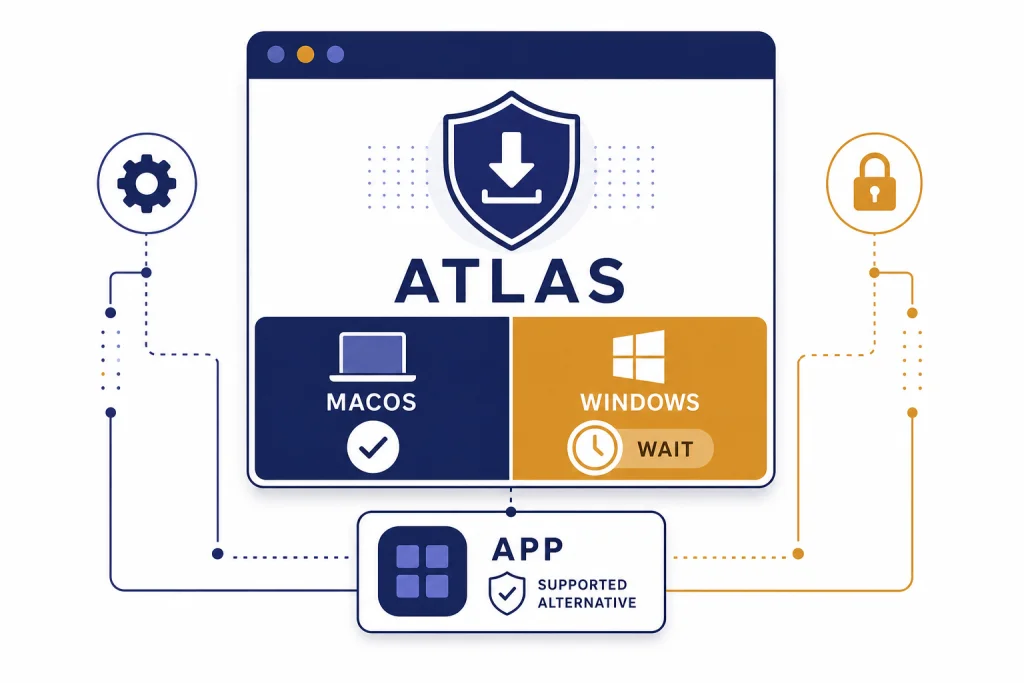
ChatGPT Atlas for Windows is not available as a native Windows installer as of March 30, 2026. OpenAI’s official Atlas materials still describe Atlas as a macOS browser, while the launch announcement says Windows, iOS, and Android experiences are coming soon, not released.[1][2] This guide shows how to verify the official download, avoid fake Windows installers, set up the closest supported Windows workflow today, and prepare for the real installer when OpenAI ships it. If you want ChatGPT on Windows now, use the official ChatGPT Windows app or ChatGPT in your existing browser.
Can you install ChatGPT Atlas on Windows?
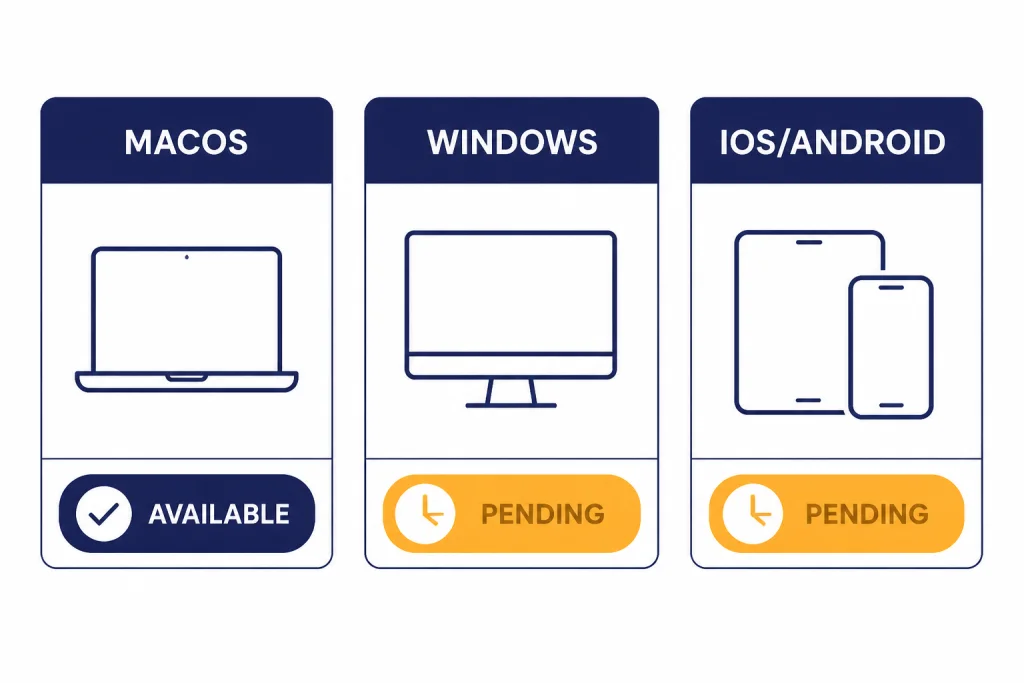
No. There is no official ChatGPT Atlas for Windows installer to download today. OpenAI introduced ChatGPT Atlas on October 21, 2025, as a browser with ChatGPT built in. That announcement says Atlas launched worldwide on macOS for Free, Plus, Pro, and Go users, with Business beta access and Enterprise/Edu access when enabled by an administrator; it also says Windows, iOS, and Android experiences were coming soon.[1]
OpenAI’s setup article still describes ChatGPT Atlas as a macOS browser and lists Mac requirements: Apple silicon M-series chips running macOS 14.2 or later.[2] The practical result is simple. A macOS .dmg file is not a Windows installer. A random .exe, .msi, ZIP archive, or GitHub package that claims to be Atlas for Windows should be treated as unofficial unless OpenAI links to it.
The release notes visible before this publication list a March 10, 2026 Atlas build, 1.2026.63.7, which added multiple ChatGPT logins with separate browser profiles. They do not announce a Windows installer.[3] OpenAI has not published an official Windows release date for Atlas.
How to check for an official Windows installer
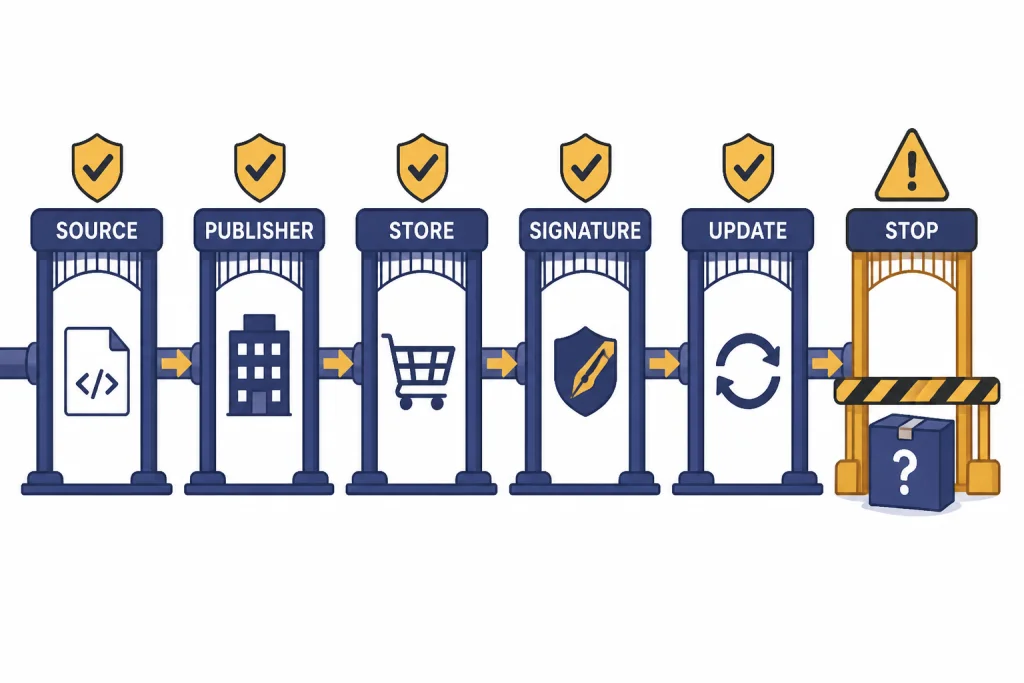
Until OpenAI ships a Windows build, the safest installation process is a verification process. Use this checklist before you download anything that claims to be ChatGPT Atlas for Windows.
- Start from OpenAI, not a search ad. OpenAI’s Atlas announcement points users to the official Atlas download page, and OpenAI’s setup guide currently documents only a macOS installer path.[1][2]
- Check the platform label. If the button says macOS, it is not for Windows. The current documented Atlas installer is a .dmg file opened on macOS and dragged into Applications.[2]
- Confirm the publisher. If OpenAI later uses the Microsoft Store for Atlas, the store listing should identify OpenAI as the publisher. OpenAI already distributes the separate ChatGPT Windows app through the Microsoft Store.[8]
- Do not trust a renamed installer. A file name that includes “Atlas,” “OpenAI,” or “ChatGPT” does not prove authenticity. The download must come from an official OpenAI flow or an official store listing linked by OpenAI.
- Check release notes. OpenAI maintains Atlas release notes. A real Windows rollout should be reflected in official documentation, not only on a download mirror or forum post.[3]
- Ask IT before installing at work. OpenAI notes that access to the ChatGPT Windows app through the Microsoft Store follows the policies set by an organization’s IT administrator, and the same kind of control may apply to future Windows distribution.[8]
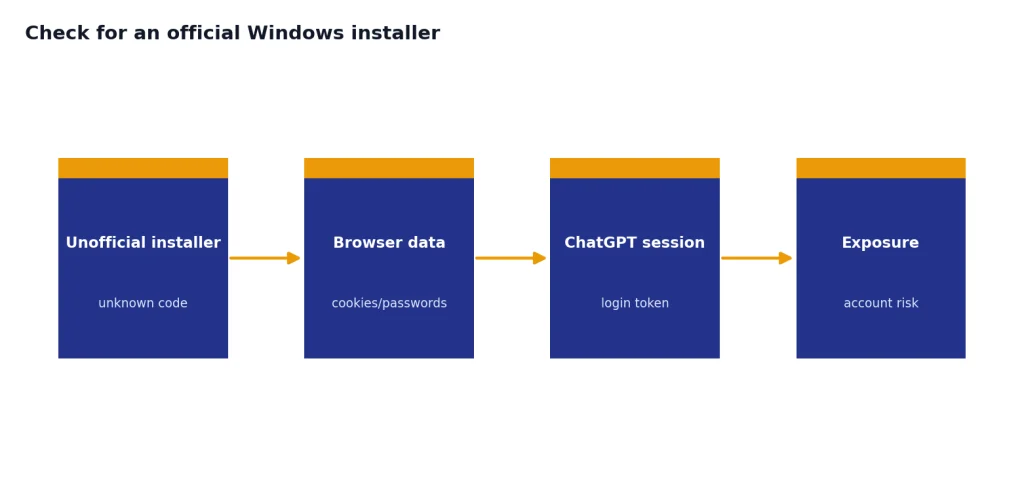
This is slower than clicking the first result, but it avoids the main risk for Windows users right now: installing an unofficial browser that asks for your ChatGPT login, browser cookies, or saved passwords.
Best Windows setup today
The closest supported Windows setup is the official ChatGPT desktop app plus ChatGPT in your normal browser. OpenAI’s desktop page links a Windows download for the ChatGPT desktop app, while Atlas remains a separate browser product.[7] For a full walkthrough, use our official ChatGPT Windows app guide.
OpenAI’s Help Center lists the ChatGPT Windows app system requirement as Windows 10 on x64 or arm64, version 17763.0 or higher. It also says the app is downloaded from the Microsoft Store and includes a companion window that opens with Alt + Space when the app is running.[8]
- Use the desktop app for quick access. Keep it open and call up the companion window when you need a fast answer beside another app.
- Use your normal browser for page work. Keep ChatGPT in a pinned tab next to Edge, Chrome, Firefox, or your company-approved browser.
- Use search features when you need current web answers. Start with ChatGPT Search, then compare it with ChatGPT web browsing if you need a deeper source workflow.
- Use attachments instead of browser memory. If your task depends on documents, spreadsheets, or screenshots, use ChatGPT file upload rather than a browser-level import.
- Use automation carefully. If you want computer-use style workflows, compare Atlas Agent Mode with ChatGPT Operator before you hand over sensitive tasks.
OpenAI also documents a winget command for organizations that want to install the ChatGPT Windows app through the Microsoft Store package ID 9NT1R1C2HH7J.[8] Use this only if your organization allows Microsoft Store deployment.
winget.exe install --id=9NT1R1C2HH7J --source=msstore --accept-package-agreements --accept-source-agreements --silentAtlas, the Windows app, and browser ChatGPT compared
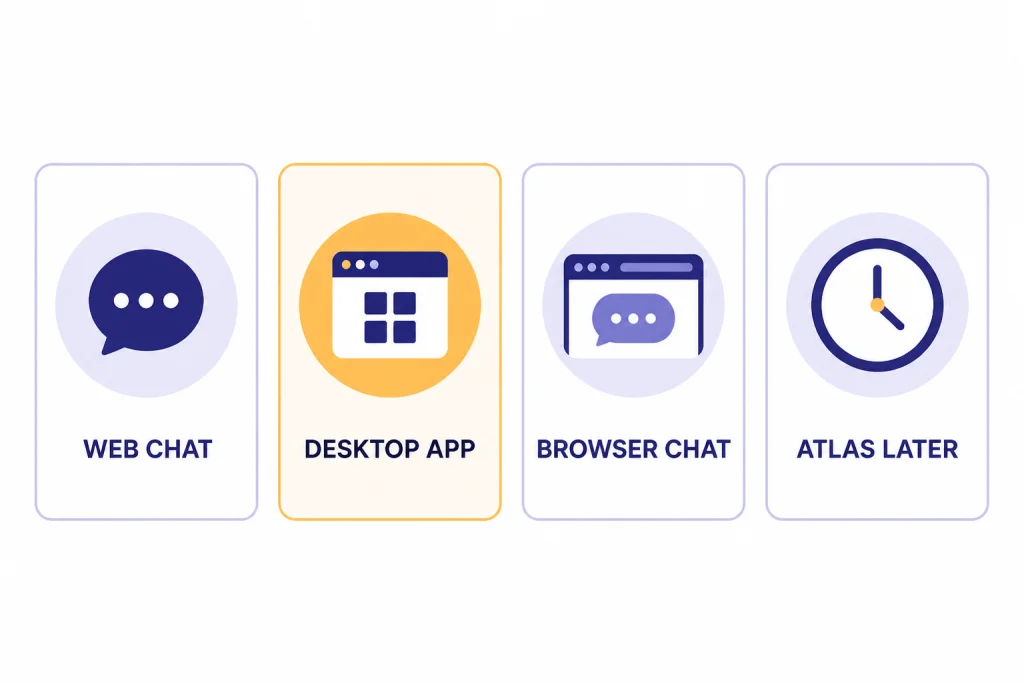
Do not treat every ChatGPT surface as the same product. Atlas is a browser. The Windows app is a desktop app. ChatGPT in Chrome or Edge is the web service running in a browser you already trust.
| Choice | What you install | Best for | Main limit |
|---|---|---|---|
| ChatGPT Atlas on Windows | Nothing official today. OpenAI has not announced a Windows installer.[1][2] | Wait for users who specifically want the Atlas browser. | Do not install unofficial Windows packages. |
| ChatGPT Atlas on macOS | Official Atlas browser for Apple silicon Macs running macOS 14.2 or later.[2] | Mac users who want ChatGPT built into the browser, page context, and Atlas-specific controls. | Not usable as a native Windows app. |
| ChatGPT Windows app | Microsoft Store desktop app for Windows 10 x64/arm64 version 17763.0 or higher.[8] | Fast desktop access, companion window, files, screenshots, and everyday ChatGPT use. | It is not a browser and does not replace Atlas. |
| ChatGPT in your current browser | No new app if you already use a supported browser. | Stable Windows browsing with ChatGPT open in a tab or side-by-side window. | No Atlas browser memory, Atlas sidebar, or Atlas Agent Mode. |
If your goal is a better ChatGPT surface on Windows, the desktop app is the cleanest choice. If your goal is Atlas specifically, wait. Our best ChatGPT app guide can help if you are choosing across desktop, mobile, and browser options.
Installation steps when the official Windows build appears
OpenAI has not published a Windows package type, installer file name, enterprise deployment guide, or Windows release date for Atlas. Do not assume it will be an .exe, .msix, Microsoft Store package, or winget package until OpenAI says so.
When OpenAI does release ChatGPT Atlas for Windows, use this sequence:
- Confirm the announcement. Look for an OpenAI product post, Help Center article, release note, or official download page that explicitly says Windows.
- Open the download from that official source. Do not search separately for “Atlas Windows download” after you have found the announcement.
- Verify the publisher before installing. If it is a store app, confirm the publisher. If it is a direct installer, confirm the signature and source.
- Install, then sign in. Use your normal ChatGPT account. If you are on Business, Enterprise, or Edu, follow your admin’s policy.
- Import only what you intend to move. On macOS, Atlas can import bookmarks, saved passwords, and browsing history from Chrome; wait for the Windows documentation before assuming the same import scope.[2]
- Choose whether to make it your default browser. Do this only after you have tested your essential sites, extensions, password manager, and work apps.
- Check update behavior. OpenAI’s macOS setup guide says Atlas checks for updates automatically and also supports a manual update check; confirm the Windows behavior in the Windows docs when they exist.[2]
- Review privacy settings before using Agent Mode. Atlas is more powerful than a normal browser because ChatGPT can work with page context when you allow it.
The right installation path may look boring. That is a good sign. A real OpenAI browser should not require disabling antivirus, running an unsigned script, sideloading a mystery package, or importing cookies through a third-party helper.
Security, privacy, and Agent Mode settings to review
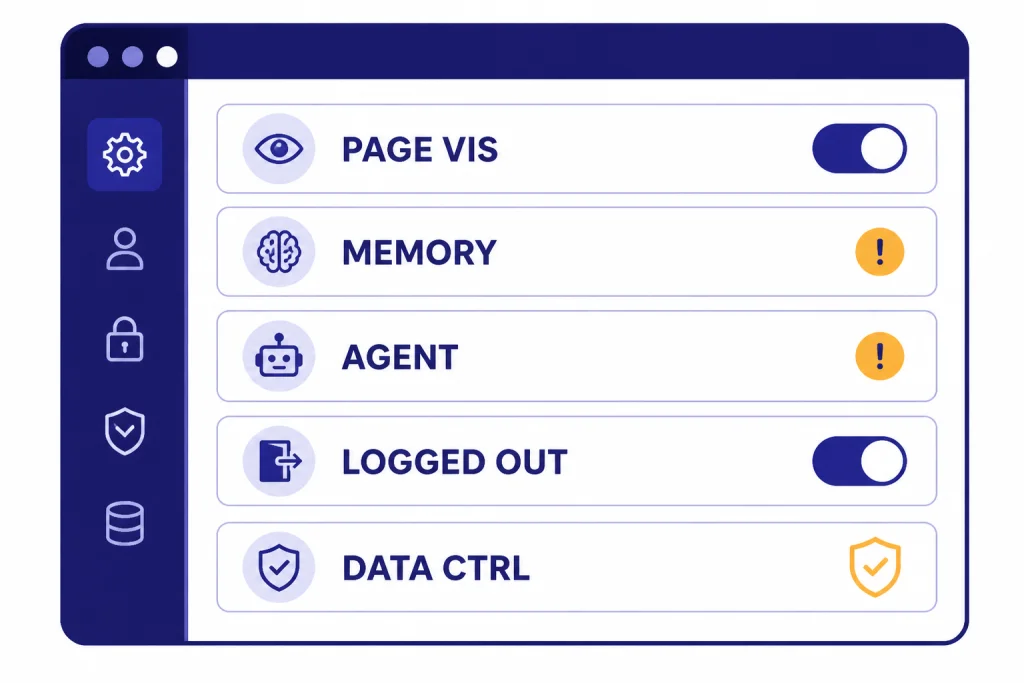
Atlas deserves more privacy review than a standard browser because it combines browsing, ChatGPT page context, optional browser memories, and Agent Mode. OpenAI’s data controls page says the “Include web browsing” training toggle is off by default, while the diagnostic “Help improve browsing & search” toggle is on by default.[4]
Before using Atlas as your daily browser, review these settings:
- Page visibility. OpenAI says pages that are not visible to ChatGPT are excluded from Browser memories and are not used to generate chat responses.[4]
- Browser memories. Browser memories are separate from ChatGPT Memory. OpenAI says users can opt in, view memories, archive memories, and delete associated memories by deleting web browsing history.[4]
- Memory processing. OpenAI says web content may be summarized to update browser memories and that privacy-filtered summaries are deleted within 7 days.[4]
- Agent Mode boundaries. OpenAI says Agent Mode cannot run code in the browser, download files, install extensions, or access other apps or your file system.[5]
- Logged-out Agent Mode. OpenAI says logged-out mode does not use pre-existing cookies and will not be logged into your online accounts without your specific approval.[5]
- Agent instructions. OpenAI says you can set custom instructions for Agent Mode, such as preferred sources, required steps, and approval checkpoints.[5] Pair that with ChatGPT Custom Instructions if you rely on persistent preferences.
For work and school deployments, be more conservative. OpenAI’s Enterprise Atlas article says Atlas for Business and Enterprise is early access, is not currently in scope for OpenAI SOC 2 or ISO attestations, does not emit Compliance API logs, and does not integrate with SIEM or eDiscovery.[6] If your organization requires those controls, treat Atlas as out of scope until OpenAI changes that documentation.
Troubleshooting install and sign-in problems
Most Windows “installation” problems today are caused by trying to install something that is not available yet. Use this table before you change system settings or download another file.
| Problem | Likely cause | What to do |
|---|---|---|
| The Atlas page only offers macOS. | That is the current official availability. | Do not look for a workaround installer. Wait for OpenAI to announce Windows support.[1][2] |
| You downloaded a .dmg file on Windows. | You downloaded the Mac installer. | Delete it or save it only for a compatible Mac. The documented Atlas install flow is macOS-specific.[2] |
| The Microsoft Store blocks the ChatGPT app. | Your organization may restrict Store installs. | Ask IT. OpenAI says Microsoft Store access follows administrator policies for the ChatGPT Windows app.[8] |
| Alt + Space does not open the ChatGPT Windows companion window. | Another Windows app may already use the shortcut. | OpenAI says the shortcut can be changed under Settings > App > Companion window hotkey.[8] |
| You need Atlas-style page summaries on Windows. | The Atlas browser is not available on Windows. | Use ChatGPT in a browser tab, paste selected page text, attach files, or use a supported browsing feature instead. |
| You need a no-login option. | Atlas is an account-based browser experience. | Read our guide to using ChatGPT without logging in for the parts of ChatGPT that can work without an account. |
Frequently asked questions
Is ChatGPT Atlas available for Windows?
No. As of March 30, 2026, OpenAI’s official materials still describe Atlas as a macOS browser, and the launch announcement says Windows support is coming soon rather than available.[1][2]
Can I install ChatGPT Atlas with a third-party Windows installer?
You should not. Atlas can access browsing context and your ChatGPT account, so an unofficial installer is a serious security risk. Wait for a download linked by OpenAI or an official store listing.
Is the ChatGPT Windows app the same thing as Atlas?
No. The ChatGPT Windows app is a Microsoft Store desktop app with a companion window, while Atlas is a browser. OpenAI documents the Windows app separately from Atlas.[8]
What should I use until Atlas for Windows arrives?
Use the official ChatGPT Windows app plus ChatGPT in your existing browser. That setup covers quick desktop access, files, screenshots, and web-based ChatGPT workflows without installing an unofficial browser.
Will Atlas for Windows import Chrome bookmarks and passwords?
OpenAI has not published Windows import documentation. On macOS, the Atlas setup guide says users can import bookmarks, saved passwords, and browsing history from Chrome.[2]
Does Atlas Agent Mode work on Windows?
Not through Atlas, because Atlas is not available on Windows yet. In Atlas documentation, Agent Mode is described as a browser feature that can act inside the current browsing session, with safety limits and a logged-out mode.[5]