

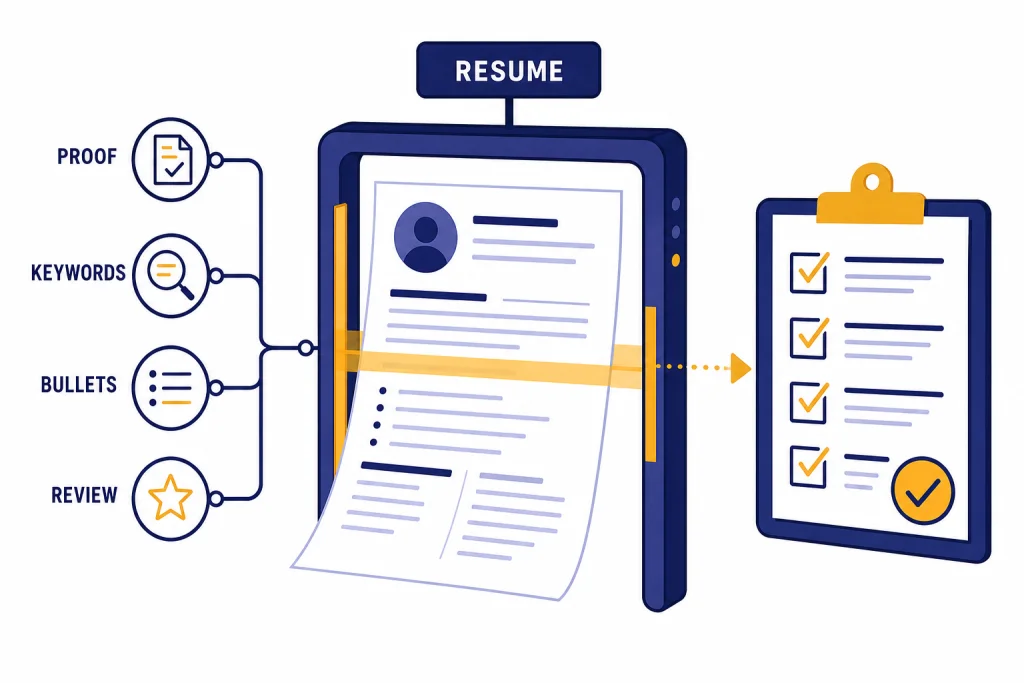
ChatGPT can help you write a stronger resume in 2026 if you treat it as an editor, not an author. The best use is not asking for a full resume from scratch. It is feeding ChatGPT a target job post, your real work history, and proof of outcomes, then asking it to tailor language, improve bullets, find missing keywords, and flag weak claims. That matters because applicant tracking systems can search resumes for job-posting keywords, while employers still look for evidence of teamwork, problem-solving, and communication.[3][4] The goal is a resume that is truthful, specific, readable, and matched to one role at a time.
Where ChatGPT fits in resume writing
ChatGPT is useful for resume writing because it can compare text, rewrite for clarity, organize examples, and generate variations quickly. It is weaker at knowing what you actually did, deciding what is strategically worth including, and verifying whether a claim is true. That division of labor should shape your workflow.
Use ChatGPT to sharpen raw material. Do not use it to invent accomplishments. A resume is a hiring document, not a creative writing sample. If a bullet sounds polished but cannot survive an interview question, delete it.
A practical resume workflow has three owners. You own the facts. ChatGPT owns drafts and alternatives. A human reviewer, ideally someone in your field, owns the final common-sense check. If you work in hiring, compare this job-seeker view with ChatGPT for Recruiters and HR Teams and ChatGPT for HR Departments to understand the other side of the screen.
| Resume task | Good ChatGPT use | Human decision to keep |
|---|---|---|
| Summary section | Draft shorter versions for a specific role | Choose the one that sounds like you |
| Work bullets | Turn raw notes into impact-focused bullets | Confirm the result, scope, and wording are true |
| Keywords | Extract role language from a job post | Use only keywords you can defend |
| Formatting | Check section order and readability | Test the final file before submitting |
| Cover letter bridge | Connect the resume to a concise letter | Decide whether the employer asked for one |
Prepare your inputs before prompting
The quality of ChatGPT’s resume output depends on the quality of your input. Before you ask for edits, gather your current resume, the job post, a list of projects, performance metrics, tools used, certifications, and any constraints. If you have a document version of your resume, ChatGPT can work with uploaded files; OpenAI says supported file formats include CSV, XLSX, PDF, DOCX, JPEG, PNG, TXT, and more.[1]
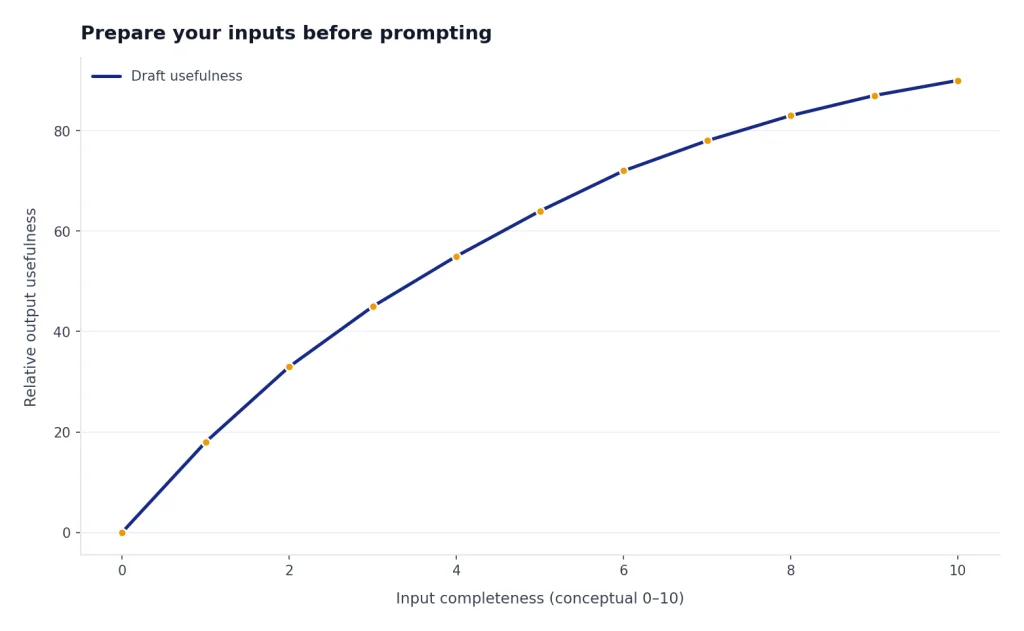
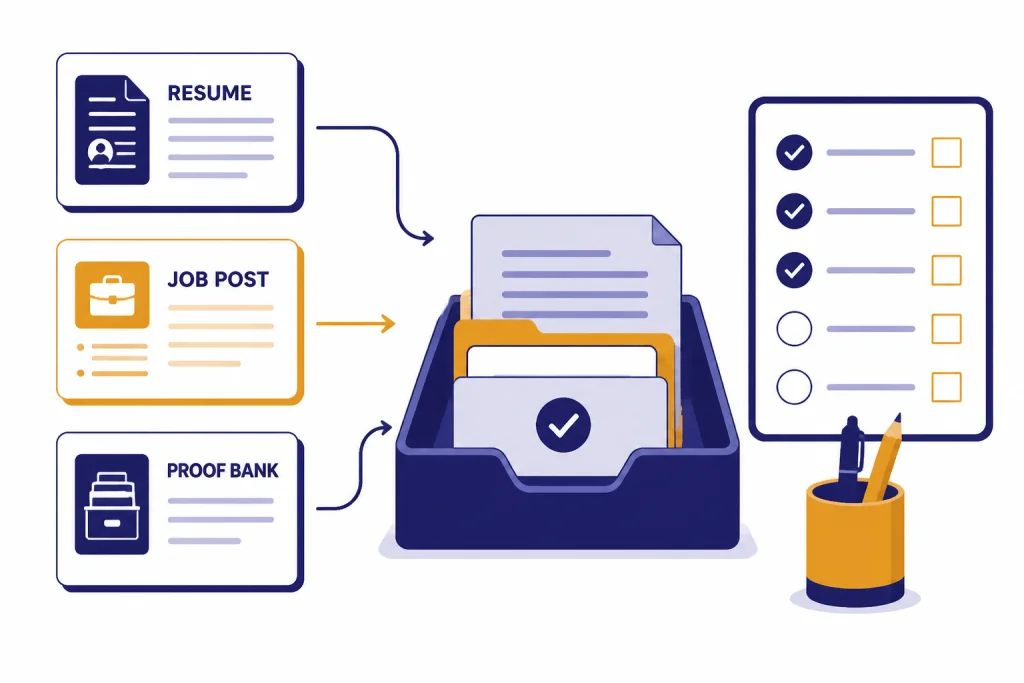
Create a proof bank before you write. This is a plain list of facts you can verify. Include revenue, cost savings, time saved, customer volume, team size, software tools, compliance requirements, campaigns, awards, and before-and-after outcomes. If you do not have hard metrics, use scope. “Handled support tickets for a regional customer base” is better than “delivered excellent service” because it gives the reader something concrete.
For career changers, add a translation column. Write your old language on the left and target-role language on the right. A teacher moving into customer success might translate “managed parent communication” into “managed stakeholder communication.” A retail supervisor moving into sales operations might translate “daily cash reconciliation” into “operational accuracy and reporting.” If you want more role-specific examples, ChatGPT for Sales Professionals, ChatGPT for Designers, and ChatGPT for Marketing show how prompts change by function.
Use ChatGPT to tailor your resume to a job post
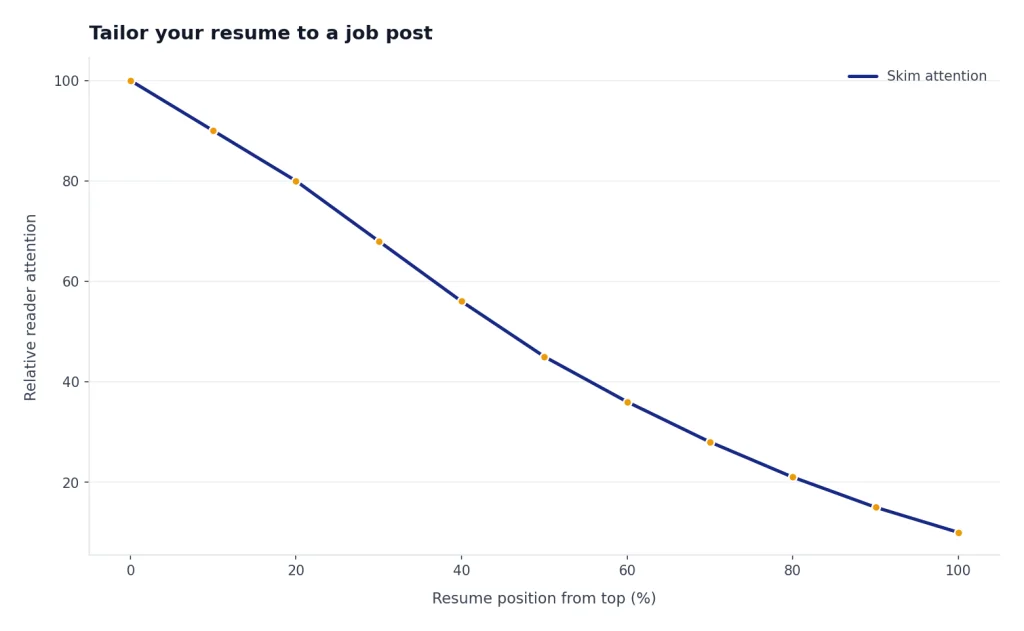
A tailored resume does not mean rewriting your entire career for every posting. It means adjusting emphasis so the most relevant evidence appears early, uses the employer’s language, and matches the role’s priorities. The U.S. Department of Labor’s resume guidance says ATS tools can collect and organize resumes, search for keywords that match job requirements, and help employers find qualified candidates faster.[3]
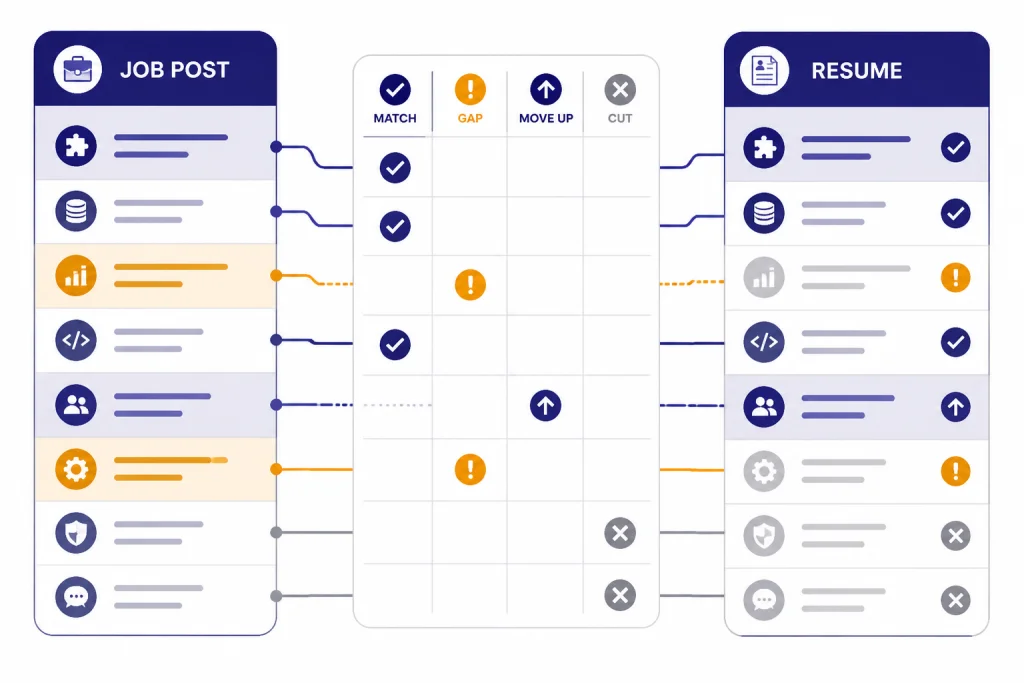
Start by asking ChatGPT to separate the job post into requirements, responsibilities, tools, soft skills, and implied priorities. Then ask it to compare those items against your resume. The result should be a gap map, not a finished resume. You want to know what to emphasize, what to move up, and what not to claim.
Act as a resume editor. Compare my resume to this job post. Create a table with four columns: job requirement, matching evidence in my resume, missing or weak evidence, and suggested wording. Do not invent experience. If the evidence is not present, write "missing."After the gap map, ask for a targeted summary and reordered bullets. Keep your structure simple. The most relevant role, project, or credential should not be buried. If the job post repeats “stakeholder communication,” and you have credible examples, that phrase belongs in a bullet with context, not only in a skills list.
Large employers commonly use applicant tracking systems, but the exact screening method varies by employer and platform. Jobscan’s 2025 ATS usage report found detectable ATS use across nearly all Fortune 500 company career sites, which makes clean parsing and job-specific wording a reasonable precaution for applications to large organizations.[5]
Rewrite bullets with evidence, not filler
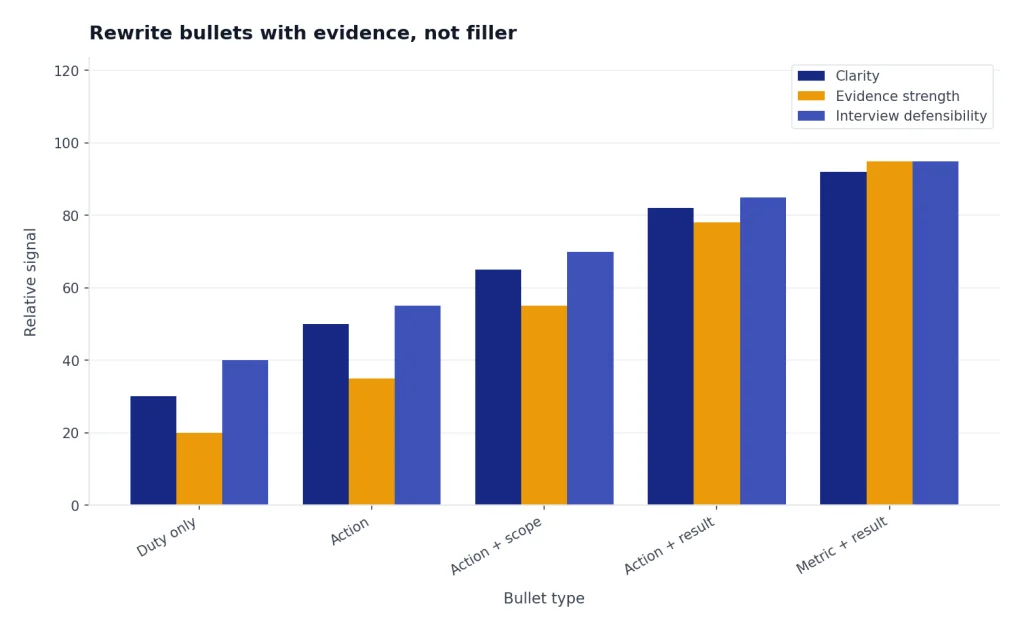
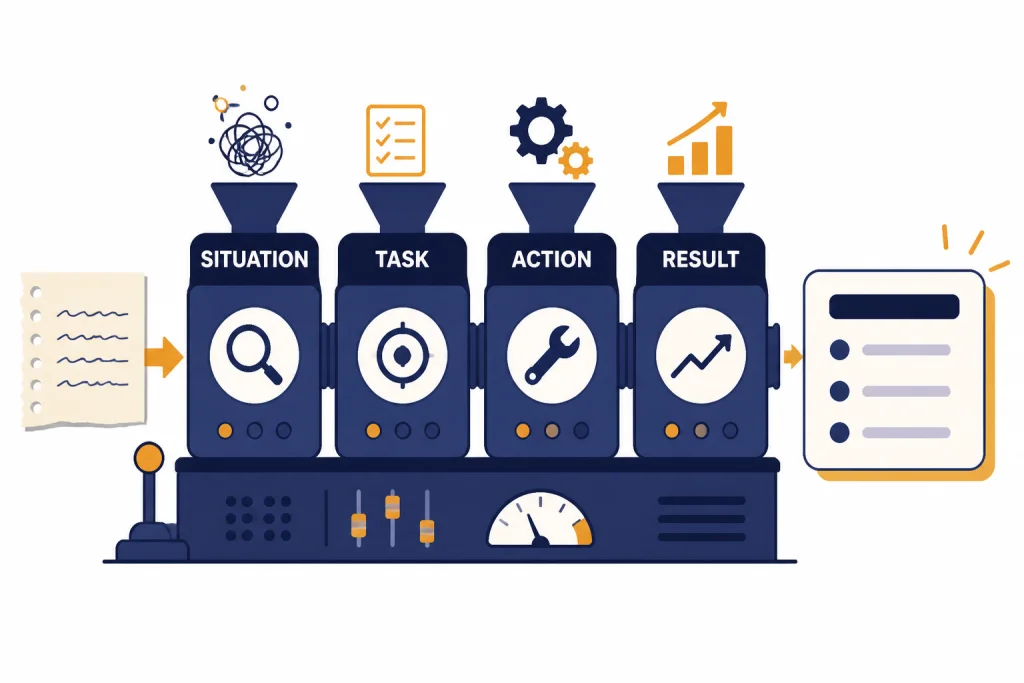
The strongest ChatGPT resume use case is bullet improvement. Most weak resumes describe duties. Strong resumes describe actions and results. The Department of Labor recommends achievement statements that show results, start with an action verb, avoid phrases such as “responsible for,” and use the STAR method to connect situation, task, action, and result.[3]
Give ChatGPT rough notes, then ask for several versions at different levels of specificity. Choose the version that is accurate and natural. If the draft adds a number you did not provide, remove it. If it exaggerates your authority, correct it. If it uses corporate filler, ask for plainer language.
| Raw note | Weak AI-style bullet | Better resume bullet |
|---|---|---|
| Helped with onboarding and made checklist | Responsible for improving onboarding operations | Created onboarding checklist that helped new hires complete setup steps with fewer manager follow-ups |
| Answered customer emails during busy season | Provided excellent customer support in a fast-paced environment | Handled high-volume customer email queue during peak season while documenting recurring issues for the support lead |
| Made dashboards for weekly sales meeting | Leveraged analytics to drive business insights | Built weekly sales dashboard that gave managers a clearer view of pipeline movement and stalled accounts |
| Worked with engineers and designers | Collaborated cross-functionally with key stakeholders | Coordinated engineering and design feedback to resolve launch blockers before the release deadline |
Notice the difference. The better bullets do not rely on hype. They name the work, the audience, and the outcome. When you do have verified metrics, add them. When you do not, describe scope and business relevance.
This is also where ChatGPT can help non-writers. If you struggle to explain your work, use the same approach behind ChatGPT for Writing and ChatGPT for Email Writing That Converts: start with messy facts, ask for structure, then edit the voice back to your own.
Keep the resume ATS-friendly
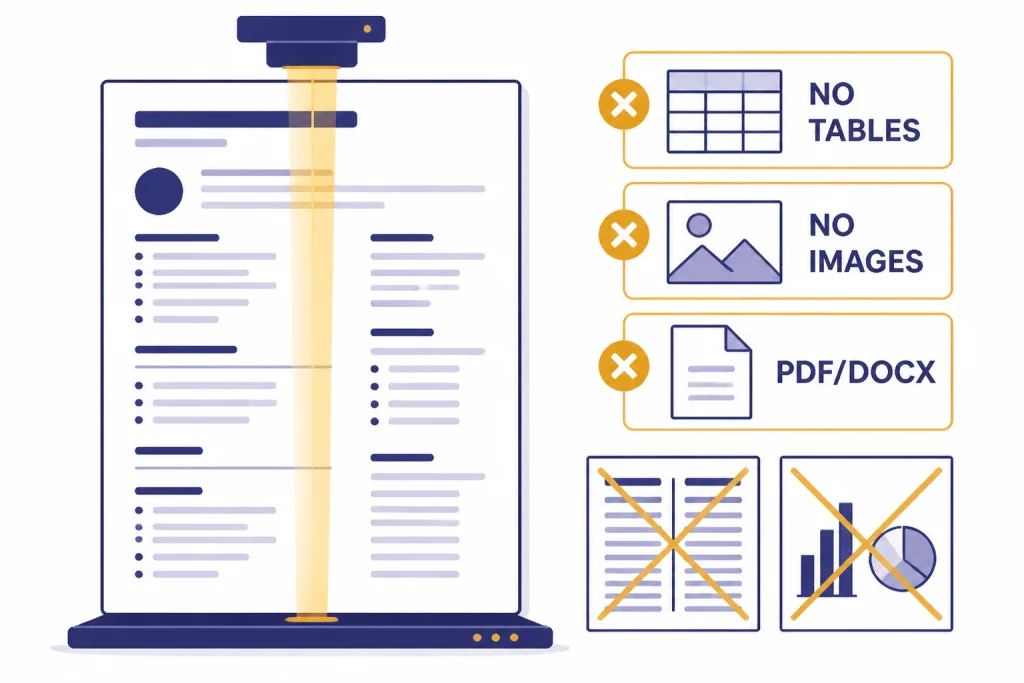
An ATS-friendly resume is not a trick document. It is a clean document that software can parse and a recruiter can skim. The Department of Labor recommends using keywords from the posting in achievement statements, submitting the requested PDF or Word format, avoiding charts or images, including full terms and abbreviations, using chronological or combination formats, avoiding tables and columns, and keeping vital information out of headers and footers.[3]
Ask ChatGPT to audit the structure, but do not let it over-optimize. Keyword stuffing makes a resume harder to read. Hidden text is a bad idea. A long skills block with every tool you have ever touched can dilute the story. The better approach is to place important terms where they are backed by evidence.
Review this resume for ATS readability. Flag any section headings, formatting choices, tables, columns, graphics, header/footer content, acronyms, or keyword placements that could make parsing harder. Do not rewrite yet. Return a checklist of issues and fixes.Be careful with work gaps. Harvard Business School research covered by the Harvard Gazette describes how automated screening practices can disadvantage people whose experience does not match expected keywords or who have employment gaps.[6] If you have a gap, do not hide it with vague language. Use a clear date format, show recent training or freelance work when relevant, and make your strongest evidence easy to find.
Prompt library for resume writing
Good prompts are specific, bounded, and fact-preserving. Tell ChatGPT what role to play, what source material to use, what not to do, and what format you want back. If you build reusable prompts for job search, store them the way you would store templates in a ChatGPT Prompt Generator workflow.
Prompt to extract job keywords
Extract the most important resume keywords from this job post. Group them into hard skills, tools, credentials, responsibilities, and soft skills. Rank them by importance based only on the text of the posting. Do not add outside assumptions.Prompt to improve a resume summary
Rewrite my resume summary for this target role. Keep it under four lines. Use only facts from my resume and proof bank. Avoid buzzwords, first person, and claims that are not supported by my experience.Prompt to create bullet options
Turn these rough notes into five resume bullet options. Each bullet should start with a strong action verb, include a business outcome or scope, and stay truthful to the notes. Mark any place where a metric would improve the bullet.Prompt to reduce AI tone
Edit this resume section to sound more human and direct. Remove inflated phrases such as "dynamic," "results-driven," "leveraged," and "proven track record" unless they are necessary. Keep the meaning and facts intact.You can also ask ChatGPT to create role-specific versions. A data analyst resume needs different evidence than a product marketing resume. For research-heavy roles, pair this workflow with ChatGPT for Research. For content and visibility roles, compare your resume language with the approach in ChatGPT for SEO.
Privacy and accuracy checks
Resumes contain personal information. Before uploading or pasting one into ChatGPT, remove anything the model does not need: home address, phone number, personal references, employee IDs, client names under NDA, compensation details, and confidential project data. Replace sensitive employers or clients with placeholders if the exact name is not needed for the edit.
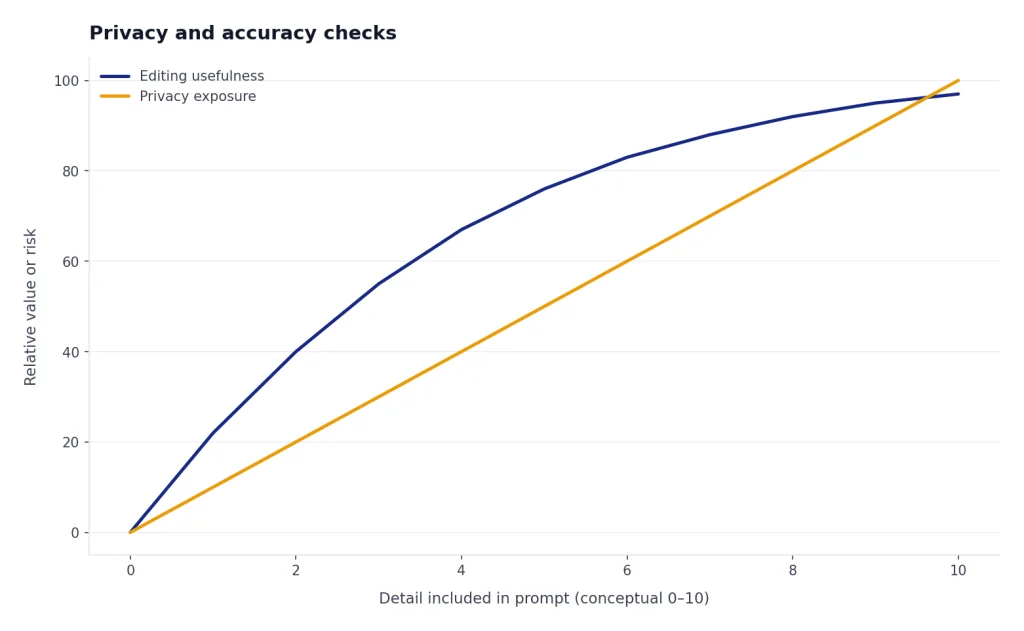
OpenAI’s Data Controls FAQ says users can turn off “Improve the model for everyone,” and that signed-in conversations will still appear in chat history but will not be used to train ChatGPT when that setting is off.[2] This setting helps, but it does not replace judgment. Do not paste trade secrets, protected health information, attorney-client material, or confidential employer data into a consumer chat.
Accuracy is the second risk. ChatGPT may rewrite a bullet so smoothly that you miss an added claim. Run a final “fact lock” prompt before using any draft.
Audit this resume against my original notes. Identify every claim that is new, stronger than the evidence, vague, or unverifiable. Return a table with the claim, risk level, and safer wording.If your profession has strict confidentiality rules, use extra caution. Lawyers, doctors, accountants, and similar professionals should adapt this workflow to their obligations. See ChatGPT for Lawyers, ChatGPT for Doctors and Healthcare Professionals, and ChatGPT for Accountants and Bookkeepers for field-specific risk patterns.
Final review workflow
Finish with a controlled review instead of endless rewriting. Create one master resume and one tailored resume for the target job. Save the job post with the tailored resume so you know why each version exists. Then review in this order: truth, relevance, readability, formatting, file name, and submission instructions.
- Truth: Every claim is based on real work you can discuss in an interview.
- Relevance: The top third of the resume matches the role’s main requirements.
- Readability: Bullets are direct, concrete, and free of filler.
- Formatting: The document uses standard headings, simple layout, and the requested file type.
- Consistency: Dates, job titles, company names, and tense are uniform.
- Human voice: The resume sounds polished but not machine-written.
Do not stop at the resume. Use the same facts to prepare interview stories. Ask ChatGPT to turn your best bullets into short STAR answers, then practice saying them aloud. A resume gets you into the conversation. Your examples, judgment, and clarity keep you there.
The best version of this guide to chatgpt for resume writing is a repeatable habit: collect proof, compare the job post, tailor honestly, simplify formatting, and verify every claim. That process will beat a generic AI-generated resume almost every time.
Frequently asked questions
Can ChatGPT write my whole resume?
It can draft a whole resume, but that is rarely the best workflow. A full AI draft often sounds generic because it lacks proof, judgment, and context. Use ChatGPT to improve sections from your real notes instead.
Is it ethical to use ChatGPT for resume writing?
Yes, if the resume remains truthful. It is similar to using an editor, template, or career coach. It becomes unethical when you invent responsibilities, inflate results, or list skills you cannot demonstrate.
Will employers know my resume was written by AI?
They may suspect it if the resume uses vague AI-style phrasing or does not match how you speak in interviews. The Department of Labor also notes that some ATS tools can detect AI-generated resumes.[3] The safest fix is to use your own evidence, edit the voice, and remove inflated language.
Should I paste the job description into ChatGPT?
Yes, if the posting is public and you are comfortable using it. The job description is the best source for role-specific keywords, responsibilities, and priorities. Ask ChatGPT to analyze it before asking for rewrites.
What should I never put into ChatGPT while editing a resume?
Avoid confidential employer information, client names under NDA, private health details, legal material, personal references, Social Security numbers, and full home addresses. OpenAI provides data controls for model training choices, but you should still minimize sensitive data before uploading a resume.[2]
How many resume versions should I make?
Keep one master resume and create targeted versions for roles that differ meaningfully. You do not need a new resume for every minor variation. You do need a tailored version when the role has different keywords, seniority, tools, or business priorities.